The Top 12 Open Source Headless CMS Platforms for 2025
Explore our in-depth analysis of the 12 best open source headless CMS options for 2025. Find the right fit for your next project with practical use cases.

The digital landscape demands flexibility, speed, and developer control, qualities that traditional monolithic CMS platforms often struggle to provide. This has paved the way for a new architecture: the open source headless CMS. By decoupling the content backend from the presentation layer, these systems offer unparalleled freedom to build custom front-ends using any technology stack, from React and Vue to native mobile applications.
This shift is driven by a focus on structured content and delivery via robust APIs. A fundamental principle powering this modern content stack is the API-first approach, where the API is prioritized as the primary interface for content distribution. This architectural choice enables teams to create faster, more scalable, and truly omnichannel digital experiences.
This guide moves beyond generic feature lists to provide a practical, in-depth analysis of the 12 leading platforms. We will examine their core philosophies, ideal use cases, implementation nuances, and potential limitations to help you make an informed decision. For each option, you'll find direct links and screenshots to aid your evaluation. Whether you're a startup developer, an agency, or an enterprise team, this resource will help you identify the best open source headless CMS to build the next generation of digital products.
1. Strapi
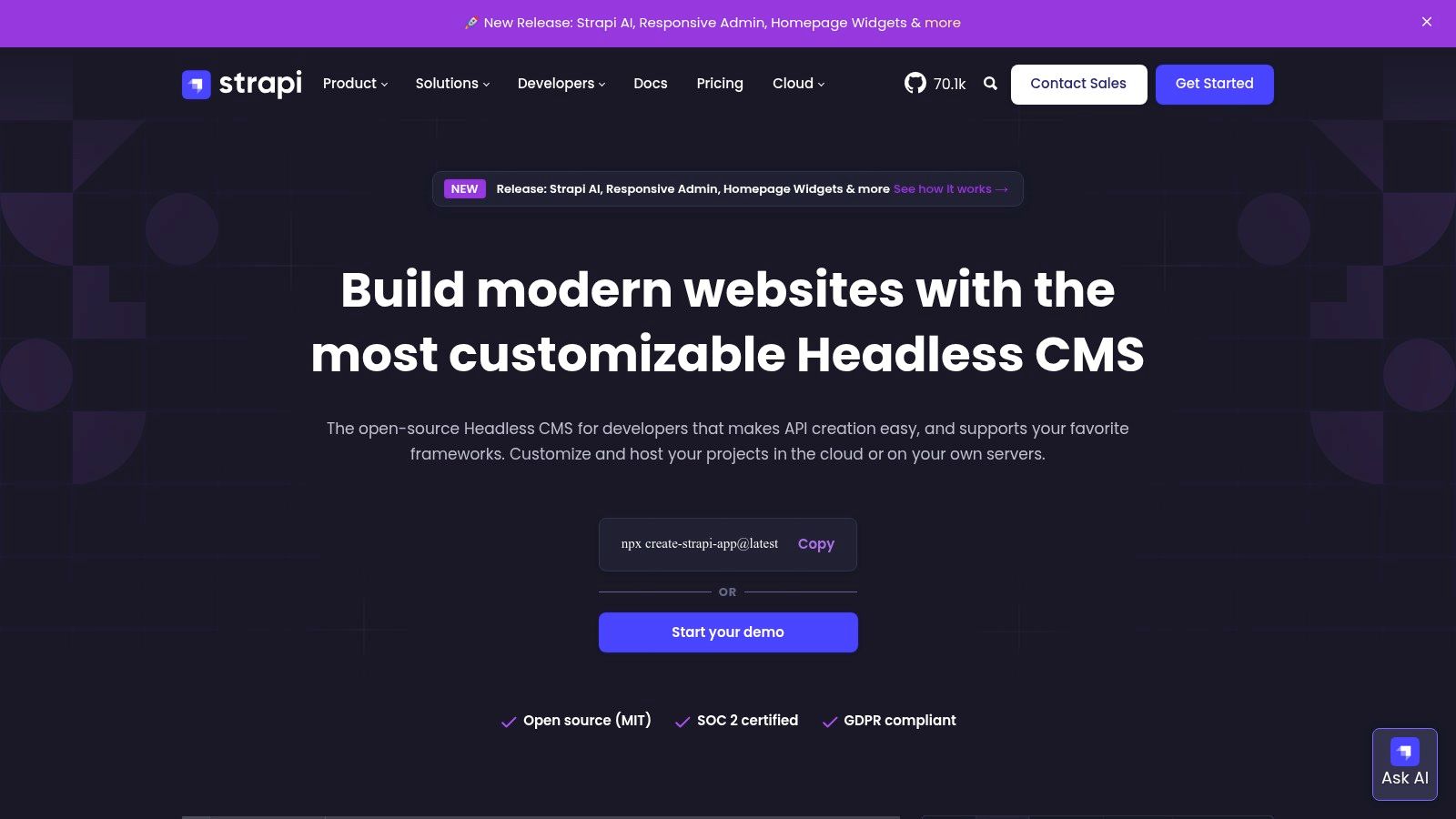
Strapi has solidified its position as a leading open source headless CMS due to its mature Node.js foundation, extensive customization capabilities, and vibrant community. It provides developers with a powerful, self-hostable solution that generates both REST and GraphQL APIs directly from a user-defined content model. This flexibility makes it ideal for powering everything from static sites and mobile applications to complex, multi-channel digital experiences.
The platform excels with its intuitive admin panel, where users can visually construct content types, define relations, and manage permissions without writing code. This user-friendly interface significantly accelerates development workflows. The rich plugin ecosystem further extends its core functionality, allowing for seamless integration with third-party services for media management, search, and more.
Key Considerations for Strapi
Strapi’s model offers a clear and strategic path from a self-hosted Community Edition to a managed Strapi Cloud service. This provides teams with the flexibility to start small and scale their infrastructure as project demands grow, without being locked into a single hosting environment.
- Best Use Cases: Ideal for JavaScript-heavy teams building JAMstack websites, mobile backends, or any project requiring a highly customizable API and content structure.
- Licensing & Cost: The core CMS is open-source (MIT License). Advanced features like Single Sign-On (SSO) and granular content review workflows are available under paid enterprise plans. Strapi Cloud offers a generous free tier for small projects, with paid plans based on usage.
- Limitations: While the community edition is powerful, critical enterprise features require a commercial license. Users should also monitor usage on Cloud tiers to avoid unexpected overage costs. For an in-depth analysis, you can learn more about Strapi's features and positioning.
Website: https://strapi.io
2. Directus
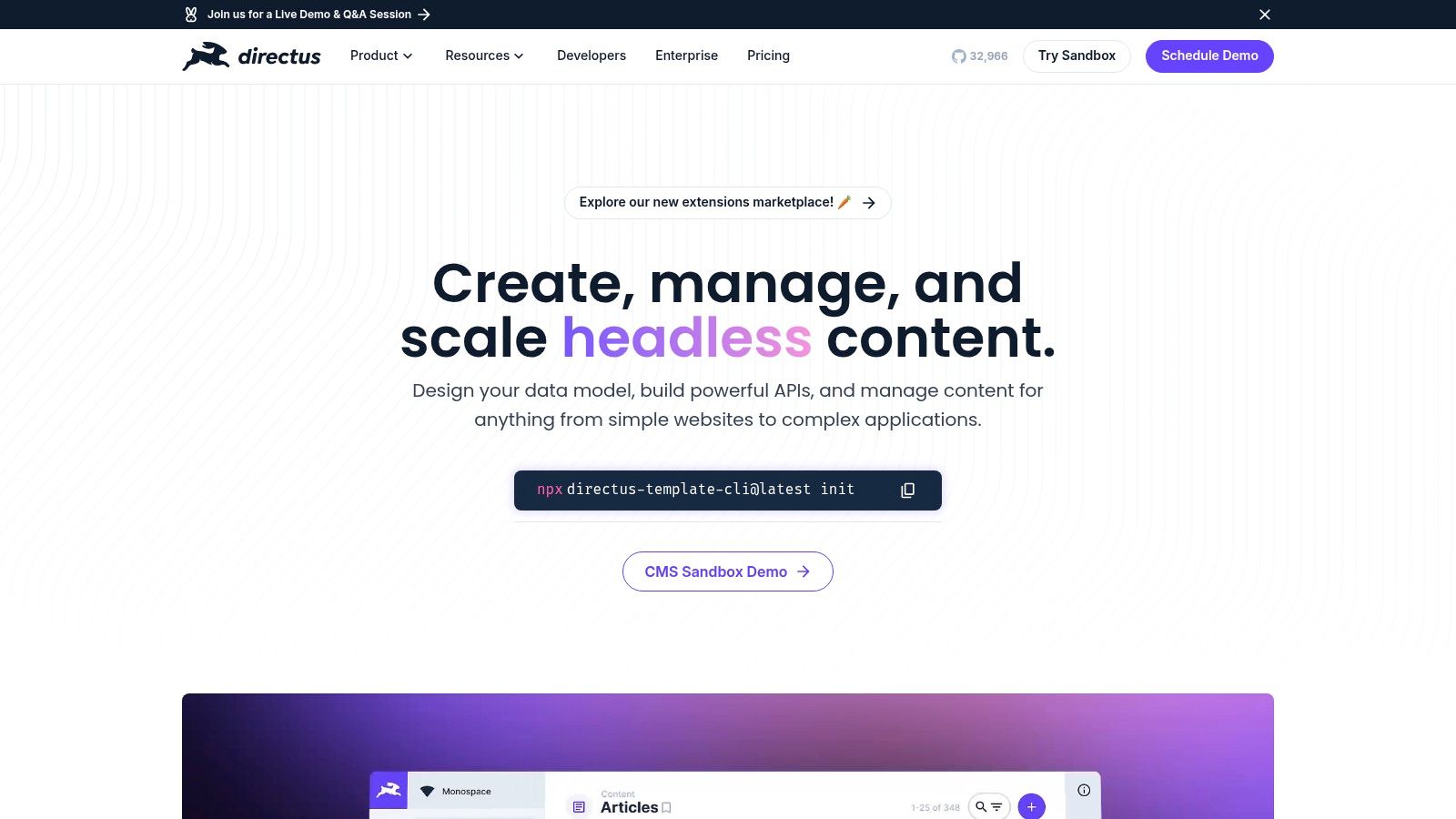
Directus distinguishes itself as an open source headless CMS by functioning as a data platform that wraps any new or existing SQL database with a real-time GraphQL/REST API and an intuitive admin panel. This database-first approach provides unparalleled flexibility, allowing development teams to layer a powerful content management interface over their pre-existing data schemas without requiring data migration. It effectively introspects the SQL database and generates the necessary tools for content, schema, and permissions management on the fly.
This makes Directus uniquely suited for projects where the database is the single source of truth, or for augmenting legacy systems with modern, API-driven capabilities. The platform works seamlessly with popular SQL databases like PostgreSQL, MySQL, and SQL Server, offering a clean, vendor-agnostic layer that doesn't lock users into a proprietary data structure. Its admin app is highly configurable, giving non-technical users a safe and powerful way to interact with complex data.
Key Considerations for Directus
Directus offers a robust, free self-hosted Community Edition and a managed Directus Cloud service with usage-based pricing. This dual offering allows teams to start with full control over their infrastructure and transition to a managed environment as their needs evolve, ensuring scalability and operational flexibility for projects of any size.
- Best Use Cases: Excellent for projects with existing SQL databases, applications requiring direct database control, and teams needing a CMS layer for internal tools or data-heavy applications.
- Licensing & Cost: The core platform is source-available (BSL 1.1), which becomes GPLv3 after three years. It is free for self-hosted community use. Directus Cloud offers a free developer tier with paid plans based on metered usage (API calls, storage, etc.).
- Limitations: The BSL 1.1 license is not OSI-approved, which may be a consideration for some organizations. Teams using the cloud version should carefully monitor usage metrics to manage costs effectively.
Website: https://directus.io
3. Payload CMS
Payload CMS is a modern open source headless CMS built entirely in TypeScript, positioning itself as a developer-first platform. It distinguishes itself by defining the entire backend configuration, including content schemas and access control, directly in code. This approach provides robust type safety and integrates seamlessly into modern development environments, particularly for teams building with Next.js and the React ecosystem.
The platform comes with a powerful suite of features out-of-the-box, including built-in authentication, robust media management, version history, and draft previews. This eliminates the need for developers to build these common functionalities from scratch, accelerating project timelines significantly. Its clean, customizable React admin panel provides a polished user experience for content editors, bridging the gap between developer control and editorial ease-of-use.
Key Considerations for Payload CMS
Payload offers a clear path from self-hosting its open-source core to using its managed Payload Cloud service. This flexibility allows developers to maintain full control over their infrastructure or opt for a fully managed, serverless solution that handles scaling, security, and database management.
- Best Use Cases: Ideal for TypeScript-centric development teams, projects requiring a code-first configuration, and building complex Next.js applications with integrated authentication and media handling.
- Licensing & Cost: The core software is open-source (MIT License). Payload Cloud offers a free-forever "Personal" plan for individual projects, with paid tiers for larger teams and production needs based on usage and features.
- Limitations: The code-first approach might present a steeper learning curve for teams less comfortable with TypeScript. Self-hosting requires managing your own server and database infrastructure. You can explore more about Payload and other open source options.
Website: https://payloadcms.com
4. Decap CMS (formerly Netlify CMS)
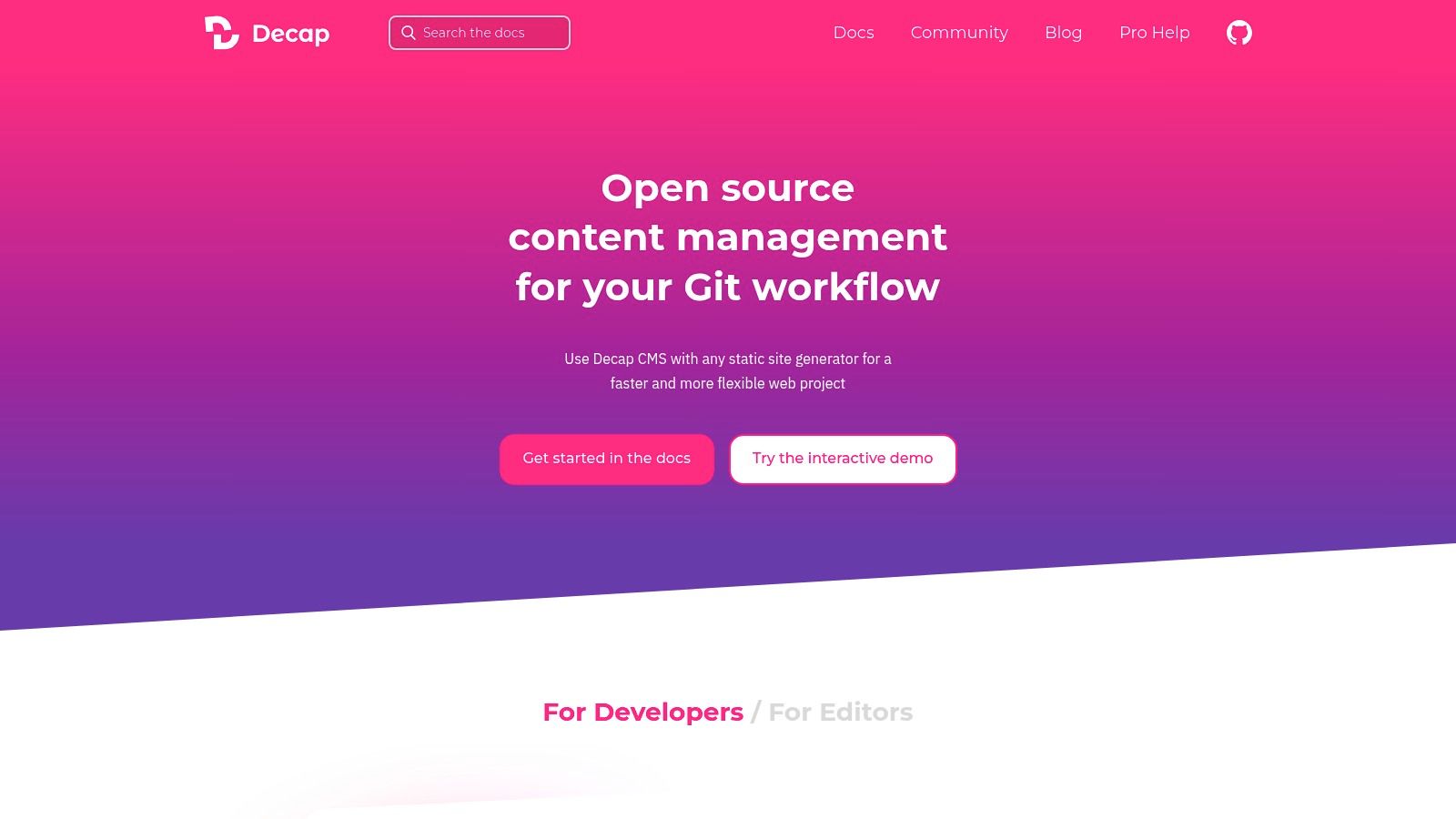
Decap CMS, formerly Netlify CMS, has carved out a unique niche as a Git-based open source headless CMS. It operates without a traditional database, instead storing all content directly within your Git repository as Markdown, YAML, or JSON files. This approach deeply integrates content management into the development workflow, making it a natural fit for teams building with static site generators like Hugo, Jekyll, or Gatsby.
The platform provides a clean, single-page React application that acts as a user-friendly editor interface for non-technical users. It hooks directly into your repository provider (GitHub, GitLab, Bitbucket) for authentication and content updates. This architecture simplifies infrastructure management, as there is no separate backend or database to maintain, secure, or scale.
Key Considerations for Decap CMS
Decap CMS's Git-centric model offers unparalleled simplicity and version control for content. Every content change becomes a commit, providing a clear, auditable history that aligns perfectly with modern CI/CD practices. This makes it an exceptionally transparent and developer-friendly content management solution.
- Best Use Cases: Perfect for documentation sites, blogs, and marketing websites built with static site generators where content is managed alongside code in a Git repository.
- Licensing & Cost: Completely free and open-source under the MIT License. There are no paid tiers or enterprise plans, making it an entirely community-driven project.
- Limitations: The reliance on a Git-based workflow may not be suitable for large, fast-paced editorial teams that require real-time collaboration or complex permission structures. Its capabilities are more focused than database-backed systems. For a broader comparison, you can explore more about the headless CMS ecosystem.
Website: https://decapcms.org
5. KeystoneJS
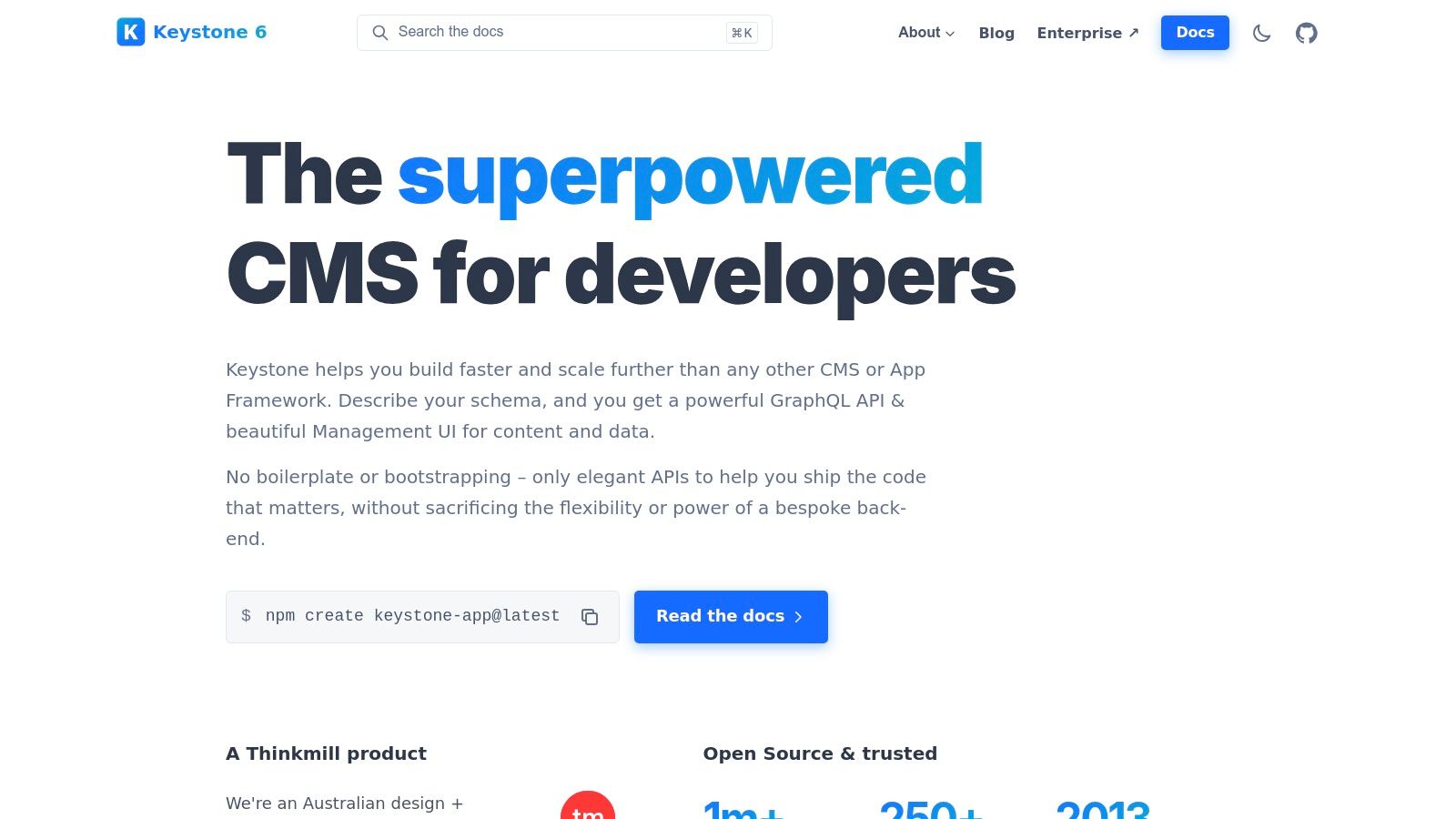
KeystoneJS stands out as a powerful open source headless CMS and application framework built for Node.js developers who prioritize code-first schemas and a robust GraphQL API. It enables the creation of highly tailored backend solutions by defining the data model directly in TypeScript. This schema-in-code approach provides version control, type safety, and ultimate flexibility for building complex, interconnected data structures.
The platform automatically generates a clean, customizable React-based Admin UI from your schema, which streamlines content management tasks. This combination of a powerful GraphQL API and an intuitive administrative interface makes it an excellent choice for developers looking to build more than just a simple content repository, but a full-fledged backend application.
Key Considerations for KeystoneJS
Keystone's philosophy caters to developers who prefer defining their content architecture in code rather than a GUI. This makes it a strong contender for projects where the backend logic is as important as the content itself, offering a seamless blend of CMS and application framework capabilities.
- Best Use Cases: Ideal for developers building data-rich applications, custom backends, and projects that benefit from strong GraphQL and TypeScript integration.
- Licensing & Cost: The framework is completely open-source (MIT License) and free to use. Hosting is self-managed, allowing deployment on any preferred cloud infrastructure, which gives teams full control over their operational costs and environment.
- Limitations: Its code-first approach requires a higher level of developer involvement for setup and schema changes compared to GUI-driven platforms. It also has fewer out-of-the-box plugins and non-developer tools than more mature competitors. You can explore a broader comparison of CMS options in web development to see where it fits.
Website: https://keystonejs.com
6. Ghost
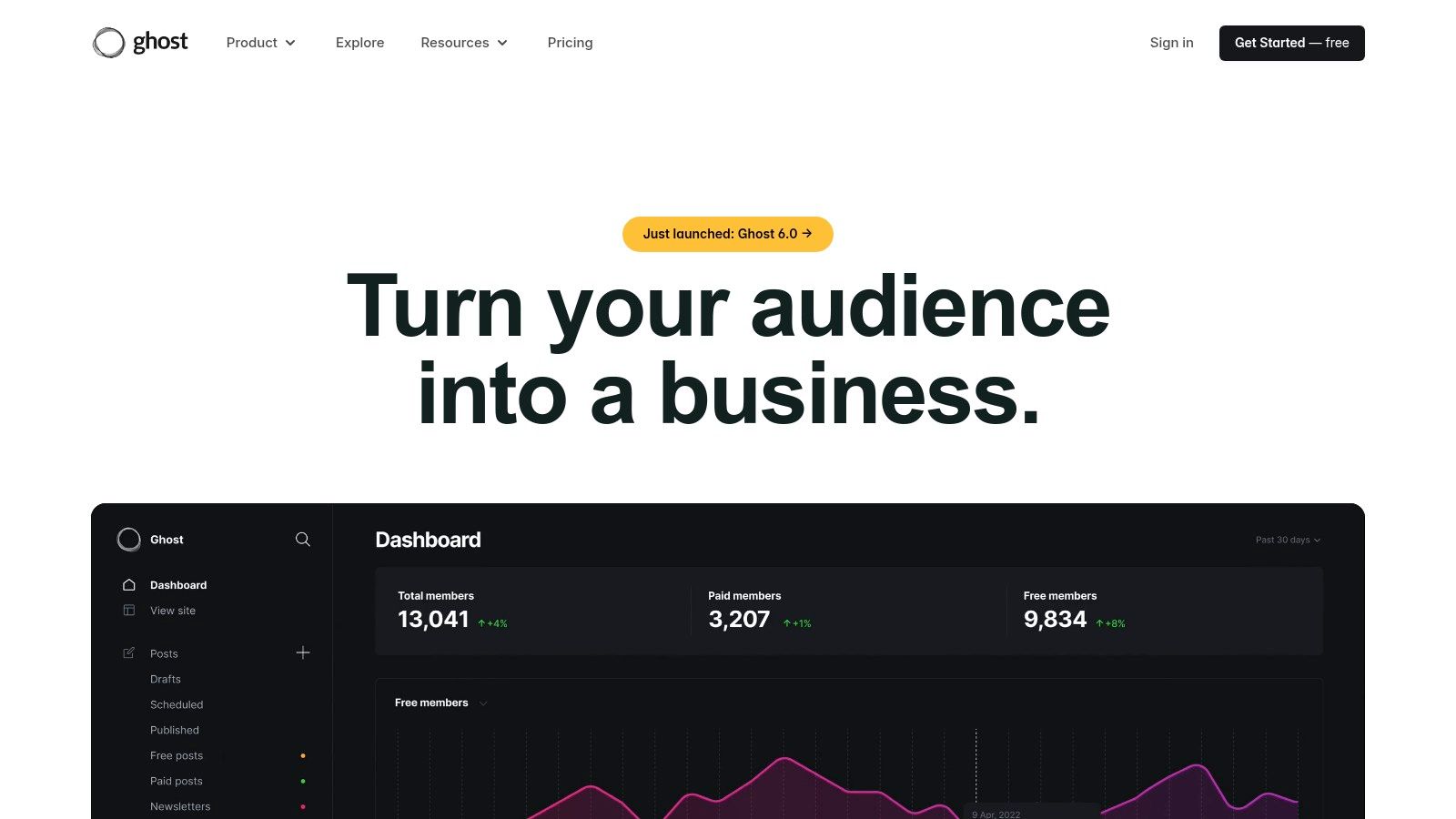
Ghost has carved out a distinct niche as a powerful open source headless CMS built specifically for professional publishers. Based on Node.js, it combines an exceptional writing experience with built-in membership and newsletter functionality. While it offers a full-stack solution with its own theming engine, its robust Content API allows developers to use it purely as a headless backend, feeding content to any front-end framework.
This dual capability makes Ghost a unique proposition. Teams can leverage its world-class Markdown editor and audience management tools while maintaining full control over the front-end presentation. This is ideal for modern media companies, bloggers, and creators who need sophisticated publishing workflows without the complexity of a general-purpose CMS. The platform is designed for content creation first, providing a clean, distraction-free interface.
Key Considerations for Ghost
Ghost’s model provides a clear choice between self-hosting the open-source software for free or using the managed Ghost(Pro) platform. This allows publishers to start with a low-cost, self-managed setup and transition to a fully supported, scalable infrastructure as their audience and revenue grow, all while using the same core software.
- Best Use Cases: Perfect for content-centric projects like blogs, online magazines, and paid newsletters where a superior writing experience and built-in membership/subscription tools are paramount.
- Licensing & Cost: The core CMS is open-source (MIT License) and free to self-host. The managed Ghost(Pro) service offers tiered pricing plans based on audience size and staff users, starting with a free trial.
- Limitations: Its primary strength is also its main limitation; it is highly optimized for publishing and not designed as a general-purpose CMS for managing arbitrary data models. The hosted plans have defined limits on members and staff users.
Website: https://ghost.org
7. Drupal
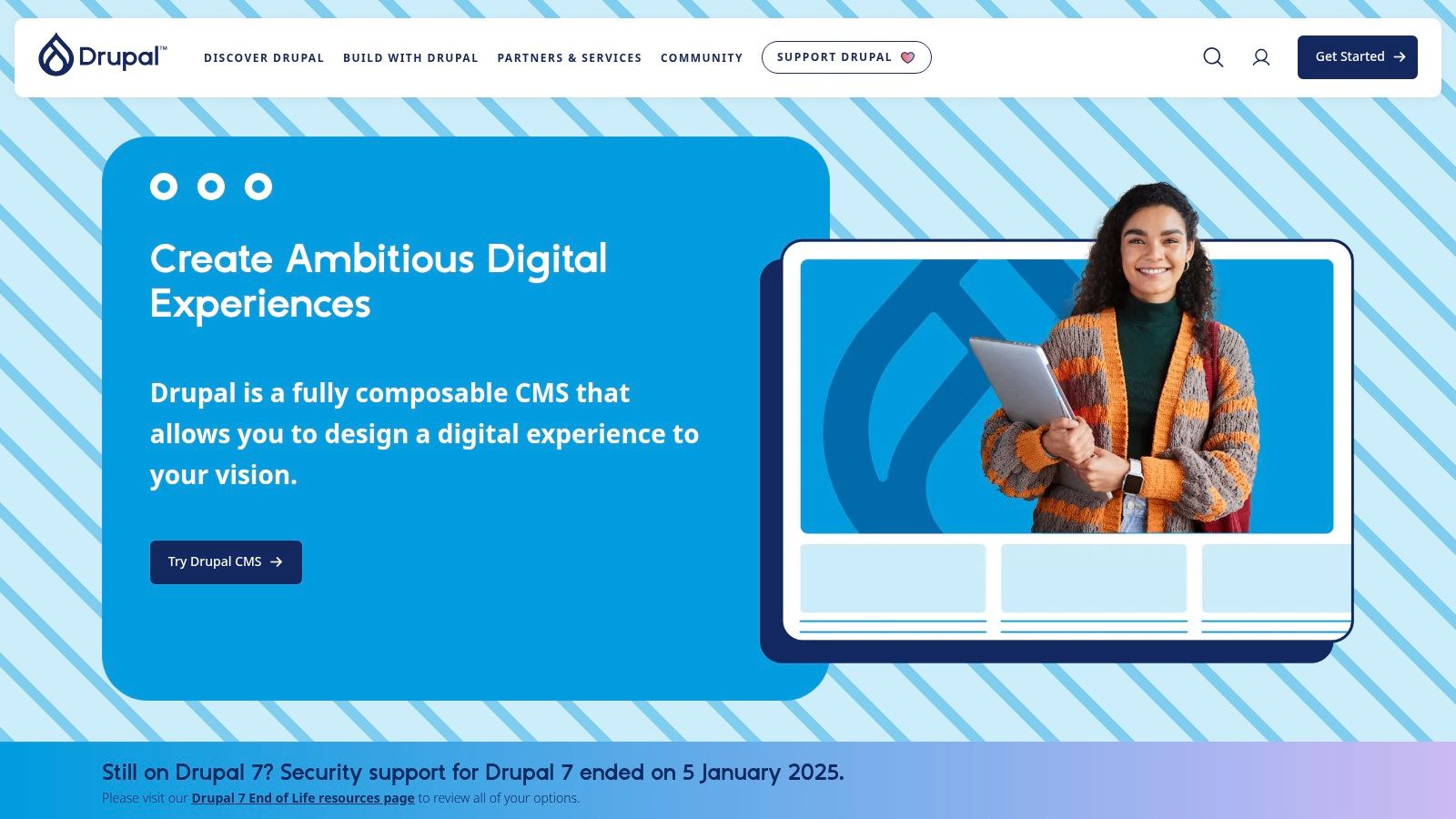
Drupal stands as an enterprise-grade open source headless CMS renowned for its power and scalability. While traditionally a monolithic platform, its core now includes a robust JSON:API implementation, providing zero-configuration RESTful endpoints for all content entities. This evolution allows developers to leverage Drupal’s formidable back-end capabilities, such as its granular permission model and advanced multilingual support, to power modern decoupled front-ends and digital experiences.
The platform is engineered for complexity, making it a go-to choice for large organizations and ambitious projects that demand structured, secure, and highly-governed content workflows. Its vast ecosystem of modules and a global network of enterprise support providers ensure that nearly any functional requirement can be met. Drupal offers a proven, battle-tested foundation for building scalable, API-first architectures.
Key Considerations for Drupal
Drupal's strength lies in its ability to serve as a comprehensive content repository that can simultaneously power a traditional website and provide structured data to countless other applications. This hybrid capability offers a strategic advantage for organizations undergoing a gradual transition to a fully decoupled architecture.
- Best Use Cases: Ideal for large-scale enterprise websites, government portals, universities, and multi-channel applications requiring complex content models, strict access control, and extensive integrations.
- Licensing & Cost: The core software is completely open-source (GPL). Costs are associated with hosting, development, and optional enterprise support contracts from specialized agencies.
- Limitations: The platform has a notoriously steep learning curve and can be resource-intensive to set up and maintain. Its complexity may be overkill for smaller projects, leading to higher development overhead compared to more lightweight headless-first solutions.
Website: https://www.drupal.org
8. WordPress.org
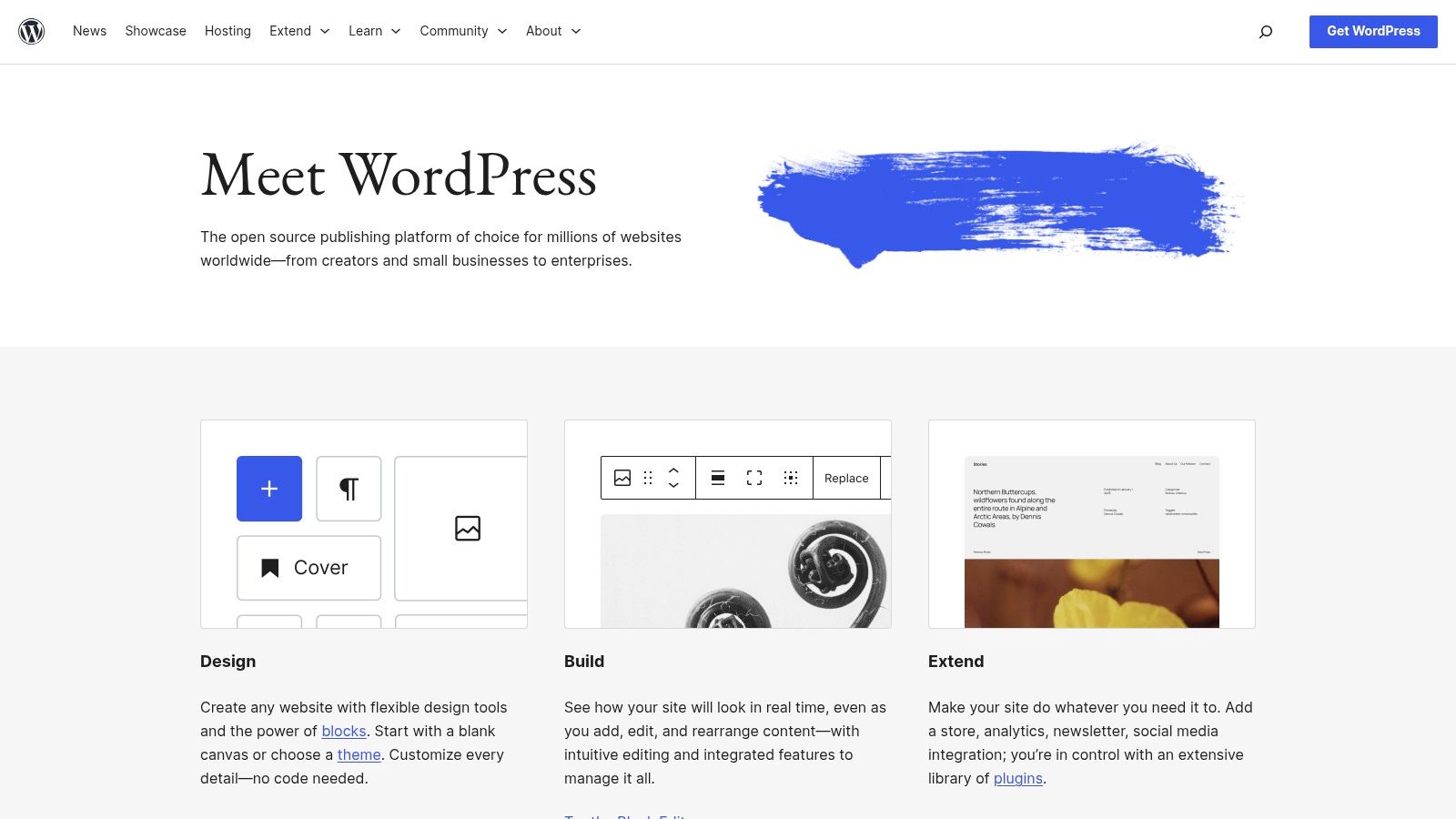
While traditionally known as a monolithic CMS, WordPress has evolved into a formidable open source headless CMS by leveraging its built-in REST API. This allows developers to decouple its world-class content management experience from the front-end, pairing a familiar editorial interface with modern frameworks like Next.js or Astro. The platform's true power lies in its unparalleled ecosystem of plugins, themes, and developer resources built over nearly two decades.
This vast support network makes it an accessible choice for teams of all sizes. The core REST API provides out-of-the-box access to posts, pages, and custom post types, while popular plugins like WPGraphQL add comprehensive GraphQL capabilities. This hybrid approach offers a low barrier to entry for headless development without sacrificing the robust content tools that have made WordPress a global standard.
Key Considerations for WordPress.org
WordPress offers a mature, self-hosted solution where the responsibility for security, performance, and maintenance rests with the user. Its flexibility is a major asset, but it requires diligent management, especially when used in a decoupled architecture where API security becomes paramount.
- Best Use Cases: Excellent for content-heavy sites where the editorial team is already comfortable with the WordPress admin, or for projects that need to leverage its massive plugin ecosystem for specific functionalities.
- Licensing & Cost: The WordPress software is free and open-source (GPLv2). Costs are associated with hosting, premium themes, plugins, and development resources.
- Limitations: Performance and security require active management and optimization, which can be resource-intensive. Native GraphQL support is not a core feature and relies on third-party plugins. For a deeper understanding of its architecture, see this analysis on custom CMS software development.
Website: https://wordpress.org
9. ApostropheCMS
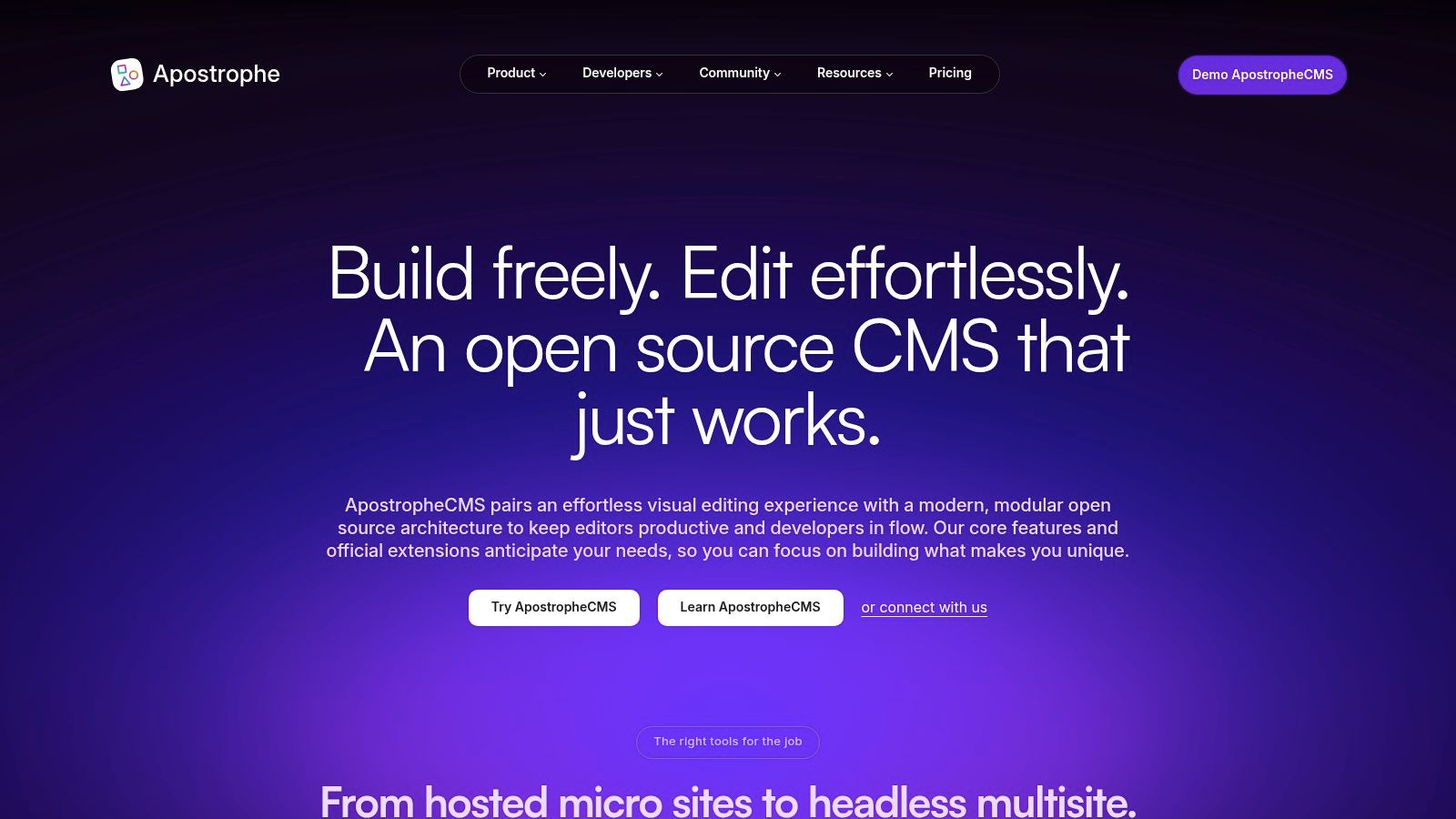
ApostropheCMS carves out a unique space in the open source headless CMS landscape by offering a dual-mode architecture. Built on Node.js, it can function as a pure headless system delivering content via REST APIs, or as a full-stack, traditional CMS with powerful in-context editing capabilities. This flexibility makes it a compelling choice for teams that need to support both API-driven frontends and traditional websites from a single platform, providing a seamless experience for content editors.
Its standout feature is the intuitive, on-page editing experience, which allows content managers to see changes in real-time without leaving the page context. This editor-first approach, combined with robust localization and enterprise-grade features, positions it as a strong contender for complex corporate websites, educational institutions, and multi-brand organizations that require both headless flexibility and a superior authoring experience.
Key Considerations for ApostropheCMS
ApostropheCMS provides a clear upgrade path from its self-hosted Community edition to its Pro and Assembly plans, which introduce advanced modules, white-labeling, and dedicated support. Managed hosting is also available, offering a solution for teams that want the power of the platform without the overhead of managing infrastructure.
- Best Use Cases: Organizations needing a single platform to power both headless applications and traditional websites, especially those prioritizing an exceptional in-context editing experience for their content teams.
- Licensing & Cost: The core CMS is open-source (MIT License). Apostrophe Pro and Assembly are commercial offerings that provide enhanced features and support. Managed hosting tiers are priced based on resource allocation and service level.
- Limitations: While the core is open-source, accessing some of the more powerful modules and enterprise features requires a commercial subscription, which may be a consideration for budget-conscious teams.
Website: https://apostrophecms.com
10. Umbraco CMS
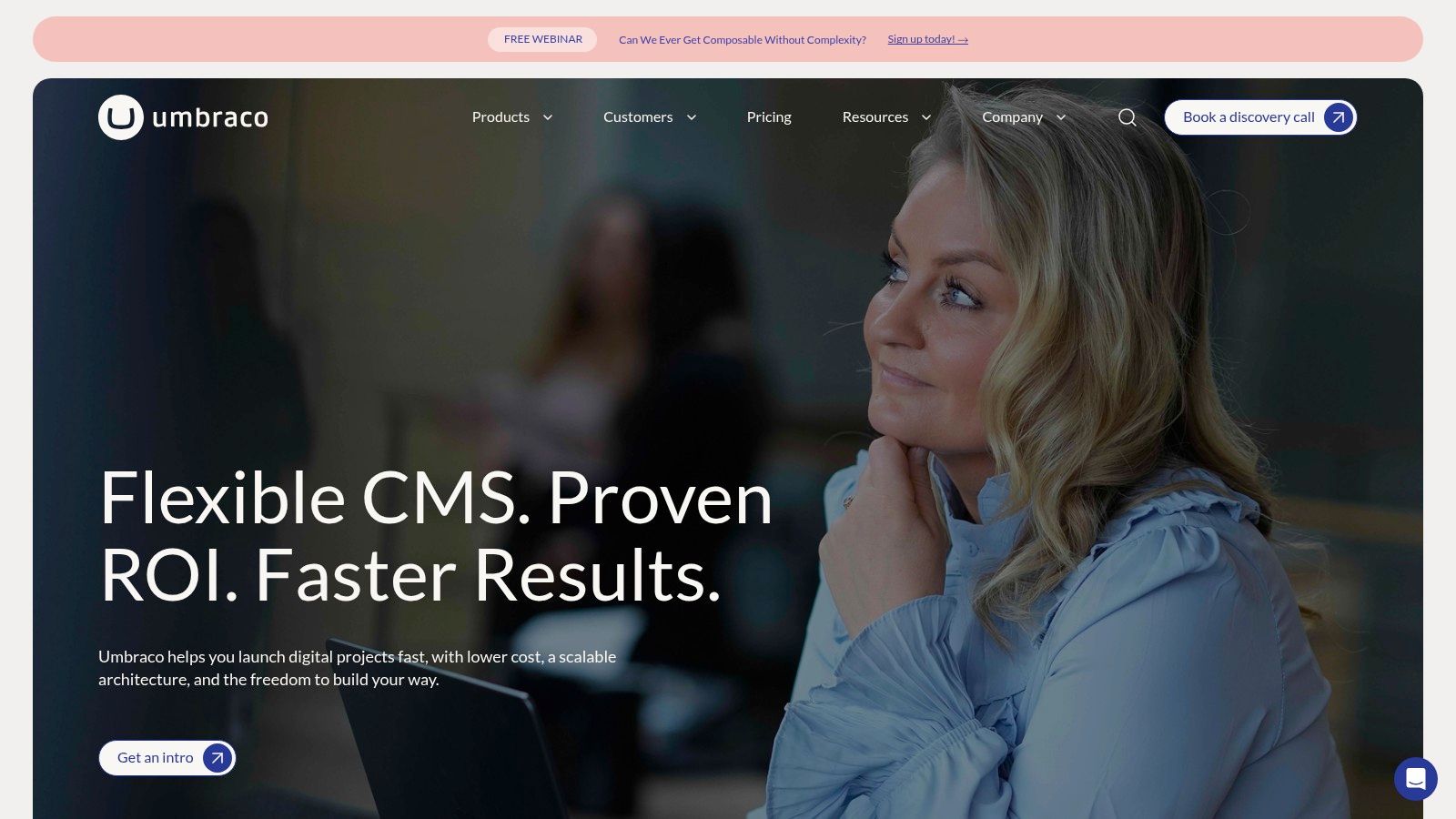
Umbraco CMS offers a unique proposition in the open source headless CMS space, especially for organizations heavily invested in the Microsoft and .NET ecosystem. While traditionally a coupled CMS, recent versions (v12+) include an opt-in Content Delivery API, allowing it to function as a powerful headless backend. This hybrid approach provides a familiar, robust back-office editing experience alongside modern JSON-based content delivery for websites and applications.
This flexibility allows teams to leverage their existing .NET skills while building for the modern web. Developers can enable the Delivery API to serve content to any front-end framework, while content editors benefit from Umbraco's well-regarded and user-friendly authoring interface. For a fully managed experience, Umbraco also offers Heartcore, its dedicated headless SaaS product.
Key Considerations for Umbraco CMS
Umbraco’s model provides a strategic on-ramp to headless architecture for .NET-based organizations. Teams can start with the free, self-hosted CMS and enable the headless API as needed, or opt for the fully managed and optimized Umbraco Heartcore (SaaS) or Umbraco Cloud for a more hands-off approach.
- Best Use Cases: Excellent for enterprises and development teams with a strong .NET background who need a headless API without abandoning a mature and feature-rich CMS back-office. It's also ideal for projects requiring a mix of traditional and headless rendering.
- Licensing & Cost: The core Umbraco CMS is open-source (MIT License) and free to self-host. The managed Umbraco Cloud and the SaaS headless offering, Umbraco Heartcore, are commercial products with tiered pricing plans based on features and usage.
- Limitations: The headless Content Delivery API is not enabled by default and requires some initial configuration. While the core is free, accessing the more streamlined, managed headless experience requires a subscription to the commercial Heartcore or Cloud products.
Website: https://umbraco.com
11. Orchard Core
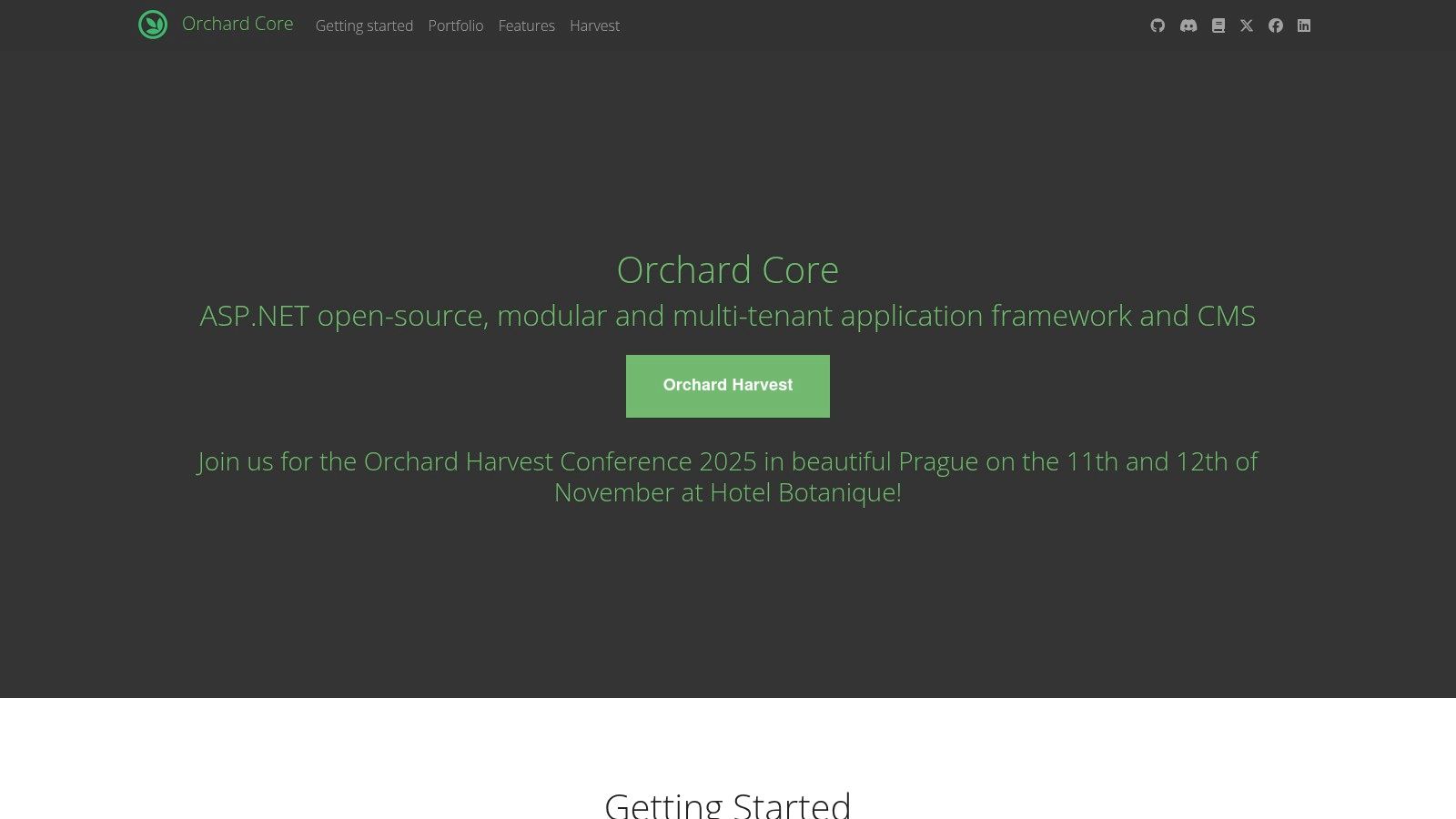
Orchard Core is a highly modular open source headless CMS and application framework built on ASP.NET Core. It distinguishes itself with a powerful, enterprise-grade architecture that supports full CMS, decoupled, and pure headless modes. This flexibility allows .NET development teams to build sophisticated, multi-tenant applications and deliver content via robust REST and GraphQL APIs, making it a strong choice for complex, performance-critical digital ecosystems.
The platform's strength lies in its modularity, where every feature, including content types and administrative tools, is a self-contained module. This enables developers to create highly tailored solutions, using only the components they need. Its multi-tenancy capabilities are another key differentiator, providing an efficient way to manage multiple distinct sites from a single deployment, which is ideal for SaaS platforms or large organizations.
Key Considerations for Orchard Core
Orchard Core is completely free and open source, designed for self-hosting on any environment that supports .NET Core, including Windows and Linux. This model gives teams complete control over their infrastructure and data without licensing fees, making it a cost-effective solution for long-term, scalable projects that can leverage its powerful framework.
- Best Use Cases: Ideal for .NET-centric organizations building complex, multi-site SaaS applications, corporate websites, or any project that benefits from a modular, multi-tenant architecture.
- Licensing & Cost: Fully open-source (MIT License) and free to use. Costs are associated with self-hosting infrastructure (e.g., cloud provider fees for servers and databases).
- Limitations: The platform has a steep learning curve and requires significant ASP.NET Core expertise for effective implementation and customization. Its community is smaller and more niche compared to popular JavaScript-based CMS options.
Website: https://orchardcore.net
12. Plone
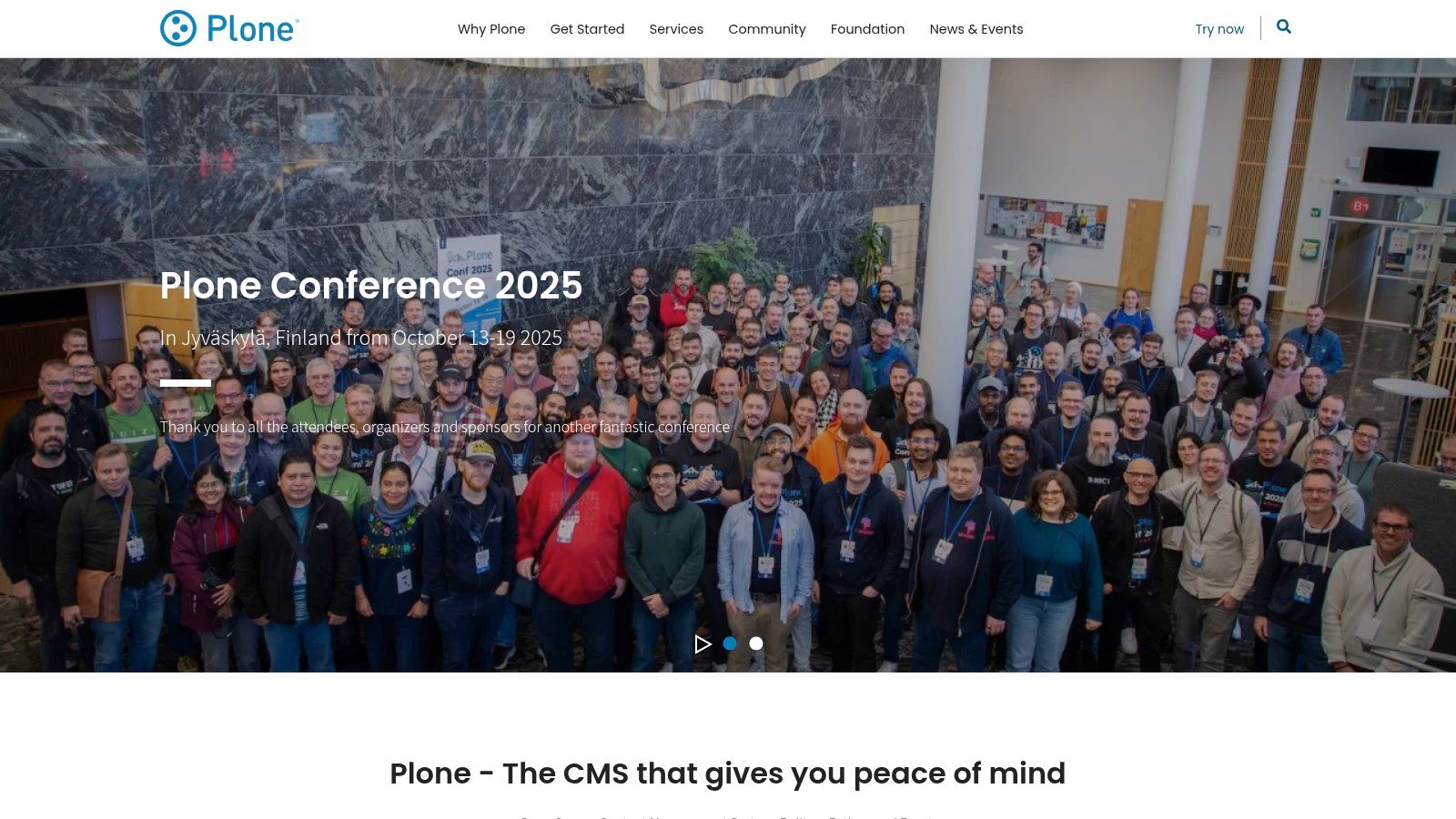
Plone stands out as an enterprise-grade open source headless CMS built on Python, renowned for its formidable security, granular permissions, and robust workflow capabilities. Through its well-maintained plone.restapi package, it exposes all content and functionalities via a hypermedia-driven REST API, making it a powerful backend for decoupled front-ends built with modern JavaScript frameworks. This allows organizations to leverage Plone's mature governance features while building fast, modern user experiences.
The platform is particularly suited for environments where compliance, multilingual support, and complex content lifecycles are non-negotiable. Its long history has fostered a stable core and a dedicated community, ensuring long-term reliability for critical digital infrastructures.
Key Considerations for Plone
Plone’s strength lies in its ability to serve as a secure content repository for large institutions, governments, and universities. The headless implementation via plone.restapi is thoroughly documented, providing developers a clear path for integrating it with any front-end technology.
- Best Use Cases: Ideal for government intranets, university websites, and large corporate sites that require strict security protocols, complex user roles, and audited content workflows.
- Licensing & Cost: Plone is completely free and open-source (GPLv2 License). Costs are associated with implementation, hosting, and optional commercial support from a global network of service providers.
- Limitations: The developer community is smaller and more specialized than those for PHP or JavaScript-based CMSs, which can impact talent acquisition. Its enterprise-focused feature set may be overly complex for smaller, simpler web projects.
Website: https://plone.org
Top 12 Open-Source Headless CMS Comparison
| CMS | Core features | UX & Quality ★🏆 | Value / Pricing 💰 | Best for 👥 | Unique strengths ✨ |
|---|---|---|---|---|---|
| Strapi | REST & GraphQL, RBAC, plugins | ★★★★ — strong community 🏆 | 💰 Free OSS; Strapi Cloud (free tier, usage limits) | 👥 JS devs, startups, mid-size projects | ✨ Rich plugin ecosystem; clear self-host → Cloud path |
| Directus | DB-first APIs + Admin app (SQL support) | ★★★★ — flexible platform | 💰 Self-host free (BSL); Cloud metered | 👥 Teams layering CMS onto SQL DBs | ✨ Auto-generates APIs from schema; DB control |
| Payload CMS | TypeScript schema-in-code, auth, media | ★★★★ — developer-first | 💰 Free Personal; hosted tiers | 👥 TS/Node devs, Next.js projects | ✨ Fully typed config; built-in drafts & versioning |
| Decap CMS (Netlify CMS) | Git-backed editor (Markdown), SSG-friendly | ★★★ — simple & lightweight | 💰 Free OSS; no DB costs | 👥 Static sites, content-in-repo teams | ✨ Git-native workflow; easy SSG integration |
| KeystoneJS | Schema-in-code, GraphQL API, React Admin | ★★★★ — strong GraphQL tooling | 💰 Free OSS; self-host/cloud options | 👥 JS devs building custom apps | ✨ Flexible data modeling; React-based admin UI |
| Ghost | Publishing platform, Content API, memberships | ★★★★ — excellent writing UX 🏆 | 💰 Free OSS; Ghost(Pro) paid hosting | 👥 Publishers, bloggers, membership sites | ✨ Built-in memberships & email/newsletters |
| Drupal | JSON:API core, rich permissions, modules | ★★★★ — enterprise-grade 🏆 | 💰 Free OSS; hosting & enterprise support paid | 👥 Large, multilingual, complex sites | ✨ Scalable, vast module ecosystem |
| WordPress.org | REST API, massive plugins/themes ecosystem | ★★★★★ — ubiquitous/editorial 🏆 | 💰 Free OSS; hosting varies widely | 👥 Editors, agencies, broad audiences | ✨ Familiar UX; huge ecosystem & integrations |
| ApostropheCMS | REST APIs, in-context editing, Node.js | ★★★ — editor-friendly | 💰 Free community; Pro/managed paid | 👥 Teams needing in-context editing | ✨ Hybrid headless / full-stack delivery modes |
| Umbraco CMS | Opt-in Delivery API, .NET back-office | ★★★★ — .NET-friendly | 💰 Free OSS; Heartcore/Cloud paid | 👥 Microsoft/.NET organizations | ✨ Familiar .NET back-office; mixed rendering models |
| Orchard Core | Modular, multi-tenant, REST/GraphQL | ★★★ — enterprise .NET focus | 💰 Free OSS; self-host | 👥 .NET multi-site / multi-tenant teams | ✨ Modular architecture and multi-tenancy |
| Plone | plone.restapi, workflows, permissions | ★★★★ — security & governance | 💰 Free OSS; paid support available | 👥 Secure enterprise / government sites | ✨ Strong security, workflows & governance |
Making Your Final Selection: Key Factors to Consider
Navigating the landscape of open source headless CMS platforms reveals a rich ecosystem of specialized tools, each with its own philosophy and strengths. We've explored everything from the highly extensible, Node.js-based environments of Strapi, Payload, and KeystoneJS to the Git-centric simplicity of Decap CMS and the content-focused architecture of Ghost. The journey also included established giants like Drupal and WordPress, which have powerfully adapted to the headless paradigm, alongside .NET solutions like Umbraco and Orchard Core.
The central takeaway is that there is no single "best" platform; the optimal choice is entirely dependent on your project's unique context and constraints. The right decision hinges on a careful analysis of your team's skills, project requirements, and long-term vision.
Technical and Team Alignment
Before committing to a platform, evaluate your internal resources and technical stack. A team proficient in JavaScript will naturally gravitate towards solutions like Directus or Payload, while a C# and .NET shop will find a familiar and powerful environment in Umbraco or Orchard Core.
Consider these critical technical questions:
- Primary Language and Framework: Does the CMS align with your team’s core competencies (e.g., Node.js, PHP, Python, .NET)?
- Database Preference: Do you require a specific database like PostgreSQL or MongoDB, or do you prefer the flexibility of a database-agnostic tool like Directus?
- Hosting Strategy: Are you prepared for the operational demands of self-hosting, or does a managed cloud service from the vendor better suit your resources?
Project and Workflow Considerations
Beyond the technology, the ideal open source headless CMS must align with your content operations and project scale. A small marketing site has vastly different needs than an enterprise-level application with complex data models. When making your final selection, it's beneficial to consider a broader perspective, such as evaluating the best CMS options for small businesses, to ensure you choose a platform that aligns with all your organizational needs.
Key factors to guide your choice include:
- Content Model Complexity: Can the CMS handle your required data structures, relationships, and validation rules with ease?
- Editor Experience: Is the user interface intuitive for your content creators? A platform like Ghost offers a superb writing experience, whereas Strapi provides a more customizable admin panel.
- Ecosystem and Extensibility: How robust is the plugin and extension marketplace? A vibrant community and a rich ecosystem can significantly accelerate development and add critical functionality.
- Licensing: Understand the nuances of the open-source license (e.g., MIT vs. GPL). This can have implications for commercial use and derivative works.
Your Path Forward
Your journey to selecting the right open source headless CMS is a strategic investment in your digital future. By balancing developer ergonomics with content team efficiency and future scalability, you can empower your organization to build remarkable, flexible, and high-performing digital experiences. Use the insights from this guide to create a shortlist, deploy a few proof-of-concept projects, and choose the platform that not only solves today's challenges but also provides a solid foundation for tomorrow's growth.