12 Best CMS Software Platforms for 2025
Discover the 12 best CMS software platforms for 2025. An in-depth analysis of WordPress, HubSpot, and others for every use case and budget.

With hundreds of content management systems on the market, selecting the right one can feel overwhelming. The ideal CMS isn't just a tool for publishing content; it's the foundational engine for your entire digital presence. The wrong choice can lead to technical debt, frustrating workflows, and missed opportunities, whether you're managing a personal blog, a high-traffic e-commerce store, or a complex enterprise ecosystem. This guide cuts through the marketing noise to provide a clear, analytical breakdown of the industry's top platforms.
We've analyzed and categorized the 12 best CMS software options available today, focusing on their core strengths and most practical use cases. This resource moves beyond generic feature lists to give you a genuine understanding of each system's operational reality. You'll find detailed analysis on critical differentiators, such as the trade-offs between a hosted platform like WordPress.com and a self-hosted solution like WordPress.org, or the architectural benefits of a headless CMS like Contentful versus an all-in-one suite like HubSpot. For those focused on e-commerce, evaluating the fundamental differences between major players is key; a detailed comparison of Magento vs Shopify highlights how distinct architectures serve different business scales and technical needs.
Our goal is to equip you with the insights needed to make a strategic decision. Each entry includes screenshots, direct links, and a concise analysis of pros, cons, and ideal user profiles. This ensures you can confidently select the CMS that aligns with your specific technical resources, business objectives, and long-term growth strategy, building your content operations on a foundation built for success.
1. WordPress.com
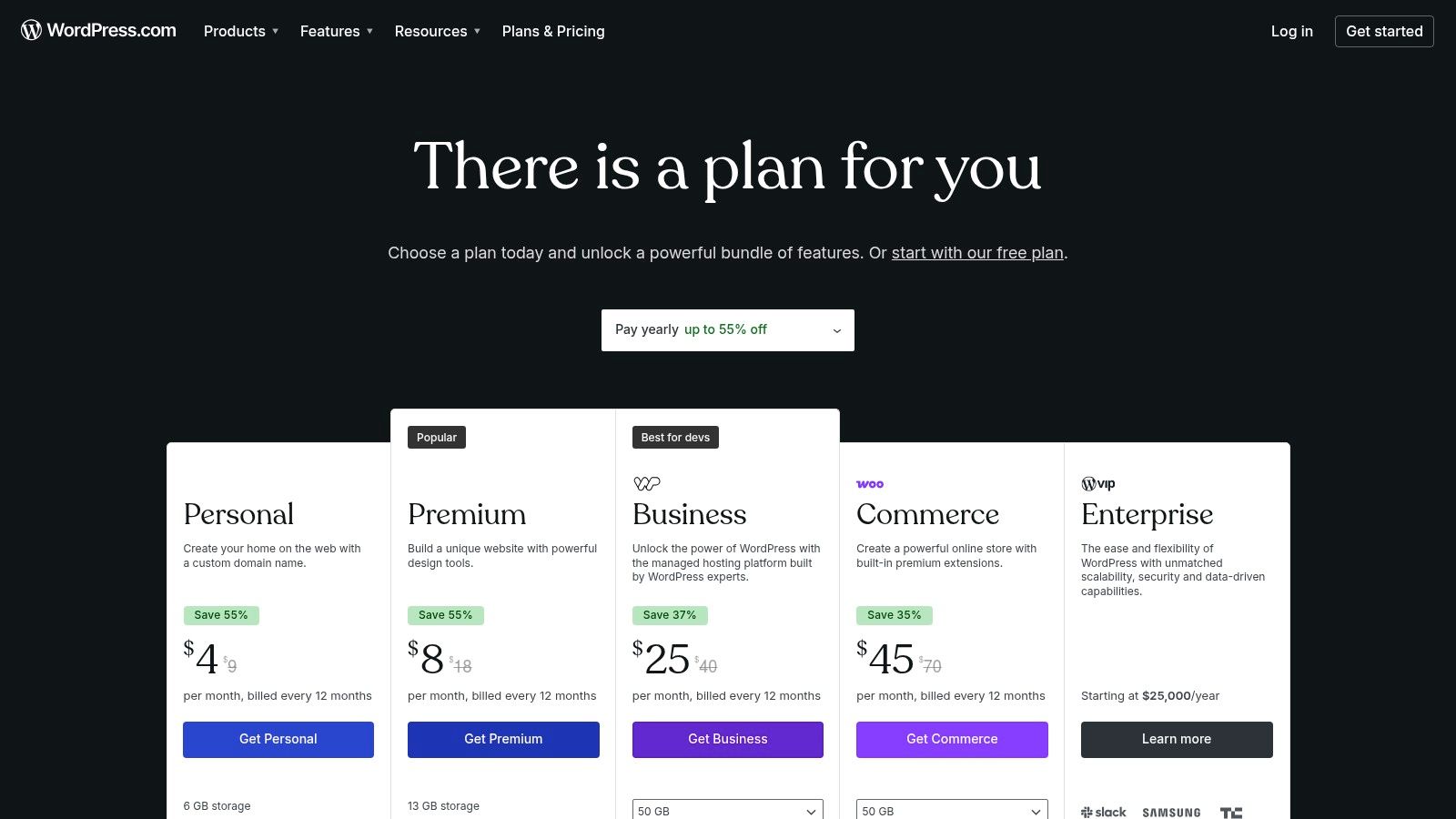
WordPress.com is the fully hosted, all-in-one version of the world’s most popular CMS, designed for users who prioritize speed and convenience over granular server control. It removes the technical hurdles of hosting, security, and updates, making it one of the fastest ways to launch a content-driven website. This platform excels at providing a streamlined entry point into the WordPress ecosystem, with a guided setup and managed environment that lets you focus purely on content creation and design.
Its core strength lies in its managed infrastructure. You never need to worry about server patches, SSL certificate renewals, or core software updates because they are all handled automatically. The platform offers a clean, user-friendly dashboard and, on higher-tier plans, an AI-powered site builder to accelerate the initial design process. While it's often viewed as a blogging platform, its paid plans unlock powerful capabilities, including e-commerce through WooCommerce integrations.
Key Analysis & Use Case
WordPress.com is the best cms software for individuals, bloggers, and small businesses seeking a "plug-and-play" solution without the technical overhead of self-hosting.
- Pros:
- Extremely Fast Setup: Go from sign-up to a live site in minutes.
- Zero Maintenance: Managed hosting, security, and updates are included.
- Scalability: Easily upgrade plans to add plugins, e-commerce, and advanced tools.
- Cons:
- Plan-Gated Features: Full access to plugins and advanced themes requires a Business plan or higher.
- Less Control: No access to server-level configurations (e.g., FTP, database) compared to self-hosted WordPress.org.
Website: https://wordpress.com/pricing
2. WordPress.org
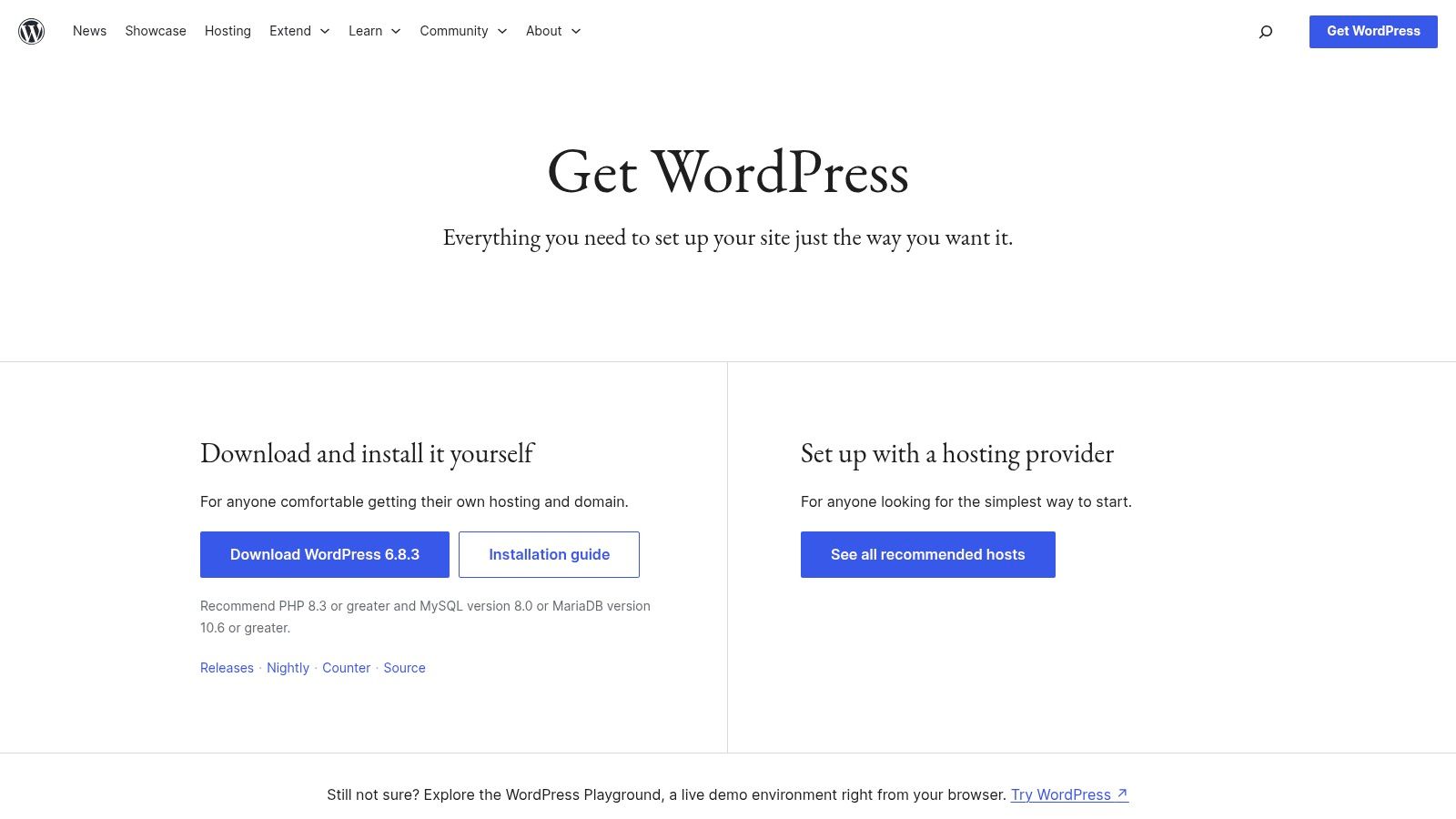
WordPress.org is the open-source, self-hosted version of the world’s most dominant CMS. It offers complete freedom and full ownership over every aspect of a website, from the underlying code to the content database. This is the platform for users who want unrestricted access and control, allowing for total customization with a vast ecosystem of plugins and themes. It provides the core software for free, but requires you to manage your own web hosting, security, and updates.
Its core strength lies in its limitless flexibility. Unlike its hosted counterpart, there are no restrictions on which themes or plugins you can install, giving you the power to build anything from a simple blog to a complex enterprise-level application. The platform is supported by an enormous global community, ensuring a wealth of documentation, tutorials, and third-party developers. It's the ultimate choice for those who need to fine-tune performance, integrate custom functionalities, and maintain full data portability.
Key Analysis & Use Case
WordPress.org is the best cms software for developers, businesses, and creators who require maximum control and are comfortable managing their own technical environment. Learn more in our detailed WordPress.org review.
- Pros:
- Maximum Flexibility and Ownership: 100% control over files, database, and code.
- Massive Ecosystem: Access to over 59,000 free plugins and thousands of themes.
- No Licensing Fees: The core software is completely free to download and use.
- Cons:
- User-Managed Maintenance: You are responsible for hosting, security, backups, and all updates.
- Variable Add-on Quality: The quality and security of third-party themes and plugins can vary widely.
Website: https://wordpress.org/download/
3. Shopify
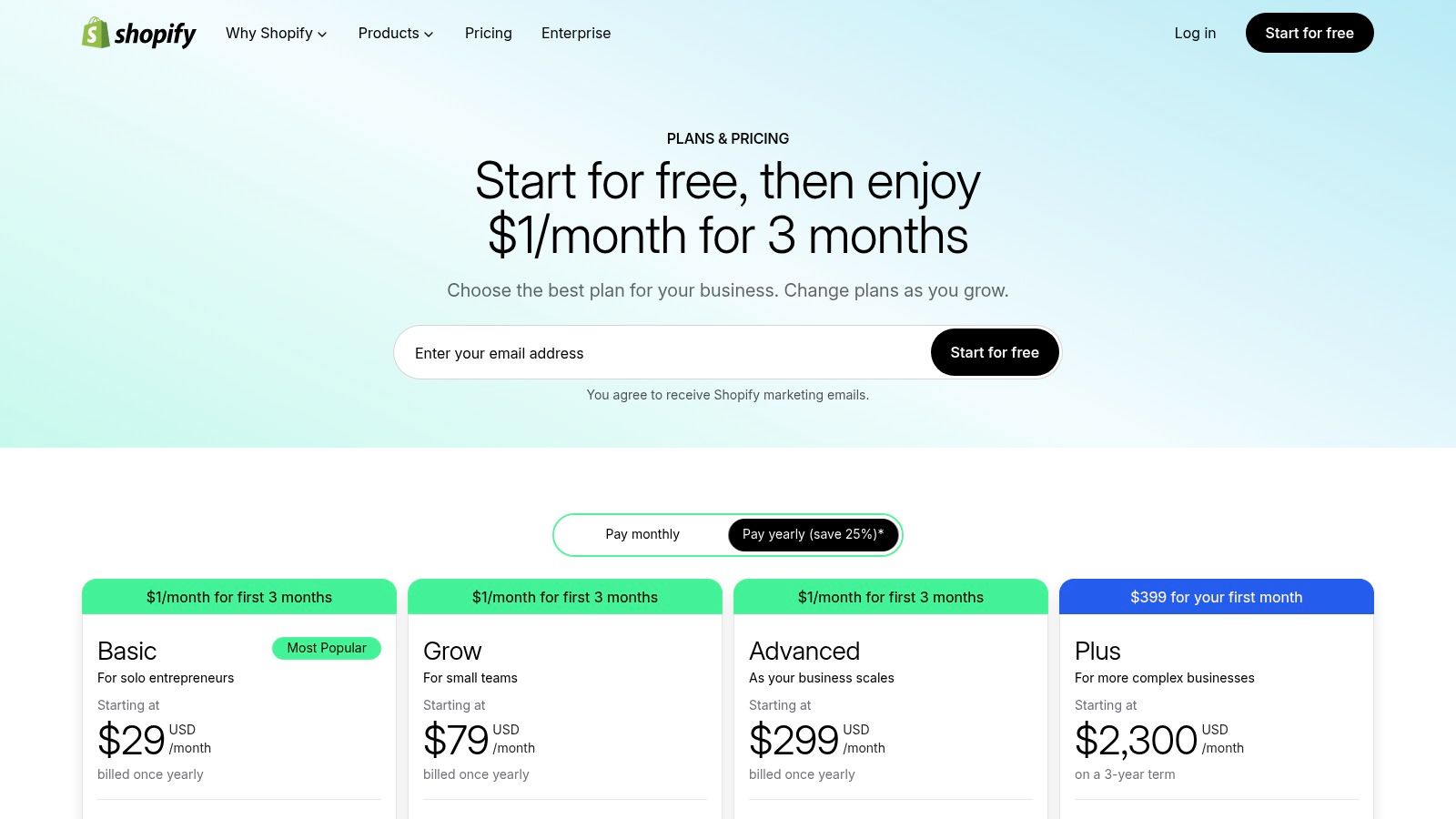
Shopify is a leading hosted e-commerce platform that includes a powerful, integrated CMS designed specifically for online retail. It provides merchants with an end-to-end solution for selling products online and in person, combining a storefront builder, blog, and product content management into a single, cohesive system. The platform is optimized for commerce, handling everything from payment processing and shipping to marketing and analytics, allowing business owners to focus on growth rather than technical maintenance.
Its core strength is its all-in-one, commerce-first architecture. Unlike general-purpose CMS platforms adapted for e-commerce, Shopify is built from the ground up to sell. It boasts a massive app store for extending functionality, an intuitive theme editor for storefront customization, and robust backend tools for managing inventory and orders. As a fully hosted solution, it ensures high reliability, security, and scalability, with options to grow into the enterprise-level Shopify Plus plan without needing to migrate platforms. For those prioritizing visual appeal and user experience on this e-commerce platform, insights on Shopify Website Design can provide valuable guidance.
Key Analysis & Use Case
Shopify is the best cms software for merchants of all sizes who need a reliable, feature-rich, and scalable platform dedicated to e-commerce.
- Pros:
- End-to-End Commerce Solution: Integrates everything from storefront and payments to POS and shipping.
- Excellent Reliability & Speed: Fully managed hosting ensures high uptime and performance.
- Extensive App Ecosystem: Thousands of apps to add features for marketing, customer service, and more.
- Cons:
- Transaction Fees: Using third-party payment gateways incurs additional fees on top of the gateway's own charges.
- Limited Customization: Advanced code customizations can be restrictive without hiring a developer or using specific apps.
Website: https://www.shopify.com/pricing
4. Webflow
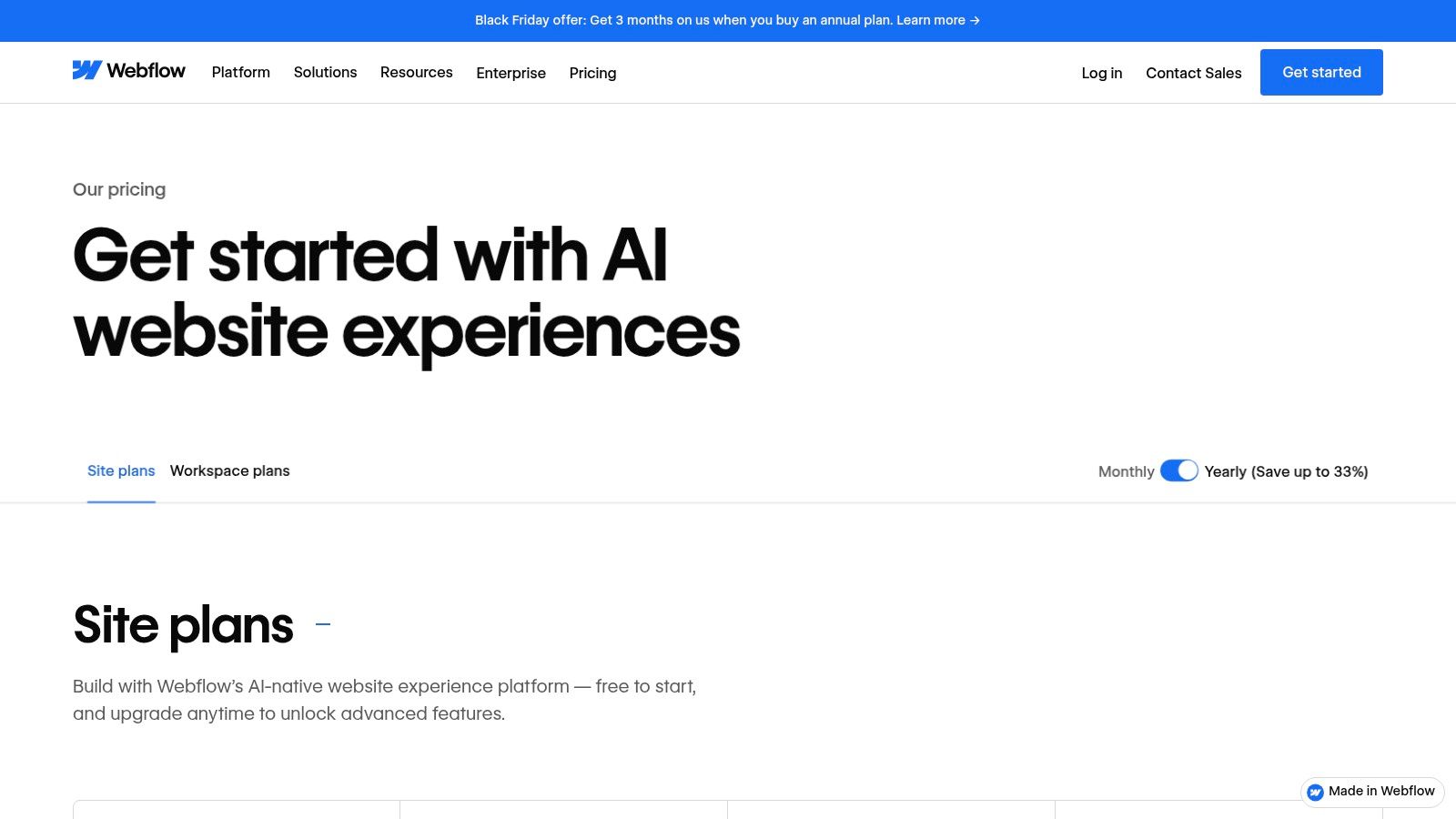
Webflow is a design-first visual development platform that merges the power of a flexible CMS with an advanced, no-code visual editor. It empowers designers and marketing teams to build professional, production-ready websites without writing code, while automatically generating clean, semantic HTML, CSS, and JavaScript. This approach bridges the gap between design tools like Figma and traditional development, allowing for the creation of complex layouts, rich animations, and dynamic content-driven experiences.
Its core advantage is the combination of its visual canvas with a powerful CMS, known as "Collections." Users can define custom content structures (like blog posts, team members, or case studies) and then visually bind that data to their designs. This makes it exceptionally suited for dynamic, content-rich websites that require more than just static pages. With recent additions like AI tools and enterprise-grade features, Webflow is solidifying its position as a serious contender in the professional CMS space.
Key Analysis & Use Case
Webflow is the best cms software for design-centric businesses, marketing teams, and agencies that demand complete creative control without sacrificing backend functionality. Learn more about how Webflow stacks up as a website builder CMS.
- Pros:
- Unmatched Design Freedom: A visual editor that produces clean, professional code.
- Powerful Integrated CMS: "Collections" allow for highly structured, scalable content.
- Headless Capabilities: Offers headless APIs for MACH-compatible delivery to other frontends.
- Cons:
- Steeper Learning Curve: Mastering advanced interactions and the CMS requires an initial time investment.
- Tier-Based Feature Access: Certain capabilities, like code exports or team roles, are locked behind specific Site or Workspace plans.
Website: https://webflow.com/pricing
5. Wix
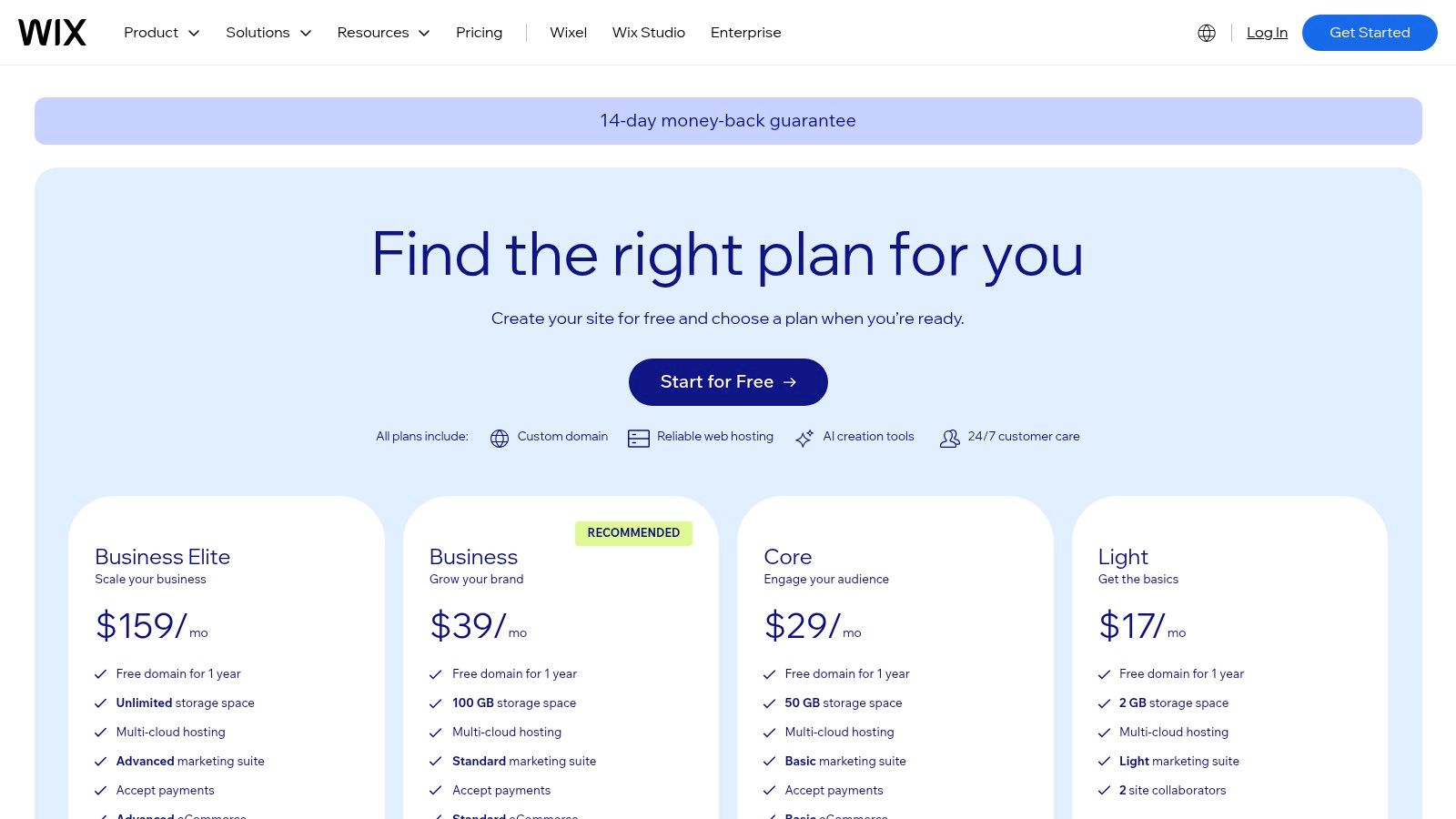
Wix is a hosted website builder renowned for its approachable drag-and-drop interface, but it also contains a surprisingly capable CMS known as the Content Manager. This integrated system allows users to create, store, and manage structured content in collections (like databases) that can be displayed dynamically across the site. This makes it ideal for managing portfolios, business listings, product catalogs, or any content that follows a repeatable format, transforming it from a simple page editor into a more data-driven platform.
Its core advantage is bridging the gap between ease of use and advanced content capabilities. Users can get started with AI-powered site generation and a vast template library, while developers can leverage Velo by Wix to write custom code or use its headless CMS APIs to feed content to other applications. This flexibility makes Wix a strong contender for small businesses and creators who want a low-maintenance, all-in-one solution that offers a clear growth path for more complex, dynamic content needs.
Key Analysis & Use Case
Wix is the best cms software for small businesses, agencies, and creative professionals who need a fast, visually-driven website builder with an integrated, scalable content management system.
- Pros:
- Extremely Approachable: The drag-and-drop editor and AI tools make it one of the easiest platforms to learn.
- Integrated CMS: The Content Manager is built-in for creating dynamic pages without plugins.
- Developer-Friendly: Headless CMS APIs and Velo provide powerful customization options for advanced users.
- Cons:
- Limited Migration: Exporting your site and content to a different platform is not straightforward.
- Platform-Specific Customization: Advanced features often require using Wix's proprietary tools and APIs rather than open-source alternatives.
Website: https://www.wix.com/upgrade/website
6. Squarespace
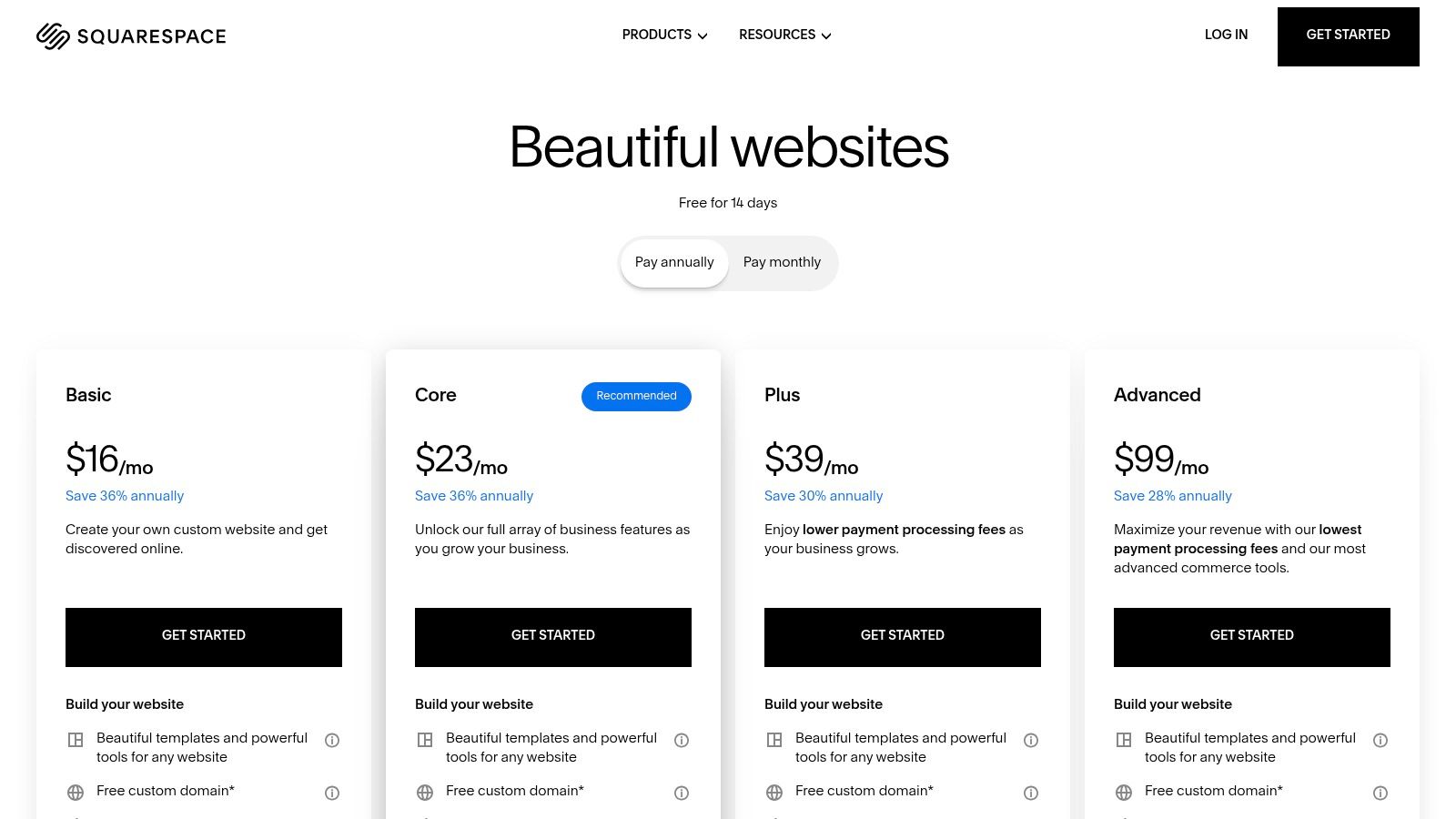
Squarespace is a polished, all-in-one website builder and CMS celebrated for its award-winning design templates and cohesive feature set. It provides a highly integrated environment where blogging, memberships, appointment scheduling, and e-commerce coexist seamlessly. This platform is built for users who value aesthetic appeal and minimal maintenance, offering a curated toolset that removes the complexity of managing disparate plugins or third-party services for core functionalities.
Its key advantage is the unified and intuitive user experience. From its drag-and-drop editor to its built-in analytics and marketing tools, everything is designed to work together harmoniously. Squarespace's content management capabilities are robust, allowing for sophisticated blog layouts, portfolio galleries, and member-only content sections. With integrated e-commerce for physical goods, digital products, and subscriptions, it serves as a powerful hybrid platform for content creators and businesses looking to monetize their audience directly.
Key Analysis & Use Case
Squarespace is the best cms software for designers, creatives, and small businesses who need a visually stunning website with integrated commerce and marketing tools without a steep learning curve.
- Pros:
- Design-Forward Templates: Industry-leading designs that are mobile-responsive out of the box.
- Cohesive Toolset: Integrated blogging, e-commerce, scheduling, and membership features.
- Minimal Maintenance: Fully hosted solution with no need to manage security, updates, or servers.
- Cons:
- Limited Customization: Less flexibility than open-source platforms; advanced code access requires higher-tier plans.
- Transaction Fees: Commerce transaction fees apply on lower-tier plans for store and digital product sales.
Website: https://www.squarespace.com/pricing
7. HubSpot Content Hub (formerly CMS Hub)
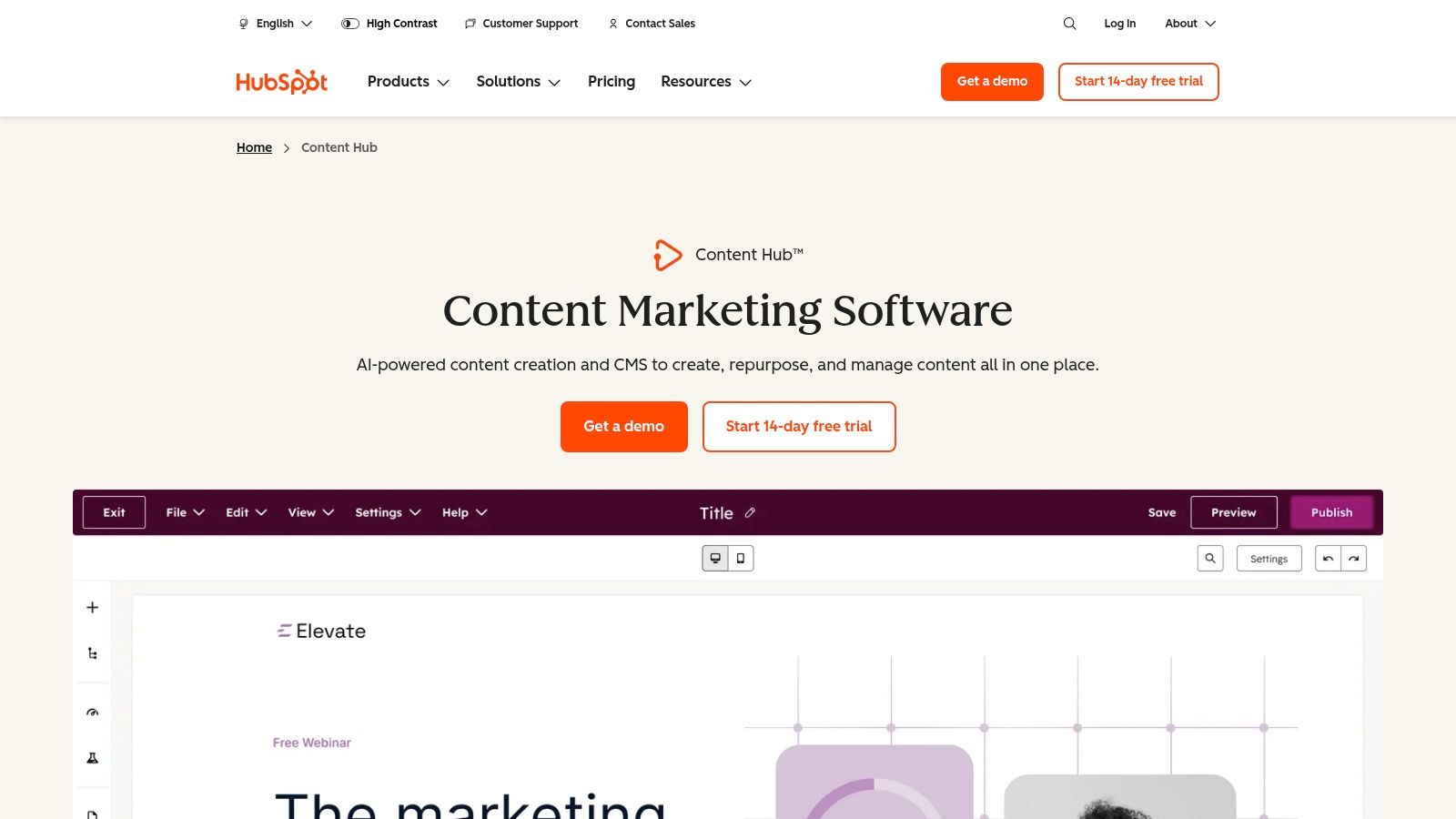
HubSpot Content Hub is an integrated CMS platform built to work seamlessly with its world-class CRM and marketing automation tools. It's designed for businesses that view their website not just as a brochure but as a core engine for growth, lead generation, and customer relationship management. This platform unifies content, SEO, and lead data, allowing marketing and sales teams to work from a single source of truth and leverage customer insights directly within the content creation process.
Its key differentiator is the deep integration with the broader HubSpot ecosystem. You can personalize website content based on CRM data, create intelligent CTAs, and track a visitor's entire journey from their first blog post view to becoming a loyal customer. The platform includes powerful features like AI-driven content creation, built-in SEO recommendations, and advanced reporting. For larger organizations, enterprise-level plans offer robust governance tools, such as content approvals, user partitioning, and multi-site management, all within a secure, hosted environment.
Key Analysis & Use Case
HubSpot Content Hub is the best cms software for marketing-driven businesses and enterprises that need to align their content strategy directly with their sales and CRM operations.
- Pros:
- All-in-One Platform: Unifies website content, CRM data, and marketing automation in one place.
- Powerful Lead Generation: Built-in tools for personalization, A/B testing, and lead capture.
- Strong Governance & Scalability: Enterprise-tier features for security, approvals, and multi-site management.
- Cons:
- Costly at Scale: Pricing is seat-based and increases significantly with advanced features and more users.
- Overkill for Simple Sites: Can be overly complex and expensive if you only need a basic content website without the CRM integration.
Website: https://www.hubspot.com/products/content-hub
8. Contentful
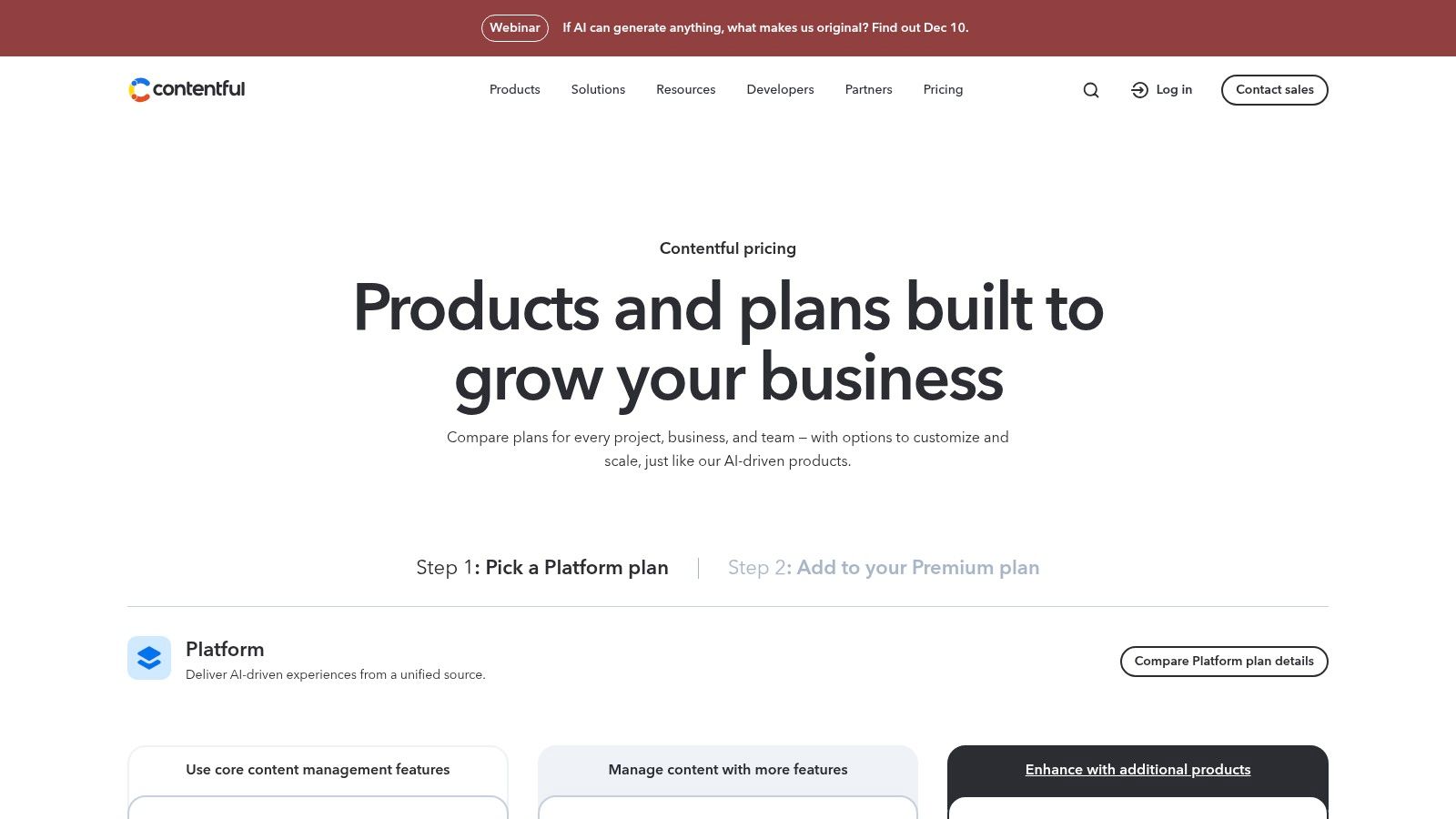
Contentful is a leading API-first headless CMS designed for organizations that require a flexible, multi-channel content delivery system. It decouples the content repository from the presentation layer, allowing developers to build front-end experiences with any technology while empowering content teams to manage structured content in a central hub. This composable architecture excels at powering websites, mobile apps, and digital devices from a single source of truth.
Its core strength is its structured content modeling, which allows teams to define custom content types with specific fields, ensuring consistency and reusability across all platforms. Content is delivered via robust REST and GraphQL APIs, giving developers ultimate control over how and where content is displayed. The platform includes powerful features for enterprise workflows, such as granular roles and permissions, localization for global audiences, and an extensive app framework for integrations.
Key Analysis & Use Case
Contentful is the best cms software for development teams and enterprise-level businesses building omnichannel digital experiences that require a decoupled architecture. As one of the premier open source headless CMS solutions, it provides unparalleled flexibility.
- Pros:
- Omnichannel Delivery: Seamlessly reuse and adapt content for any digital channel or device.
- Developer-Friendly: Modern API-first approach with excellent documentation and SDKs.
- Structured Content: Enforces consistency and makes content highly reusable and machine-readable.
- Cons:
- Requires Front-End Development: A presentation layer must be built and maintained separately.
- Complex Pricing: Costs can scale quickly based on users, content entries, and API usage.
Website: https://www.contentful.com/pricing/
9. Adobe Experience Manager Sites (AEM)
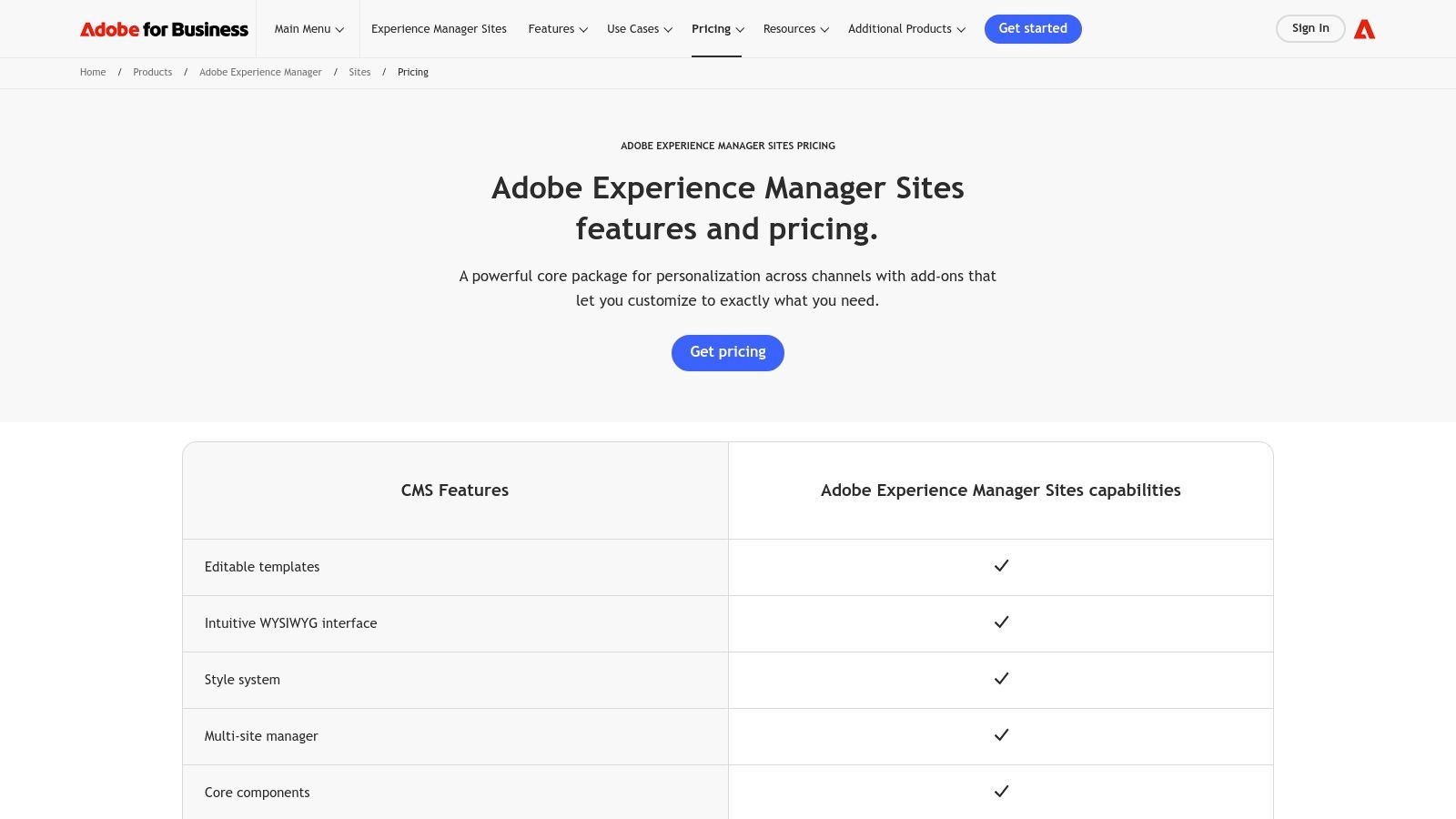
Adobe Experience Manager (AEM) is a high-end, enterprise-grade CMS built for large, multinational organizations managing complex digital properties. It excels at delivering personalized, content-led experiences across a vast array of channels, from websites and mobile apps to in-store displays. The platform’s power comes from its deep integration into the Adobe Experience Cloud, connecting content management directly with analytics, personalization, and marketing automation tools.
AEM is designed for governance and scale, offering sophisticated features like multisite management for handling hundreds of regional or brand-specific sites from a single instance. Its visual, component-based authoring interface simplifies content creation for non-technical teams, while its hybrid and headless capabilities provide developers the flexibility to use modern front-end frameworks. This makes it a leading choice for global brands that require robust security, performance, and omnichannel content delivery.
Key Analysis & Use Case
Adobe Experience Manager is the best cms software for large enterprises with global, multi-brand digital ecosystems that require unified governance and deep integration with marketing technology.
- Pros:
- Unmatched Scalability: Engineered for global scale, complex governance, and high-availability uptime.
- Deep Adobe Ecosystem Integration: Seamlessly connects with Adobe Analytics, Target, and Campaign for a unified experience stack.
- Powerful Authoring Tools: Advanced visual authoring and content fragment management empower marketing teams.
- Cons:
- Significant Investment: Requires an enterprise-level budget and significant investment in expert implementation and maintenance.
- Opaque Pricing: Pricing and packaging information is only available by contacting the Adobe sales team.
Website: https://business.adobe.com/products/experience-manager/sites/pricing.html
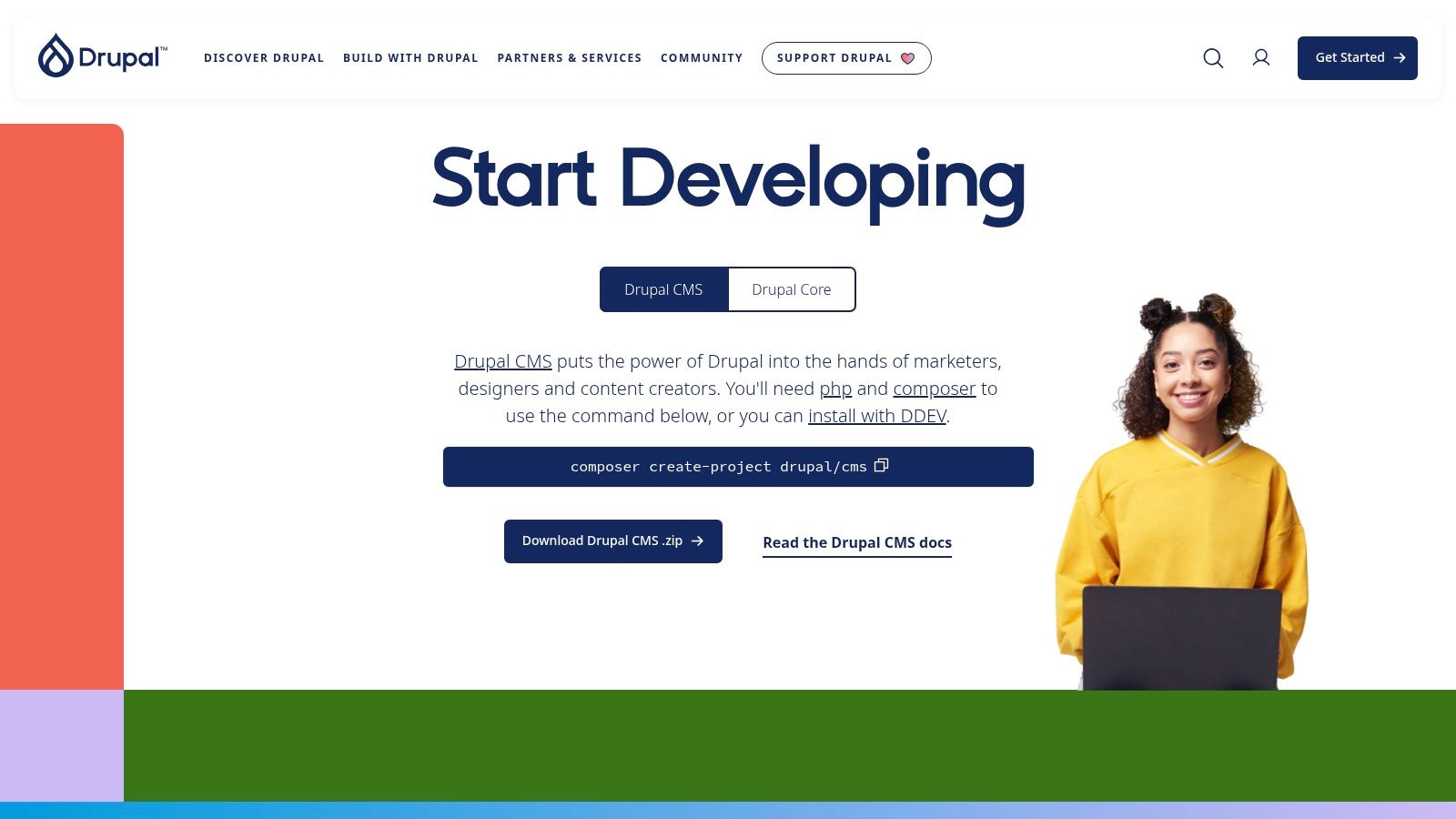
10. Drupal.org
Drupal is an enterprise-grade, open-source CMS renowned for its robust security, scalability, and flexibility, making it a top choice for governments, universities, and large global organizations. Unlike simpler platforms, Drupal is architected for complex, content-heavy websites that require granular control over permissions, custom content types, and intricate workflows. Its power lies in its modular framework, allowing developers to build highly tailored digital experiences.
The platform excels at managing vast amounts of structured content and offers powerful multilingual capabilities and accessibility compliance out of the box. While its core is lean, its functionality expands dramatically through a vast ecosystem of contributed modules for everything from CRM integration to advanced SEO. Drupal’s strength is its capacity to serve as a foundation for ambitious, long-term digital projects where standard solutions fall short.
Key Analysis & Use Case
Drupal is the best cms software for large-scale enterprise, government, and higher education websites that demand security, flexibility, and the ability to manage complex digital experiences. Learn more about Drupal.org on ContentToolkit.
- Pros:
- Unmatched Flexibility: Advanced content modeling and a modular architecture allow for highly customized solutions.
- Enterprise-Grade Security: A dedicated security team and a history of use in high-stakes environments.
- Excellent Scalability: Built to handle high traffic and extensive content libraries with advanced caching.
- Cons:
- Steep Learning Curve: Requires significant technical expertise and developer resources for implementation and maintenance.
- Higher Upfront Cost: While the software is free, development, hosting, and ongoing support costs are typically higher.
Website: https://www.drupal.org/download
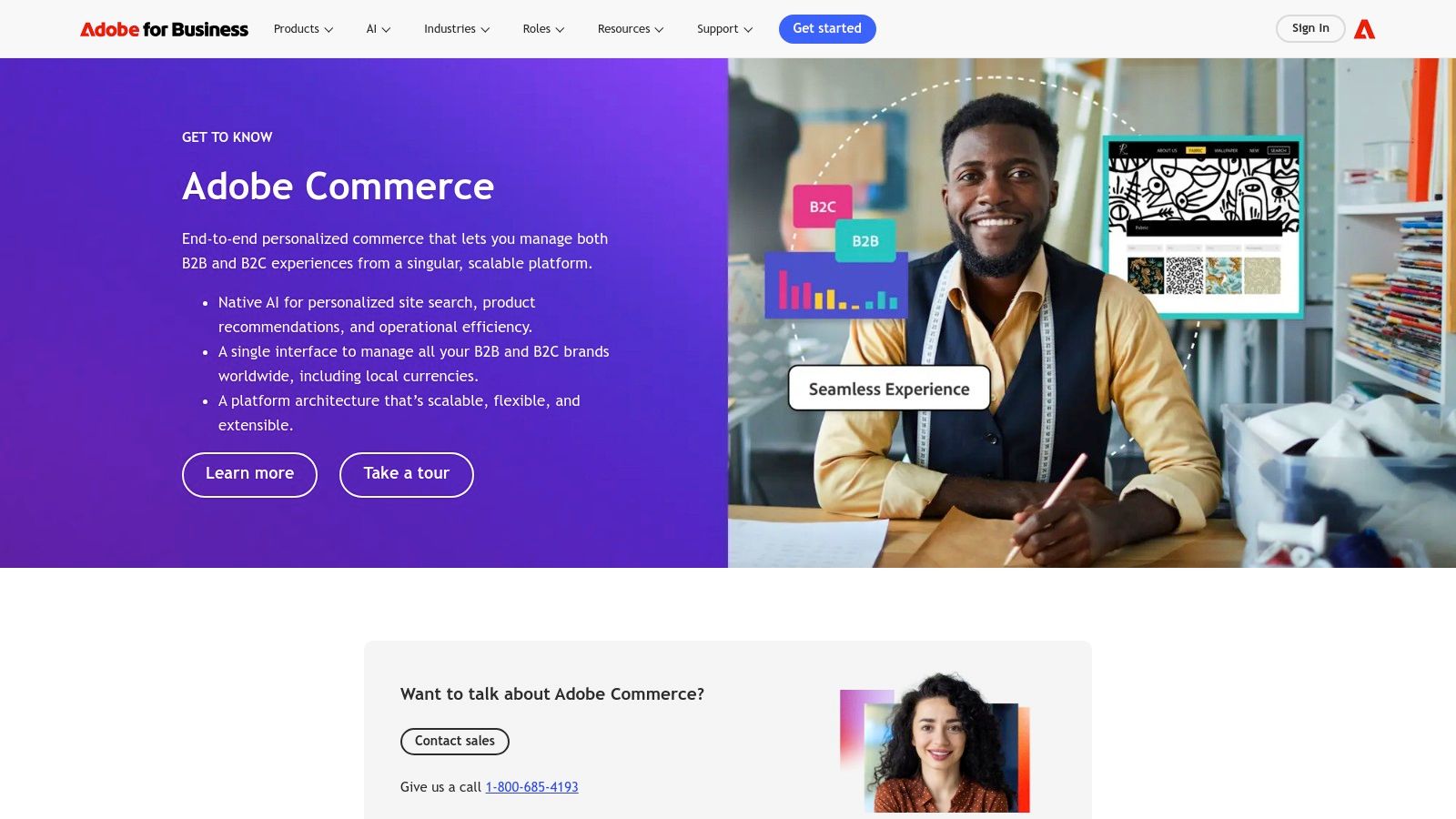
11. Adobe Commerce (powered by Magento)
Adobe Commerce, formerly known as Magento, is an enterprise-grade e-commerce platform with powerful built-in CMS capabilities designed for complex, large-scale retail operations. It provides a robust, API-first architecture that allows for deep customization and integration, making it a go-to for businesses with sophisticated product catalogs, multi-store requirements, and both B2C and B2B sales channels. The platform is offered as a cloud service, which reduces infrastructure management overhead while providing enterprise-level security and performance.
Its core strength lies in its profound flexibility and feature depth for commerce. Adobe Commerce handles intricate promotional rules, advanced catalog management, and complex B2B functionalities like custom pricing and quoting natively. This makes it more than just a CMS; it's a complete commerce engine where content and products are tightly interwoven. The platform's extensibility through a massive partner ecosystem and marketplace allows businesses to tailor virtually every aspect of the user experience, from the storefront to the back-end workflows.
Key Analysis & Use Case
Adobe Commerce is the best cms software for large enterprises and mid-market businesses that require a highly scalable, customizable, and feature-rich platform for complex e-commerce operations.
- Pros:
- Extremely Flexible: Unmatched customization for complex commerce requirements and integrations.
- Powerful Native Features: Advanced B2B, multi-store, and promotional tools are built-in.
- Large Partner Ecosystem: Extensive support and a vast marketplace for extensions.
- Cons:
- High Complexity & Cost: Requires significant developer expertise and has a high total cost of ownership.
- Intensive Management: Even the cloud version demands rigorous patching and security oversight.
Website: https://business.adobe.com/products/solution-finder/adobe-commerce.html
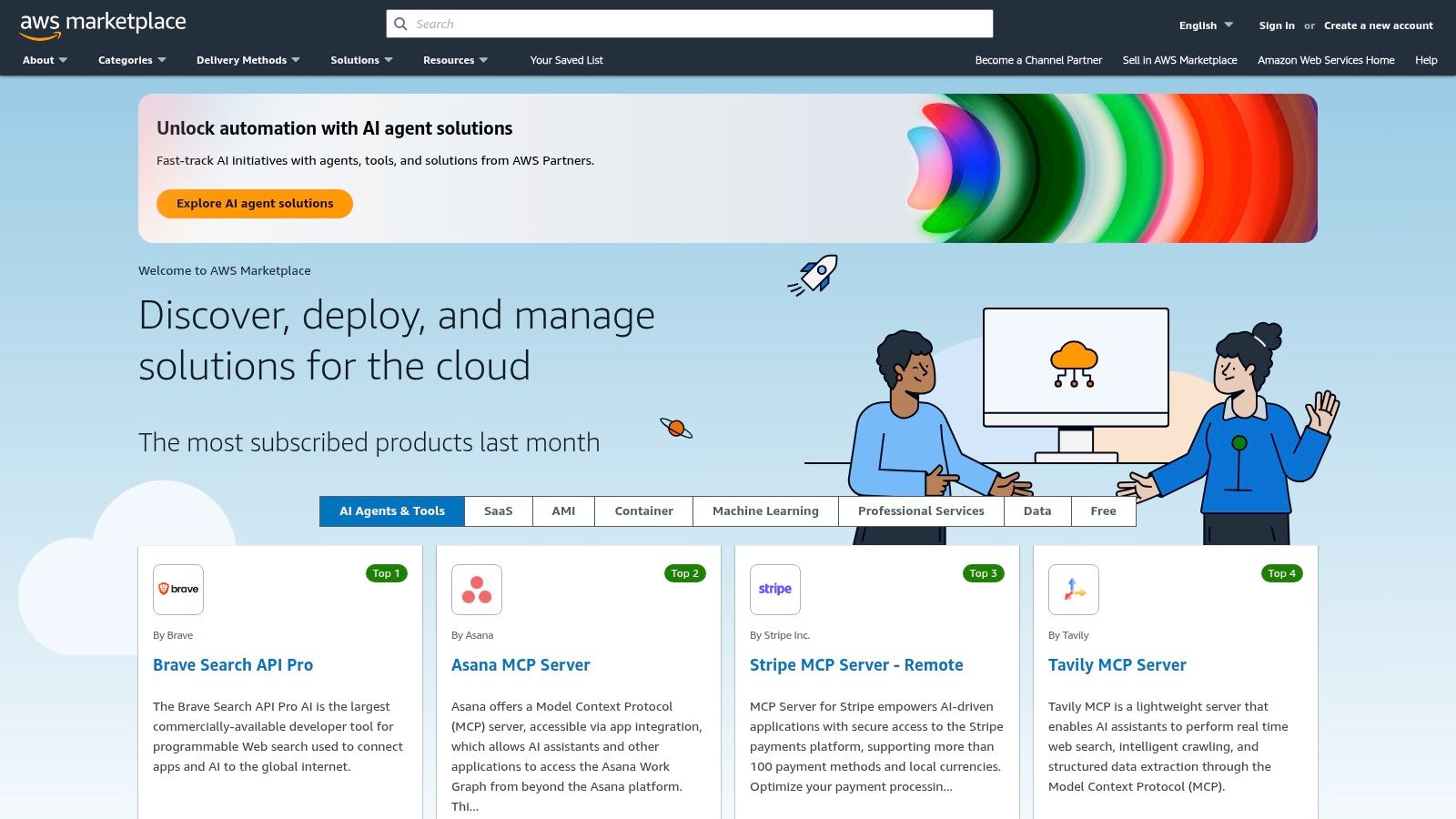
12. AWS Marketplace – CMS solutions
AWS Marketplace is not a single CMS but a curated digital catalog that simplifies finding, deploying, and managing third-party CMS software on the Amazon Web Services (AWS) cloud. It's designed for IT and development teams that have standardized on AWS infrastructure and want to streamline procurement and deployment. Instead of manual installations, the marketplace offers pre-configured software stacks from vendors like WordPress, Drupal, and Joomla, enabling one-click deployment into a company's own AWS account.
The primary strength of this platform is its deep integration into the AWS ecosystem. It centralizes billing by consolidating software and AWS infrastructure costs onto a single bill and allows organizations to leverage their existing AWS purchasing agreements. This model provides governance and control, as IT teams can deploy architectures designed for high availability and scalability, complete with auto-scaling and managed database services. It bridges the gap between software procurement and cloud infrastructure management, making it an efficient path for deploying enterprise-grade CMS solutions.
Key Analysis & Use Case
AWS Marketplace is the best cms software procurement method for enterprise IT teams and developers who need to deploy and manage CMS applications within a governed, scalable AWS cloud environment.
- Pros:
- Rapid, Governed Procurement: Streamlines purchasing and deployment with AWS terms and integration.
- Optimized Architectures: Listings are often designed for high availability and scalability on AWS.
- Centralized Billing: Consolidates software licensing and AWS resource costs into one invoice.
- Cons:
- Requires Cloud Management: You are still responsible for managing the underlying AWS resources unless a fully managed option is chosen.
- Combined Costs: Pricing includes AWS infrastructure usage fees in addition to any software costs from vendors, which can be complex to forecast.
Website: https://aws.amazon.com/marketplace/
Top 12 CMS Comparison — Features & Pricing
| CMS (Item) | Core features | Quality ★ | Price/value 💰 | Target 👥 | Unique ✨ / 🏆 |
|---|---|---|---|---|---|
| WordPress.com | Managed hosting, themes, plugins (Business+), AI site builder | ★★★★ | 💰 Free → paid tiers (scales to Commerce) | Bloggers, small businesses, non‑tech users | ✨ Plug-and-play WP + managed ops; 🏆 fastest path to launch |
| WordPress.org | Open‑source core, REST API, huge themes/plugins | ★★★★★ | 💰 Free core + hosting/security costs | Developers, agencies, power users | ✨ Full control & portability; 🏆 massive ecosystem |
| Shopify | Storefront CMS, integrated payments, POS, app store | ★★★★ | 💰 Subscription tiers; fees possible on some gateways | Merchants, retail brands, growing e‑commerce | 🏆 End‑to‑end commerce; ✨ built‑in payments & POS |
| Webflow | Visual editor, CMS Collections, headless APIs | ★★★★ | 💰 Site/workspace plans; higher tiers for CMS/enterprise | Designers, marketers, modern web teams | ✨ Designer‑first with clean code; 🏆 visual + headless |
| Wix | Site builder, CMS Collections, AI tools, headless APIs | ★★★ | 💰 Affordable plans; Studio for multi‑site | Small businesses, creators, solopreneurs | ✨ Very approachable, fast launch; multi‑site Studio |
| Squarespace | Design templates, blogging, memberships, commerce | ★★★★ | 💰 All‑in‑one plans; transaction fees on lower tiers | Creatives, small businesses seeking polished sites | 🏆 Design‑forward templates; ✨ integrated commerce & scheduling |
| HubSpot Content Hub | CMS + CRM integration, SEO, workflows, governance | ★★★★ | 💰 Seats‑based, can be costly at scale | Marketing teams, enterprises focused on lead gen | 🏆 Single platform for content + CRM; ✨ strong governance |
| Contentful | Headless API (REST/GraphQL), structured models, workflows | ★★★★ | 💰 Free tier; usage/locales raise costs | Dev teams, omnichannel/multichannel projects | ✨ Composable content hub; 🏆 robust APIs & integrations |
| Adobe Experience Manager (AEM) | Multisite, translation workflows, hybrid/headless delivery | ★★★★★ | 💰 Enterprise pricing (sales only) | Large enterprises, global brands | 🏆 Deep Adobe Experience Cloud integration; enterprise SLAs |
| Drupal.org | Advanced content modeling, multilingual, security, modules | ★★★★ | 💰 Free core; hosting/dev costs | Governments, universities, complex orgs | ✨ Granular permissions & workflows; 🏆 enterprise‑grade security |
| Adobe Commerce (Magento) | Enterprise ecommerce, APIs, B2C/B2B features, extensibility | ★★★★ | 💰 Enterprise‑level costs | Large merchants, complex commerce operations | 🏆 Highly flexible commerce; ✨ large partner ecosystem |
| AWS Marketplace – CMS solutions | One‑click AWS deploys, vendor listings, centralized billing | ★★★ | 💰 Software + AWS usage; varies by listing | IT teams, enterprises standardizing on AWS | ✨ Governed procurement & one‑click deploy; 🏆 AWS integration |
Making Your Final Decision
Navigating the expansive landscape of content management systems can feel overwhelming, but the journey to finding the best CMS software is less about discovering a single "perfect" platform and more about identifying the optimal match for your specific operational reality. This article has dissected a dozen leading contenders, from user-friendly website builders like Wix and Squarespace to powerful, developer-centric frameworks like Drupal and headless pioneers like Contentful. The key takeaway is that the "best" choice is entirely contextual, defined by your unique blend of technical skill, business objectives, content strategy, and long-term growth ambitions.
A simple blogger or small business owner doesn't need the enterprise-grade complexity of Adobe Experience Manager, just as a global corporation with omnichannel content demands will quickly outgrow a basic, all-in-one site builder. Your decision-making process should be a strategic exercise in self-assessment.
A Framework for Your Final Choice
To distill your options and move forward with confidence, filter your remaining candidates through a final set of critical questions. This structured approach helps translate platform features into tangible business outcomes.
1. Evaluate Your Internal Resources:
- Technical Expertise: Do you have access to developers who can manage a self-hosted platform like WordPress.org or Drupal? If not, a managed solution like WordPress.com, HubSpot Content Hub, or Shopify is a more practical starting point.
- Content Team Workflow: How does your team create and publish content? A platform with intuitive editing, built-in SEO tools, and collaborative features might be non-negotiable for a marketing team, while a solo creator may prioritize design flexibility above all else.
- Budgetary Constraints: Be realistic about the Total Cost of Ownership (TCO). This includes not only the monthly subscription or initial licensing fee but also hosting, themes, plugins, developer support, and potential transaction fees for e-commerce.
2. Align with Your Business Goals:
- Primary Objective: Is your primary goal to sell products, generate leads, publish a high-volume blog, or build a complex web application? Your answer will immediately favor certain platforms. E-commerce businesses should lean towards Shopify or Adobe Commerce, while content-heavy sites will thrive on WordPress or HubSpot.
- Scalability: Where do you see your digital presence in three to five years? Choosing a platform that can grow with you is crucial. A headless CMS like Contentful offers ultimate scalability for future-proofing your content, while platforms like Webflow provide a solid middle ground for growing design and functionality needs.
3. Prioritize the User and Customer Experience:
- Design and Flexibility: How important is a unique, branded design? If creative control is paramount, Webflow offers unparalleled visual development. If you prefer speed and beautiful templates, Squarespace is an excellent choice.
- Performance and Security: For any serious business, site speed and security are critical. Managed platforms often handle this for you, but with self-hosted options, this responsibility falls on your team.
Your Actionable Next Steps
With this framework in mind, your path forward is clear. It’s time to move from analysis to action.
- Shortlist Your Top 2-3 Candidates: Based on your self-assessment, narrow down the extensive list from this article to just a few top contenders that genuinely align with your needs.
- Engage with Demos and Free Trials: There is no substitute for hands-on experience. Sign up for free trials. Build a simple landing page. Test the content editor. See how intuitive the backend feels to your team. This is the most crucial step in the evaluation process.
- Explore the Full Toolkit: If your specific use case wasn't perfectly met here, remember this list is a starting point. Dive into our comprehensive Content Toolkit, which features over 350 CMS platforms. You can filter and compare to find niche solutions tailored to your industry or technical requirements.
Ultimately, selecting the best CMS software is a foundational business decision that will impact your efficiency, agility, and ability to connect with your audience for years to come. By investing the time now to make a well-informed choice, you are not just building a website; you are constructing the central hub for your entire digital strategy. Choose wisely, build confidently, and set your content up for sustainable success.