12 Headless cms open-source You Should Know
Discover the top 12 headless cms open-source strategies and tips. Complete guide with actionable insights.

Navigating the world of headless CMS open-source solutions can be a complex task. The market is saturated with options, each promising flexibility, scalability, and an enhanced developer experience. This article is designed to cut through the noise, providing a direct, analytical comparison of the most prominent open-source headless content management systems available today. Our goal is to equip developers, project managers, and content creators with the critical information needed to make an informed decision for their specific project requirements.
Instead of generic marketing descriptions, you will find a detailed breakdown of each platform. We will analyze the core architecture, key features, and practical implementation considerations for tools like Strapi, Directus, Payload CMS, and KeystoneJS. For each entry, we'll provide an honest assessment of its strengths and limitations, alongside real-world use-case scenarios where it truly excels. This guide goes beyond a simple feature list, offering insights into the developer experience, content modeling flexibility, and overall ecosystem maturity. To fully grasp the landscape of modern content management, it's beneficial to understand a broader overview of the most popular headless architecture technologies that underpin these systems.
This resource is structured for clarity and quick reference. You will find:
- A concise overview of each CMS.
- An analysis of its pros and cons based on practical application.
- Guidance on ideal use cases, from small blogs to large-scale enterprise applications.
- Direct links and relevant screenshots to help you evaluate each platform firsthand.
By the end of this comprehensive list, you will have a clear understanding of which headless CMS open-source solution best aligns with your technical stack, project goals, and team's expertise. Let's dive into the detailed comparisons.
1. Strapi — Open Source, Headless and Developer-Friendly CMS
Strapi has firmly established itself as a leading headless cms open-source solution, celebrated for its developer-centric approach and extensive customization capabilities. It provides a robust foundation for building sophisticated digital experiences by decoupling the content management backend from the presentation layer. This architecture gives development teams the freedom to use any front-end framework like React, Vue.js, or Svelte, and distribute content to websites, mobile apps, or IoT devices through a powerful API.
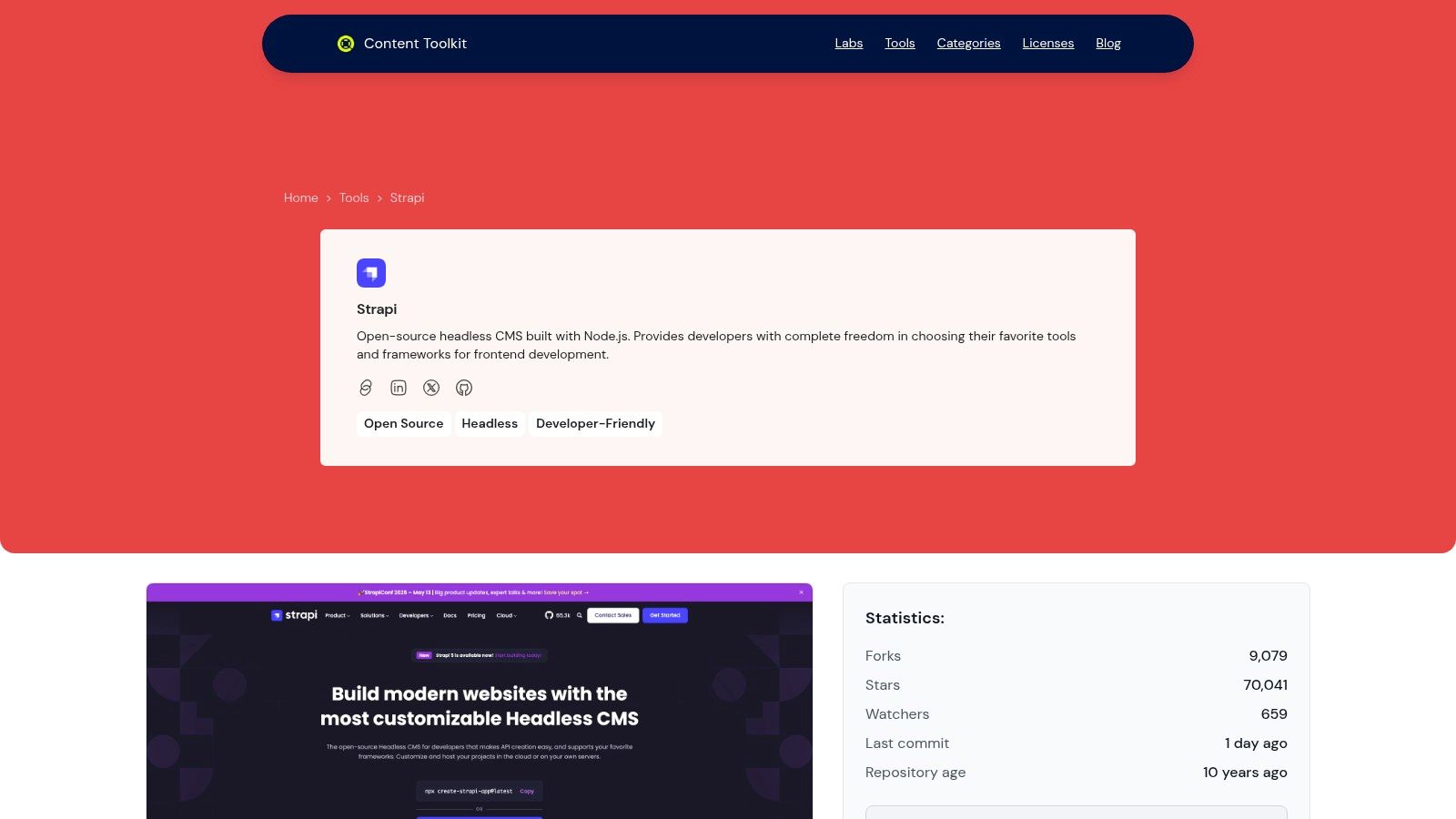
What truly sets Strapi apart is its balance between developer control and user-friendly content administration. Developers gain a highly extensible platform built on Node.js, while content teams benefit from a clean, intuitive, and fully customizable admin panel. You can define your own content models ("Collection Types" and "Single Types") directly from the UI, which automatically generates corresponding REST or GraphQL API endpoints. This accelerates development cycles significantly.
Key Strengths and Use Cases
Strapi's architecture is ideal for projects that demand flexibility and scalability. Its self-hosting capability provides complete control over data, security, and infrastructure, a critical requirement for organizations with strict compliance or data residency needs.
- API-First Design: Native support for both REST and GraphQL allows for seamless integration with diverse front-end applications and third-party services.
- Customizable Admin Panel: The entire admin UI can be modified, allowing you to tailor content workflows, add custom fields, and create an editing experience perfectly aligned with your team's needs.
- Role-Based Access Control (RBAC): Its granular permission system is a standout feature, enabling precise control over which user roles can access, create, or modify specific content types, crucial for large or distributed teams.
- Extensive Plugin Ecosystem: A rich marketplace of plugins extends core functionality, offering integrations for everything from third-party media libraries to advanced SEO tools.
Strapi is an excellent choice for dynamic corporate websites, complex e-commerce platforms, and multi-channel mobile applications where content governance and API flexibility are paramount. As a top contender, Strapi exemplifies the power of open-source solutions in modern web development, which you can explore further in our full collection of open-source headless CMS tools.
Pros:
- Full control with self-hosting options.
- Highly customizable admin panel and content structures.
- Robust, built-in RBAC for enhanced security.
- Strong community and extensive plugin support.
Cons:
- Requires technical expertise for initial setup and maintenance.
- Self-hosting means your team is responsible for security and updates.
Website: https://www.contenttoolkit.co/tools/strapi
2. Strapi
Strapi has solidified its position as a leading headless CMS open-source solution, celebrated for its developer-centric approach and extensive customization capabilities. Built on Node.js, it empowers JavaScript and TypeScript developers to create highly flexible content APIs quickly. Its user-friendly admin panel allows content teams to define and manage content models-known as "collection types" and "single types"-without writing code.
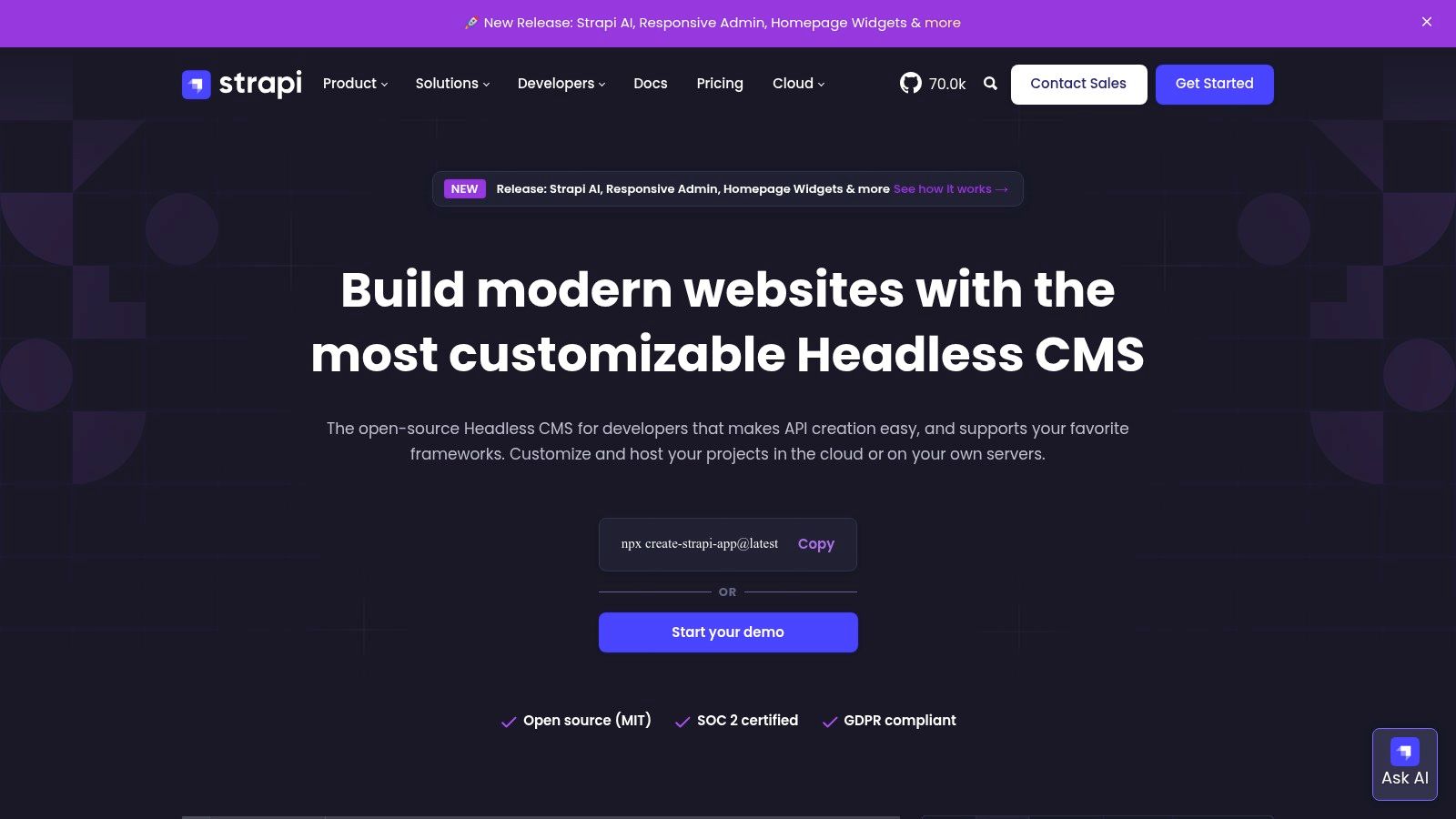
The platform's core is MIT-licensed and free to self-host, providing unrestricted access to its powerful API generation tools. This makes it an excellent choice for projects requiring full data control and infrastructure ownership. Strapi also offers Strapi Cloud, a managed hosting solution with a free tier for small projects, which simplifies deployment and maintenance. This dual-offering model provides a clear upgrade path as projects scale from prototypes to enterprise applications.
Key Considerations for Strapi
Strapi's strength lies in its balance between developer freedom and ease of use for content managers. The built-in role-based access control (RBAC) is robust even on the free tier, allowing for granular permission settings. However, more advanced enterprise features like SSO and advanced collaboration tools are gated behind paid plans.
Pros:
- Strong Community: A large, active ecosystem provides extensive documentation, plugins, and community support.
- Developer Experience: Highly flexible for JavaScript/TypeScript developers, with auto-generated REST and GraphQL APIs.
- Flexible Hosting: Offers free self-hosting and a managed Strapi Cloud service with a new free tier, lowering the barrier to entry.
Cons:
- Paid Enterprise Features: Key features like SSO and advanced collaboration are exclusive to paid enterprise editions.
- Resource Limits: The Strapi Cloud plans have specific resource limits that require monitoring as usage grows.
For a deeper analysis of its features, you can explore this detailed overview to learn more about Strapi and its use cases.
Website: https://strapi.io
3. Directus
Directus stands out as an open data platform rather than just a headless CMS open-source solution. Its unique approach is to provide a real-time API and intuitive admin panel on top of a new or existing SQL database, effectively "democratizing" data access for both technical and non-technical users. This means you aren't locked into a proprietary content structure; you have direct SQL access and full control over your schema.
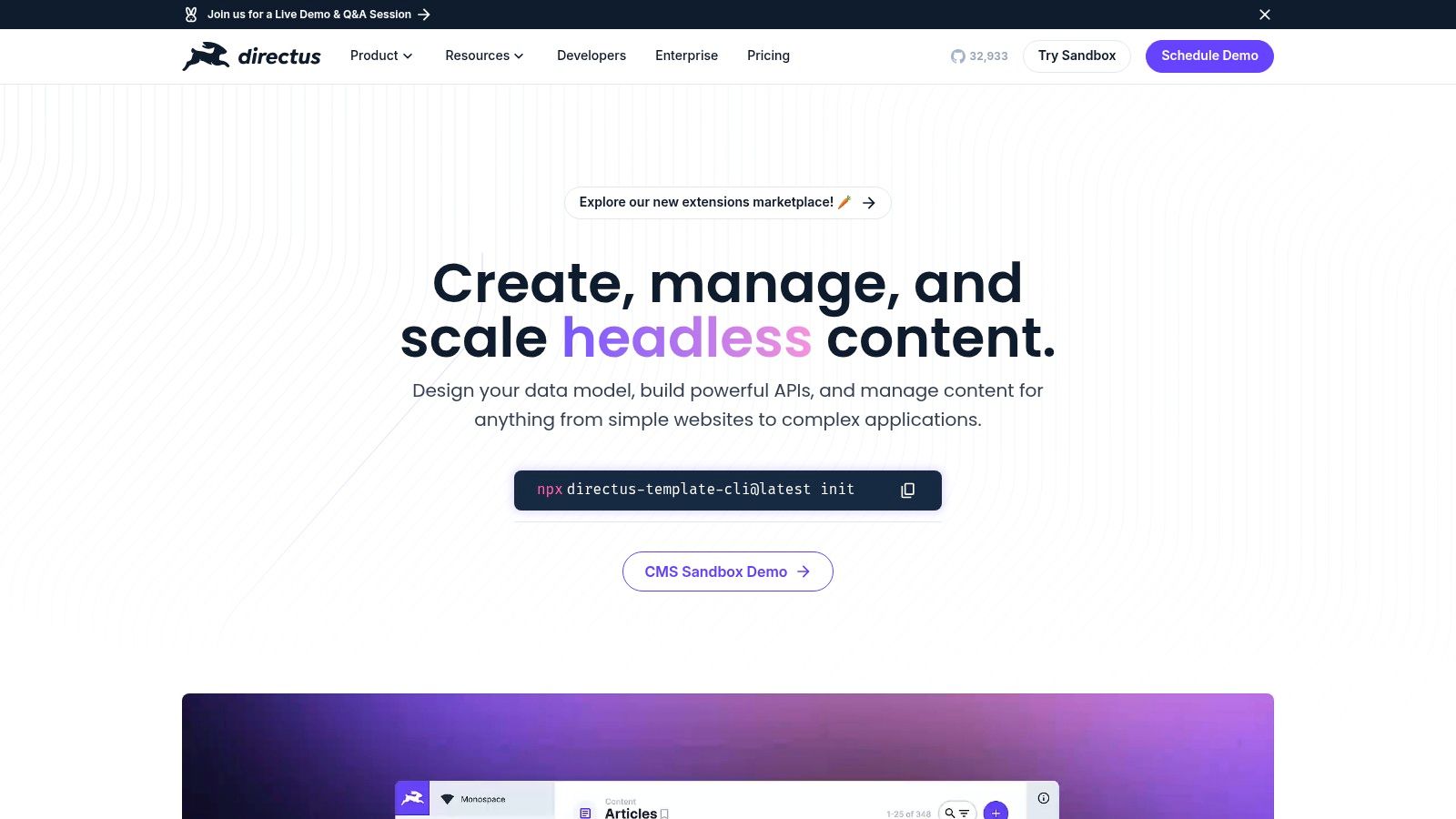
The platform introspects your database to instantly generate REST and GraphQL APIs, along with a no-code Data Studio for content and data management. It is source-available under the BSL 1.1 license, which allows free self-hosting for entities with less than $5 million in total finances. For managed hosting, Directus Cloud offers a transparent, usage-based pricing model with global deployment options, making it accessible for projects of all sizes.
Key Considerations for Directus
Directus is exceptionally powerful for projects that need to manage more than just website content, acting as a flexible backend for any data-driven application. The BSL 1.1 license is business-friendly for most but isn't OSI-approved, which may require legal review in some enterprise environments. Organizations exceeding the financial threshold must purchase a commercial license for self-hosting.
Pros:
- Database Introspection: Point-and-click admin that works directly on your SQL database without altering the schema.
- Fair Licensing: Free self-hosting for most small to medium-sized businesses and individuals.
- Transparent Cloud Pricing: The managed cloud service has straightforward pricing and global availability.
Cons:
- BSL 1.1 License: Not a pure open-source license, which could be a hurdle for some enterprises.
- Commercial License Requirement: Larger organizations (>$5M finances) must pay for a license to self-host.
You can dive deeper into its capabilities by reading this detailed guide to learn more about Directus and its architecture.
Website: https://directus.io
4. Payload CMS
Payload CMS is a code-first, headless CMS open-source platform built entirely in TypeScript, targeting developers who prioritize flexibility and direct code-level control. It leverages Node.js and offers a modern stack that integrates seamlessly with databases like MongoDB and PostgreSQL. Instead of a graphical user interface for building content models, Payload defines its schema directly in code, providing unparalleled developer ergonomics and version control capabilities for content structures.
The platform's core is fully open-source and free for self-hosting, giving teams complete authority over their infrastructure and data. Payload also provides a managed cloud service with a generous free "Personal" tier for individual developers, which includes a database and file storage, making it easy to get started. This code-centric approach, combined with its powerful GraphQL and REST APIs, positions Payload as a strong contender for developers building complex, bespoke applications.
Key Considerations for Payload CMS
Payload's primary strength is its developer-first philosophy, which treats configuration as code. This allows for powerful customization, type safety with TypeScript, and easy integration into modern CI/CD pipelines. While the community is growing rapidly, its ecosystem of plugins and integrations is smaller than more established platforms like Strapi.
Pros:
- Strong Developer Ergonomics: The code-first, TypeScript-based approach provides excellent type safety and version control for schemas.
- Generous Free Plan: The free "Personal" cloud tier is highly capable for solo developers and small projects.
- Flexible Hosting: Offers complete freedom with self-hosting or a convenient, managed cloud solution.
Cons:
- Smaller Ecosystem: Has fewer pre-built plugins and community resources compared to larger competitors.
- Evolving Cloud Features: The managed cloud offering is newer, and its pricing and feature set may evolve.
Website: https://payloadcms.com
5. KeystoneJS
KeystoneJS presents a unique, developer-first approach to building a headless CMS open-source platform. As a Node.js framework, it distinguishes itself by allowing developers to define their content schema entirely in code using TypeScript. This code-first methodology automatically generates a powerful GraphQL API and a clean, functional Admin UI, providing an elegant and streamlined development experience.
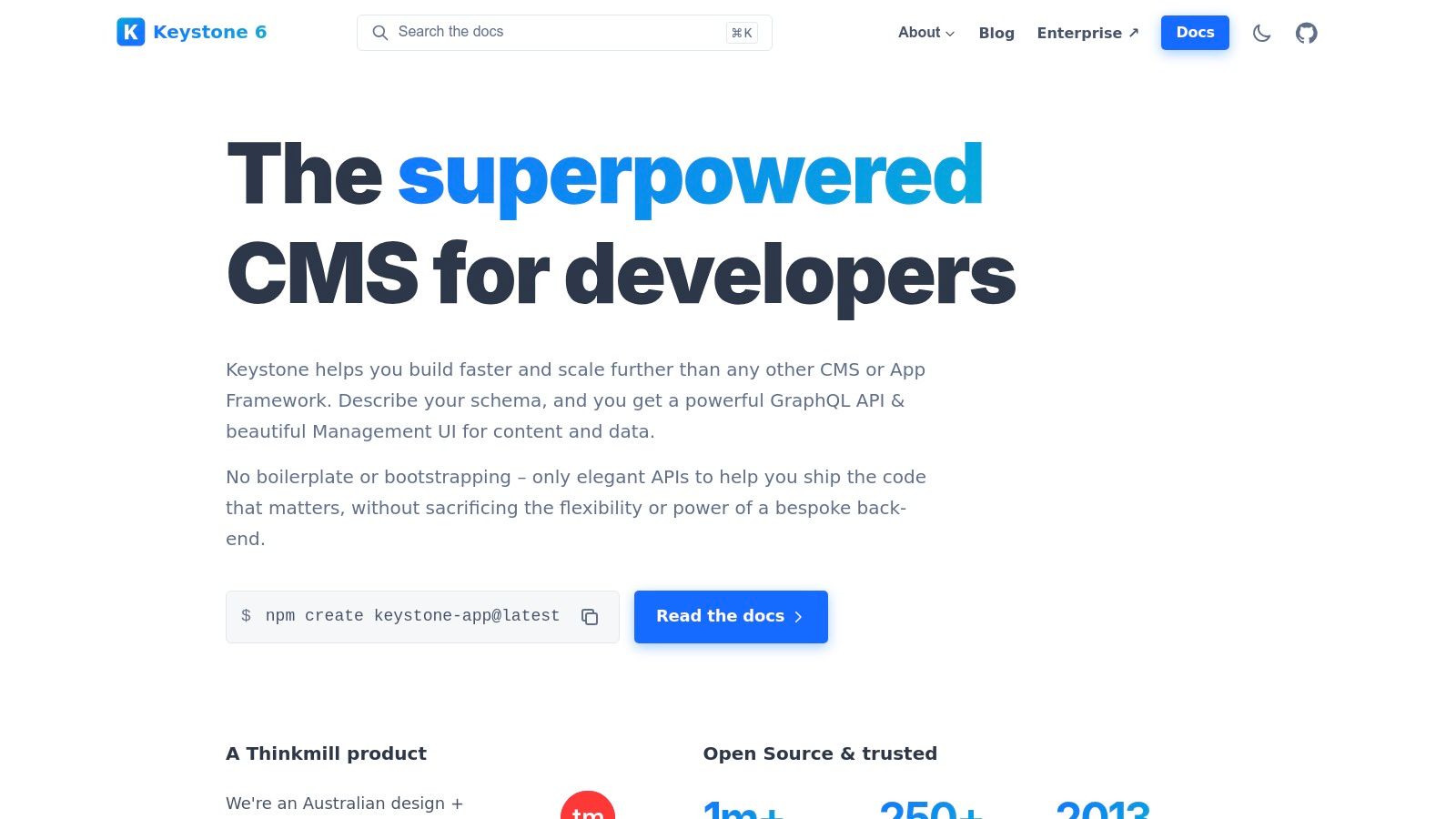
The platform is completely open-source and self-hosted, giving teams total control over their data, infrastructure, and deployment environment. By leveraging Prisma for database migrations and offering granular access control hooks, KeystoneJS is ideal for projects that demand high levels of customization and business logic integration directly within the CMS layer. Its GraphQL-first nature eliminates boilerplate and accelerates the creation of robust, type-safe backends.
Key Considerations for KeystoneJS
KeystoneJS is best suited for development teams comfortable with a code-centric workflow who want maximum flexibility. The lack of an official SaaS offering means you are responsible for deployment and maintenance, but this also provides the freedom to host on any infrastructure. Its power lies in its unopinionated structure, allowing developers to build exactly what they need without fighting against a rigid system.
Pros:
- Developer-Centric: A code-first approach with TypeScript support provides an excellent developer experience and type safety.
- GraphQL-First: Automatically generates a robust GraphQL CRUD API from your schema, minimizing boilerplate code.
- Flexible and Lightweight: Offers a mature, unopinionated framework that can be deployed anywhere without vendor lock-in.
Cons:
- No Official SaaS: Requires self-hosting and management, which may be a barrier for teams without DevOps resources.
- Smaller Plugin Ecosystem: Has fewer pre-built plugins compared to larger platforms like WordPress or Strapi.
Website: https://keystonejs.com
6. Decap CMS (formerly Netlify CMS)
Decap CMS, formerly known as Netlify CMS, stands out as a Git-based headless CMS open-source solution tailored for static site generators and the Jamstack architecture. It operates differently from database-driven systems by committing content changes directly to your Git repository (like GitHub or GitLab). This approach provides a clear version history for all content and keeps it alongside your codebase. Its user-friendly editor UI is designed for non-technical users, allowing them to manage content without interacting with Git directly.
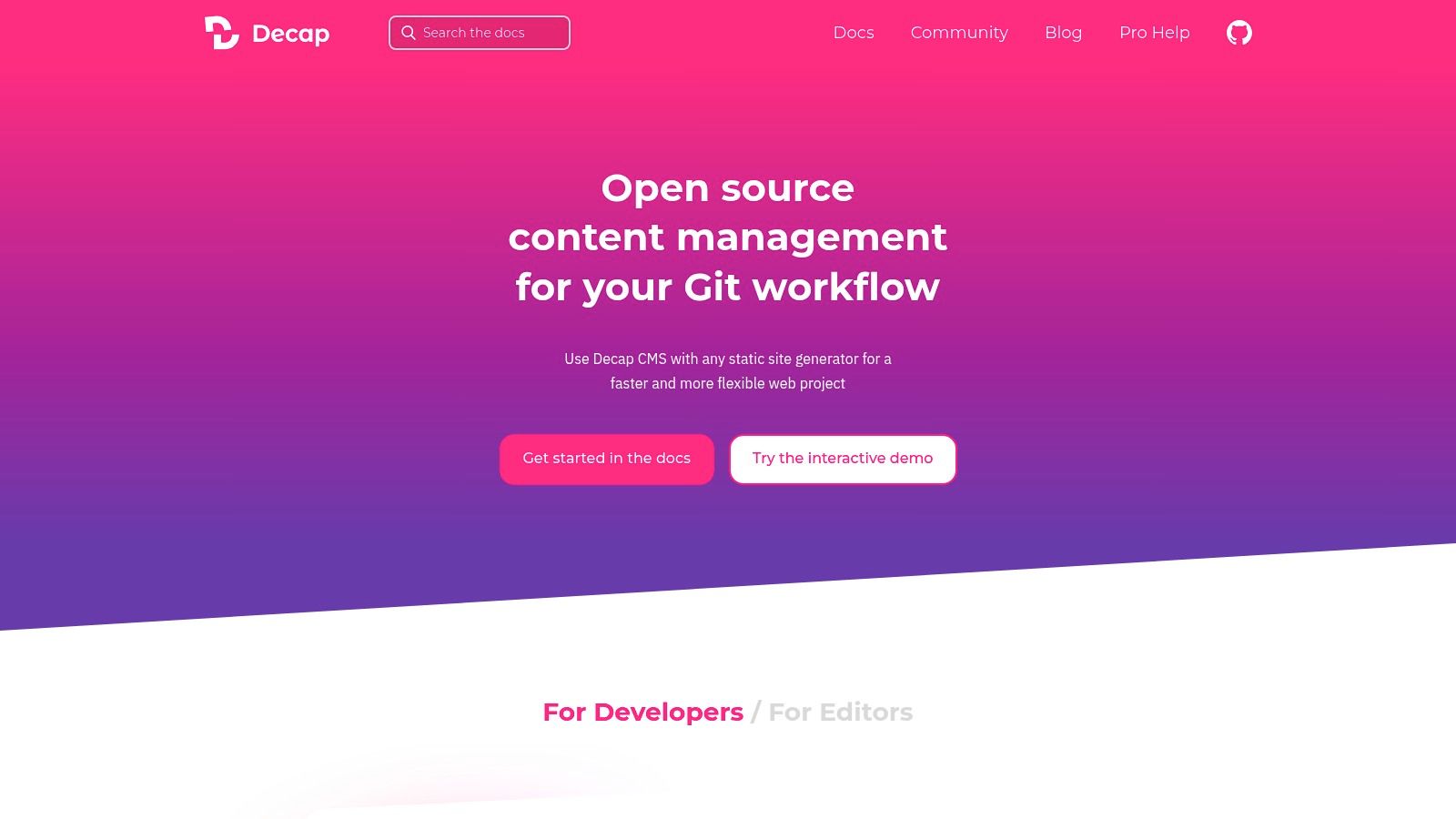
The platform is a single-page React application that you add to your site's static files. Since it's completely client-side and open-source, the core software is entirely free to use and can be hosted with any static hosting provider. This makes it an exceptionally cost-effective choice for projects where content updates trigger automated builds. The tight integration with Git workflows appeals to developers who want to maintain a single source of truth for both code and content.
Key Considerations for Decap CMS
Decap CMS excels in its simplicity and direct integration with modern development workflows. It essentially acts as a user-friendly interface on top of a Git repository, making it ideal for blogs, documentation sites, and simple marketing websites. Because there is no official hosted service or database to manage, the responsibility for authentication and media handling falls on the developer, often using services like Netlify Identity and Cloudinary.
Pros:
- Zero-Cost Software: The open-source core is completely free, with costs only related to hosting your Git repository and static site.
- Strong Jamstack Fit: Its Git-based nature is perfect for static site generators and automated deployment pipelines.
- Simple Implementation: It can be added as a single admin app to any static site, making setup straightforward for developers.
Cons:
- Limited for Complex Teams: The Git-based workflow may not be suitable for large editorial teams with complex approval processes.
- No Official SaaS: It functions as a client-side UI over Git, meaning there's no official managed hosting or backend-as-a-service.
Website: https://decapcms.org
7. TinaCMS
TinaCMS distinguishes itself as a headless CMS open-source solution deeply integrated with Git-based workflows, particularly for modern React frameworks like Next.js. It offers a unique visual editing experience, allowing content creators to edit Markdown and MDX content directly on the live site. This real-time, in-context editing blurs the line between a traditional CMS and the underlying code, providing a powerful and intuitive workflow.
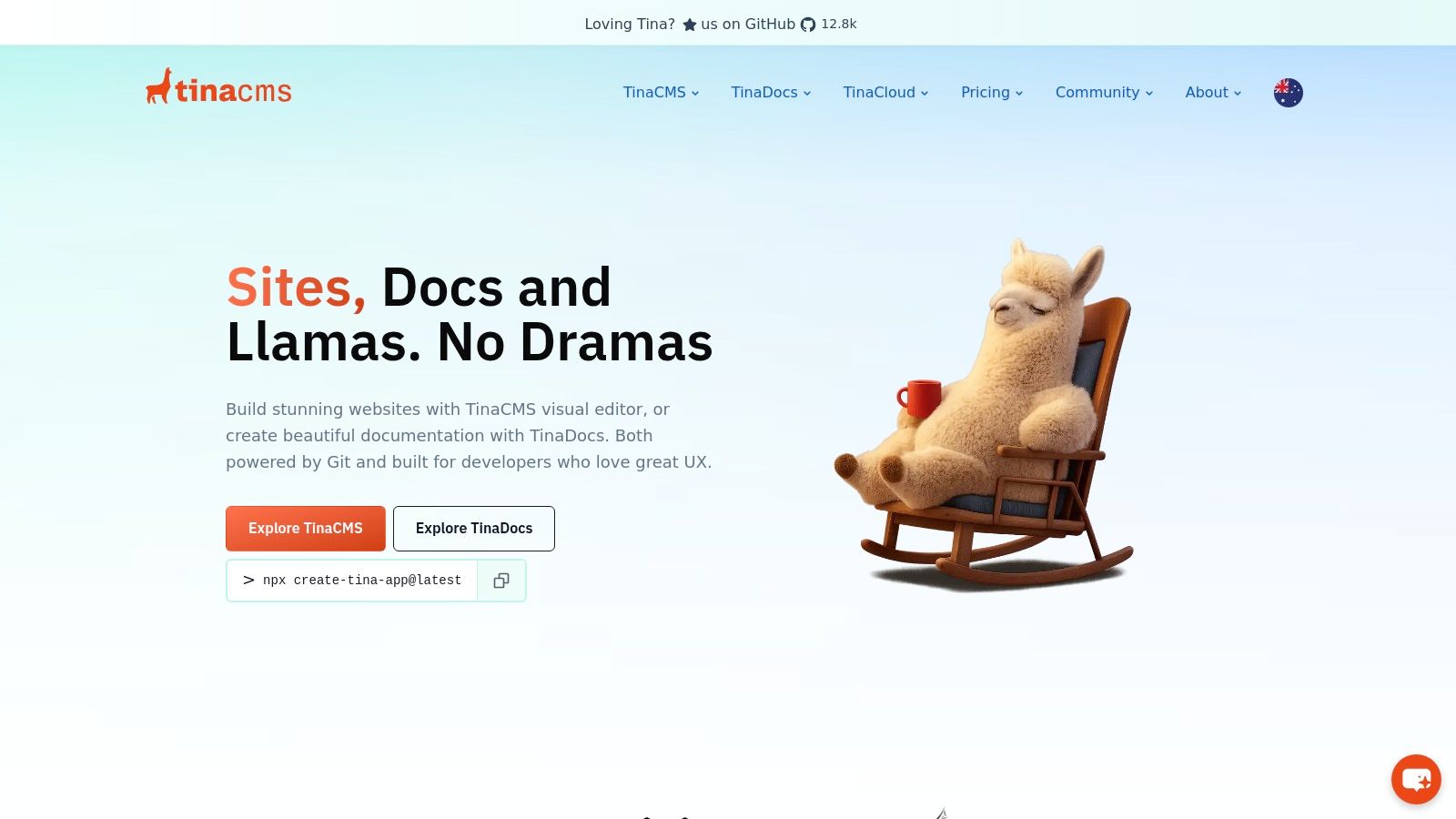
The core of TinaCMS is open-source and can be self-hosted, giving developers complete control over their content which lives alongside their code in a Git repository. To enhance this, Tina Cloud provides a managed service layer that handles authentication, media management, user roles, and a GraphQL content API. This hybrid approach offers a free tier for small teams and clear subscription plans for scaling projects, making it accessible for both individual developers and growing businesses.
Key Considerations for TinaCMS
TinaCMS excels in environments where developers and content editors work closely together on Git-centric projects. Its tight coupling with React and Next.js delivers an unparalleled editing experience for these stacks, but this specialization means it is less of a general-purpose CMS compared to others. The reliance on Tina Cloud for advanced features like user management is a key factor when evaluating its fit for larger teams.
Pros:
- Visual In-site Editing: Provides a best-in-class live editing experience for content teams, reducing the abstraction between the CMS and the final site.
- Git-Based Workflow: Content is stored as code in Git, enabling version control, branching, and collaboration for both developers and editors.
- Optimized for React: Exceptional integration with React and Next.js makes it a go-to choice for developers building with these technologies.
Cons:
- Niche Focus: Primarily designed for Git and React-based workflows, making it less suitable for other technology stacks.
- Cloud Dependency for Features: Advanced user management, roles, and media hosting require a subscription to the Tina Cloud service.
For teams invested in the modern Jamstack, you can explore the official documentation to learn more about TinaCMS and its implementation.
Website: https://tina.io
8. ApostropheCMS
ApostropheCMS offers a unique hybrid approach in the headless CMS open-source landscape, bridging the gap between traditional website management and modern decoupled architectures. Built on Node.js, it provides developers with the flexibility of a headless system via RESTful APIs while empowering content editors with intuitive in-context, on-page editing. This dual capability makes it an ideal solution for teams that require API-driven content delivery without sacrificing a visual editing experience.
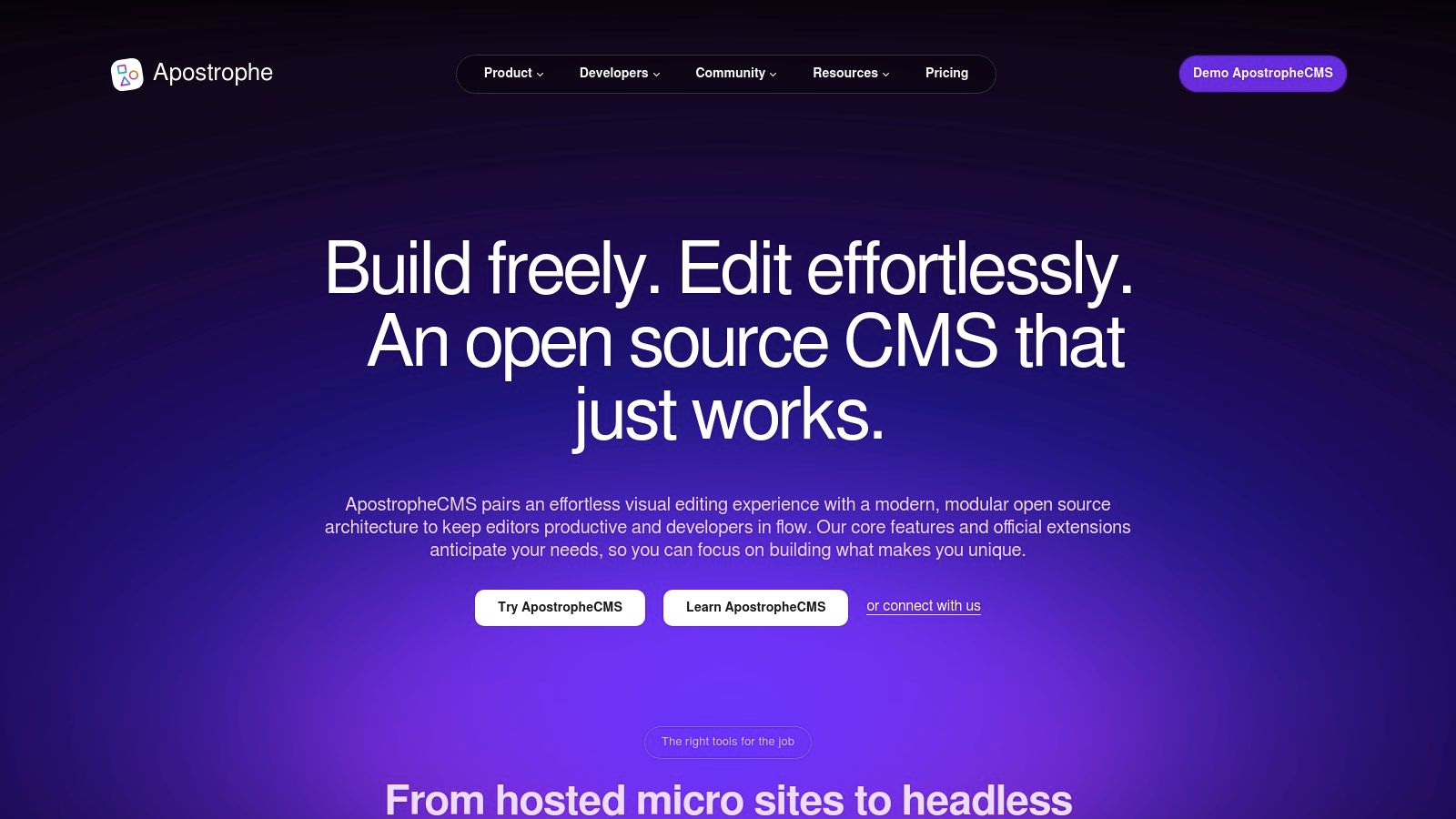
The core platform is open-source and available for self-hosting, giving developers complete control over their infrastructure and data. For teams seeking a managed solution, ApostropheCMS provides paid hosting plans that handle deployment, maintenance, and scaling. This flexibility, combined with starter kits for modern frameworks like Astro, allows for rapid development of both traditional and headless projects, catering to diverse technical requirements and team structures.
Key Considerations for ApostropheCMS
ApostropheCMS stands out by prioritizing the content creator's workflow with its powerful visual editor, a feature not always central to API-first platforms. The reliance on MongoDB as its database is a key technical consideration that may influence its suitability depending on a team's existing stack or preferences. While the open-source version is feature-rich, enterprise-grade functionalities and dedicated support are reserved for its commercial offerings.
Pros:
- Hybrid Functionality: Combines powerful in-context visual editing with robust headless API capabilities.
- Developer-Friendly: Built on a modern Node.js stack with integrations and starter kits for frameworks like Astro.
- Flexible Hosting: Provides a free self-hosting option alongside scalable, managed cloud solutions.
Cons:
- MongoDB Dependency: Its requirement for MongoDB may not align with all technology stacks or preferences.
- Paid Advanced Features: Key enterprise features and premium support are part of paid plans.
Website: https://apostrophecms.com
9. Ghost
Ghost has carved out a unique niche as a headless CMS open-source platform specifically designed for professional publishing. Originally conceived as a streamlined alternative to WordPress, it excels at powering modern blogs, newsletters, and membership sites. It offers a powerful content API that allows developers to pull content into any front-end framework, while providing content creators with a clean, distraction-free writing interface.
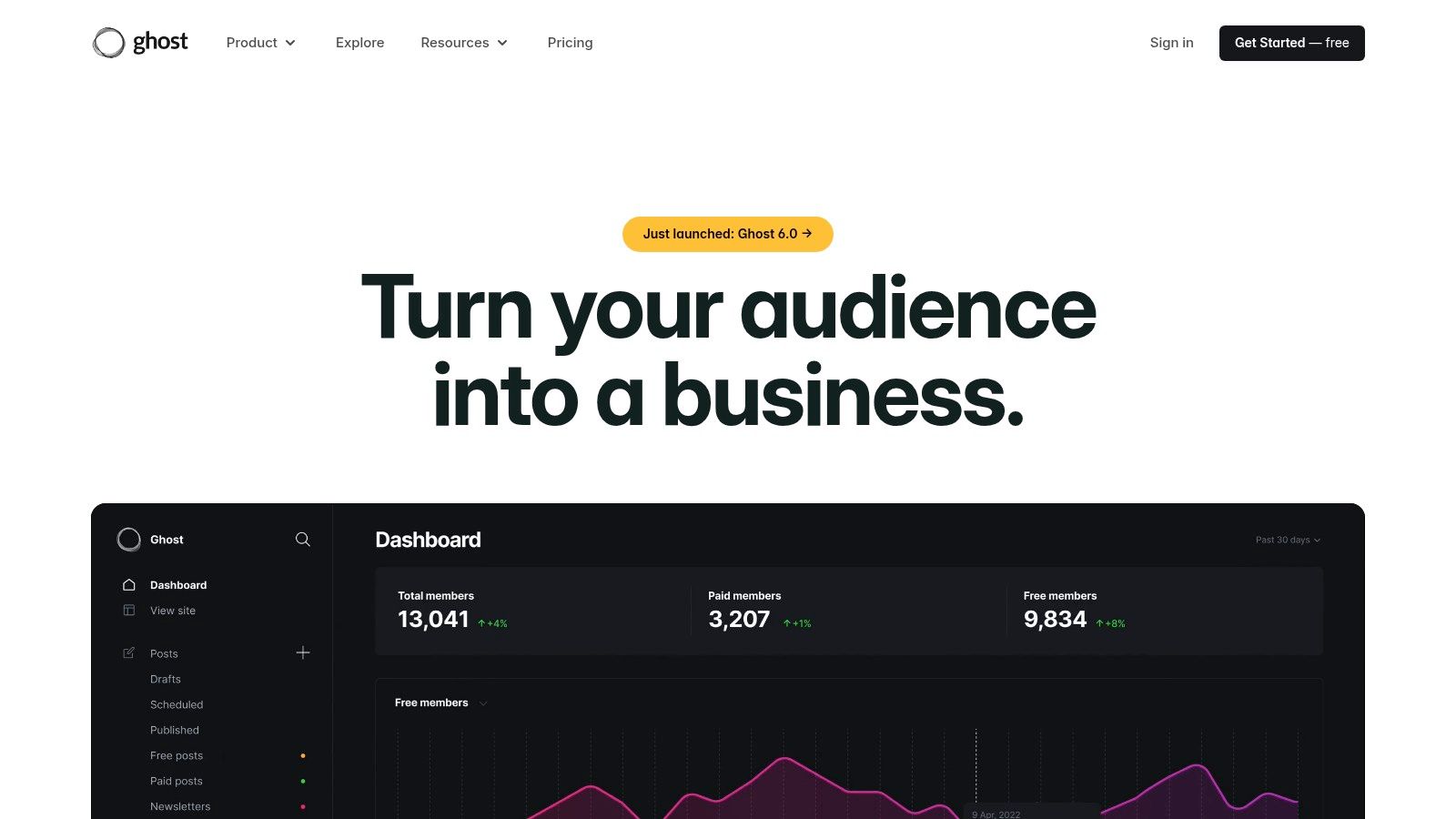
The platform is fully open-source and available for self-hosting at no cost, giving teams complete control over their infrastructure. For those who prefer a managed solution, Ghost(Pro) offers a premium hosting service that handles setup, maintenance, and scaling. This dual-model makes Ghost accessible for individual creators and scalable for large media organizations looking to build custom publication experiences without managing complex back-end systems.
Key Considerations for Ghost
Ghost’s primary strength is its tight integration of content creation with audience-building tools. Native features for memberships, email newsletters, and premium subscriptions are built directly into the core, a significant advantage over general-purpose CMS platforms that require third-party plugins. However, its opinionated data model is optimized for posts and pages, making it less suitable for projects requiring highly complex or varied content structures, such as e-commerce product catalogs.
Pros:
- Excellent Writing Experience: A clean, Markdown-based editor provides a superior user interface for writers and editors.
- Built-in Membership Tools: Native support for newsletters, paid subscriptions, and member management simplifies monetization.
- Optimized for Publishing: Perfectly tailored for headless blogs, online magazines, and newsrooms with a focus on performance.
Cons:
- Limited Data Modeling: Not designed for complex, non-publication content structures, unlike more general-purpose CMSs.
- Niche Focus: Advanced integrations or custom functionalities beyond its core publishing scope may require significant development effort.
To see how it compares to other platforms for publication-focused projects, you can learn more about Ghost and its unique feature set.
Website: https://ghost.org
10. Drupal (Decoupled/Headless)
Drupal has evolved from a traditional monolithic CMS into a powerful headless cms open-source contender. Renowned for its enterprise-grade architecture and scalability, Drupal's headless capabilities are built directly into its core through the JSON:API module. This allows developers to expose any content entity as a robust API, making it an excellent backend for complex applications requiring structured, multilingual content.
The platform is entirely free and self-hosted, granting organizations complete control over their data and infrastructure. Its strength lies in its extensive ecosystem of contributed modules, which can add features like GraphQL support, advanced access control, and sophisticated content workflows. This makes Drupal a go-to choice for large-scale digital experiences, government websites, and higher education portals that demand security, flexibility, and long-term stability.
Key Considerations for Drupal (Decoupled/Headless)
Decoupled Drupal is best suited for teams with existing PHP expertise and DevOps capabilities, as its setup and maintenance are more involved than lighter, API-first solutions. Its comprehensive content modeling, multilingual features, and granular permissions system are unparalleled for complex projects. However, the learning curve can be steep for developers new to the Drupal ecosystem.
Pros:
- Highly Extensible: A massive ecosystem of modules allows for deep customization to fit complex, large-scale use cases.
- Enterprise-Ready: Built-in support for intricate workflows, multilingual content, and robust security makes it ideal for enterprise applications.
- Strong Community: Benefits from decades of development, extensive documentation, and a stable long-term maintenance cycle.
Cons:
- Steep Learning Curve: The initial setup and development process are heavier and more complex than most modern headless platforms.
- Resource Intensive: Typically requires professional hosting and dedicated DevOps support for optimal performance and security.
For a comprehensive breakdown, you can learn more about Drupal and its headless architecture.
Website: https://www.drupal.org
11. WordPress (Headless)
While globally recognized as a traditional monolithic CMS, WordPress has evolved into a formidable headless CMS open-source option. Leveraging its built-in REST API, developers can decouple its famously intuitive content management backend from any modern frontend framework, like React, Vue, or Svelte. This approach combines the familiarity of the WordPress editor with the performance and flexibility of a Jamstack architecture.
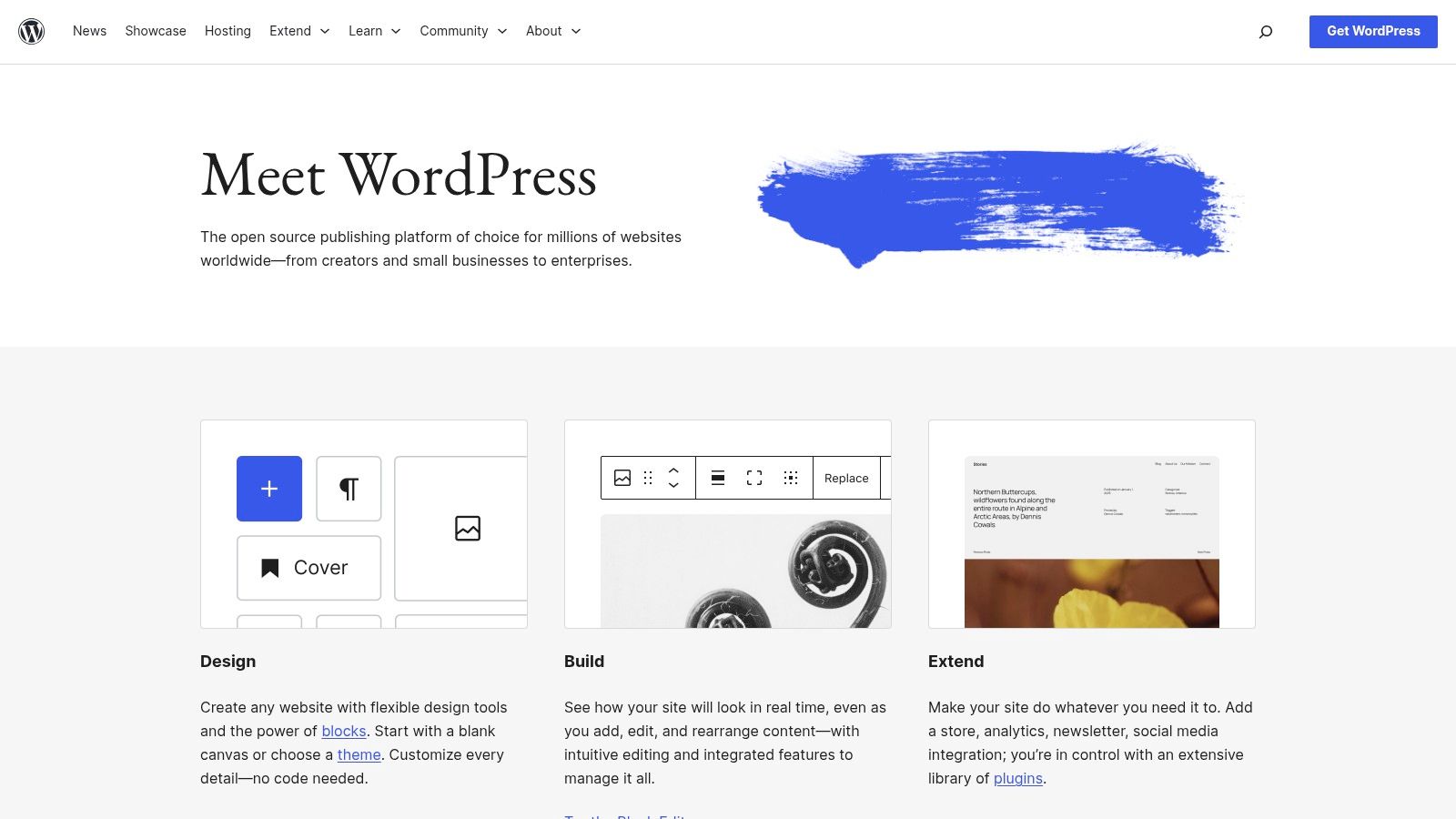
The platform’s greatest strength is its unparalleled ecosystem. Millions of developers and content creators are already proficient with its interface, significantly reducing training time. The vast library of plugins can extend its API capabilities, although care must be taken to ensure compatibility and security in a headless setup. Numerous starter kits and dedicated hosting solutions for headless WordPress further simplify the transition for development teams.
Key Considerations for WordPress (Headless)
Opting for a headless WordPress setup allows organizations to retain a best-in-class authoring experience while modernizing their tech stack. However, it introduces a layer of complexity not present in traditional WordPress theming. Performance and security become heavily dependent on the quality of the frontend implementation, API security measures, and hosting environment.
Pros:
- Familiar Authoring Interface: Content teams can use the well-known WordPress editor, minimizing the learning curve.
- Massive Ecosystem: A vast community provides extensive documentation, plugins, and a large talent pool for hiring.
- Flexible Hosting: Compatible with a wide array of hosting solutions, from shared hosting to specialized headless platforms.
Cons:
- Added Complexity: Decoupling the frontend requires more development effort compared to a standard theme-based site.
- Performance Overhead: The REST API can be slower than more modern solutions without optimization and proper caching.
Website: https://wordpress.org
12. Umbraco
Umbraco is a prominent headless CMS open-source solution built on the Microsoft .NET framework, making it a natural choice for development teams invested in that ecosystem. It offers a powerful and flexible content management experience, blending traditional CMS capabilities with modern headless architecture. The core open-source product is free to self-host and includes built-in delivery APIs for headless implementations.
The platform provides a clear and scalable path for growth with its commercial offerings. Umbraco Cloud offers managed hosting on Azure with deployment tooling and support, while Umbraco Heartcore is its dedicated headless SaaS product. Heartcore extends the core CMS with a managed GraphQL API, automatic CDN integration, and advanced webhooks, catering to enterprises that need a fully managed, high-performance headless solution without infrastructure overhead.
Key Considerations for Umbraco
Umbraco's key differentiator is its deep integration with the Microsoft stack, offering a familiar environment for .NET developers. The user-friendly backoffice makes content modeling and management intuitive for non-technical users. While the core CMS is free, accessing the more advanced headless features like GraphQL and a managed infrastructure requires subscribing to its paid Heartcore or Cloud plans.
Pros:
- Strong .NET Integration: An ideal choice for development teams already working with C#, ASP.NET, and the Microsoft ecosystem.
- Flexible Deployment: Provides a spectrum of options from free self-hosting to managed cloud services and a dedicated headless SaaS.
- User-Friendly Interface: The admin panel is highly regarded for its clean design and ease of use for content editors.
Cons:
- Paid Advanced Features: Key headless functionalities like GraphQL are gated behind its premium Heartcore offering.
- Smaller Plugin Ecosystem: Its open-source marketplace is less extensive compared to PHP-based giants like WordPress or Drupal.
Website: https://umbraco.com
Open-Source Headless CMS Comparison
| CMS | Core Features / Architecture | User Experience ★ | Value Proposition 💰 | Target Audience 👥 | Unique Selling Points ✨ | Price Points 💰 |
|---|---|---|---|---|---|---|
| Strapi | Open-source, headless, REST & GraphQL APIs | ★★★★☆ Developer-friendly | Full control, extensible plugins | Developers, Teams | Customizable admin, role-based access 🏆 | Free self-host + paid Cloud tiers 💰 |
| Directus | SQL DB to headless CMS, REST/GraphQL | ★★★☆☆ Visual admin UI | Free self-host for <$5M finances | SMEs, Data-driven projects | Instant API on any SQL DB ✨ | Free self-host; paid cloud plans 💰 |
| Payload CMS | Code-first, TS-based, REST/GraphQL | ★★★★☆ Strong developer UX | Generous free tier for individuals | Solo devs & teams | One-click deploy, multiple DB support ✨ | Free Personal + paid plans 💰 |
| KeystoneJS | Node.js headless, GraphQL auto-generated API | ★★★★☆ Lightweight & flexible | Developer-centric, mature | Developers | Prisma integration, minimal boilerplate ✨ | Free open-source 💰 |
| Decap CMS | Git-based, static site optimized | ★★★☆☆ Simple editor UI | Zero cost, Jamstack friendly | Non-technical editors | Git integration, easy static site use ✨ | Free open-source 💰 |
| TinaCMS | Git-backed, visual in-site editing | ★★★★☆ React optimized | Clear free & paid subscription | React/Next.js users | Visual editing + Tina Cloud features ✨ | Free + subscription plans 💰 |
| ApostropheCMS | Hybrid/headless, visual editing + REST APIs | ★★★☆☆ Balanced UX | On-page editing + API flexibility | Content teams | In-context editing, Astro starter kits ✨ | Free self-host + paid plans 💰 |
| Ghost | Headless blog-focused, membership tools | ★★★★☆ Excellent writing | Tailored for blogs/newsletters | Bloggers, publishers | Integrated memberships & newsletters ✨ | Free self-host + Ghost(Pro) subscriptions 💰 |
| Drupal | Enterprise CMS, JSON:API, modular & scalable | ★★★☆☆ Powerful but complex | Enterprise-grade extensibility | Enterprises, large projects | Multilingual, large ecosystem 🏆 | Free open-source; hosting varies 💰 |
| WordPress | Classic + headless, REST API, huge ecosystem | ★★★★☆ Familiar interface | Massive community + plugins | All user levels | Wide hosting, many themes/plugins 🏆 | Free open-source; paid hosting/plugins 💰 |
| Umbraco | .NET CMS, delivery APIs, cloud & SaaS options | ★★★☆☆ Microsoft-stack UX | Strong .NET integration | .NET dev teams | Umbraco Heartcore SaaS, cloud SLAs ✨ | Free + commercial cloud/SaaS tiers 💰 |
Final Thoughts
Navigating the landscape of open-source headless CMS platforms reveals a rich ecosystem brimming with diverse solutions, each tailored to different architectural philosophies, developer preferences, and business objectives. As we've explored, the journey from traditional, monolithic systems to a decoupled architecture is not just a technical shift; it's a strategic move towards greater flexibility, scalability, and future-proofing your digital presence. The core takeaway is that there is no single "best" headless cms open-source solution, only the one that best aligns with your project's specific constraints and ambitions.
The tools we've analyzed, from the developer-centric power of Strapi and Payload CMS to the Git-based simplicity of Decap CMS and TinaCMS, illustrate a spectrum of possibilities. Your final decision hinges on a careful evaluation of your team's skillset, your content modeling complexity, and your long-term scalability needs.
Key Takeaways and Decision-Making Framework
To distill our comprehensive review into actionable guidance, consider these pivotal questions before committing to a platform:
- Who are the primary users? If your team is composed of non-technical content editors, a user-friendly interface like that offered by Directus or ApostropheCMS might be paramount. Conversely, if developers are the main operators, a code-first, highly configurable system like KeystoneJS or Payload CMS could be more efficient.
- What is your hosting and infrastructure strategy? Do you require a self-hosted solution for maximum control and data privacy, a hallmark of nearly every headless cms open-source tool? Or does your team prefer a managed or cloud-based option to offload infrastructure management, which many of these platforms also offer as a service?
- How complex are your data models? For intricate, highly relational content structures, a platform built around a database-first approach, like Directus, offers unparalleled flexibility. For simpler, document-based content, a file-based system might suffice and offer a more straightforward Git-based workflow.
- What is the primary programming language of your team? The dominance of JavaScript and TypeScript in this space is undeniable. Platforms like Strapi, KeystoneJS, and Payload CMS are built on Node.js, making them a natural fit for full-stack JavaScript development teams.
Implementing Your Chosen Headless CMS
Once you've selected a tool, the implementation phase is critical. Remember that a headless architecture separates the content backend from the presentation layer. This means the performance and user experience are now squarely in the hands of your frontend application. A fast, API-driven backend is only half the battle. While a headless CMS excels at content delivery, the overall user experience heavily relies on the frontend application. It's crucial to always aim to improve website performance by optimizing asset delivery, employing modern frameworks, and leveraging techniques like server-side rendering (SSR) or static site generation (SSG).
Your implementation plan should account for:
- API Integration: Thoroughly understand the CMS's API (REST, GraphQL, or both) and plan how your frontend will fetch and render data.
- Authentication and Permissions: Define user roles and content access levels within the CMS to ensure content governance and security.
- Deployment and CI/CD: Establish a robust deployment pipeline for both the CMS and your frontend application(s) to automate updates and ensure stability.
- Content Migration: If moving from a traditional CMS, create a detailed plan for migrating existing content, which can often be a complex and time-consuming task.
The open-source nature of these platforms is their greatest strength. It grants you the freedom to innovate, customize, and build without vendor lock-in. By carefully weighing the factors discussed and choosing a headless cms open-source platform that complements your team and your vision, you are not just selecting a tool; you are architecting a more agile and powerful future for your digital content.