A Guide to CMS in Web Development
Explore how a CMS in web development streamlines building and managing websites. This guide covers core concepts, key features, and choosing the right platform.

Imagine your website is a newly built house. The web development process is like the architect and construction crew—they build the foundation, frame the walls, and install the electrical and plumbing systems. A Content Management System (CMS), on the other hand, is the key they hand you to move in. It lets you paint the walls, arrange the furniture, and hang pictures without needing to know anything about architecture or construction.
That's the core idea: a CMS is the technology that empowers you to add, edit, and publish your website's content dynamically.
What a CMS Means for Web Development
At its heart, a CMS creates a clean separation between your website’s content (the words, images, videos) and its presentation (the design, layout, and styling). This is what makes it such a game-changer.
Instead of a developer having to manually code every single sentence or image directly into the website's structure, a CMS stores all that information neatly in a database. Your site's theme or template then simply pulls that content and displays it exactly where it's supposed to go. This approach is what turns a static, hard-to-edit digital brochure into a living, breathing platform that you can update in minutes. To really get a handle on this, it helps to understand the foundational principles of website content management; a CMS is the software that brings those principles to life.
A CMS typically has two sides that work together:
- Content Management Application (CMA): This is the part you see and interact with. It's the user-friendly dashboard where you log in to write a blog post, upload a new photo gallery, or create a product page.
- Content Delivery Application (CDA): This is the engine working behind the scenes. It grabs the content you created in the CMA, merges it with your site's design templates, and serves up the finished webpage to your visitors.
The infographic below really brings this to life, showing how the CMS sits in the middle, giving you a central dashboard to control everything your audience sees.
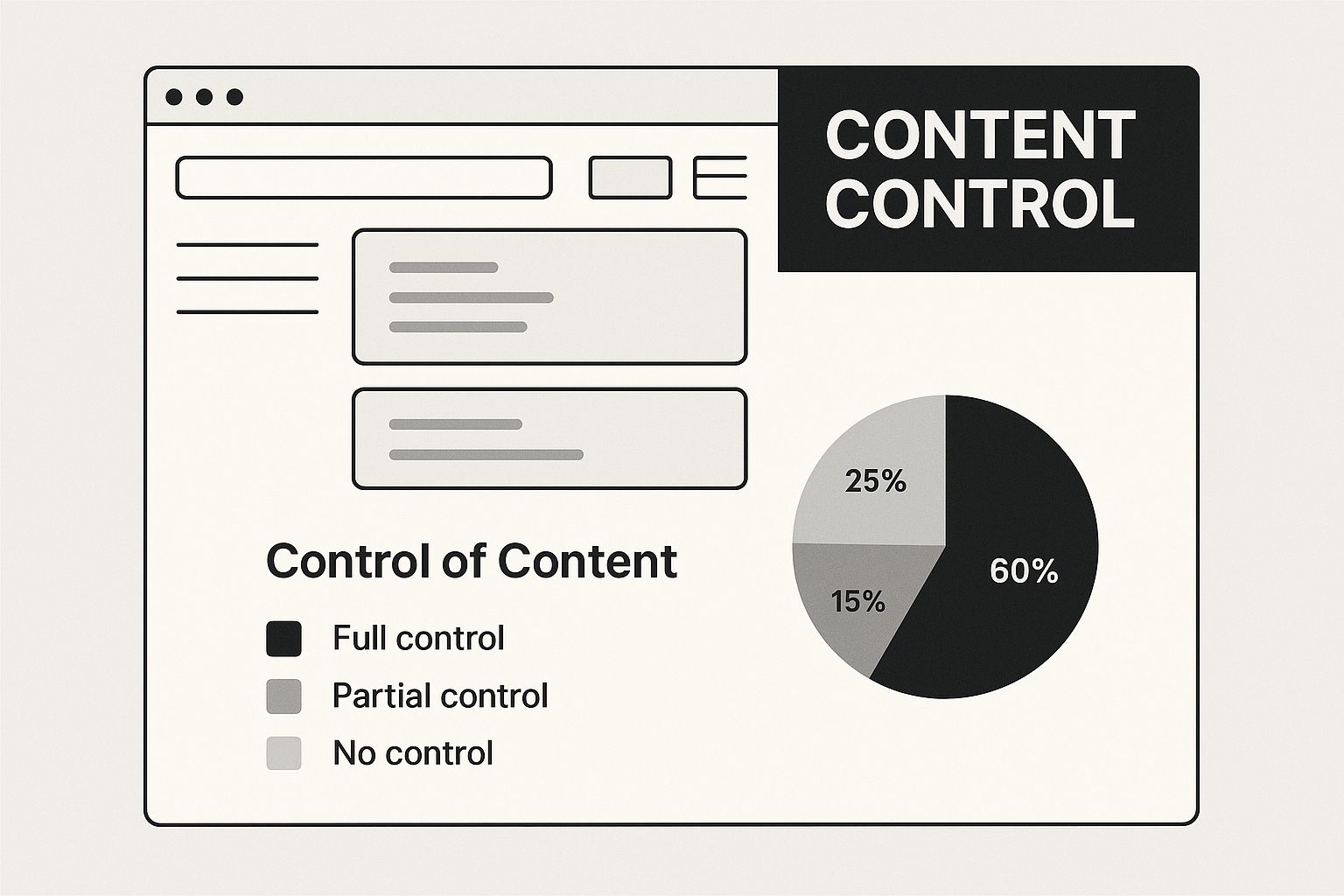
As you can see, the CMS acts as the crucial bridge between your ideas and the live website, completely simplifying the update process.
The Power of an Intuitive Interface
The best modern CMS platforms feature what are known as WYSIWYG ("What You See Is What You Get") editors. These interfaces let you format text, drag-and-drop images, and build out entire page layouts visually, without ever touching a line of code. It’s an empowering experience for content creators. If you want to dig a bit deeper into this, it's worth learning what a CMS really is to see just how much it streamlines website management.
The goal is to make content creation feel as natural as using a word processor. Take the WordPress block editor, for example—it's a perfect illustration of a modern, user-friendly CMS interface. It lets non-technical team members build surprisingly sophisticated pages just by adding and arranging different content blocks.
This shift toward accessibility is undeniable. Today, a staggering 68.7% of all websites use a CMS. The global CMS market is even projected to reach $123.5 billion by 2026. These numbers aren't just trivia; they're proof that a solid CMS is no longer a "nice-to-have" but an essential component of efficient, scalable web development.
How a Modern CMS Is Structured
To really get a handle on how a CMS fits into web development, we need to pop the hood and look at how these systems are built. It helps to think of it like a restaurant. In one model, the kitchen and the dining room are one and the same—a complete, self-contained experience. In another, you have a "ghost kitchen" that just focuses on making incredible food, which can then be delivered anywhere.
This analogy lines up perfectly with the two main ways a CMS is designed today: traditional (also called monolithic) and headless. They serve very different needs, and picking the right one comes down to what you're trying to build. Underneath it all, the CMS is typically built on a specific web development framework, which dictates the core rules and logic for how everything works.
The Traditional Monolithic Approach
A traditional CMS is that all-in-one restaurant. The backend (the "kitchen" where you create and manage content) and the frontend (the "dining room" that your visitors see) are bundled together into a single, tightly connected application.
Platforms like WordPress and Drupal are the most well-known examples of this model. When you write a blog post, the CMS saves it to a database, then uses its built-in themes and templates to generate the web page a visitor sees in their browser.
This integrated design is what makes traditional systems so user-friendly for standard websites. Everything you need, from content editors to design themes, is in one place. It creates a very direct path from writing content to hitting "publish."
For projects where the main goal is just a website, this approach is often the simplest and fastest way to get online.
The Flexible Headless Architecture
A headless CMS, on the other hand, is the ghost kitchen. It separates, or "decouples," the content management backend from any specific presentation layer or frontend. By removing the "head" (the website part), you're left with a pure content repository—the "body."
So how does the content get out? Through an Application Programming Interface (API). Developers can use this API to fetch content and display it on any platform they want: a custom-built website, a native mobile app, a digital kiosk, you name it.
This setup gives developers incredible freedom. Your content is managed in one place, but you can push it out to a dozen different channels, each with a completely different look and feel. If you're curious about the tools that make this possible, you can check out a collection of popular headless CMS platforms to see the variety out there.
To help clarify the differences, let's break down how these two architectures stack up against each other.
Comparing Traditional and Headless CMS Architectures
The choice between a traditional and a headless CMS really boils down to your specific project requirements, technical resources, and long-term goals.
| Feature | Traditional CMS (e.g., WordPress) | Headless CMS (e.g., Contentful) |
|---|---|---|
| Architecture | Tightly coupled: Backend and frontend are a single unit. | Decoupled: Backend (content) is separate from the frontend (presentation). |
| Content Delivery | Delivers HTML pages to web browsers through built-in templates. | Delivers raw content via an API to any device or channel. |
| Flexibility | Limited to the provided themes and plugins. Customization can be complex. | Extremely flexible. Developers can use any frontend technology they prefer. |
| Best Use Case | Standard websites, blogs, and small business sites where simplicity is key. | Multi-channel experiences, mobile apps, IoT devices, and complex web applications. |
| Developer Experience | Can be restrictive for developers wanting to use modern tools. | Empowers developers with freedom and control over the tech stack. |
| User-Friendliness | Generally very easy for non-technical users to manage content and site appearance. | The content management interface is user-friendly, but requires developers to build the frontend. |
Ultimately, there's no single "best" choice. A traditional CMS offers a fantastic, integrated solution that’s perfect for the vast majority of websites. But for brands building ambitious, multi-platform digital experiences, a headless CMS provides the scalable and future-proof foundation they need.
What to Look For: The Must-Have Features of a Powerful CMS
Choosing a CMS can feel overwhelming. You're hit with a wall of technical jargon and slick marketing promises. So, how do you cut through the noise?
Focus on the core features that actually matter for your daily workflow, security, and future growth. A great CMS isn't just about what you can build today; it's about giving your team the power to create and adapt tomorrow without constantly needing a developer's help.
The single most critical feature is an intuitive content editor. Let's be honest, this is where your team will live and breathe. A modern, block-based editor—like the one popularized by WordPress—is the gold standard. It lets your creators build beautiful, complex layouts by simply adding and arranging "blocks" of text, images, and videos. No code required.
This isn't just a nice-to-have; it's a massive productivity booster. Imagine your marketing team spinning up a new landing page in an afternoon, all on their own. That’s the kind of speed and efficiency that moves the needle.
Securing and Scaling Your Content Operations
As your team expands, you can't have everyone with the keys to the kingdom. This is where granular user roles and permissions become absolutely essential. A solid CMS lets an administrator meticulously define who can do what.
For instance, a writer might only have the ability to create and edit drafts. An editor, on the other hand, can approve and publish those drafts. This simple hierarchy is fundamental for maintaining quality control and preventing someone from accidentally breaking a critical page.
Most systems offer a few standard roles out of the box:
- Administrator: Total control. They can access all settings, content, and user accounts.
- Editor: Can publish and manage posts, including those written by others.
- Author: Can write, edit, and publish their own posts.
- Contributor: Can write and edit their own posts but can't publish them. They submit their work for review.
Tools for Getting Found and Staying Connected
A beautiful website that nobody can find is just a digital paperweight. That’s why built-in SEO tools are non-negotiable.
At a bare minimum, your CMS must give you easy control over page titles, meta descriptions, URL slugs, and image alt text. The better systems take it a step further, offering automatic sitemap generation and tools for managing canonical tags, which helps search engines understand your site's structure without confusion.
Beyond just search, a modern CMS has to play well with others. It needs to connect to the other tools you rely on every day. This is where API access comes in. Think of an API (Application Programming Interface) as a universal translator that lets your CMS "talk" to other software, like your CRM, email platform, or analytics tools.
This ability to integrate is the backbone of a truly efficient operation. Many platforms, especially the new wave of no-code CMS solutions, are built from the ground up to make these connections simple and powerful.
Ultimately, the right feature set strikes a delicate balance between power and simplicity. It should empower non-technical users to manage content with confidence while giving developers the flexibility to build custom solutions and tie it all together.
A Look at Leading CMS Platforms
Choosing a CMS can feel a lot like buying a car. You wouldn't pick a two-seater sports car for a family of five, and you wouldn’t commute in a freight truck. The right choice depends entirely on what you need to do. When we talk about CMS in web development, a few big names dominate the conversation, each with its own philosophy and ideal user.
Getting a feel for these major players is the first step in figuring out which platform aligns with your project's goals, technical skills, and budget. Let's break down some of the most popular options, from the undisputed market leader to heavy-duty enterprise systems and the new wave of headless platforms.
WordPress: The All-Purpose Powerhouse
When most people think of a CMS, they’re thinking of WordPress. It’s a giant in the space for a reason. As of 2025, it runs a staggering 43.6% of all websites on the internet, which gives it a 61.7% share of the CMS market. That kind of dominance comes from its open-source foundation, an incredibly intuitive interface, and a massive ecosystem of themes and plugins that can make it do almost anything. More stats are available in this in-depth analysis of CMS market share.
What started as a simple blogging tool has grown into a platform that can handle just about anything you throw at it—from a small business site to a massive e-commerce operation with its WooCommerce extension. Its true magic is its accessibility. Someone with zero coding knowledge can easily manage content, while developers have a bottomless well of community support and documentation to lean on. For a huge number of projects, WordPress is the default choice because it’s proven, reliable, and can grow with you. Our different CMS systems compared guide puts its role into a broader context.
Drupal: The Enterprise-Grade Solution
If WordPress is the reliable family sedan, then Drupal is the armored truck. It’s built for security, power, and scalability, making it the go-to for organizations that can't afford to compromise, like government agencies, major universities, and large global corporations. Drupal’s real strength is in handling complexity—sites with heavy traffic, custom data models, and strict permission requirements are where it truly shines.
Drupal's architecture is all about modularity and fine-grained control. It gives developers a rock-solid framework for building seriously sophisticated digital platforms, well beyond what a standard brochure site would ever need.
This look at the Drupal 10 interface shows a clean, no-nonsense environment designed for managing serious digital operations.
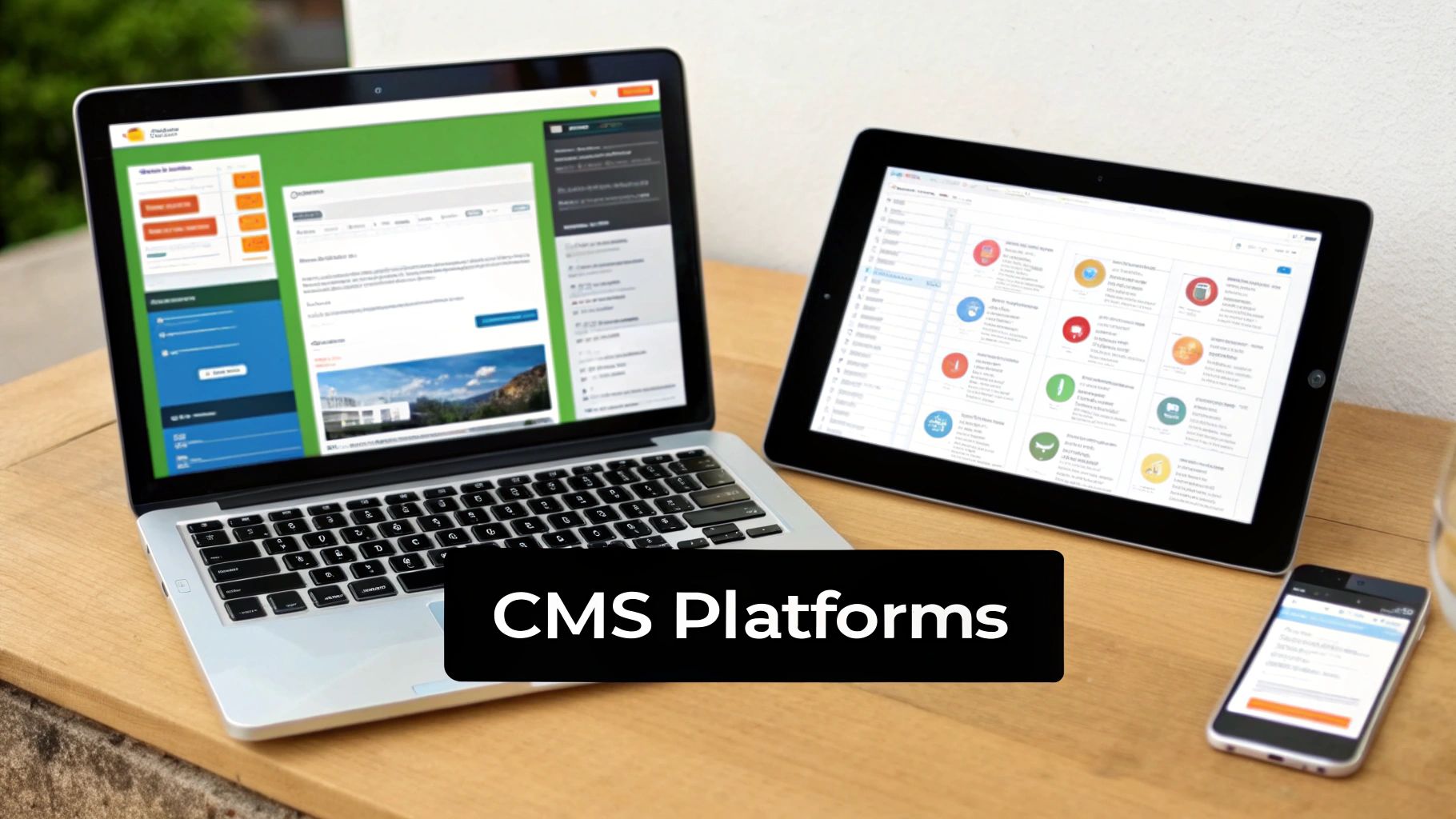
The dashboard is clearly laid out for administrators who need to wrangle complex user roles, custom content types, and system-wide configurations. That power, however, comes with a much steeper learning curve and generally requires developers with specialized experience to get the most out of it.
Modern Headless Platforms: Contentful and Strapi
The next evolution in content management is "headless." Platforms like Contentful and Strapi are changing the game by decoupling the content from the presentation layer. A traditional CMS, like WordPress, tightly bundles your content database (the backend) with your website (the frontend). A headless CMS, on the other hand, is just a pure content repository.
It serves up your content through an API, which means you can send it literally anywhere—a website built with modern JavaScript frameworks, a native mobile app, a smartwatch display, or even a digital sign in a store. This gives developers total freedom to use whatever frontend technology they want, creating faster and more unique user experiences.
- Contentful is a popular cloud-based (SaaS) headless CMS that offers a great authoring experience for content teams and robust APIs for developers.
- Strapi is the open-source, self-hosted option, giving you complete control over your code, data, and hosting environment.
These systems are perfect for any organization that sees content as a strategic asset that needs to be delivered seamlessly across many different channels, not just a single website.
How to Select the Right CMS
Picking the right CMS isn’t about chasing the longest feature list. It’s about finding the system that actually fits how your team works and what your business needs to accomplish. The most advanced platform on the market is worthless if your team finds it impossible to use, just as the simplest tool will hold you back if it can't scale with your vision.
The whole process really boils down to answering a few honest questions about your project. Nailing these answers is the single most important step you can take.
Evaluate Your Users and Goals
First up, think about who's going to be in the driver's seat every day. Are they marketers who live and breathe visual editors, or are they developers who are perfectly happy working with code and APIs? A clunky, overly technical interface will kill adoption among non-technical users, leaving a powerful tool to gather dust.
Next, you have to get real about your long-term goals.
- Scalability: Do you expect a massive spike in traffic or a huge increase in content down the road?
- Performance: Is lightning-fast page speed a non-negotiable for your business, like it is for e-commerce?
- Omnichannel Delivery: Do you need to get your content out to more than just a website—think mobile apps, digital kiosks, or smart devices?
Thinking through these points helps you figure out if a traditional, all-in-one CMS will do the trick or if you need the flexibility of a headless architecture. A local bakery’s website probably doesn’t need a headless setup, but a retail brand with a companion mobile app absolutely does.
Choosing a CMS is like choosing a vehicle. You need to know if you're driving across town or across the country. A system that’s perfect for a local blog will buckle under the pressure of a global enterprise with millions of monthly visitors.
Analyze Budget and Technical Resources
Your budget is obviously a huge piece of the puzzle, but don't just look at the sticker price. You have to consider the total cost of ownership. This includes licensing fees for commercial systems, the cost of developers to build it out, and the ongoing expenses for hosting, maintenance, and support. Open-source options like WordPress might be free to download, but you're still paying for hosting and expert help when you need it.
Finally, take a hard look at your team's technical skills. Do you have developers on hand ready to build a custom front-end for a headless CMS, or do you need something that just works right out of the box? Your answer here will dramatically narrow down your choices. This is often where businesses get caught between the ease of a website builder and the power of a true CMS. Our guide on a website builder vs. a CMS can help you figure out which path makes the most sense for your team's capacity.
By being realistic about your users, goals, and resources, you can turn a dizzying list of options into a clear shortlist of platforms that will actually work for you—not just for launch day, but for years to come.
Common Questions About CMS Platforms
As you start digging into the world of CMS in web development, you're bound to run into a few recurring questions. Getting a handle on these is key to understanding the real-world differences between building and managing a website in different ways. Let's walk through some of the most common ones.
Can a Website Exist Without a CMS?
Absolutely. A developer can build a website from the ground up using nothing but code—languages like HTML, CSS, and JavaScript. This approach results in what's called a static site, and it's perfect for simple websites that don't change much, like a portfolio or a basic online brochure.
But the moment your website needs regular updates—think blogs, news sites, or online stores—a CMS becomes practically essential. Without one, every tiny text edit or new image upload would mean calling a developer to dive into the code. That’s slow, expensive, and completely locks out non-technical folks from managing the site.
Distinguishing a CMS From a Website Builder
This is a really important distinction. A website builder, like Wix or Squarespace, is a completely self-contained, all-in-one tool. It’s designed for simplicity, bundling hosting, templates, and a drag-and-drop editor into a single package. The target audience? Someone with zero coding knowledge.
A CMS, however, is a piece of software that gives you far more power and flexibility. With systems like WordPress, you’re in the driver's seat. You choose your own hosting, and a developer has full control over the code, the design, and every bit of functionality.
Think of it this way: a website builder is like leasing a furnished apartment. You can hang pictures and arrange the furniture, but you can't knock down walls. A CMS is like owning the house—you can renovate, build an extension, and customize it from the foundation up to fit your exact needs.
Are Open-Source CMS Platforms Truly Free?
It's a "yes, but" situation. The core software of an open-source CMS like WordPress or Drupal really is 100% free to download, install, and modify. There are no licensing fees, which is a huge benefit.
That said, getting a professional website live still has unavoidable costs. You'll need to budget for things like:
- Web Hosting: The service that stores your site's files and puts them on the internet.
- Domain Name: Your website's unique address, like
yourcompany.com. - Premium Add-ons: While there are thousands of free themes and plugins, you'll often find that premium options offer the specific design, advanced features, or dedicated support you need.
So, while the CMS software is free, the total cost of ownership is not zero.
How Difficult Is It to Learn a CMS?
The learning curve really depends on who you are. For content managers, editors, and marketers, most modern CMS platforms are incredibly intuitive. If you can use a word processor, you can learn the basics of writing a post or uploading an image in just a couple of hours.
For a developer, it's a different story. Mastering a CMS means getting deep into its architecture, learning how its theme system works, and understanding the programming languages behind it (like PHP for WordPress). While headless platforms might look intimidating initially, they actually give developers more freedom to work with the modern tools they already love.
Ultimately, a well-designed CMS strikes a balance: it's easy enough for daily content tasks but powerful enough for deep technical customization.