12 Best React JS CMS Options for Developers in 2025
Discover the 12 best React JS CMS platforms for 2025. An in-depth comparison of headless and Git-based options to help you choose the right tool.


Navigating the crowded market of content management systems can be a significant challenge, especially when your frontend is built with a modern framework like React. The goal of this guide is to provide a clear, analytical comparison of the top React JS CMS platforms available today, cutting through the marketing hype to deliver actionable insights. We will dissect each option, examining its core architecture, developer experience, and suitability for various project scales.
This comprehensive listicle moves beyond generic feature rundowns. Instead, you will find practical use-case scenarios, honest assessments of limitations, and key implementation considerations for each CMS. We analyze headless, API-first, and Git-based approaches, helping you understand the trade-offs between managed cloud services and self-hosted solutions. For those just beginning their search, it might be beneficial to first explore general CMS options for small businesses to understand the broader context before specializing.
Our focus is to equip you, whether you are a developer, project manager, or content creator, with the necessary information to make a well-informed decision. Each entry includes direct links and interface screenshots to give you a tangible feel for the platform. By the end, you will have a clear understanding of which React JS CMS aligns best with your technical requirements, team workflow, and business objectives.
1. Contentful
Contentful stands out as an enterprise-grade, API-first headless CMS, making it a powerful choice for teams building with React. Its core strength lies in its structured content modeling, where developers define "Content Types" (like blog posts or product pages) that editors then populate. This separation of content from presentation gives React developers complete freedom over the frontend, fetching content via robust REST or GraphQL APIs.
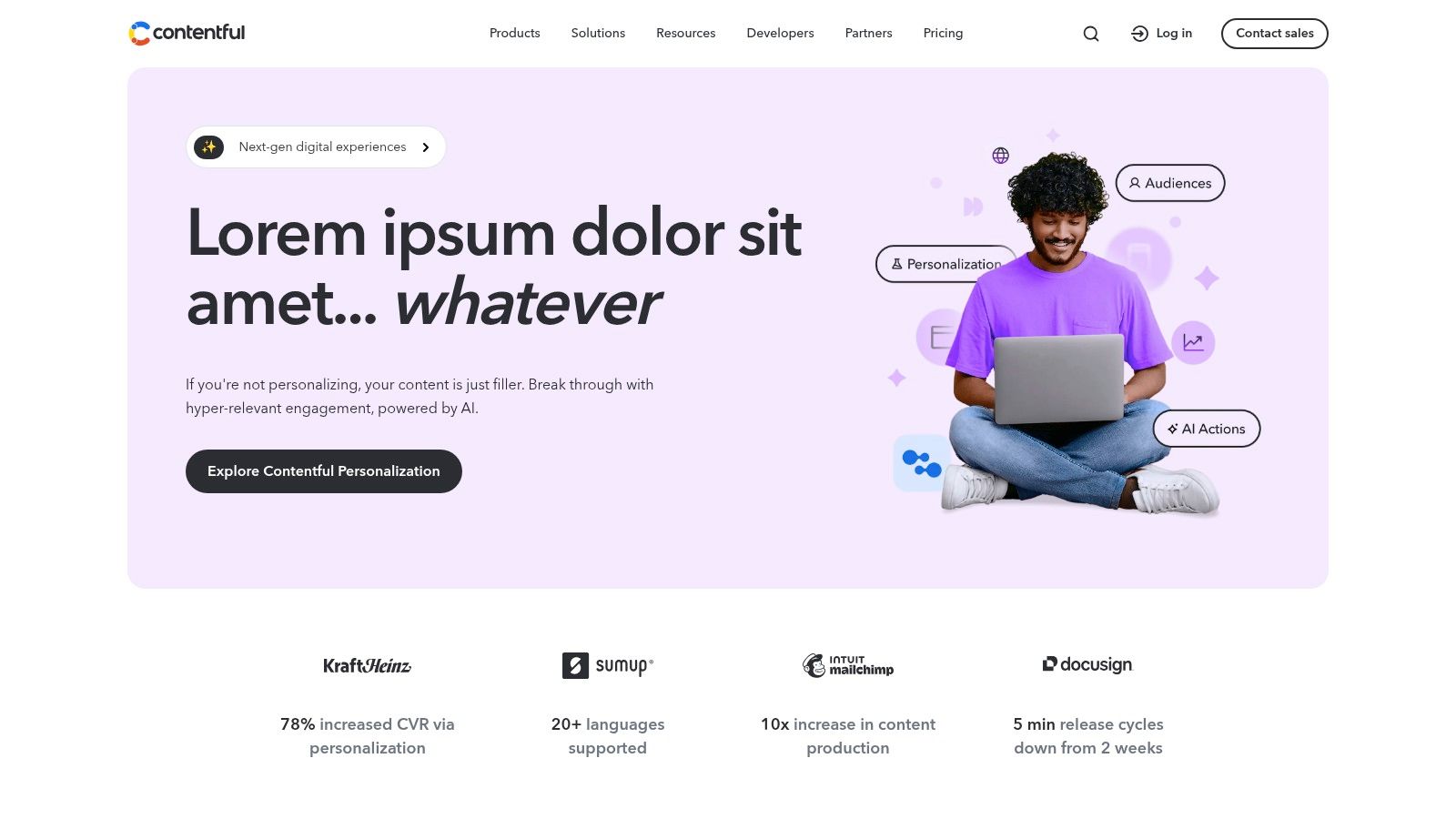
The platform is engineered for scale, offering features like "Spaces" to manage multiple projects or brands from one account. Its extensive documentation and official JavaScript/TypeScript SDK streamline the integration process, making it a top-tier React JS CMS for complex applications that require governance, localization, and multi-team workflows.
Key Considerations
- Best For: Large-scale digital products, multi-brand organizations, and teams needing strong editorial workflows and governance.
- Pros: Highly scalable architecture, extensive API documentation, and a generous free tier for smaller projects.
- Cons: Pricing can escalate quickly as you add users or require advanced features locked behind higher-tier plans.
For a deeper dive into its architecture, you can learn more about how Contentful exemplifies cloud content management systems.
Website: https://www.contentful.com
2. Sanity
Sanity takes a developer-first approach, offering a highly customizable, open-source editing environment called Sanity Studio, which is itself built with React. Its schema-as-code model allows developers to define content structures directly in JavaScript or TypeScript, giving them granular control over the entire content backend. This deep integration with the React ecosystem enables teams to build bespoke editorial experiences tailored to their exact needs.
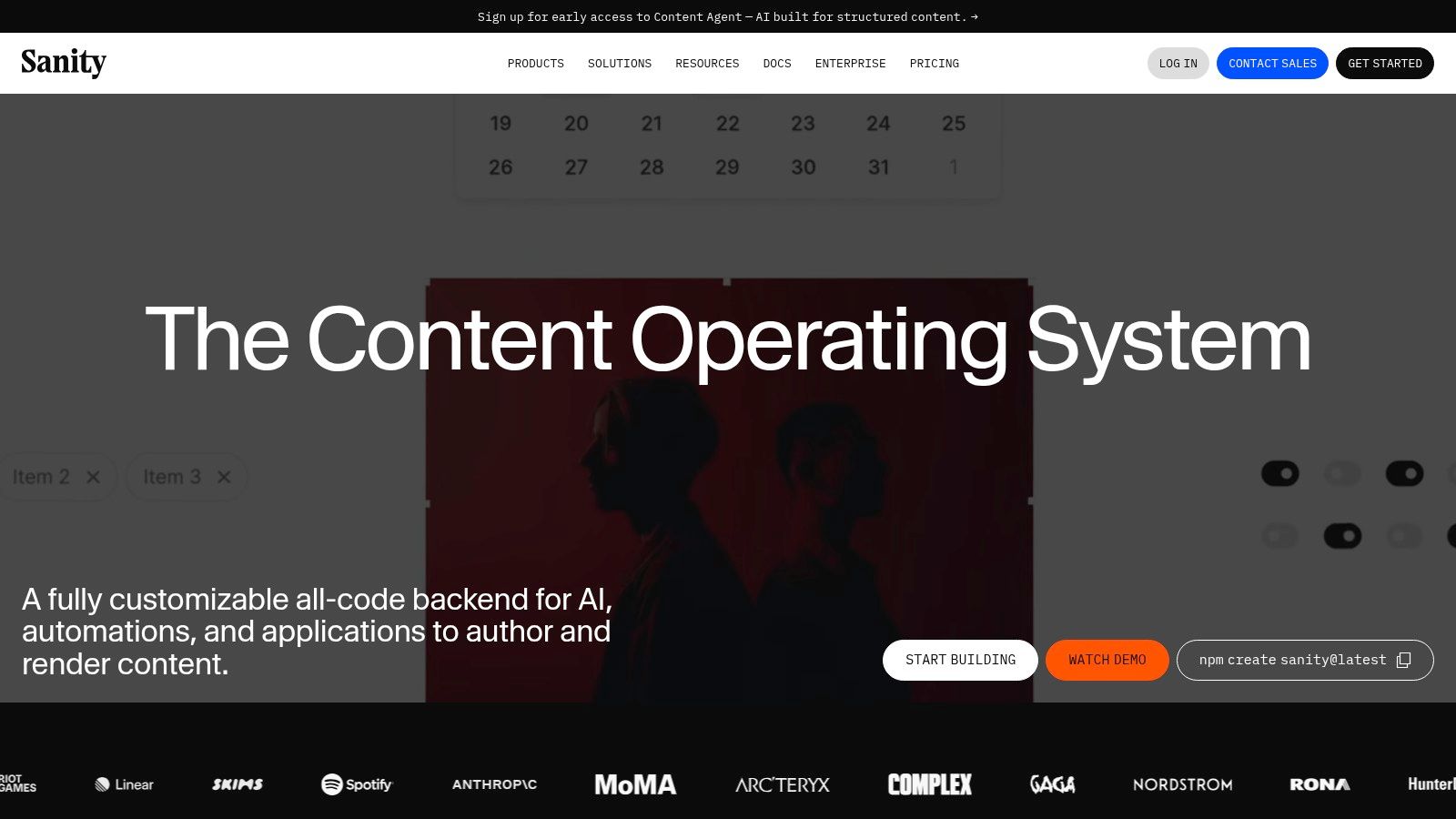
The platform’s real-time APIs, powered by its powerful GROQ query language, ensure instant content updates without needing to rebuild. This makes it an exceptional React JS CMS for dynamic applications requiring live previews and seamless collaboration. For those exploring different options, it's worth seeing a broader comparison of the best headless CMS solutions available.
Key Considerations
- Best For: Developer teams wanting maximum control over the content studio and building real-time, collaborative applications.
- Pros: Extremely flexible data modeling and Studio customization, powerful real-time collaboration features, and a generous free tier with a non-profit program.
- Cons: Overage billing on paid tiers requires careful monitoring of usage, and specific pricing details can sometimes require digging through documentation.
Website: https://www.sanity.io
3. Strapi (Strapi Cloud + OSS)
Strapi has carved out a significant niche as the leading open-source Node.js headless CMS, making it a natural fit for React and Next.js developers. Its key differentiator is flexibility; you can self-host the Community Edition for full control or opt for Strapi Cloud for a managed, scalable infrastructure. The platform allows developers to rapidly define custom content types through a clean admin UI, which automatically generates powerful REST and GraphQL APIs.
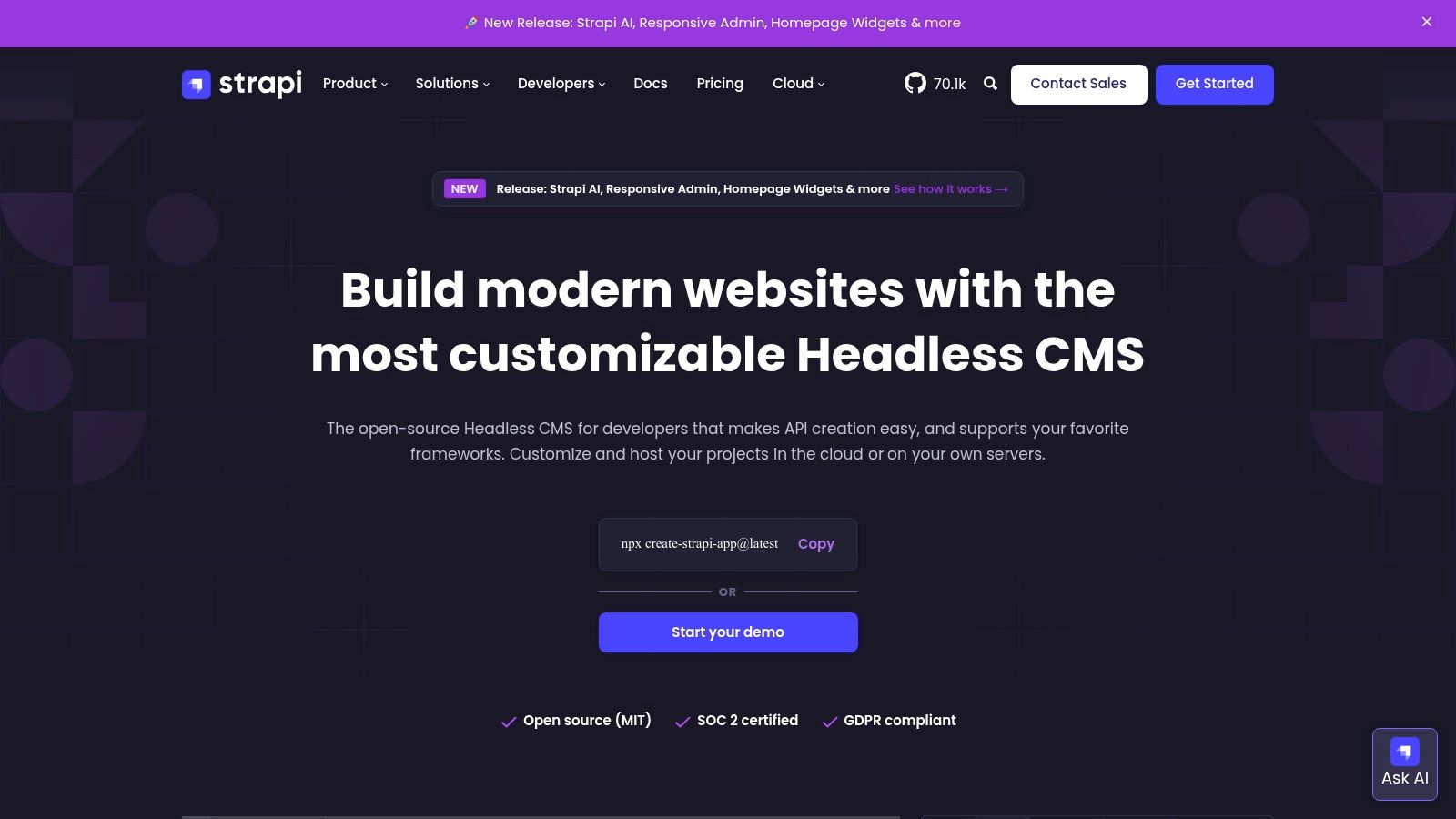
This dual-offering model makes Strapi an excellent React JS CMS for projects that start small and may need to scale later. Teams can develop locally with the open-source version and seamlessly migrate to a managed cloud environment without rewriting their application logic. The extensive plugin ecosystem further enhances its capabilities, allowing for easy integration of third-party services like Cloudinary for media or Algolia for search.
Key Considerations
- Best For: Developers who want full control over their backend, teams starting with a self-hosted solution, and projects requiring a highly customizable API.
- Pros: Strong open-source community, flexible data modeling, and a powerful plugin ecosystem for easy extension.
- Cons: Advanced collaboration and security features are often tied to paid tiers, and plan details have evolved, so it's wise to verify current limits.
For a more detailed analysis of its features, you can get a complete overview of the Strapi headless CMS.
Website: https://strapi.io
4. Hygraph (formerly GraphCMS)
Hygraph distinguishes itself as the first enterprise-grade GraphQL-native headless CMS, making it an exceptional fit for modern React applications. Its API-first architecture is built entirely around GraphQL, providing developers with a clean, powerful, and efficient way to query content. This GraphQL-centric approach simplifies data fetching in React and Next.js projects, allowing for precise control over the data requested.
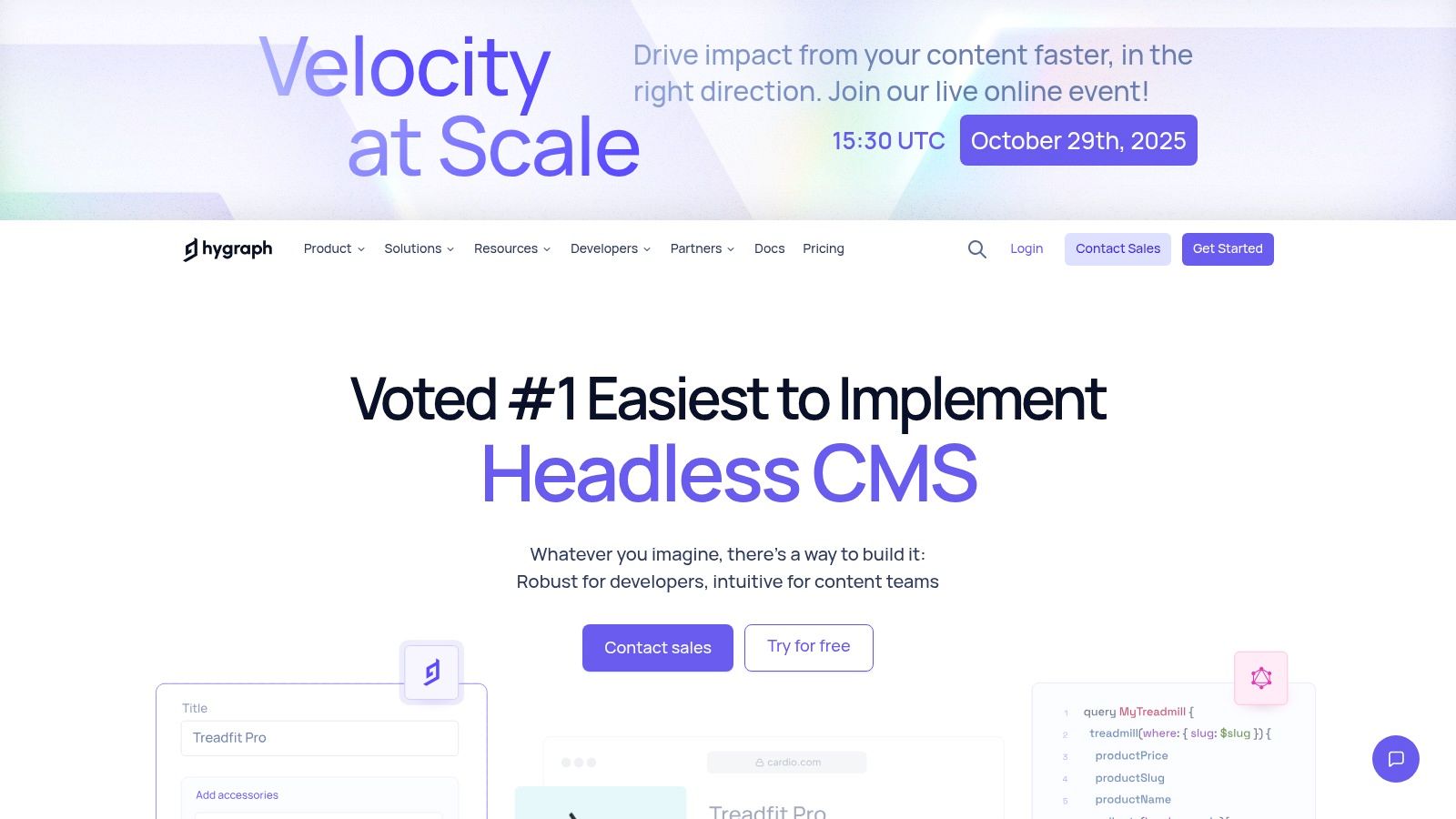
The platform's standout feature is its "Content Federation," which allows developers to pull content from multiple external sources into a single, unified GraphQL API. This capability is invaluable for complex applications that need to aggregate data from various services. As a premier React JS CMS, Hygraph offers robust tooling, including content modeling, localization, and collaborative features like live previews and commenting, all designed to enhance the developer and editor experience.
Key Considerations
- Best For: Developers who prioritize a pure GraphQL experience, and projects requiring content federation from multiple APIs.
- Pros: Excellent GraphQL developer experience, clear plan comparisons, and powerful for multi-source content architectures.
- Cons: The entry price for its growth tier is higher than some competitors, with advanced features like federation reserved for higher-tier plans.
For a broader perspective, you can compare Hygraph with other top-tier solutions by exploring this collection of headless CMS platforms.
Website: https://hygraph.com
5. Prismic
Prismic excels with its component-driven approach to content management, making it an intuitive choice for modern frontend frameworks. It introduces "Slices," which are pre-built, reusable content sections that map directly to React components. This unique model empowers content editors to construct pages visually using a dynamic Page Builder, giving them creative freedom within developer-defined constraints.
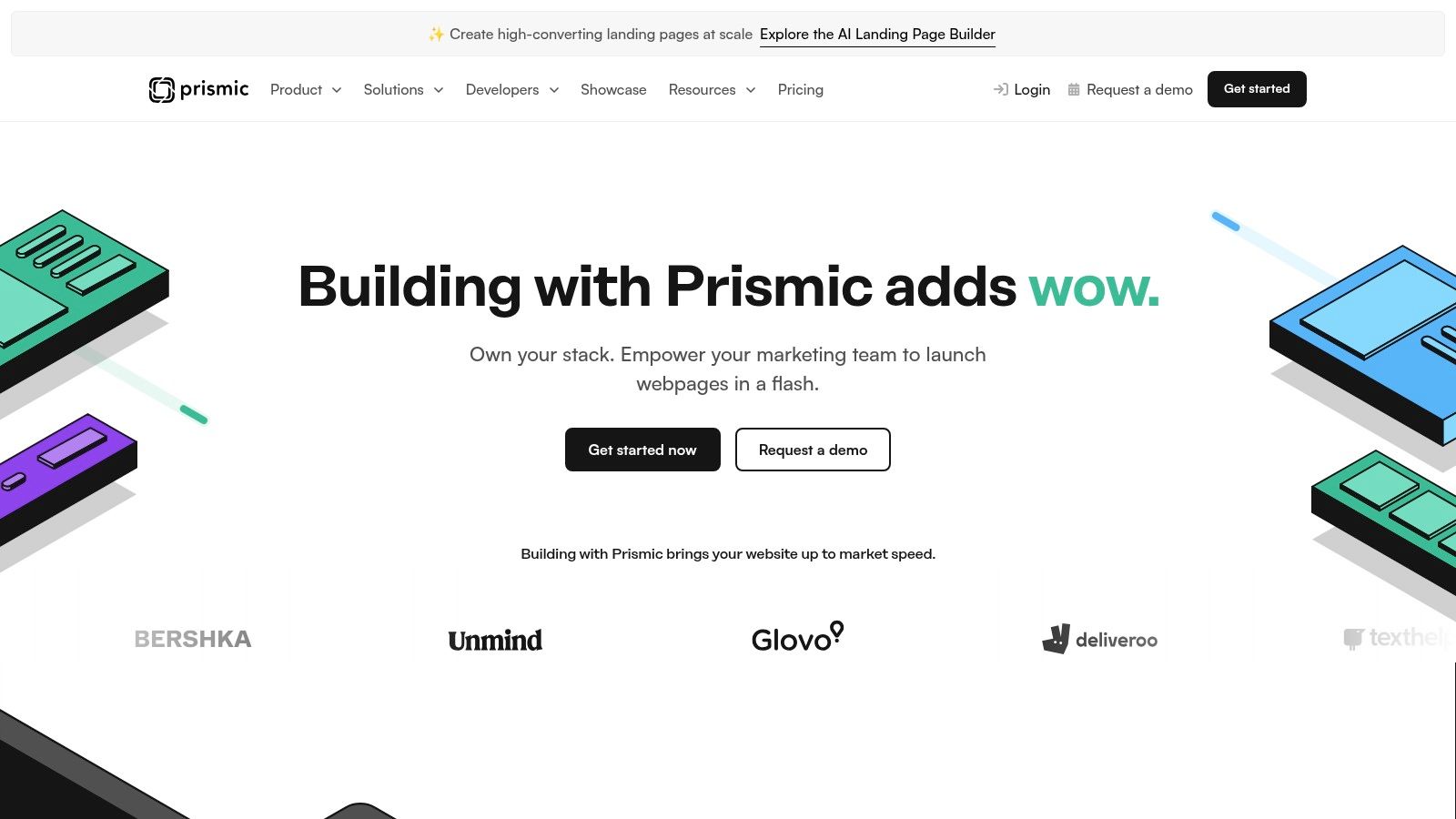
This Slice-based architecture makes Prismic a highly effective React JS CMS, especially for teams using frameworks like Next.js, where component-based design is fundamental. The platform provides first-class starter kits and SDKs that significantly simplify integration. Features like a built-in image CDN, a migrations API for programmatic schema changes, and very high API quotas on most plans make it a developer-friendly and cost-effective solution for content-heavy sites.
Key Considerations
- Best For: Marketing websites, portfolios, and projects where content teams need high flexibility in page composition without developer intervention.
- Pros: Excellent editor UX with the visual Page Builder, high API call limits on the free tier, and a straightforward pricing model.
- Cons: Bandwidth overages can apply above plan thresholds, and larger teams requiring advanced features will need to upgrade to higher-cost tiers.
Website: https://prismic.io
6. Storyblok
Storyblok bridges the gap between headless CMS flexibility and traditional CMS usability with its standout real-time Visual Editor. This unique feature allows content editors to see changes live on the React frontend as they work, providing an intuitive, marketer-friendly workflow. Its component-based approach aligns perfectly with React's architecture, where developers create reusable content "bloks" that editors can then assemble visually to build pages.
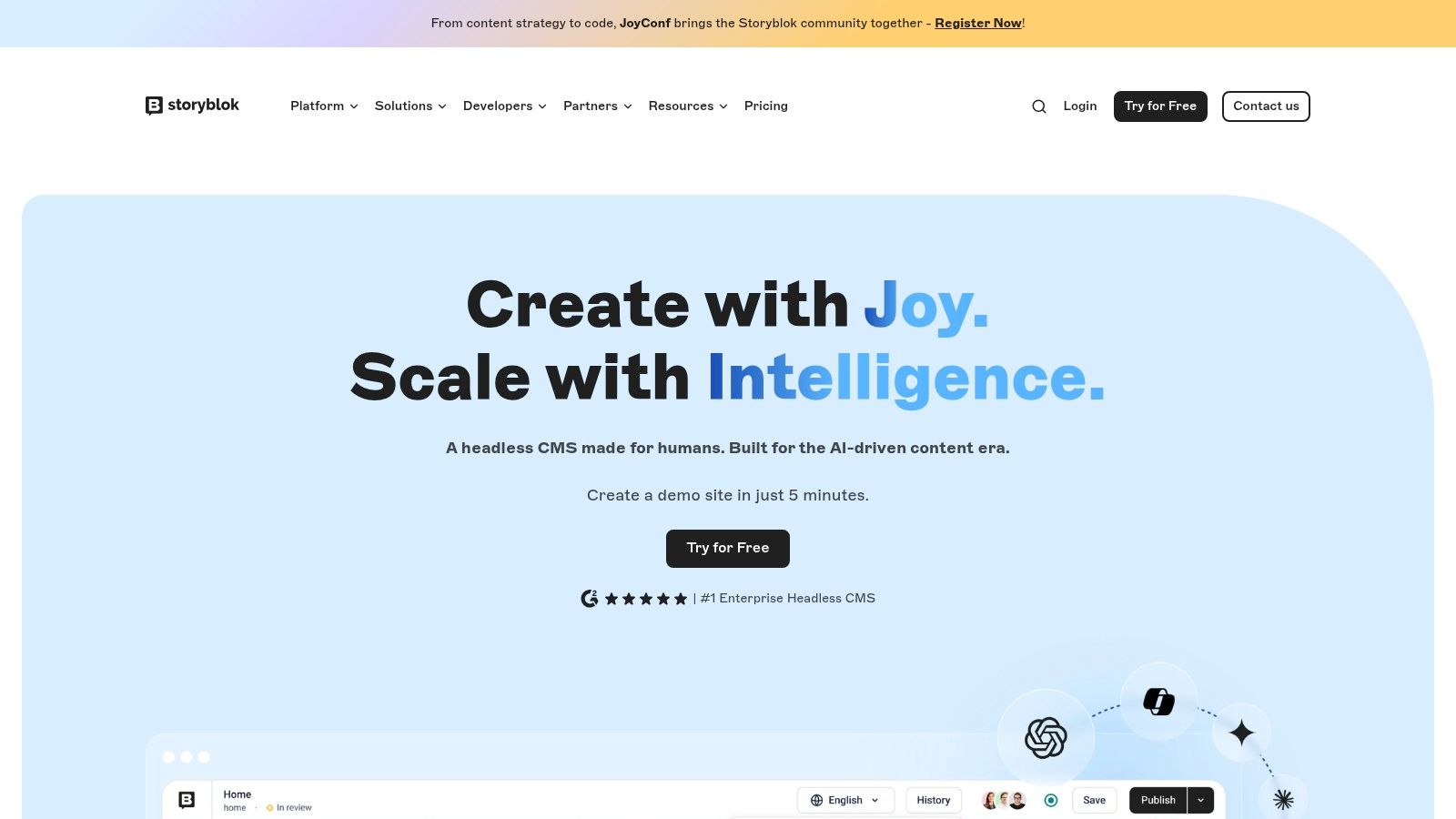
The platform offers official SDKs for React and Next.js, including support for React Server Components (RSC), simplifying data fetching and integration. Storyblok is an excellent React JS CMS for teams that prioritize a seamless collaboration between developers and content managers, enabling rapid prototyping and content iteration without sacrificing developer control over the frontend implementation. Its transparent pricing and clear documented limits also make it a predictable choice for growing projects.
Key Considerations
- Best For: Content-heavy sites where marketing and content teams need visual control and live previews, such as marketing websites, e-commerce, and portfolios.
- Pros: Strong marketer-friendly visual editing with live preview for React, fast to prototype with good docs, and transparent pricing.
- Cons: Advanced features like SSO and complex workflows are reserved for premium tiers, and costs can increase with add-ons for extra seats or locales.
Website: https://www.storyblok.com
7. DatoCMS
DatoCMS is a headless CMS designed with a GraphQL-first approach, making it an excellent fit for modern React and Next.js applications. Its primary differentiator is its high-performance infrastructure, particularly its real-time GraphQL Content API and powerful media asset pipeline. This allows developers to build extremely fast websites where images and videos are optimized and delivered on-the-fly via a global CDN.
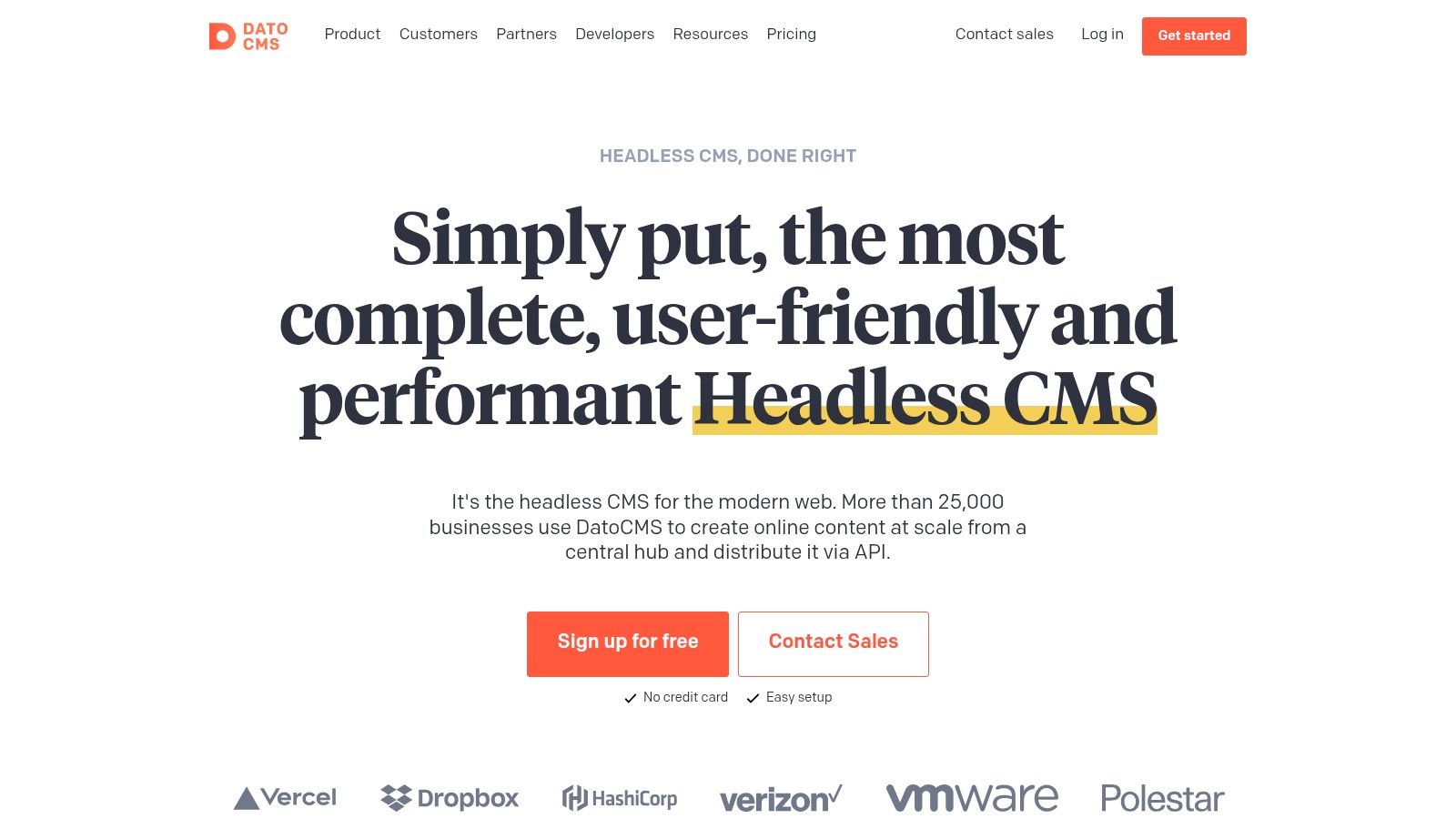
The platform focuses on providing a streamlined developer experience and a clean, intuitive interface for content editors. Features like built-in site search, granular user roles, and deployment environments simplify complex project management. For developers seeking a powerful React JS CMS that excels at media handling and offers a robust GraphQL API out of the box, DatoCMS presents a compelling and highly performant solution.
Key Considerations
- Best For: Media-heavy websites, JAMstack projects with Next.js, and developers who prioritize a first-class GraphQL API experience.
- Pros: Excellent media optimization tools, a generous free developer tier, and predictable pricing on its paid plans.
- Cons: The Professional plan starts at a higher price point than some alternatives, and large-scale projects must monitor API call overages.
Website: https://www.datocms.com
8. Builder.io (Publish CMS + Fusion)
Builder.io offers a unique visual headless CMS that empowers marketing and content teams to build and modify pages using pre-defined React components. It bridges the gap between no-code page builders and developer-centric headless systems, allowing non-technical users to compose experiences visually while developers maintain full control over the component library and code quality. This component-driven approach ensures brand consistency and performance are never compromised.
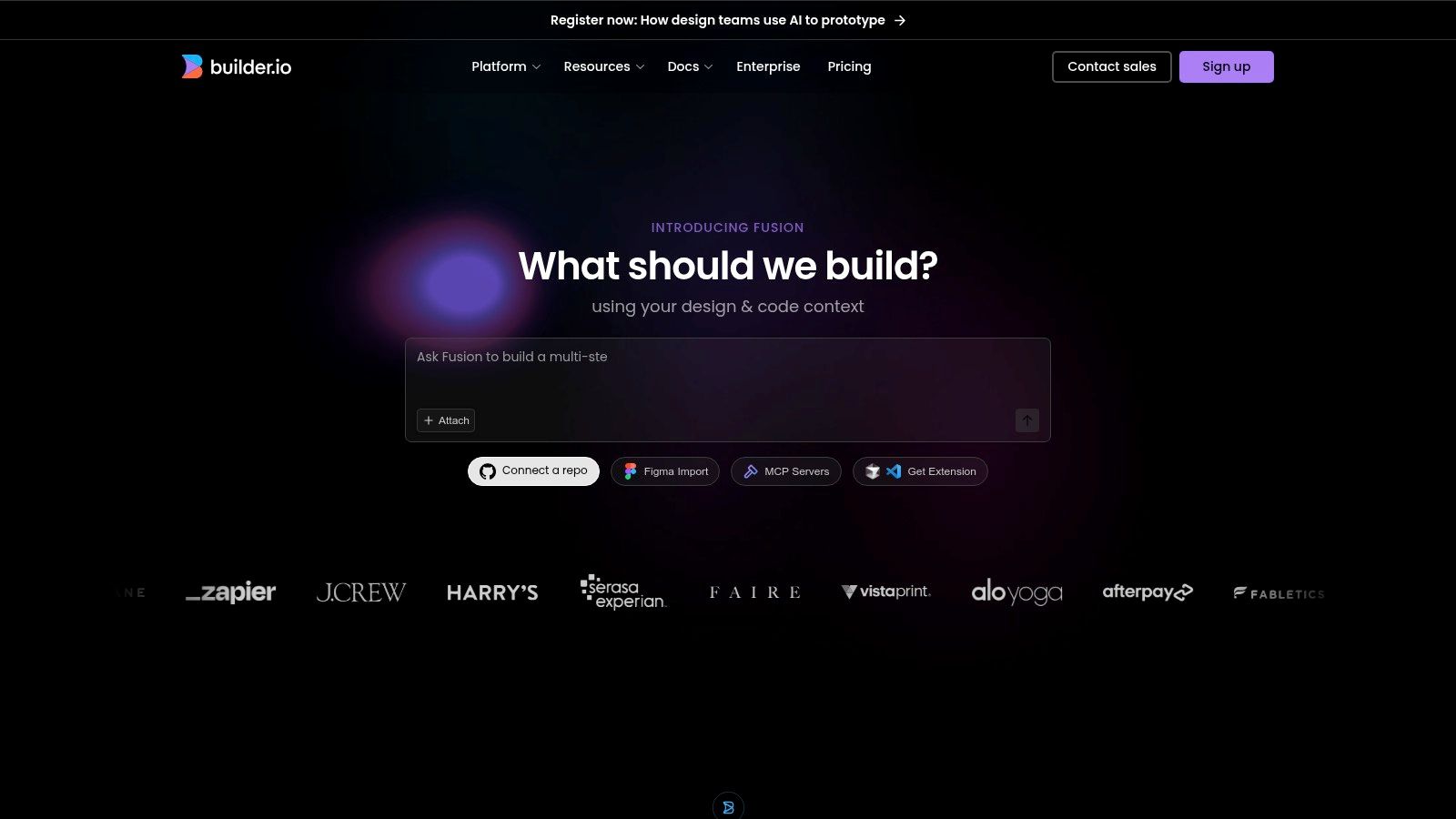
The platform’s strength lies in its deep integration with frameworks like Next.js and React, making it an excellent React JS CMS for teams focused on dynamic, high-performance sites. It separates its offerings into "Publish" for visual content creation and "Fusion" for advanced developer tooling, including A/B testing and optimization features. This dual-product strategy allows teams to adopt the parts of the platform that best suit their immediate needs.
Key Considerations
- Best For: Marketing-driven teams, e-commerce sites, and organizations that need to give non-developers direct control over page composition without sacrificing code quality.
- Pros: Excellent visual editor that uses real React components, combines content creation with optimization workflows, and strong developer experience.
- Cons: The dual-product pricing model (Publish vs. Fusion) can be complex, and advanced features are often locked behind higher-tier plans or add-ons.
Website: https://www.builder.io
9. TinaCMS (Tina)
TinaCMS reimagines the editorial experience by bringing content management directly into the context of a React-based website. As a Git-backed headless CMS, its standout feature is real-time, inline editing. Editors can click on elements within a live Next.js or React site and edit them on the spot, with changes committed directly back to the project's Git repository (e.g., GitHub). This unique approach keeps content and code tightly coupled, simplifying version control and deployment workflows.
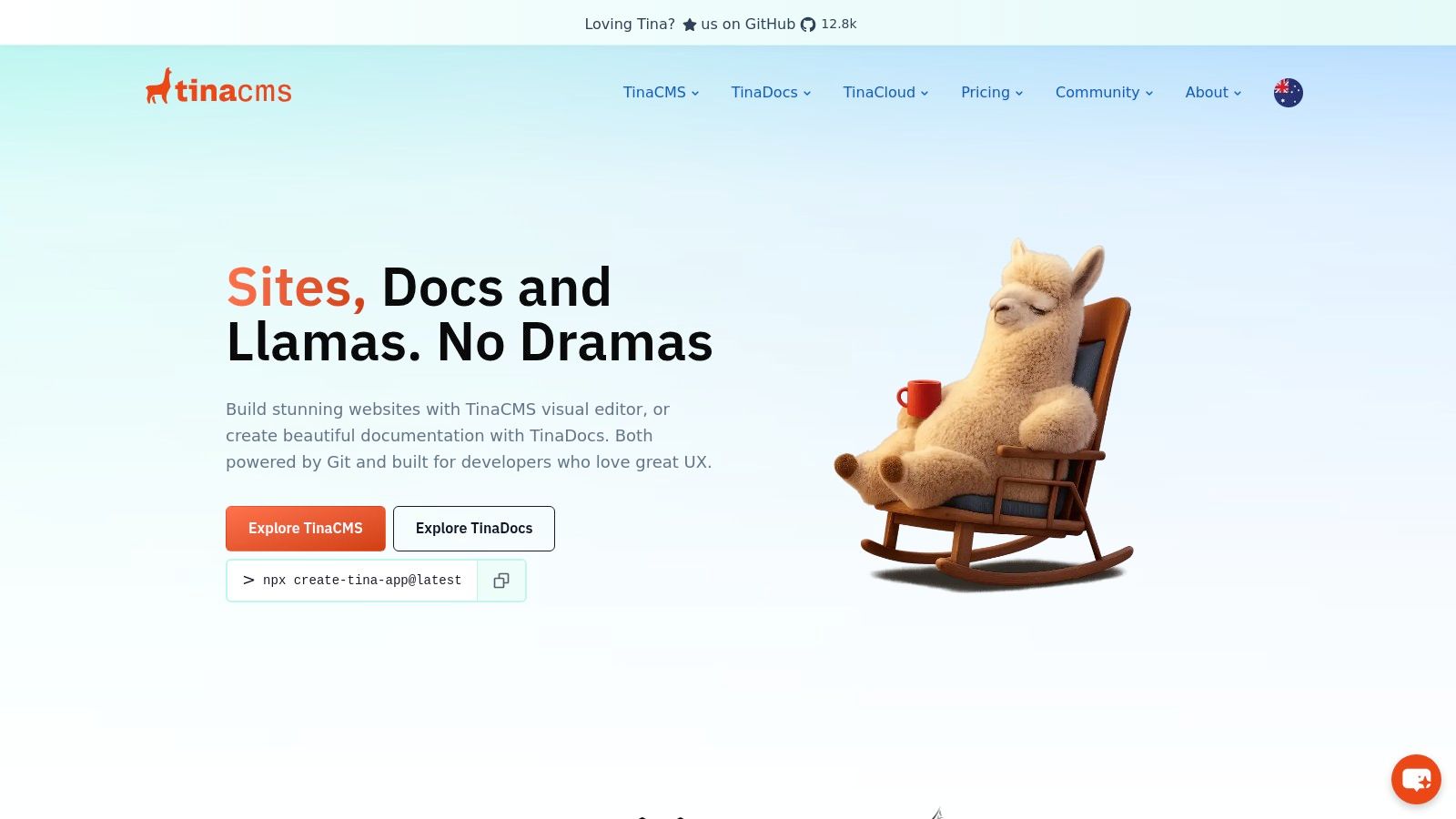
The platform is purpose-built for developers who prioritize a Git-native workflow, eliminating the need for a separate database or external service to manage content. By defining a schema, developers empower content creators with a highly intuitive visual editing interface, making it an excellent React JS CMS for marketing sites, blogs, and documentation where the content team benefits from seeing their changes live. Tina Cloud adds an optional layer for user management and authentication to streamline collaboration.
Key Considerations
- Best For: Developers and content teams working on static or hybrid sites (especially Next.js) who want a visual, in-context editing experience with content stored in Git.
- Pros: Simple and intuitive in-context authoring, content is version-controlled in your repository, and clear, affordable pricing tiers.
- Cons: The database-less, Git-based model may not suit applications requiring complex dynamic queries or very large editorial teams with enterprise workflow needs.
Website: https://tina.io
10. Payload CMS
Payload CMS introduces a code-first, open-source headless CMS built with React, Next.js, and TypeScript at its core. It operates less like a traditional CMS and more like an application framework, giving developers full control by defining the entire schema, hooks, and UI components in code. This developer-centric approach allows for unparalleled customization and direct integration with modern React patterns.
The platform offers a self-hosted MIT-licensed core, providing a powerful free option for teams comfortable with managing their own infrastructure. For those seeking a managed solution, Payload Cloud offers enterprise-grade hosting with features like visual editing and advanced digital asset management. Its powerful combination of code-based configuration and an intuitive admin panel makes it an exceptional React JS CMS for building bespoke applications and complex digital experiences.
Key Considerations
- Best For: Developers building custom applications who need full control over the schema and business logic in a TypeScript-native environment.
- Pros: Complete code ownership and flexibility, a generous open-source core, and built-in features like multi-tenancy.
- Cons: Has a smaller SaaS footprint compared to major incumbents, and cloud pricing details may require direct contact.
Website: https://payloadcms.com
11. KeystoneJS
KeystoneJS is an open-source, Node.js-based framework that provides developers with a powerful, code-first approach to building a React JS CMS. It distinguishes itself by offering a highly customizable Admin UI built with React and a first-class GraphQL API out of the box. Developers define their data schema in TypeScript or JavaScript, and Keystone automatically generates a sophisticated management interface and a robust API for content fetching.
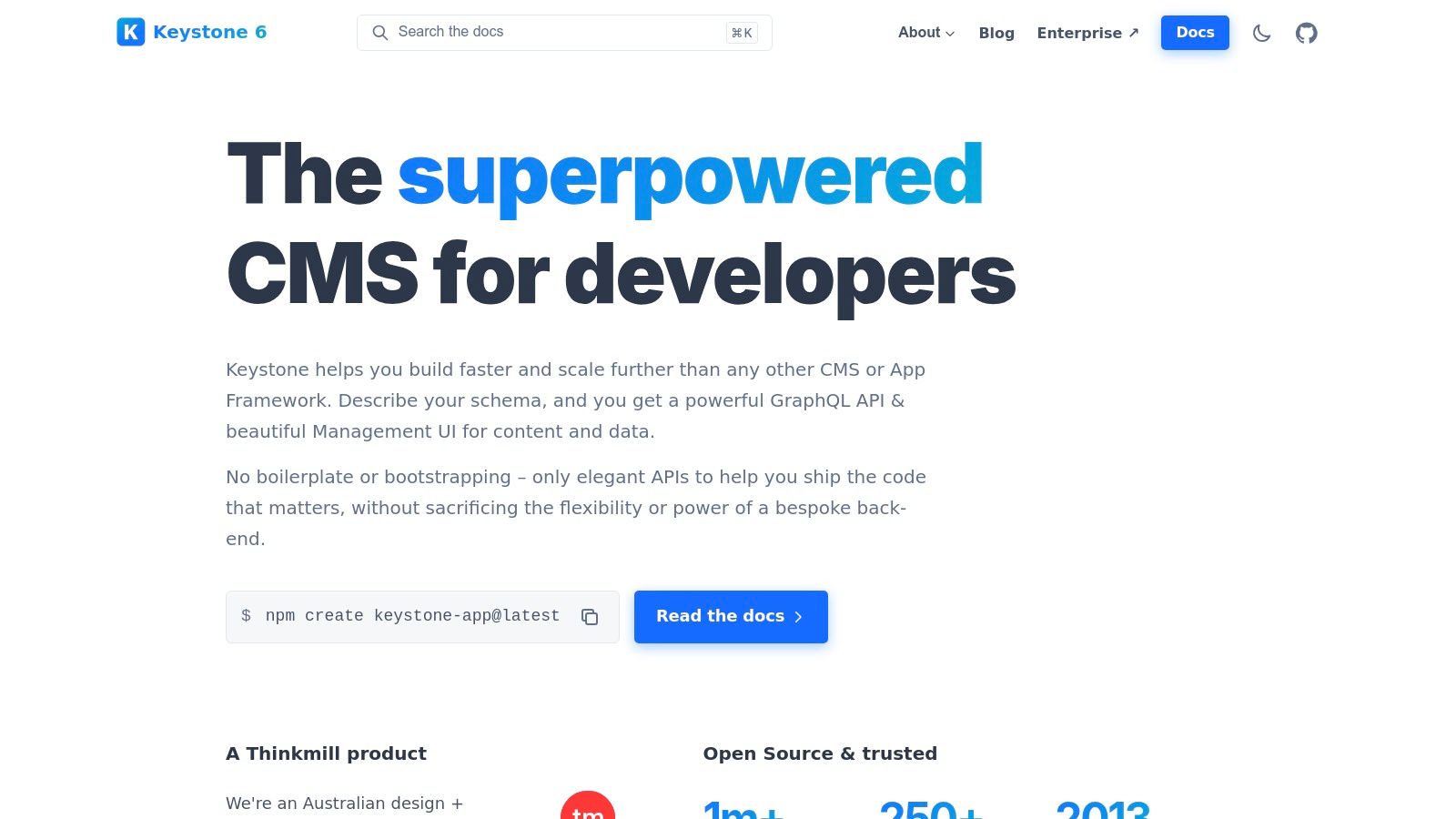
This developer-centric model, powered by Prisma for database management, offers unparalleled flexibility. Its rich text editor even allows for embedding custom React components directly into content. This makes it ideal for projects where the content structure is complex and the development team requires full control over the backend logic and administrative experience, all while maintaining a Git-friendly workflow.
Key Considerations
- Best For: Developers building custom applications who need full control over the backend, schema, and admin interface.
- Pros: Free and open-source, excellent developer experience with TypeScript and GraphQL, and highly extensible architecture.
- Cons: Requires self-hosting and management, and lacks the turnkey, marketer-friendly features found in SaaS platforms.
For those interested in similar platforms, you can find more information about open-source CMS options.
Website: https://keystonejs.com
12. Decap CMS (formerly Netlify CMS)
Decap CMS, formerly Netlify CMS, is a standout open-source, Git-backed headless CMS built with React. Its unique approach allows it to integrate directly into a JAMstack site's repository, treating content as files (like Markdown or YAML) within your Git workflow. This means editors use a clean, single-page application interface to manage content, which then commits changes directly back to the project's repository, triggering a new build.
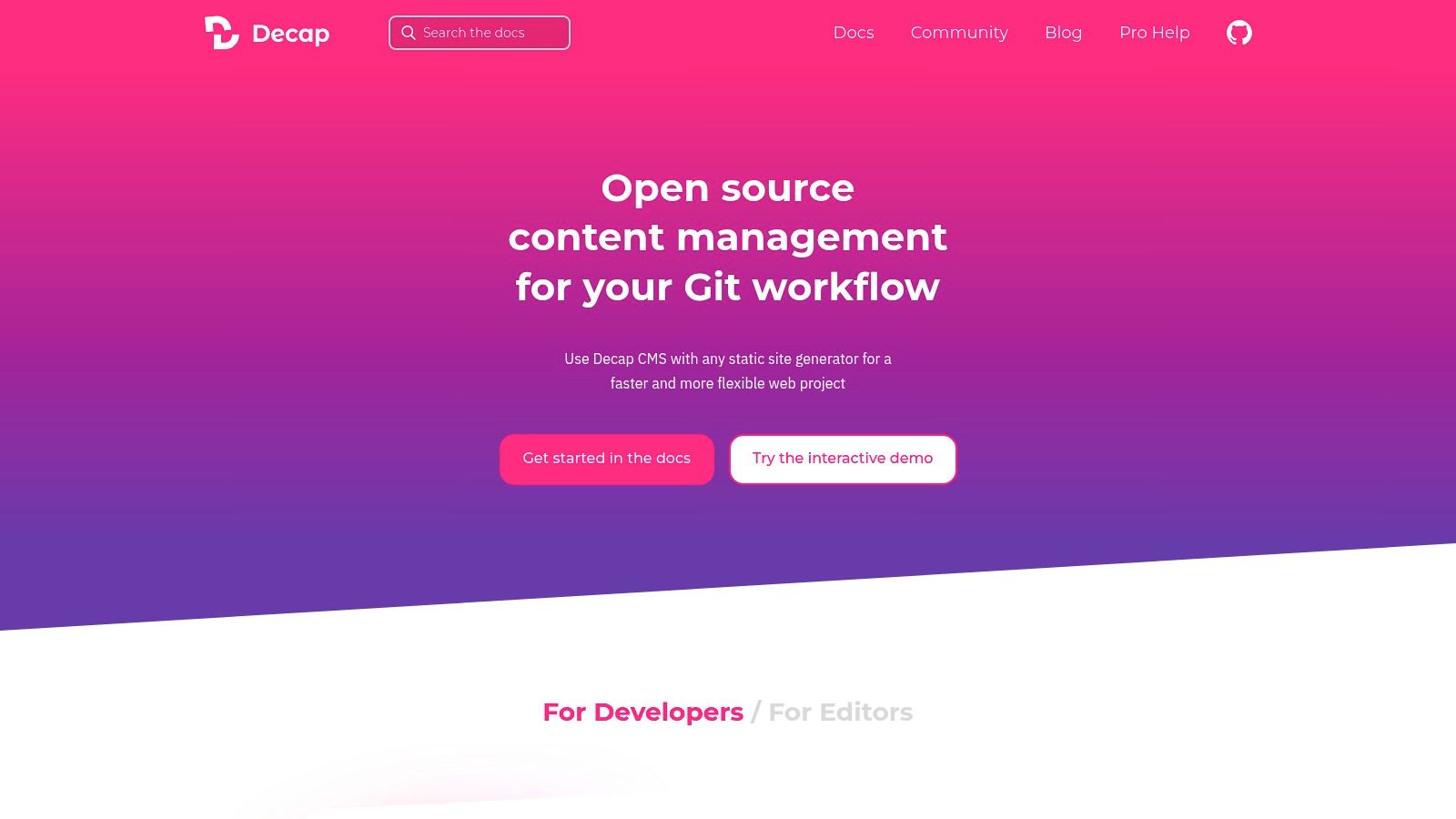
This Git-based foundation makes it a developer-centric choice that provides complete control and eliminates database dependencies. Because it is built on React, developers can create custom preview panes and editor widgets, making it a highly extensible React JS CMS. The Git Gateway feature further simplifies workflows by allowing editors to contribute without needing direct access to the Git repository, bridging the gap between technical and non-technical users.
Key Considerations
- Best For: Developers and teams managing JAMstack sites (like Next.js or Gatsby) who want full content ownership within their Git repository.
- Pros: Completely free and open-source, content lives alongside code ensuring version control, and no vendor lock-in.
- Cons: Requires self-hosting and configuration of build infrastructure, and lacks the built-in advanced user roles and permissions of managed platforms.
Website: https://decapcms.org
Top 12 React JS CMS — Feature Comparison
| Tool | Core focus & features | UX / Quality (★) | Pricing / Value (💰) | Target audience (👥) | Unique strength (✨ / 🏆) |
|---|---|---|---|---|---|
| Contentful | Enterprise headless: REST & GraphQL, CDN, structured content models | ★★★★☆ | 💰 Medium→High (generous Free) | 👥 Enterprises, multi‑brand teams | ✨ Official JS/TS SDK, governance & global CDN 🏆 |
| Sanity | Schema-as-code, Sanity Studio, real-time APIs & previews | ★★★★☆ | 💰 Medium (self-serve, watch overages) | 👥 Dev teams needing realtime collaboration | ✨ Highly customizable Studio & real‑time editing |
| Strapi (Cloud + OSS) | Open-source Node headless + Strapi Cloud, plugins & flexible models | ★★★★☆ | 💰 Low→Medium (OSS free, cloud tiers) | 👥 Devs wanting control & self‑hosting | ✨ OSS ecosystem + plugin extensibility |
| Hygraph | GraphQL-native CMS, content federation & GraphQL tooling | ★★★★☆ | 💰 Medium→High (higher Growth entry) | 👥 GraphQL-focused devs, multi‑source apps | ✨ Content federation & clean GraphQL DX |
| Prismic | Slice-based component model, Visual Page Builder, high API quotas | ★★★★☆ | 💰 Medium (high included API calls) | 👥 Marketers & component-driven teams | ✨ Slices + Visual Page Builder for editors 🏆 |
| Storyblok | Visual editor–centric headless with React SDK & live preview | ★★★★☆ | 💰 Medium (transparent tiers, add‑ons) | 👥 Marketers & content editors | ✨ Real‑time Visual Editor & RSC support |
| DatoCMS | GraphQL-first, fast APIs, media pipelines for images/video | ★★★★☆ | 💰 Medium→High (pro pricing higher) | 👥 Projects needing performant media delivery | ✨ Media pipelines & predictable overages |
| Builder.io (Publish + Fusion) | Visual page/component builder + dev tooling for React/Next.js | ★★★★☆ | 💰 Medium→High (productized plans) | 👥 Teams blending editors & React devs | ✨ Component-driven editing + A/B testing |
| TinaCMS (Tina) | Git‑backed inline editor for React/Next.js, content in repo | ★★★★☆ | 💰 Low→Medium (affordable tiers) | 👥 Small teams wanting in‑context Git editing | ✨ Inline editing with content stored in repo |
| Payload CMS | Code-first, TypeScript-first headless with DAM & eCommerce modules | ★★★★☆ | 💰 Low→Medium (self‑host free, cloud paid) | 👥 Devs needing full code ownership | ✨ TypeScript-first, built‑in DAM & multi‑tenancy |
| KeystoneJS | Open-source Node CMS with React Admin UI & GraphQL/Prisma | ★★★★☆ | 💰 Low (MIT OSS) | 👥 Developers building custom apps | ✨ MIT OSS + strong TypeScript/GraphQL tooling |
| Decap CMS (Netlify CMS) | Git‑backed SPA editor for static/JAMstack sites | ★★★★☆ | 💰 Free (open-source) | 👥 JAMstack/static site editors | ✨ Git-backed, no vendor lock‑in; lightweight editor |
Final Thoughts
Navigating the expansive landscape of headless content management systems can feel daunting, but the right React JS CMS is a game-changer, transforming how you build and manage digital experiences. As we've explored, the "best" solution is not a one-size-fits-all answer; it's a strategic choice uniquely tailored to your project's architecture, team's expertise, and long-term vision. The common thread among all these powerful tools is their ability to decouple content from presentation, giving your React applications the speed, flexibility, and scalability they need to thrive.
From the enterprise-grade robustness of Contentful and Sanity to the developer-centric, self-hosted freedom offered by Strapi and Payload CMS, the options are as diverse as the projects they power. You have choices that prioritize visual editing like Storyblok and Builder.io, and others like TinaCMS that bring editing directly into the Git workflow, blurring the lines between code and content.
Key Takeaways and Your Next Steps
To make a final decision, distill your requirements down to the essentials. Don't get lost in feature lists; focus on the core factors that will dictate your daily workflow and project success.
- Project Scale and Complexity: Are you building a simple marketing site or a complex, multi-regional e-commerce platform? A lightweight option like Decap CMS might be perfect for the former, while Hygraph's powerful GraphQL federation capabilities are built for the latter.
- Developer Experience (DevEx): Consider your team's skillset. Do they prefer a fully managed SaaS platform, or are they comfortable managing a self-hosted instance? Tools like KeystoneJS and Payload CMS offer immense customization but require more backend expertise.
- Content Editor Experience: Who will be using the CMS? Marketers and non-technical content creators will benefit immensely from the intuitive visual editors provided by Prismic or Storyblok, which can significantly reduce developer dependency for content updates.
- Hosting and Infrastructure: Evaluate the total cost of ownership. While self-hosted solutions like Strapi offer control, they also introduce infrastructure management overhead. Managed services and cloud offerings can simplify this, allowing your team to focus on building features.
A Practical Framework for Selection
Before you commit, take these actionable steps:
- Shortlist 2-3 Top Contenders: Based on the analysis in this guide, select a few platforms that align with your core needs.
- Build a Proof of Concept (POC): There is no substitute for hands-on experience. Spin up a small project with each of your shortlisted options. Connect it to a basic React app and have both developers and content editors test the end-to-end workflow.
- Analyze the APIs: Scrutinize the API documentation. How easy is it to query the data you need? For a React JS CMS, a flexible and well-documented GraphQL or REST API is non-negotiable.
Choosing a headless CMS is a foundational decision that will impact your project for years to come. By carefully weighing your technical requirements against your team's operational needs, you can select a tool that not only meets your current demands but also empowers you to innovate and scale with confidence. The perfect React JS CMS is out there, ready to become the backbone of your next great digital creation.