12 Best CMS for Small Business Options in 2025
Discover the top 12 CMS for small business platforms. Our 2025 guide reviews features, pricing, and use cases to help you choose the right solution.

Selecting the right Content Management System (CMS) is a foundational decision for any small business. It's the engine powering your website, blog, and online store, directly impacting everything from daily operations to long-term scalability. A well-chosen CMS simplifies content updates, enhances SEO, and integrates smoothly with essential marketing tools. Conversely, the wrong platform can create technical debt, security vulnerabilities, and missed growth opportunities.
This guide provides a detailed, analytical breakdown of the top 12 CMS for small business options available today. We move beyond marketing claims to examine each platform's practical strengths, hidden limitations, ideal use cases, and specific pricing structures. For those focused purely on sales, a deep dive into the best ecommerce CMS platforms can provide additional specialized insights.
Our goal is to help you make an informed decision that aligns with your specific budget, technical skill level, and business objectives. Each entry includes screenshots and direct links, equipping you with the necessary information to choose the digital foundation that will support your business now and in the future. We analyze everything from headless capabilities and API access to user-friendly visual builders, ensuring you find the perfect fit.
1. Content Toolkit
Content Toolkit isn't a traditional CMS; it’s an indispensable meta-resource, functioning as a comprehensive directory of over 350 content management systems. For a small business, the initial step of choosing a CMS is often the most paralyzing. This platform systematically demystifies that process, making it our top recommendation for starting your search for the best CMS for small business. It empowers you to make an informed decision rather than defaulting to the most popular option.
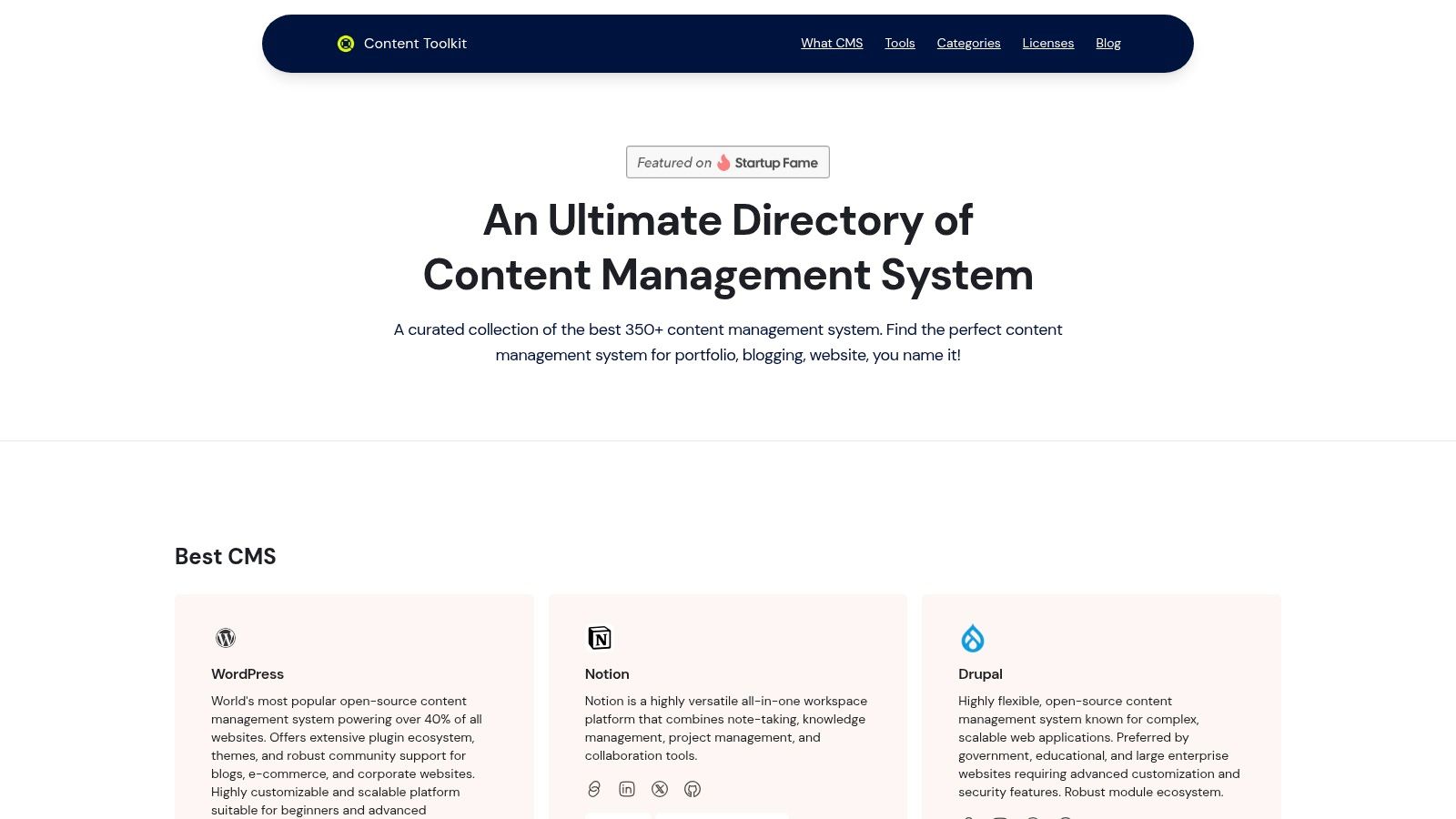
Its primary strength lies in its powerful filtering and categorization. Instead of presenting a simple list, it allows users to narrow down options based on specific, practical needs. You can filter by license type (open-source vs. proprietary), primary use case (e-commerce, blogging, enterprise), and technical architecture (headless vs. traditional). This level of detail ensures you find a tool that aligns with both your business goals and your team's technical capabilities.
Key Strengths and Use Cases
The platform excels by providing a bird's-eye view of the entire CMS landscape, from industry giants like WordPress and Drupal to specialized tools like Moodle for education or modern developer-focused platforms like Payload CMS. This diversity prevents you from overlooking a niche solution that might be a perfect fit. For businesses looking to build a robust content pipeline, Content Toolkit also provides strategic guidance. You can explore their blog to develop a powerful content strategy for your small business and ensure your chosen CMS supports your long-term goals.
Practical Tip: Use the filters to create a shortlist. For example, a retail business could filter for "e-commerce," "open-source," and "user-friendly" to compare platforms like WooCommerce, Magento, and Shopify directly.
Website: https://www.contenttoolkit.co
| Pros | Cons |
|---|---|
| Comprehensive database of over 350 CMS platforms for diverse needs. | The sheer volume of options can be overwhelming for absolute beginners without a clear starting point. |
| Advanced filters (license, use case, features) streamline the selection process. | Does not list pricing directly, requiring users to visit each CMS website for cost information. |
| Includes expert guides and blog content to support strategic decision-making. | |
| Covers everything from major players like WordPress to cutting-edge headless CMS solutions. |
2. WordPress.com
WordPress.com offers a streamlined, all-in-one solution for businesses that want the power of the world’s most popular CMS without the technical overhead. It bundles managed hosting, security, and support into a single package, making it an excellent cms for small business owners who prioritize speed and ease of use over deep customization. The platform is designed for a quick launch, allowing you to go from sign-up to a live site in under an hour.
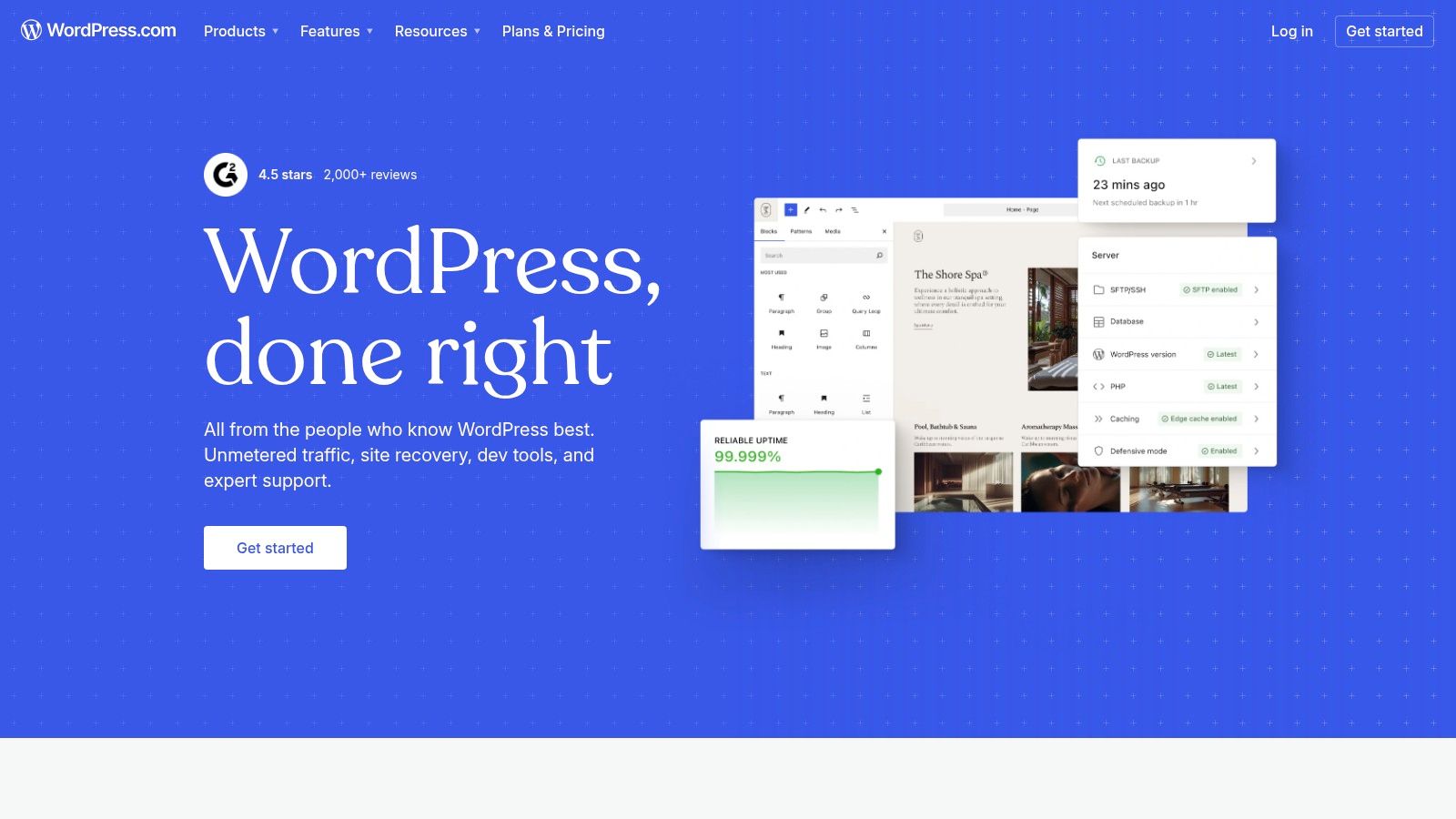
Its new AI Site Builder feature can generate a foundational website with relevant text and images based on a simple prompt, significantly reducing initial setup time. This distinguishes it from competitors by making professional design accessible to non-designers. The user interface is clean and intuitive, guiding you through content creation and site management.
Platform Analysis
For businesses focused on content marketing, the built-in blogging tools are best-in-class. Higher-tier plans unlock e-commerce functionality and the ability to install a vast library of plugins and themes, which is essential for scaling.
- Best For: Service businesses, bloggers, and startups needing a professional online presence quickly without worrying about server maintenance.
- Pricing: A free plan with ads is available. Paid plans range from $4/month (Personal) to $45/month (Commerce), billed annually. Full plugin access requires the Creator plan or higher.
- Key Consideration: While user-friendly, the most powerful features (like full plugin access and advanced e-commerce) are locked behind more expensive plans. This is a crucial trade-off between the simplicity of WordPress.com and the flexibility of self-hosted WordPress.org.
Website: https://wordpress.com
3. WordPress.org
WordPress.org is the free, open-source software that powers a significant portion of the web. It provides the ultimate freedom and control, making it a powerful cms for small business owners who want to own their digital assets completely. Unlike its .com counterpart, you download the software and install it on a web host of your choice, giving you full access to the code, database, and server environment.
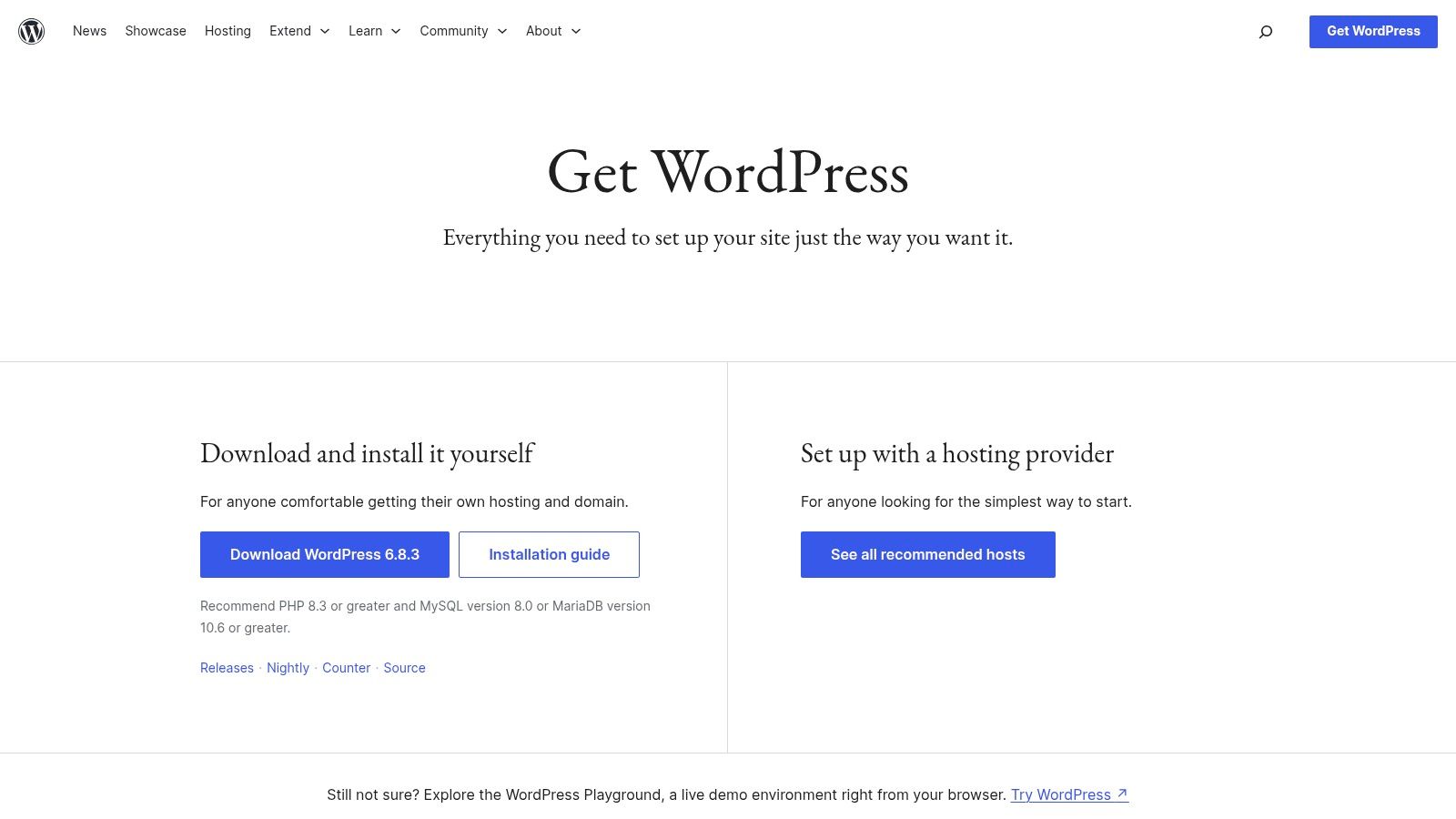
This platform's key distinction is its limitless extensibility through tens of thousands of plugins and themes from a global community. Whether you need advanced e-commerce, a sophisticated membership portal, or custom post types for a unique portfolio, there is a solution available. This unmatched flexibility allows a business to build a truly bespoke website that can evolve with its needs, avoiding any platform lock-in.
Platform Analysis
The initial setup requires more technical involvement, from choosing a hosting provider to managing software updates and security. However, this hands-on approach grants you complete authority over performance, functionality, and costs.
- Best For: Businesses that require deep customization, plan for significant future growth, and want full ownership of their website without platform restrictions.
- Pricing: The WordPress software is free. Costs come from web hosting (typically $3-$30/month), a domain name, and any premium themes or plugins you purchase.
- Key Consideration: The responsibility for hosting, security, and maintenance falls on you. While managed WordPress hosts can simplify this, it’s a significant difference from all-in-one builders and requires a greater time investment.
Website: https://wordpress.org/download
4. Wix
Wix is a powerful, all-in-one website builder that combines a user-friendly CMS with robust, business-oriented tools. It’s an ideal cms for small business owners who value speed and creative control without needing to write code. The platform is built around a visual drag-and-drop editor, giving you complete freedom over your site's layout, while also offering Wix ADI (Artificial Design Intelligence) to generate a professional site in minutes based on a few questions.
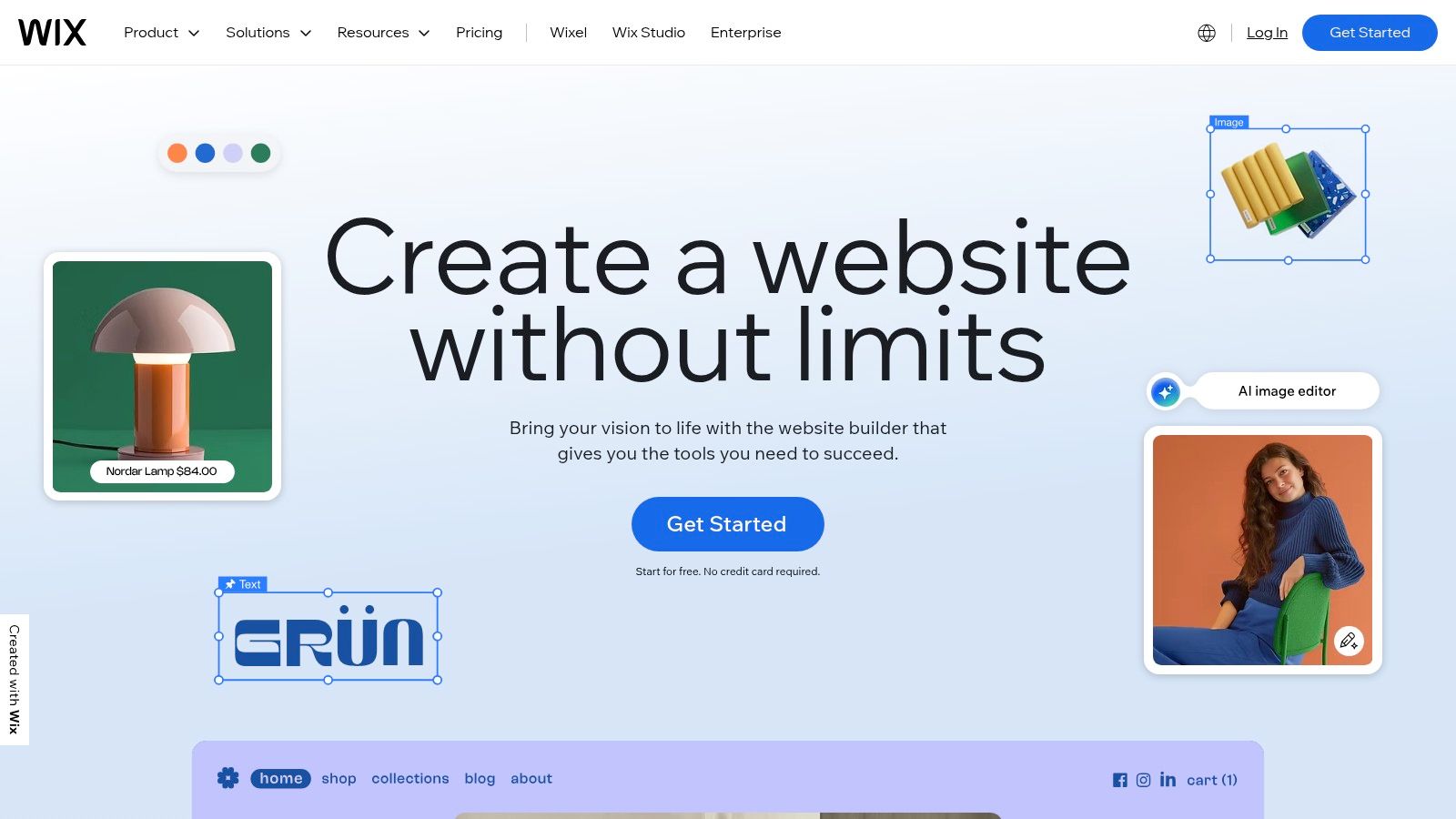
This dual-editor approach makes it uniquely accessible; beginners can get started with AI, while more hands-on users can perfect every detail. Its extensive library of over 900 professionally designed templates provides a strong starting point for virtually any industry. The integrated App Market allows for seamless extension of functionality with tools for marketing, e-commerce, and customer management. For a deeper look, you can learn more about Wix in our CMS collection.
Platform Analysis
Wix excels with its industry-specific solutions like Wix Bookings, Restaurants, and Events, which come with built-in management features tailored to those business types. Its e-commerce plans are comprehensive, offering abandoned cart recovery, multi-channel selling, and secure payment processing.
- Best For: Service providers, restaurants, artists, and e-commerce startups who need a visually stunning website with integrated business management tools.
- Pricing: A free plan with Wix branding is available. Paid plans start from $17/month (Light) to $159/month (Business Elite) for advanced e-commerce, billed annually.
- Key Consideration: The platform’s greatest strength, its design freedom, can also be a challenge; it's easy to create an inconsistent design without a plan. Once you choose a template and build your site, you cannot switch to a different template later without rebuilding.
Website: https://wix.com
5. Squarespace
Squarespace is a design-centric, all-in-one platform known for its visually stunning templates and intuitive drag-and-drop editor. It bundles hosting, domains, commerce, and marketing tools into a single, cohesive package, making it an ideal cms for small business owners who prioritize brand aesthetics and simplicity. The platform excels at empowering creative professionals and service-based businesses to build a beautiful website without writing a single line of code.
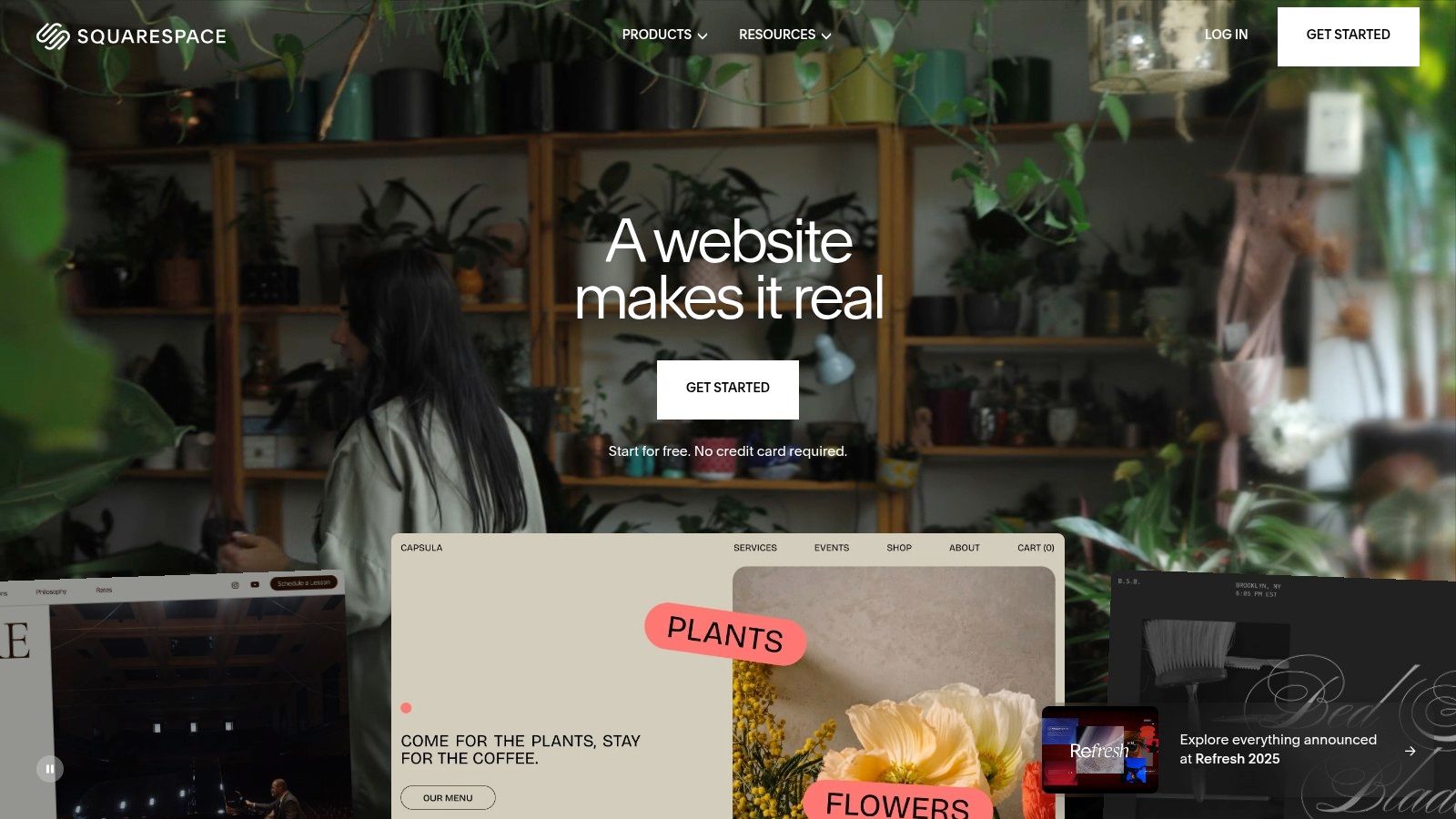
Its tightly integrated ecosystem is a key differentiator. You can manage an online store, sell subscriptions or digital content through Member Areas, and run email campaigns all from one dashboard. This unified approach simplifies operations, as you don't need to patch together third-party plugins for core functionality, ensuring a smooth and consistent user experience.
Platform Analysis
The platform's strength lies in its award-winning templates, which are fully responsive and look professional right out of the box. As your business grows, you can seamlessly add e-commerce, appointment scheduling, and other advanced features without migrating to a new system.
- Best For: Photographers, designers, artists, restaurants, and service providers who need a polished, portfolio-style website with integrated business tools.
- Pricing: Plans start with a 14-day free trial. Paid plans range from $16/month (Personal) to $49/month (Commerce Advanced), billed annually.
- Key Consideration: The trade-off for its simplicity and beautiful design is less customization freedom compared to open-source platforms. While excellent for its intended use, businesses with highly specific technical requirements may find the closed ecosystem limiting.
Website: https://squarespace.com
6. Shopify
Shopify is a commerce-first platform that provides an all-in-one, hosted solution for businesses aiming to sell products online, in-person, and across multiple channels. It excels by integrating every core e-commerce function, from catalog management and secure checkout to payment processing and shipping. This focus makes it the premier cms for small business owners who prioritize sales conversions and operational efficiency over general content management.

What sets Shopify apart is its vast ecosystem of over 8,000 apps, which allows for unparalleled customization of the storefront and back-end operations. Whether you need advanced marketing automation, subscription billing, or dropshipping integrations, the App Store likely has a solution. Its robust Point of Sale (POS) system seamlessly syncs online and physical store inventory, making it ideal for omnichannel retailers.
Platform Analysis
While its blogging features are basic compared to content-focused platforms, Shopify's true strength lies in its powerful, secure, and highly optimized checkout experience. The platform handles all technical aspects, including hosting and security, allowing merchants to focus entirely on growing their business. For an in-depth look, you can learn more about its role as an e-commerce CMS.
- Best For: Retail businesses, e-commerce startups, and brands that need a scalable, powerful solution for selling products online and in-person.
- Pricing: Plans start at $29/month (Basic) and go up to $299/month (Advanced), billed annually. Transaction fees apply if not using Shopify Payments.
- Key Consideration: The total cost can increase significantly with paid themes and monthly app subscriptions. While powerful, it can become expensive as you add more functionality to scale your store.
Website: https://shopify.com
7. Webflow
Webflow bridges the gap between no-code website builders and traditional development, offering unparalleled design freedom without requiring you to write code. It combines a visual design tool, a powerful content management system, and managed hosting into a single platform. This makes it an ideal cms for small business owners, particularly agencies and design-focused brands, who need custom, high-performance websites without managing servers or wrestling with plugin conflicts.
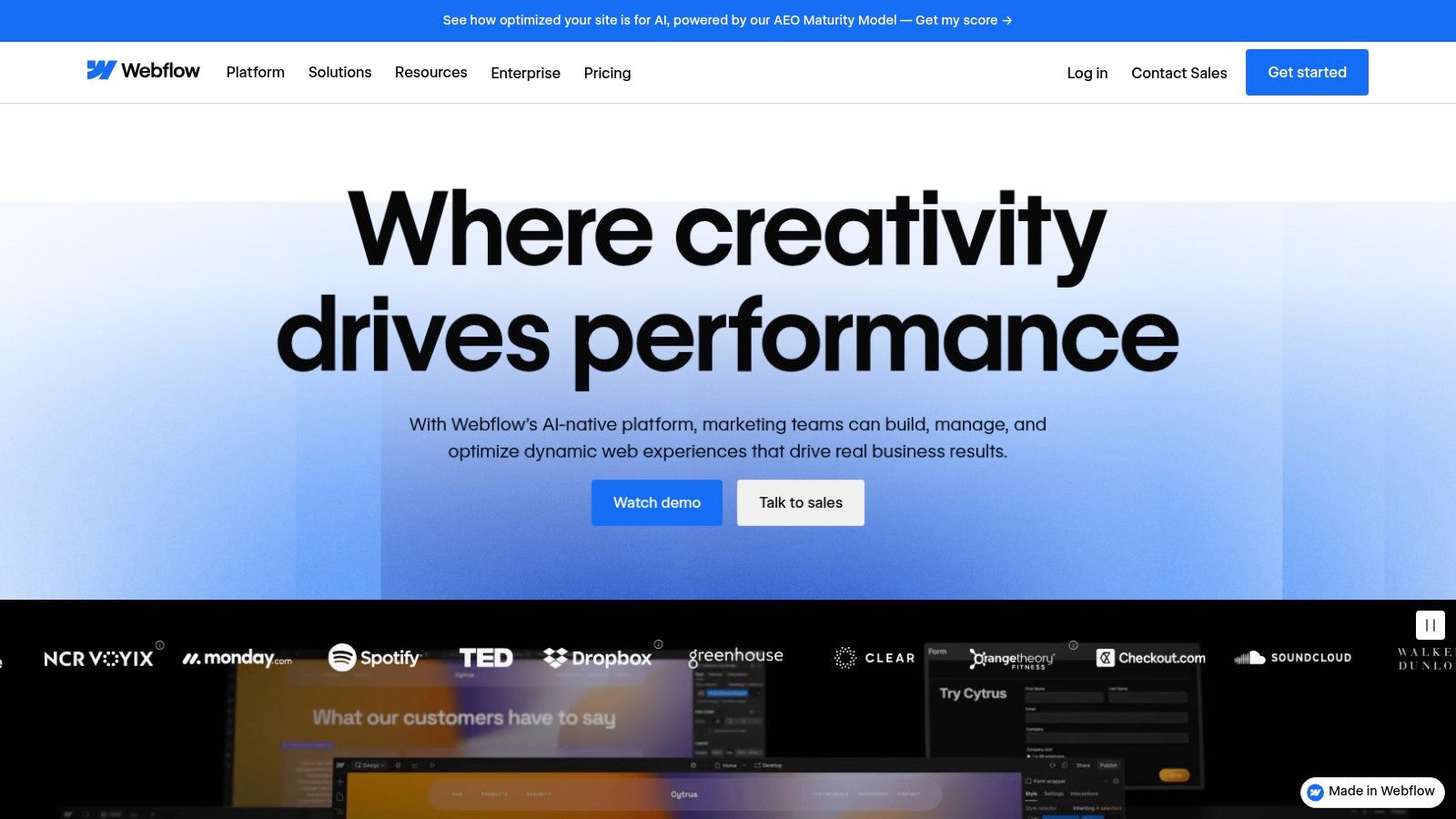
Its core differentiator is the Visual Designer, which translates design decisions into clean, semantic HTML and CSS in real-time. This provides granular control over every element, interaction, and responsive breakpoint. The integrated CMS allows you to create structured content "collections" for things like blog posts, team members, or project portfolios, which can be dynamically populated across your site.
Platform Analysis
For businesses that prioritize a unique brand identity, Webflow is a top-tier choice. The platform’s extensive learning resources, known as Webflow University, are exceptionally well-produced and help users master its more advanced capabilities. New AI-powered features also assist with content generation and layout optimization, speeding up the creative process.
- Best For: Design agencies, creative professionals, and businesses that need a highly customized website without the limitations of template-based builders.
- Pricing: A free plan lets you build and learn. Paid site plans start at $14/month (Basic) and go up to $39/month (Business), billed annually. E-commerce and Workspace plans are separate.
- Key Consideration: Webflow has a steeper learning curve than simple drag-and-drop builders. While powerful, its pricing structure can become complex with separate costs for site hosting, e-commerce functionality, and multi-user team accounts.
Website: https://webflow.com
8. HubSpot Content Hub (formerly CMS Hub)
HubSpot Content Hub is more than just a content management system; it’s an integrated marketing and sales platform powered by a robust CRM. This makes it an exceptional cms for small business owners who want to align their website content directly with lead generation and customer relationship management. The platform is designed to turn your website into a growth engine, connecting every blog post, landing page, and form submission to a contact record.
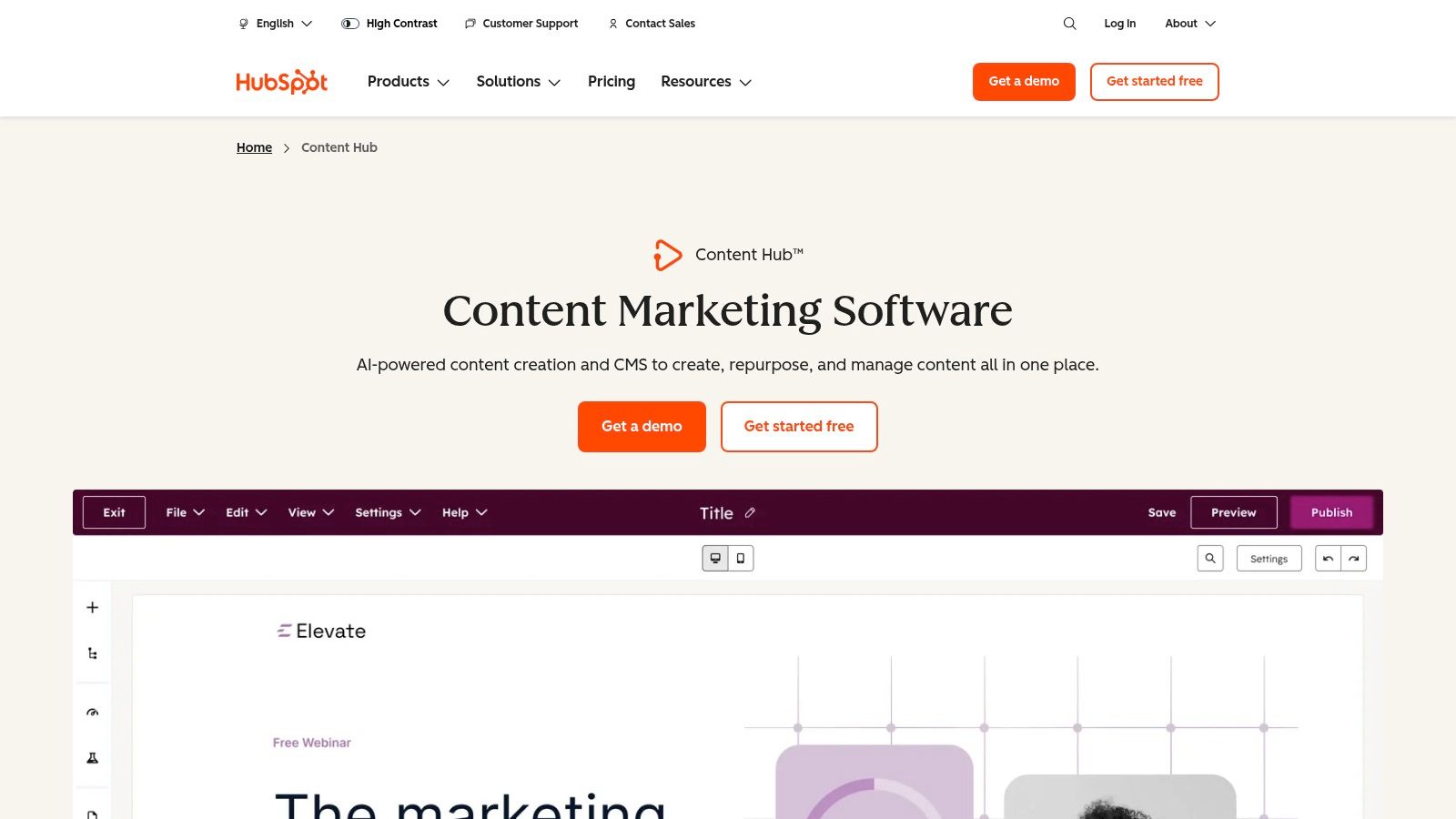
Its core advantage is the native integration of marketing tools like email, forms, and live chat. This unified stack provides powerful reporting and personalization capabilities, allowing you to show different content to visitors based on their CRM data. If you're considering a more integrated approach, you might find valuable resources on HubSpot CMS and Content Hub implementation services to help manage the setup.
Platform Analysis
The drag-and-drop editor, coupled with built-in SEO recommendations and AI content assistants, simplifies content creation for non-technical users. HubSpot manages all technical aspects like hosting, security, and performance, ensuring a reliable experience.
- Best For: Businesses focused on inbound marketing, lead generation, and sales alignment that need a single source of truth for their customer data.
- Pricing: A free CMS is available with HubSpot branding. Paid plans start at $23/month (Starter) and scale significantly for Professional and Enterprise tiers.
- Key Consideration: The true power of HubSpot is unlocked in its higher-priced tiers. While the all-in-one nature is a huge benefit, it can become expensive quickly compared to other solutions, and its theme/plugin ecosystem is more limited than WordPress.
Website: https://hubspot.com/products/content
9. BigCommerce
BigCommerce is a dedicated e-commerce platform that functions as a powerful, sales-focused cms for small business owners. It's a SaaS (Software as a Service) solution designed for scalability, providing robust built-in features that allow businesses to manage large product catalogs and grow without worrying about hosting, security, or server maintenance. Its primary advantage is its comprehensive, out-of-the-box functionality, which includes advanced SEO tools and unlimited product variants.
Unlike some competitors that rely heavily on apps, BigCommerce includes more native features, reducing dependency on third-party extensions. A key differentiator is its policy of not charging additional transaction fees on any plan, allowing businesses to keep more of their revenue. The platform is also built with multi-channel and headless commerce in mind, offering strong APIs for custom integrations.
Platform Analysis
For retailers planning significant growth, BigCommerce provides a clear and predictable upgrade path tied to sales volume. Its powerful catalog management and SEO capabilities are ideal for businesses competing in crowded markets. If you're exploring how different platforms handle e-commerce, you can learn more about how BigCommerce compares to other CMS options.
- Best For: Ambitious e-commerce startups and established retailers who need a scalable, feature-rich platform without transaction penalties.
- Pricing: Starts with a 15-day free trial. Paid plans begin at $29/month (Standard) and scale up based on annual sales volume.
- Key Consideration: The automatic plan upgrade based on sales revenue can be a surprise for fast-growing stores. While it offers more features, it's a mandatory cost to factor into your financial projections. The selection of free themes is also more limited than on platforms like Shopify.
Website: https://bigcommerce.com
10. Duda
Duda is a professional website builder that functions as a highly efficient cms for small business, particularly for agencies and freelancers who build sites for clients. Its platform is engineered for speed, both in development and performance, offering a structured drag-and-drop editor, robust client collaboration tools, and excellent site speed optimizations out of the box. It’s a compelling choice for businesses that need a polished, high-performing site without extensive technical management.
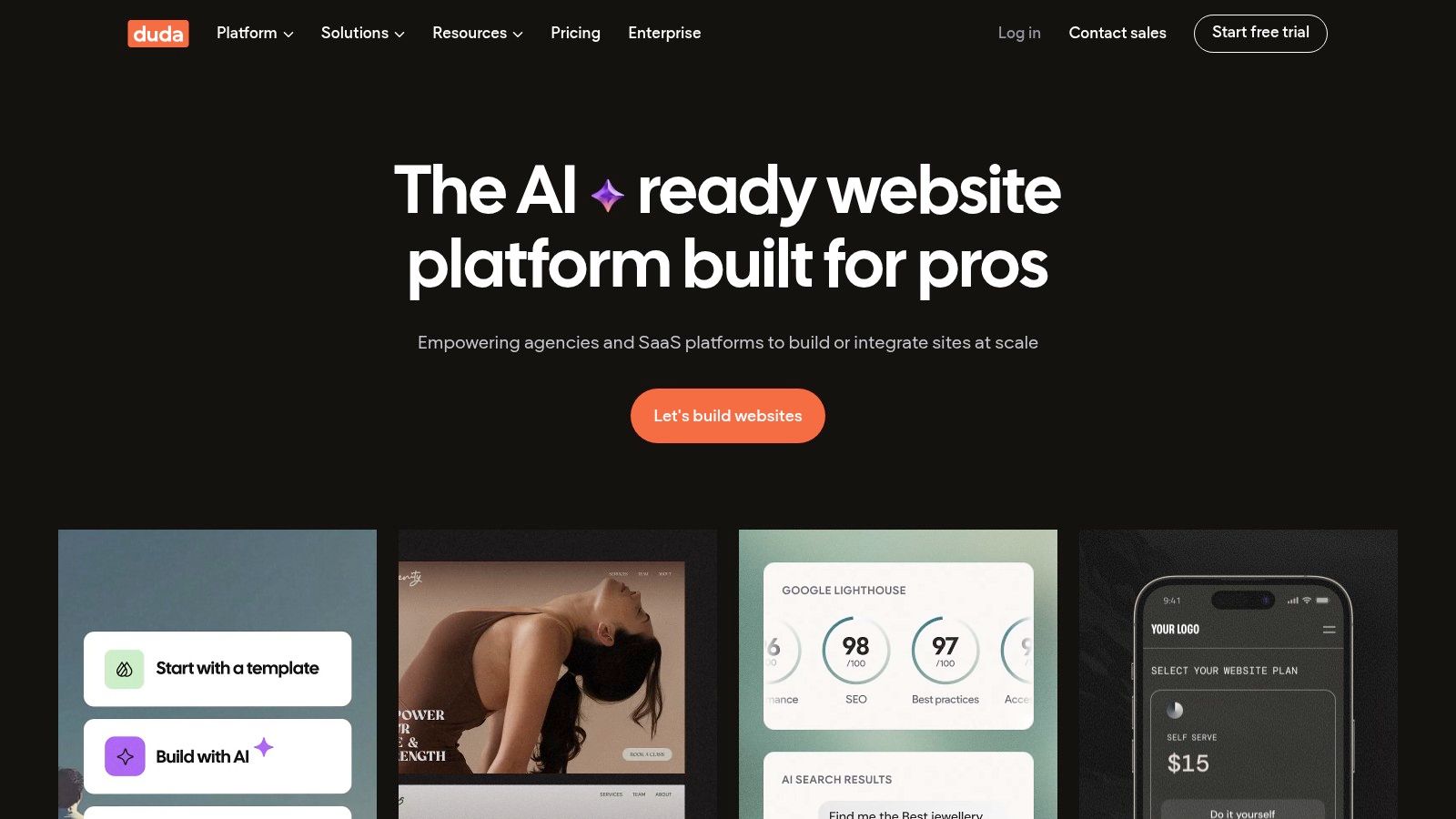
The platform's standout feature is its client management workflow, which includes white-labeling, user permissions, and on-site commenting for streamlined feedback and handoffs. Another key differentiator is its ability to create dynamic pages connected to external data collections, allowing for the easy creation of real estate listings, team directories, or product catalogs without manual page duplication.
Platform Analysis
Duda’s all-inclusive nature, which bundles AWS hosting and a CDN, ensures reliability and performance. The built-in e-commerce add-on is capable, though less extensive than dedicated platforms like Shopify. It excels as a solution for service-based businesses or agencies seeking to scale their website offerings efficiently.
- Best For: Marketing agencies, web design freelancers, and service businesses that need a fast, secure, and easy-to-manage website with minimal maintenance.
- Pricing: Plans start at $19/month (Basic) and go up to $44/month (Agency), billed annually. A 14-day free trial is available.
- Key Consideration: There is no free-forever plan, and while the platform is powerful, it has a more controlled ecosystem than open-source options, limiting deep code customization.
Website: https://duda.co
11. Ghost(Pro)
Ghost is a powerful, modern publishing platform designed for businesses that put content at the core of their strategy. It strips away the complexity of traditional systems, offering a clean, fast, and focused writing experience. As a cms for small business, it excels for creators, publishers, and brands building an audience through newsletters and paid memberships, integrating these features natively rather than relying on third-party plugins.
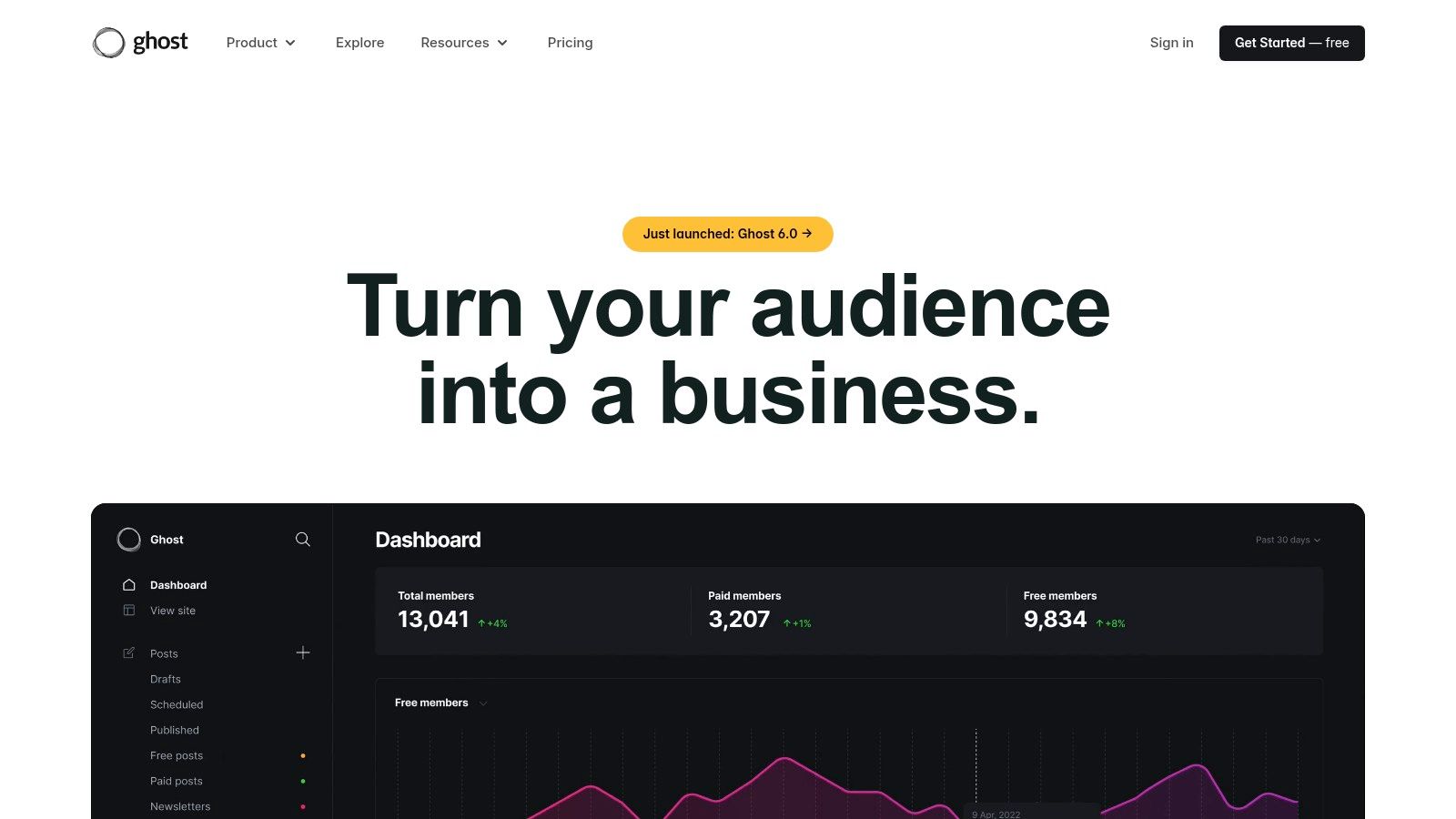
The platform is purpose-built for monetization through content. Its standout feature is the built-in membership and subscription functionality, which connects directly with Stripe. This allows businesses to launch premium content, paid newsletters, or a full publication with minimal technical effort, a significant advantage over platforms where this requires complex, often costly, integrations.
Platform Analysis
Ghost(Pro) provides managed hosting, security, and maintenance, making it an excellent choice for those who want a high-performance site without server management. The user interface is minimalist and markdown-based, which speeds up content creation for writers. While it's not a traditional e-commerce platform, its ability to sell digital content and memberships is unparalleled in its class.
- Best For: Content-driven businesses, professional bloggers, and media brands wanting to build a direct audience with paid subscriptions.
- Pricing: Ghost(Pro) plans start at $9/month (Creator) and go up to $199/month (Business), billed annually.
- Key Consideration: Its strength is its focus. If your business requires complex e-commerce storefronts, custom post types, or extensive site functionality beyond publishing, Ghost's minimalist approach may be too restrictive compared to more versatile systems.
Website: https://ghost.org
12. Drupal.org
Drupal is an enterprise-grade, open-source CMS known for its powerful architecture, robust security, and unparalleled flexibility. While it has a reputation for powering large-scale government and university websites, its modular nature makes it a highly scalable cms for small business with complex data requirements or ambitions to grow. It’s free to download but requires hosting and technical expertise to implement effectively.
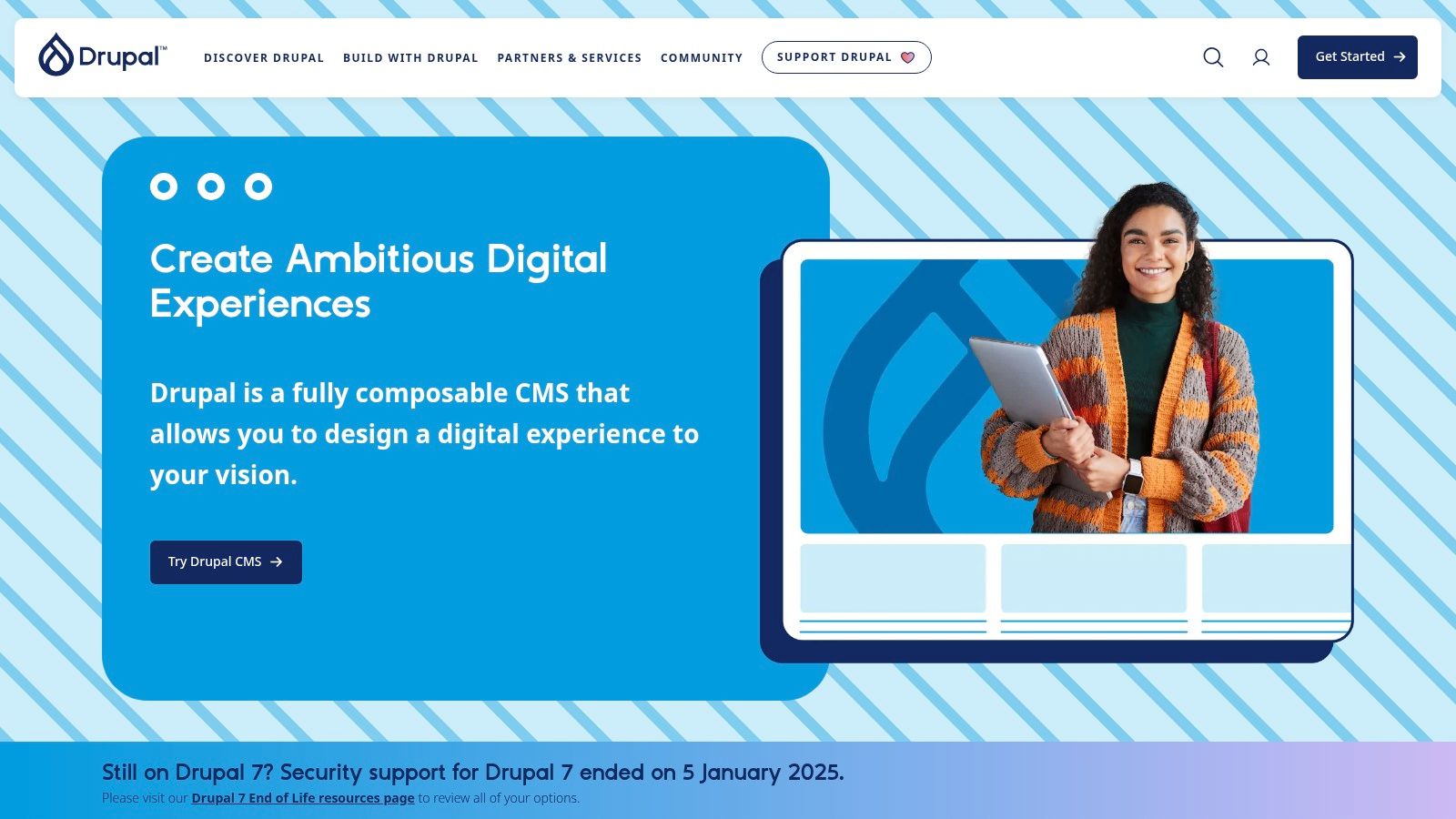
What sets Drupal apart is its advanced content modeling and access control capabilities. You can create intricate relationships between different types of content and define granular permissions for various user roles, a feature crucial for businesses with multiple content contributors or sensitive data. Its strong multilingual support is built into the core, making it a superior choice for businesses targeting a global audience.
Platform Analysis
For businesses that anticipate needing a headless or decoupled architecture to feed content to mobile apps or other front-end experiences, Drupal's API-first approach is a significant advantage. The platform is supported by a large professional community and a directory of vetted service providers, which helps mitigate the steeper learning curve. As one of the premier open-source CMS platforms, it offers long-term stability.
- Best For: Ambitious SMBs with access to developer resources, membership sites, and businesses with complex content structures or high-security needs.
- Pricing: The Drupal software is free. Costs come from hosting, development, and maintenance, which can vary significantly.
- Key Consideration: The initial investment in setup and development is higher than all-in-one builders. It is not a beginner-friendly platform; successful implementation almost always requires a professional Drupal developer or agency.
Website: https://drupal.org
CMS Solutions Feature Comparison
| CMS Platform | Core Features / Highlights | User Experience / Quality ★★★★☆ | Value Proposition 💰 | Target Audience 👥 | Unique Selling Points ✨ | Price Points 💰 |
|---|---|---|---|---|---|---|
| Content Toolkit 🏆 | Directory of 350+ CMS; filters by features & use cases | Broad coverage for beginners & experts | Free access to insights, no direct pricing | Bloggers, developers, SMBs, marketers | Expert guides + broad CMS variety | Free (directory); CMS pricing varies |
| WordPress.com | Managed hosting, AI builder, ecommerce | Easy setup & scale; low-maintenance | Free tier + paid plans for advanced features | Non-technical SMBs, bloggers | AI site builder, integrated ecommerce | Free tier + paid plans 💰💰 |
| WordPress.org | Open-source CMS, full code access, massive ecosystem | High flexibility, mature SEO tools | Free CMS; hosting & maintenance on user | Developers, businesses wanting control | Unlimited extensibility + open source | Free CMS + hosting costs 💰 |
| Wix | Drag-drop + AI Design; ecommerce & bookings | Very fast; beginner-friendly | Free plan; tiered plans unlock features | Small businesses, non-coders | AI design + rich business features | Free plan + paid tiers 💰 |
| Squarespace | Design-forward templates, ecommerce & marketing tools | Smooth editing, top templates | 14-day trial; promos; higher costs for commerce | Creatives, SMBs | Responsive design + built-in marketing tools | Paid plans; discounts available 💰 |
| Shopify | Commerce-first CMS; POS, shipping, payments | Fast checkout, strong commerce tools | Various plans, app costs add up | SMBs focused on ecommerce | Deep app ecosystem + multichannel selling | Paid plans, transaction fees 💰 |
| Webflow | Visual design + CMS + hosting + ecommerce add-ons | High design flexibility; steeper learning | Built-in hosting and security | Designers, SMBs needing control | Cleancode export + Webflow University | Paid plans 💰 |
| HubSpot Content Hub | CRM-integrated CMS with marketing + automation | Unified platform for content & lead nurture | Starter to Enterprise, expensive beyond base | SMBs needing CRM + content integration | Native CRM + smart content + workflows | Paid plans 💰 |
| BigCommerce | SaaS ecommerce CMS; no added transaction fees | Scalable catalogs + SEO | Sales-based upgrades; free trial | SMBs expecting growth | No transaction fees + robust APIs | Paid plans 💰 |
| Duda | Drag-drop builder with client collaboration & white-label | Efficient for agencies; 14-day trial | No free tier; add-ons on higher plans | Agencies, freelancers, SMBs | White-label + client collaboration | Paid plans 💰 |
| Ghost(Pro) | Content-first CMS with hosting & memberships | Fast, clean writing; native subscriptions | Self-host free or pay for Pro hosting | SMBs focused on publishing + memberships | Managed hosting + native newsletter support | Paid hosting plans 💰 |
| Drupal.org | Enterprise open-source; advanced workflows & security | Flexible but steep learning curve | Free CMS; hosting & dev resources needed | SMBs with dev support & complex sites | Headless + strong security + multilingual | Free CMS + hosting costs 💰 |
Making Your Final Decision
Selecting the right Content Management System is a foundational decision that will impact your business’s digital presence for years. The comprehensive analysis in this guide, from the all-in-one power of HubSpot Content Hub to the pure blogging focus of Ghost, demonstrates a critical truth: there is no single best CMS for small business. The optimal choice is entirely dependent on your specific operational needs, technical skill level, and long-term growth strategy.
The platforms we've explored represent distinct pathways. Website builders like Wix and Squarespace offer unparalleled speed and simplicity, making them ideal for businesses that need a professional, visually appealing site launched quickly without a steep learning curve. In contrast, open-source giants like WordPress.org and Drupal provide limitless customization and control, but demand a greater investment in technical resources and maintenance.
A Framework for Your Final Choice
To move from analysis to action, distill your decision-making process down to a few core pillars. Re-evaluate your priorities based on the detailed reviews of each platform and ask these critical questions:
- Core Business Function: Is your primary goal e-commerce, content publishing, lead generation, or a simple digital brochure? A platform like Shopify is purpose-built for commerce, while WordPress.org excels at content-heavy sites. Don't choose a generalist tool if you have a specialist's needs.
- Resource Allocation: What is your realistic budget for monthly fees, transaction costs, plugins, themes, and potential developer help? Be honest about the time your team can dedicate to learning and managing the platform. A "free" CMS like WordPress.org has tangible costs in hosting and maintenance.
- Scalability and Future Growth: Where do you see your business in three to five years? Your chosen CMS should not only meet your current requirements but also support future expansion. Migrating a complex website is a significant undertaking, so choosing a platform with a clear growth path is essential for long-term success. For instance, moving from a simple Wix site to a powerful e-commerce engine like BigCommerce later on can be a major project.
Your Actionable Next Steps
Before making a final commitment, leverage the free trials and demos offered by nearly every platform. Build a small prototype of your site. Test the user interface, explore the app marketplace, and contact customer support with a few test questions. This hands-on experience provides invaluable insight that no review can fully replicate.
Remember, the right CMS for your small business is the one that empowers you to achieve your goals efficiently, not the one that simply has the most features. It should feel like a strategic partner, an engine for growth that works with you, not against you. By carefully assessing your needs against the distinct strengths and weaknesses of each option, you can confidently select a platform that will serve as a stable and powerful foundation for your digital future.