Top CMS: alternatives to wordpress for 2025
Explore alternatives to wordpress: 12 top CMS options for 2025, from Webflow to Ghost, and pick the best fit.

While WordPress powers a massive portion of the web, its one-size-fits-all approach isn't always the optimal solution. The constant need for security monitoring, plugin management, and performance tuning often creates significant technical overhead, distracting from the core goal of creating great content or running a business. For many, the platform's sheer flexibility becomes a source of complexity rather than a benefit.
This guide provides a detailed analysis of the best alternatives to WordPress, moving beyond surface-level comparisons. We will dissect 12 leading platforms, from powerful visual builders like Webflow and Framer to specialized e-commerce engines like Shopify and content-focused systems like Ghost. Each entry evaluates the specific problems the platform solves, its ideal use cases, practical limitations, and key implementation considerations.
Our goal is to equip you with the insights needed to make an informed decision. Instead of generic feature lists, you will find a structured breakdown of what it's actually like to use each tool for specific projects. Every option includes direct links and visual references, helping you bypass the marketing noise and find the right platform for your exact needs, whether you're a developer, marketer, or small business owner.
1. Webflow
Webflow positions itself as a powerful visual development platform, making it one of the most compelling alternatives to WordPress for designers, marketers, and businesses that demand granular creative control without writing code. It effectively bridges the gap between simple website builders and complex custom development, allowing users to build responsive, database-driven websites in a completely visual canvas. The platform generates clean, semantic HTML, CSS, and JavaScript as you design, ensuring professional-grade output.
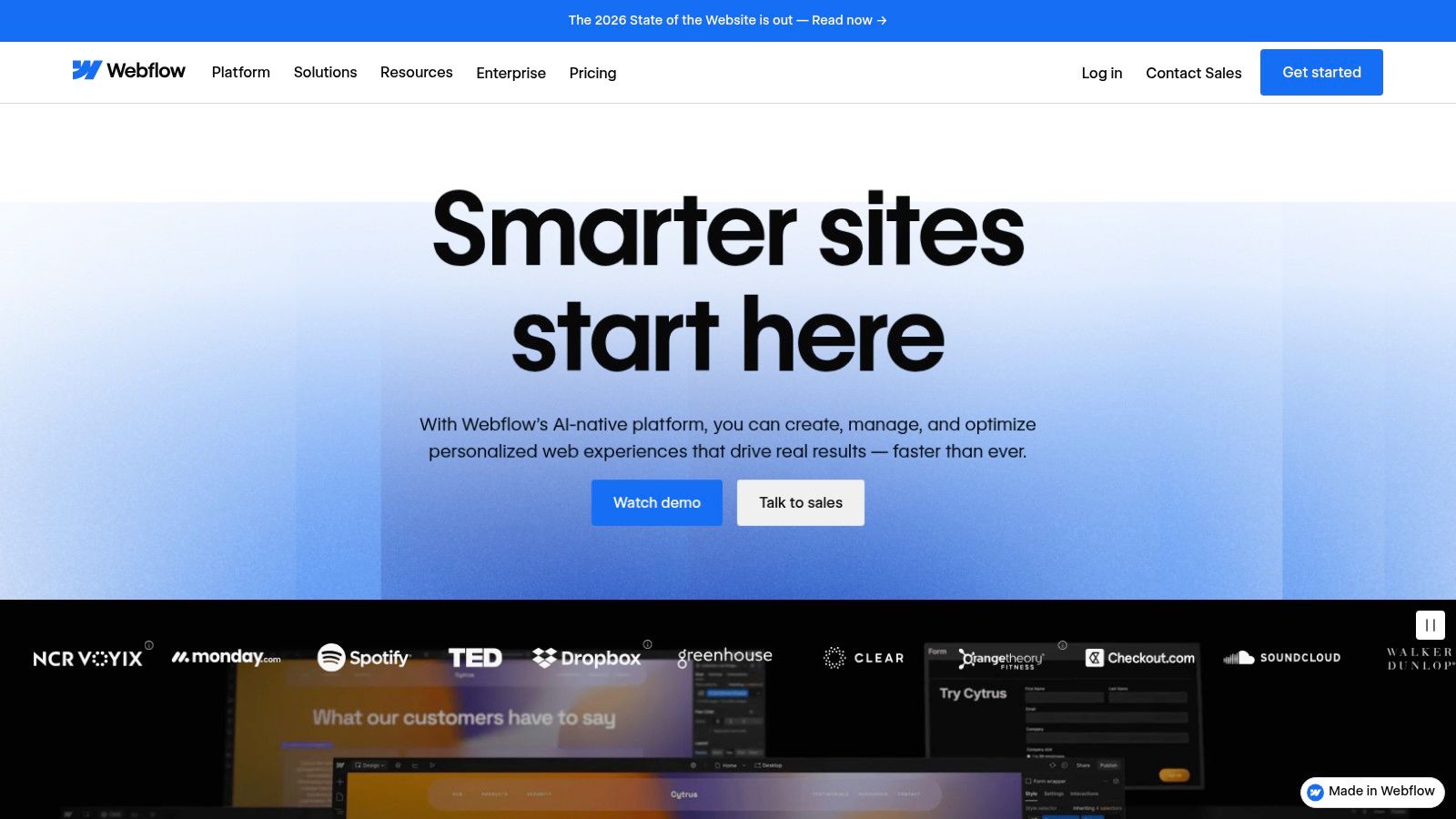
Unlike WordPress, which relies heavily on a fragmented ecosystem of themes and plugins, Webflow integrates its CMS, hosting, and design tools into a single, cohesive environment. This unified approach results in superior performance, security, and reliability out-of-the-box, eliminating the maintenance burden of updating disparate components. Explore our detailed analysis and get more insights on the Webflow website builder and CMS.
Use Case & Analysis
- Ideal For: Designers needing pixel-perfect control, marketing teams building complex landing pages, and businesses wanting a scalable, low-maintenance site.
- Pros: Unmatched design flexibility, built-in high-performance hosting, and a powerful integrated CMS.
- Cons: A steeper learning curve for users unfamiliar with web design principles (like the box model) and transaction fees on lower-tier ecommerce plans.
Website: https://webflow.com
2. Webflow
Webflow positions itself as a powerful visual development platform, making it one of the most compelling alternatives to WordPress for designers, marketers, and businesses that demand granular creative control without writing code. It effectively bridges the gap between simple website builders and complex custom development, allowing users to build responsive, database-driven websites in a completely visual canvas. The platform generates clean, semantic HTML, CSS, and JavaScript as you design, ensuring professional-grade output.
Unlike WordPress, which relies heavily on a fragmented ecosystem of themes and plugins, Webflow integrates its CMS, hosting, and design tools into a single, cohesive environment. This unified approach results in superior performance, security, and reliability out-of-the-box, eliminating the maintenance burden of updating disparate components. Explore our detailed analysis and get more insights on the Webflow website builder and CMS.
Use Case & Analysis
- Ideal For: Designers needing pixel-perfect control, marketing teams building complex landing pages, and businesses wanting a scalable, low-maintenance site.
- Pros: Granular design control without coding, scales from simple sites to complex CMS content, and strong built-in performance and security.
- Cons: A steeper learning curve for users unfamiliar with web design principles (like the box model) and transaction fees on lower-tier ecommerce plans.
Website: https://webflow.com
3. Squarespace
Squarespace has solidified its position as a leading all-in-one website builder, presenting one of the most streamlined alternatives to WordPress for individuals and businesses prioritizing aesthetic appeal and ease of use. It provides a highly curated experience where every template is professionally designed and mobile-responsive out of the box. This design-centric approach removes the guesswork often associated with WordPress themes, allowing users to achieve a polished, high-end look with minimal effort. The platform’s strength lies in its tight integration of features like commerce, blogging, scheduling, and email marketing.
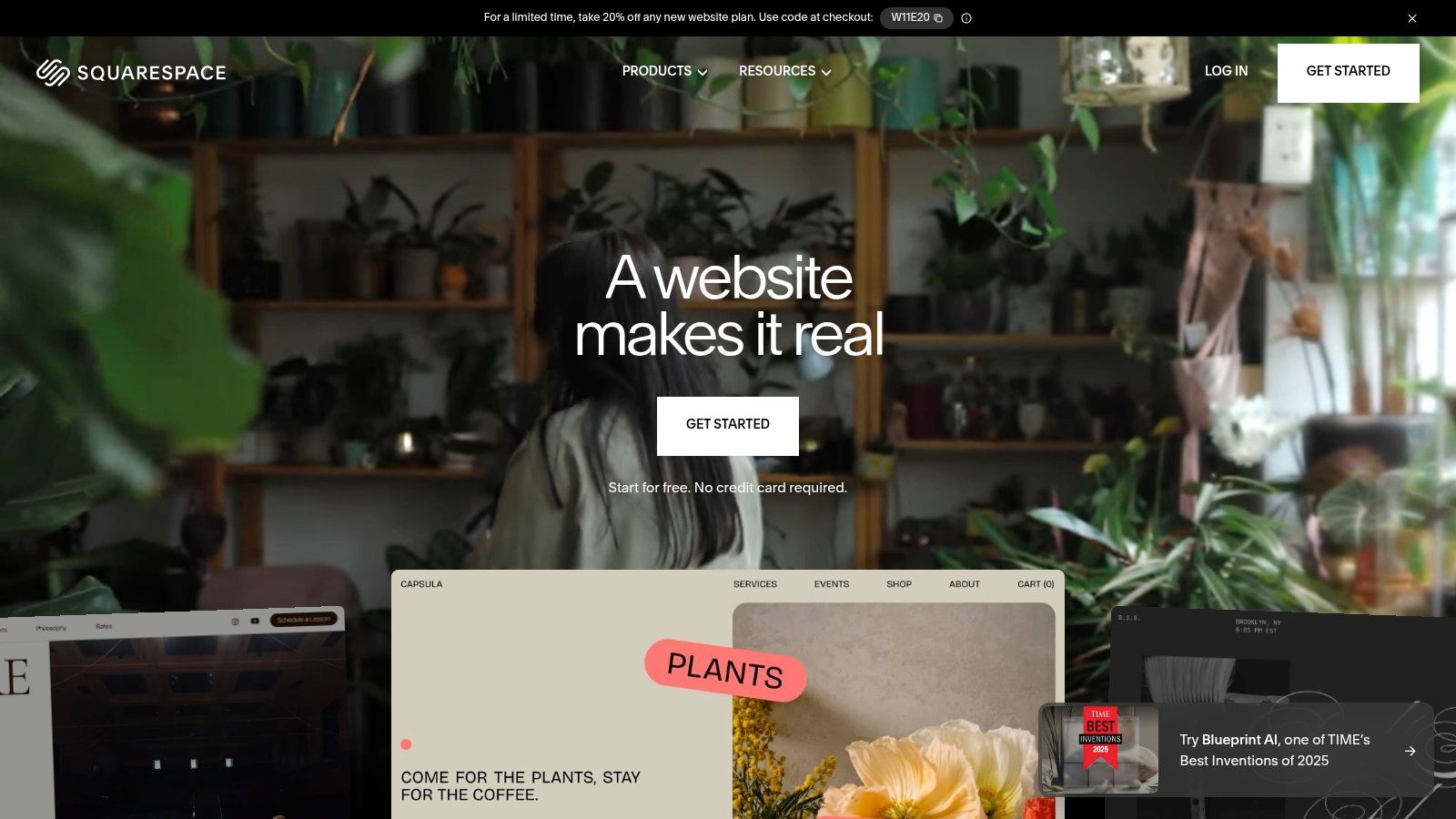
Unlike WordPress, where core functionality is extended through a vast but sometimes volatile plugin marketplace, Squarespace offers a closed, fully managed ecosystem. This ensures that all components work together seamlessly, eliminating the security vulnerabilities and compatibility issues that can plague WordPress sites. Its unified dashboard provides a single point of control for analytics, SEO settings, and customer management, simplifying site administration for users who want to focus on their content and business rather than technical maintenance.
Use Case & Analysis
- Ideal For: Photographers, artists, restaurants, service professionals, and small ecommerce businesses that need a visually stunning, low-maintenance online presence.
- Pros: Award-winning templates and an exceptionally intuitive drag-and-drop editor, a completely integrated toolset, and reliable, hands-off hosting and security.
- Cons: Less design flexibility compared to platforms like Webflow, limited third-party integrations, and add-on services can escalate the overall cost.
Website: https://www.squarespace.com
4. Wix
Wix has established itself as one of the most accessible alternatives to WordPress, catering to beginners and small businesses who prioritize speed and ease of use. It operates on a drag-and-drop principle, allowing users to build visually appealing websites without any coding knowledge. With over 900 professionally designed templates and an AI-powered site generator (Wix ADI), getting a functional site online can be accomplished in minutes rather than days.
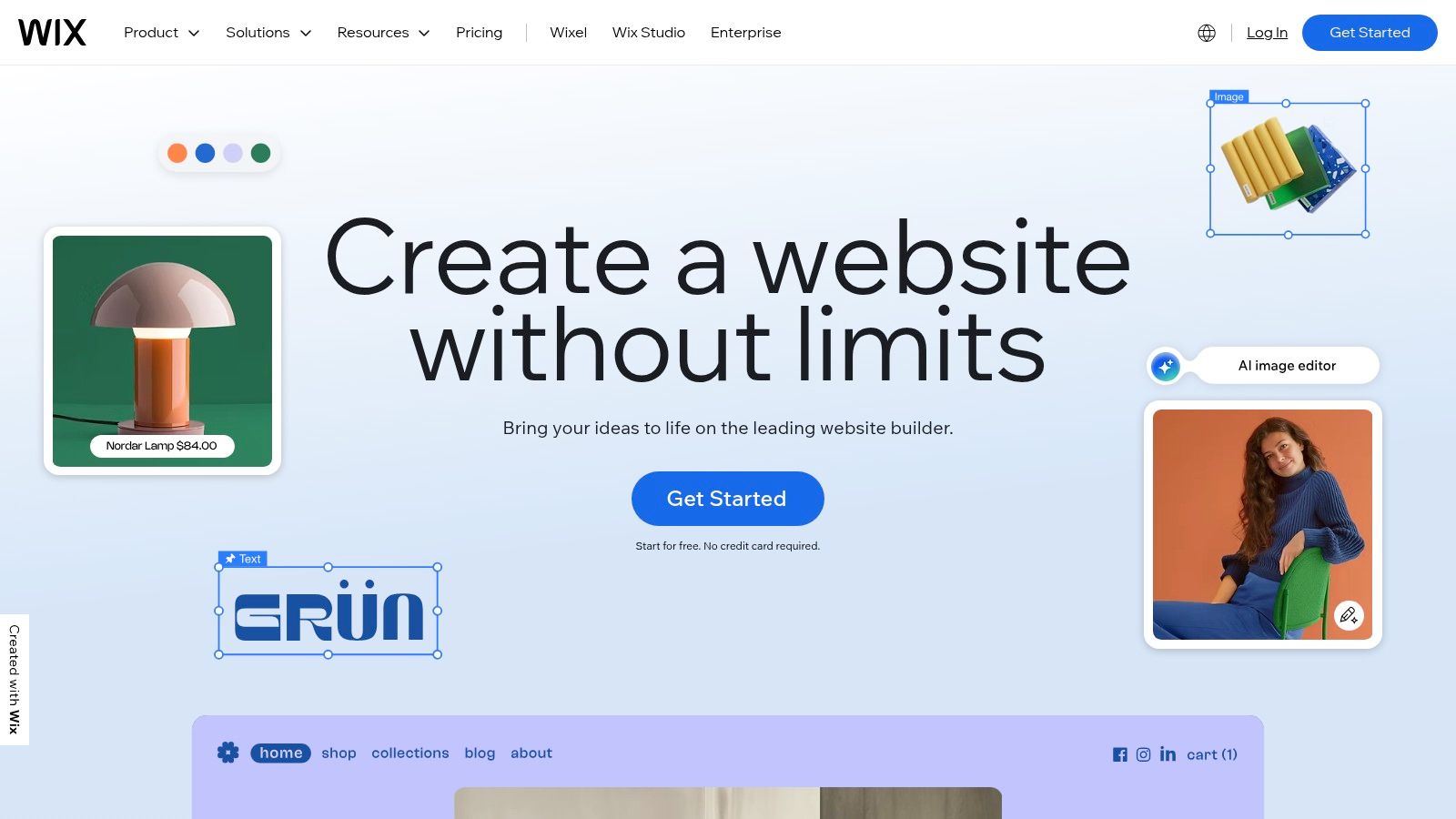
Unlike the open-source nature of WordPress, Wix provides an all-in-one, closed ecosystem with managed hosting, security, and a vast App Market. This eliminates the need for users to manage technical updates or security patches. Its built-in ecommerce capabilities are robust, supporting both physical and digital goods. If your primary goal is e-commerce, especially for digital goods, consider exploring the best platforms for selling digital products to compare specialized options.
Use Case & Analysis
- Ideal For: Small business owners, freelancers, artists, and anyone needing a simple, fast, and visually-driven website without technical overhead.
- Pros: Extremely beginner-friendly and quick to launch, a large app ecosystem for extending functionality, and Wix Payments does not charge transaction fees.
- Cons: Advanced customization can feel constrained compared to more flexible platforms, and the total cost can increase significantly with premium apps and add-ons.
Website: https://www.wix.com
5. Shopify
Shopify is the dominant force in ecommerce, making it a powerful alternative to WordPress when the primary goal is selling products online. It provides a complete, all-in-one solution that includes a storefront, a secure and optimized checkout process, inventory management, and robust marketing tools. The platform is engineered for commerce from the ground up, prioritizing speed, reliability, and conversion to help merchants grow their businesses effectively.

Unlike WordPress with WooCommerce, which requires piecing together hosting, security, and various plugins, Shopify offers a fully managed, hosted environment. This cohesive ecosystem ensures exceptional uptime and performance while simplifying technical management, allowing business owners to focus on sales and marketing. You can discover more about its capabilities in our comprehensive overview of the best e-commerce CMS platforms.
Use Case & Analysis
- Ideal For: Retail businesses of all sizes, direct-to-consumer (DTC) brands, and entrepreneurs who need a scalable, reliable, and feature-rich online store.
- Pros: Best-in-class ecommerce tooling and uptime, a massive app and theme marketplace, and mature multi-channel selling features built-in.
- Cons: Transaction fees apply if not using Shopify Payments, and reliance on paid apps can increase monthly costs for advanced functionality.
Website: https://www.shopify.com
6. Ghost (Ghost(Pro))
Ghost presents a refreshing, focused vision for online publishing, positioning itself as a powerful alternative to WordPress for creators, writers, and publishers. It’s an open-source platform designed specifically for professional blogging, newsletters, and paid memberships. This focus allows it to shed the feature bloat of multi-purpose systems, offering a cleaner, faster, and more intuitive experience centered entirely on content creation and audience engagement.
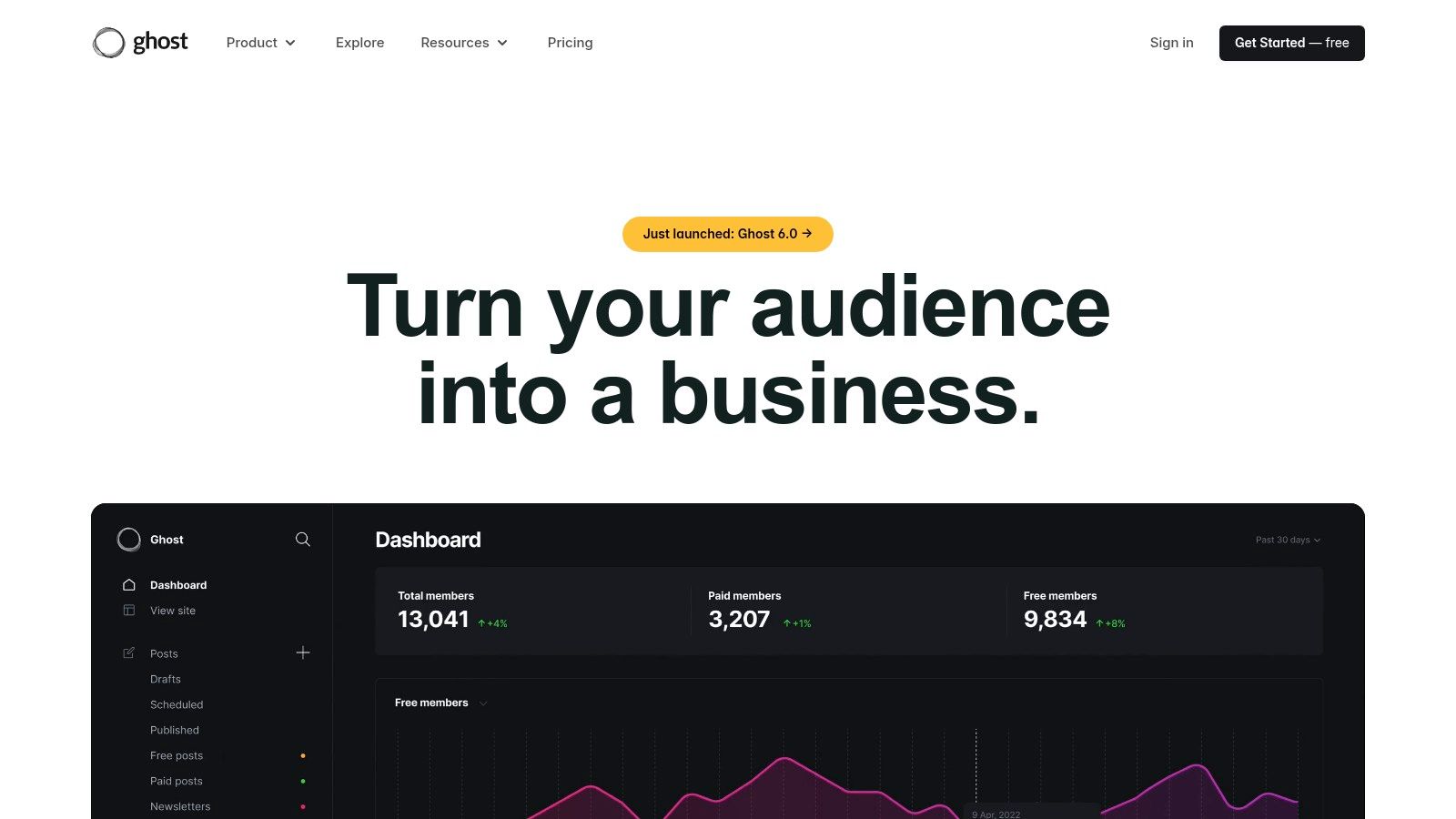
Unlike WordPress, where memberships and newsletters require a stack of third-party plugins, Ghost bakes these tools directly into its core. The platform’s managed hosting solution, Ghost(Pro), provides a turnkey experience with a modern technology stack that ensures excellent performance and security without constant maintenance. This integrated approach simplifies monetization and community building, letting creators focus on their craft rather than on technical configurations.
Use Case & Analysis
- Ideal For: Professional bloggers, journalists, podcasters, and creators building a membership-based community or paid newsletter.
- Pros: Purpose-built for publishing and audience growth, integrated email and subscription tools, and a significantly simpler, faster stack.
- Cons: Not designed as a broad ecommerce or business website platform, and its theme and app ecosystem is smaller and less mature than WordPress.
Website: https://ghost.org
7. Drupal
Drupal stands as an enterprise-grade, open-source content management system, positioning itself as one of the most robust alternatives to WordPress for complex, large-scale projects. It excels in handling content-heavy, multilingual, and decoupled/headless builds, making it a go-to for organizations that demand an API-first architecture, advanced editorial workflows, and uncompromising security. Unlike all-in-one builders, Drupal provides a foundational framework that developers can extend to meet virtually any requirement.
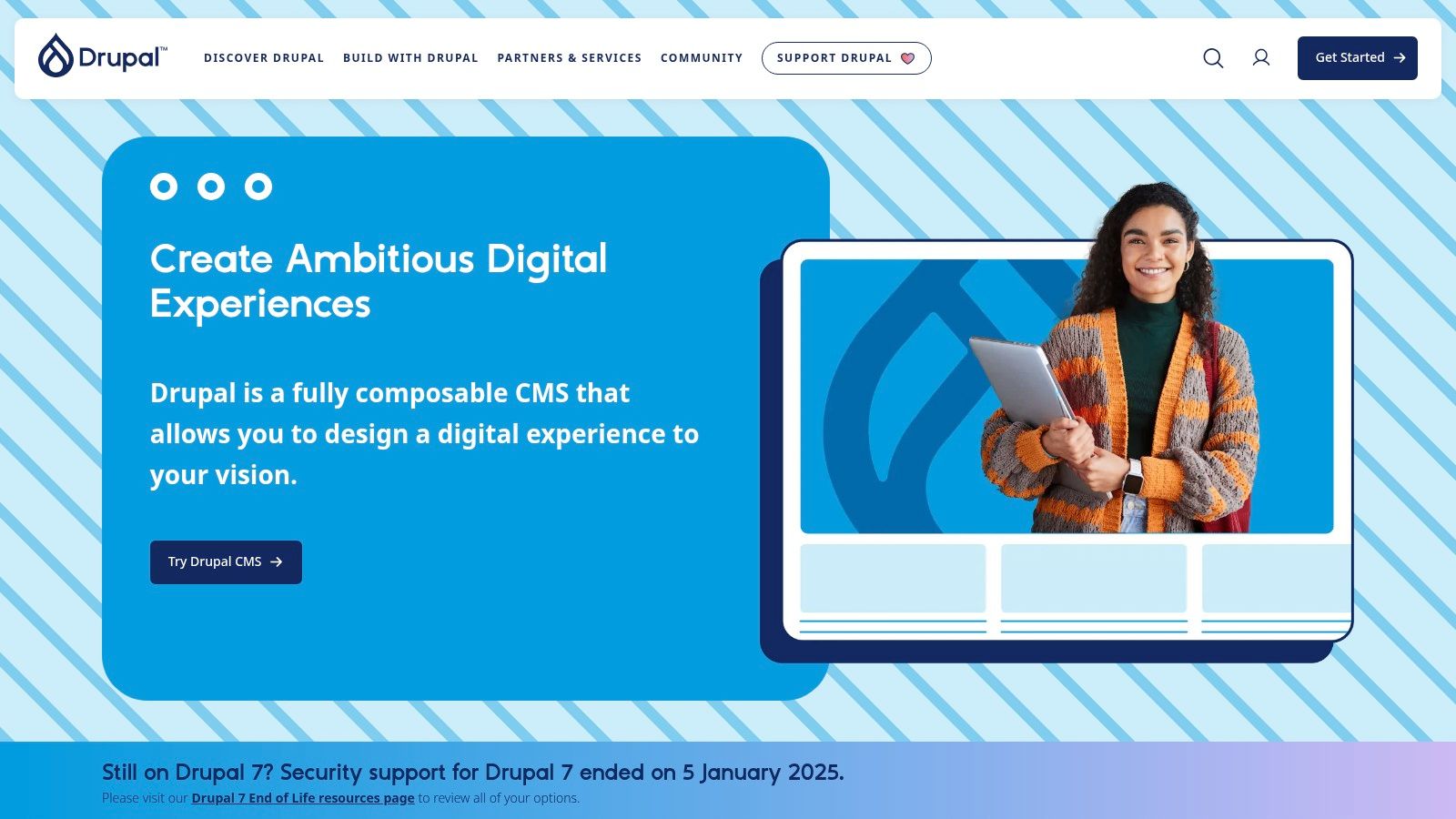
While WordPress is known for its user-friendly approach, Drupal is architected for power and flexibility, offering superior capabilities for structured content and granular permissions. Its dedicated security team and transparent advisory process provide a level of governance suited for government, higher education, and large enterprises. Costs are primarily driven by the need for professional development services and self-managed hosting. You can explore a deeper dive into its capabilities and see if it fits your needs in our overview of Drupal.
Use Case & Analysis
- Ideal For: Large enterprises, government agencies, universities, and organizations needing a highly scalable, secure, and customizable API-first platform.
- Pros: Extremely flexible and powerful for complex sites, a mature community with countless modules, and a strong security posture.
- Cons: A high learning curve that often requires developer expertise and no turnkey hosting included (you must supply your own).
Website: https://www.drupal.org
8. Joomla
Joomla is a veteran open-source content management system that offers a powerful and flexible foundation for complex websites and online applications. As one of the original alternatives to WordPress, it excels with robust core features like advanced Access Control Lists (ACL) for granular user permissions and native multilingual support, which often require paid plugins in other systems. It provides a middle ground between the simplicity of a SaaS builder and the complexity of a framework like Drupal, appealing to developers and organizations that require deep customization and full ownership of their digital assets.
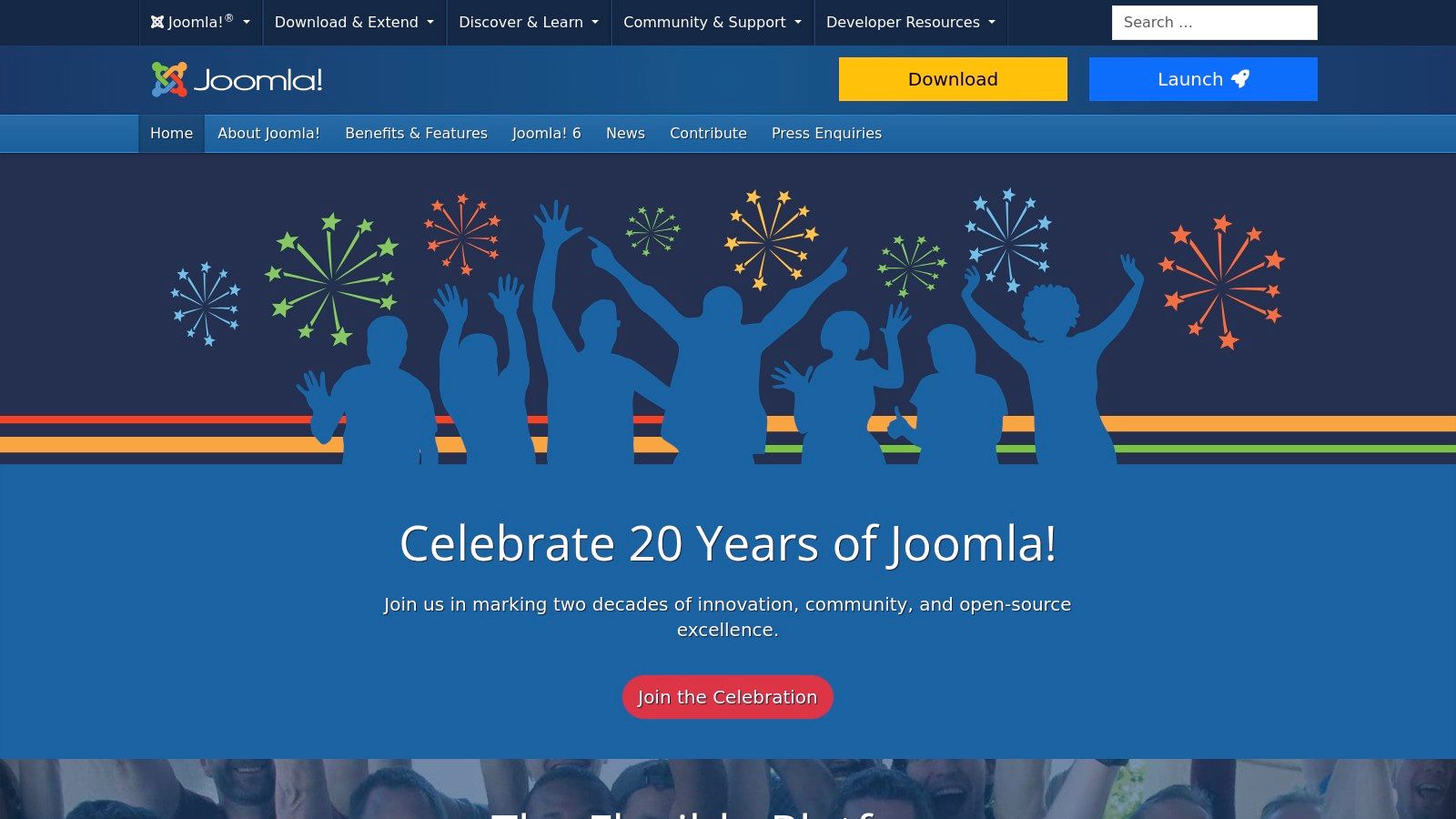
Unlike hosted platforms, Joomla is self-hosted, giving you complete freedom to choose your hosting environment and avoid vendor lock-in. While this requires more hands-on technical management for updates and security, it also means no licensing fees and total control over your code and data. The platform has a large global community and an extensive directory of extensions, allowing for significant functional expansion beyond its already feature-rich core. Recent updates have modernized its user experience, security, and SEO capabilities, keeping it a relevant choice for demanding projects.
Use Case & Analysis
- Ideal For: Community portals, membership sites, complex corporate intranets, and multilingual organizations needing fine-grained access control.
- Pros: Excellent built-in features (multilingual, ACL), no license fees, full control over hosting and data, and an active developer community.
- Cons: Requires self-hosting and technical maintenance, the learning curve can be steeper than WordPress, and its extension market is smaller.
Website: https://www.joomla.org
9. Duda
Duda establishes itself as a leading professional website builder, making it one of the strongest alternatives to WordPress specifically for digital agencies, freelancers, and hosting companies. It is engineered from the ground up to streamline the process of building and managing multiple client websites at scale. The platform's core strengths lie in its robust collaboration tools, white-labeling capabilities, and an emphasis on performance and structured data.
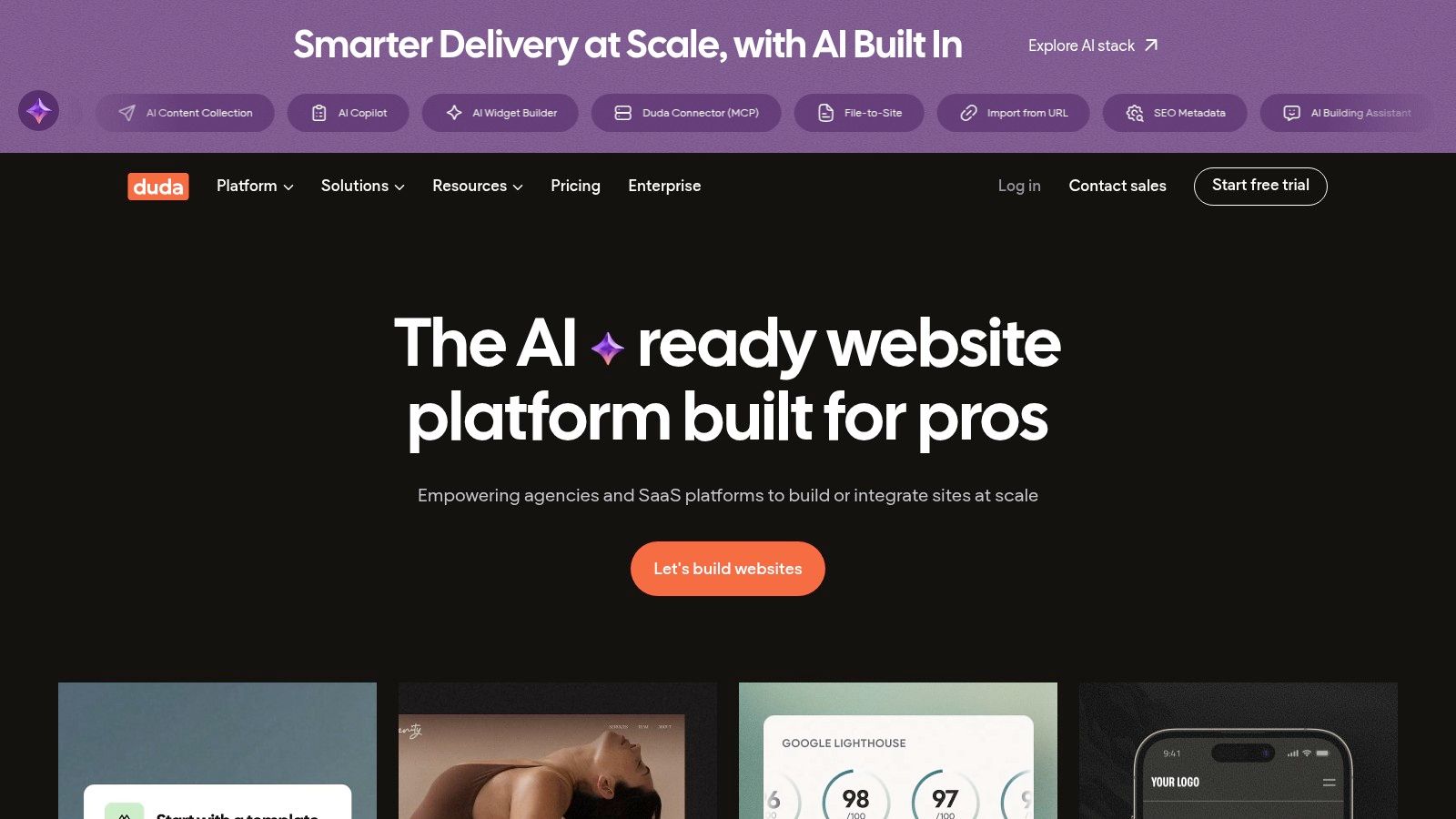
Unlike WordPress, where agency workflows often require a patchwork of third-party plugins for client management and billing, Duda integrates these features natively. This includes a white-label editor, client-specific permissions, and site comments directly on the page. All sites are hosted on high-performance AWS infrastructure with a global CDN, ensuring fast load times and reliability without the need for separate hosting management.
Use Case & Analysis
- Ideal For: Digital agencies, freelancers, and SaaS platforms that need to build and manage a large portfolio of client websites efficiently.
- Pros: Purpose-built for agencies with excellent team collaboration and white-labeling, fast and reliable AWS hosting included, and powerful automation via dynamic pages.
- Cons: No permanent free plan is available beyond a 14-day trial, and ecommerce functionality comes as a paid add-on, which increases the overall cost.
Website: https://www.duda.co
10. Framer
Framer has rapidly emerged as a leading design-first platform, making it a powerful alternative to WordPress for teams that prioritize high-fidelity visuals, advanced animations, and a seamless design-to-publish workflow. It blends an intuitive visual editor, reminiscent of tools like Figma, with a robust set of features for building interactive and fast-loading marketing websites. The platform is particularly strong for creating polished portfolios, startup landing pages, and marketing sites that need to stand out.
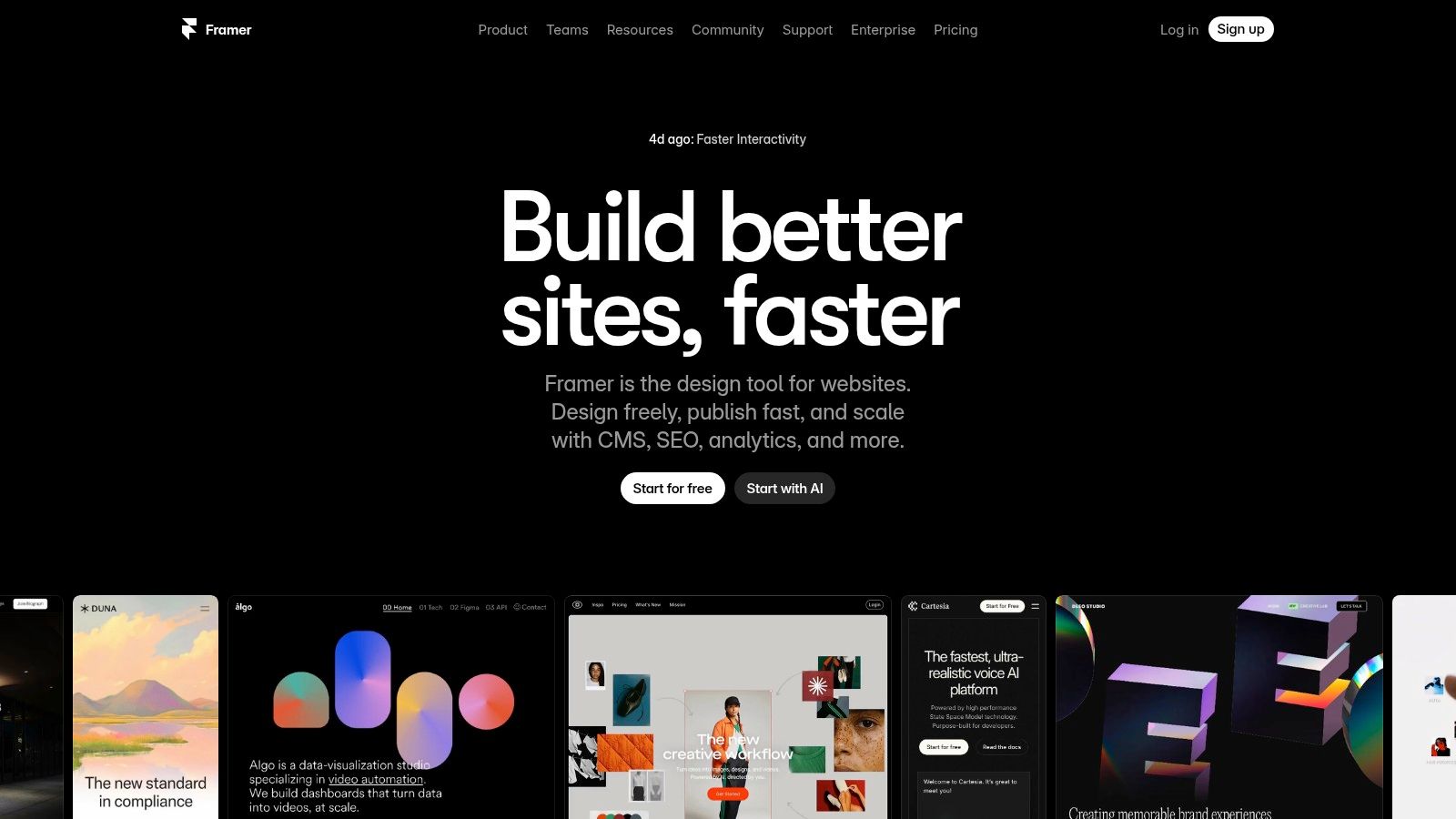
Unlike WordPress, where achieving complex animations and pixel-perfect layouts often requires custom code or heavy plugins, Framer builds these capabilities directly into its core. It offers AI-assisted design, a flexible CMS with relational content, and built-in analytics for tracking user events and funnels. This integrated approach, combined with fast global hosting, ensures sites are both beautiful and performant without the typical maintenance overhead.
Use Case & Analysis
- Ideal For: Designers, startups, and marketing teams needing to launch visually stunning, interactive websites quickly.
- Pros: Excellent for high-fidelity marketing and landing pages, a smooth design-to-publish workflow, and a flexible scale plan with usage-based overages.
- Cons: Less suited for very large product catalogs or complex application logic, and add-ons like multi-locale support or A/B testing can increase costs.
Website: https://www.framer.com
11. Carrd
Carrd offers a radically simplified approach to web presence, positioning itself as a unique alternative to WordPress for those who only need a single page. It is an ultra-simple, incredibly affordable platform designed exclusively for building responsive one-page sites. This focused scope makes it the perfect tool for creating personal profiles, link-in-bio pages for social media, straightforward landing pages for promotions, or validating a minimum viable product (MVP) without the overhead of a full content management system.
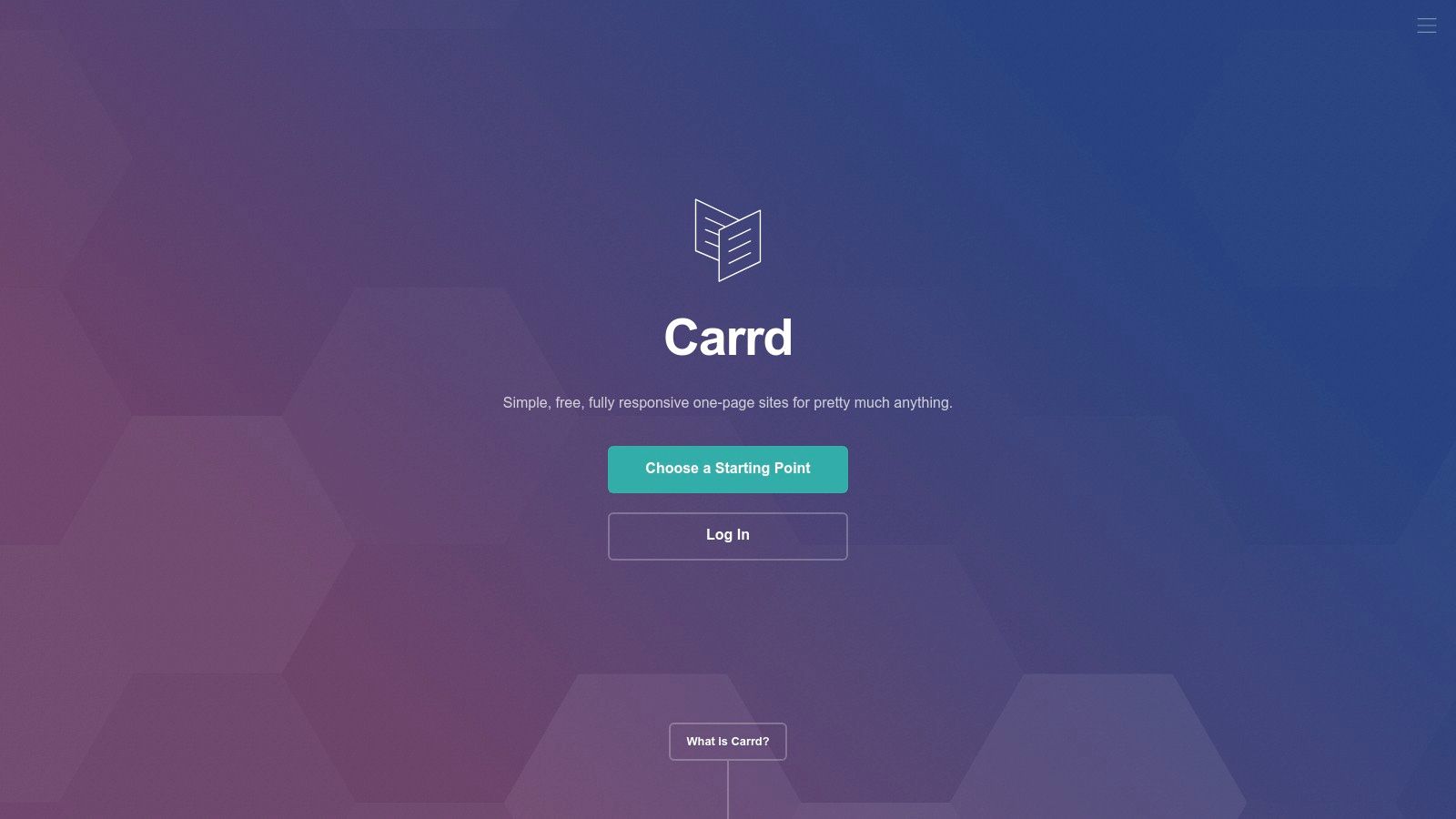
Where WordPress offers sprawling functionality for multi-page blogs and complex sites, Carrd excels in elegant minimalism. The platform is built for speed, both in terms of site performance and the user's creation process. Its intuitive drag-and-drop editor allows anyone to publish a professional-looking site in minutes. Pro plans are extremely cost-effective, unlocking crucial features like custom domains, contact forms, widgets, and the ability to embed third-party services like Stripe or Gumroad for simple transactions.
Use Case & Analysis
- Ideal For: Individuals creating a personal profile, social media influencers needing a "link-in-bio" page, and marketers launching simple promotional landing pages.
- Pros: Exceptionally low cost for Pro features, incredibly fast and easy to use, and perfect for managing multiple simple microsites.
- Cons: Strictly limited to one-page sites; not a true CMS for complex projects. Ecommerce capabilities are basic and rely on third-party embeds.
Website: https://carrd.co
12. HubSpot Content Hub (formerly CMS Hub)
HubSpot Content Hub (formerly CMS Hub) stands out as one of the most integrated alternatives to WordPress for businesses prioritizing marketing and sales alignment. It’s designed not just as a website builder but as a core component of a comprehensive customer platform, combining a user-friendly CMS with a powerful CRM. This synergy allows teams to create personalized digital experiences driven by deep customer data, turning a static website into a dynamic growth engine.
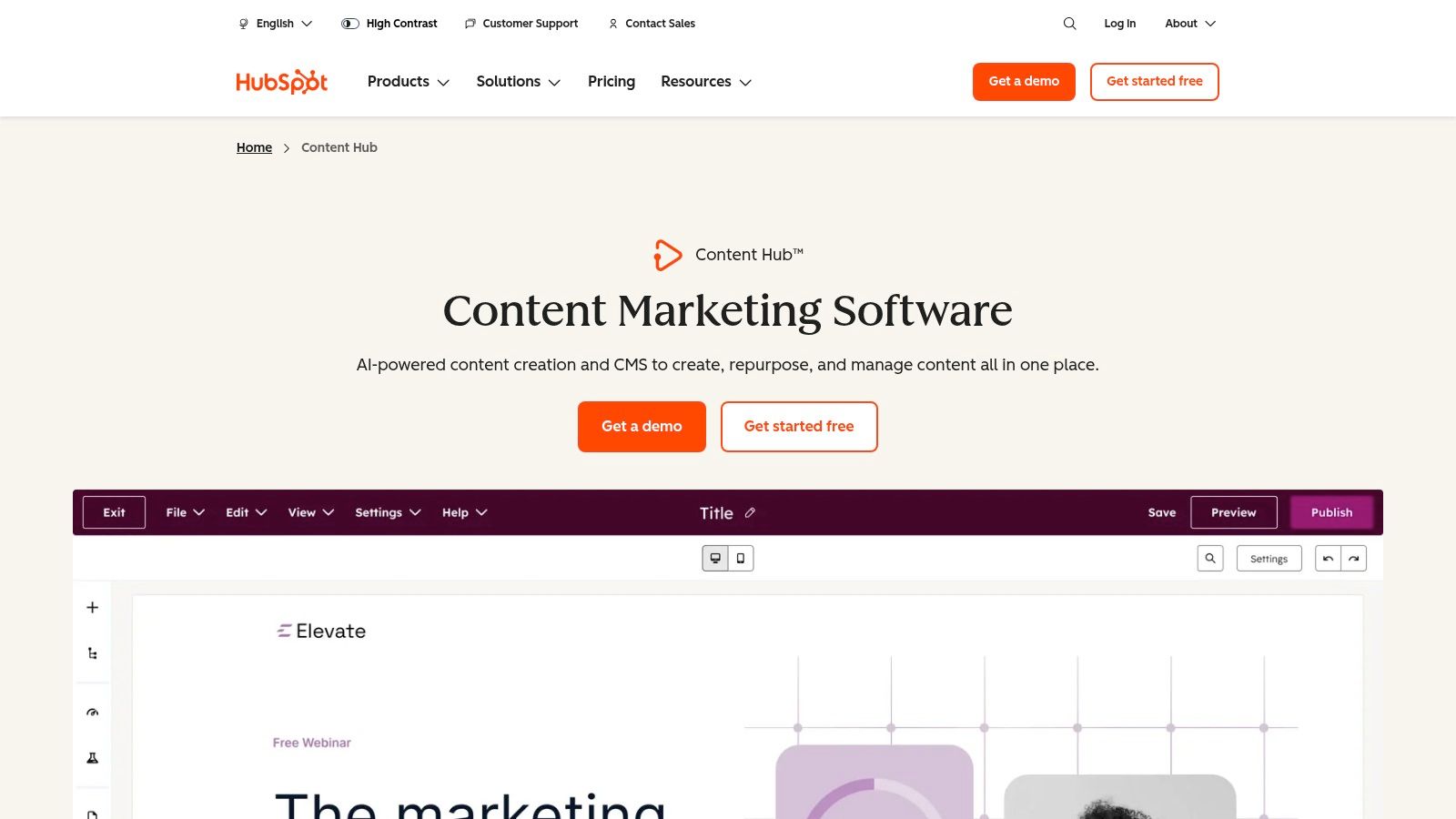
The platform is built for marketing teams, featuring drag-and-drop editing, AI content tools, and built-in SEO recommendations to streamline content creation and optimization. Unlike WordPress, which requires separate plugins for CRM and advanced marketing automation, HubSpot provides these tools natively. This all-in-one approach simplifies the tech stack and provides a single source of truth for all customer interactions. For a deeper dive into this synergy, explore the benefits of an integrated CMS and CRM strategy.
Use Case & Analysis
- Ideal For: Marketing-driven businesses, B2B companies, and any organization looking to tightly couple its website with its CRM and sales funnel.
- Pros: A single platform for CMS, CRM, and marketing automation; strong governance and analytics for scaling teams; powerful personalization features.
- Cons: Pricing can become significant as you add seats and move up tiers, and it can be overkill for simple blogs or static informational websites.
Website: https://www.hubspot.com/products/content-hub
Top 12 WordPress Alternatives — Quick Comparison
| Product | Core Features | Quality (★) | Price / Value (💰) | Target Audience (👥) | Unique Selling Points (✨ / 🏆) |
|---|---|---|---|---|---|
| Ghost — Open-source publishing platform | Node.js, native memberships, built-in newsletters, SEO-first | ★★★★☆ | 💰 Open-source; low self‑host cost (hosted options paid) | 👥 Bloggers, independent publishers, dev teams | ✨ Native subscriptions + email; 🏆 editorial-first simplicity |
| Webflow | Visual designer, CMS collections, integrated hosting, optional ecommerce | ★★★★☆ | 💰 Paid plans; hosting & ecommerce add cost | 👥 Designers, marketers, agencies | ✨ Pixel-precise no-code design; 🏆 production-ready output |
| Squarespace | Polished templates, commerce, email, analytics, AI helpers | ★★★★☆ | 💰 Subscription tiers; no permanent free plan | 👥 Small businesses, creatives, beginners | ✨ All-in-one design + tools; 🏆 design-forward templates |
| Wix | Drag-and-drop, 900+ templates, App Market, ADI AI builder | ★★★☆☆ | 💰 Free plan; paid plans + apps can raise cost | 👥 Beginners, small businesses, hobbyists | ✨ ADI AI site creation; 🏆 large app ecosystem |
| Shopify | Storefronts, POS, apps/themes, analytics, automation | ★★★★☆ | 💰 Paid tiers; transaction fees unless Shopify Payments | 👥 Online retailers, scaling merchants | ✨ Optimized checkout & commerce stack; 🏆 ecommerce leader |
| Ghost (Ghost(Pro)) | Managed Ghost hosting, memberships, newsletters, modern editor | ★★★★☆ | 💰 Hosted subscription plans (transparent limits) | 👥 Creators wanting hosted publishing | ✨ Managed hosting + native monetization; 🏆 purpose-built for publishers |
| Drupal | API-first, multilingual, advanced workflows, strong security | ★★★★☆ | 💰 Free core; hosting & dev services drive cost | 👥 Enterprises, gov, large content platforms | ✨ Highly extensible & secure; 🏆 enterprise-grade scalability |
| Joomla | Multilingual, ACL/permissions, templating, extension library | ★★★☆☆ | 💰 Free core; hosting/maintenance costs apply | 👥 Organizations wanting self-hosted flexibility | ✨ Robust core features without SaaS lock-in; 🏆 no license fees |
| Duda | White-label, client permissions, multi-site management, AWS hosting | ★★★★☆ | 💰 Agency-priced; no permanent free tier | 👥 Agencies & freelancers managing many clients | ✨ White-label + client portals; 🏆 multi-site automation |
| Framer | Design-first builder, CMS, analytics, A/B testing, animations | ★★★★☆ | 💰 Paid plans; add-ons may increase cost | 👥 Designers, startups, marketing teams | ✨ Real-time collaboration & high-fidelity design; 🏆 polished publishing |
| Carrd | One-page sites, custom domains on Pro, fast publishing | ★★★☆☆ | 💰 Very low-cost Pro plans | 👥 Personal pages, link-in-bio, landing pages | ✨ Ultra-affordable one-page builder; 🏆 simplicity & speed |
| HubSpot Content Hub | CMS + CRM integration, drag-and-drop, AI, personalization | ★★★★☆ | 💰 Expensive at scale; pricing grows with seats/features | 👥 Marketing teams, enterprises using HubSpot CRM | ✨ Deep CRM + content integration & personalization; 🏆 unified marketing + CMS platform |
Choosing the Right Tool for the Job
Moving beyond the world's most popular CMS is a significant decision, but as we've explored, the landscape of alternatives to WordPress is rich with powerful, specialized platforms. The one-size-fits-all approach is no longer the only option. The best choice is not about finding a direct WordPress replacement but identifying a tool that aligns precisely with your project's unique demands, technical skills, and long-term vision.
The key takeaway from this analysis is that your primary goal should dictate your platform choice. A content creator focused on building a membership community will have vastly different needs than a creative agency that requires pixel-perfect design control for client projects.
Synthesizing Your Options
Let's distill the decision-making process into core considerations:
- For Content-Centric Creators: If your world revolves around publishing, newsletters, and subscriptions, Ghost provides an elegant, focused, and modern solution without the plugin bloat.
- For Design-Driven Professionals: For those who demand complete visual control without writing code, Webflow and Framer offer unparalleled design freedom and clean code output, essentially turning design into live, high-performance websites.
- For All-in-One Simplicity: Small businesses and entrepreneurs who need a beautiful, functional website with minimal technical fuss will find Squarespace or Wix to be excellent, user-friendly choices. Duda also excels here, especially for agencies managing multiple client sites.
- For E-commerce Powerhouses: When selling products is the primary objective, Shopify's integrated ecosystem of sales tools, payment gateways, and inventory management is purpose-built for commerce success.
- For Enterprise & Complexity: For large-scale projects requiring robust security, extensive customization, and complex user permissions, traditional open-source systems like Drupal and Joomla remain formidable contenders.
Actionable Next Steps to Find Your Perfect Fit
Before you commit, take these final steps to ensure you're making an informed decision:
- Define Your Core "Must-Haves": List the 3-5 non-negotiable features your project requires. Is it e-commerce functionality, a membership portal, or a specific integration? Use this list to immediately filter out unsuitable options.
- Assess Your Technical Comfort Zone: Be honest about your team's willingness and ability to handle code, hosting, and maintenance. This will be the clearest dividing line between a platform like Drupal and a fully-hosted solution like Squarespace.
- Factor in Total Cost of Ownership: Look beyond the monthly subscription fee. Consider costs for premium themes, necessary apps or plugins, transaction fees (for e-commerce), and potential developer fees for future customization. For those exploring budget-friendly options or seeking free alternatives to traditional CMS platforms, reviewing the best free portfolio website builders can highlight suitable choices that minimize initial investment.
- Utilize Free Trials: Nearly every platform discussed offers a free trial or a free plan. Use this opportunity to build a small prototype of your project. Test the user interface, explore the features you need most, and get a real feel for the workflow.
Ultimately, the goal is to select a platform that empowers you to work efficiently and achieve your objectives without fighting the tool itself. By strategically evaluating these alternatives to WordPress against your specific needs, you can confidently choose a foundation that not only supports your digital presence but actively accelerates its growth.