The 12 Best CMS for Small Business in 2025: A Ranked Guide
Discover the best CMS for small business with our 2025 guide. We compare 12 top platforms on features, pricing, and use cases to help you choose.

Selecting a Content Management System (CMS) is a foundational decision for any small business. It's more than just a website builder; it's the engine that powers your digital presence, from content creation and marketing automation to e-commerce and customer engagement. In a crowded market, finding the platform that balances power, usability, and cost can be overwhelming. Making the wrong choice can lead to technical debt, migration headaches, and stunted growth.
This guide cuts through the noise. We have conducted a deep-dive analysis of the top 12 contenders to identify the best cms for small business, breaking down their specific strengths, potential limitations, and ideal use cases. Each entry includes detailed analysis, screenshots, and direct links to help you evaluate your options efficiently. As you build your digital foundation, consider exploring this Ultimate Small Business SEO Guide to ensure your chosen CMS supports sustainable growth and online visibility from day one.
Whether you are launching a simple service website, a content-driven blog, or a growing online store, this practical analysis will help you make an informed choice. Our goal is to equip you with the critical insights needed to select a platform that not only meets your current needs but can also scale with your business's future ambitions. Let's examine the systems that will define your online operations.
1. WordPress.com
WordPress.com offers a streamlined, all-in-one solution for businesses seeking the power of WordPress without the technical overhead of self-hosting. As a fully managed platform, it handles server maintenance, security, and automatic updates, making it an excellent entry point and a contender for the best cms for small business. Its tiered plan structure allows a company to start with a simple, professional site and scale up to a full-fledged e-commerce store as it grows.
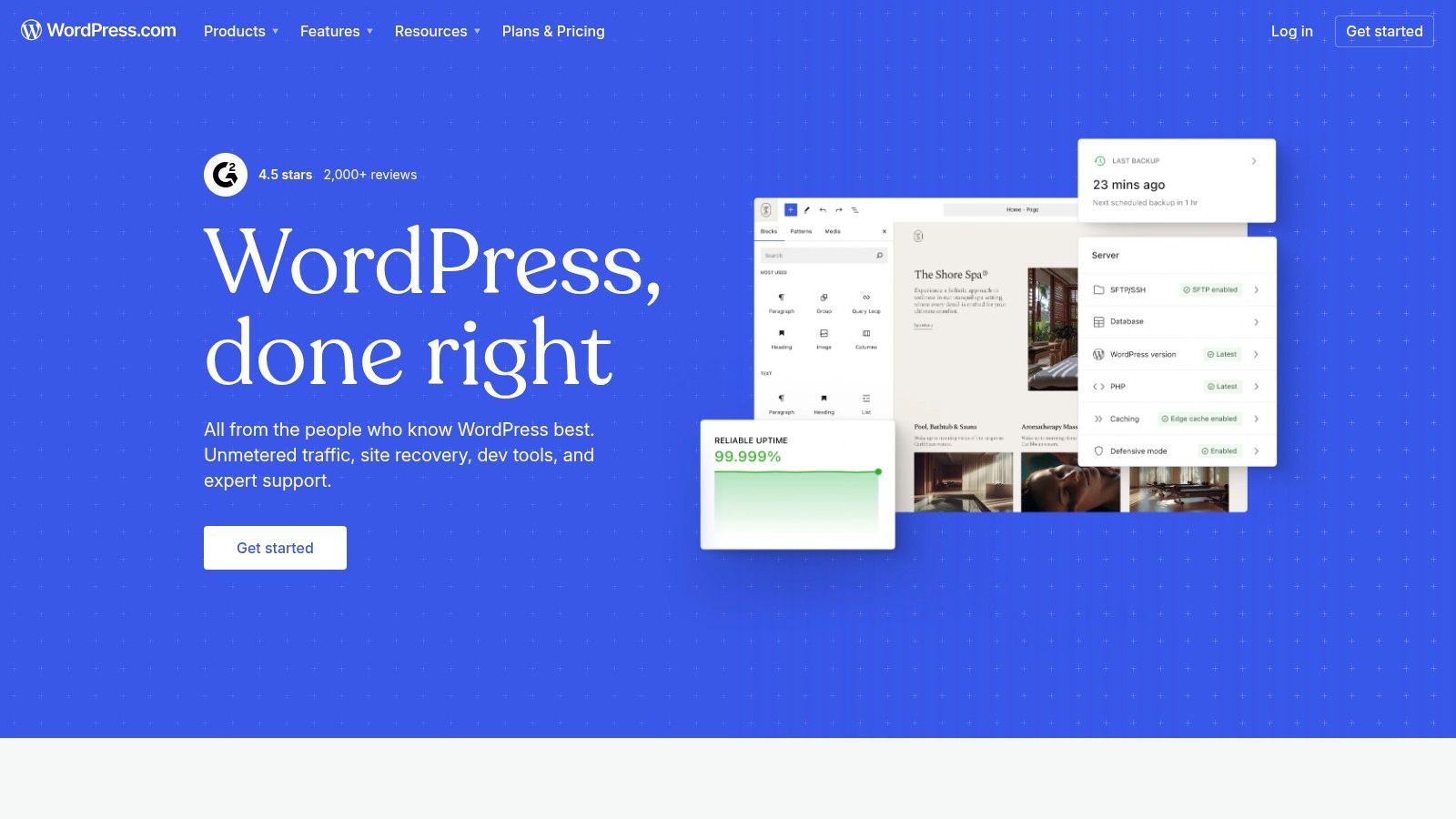
The platform stands out with its user-friendly interface and integrated tools, including an AI-assisted site builder that accelerates layout design and content generation. This feature is particularly useful for small business owners who need to launch a site quickly. A well-designed website is a cornerstone of digital presence, and integrating it with a robust content strategy is crucial for growth. For more insights on this, explore our guide on developing a content strategy for small business.
Key Considerations
A significant advantage is the immediate access to a secure, high-performance hosting environment. However, its primary limitation is that full access to WordPress's famous plugin library and custom theme uploads is restricted to the higher-tier Business and Commerce plans. Businesses on lower tiers operate within a more controlled ecosystem, which simplifies management but limits customization.
- Best Use Case: Service-based businesses, consultants, and retailers who need a reliable, scalable website with minimal technical management.
- Pricing: Plans range from a free, limited option to the Commerce plan at approximately $45/month (billed annually).
- Implementation: Setup is fast and guided. Choose a plan, select a domain, and start building with pre-made themes or the AI assistant.
Website: https://wordpress.com
2. WordPress.org (self-hosted)
Often referred to as the "real" WordPress, the self-hosted version from WordPress.org is the open-source software that powers a significant portion of the web. It provides unparalleled freedom and control, making it a powerful contender for the best cms for small business for those willing to manage their own hosting. This platform grants full ownership of your data and code, allowing for infinite customization through its vast ecosystem of over 59,000 plugins and thousands of themes.
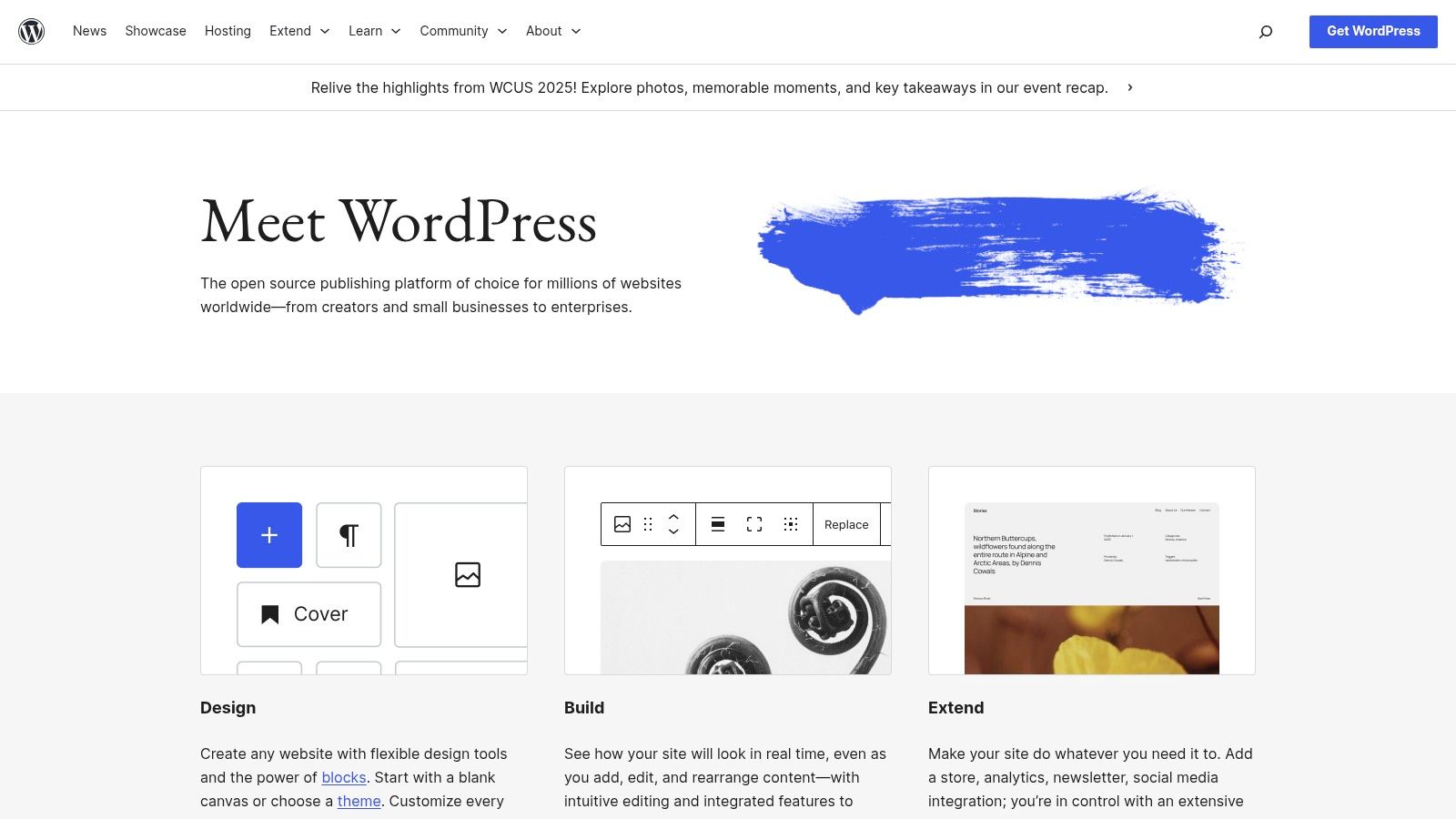
Its key distinction is the complete separation of software and hosting. While the CMS itself is free, you are responsible for purchasing a domain, securing a hosting plan, and handling site maintenance. For e-commerce ventures, integrating a payment processor is a crucial step. For those opting for this powerful platform, understanding how to integrate payment solutions is key, and you can find a comprehensive guide to payment gateways for WordPress to help you. This approach offers maximum flexibility at a potentially lower long-term cost.
Key Considerations
The greatest advantage of WordPress.org is its limitless potential for customization and scalability, backed by a massive global community for support. However, this freedom comes with responsibility. The user must manage security, backups, and software updates, which can be a steep learning curve for beginners. Plugin quality varies, so careful vetting is essential to maintain site performance and security.
- Best Use Case: Businesses of all sizes that require full control, deep customization, or specific functionalities not available on managed platforms.
- Pricing: The software is free. Costs include domain registration (approx. $10-20/year) and web hosting ($5-50+/month).
- Implementation: Requires purchasing hosting, installing WordPress (often a one-click process via the host), and configuring the site from scratch.
Website: https://wordpress.org
3. Wix
Wix stands as a dominant force in the all-in-one website builder space, offering a highly intuitive platform designed for users with no coding experience. Its powerful drag-and-drop editor, combined with AI-assisted design tools, allows small businesses to create visually impressive websites quickly. This ease of use makes it a strong candidate for the best cms for small business, especially for those prioritizing speed to market and design flexibility without technical barriers.
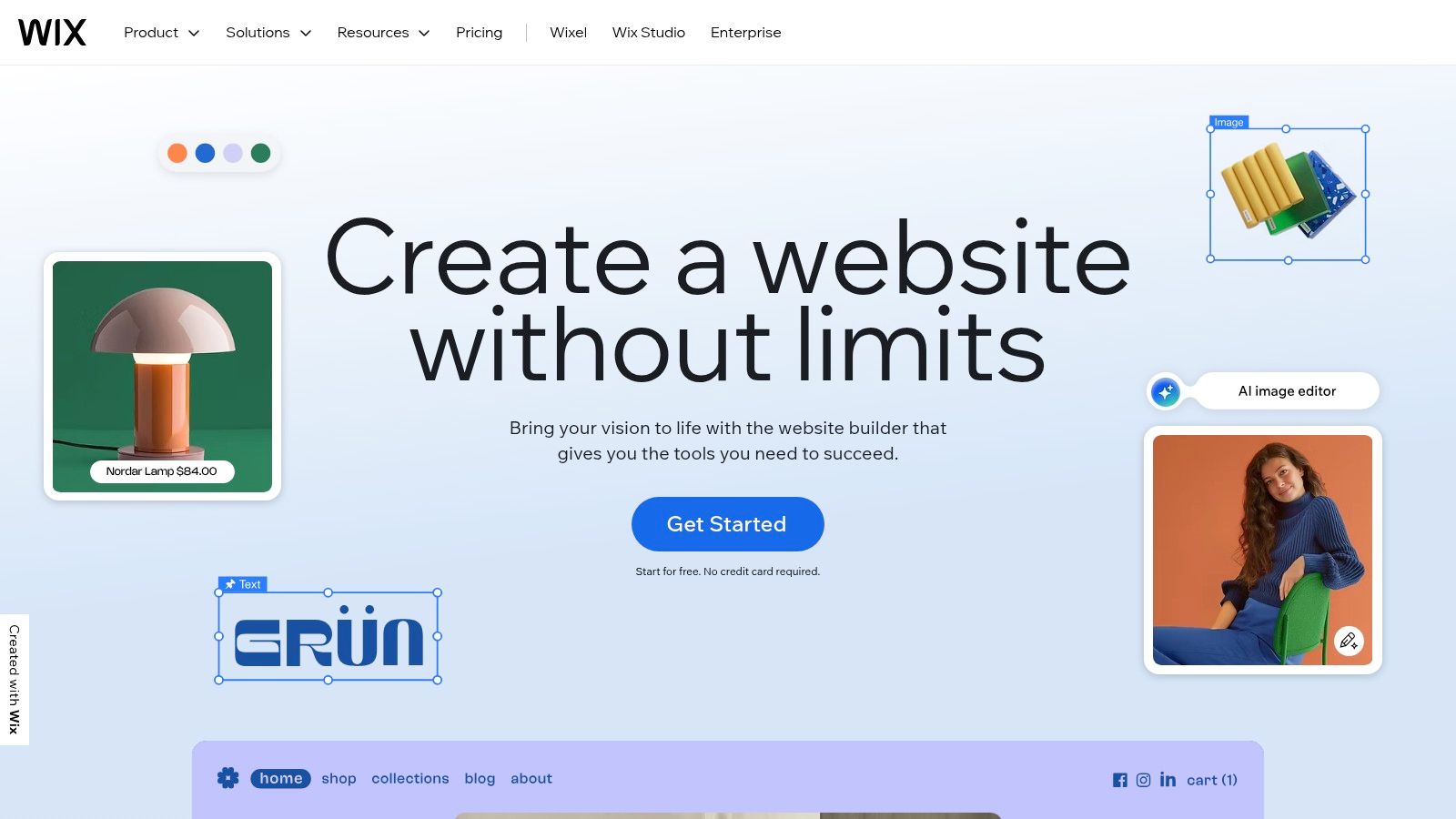
The platform integrates everything a small business needs out of the box, including SEO tools, analytics, marketing automation, and e-commerce capabilities on its business-tier plans. With hundreds of professionally designed templates and an extensive App Market, functionality can be expanded to include booking systems, forums, and events calendars. You can explore more resources and guides for using a website builder CMS like Wix to maximize its potential for your business.
Key Considerations
A major strength of Wix is its simplicity; what you see in the editor is exactly what you get on the live site. However, this user-friendly environment is a proprietary, closed ecosystem. This means that once you build your site on Wix, migrating it to another platform is exceptionally difficult. Furthermore, while the App Market offers many integrations, advanced customization and functionality are less flexible than open-source alternatives.
- Best Use Case: Creative professionals, restaurants, local service providers, and small retailers who need a visually rich site with minimal technical effort.
- Pricing: Plans range from a free, ad-supported version to Business VIP plans around $159/month for comprehensive e-commerce features.
- Implementation: Extremely fast. Sign up, choose a template or use the ADI (Artificial Design Intelligence), and customize with the drag-and-drop editor.
Website: https://www.wix.com
4. Squarespace
Squarespace is a design-centric, all-in-one platform known for its polished, award-winning templates and intuitive visual editor. It packages a powerful CMS with integrated e-commerce, scheduling, and marketing tools, positioning it as a top contender for the best cms for small business, especially for those prioritizing brand aesthetics. This unified approach simplifies site management by consolidating multiple business functions into a single, cohesive dashboard.
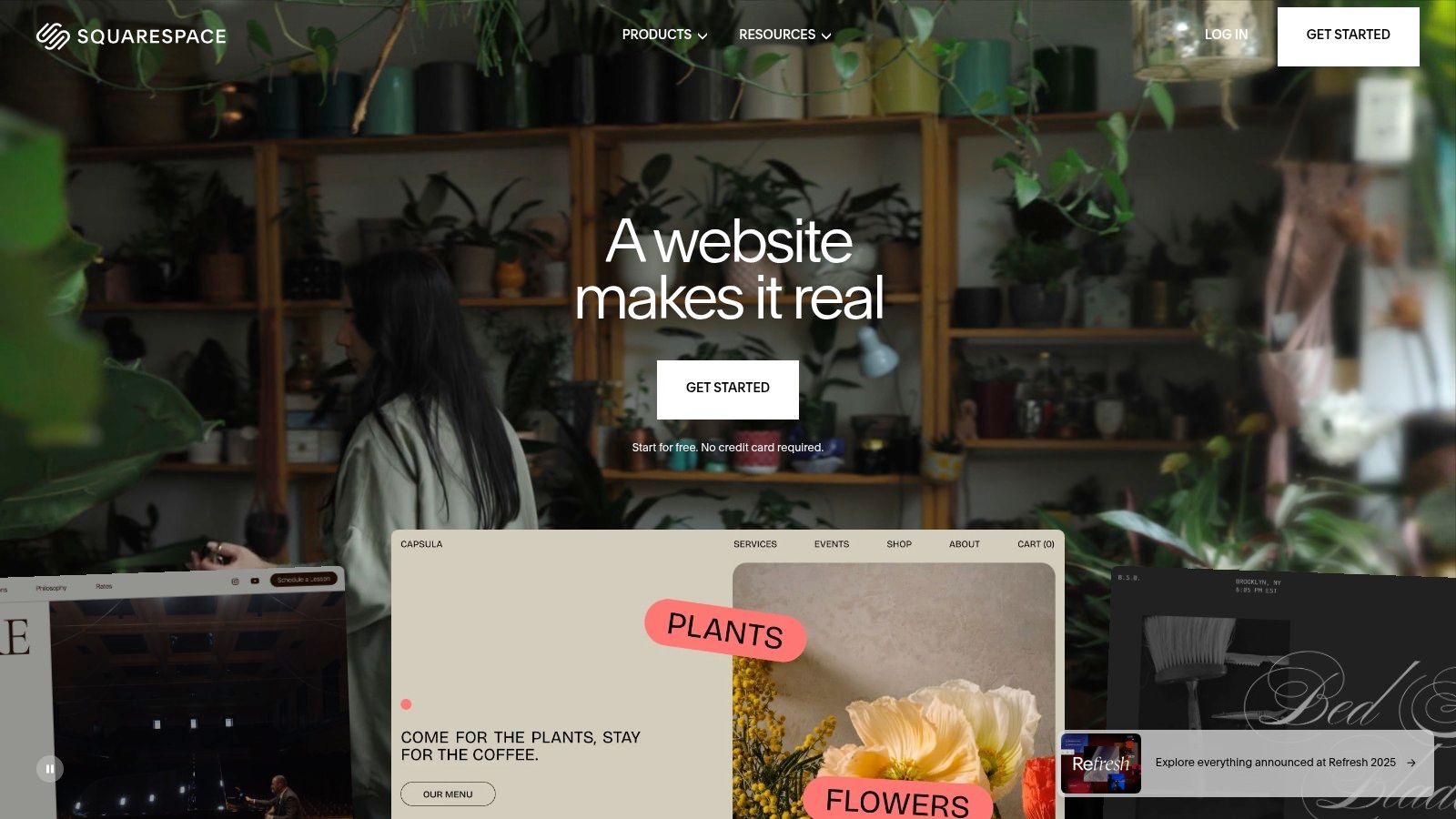
The platform excels at enabling businesses to launch professional, visually stunning websites with minimal effort. Its drag-and-drop editor and AI-assisted tools streamline the design process, making it accessible to users without technical skills. This is particularly valuable for creative professionals, service providers, and boutique retailers who need to establish a strong online presence quickly and efficiently, without a steep learning curve.
Key Considerations
A core strength of Squarespace is its curated, all-in-one environment, which ensures high performance and security without requiring user intervention. However, this closed ecosystem offers less extensibility than open-source alternatives, limiting deep customization. Advanced e-commerce features, such as subscription services and abandoned cart recovery, are also reserved for its more expensive subscription tiers.
- Best Use Case: Photographers, designers, consultants, and service-based businesses that value premium design and an integrated toolset.
- Pricing: Plans start at approximately $16/month (billed annually) for a personal site, with business and commerce plans costing more.
- Implementation: Start with a 14-day free trial, select a template, and customize it using the visual editor before launching.
Website: https://www.squarespace.com
5. Shopify
Shopify is a commerce-first platform engineered from the ground up for online and physical retail. It provides a comprehensive, hosted solution that handles everything from the storefront and inventory management to payments and shipping, making it a powerful contender for the best cms for small business focused on sales. Its integrated system is designed to create a seamless customer journey, from browsing products to a secure, high-converting checkout process.

The platform truly excels with its multi-channel sales capabilities, allowing businesses to sell directly on their website, through social media channels, and across major marketplaces from a single dashboard. This unified approach simplifies operations significantly. For an in-depth comparison, you can explore our list of the 12 best CMS for eCommerce to see how it stacks up against other specialized platforms. The extensive App Store further enhances its functionality, offering tools for marketing, customer service, and logistics.
Key Considerations
A core advantage of Shopify is its scalability; businesses can start small and grow into complex operations without ever needing to migrate platforms. The main drawback is the cost structure. While the core platform is robust, reliance on paid apps can increase monthly expenses, and transaction fees are applied if you don't use Shopify Payments. Custom theme development often requires specialized Liquid programming knowledge or hiring a professional.
- Best Use Case: Retailers, direct-to-consumer brands, and any business where product sales (physical or digital) are the primary goal.
- Pricing: Plans typically start around $29/month for "Basic," with advanced tiers offering more features.
- Implementation: The setup is intuitive and guided. Users choose a theme, add products, configure payment and shipping settings, and can be ready to sell in a day.
Website: https://www.shopify.com
6. Webflow
Webflow is a visual web development platform that empowers businesses to design, build, and launch fully custom websites without writing code. It bridges the gap between no-code site builders and traditional development, offering designer-grade control over layout and interactions. As a managed hosting solution, it also handles infrastructure, security, and performance, making it a powerful choice when considering the best cms for small business, especially for those prioritizing unique branding and design.
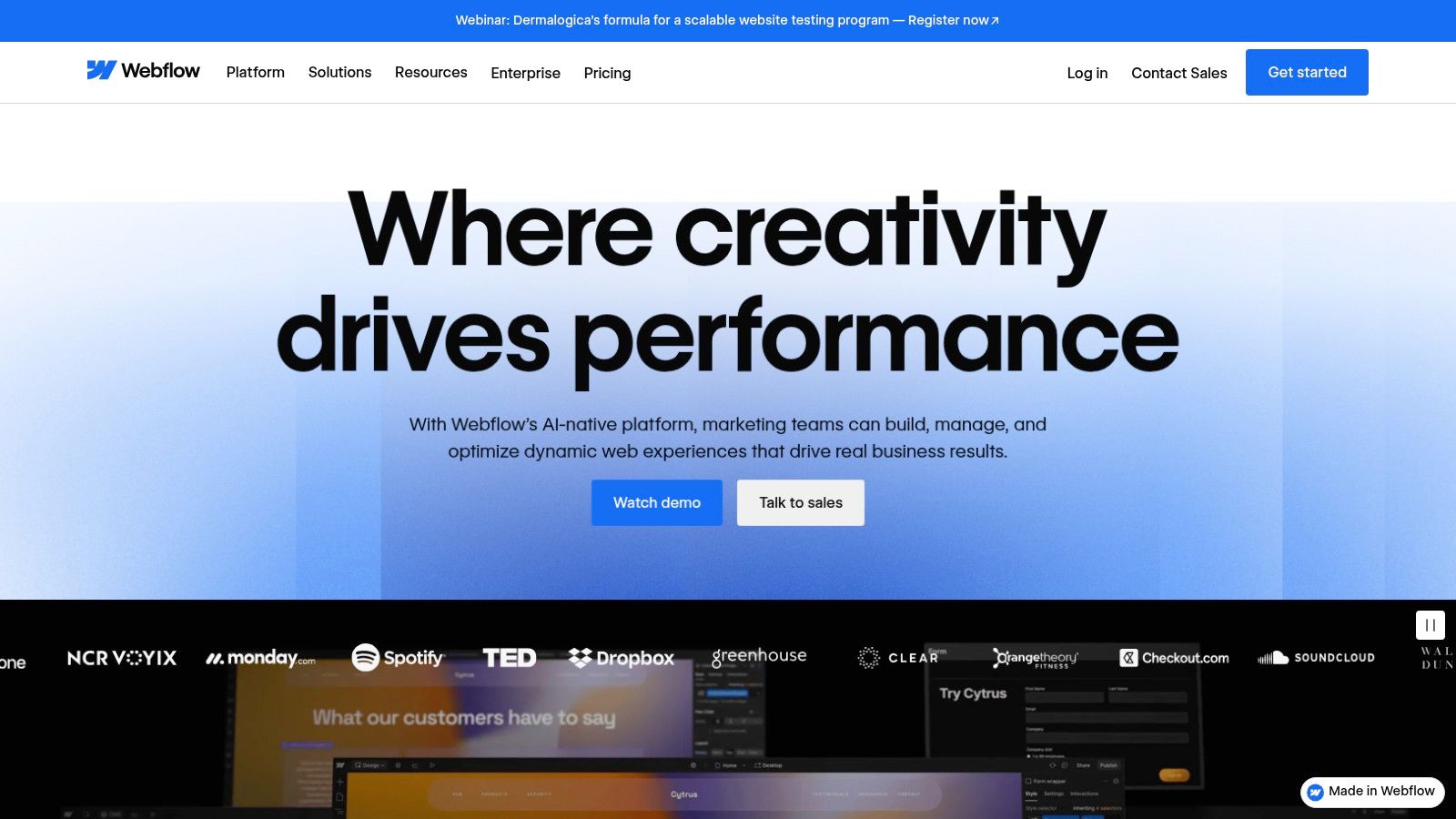
The platform's standout feature is its Visual Designer, which translates design decisions directly into clean, semantic HTML, CSS, and JavaScript. This allows for unparalleled creative freedom compared to template-based systems. Its integrated CMS, built around "Collections," is highly flexible, enabling the creation of structured content for blogs, portfolios, team directories, and more. This combination gives businesses precise control over both aesthetics and data.
Key Considerations
Webflow’s key advantage is its ability to produce highly professional, custom-designed websites that perform exceptionally well. However, its power comes with a steeper learning curve than simpler builders, feeling more like a design tool such as Photoshop than a typical website editor. The platform’s plans also impose limits on CMS items and form submissions, and you cannot export the CMS-powered code, which locks you into its hosting ecosystem.
- Best Use Case: Design-focused businesses, agencies, and startups that require a pixel-perfect custom website without the need for manual coding.
- Pricing: Site plans with CMS capabilities start at approximately $23/month (billed annually). E-commerce plans are priced separately.
- Implementation: Requires a design-centric approach. Users should leverage Webflow University's excellent tutorials to learn the interface before building.
Website: https://webflow.com
7. HubSpot Content Hub (formerly CMS Hub)
HubSpot Content Hub positions itself as more than just a content management system; it's a core component of a comprehensive growth platform. It is designed for businesses that want to align their website directly with their marketing and sales efforts. This makes it a powerful choice for the best cms for small business when lead generation and customer relationship management are top priorities. The system leverages HubSpot's robust CRM to deliver personalized content experiences and track user engagement from the first visit to the final sale.
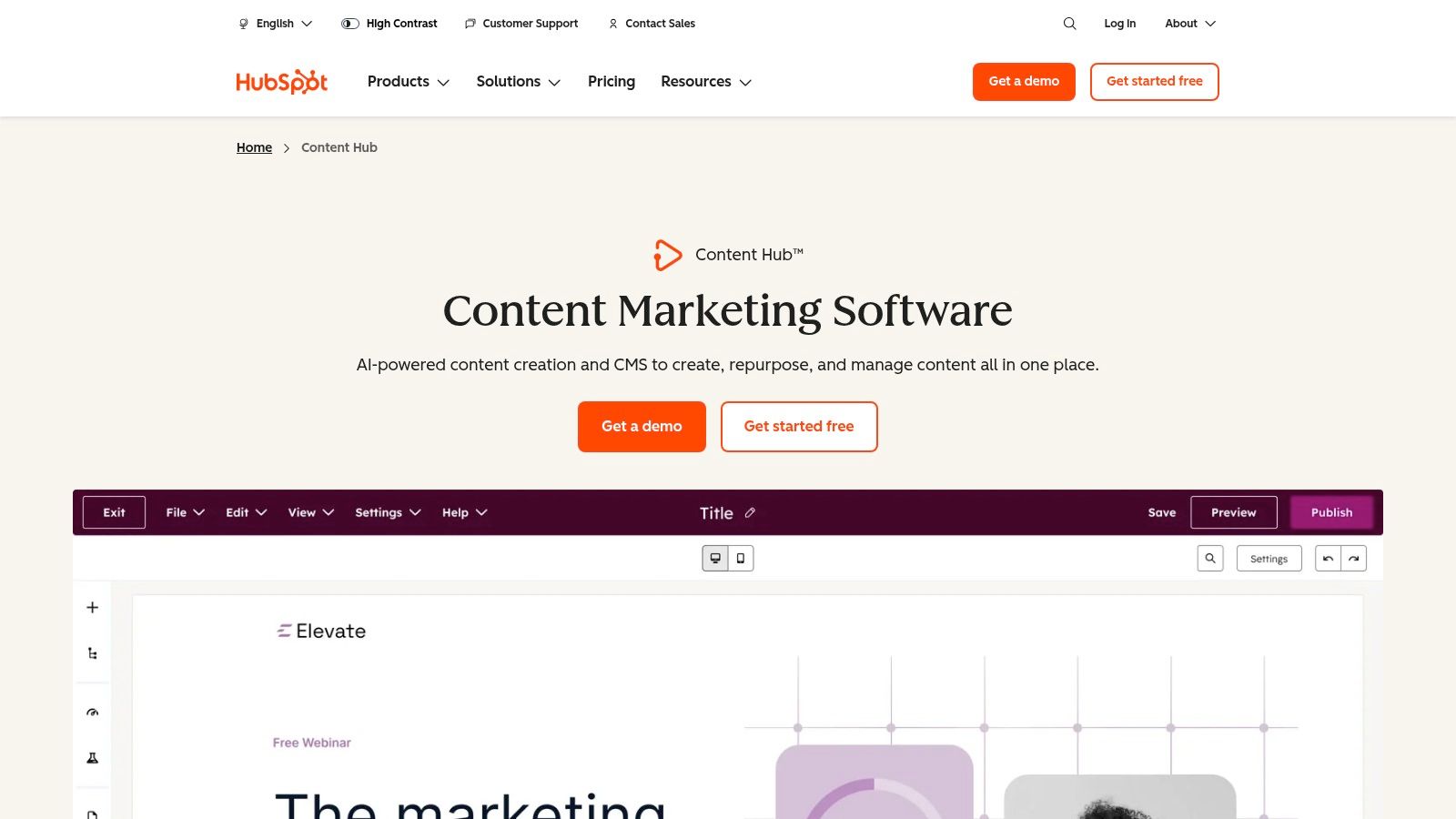
The platform's standout feature is its deep integration with marketing automation and sales tools. It includes AI-driven features like Content Remix to repurpose existing assets and built-in SEO tools that guide content strategy. This unified approach simplifies the tech stack, allowing businesses to manage their website, blog, landing pages, and email campaigns from a single, cohesive dashboard, creating a seamless customer journey.
Key Considerations
A primary advantage is having a single source of truth for all customer data, enabling highly targeted marketing directly from the CMS. However, this power comes with a steeper learning curve compared to simpler website builders. Pricing can also become a significant investment as a business grows and requires more contacts or user seats, and annual commitments are typical.
- Best Use Case: B2B service providers, marketing-focused companies, and any business prioritizing lead nurturing and sales pipeline integration.
- Pricing: Starts with a free plan with HubSpot branding. Paid plans begin at approximately $25/month, with advanced features in higher tiers.
- Implementation: The setup is more involved, often benefiting from a clear marketing strategy before building to leverage its full potential.
Website: https://www.hubspot.com/products/content
8. Ghost(Pro)
Ghost(Pro) offers a modern, fast CMS focused on professional publishing, making it an excellent choice for content-led small businesses. As the official managed hosting service, it removes the technical complexity of deployment and server management. This allows creators and businesses to concentrate on producing high-quality content, building an audience with integrated newsletters, and monetizing through paid subscriptions, solidifying its place as a niche best cms for small business.
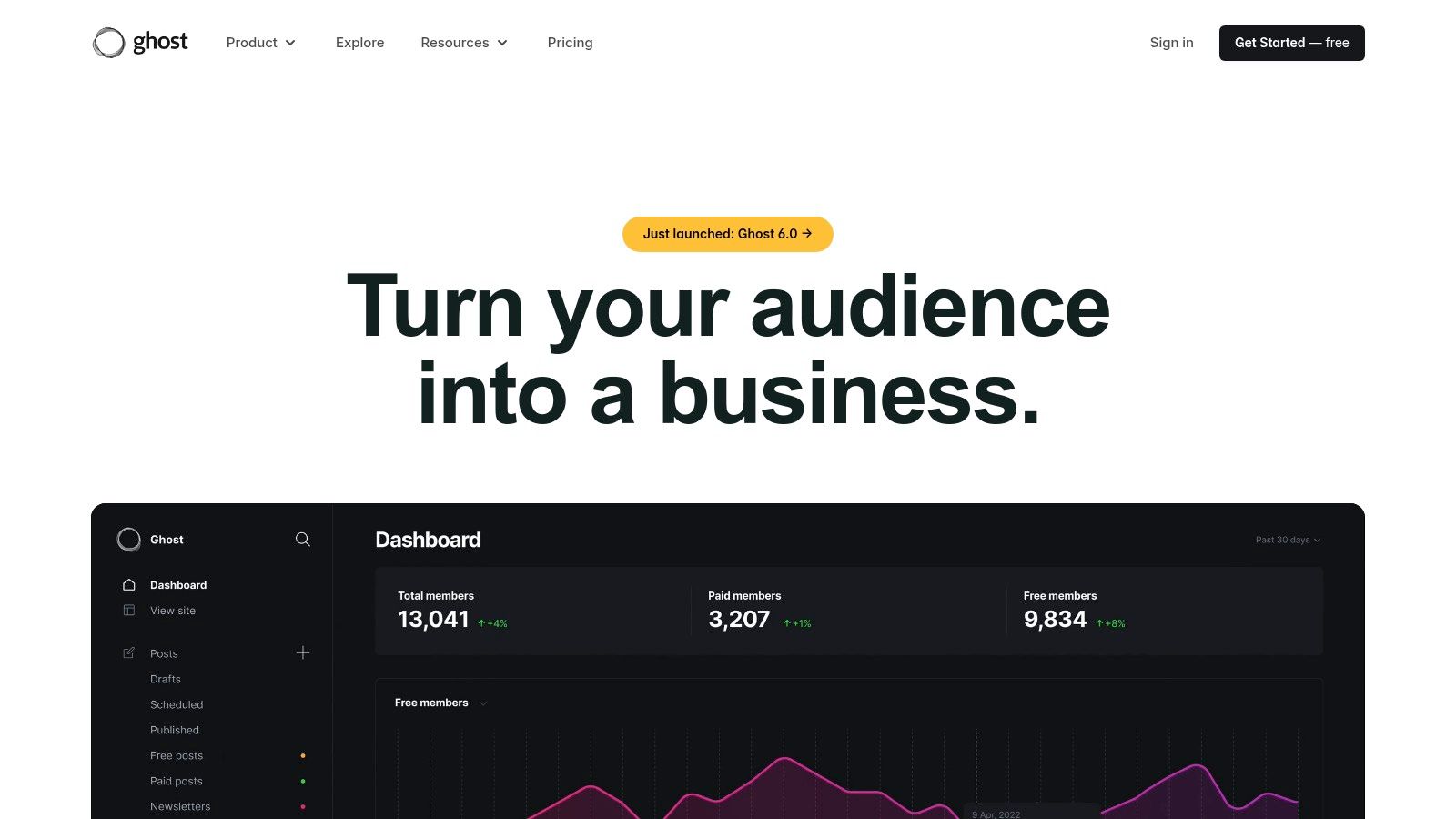
The platform is renowned for its clean, performance-optimized editor that provides a simple, distraction-free writing environment. Its core strength lies in its native membership and subscription tools, which are seamlessly integrated into the publishing workflow. This focus on content monetization sets it apart from more general-purpose CMS platforms. For a deeper analysis of its features, explore our detailed review of Ghost(Pro).
Key Considerations
A significant advantage of Ghost(Pro) is its all-in-one nature for publishers, combining website, blog, and newsletter functionalities. The primary limitation is its specialized focus; e-commerce capabilities beyond digital subscriptions require integration with external tools via APIs. Furthermore, access to custom themes and advanced integrations is generally reserved for higher-tier plans, which may be a constraint for businesses on a tight budget.
- Best Use Case: Independent creators, publishers, and niche businesses that monetize through content subscriptions and newsletters.
- Pricing: Plans start at the Creator tier for approximately $9/month (billed annually) and scale based on audience size.
- Implementation: Sign-up is straightforward. Choose a plan based on your audience size, select a theme, and start publishing content immediately.
Website: https://ghost.org
9. Duda
Duda is a professional website builder and CMS engineered for performance, particularly for agencies and small businesses that require streamlined, scalable site creation. It offers a structured, template-driven approach combined with powerful client management tools, making it an excellent candidate for the best cms for small business when efficiency and collaboration are priorities. Its focus on Core Web Vitals and site speed provides a solid foundation for SEO and user experience from the moment a site is launched.
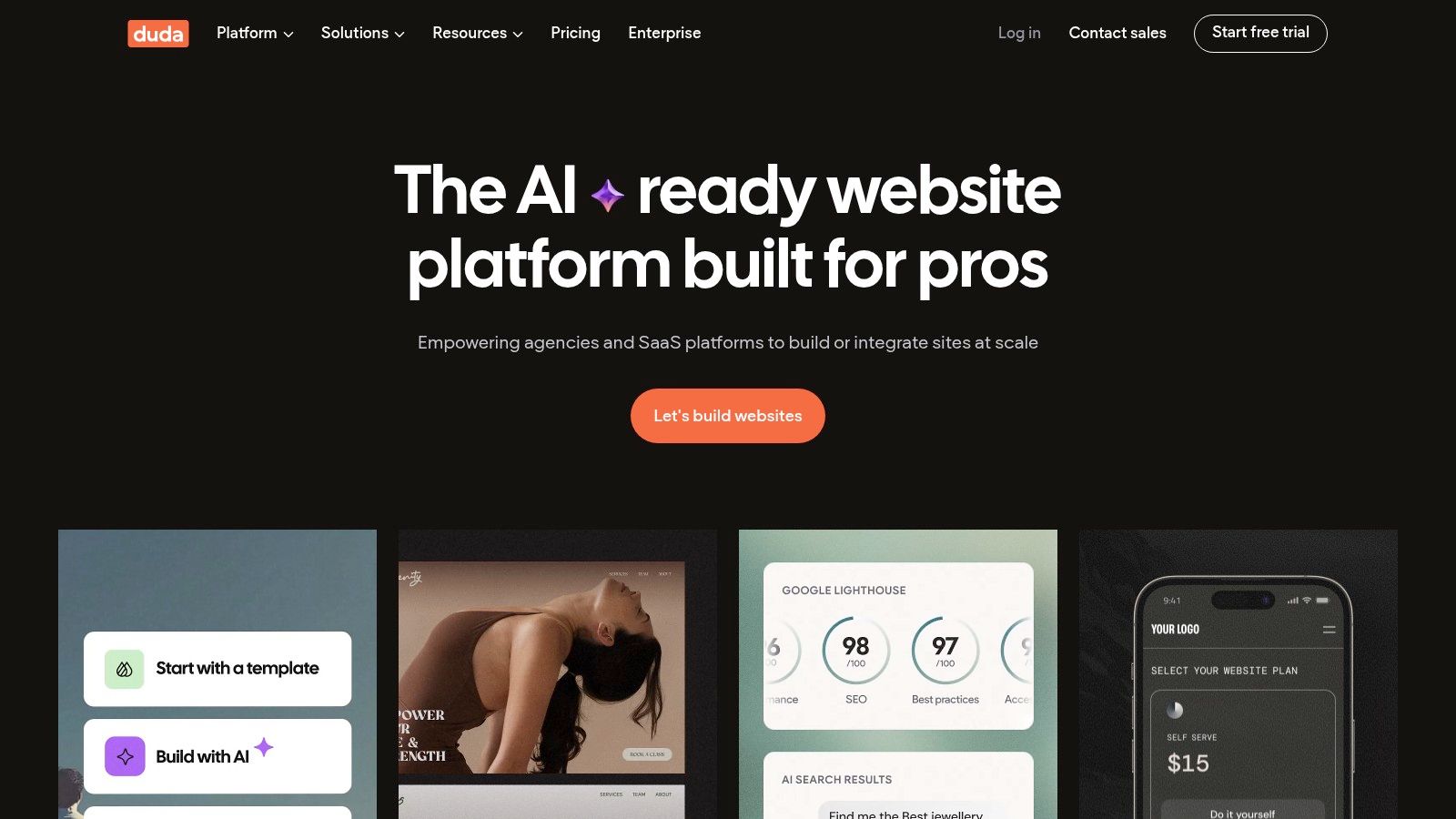
The platform’s standout features include its white-label capabilities, allowing agencies to brand the editor as their own, and robust team permission settings. Duda also excels with its dynamic page creation, which can automatically generate multiple pages from a single data source, saving immense time for businesses with large catalogs or listings. This focus on workflow automation makes it a highly practical choice for service providers building sites for multiple clients.
Key Considerations
A significant advantage is the performance-optimized hosting that comes standard with all plans, including a global CDN. This ensures fast load times without extra configuration. However, Duda does not offer a permanent free tier, and its e-commerce capabilities are only available as a paid add-on, which can increase the overall cost for online stores. The platform is less about open-source flexibility and more about providing a highly efficient, controlled building environment.
- Best Use Case: Digital agencies, freelancers, and multi-location businesses that need to deploy professional, high-performance websites quickly and at scale.
- Pricing: Plans start at around $19/month (billed annually) for a single site, with team and agency plans offering more features.
- Implementation: The process is straightforward. Choose a template, customize it with the drag-and-drop editor, and use integrated client management tools for feedback.
Website: https://www.duda.co
10. BigCommerce
BigCommerce is a dedicated e-commerce platform that functions as a powerful SaaS solution for businesses aiming for significant online retail growth. It provides a robust, all-in-one framework that handles hosting, security, and updates, allowing business owners to focus on sales and marketing. For retailers and B2B companies looking beyond basic online stores, it stands as a strong candidate for the best cms for small business focused on commerce. Its architecture is built for scalability, supporting brands as they expand their product catalogs and sales channels.
The platform distinguishes itself with extensive built-in e-commerce features, including powerful SEO tools, multi-channel selling capabilities, and the absence of platform transaction fees on all plans. This integrated approach means businesses can manage inventory, process orders, and analyze performance from a single dashboard. Advanced functionalities like headless commerce and multi-storefront support also provide the flexibility to create unique customer experiences across different brands or regions.
Key Considerations
A major advantage of BigCommerce is its strong out-of-the-box feature set, which reduces the need for costly third-party apps for core commerce functions. However, a key limitation is its revenue-based plan structure; as your annual sales grow, you are required to upgrade to a higher-tier plan. While theme customization is possible, it can be less intuitive for beginners compared to simpler drag-and-drop website builders.
- Best Use Case: Growing retail brands, B2B merchants, and e-commerce businesses that require advanced, scalable features without managing technical infrastructure.
- Pricing: Standard plans start at approximately $29/month, with Plus and Pro plans offering more features for higher-volume sellers.
- Implementation: Setup involves configuring store settings, adding products, and customizing a theme. The platform offers a guided onboarding process.
Website: https://www.bigcommerce.com
11. Square Online (from Square)
Square Online offers a specialized CMS and e-commerce platform built for businesses already integrated into the Square ecosystem. It excels at unifying in-person and online sales for retailers, restaurants, and service providers. This tight integration with Square POS for inventory, orders, and payments makes it a powerful and efficient contender for the best cms for small business, particularly those with a physical presence looking to expand online. The platform is designed for rapid deployment, allowing merchants to launch a transactional website quickly.
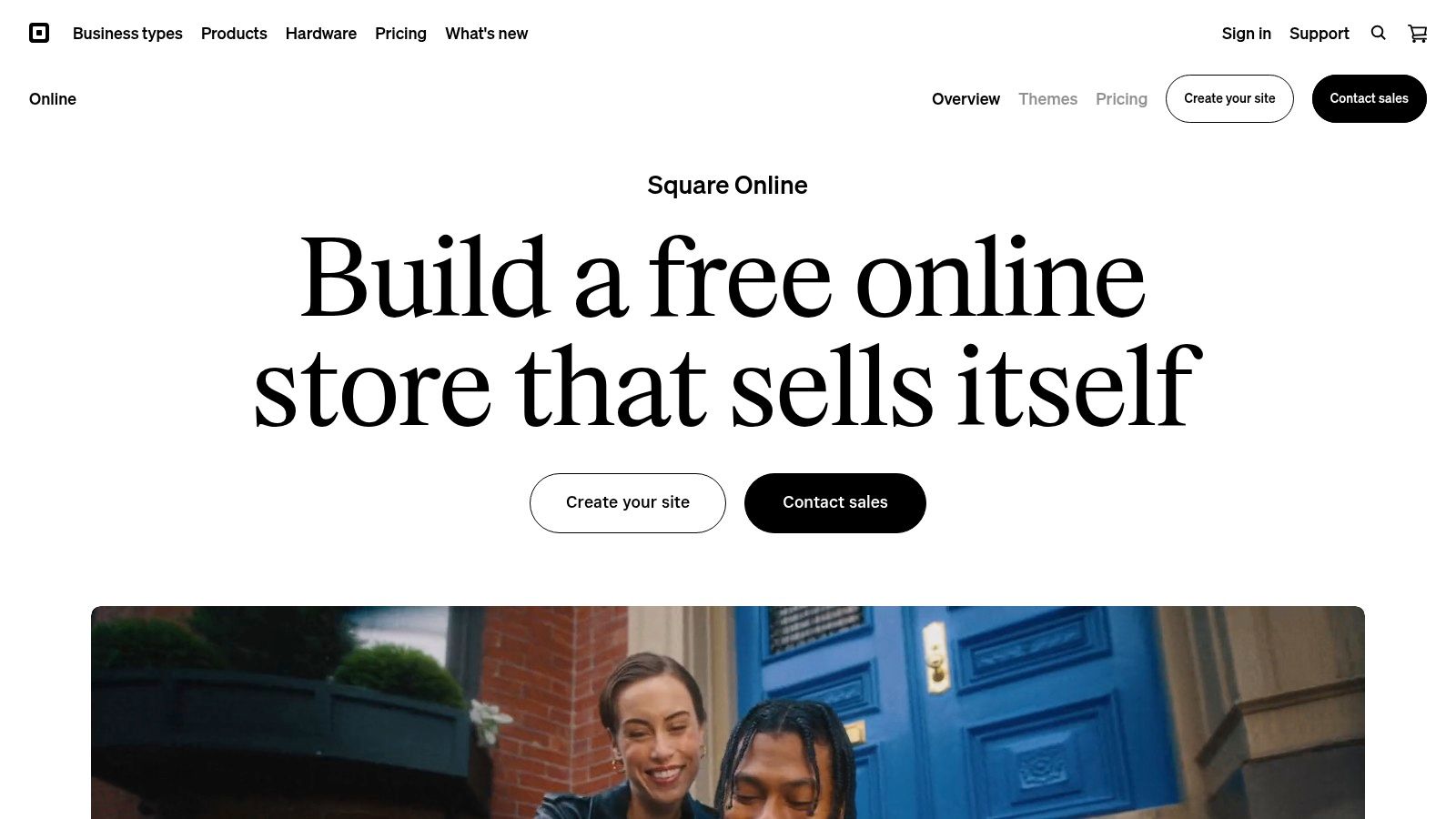
The platform’s key strength is its seamless omnichannel functionality, supporting online ordering for local pickup, delivery, and even Instagram checkouts. For a business using Square for payments, this creates a single source of truth for all sales data. This unified approach simplifies operations significantly, eliminating the need to manage separate systems for online and offline inventory.
Key Considerations
The primary advantage is the frictionless setup for existing Square users, with clear payment processing fees and available hardware support. However, its focus on commerce means it is less flexible as a general-purpose CMS for complex content or non-transactional sites. While a free plan is available, unlocking advanced features like custom domains or abandoned cart recovery requires upgrading to a paid plan.
- Best Use Case: Local retailers, restaurants, and appointment-based businesses that use or plan to use Square POS.
- Pricing: A free plan is available (with Square branding and transaction fees). Paid plans start around $29/month (billed annually).
- Implementation: Extremely fast for Square users. Link your account, and your product catalog can be imported to build your online store instantly.
Website: https://squareup.com/online-store
12. Drupal (open-source)
Drupal is an enterprise-grade, open-source CMS known for its power and flexibility, making it a viable option for small businesses with complex data requirements or ambitious growth plans. While it has a steeper learning curve than many competitors, its robust architecture supports sophisticated content modeling, advanced user permissions, and powerful multilingual capabilities out of the box. This makes it an excellent, if advanced, choice when considering the best cms for small business for long-term scalability.
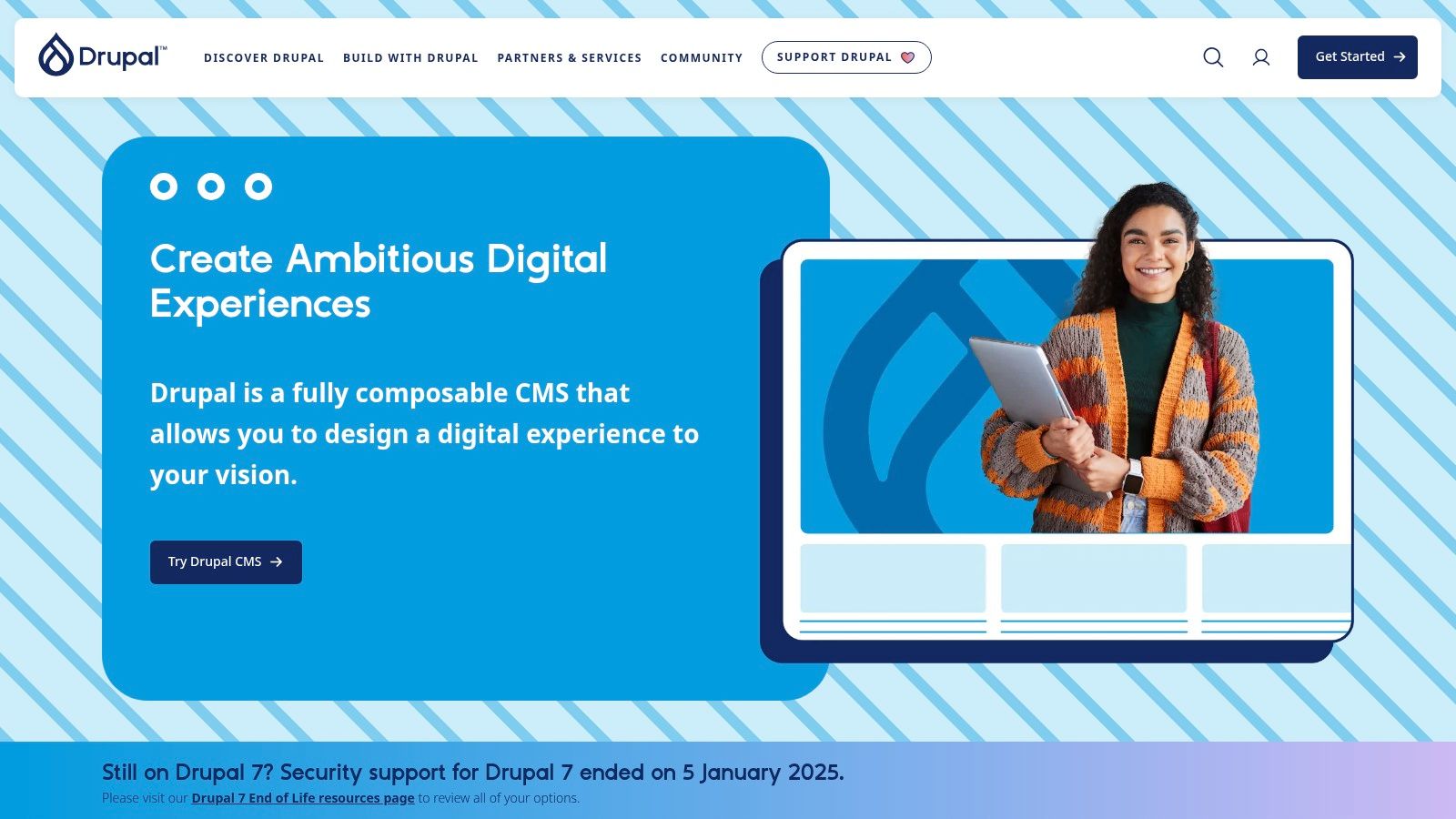
The platform truly shines in its API-first approach, allowing it to function as a headless CMS for projects that need to deliver content to multiple channels beyond a traditional website, such as mobile apps or IoT devices. Its strong security record and extensive module ecosystem allow for nearly limitless customization. To better understand its capabilities and how it compares to other platforms, you can explore our detailed tool analysis to learn more about Drupal.
Key Considerations
Drupal's primary advantage is its immense power and scalability, capable of handling virtually any content structure or functional requirement. However, this flexibility comes at a cost. The main drawback is the high technical barrier to entry and the corresponding need for developer resources or a specialized agency, which increases the total cost of ownership compared to all-in-one builders.
- Best Use Case: Ambitious SMBs, businesses with complex content structures, membership sites, and those requiring headless or multi-channel content delivery.
- Pricing: The software is free, but costs include hosting, domain, and significant development fees, which vary widely.
- Implementation: Requires a developer or agency. Involves server setup, core installation, and module configuration followed by theme development.
Website: https://www.drupal.org
Top 12 CMS Comparison for Small Business
| CMS | Core Features/Characteristics | User Experience ★ | Value Proposition 💰 | Target Audience 👥 | Unique Selling Points ✨ |
|---|---|---|---|---|---|
| WordPress.com | Hosted, AI builder, plugin support (Business+) | ★★★★☆ | Tiered plans; no server management 💰 | Bloggers, SMBs, e-commerce | AI-assisted builder, easy hosting 🏆 |
| WordPress.org (self-hosted) | Open-source, 59,000+ plugins, full code ownership | ★★★★★ | Free software; user hosts 💰 | Developers, advanced users | Maximum flexibility & customization ✨ |
| Wix | Drag-drop editor, AI design, built-in SEO & e-commerce | ★★★★☆ | Freemium + paid tiers 💰 | Non-tech users, small businesses | AI-assisted design, app market ✨ |
| Squarespace | Elegant responsive templates, built-in commerce & marketing | ★★★★☆ | Subscription plans 💰 | Creatives, small service biz | Polished design, all-in-one tools 🏆 |
| Shopify | Hosted commerce, multi-channel, extensive app ecosystem | ★★★★☆ | Subscription + transaction fees 💰 | E-commerce SMBs | Multi-channel sales, reliable checkout ✨ |
| Webflow | Visual designer, hosted CMS, e-commerce plans | ★★★★☆ | Paid plans by features 💰 | Designers, agencies | Designer-grade control, clean code 🏆 |
| HubSpot Content Hub | CRM integration, AI content tools, multi-site management | ★★★★☆ | Annual contracts; scalable 💰 | SMBs, marketing teams | CRM + marketing automation alignment ✨ |
| Ghost(Pro) | Publishing-focused, newsletters, memberships | ★★★★☆ | Managed hosting; paid plans 💰 | Creators, bloggers | Built-in newsletters & subscriptions ✨ |
| Duda | Drag-drop, client permissions, white-label, SEO tools | ★★★★☆ | Paid plans; e-commerce add-on 💰 | Agencies, SMBs | White-label, client management 🏆 |
| BigCommerce | SaaS e-commerce, multi-storefront, no transaction fees | ★★★★☆ | Subscription; scalable 💰 | Growing e-commerce SMBs | B2B features, headless CMS support ✨ |
| Square Online | POS-integrated online store, pickup/delivery, free tier | ★★★☆☆ | Free tier + paid upgrades 💰 | Retailers, restaurants | Tight Square POS integration ✨ |
| Drupal (open-source) | Enterprise-grade, workflow, API-first, strong security | ★★★★☆ | Free software + hosting/dev costs 💰 | SMBs with complex needs | Robust security & governance 🏆 |
Building Your Business's Digital Home
Selecting a Content Management System is a foundational decision that will shape your digital presence for years. As we've analyzed, the landscape of CMS platforms is vast and varied, with options tailored to every conceivable business model, from the self-hosted flexibility of WordPress.org to the all-in-one e-commerce power of Shopify. The central takeaway is this: the single "best" CMS does not exist. Instead, the best CMS for your small business is the one that aligns perfectly with your specific operational needs, technical resources, and long-term growth ambitions.
This guide has deconstructed twelve leading platforms, moving beyond surface-level features to examine the practical trade-offs. We’ve seen how Wix and Squarespace excel in user-friendliness for service-based businesses, while Webflow offers unparalleled design control for creative agencies. For content-driven ventures, Ghost provides a streamlined, modern publishing experience, whereas HubSpot Content Hub integrates a powerful CMS directly into a comprehensive marketing and sales ecosystem. The key is to match the tool to the job.
Your Action Plan for Choosing a CMS
To translate this analysis into a decision, you must first define your non-negotiable requirements. Avoid getting distracted by a long list of features you may never use. Instead, focus on your primary business objective and let that guide your evaluation.
Here is a simple framework to guide your next steps:
- 1. Define Your Core Use Case: Are you primarily selling products (Shopify, BigCommerce), publishing content (Ghost, WordPress.org), generating leads (HubSpot Content Hub), or building a custom-designed portfolio (Webflow)? Be honest about your main goal.
- 2. Assess Your Technical Comfort: Do you have the time and skill to manage hosting, security, and updates with a platform like WordPress.org or Drupal? Or does your team need a fully managed, user-friendly solution like Squarespace or Duda?
- 3. Project Your Future Growth: Consider where you want to be in three to five years. A simple platform like Square Online might be perfect today, but will it support the complex marketing automation or inventory management you’ll need later? Choosing a scalable platform prevents costly migrations down the road.
- 4. Utilize Free Trials and Demos: The most critical step is hands-on testing. Shortlist your top two or three contenders and immerse yourself in their dashboards. Build a test page, create a blog post, or add a product. This practical experience will reveal more about a platform's usability than any review ever could.
Ultimately, your CMS is more than just a tool; it's the digital home where you will build customer relationships, drive revenue, and grow your brand. By carefully evaluating your needs against the distinct strengths of each platform, you can confidently select the best CMS for your small business. Choose the foundation that empowers you to build, not one that holds you back. Your future success depends on it.