12 Best Website Builder Reviews for 2025: An Honest Guide
Cut through the noise with our in-depth website builder reviews. We compare 12 top platforms to help you find the perfect fit for your 2025 project.

Choosing the right website builder is a critical decision that dictates your online presence's flexibility, scalability, and long-term costs. The market is saturated with platforms all claiming to be the easiest, most powerful, or best value, making objective evaluation a significant challenge. This guide cuts through the promotional noise by providing analytical reviews of the top resources for finding your perfect tool. We move beyond surface-level feature rundowns to offer a critical look at where to find trustworthy information.
Our purpose is to equip you with a framework for interpreting website builder reviews effectively. We analyze 12 of the most influential platforms, from large-scale software marketplaces like G2 and Capterra to niche testing sites such as Tooltester and Website Builder Expert. For each resource, we dissect its review methodology, identify its target audience, and highlight its inherent biases or strengths. This approach helps you understand not just what a review says, but why it says it.
When interpreting reviews, look for resources that offer granular analysis, such as in-depth comparisons between Elementor and Beaver Builder, as these demonstrate a deeper level of expertise. Throughout this listicle, you will find screenshots and direct links to each platform, allowing you to assess them firsthand. We provide honest assessments of limitations and practical use-case scenarios to help you select a website builder that genuinely aligns with your project's specific needs, whether you are a blogger, developer, or small business owner. This curated list is your starting point for making a well-informed decision.
1. Squarespace – Website Builder and No‑Code CMS Tool
Squarespace has solidified its position as a premier all-in-one website builder by masterfully blending high-end design with user-centric simplicity. It stands out in the crowded market by offering a curated, yet powerful, no-code environment that empowers users to create visually stunning, professional-grade websites without needing technical expertise. This platform is meticulously engineered for those who prioritize aesthetics and brand consistency, from solo creatives to growing e-commerce businesses.
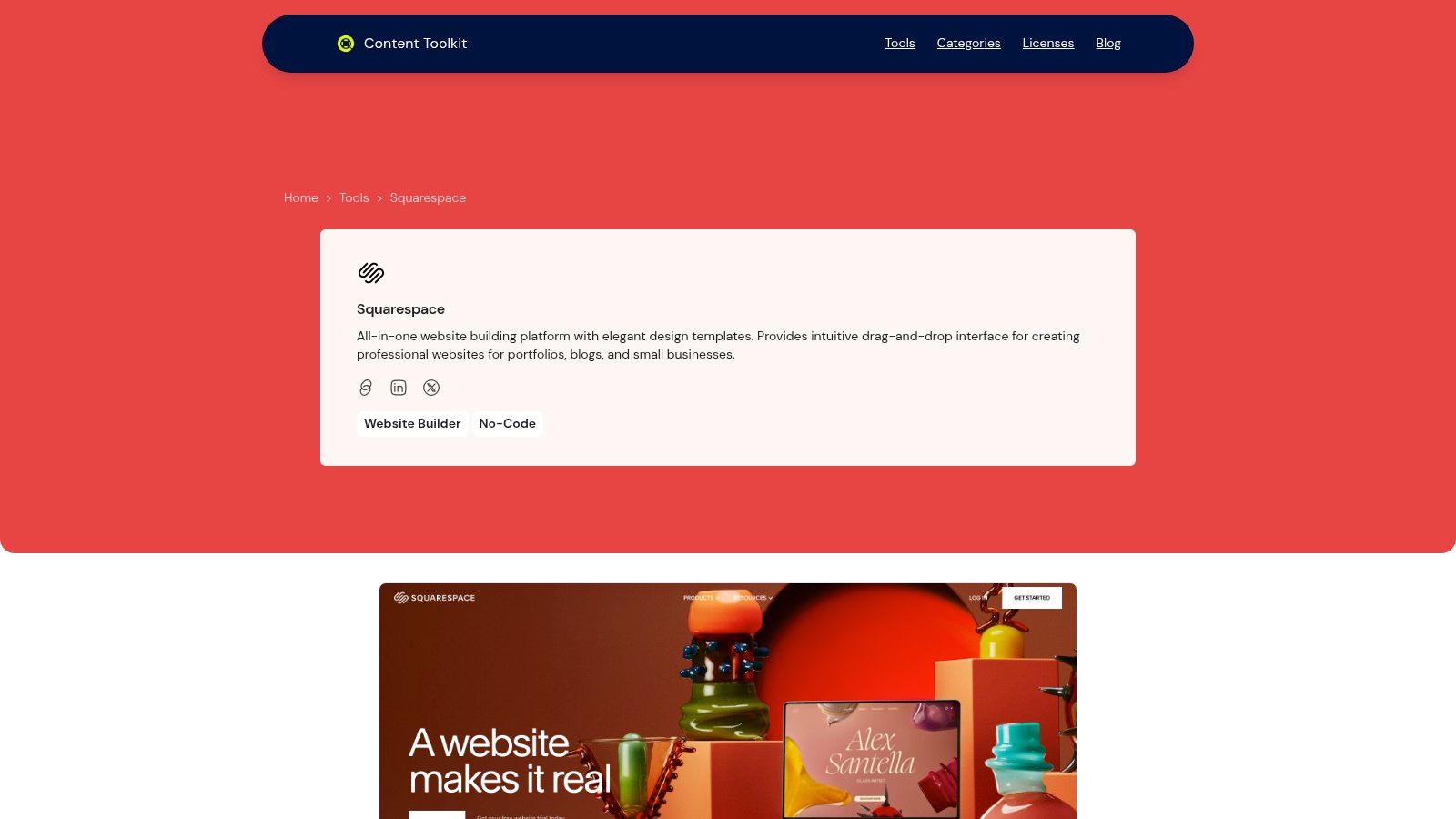
Unlike many competitors that offer overwhelming customization, Squarespace provides a more guided experience. Its award-winning templates are not just visually appealing; they are structurally sound and fully responsive, ensuring a flawless display on any device. The Fluid Engine editor, a section-based drag-and-drop system, gives users precise control over layout without sacrificing design integrity. This makes it an ideal choice for building portfolios, blogs, service-based business sites, and online stores where a polished look is non-negotiable.
Core Strengths and Use Cases
Squarespace excels as a unified ecosystem where hosting, domains, analytics, and e-commerce are seamlessly integrated. This removes the technical friction often associated with website management, allowing users to focus on content and business growth. When considering a platform like Squarespace, it’s also beneficial to look into essential content management system best practices to ensure you maximize its capabilities.
- Best For: Creative professionals, small business owners, photographers, restaurateurs, and e-commerce startups seeking a sophisticated online presence with minimal setup.
- Key Features: Integrated e-commerce with advanced features like abandoned cart recovery, appointment scheduling tools, and robust blogging capabilities with AMP support.
- User Experience: The interface is clean and intuitive, with 24/7 award-winning customer support available to guide users.
Pricing Structure
Squarespace offers four main pricing tiers, billed annually or monthly:
- Personal: $16/month (billed annually) - Best for personal websites and portfolios.
- Business: $23/month (billed annually) - Adds basic e-commerce and marketing tools.
- Commerce Basic: $27/month (billed annually) - Unlocks more robust e-commerce features with 0% transaction fees.
- Commerce Advanced: $49/month (billed annually) - For scaling businesses needing advanced shipping and sales tools.
Pros:
- Extensive library of modern, visually appealing templates
- User-friendly drag-and-drop editor allowing real-time customization
- Reliable all-in-one platform including hosting and SSL
- Strong design flexibility suitable for beginners and professionals
Cons:
- Less flexibility for deep backend customization compared to open-source platforms
- Pricing can be higher for users needing advanced e-commerce features
For a deeper comparison with other platforms, you can learn more about how Squarespace fits into the broader ecosystem of website builder and CMS tools.
2. G2
G2 is a peer-to-peer review platform that functions as a comprehensive research hub for software, including an extensive category for website builders. Unlike traditional editorial reviews, G2 aggregates thousands of user-submitted ratings and detailed feedback, providing a crowdsourced perspective on performance. Its strength lies in its robust filtering and segmentation capabilities.
The platform excels at helping users conduct detailed website builder reviews by allowing comparisons based on company size. You can view grids specifically for small businesses, mid-market companies, or enterprise-level solutions, which ensures the context is relevant to your operational scale. This granular approach prevents a small business owner from getting lost in features designed for a multinational corporation.
Key Features and Usage Tips
- Segmented Grids: Use the SMB, Mid-Market, and Enterprise tabs to narrow down platforms that fit your business size.
- Compare Tool: Select multiple builders and use the "Compare" feature for a side-by-side analysis of user ratings on specific attributes like "Ease of Use" or "Quality of Support."
- Aggregated Pros & Cons: G2's algorithm identifies common themes from written reviews, creating a quick summary of a product's most praised and criticized aspects.
- Use Case Filters: Drill down into specific needs, such as finding the best website builder for blogs or e-commerce platforms.
Platform Analysis
| Aspect | Evaluation |
|---|---|
| Review Quality | Varies; some reviews are highly detailed, while others are brief. Look for verified users. |
| Uniqueness | High volume of user reviews and powerful segmentation by company size are its key differentiators. |
| Pricing/Access | Free to access all reviews and comparison tools. |
| Limitations | Sponsored placements can affect product visibility, and the sheer volume of data can be overwhelming. |
Website: https://www.g2.com/categories/website-builder
3. Capterra
Capterra, part of Gartner Digital Markets, is a comprehensive software directory that offers extensive listings for website builders. It functions as a research platform where users can filter, compare, and read user-submitted feedback. Its main advantage is the clear, structured presentation of software features and pricing models, making it a highly practical tool for initial market research.
The platform is designed to simplify the process of finding the right software through specific, actionable filters. Instead of just browsing, users can conduct targeted website builder reviews by isolating tools that offer essential functions like e-commerce, SEO management, or specific templates. While G2 offers valuable insights, for further perspectives on various tools, diving into Capterra reviews can provide additional user experiences and help create a more rounded view of a platform's performance.
Key Features and Usage Tips
- Feature-Based Filtering: Use the detailed checklist on the sidebar to select must-have features, such as "Drag & Drop" or "Online Store," to instantly narrow the list of contenders.
- Comparison Tool: Select up to four platforms and use the "Compare" function to see a side-by-side analysis of features, pricing, and overall user ratings.
- Sort Functionality: Organize results by "Highest Rated" to see what users love most, or "Most Reviews" to focus on platforms with a significant user base.
- Pricing Tiers: Capterra clearly displays pricing information, including free options and one-time licenses, making budget-focused searches straightforward.
Platform Analysis
| Aspect | Evaluation |
|---|---|
| Review Quality | Tends to be concise and focused on specific user experiences. Verified reviewer badges add credibility. |
| Uniqueness | Its strength lies in its highly granular feature-based filtering and transparent pricing displays. |
| Pricing/Access | Free for users to browse, compare, and read all available reviews and product information. |
| Limitations | Sponsored placements at the top of lists can influence visibility. Niche or new builders often lack a substantial number of reviews. |
Website: https://www.capterra.com/website-builder-software
4. GetApp
GetApp, part of the Gartner Digital Markets network, provides a structured environment for software discovery, focusing heavily on a transparent, data-driven scoring system. The platform ranks tools in its "Category Leaders" quadrant based on five key criteria, each scored out of 20 for a total possible score of 100. This methodology offers a clear, quantifiable way to evaluate and compare different options.
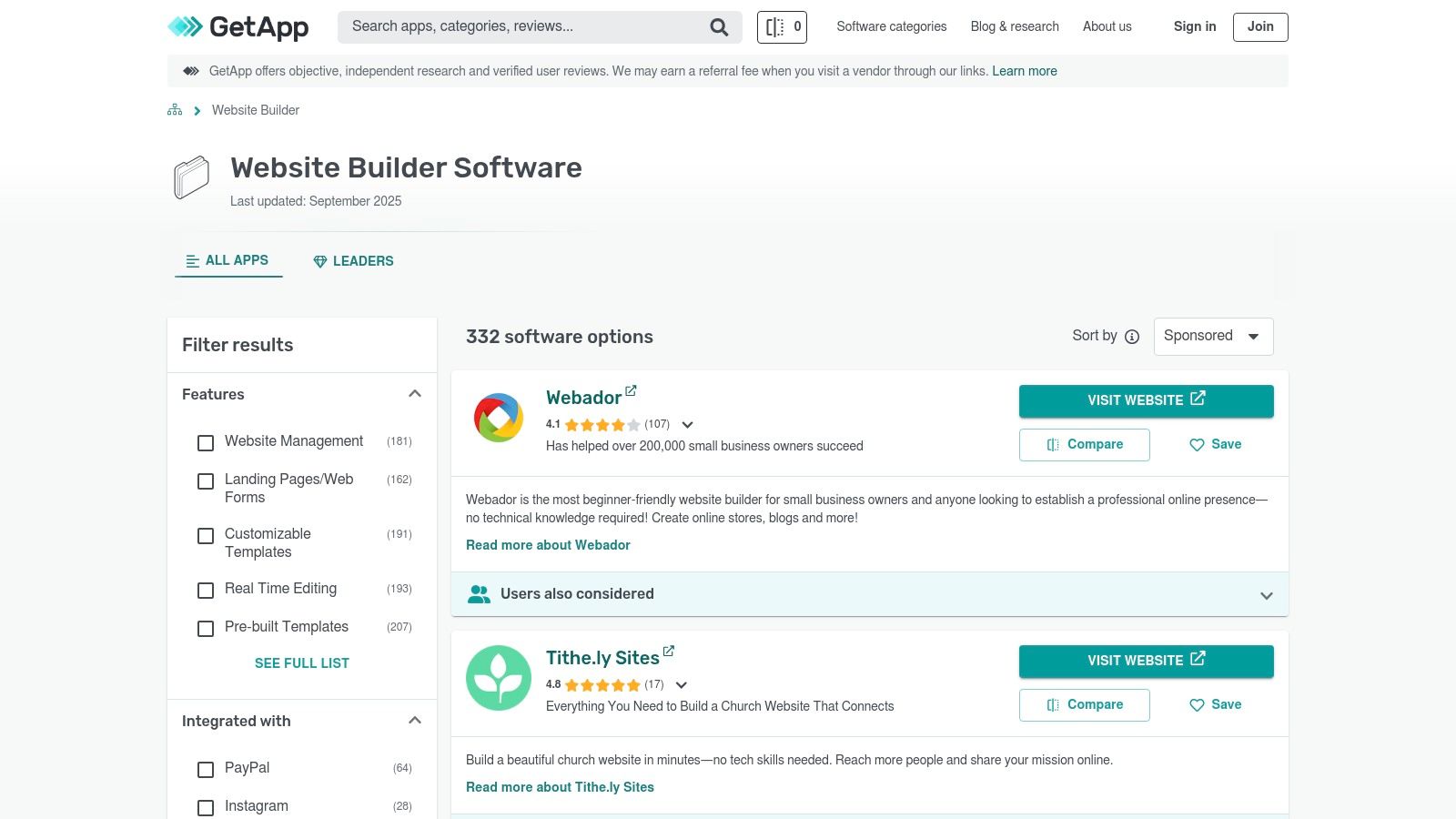
The platform’s strength is its ability to surface both established leaders and emerging contenders, making it a valuable resource for finding niche solutions. Each product profile is comprehensive, featuring user reviews, detailed feature lists, pricing information, and screenshots. Its robust filtering allows for detailed website builder reviews, helping users pinpoint the ideal tool for specific operational needs, such as identifying the top website builder for a small business.
Key Features and Usage Tips
- Category Leaders Quadrant: Use this data visualization to quickly identify top-rated builders based on a combined score from user ratings, integrations, mobile access, functionality, and security.
- Compare Tool: Select up to four platforms for a side-by-side breakdown of features, pricing models, and overall user ratings.
- Robust Filtering: Narrow your search by features, pricing model (e.g., free, subscription), device compatibility, and business size to refine results.
- Alternatives Tab: When viewing a product profile, use the "Alternatives" tab to discover similar tools that might be a better fit.
Platform Analysis
| Aspect | Evaluation |
|---|---|
| Review Quality | Generally high, as reviews are a core component of the scoring system. User profiles provide context. |
| Uniqueness | The five-criterion, 100-point scoring system provides a transparent and data-centric comparison model. |
| Pricing/Access | Free to access all reviews, comparisons, and reports. Includes links to vendor trials. |
| Limitations | Sponsored placements can influence visibility, and some product profiles rely on vendor-submitted data. |
Website: https://www.getapp.com/website-ecommerce-software/website-builder/
5. Software Advice
Software Advice takes a consultative approach, blending user reviews with direct, human-led guidance. It operates as a research platform where users can access editorial shortlists, detailed product pages, and verified user feedback on various website builders. Its primary differentiator is the free advisor service, which connects users with experts via phone or chat to get personalized recommendations.
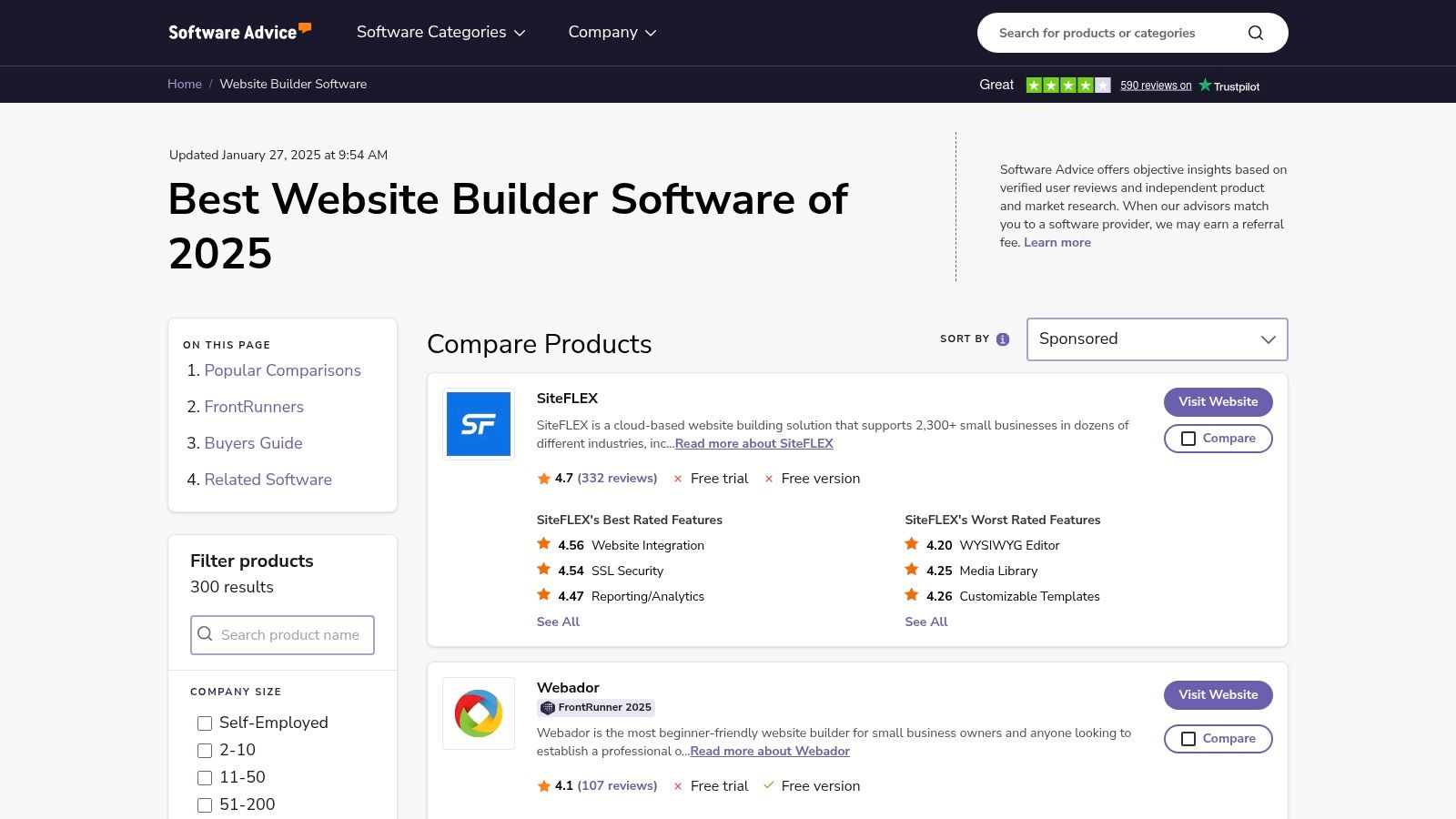
This platform is particularly useful for those who feel overwhelmed by the technical aspects of website builder reviews and prefer a guided experience. Instead of just presenting data, Software Advice helps interpret it for your specific needs. The platform consolidates pricing tables, feature lists, and screenshots, making direct comparisons straightforward and less time-consuming.
Key Features and Usage Tips
- Advisor Chat/Phone Support: Schedule a call or start a chat with an advisor to discuss your project requirements and receive a shortlist of suitable builders.
- Verified Reviews: Focus on reviews marked as "Verified" to ensure the feedback comes from genuine users, complete with notes on their review methodology.
- Vendor Pricing Snapshots: Use the detailed pricing tables on product pages to quickly compare the plans and features of different builders.
- Category-Specific Research: The platform is segmented for different software needs, which is helpful when looking for a platform with strong e-commerce capabilities; for example, you can research the best CMS for e-commerce specifically.
Platform Analysis
| Aspect | Evaluation |
|---|---|
| Review Quality | High; reviews are verified, and the platform provides context about the reviewer's industry and company size. |
| Uniqueness | The free, personalized advisor service is a distinct feature not commonly found on other review sites. |
| Pricing/Access | Free to access all reviews, comparisons, and advisor services. |
| Limitations | Its referral-based business model could potentially bias recommendations toward partner vendors. |
Website: https://www.softwareadvice.com/website-builder/
6. TechRadar
TechRadar is a U.K.-based technology publication that provides hands-on, regularly updated editorial rankings of top platforms. Its guides serve as an excellent resource for detailed website builder reviews, featuring in-depth analysis, performance evaluations, and clear pricing breakdowns. The platform stands out for its disclosed testing methodology and practical, real-world assessments.
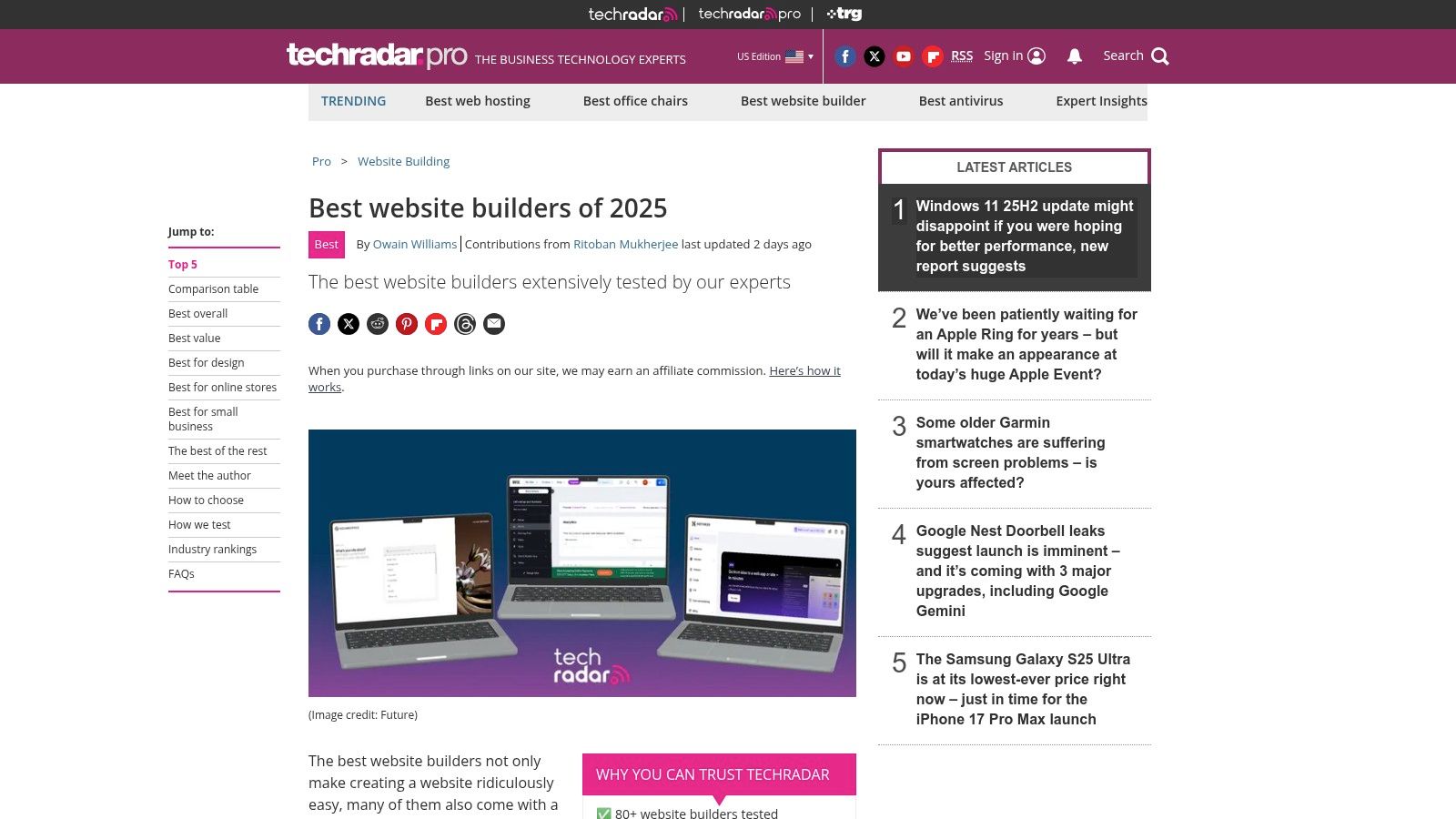
Unlike user-generated content sites, TechRadar’s strength lies in its expert-led, journalistic approach. The editors clearly categorize their top picks with "best for" labels, such as best for e-commerce or best overall value, which simplifies the decision-making process for readers. They also maintain a separate, dedicated guide focusing specifically on the best free website builders, carefully outlining the compromises and limitations of each no-cost option.
Key Features and Usage Tips
- "Best For" Categories: Quickly identify top platforms for specific needs like e-commerce, blogging, or small businesses by referencing their clear categorical winners.
- Feature-by-Feature Comparisons: Review the detailed comparisons that break down specific attributes, often with insights from the disclosed testing process.
- Frequent Updates: Check back for the latest information, as their articles are regularly refreshed with current deals, discounts, and pricing changes.
- Dedicated Free Builder Guide: If you're on a tight budget, consult their separate guide on free builders to understand the trade-offs before committing.
Platform Analysis
| Aspect | Evaluation |
|---|---|
| Review Quality | High; based on expert, hands-on testing with a disclosed methodology and hours spent. |
| Uniqueness | Strong editorial depth and a separate, focused analysis of free builder limitations. |
| Pricing/Access | Free to access all content. Articles contain official trial links, often with discounts. |
| Limitations | As a U.K.-based publication, some pricing may reflect regional standards. Affiliate links are used to monetize content. |
Website: https://www.techradar.com/news/the-best-website-builder
7. Tom’s Guide
Tom’s Guide is a well-known technology publication that provides practical, U.S.-oriented buying guides, including regularly updated reviews of website builders. It focuses on translating technical specifications into actionable advice for small businesses, bloggers, and e-commerce startups. The platform’s strength is its clear, consumer-focused approach that simplifies the decision-making process.
The content is structured to help users make quick, informed choices, often highlighting "best for" categories like overall value or specific use cases. These website builder reviews cut through marketing jargon to present core details like starting prices, storage limits, and e-commerce capabilities in a digestible format. This makes it a reliable starting point for those new to building websites.
Key Features and Usage Tips
- Quick Picks: Scan the "best website builders at a glance" section for rapid, category-based recommendations.
- Detailed Breakdowns: Read the individual reviews for in-depth analysis of pros, cons, pricing tiers, and key features.
- Cost Guides: Use their articles explaining website builder costs to set a realistic budget before committing to a platform.
- Deal Highlights: Check for recently updated content, as Tom's Guide often features the latest discounts and promotional offers from vendors.
Platform Analysis
| Aspect | Evaluation |
|---|---|
| Review Quality | High; reviews are editorial, well-researched, and updated frequently to reflect new features and pricing. |
| Uniqueness | The consumer-friendly "buying guide" format with clear winners for specific needs is its main differentiator. |
| Pricing/Access | Free to read all content. Sign-up links to builders are often affiliate-based. |
| Limitations | The focus is primarily on mainstream, popular builders, with less coverage of niche or specialized platforms. |
Website: https://www.tomsguide.com/buying-guide/best-website-builders
8. Website Builder Expert
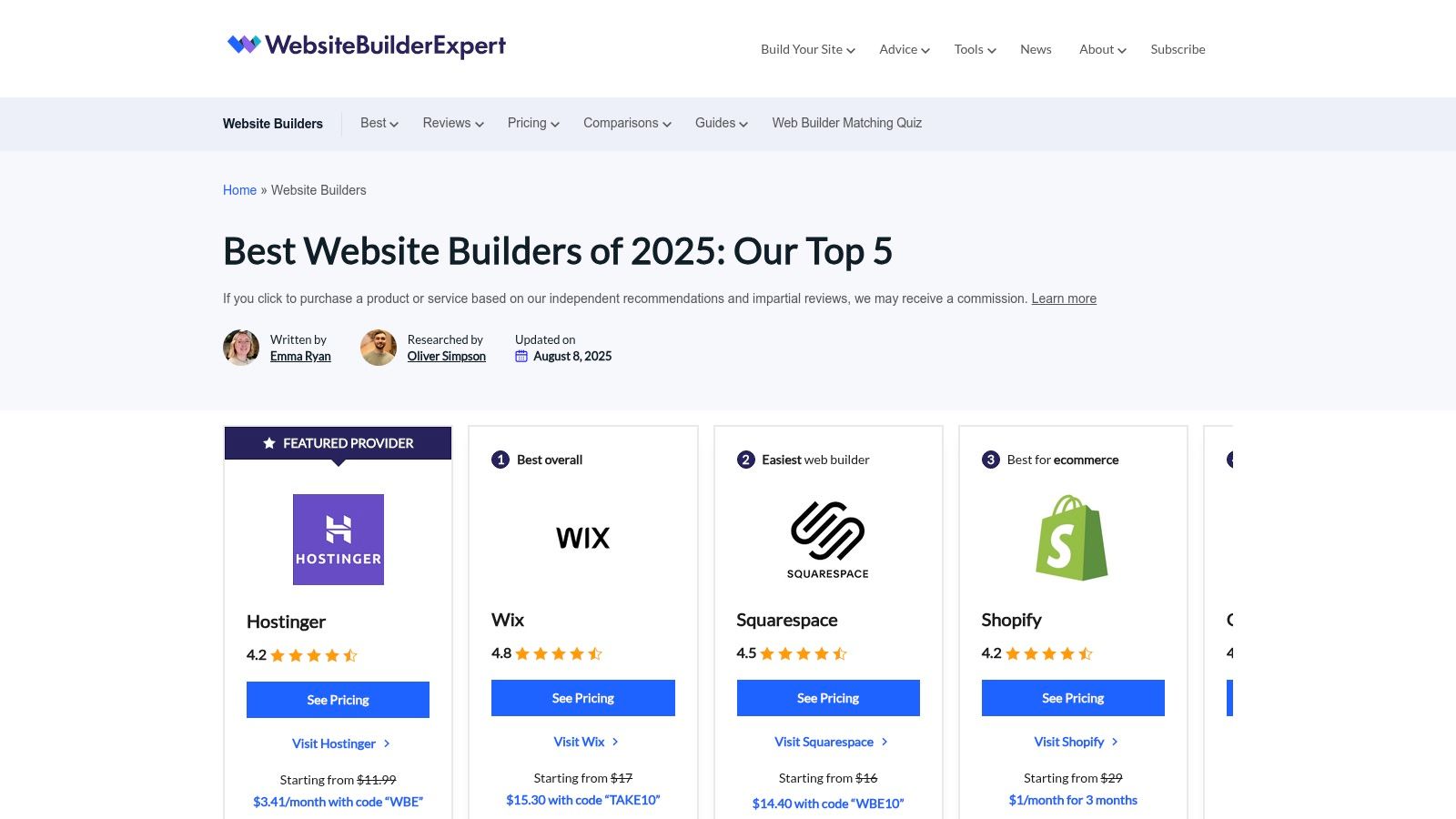
Website Builder Expert is an independent review site that conducts hands-on, lab-style testing to produce its analyses. The platform stands out for its commitment to transparent methodology and annual updates, ensuring its content reflects the current state of the market. They invest significant time (over 300 hours, according to their site) into testing, which results in detailed, user-friendly reviews and head-to-head comparisons.
This approach makes it a valuable resource for anyone seeking comprehensive website builder reviews grounded in actual usage. Instead of just listing features, the site explains who each builder is best for, from complete beginners to growing e-commerce stores, making the decision-making process more intuitive for non-technical users.
Key Features and Usage Tips
- Transparent Methodology: Look for their "How We Test" section to understand the scoring criteria, which adds credibility to their recommendations.
- 'Best For' Guidance: Use their curated lists like "Best for Beginners" or "Best for Small Business" to quickly find platforms suited to your specific needs.
- Side-by-Side Comparisons: Leverage their comparison tools to see direct feature and pricing breakdowns between your top two or three choices.
- Detailed Tutorials: Beyond reviews, the site offers practical guides on how to use the builders, which can help you assess the actual user experience.
Platform Analysis
| Aspect | Evaluation |
|---|---|
| Review Quality | High; based on structured, in-house testing with clear scoring. The content is written in a jargon-free, accessible style. |
| Uniqueness | The combination of annual ranking refreshes, in-depth testing, and clear, beginner-focused explanations sets it apart. |
| Pricing/Access | Free to access all reviews, comparisons, and tutorials. |
| Limitations | Coverage can be focused on mainstream platforms, with less information on niche or emerging builders. Affiliate links are present. |
Website: https://www.websitebuilderexpert.com/website-builders/
9. Tooltester
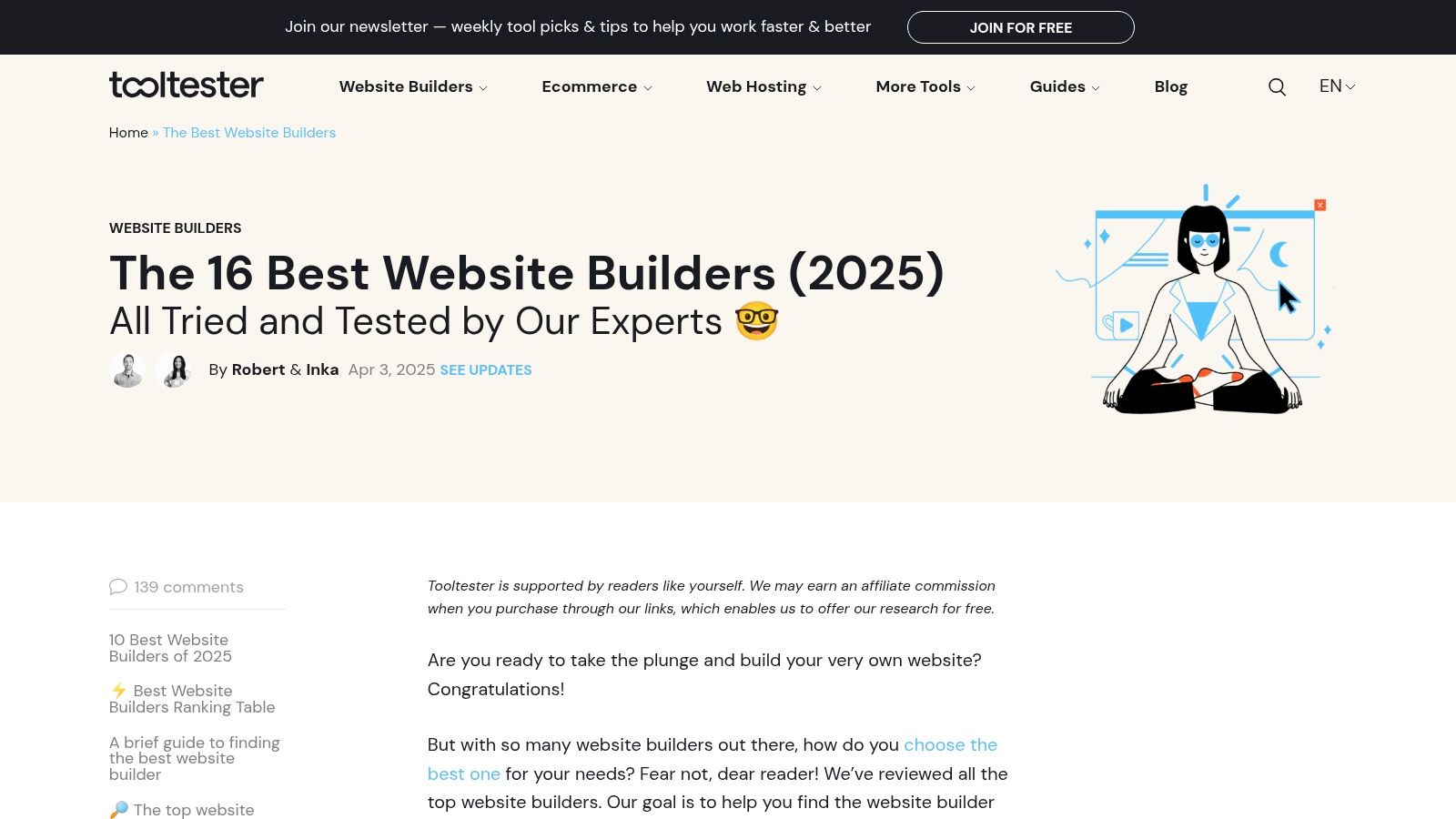
Tooltester is a specialized review site offering deep-dive analyses and data-driven scorecards for the web's most popular platforms. It moves beyond surface-level commentary, providing detailed evaluations of editor usability, SEO capabilities, and site speed. The platform's strength is its clear, structured approach to presenting complex information, making it an excellent resource for both beginners and experienced users conducting website builder reviews.
Its focused methodology allows users to quickly understand the practical implications of choosing one builder over another. By presenting direct comparisons on pricing and features, Tooltester demystifies the selection process, helping users identify the most cost-effective and functionally appropriate tool for their specific project needs.
Key Features and Usage Tips
- Ranked Comparison Tables: Use the main comparison table to get an at-a-glance overview of top builders, ranked with scores and key highlights.
- Detailed Pricing Breakdowns: Examine the pricing tables within each review, which clearly outline the features included in every plan.
- Usability Commentary: Read the analysis on each platform's editor to understand its learning curve and suitability for your technical skill level.
- Discount Codes: Check for available discount codes listed on the site to reduce the initial cost of your chosen builder.
Platform Analysis
| Aspect | Evaluation |
|---|---|
| Review Quality | High; reviews are in-depth, well-researched, and updated regularly to reflect platform changes. |
| Uniqueness | The combination of detailed performance tests (speed, SEO) with practical, scenario-based advice is a key differentiator. |
| Pricing/Access | Free to access all reviews, comparisons, and articles. |
| Limitations | As an affiliate-based site, its recommendations may be influenced by commercial relationships, though disclosures are provided. |
Website: https://www.tooltester.com/en/best-website-builder/
10. Forbes Advisor
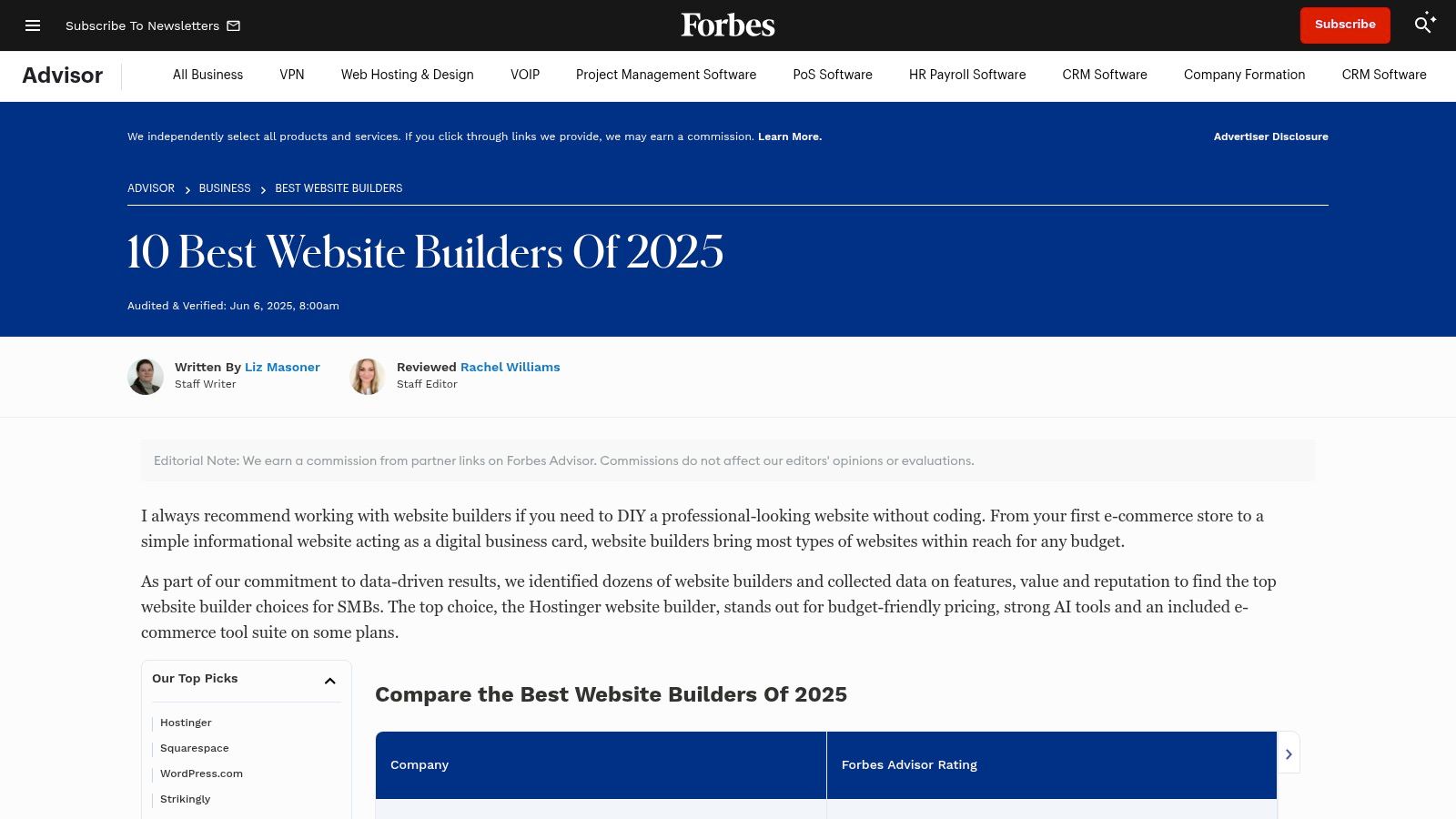
Forbes Advisor provides editorial-driven rankings and analysis, leveraging its well-known brand to deliver consumer-focused guidance. Rather than aggregating user opinions, its team evaluates platforms against a transparent set of weighted criteria, such as pricing, features, and customer support. This methodology-first approach makes it a trusted source for users who prefer expert-led evaluations over crowdsourced feedback.
The platform excels at distilling complex information into clear, actionable advice, making it particularly useful for those new to the space. Its website builder reviews often focus on practical business needs, clearly outlining the ideal user for each platform, from a solo blogger to a growing e-commerce store.
Key Features and Usage Tips
- Transparent Methodology: Review the scoring system at the top of their articles to understand how they weigh factors like "Value for Money" or "General Features."
- Clear Pricing Data: Use their tables to quickly grasp typical monthly costs and annual discounts, which is ideal for budget planning.
- Focus on AI and E-commerce: Pay attention to their specific call-outs regarding AI-powered tools and sales functionalities if those are critical to your business.
- Best-For Scenarios: Look for "best for" summaries to quickly identify which builder aligns with your specific use case, such as "Best for Beginners" or "Best for E-commerce."
Platform Analysis
| Aspect | Evaluation |
|---|---|
| Review Quality | High; based on a consistent, expert-driven scoring methodology with clear evaluation criteria. |
| Uniqueness | The combination of a recognizable, trusted brand with a transparent, weighted scoring system sets it apart. |
| Pricing/Access | Completely free to access all articles and reviews. |
| Limitations | The selection of reviewed builders is more curated and smaller than large directories. Affiliate relationships may influence which products are featured. |
Website: https://www.forbes.com/advisor/business/software/best-website-builders/
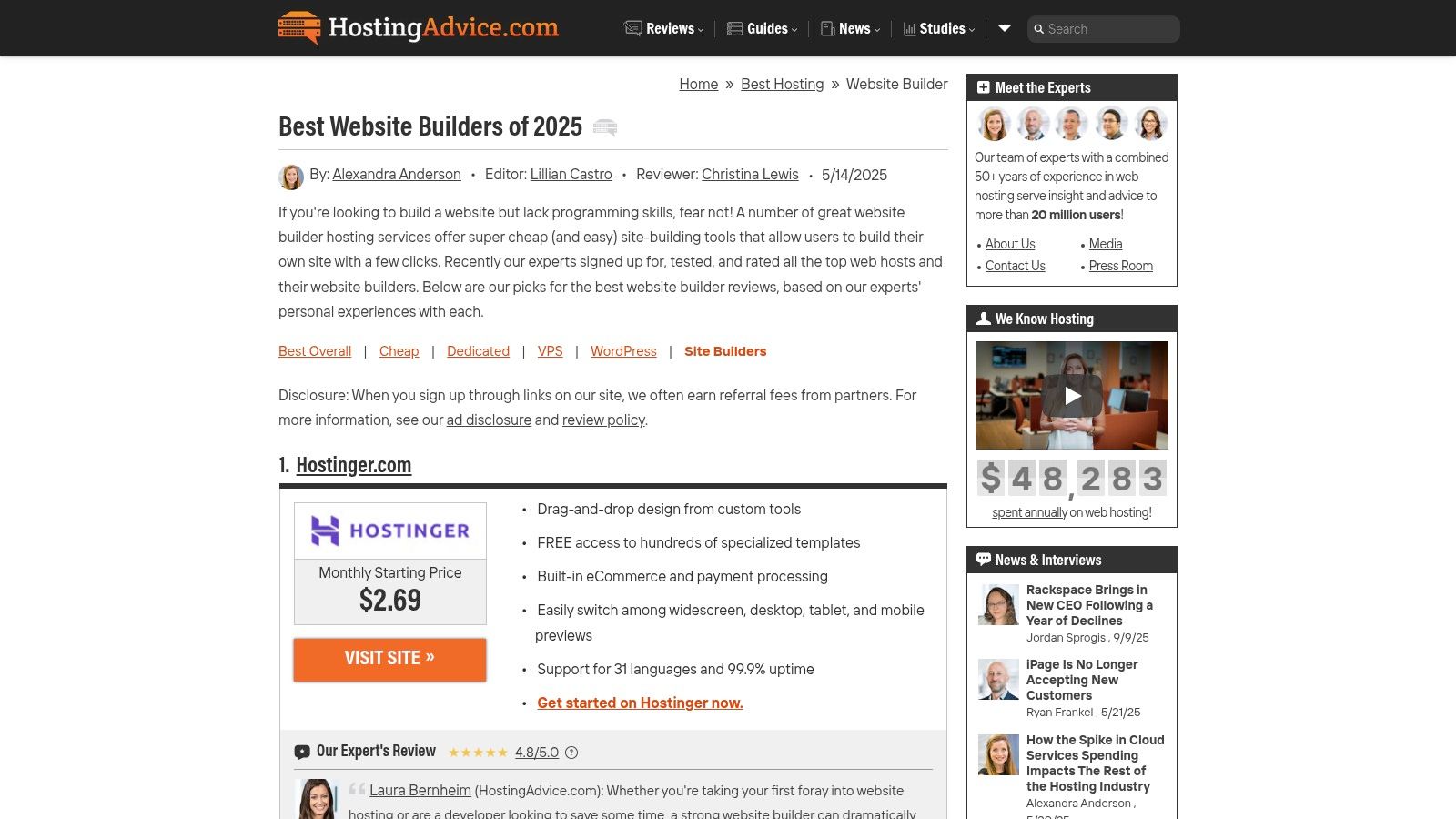
11. HostingAdvice
HostingAdvice focuses on the intersection of web hosting and site-building tools, making it a critical resource for users who prefer an integrated solution. Rather than reviewing standalone SaaS platforms in isolation, its website builder reviews are often framed within the context of a hosting package, evaluating factors like uptime, performance, and bundled features. This approach is ideal for beginners or small business owners looking for a one-stop-shop.
The platform distinguishes itself by providing deep analysis of hosting-related metrics that directly impact a website's success. It simplifies complex decisions by presenting clear pricing tables, editor ratings, and explicit details on money-back guarantees, which helps users assess both the upfront cost and long-term value of a bundled builder and hosting plan.
Key Features and Usage Tips
- Editor Ratings: Look for the quick-start metrics at the top of reviews, which provide an at-a-glance summary of setup time, ease of use, and overall value.
- Pricing Tables: Use the detailed pricing comparisons to understand plan limits, introductory offers, and renewal costs, paying close attention to the money-back guarantee terms.
- Hosting-Centric Analysis: Prioritize reviews that discuss hosting specifics like speed, reliability, and included resources (e.g., free domain, SSL) if performance is your top concern.
- Filter by Need: Use their categories to find solutions for specific needs, such as the best cheap options or builders that include email hosting.
Platform Analysis
| Aspect | Evaluation |
|---|---|
| Review Quality | Expert-led, with a strong focus on technical hosting performance and plan value. |
| Uniqueness | Specializes in evaluating website builders offered as part of a web hosting package. |
| Pricing/Access | Free to access all reviews and guides. |
| Limitations | Less focus on advanced, design-first builders. Affiliate relationships may influence recommendations. |
Website: https://www.hostingadvice.com/best/website-builder-hosting/
12. Product Hunt
Product Hunt is a community-driven platform where new tech products are launched and discovered, including a vibrant category for website builders. It serves as a launchpad for innovative and often AI-based tools, offering a first look at emerging technologies before they hit the mainstream. Unlike traditional review sites, its value lies in discovering what's new and trending rather than comparing established giants.
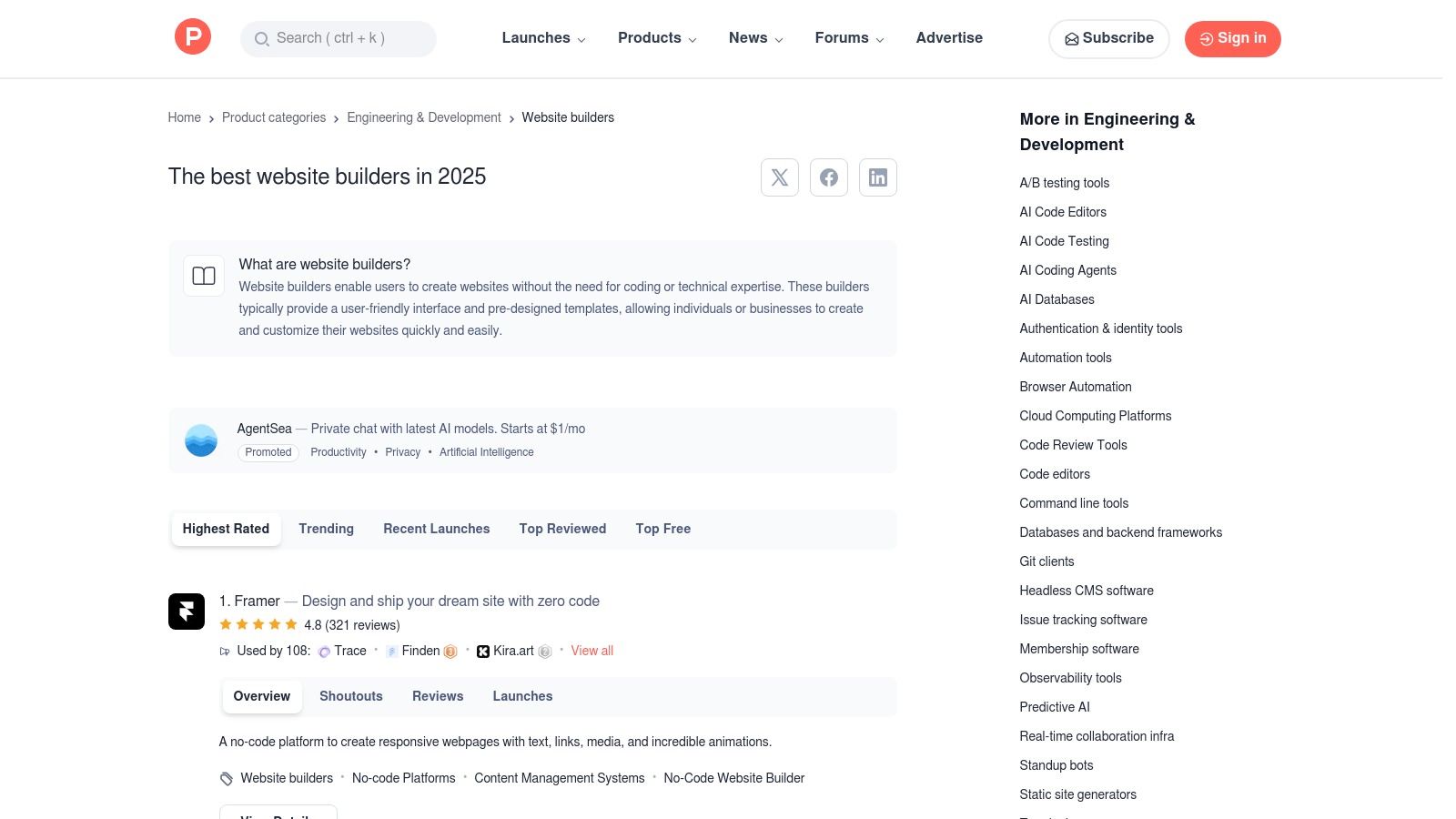
The platform is ideal for those looking to conduct website builder reviews on cutting-edge or niche solutions. Each product page features demos, developer notes, and community Q&As, providing direct insight from the creators themselves. This format facilitates early discovery and allows users to explore tools that might not yet be featured on larger, more formal review aggregators.
Key Features and Usage Tips
- Discovery Filters: Sort listings by "Trending," "Most Upvoted," or "Newest" to find innovative builders that are gaining traction within the tech community.
- Maker Commentary: Look for comments from the "Maker" badge, as these provide direct answers from the product's creators about features and future roadmaps.
- Community Feedback: Read the comment threads for initial user impressions, bug reports, and feature requests, which offer a real-time pulse on a new product.
- Explore Collections: Users often curate lists like "AI Website Builders" or "No-Code Tools," which can help you find highly specific solutions quickly.
Platform Analysis
| Aspect | Evaluation |
|---|---|
| Review Quality | Highly variable; feedback is often initial impressions rather than in-depth, long-term analysis. |
| Uniqueness | Excellent for discovering brand-new, niche, and AI-powered website builders before they become widely known. |
| Pricing/Access | Free to browse, comment, and access all product pages. |
| Limitations | Not structured for direct comparison; reviews are unstructured community comments, not standardized ratings. |
Website: https://www.producthunt.com/categories/website-builders
Top 12 Website Builder Review Sources Comparison
| Platform | Core Features & Highlights | UX & Quality ★★★★★ | Value & Pricing 💰 | Target Audience 👥 | Unique Selling Points ✨ |
|---|---|---|---|---|---|
| Squarespace | Drag-and-drop no-code builder, e-commerce, SSL | ★★★★☆ Intuitive editor, reliable hosting | 💰 Mid-high; all-in-one with support | Creators, entrepreneurs, small biz | 🏆 Elegant templates, strong design flexibility |
| G2 | Large directory, user reviews, comparisons | ★★★★☆ High review volume, detailed segmentation | 💰 Free access, vendor trial links | SMB, Mid-Market, Enterprise | ✨ Crowdsourced insights, segment filters |
| Capterra | Extensive filtering, pricing tiers, ratings | ★★★★☆ Broad coverage, clear feature filters | 💰 Free to use, transparent pricing | General buyers, feature-driven | ✨ Sorting by ratings & pricing, free listing |
| GetApp | Scored rankings, screenshots, pricing | ★★★★☆ Transparent scoring, niche surfacing | 💰 Free access, vendor links | Small business, rising builders | ✨ 5-criterion scoring, weighted recency |
| Software Advice | Editorial shortlists, advisor support, pricing | ★★★★☆ Verified reviews, U.S. focused | 💰 Free with pricing snapshots | Buyers needing guidance | 🏆 Advisor chat & phone support |
| TechRadar | Editorial reviews, performance & pricing guides | ★★★★★ In-depth testing, frequent updates | 💰 Free with deals & pricing info | U.K. users, value seekers | ✨ Separate free builder guide |
| Tom’s Guide | Quick picks, pricing and specs, refreshed content | ★★★★☆ Practical, focused US market | 💰 Free guides with vendor links | U.S. small biz, bloggers, ecommerce | 🏆 Clear category winners & cost expectations |
| Website Builder Expert | Lab testing, annual updates, side-by-side comps | ★★★★☆ Transparent methodology, jargon-free | 💰 Free, with affiliate discounts | Beginners, budget users, ecommerce | ✨ Annual rankings, tutorials |
| Tooltester | Scorecards, pricing summaries, SEO & speed notes | ★★★★☆ Balanced beginner & power user insights | 💰 Detailed plan pricing, discounts | Beginners & power users | ✨ SEO/speed commentary, discount codes |
| Forbes Advisor | Scored rankings, AI & ecommerce highlights | ★★★★☆ Transparent scoring, consumer-friendly | 💰 Clear pricing ranges | Budget planners, U.S. users | ✨ AI feature insights |
| HostingAdvice | Hosting + builder focus, performance & pricing | ★★★★☆ Setup metrics, money-back guarantee | 💰 Hosting bundles focus | Users wanting integrated hosting | 🏆 Hosting + builder bundles |
| Product Hunt | Trending/new builders, demos, community reviews | ★★★☆☆ Varied review quality | 💰 Free access | Early adopters, innovators | ✨ Emphasis on new/AI and niche tools |
Your Next Step: Building with Confidence
Navigating the landscape of website builders can feel overwhelming, with a sea of platforms all claiming to be the best. As our in-depth analysis has shown, the "best" is not a universal title but a subjective one, contingent on your specific needs, technical expertise, and long-term goals. This collection of website builder reviews was designed to move beyond marketing claims and provide a multi-faceted view, blending expert technical analysis with the unfiltered voice of the user community.
We've explored everything from the deep-dive editorial reviews on sites like TechRadar and Tooltester to the massive user-generated feedback databases of G2 and Capterra. The key takeaway is that a truly informed decision requires a synthesis of both. Expert reviews excel at dissecting feature sets and performance metrics, while user aggregators reveal the day-to-day reality of using a tool, highlighting potential pain points and customer support quality that benchmarks alone can't capture.
Synthesizing Your Research for a Final Decision
To distill this information into a definitive choice, it's crucial to prioritize what matters most to your project. Don't get lost in an endless list of features you may never use. Instead, create a focused checklist of your non-negotiable requirements before you make your final selection.
Consider these critical factors:
- Primary Use Case: Are you building an e-commerce store, a portfolio, a blog, or a service-based business site? A platform like Squarespace might excel for visual portfolios, but a different builder might offer more robust e-commerce integrations. Your core purpose should be the primary filter.
- Scalability and Growth: Think about where you want your website to be in one, three, or five years. Will you need advanced marketing integrations, membership functionalities, or extensive product catalogs? Choose a builder that can grow with you, not one that you will outgrow in six months.
- Technical Comfort Level: Be honest about your willingness to learn. Do you need a pure drag-and-drop interface, or are you comfortable with light code modifications? This will guide you toward the right balance of simplicity and customization.
- Budgetary Constraints: Look beyond the introductory price. Factor in the long-term costs, including transaction fees for e-commerce, premium plugin subscriptions, and the price of higher-tier plans you might need as you scale.
Your Actionable Path Forward
Making the right choice is a process of methodical elimination and hands-on validation. Reading comprehensive website builder reviews is the essential first step, but it shouldn't be your last. The final verdict comes from your own experience.
- Shortlist Your Top 3: Based on the insights from the resources we've covered, select the three builders that most closely align with your checklist.
- Commit to Free Trials: Nearly every major website builder offers a free trial or a free plan. This is your opportunity for a test drive. Use it to build a sample page, test the content editor, and see how intuitive the user interface feels to you.
- Test a Core Workflow: Don't just click around. Perform a key task you'll be doing regularly, such as publishing a blog post, adding a product, or creating a contact form. This practical test will reveal more than any review ever could.
- Evaluate the Ecosystem: Look at the platform’s app market or integration library. Does it connect easily with the other tools you rely on, like your email marketing service or analytics software? A weak ecosystem can create significant roadblocks down the line.
The journey to launching your website is a significant step, but with the right preparation and a clear understanding of your own needs, it doesn't have to be a leap of faith. The platform you choose is more than just software; it's a foundational partner in your digital strategy. By leveraging the detailed reviews and user feedback available, you can select that partner with confidence, ensuring the tool you pick today is the one that will support your vision for years to come.