12 Best Website Builder for Blogs Picks for 2025
Discover the best website builder for blogs. We compare 12 top options like WordPress, Wix, and Squarespace to help you find the perfect platform.

Choosing Your Digital Foundation: What Makes a Great Blog Builder?
The foundation of a successful blog isn't just great content; it's the platform you build it on. The right website builder for blogs can transform your ideas into a polished, high-performing online presence, while the wrong one can lead to technical headaches and creative limitations. This guide moves beyond marketing hype to provide an analytical breakdown of the 12 best options available. We dissect each tool through the lens of real-world use cases, from hobbyist writers to professional content marketers, assessing core blogging features, design flexibility, monetization potential, and hidden limitations.
When evaluating potential blog builders, understanding their core capabilities as a Content Management System (CMS) is paramount, especially when considering factors like search engine optimization. For a broader perspective on how these platforms handle content architecture, you might want to discover the best CMS for SEO to see how blogging features fit into a larger content strategy. Our goal here is to equip you with the insights needed to select a builder that aligns perfectly with your technical skill level, budget, and long-term blogging ambitions. Each option in our list includes screenshots and direct links to help you make a well-informed decision quickly.
1. WordPress – Open Source, Blogging and Website Builder CMS Tool.
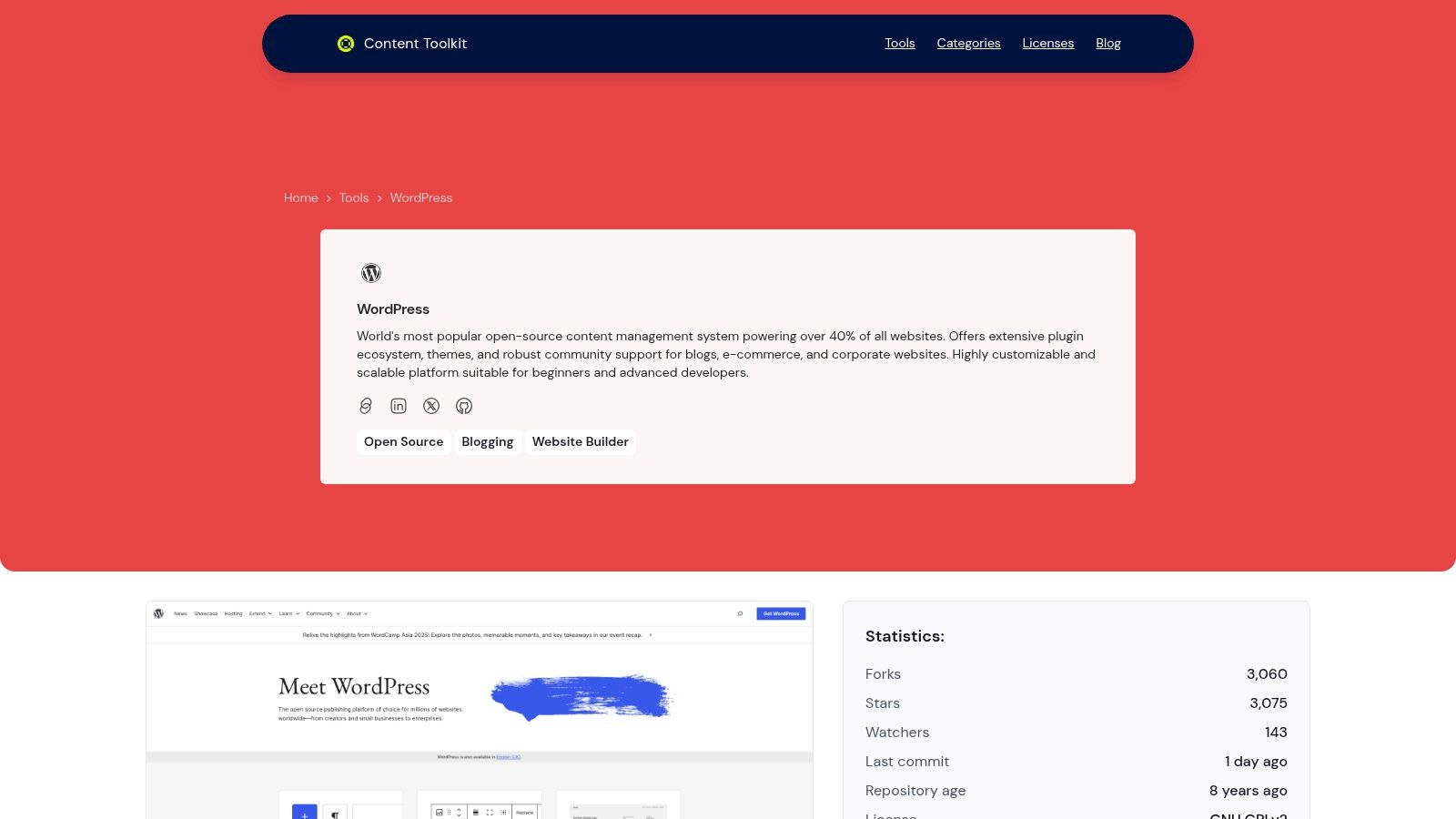
As the undisputed heavyweight in the content management space, WordPress is more than just a tool; it’s a complete ecosystem. Powering over 40% of the web, it has evolved from its blogging roots into a versatile and powerful website builder for blogs of any scale. Its open-source foundation provides an unparalleled level of freedom and control, making it the top choice for creators who envision a website that can grow and adapt without limitations. This flexibility, combined with a user-centric design, solidifies its position as a premier platform for both novice bloggers and enterprise-level publishers.
Core Strengths & Use Cases
The platform's primary advantage lies in its limitless customization. The intuitive block-based editor (Gutenberg) simplifies content creation, allowing you to build complex page layouts with drag-and-drop ease. This makes it ideal for crafting visually rich blog posts, creating custom landing pages, or even building a full-fledged online store. For those looking for more in-depth setup and usage instructions, a detailed guide on WordPress can be invaluable.
The true power of WordPress is unlocked through its massive library of plugins and themes. Need advanced SEO tools? There's a plugin for that. Want to add an event calendar or a membership portal? There are thousands of options. This modular approach ensures your blog can evolve to meet any future requirement.
Key Features:
- Intuitive Block Editor: Effortlessly design content and layouts without coding.
- Vast Plugin Ecosystem: Access thousands of plugins to add functionality like SEO, e-commerce, and social media integration.
- Limitless Theme Customization: Choose from a vast selection of free and premium themes to define your site's look and feel.
- Ownership & Control: As an open-source, self-hosted platform, you retain full ownership of your data and content.
Pros:
- Unmatched flexibility and customization potential.
- Strong community support and extensive documentation.
- Excellent for SEO, with powerful dedicated plugins.
- Scales from a simple personal blog to a complex, high-traffic website.
Cons:
- Requires you to manage your own hosting and security.
- The sheer number of options can create a steeper learning curve for absolute beginners.
- Regular maintenance (updates for core, themes, and plugins) is essential.
For a deeper dive into its capabilities, you can learn more about the WordPress platform here.
Website: https://www.contenttoolkit.co/tool/wordpress
2. WordPress.com
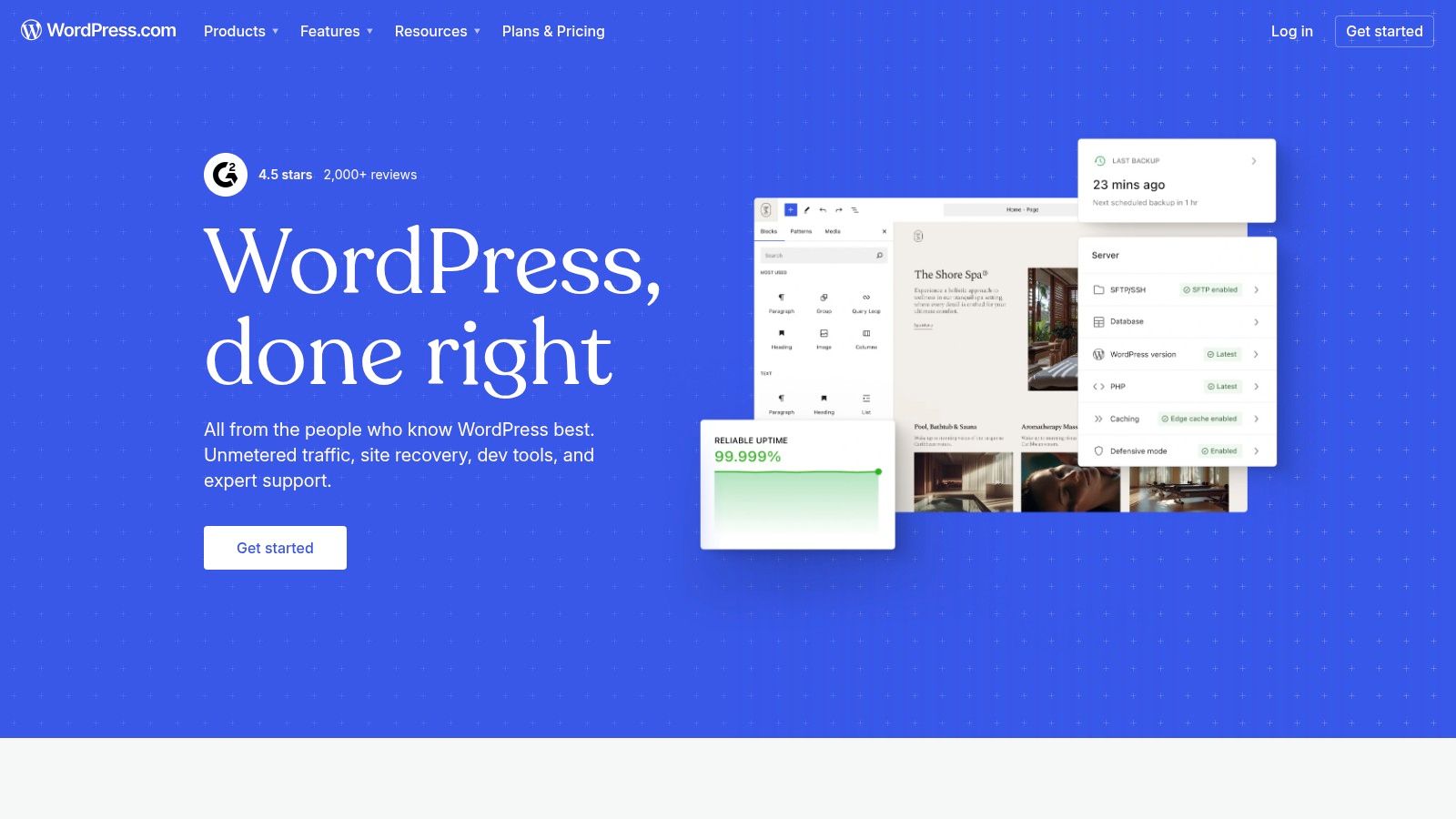
WordPress.com is the all-in-one hosted service that leverages the power of the world’s most popular CMS, WordPress. It offers a streamlined entry point into a vast ecosystem, making it a formidable website builder for blogs that require both simplicity at the start and immense potential for growth. Unlike its self-hosted counterpart (WordPress.org), this platform bundles hosting, security, and maintenance, letting you focus entirely on content creation.
The platform is built around the intuitive Block Editor (Gutenberg), which uses a modular, drag-and-drop-style system for building posts and pages. For bloggers, this means easy integration of rich media, columns, and custom layouts without touching code. The built-in Jetpack features also provide essential stats, SEO tools, and social media integration right from the dashboard.
Key Considerations
WordPress.com truly shines in its scalability. A blogger can start on the free plan to establish their voice and later upgrade to unlock more powerful features. The key distinction from competitors lies in its Business and Commerce plans, which grant access to the legendary WordPress plugin and theme repository. This transforms a simple blog into a fully functional platform for e-commerce, membership sites, or complex directories.
- Pricing: Starts with a robust free plan. Paid plans range from Personal ($4/mo) to Commerce ($45/mo), billed annually. The Business plan ($25/mo) is the minimum required for plugins and custom themes.
- Best For: Bloggers who want a managed, secure WordPress environment with the option to scale into a powerful, customized website later on.
- Limitation: The most significant drawback is that full customization via plugins is locked behind the pricier Business plan.
Website: https://wordpress.com
3. Wix
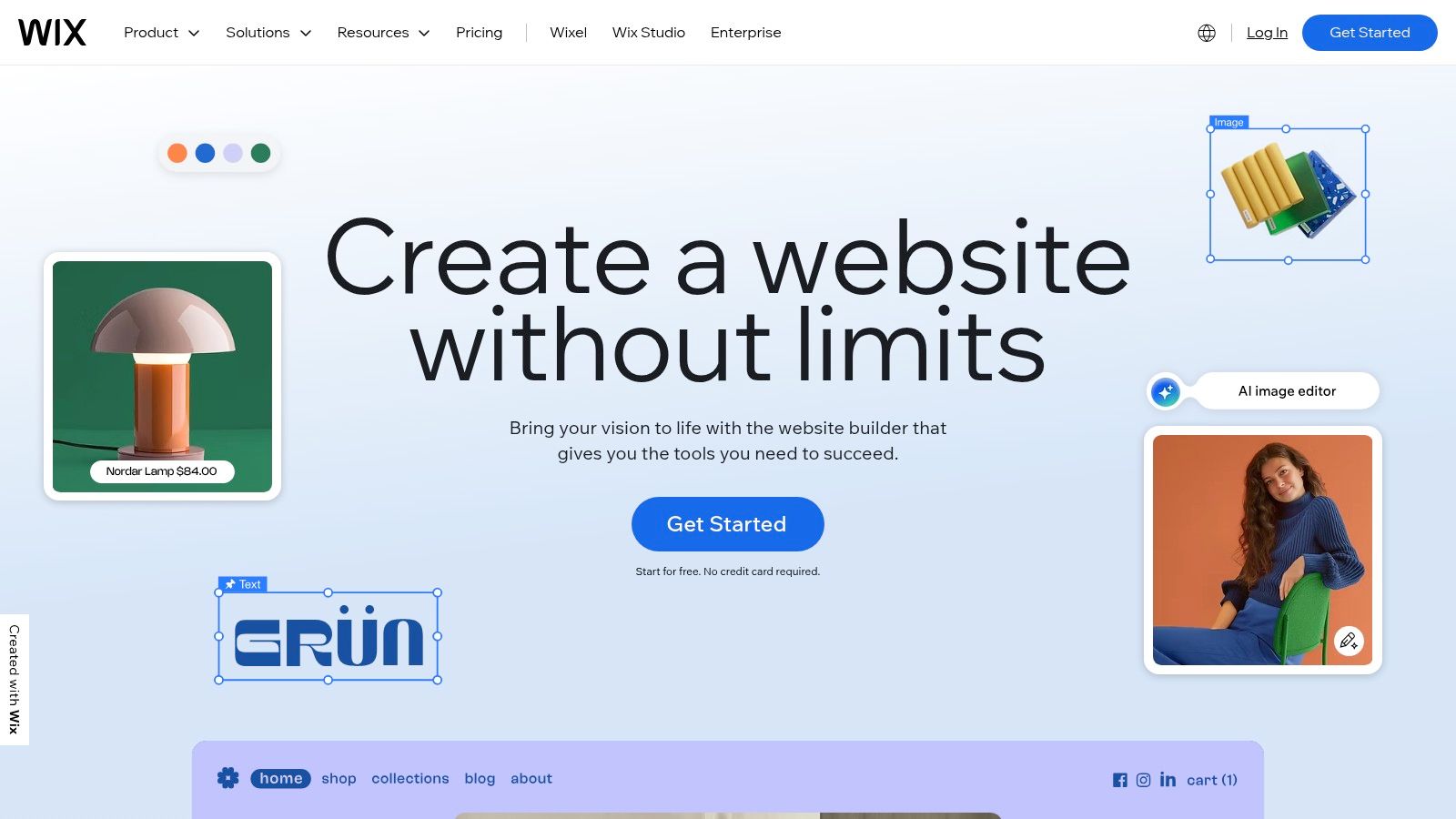
Wix is a leading drag-and-drop website builder that empowers creators to build visually stunning blogs with remarkable ease. It provides an all-in-one, hosted solution that handles all technical heavy lifting, from security to server maintenance, making it an excellent website builder for blogs where speed-to-launch and creative control are paramount. The platform is renowned for its highly intuitive visual editor, which gives you complete freedom to place elements anywhere on the page.
Its blogging module is robust, offering all the essential features like categories, tags, scheduling, and author profiles directly within the main dashboard. Integrated marketing and SEO tools, such as the SEO Wiz, provide a guided setup to help new bloggers optimize their content for search engines from day one. This combination of design flexibility and built-in business tools makes it a powerful contender.
Key Considerations
Wix’s main advantage is its balance between structured design and creative freedom. With over 800 professionally designed templates and an AI-powered site generator (Wix ADI), getting a polished blog online is incredibly fast. The Wix App Market further extends functionality, allowing you to add everything from advanced forms to e-commerce features. For those interested in no-code solutions, it offers a compelling package; you can discover more about how Wix fits into the broader no-code CMS landscape.
- Pricing: A limited free plan is available. Paid plans start at Light ($16/mo) and go up to Business Elite ($159/mo), with the Core plan ($27/mo) being a popular starting point for serious blogs.
- Best For: Creative bloggers, small business owners, and beginners who prioritize visual design and want a hands-off, all-in-one platform.
- Limitation: Once you choose a template and build your site, switching to a different one is a significant undertaking, often requiring a complete rebuild.
Website: https://www.wix.com
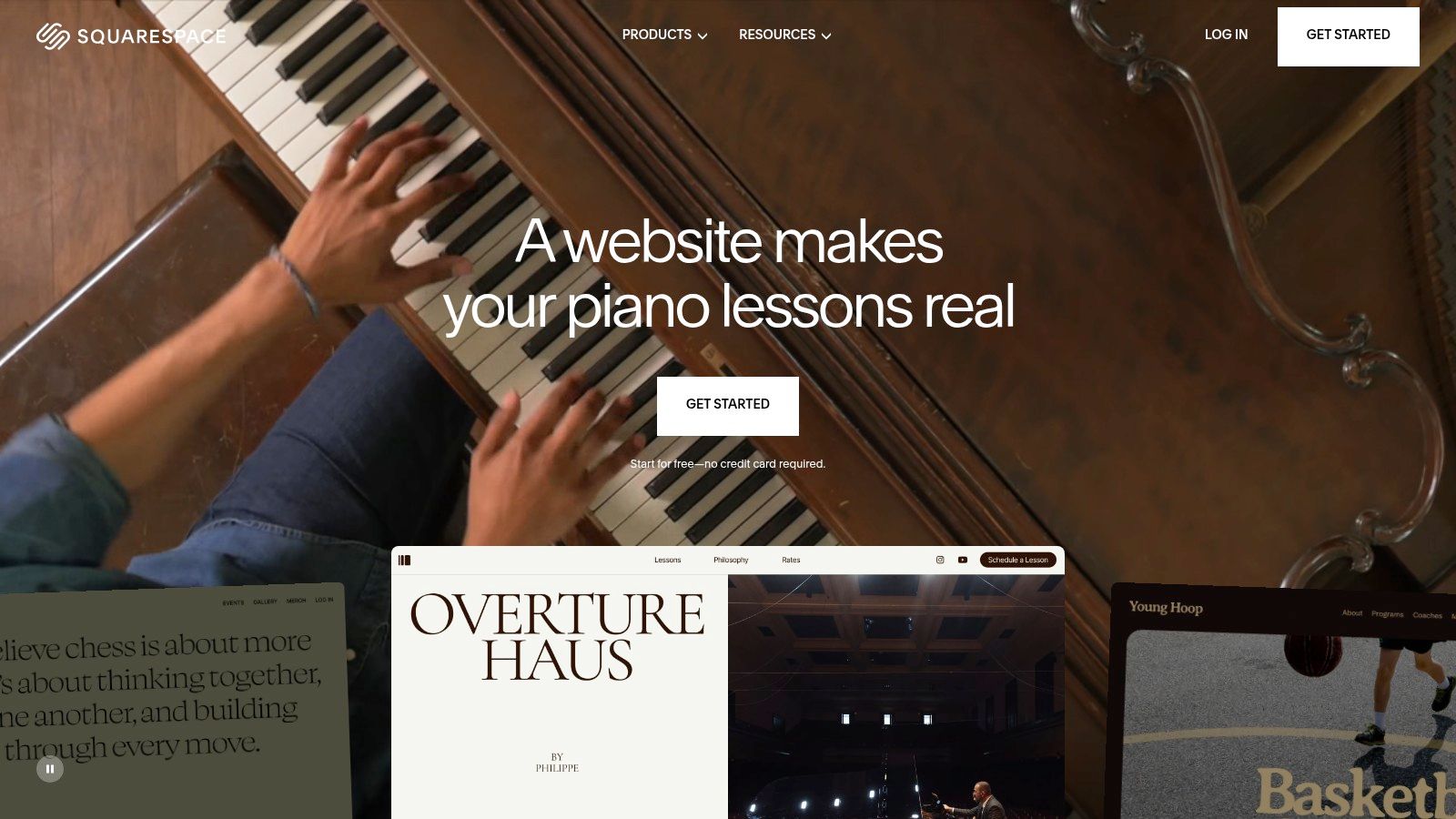
4. Squarespace
Squarespace is a design-centric, all-in-one platform that excels as a website builder for blogs where aesthetics are paramount. It bundles hosting, security, and award-winning templates into a single, intuitive package, allowing creators to launch a visually stunning blog with minimal technical overhead. The focus is on providing a polished, curated experience right out of the box, making it ideal for visual storytellers, artists, and lifestyle bloggers.
The platform's strength lies in its powerful yet simple block-based editor, which allows for sophisticated layouts and rich media integration without code. Bloggers benefit from built-in features like post scheduling, categories, tags, and integrated marketing tools, including email campaigns and basic SEO controls. This unified ecosystem ensures a seamless workflow from content creation to audience engagement.
Key Considerations
Squarespace stands out for its unmatched template quality and ease of use, providing a reliable and streamlined path to a professional-looking blog. While other builders offer more granular control, Squarespace prioritizes a cohesive and hassle-free user experience. For those who value design integrity and an all-inclusive toolkit, it offers a compelling alternative to more complex platforms. The integrated nature of the platform also makes it a strong contender for those looking to expand their blog into a full-fledged business, as explored in our guide to website builders for small businesses.
- Pricing: Starts with the Personal plan at $16/mo, billed annually. The Business plan ($23/mo) unlocks more advanced features like e-commerce and marketing tools.
- Best For: Bloggers, creatives, and small businesses who prioritize beautiful design and a simple, all-in-one managed solution.
- Limitation: Offers less deep customization and third-party integration than open-source platforms like WordPress. Advanced features are often tied to higher-tier plans.
Website: https://www.squarespace.com
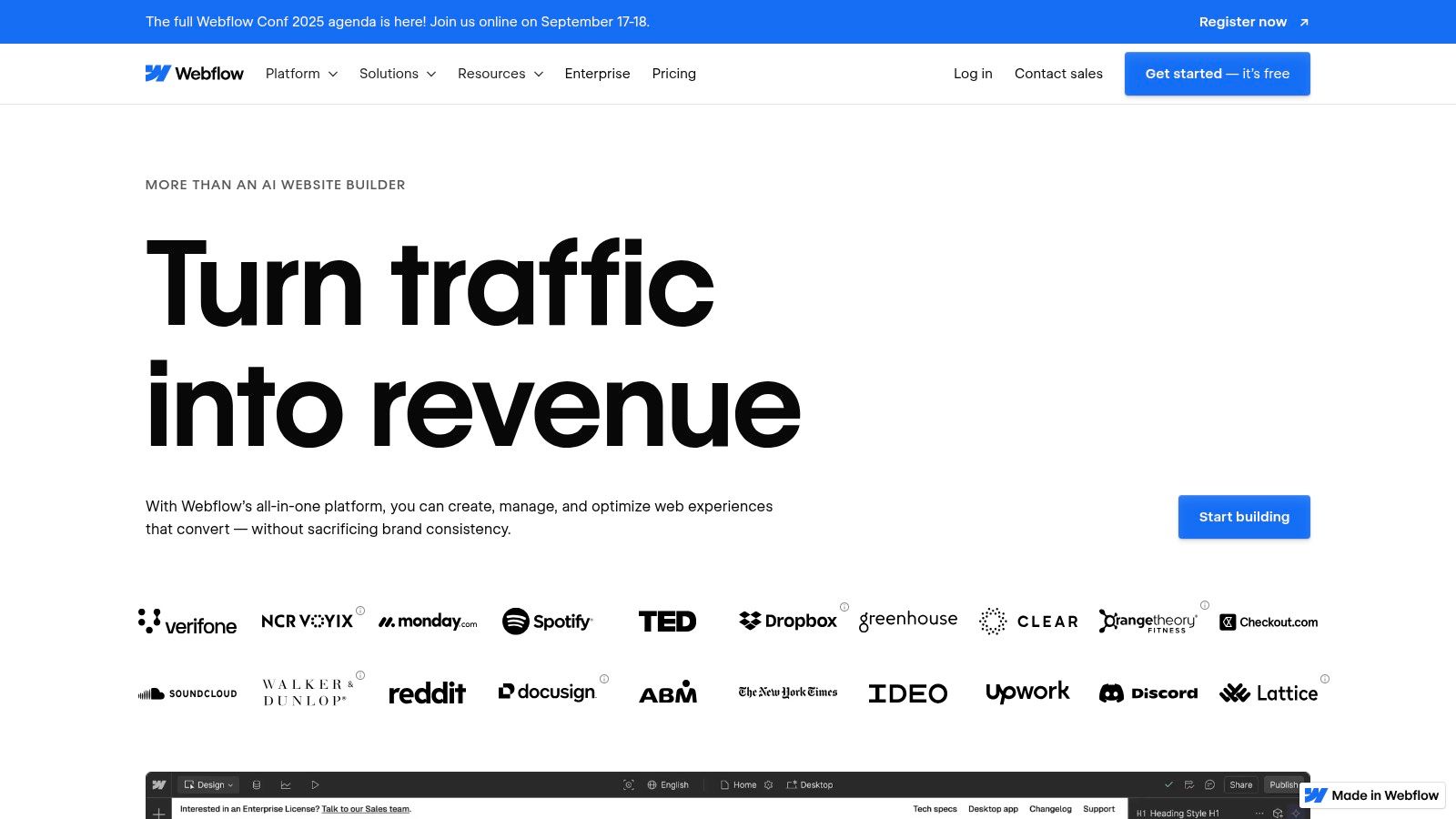
5. Webflow
Webflow is a designer-grade visual development platform that grants unparalleled creative control, positioning it as a powerful website builder for blogs with custom architectural needs. It combines the flexibility of front-end coding with the convenience of a no-code interface, allowing for truly bespoke blog designs without writing a single line of code. Its strength lies in its powerful CMS, which uses "Collections" to structure content like posts, authors, and categories in a highly relational and scalable way.
The platform allows you to design dynamic templates for different content types, meaning you design the layout for a blog post once, and it automatically applies to all entries. This approach marries fine-grained control over layout and styling with the efficiency of a database-driven system, producing clean, performant, and standards-compliant code. It effectively bridges the gap between traditional website builders and custom development.
Key Considerations
Webflow excels where template-based builders fall short: creating unique, interaction-rich blog experiences. It is the ideal choice for designers, agencies, or tech-savvy bloggers who refuse to be constrained by a theme. While its learning curve is steeper than competitors like Squarespace, the payoff is a site that perfectly matches your vision, complete with sophisticated animations and interactions. The growing ecosystem and extensive educational resources through Webflow University help new users master its capabilities.
- Pricing: Free plan available for learning and building. Paid site plans start at $14/mo (billed annually) for the CMS plan, which is essential for blogging.
- Best For: Design-focused bloggers, agencies, and developers who need complete control over blog structure, layout, and functionality without sacrificing CMS power.
- Limitation: The higher learning curve can be a significant hurdle for beginners. CMS item and traffic limits are strictly tied to pricing tiers.
Website: https://webflow.com
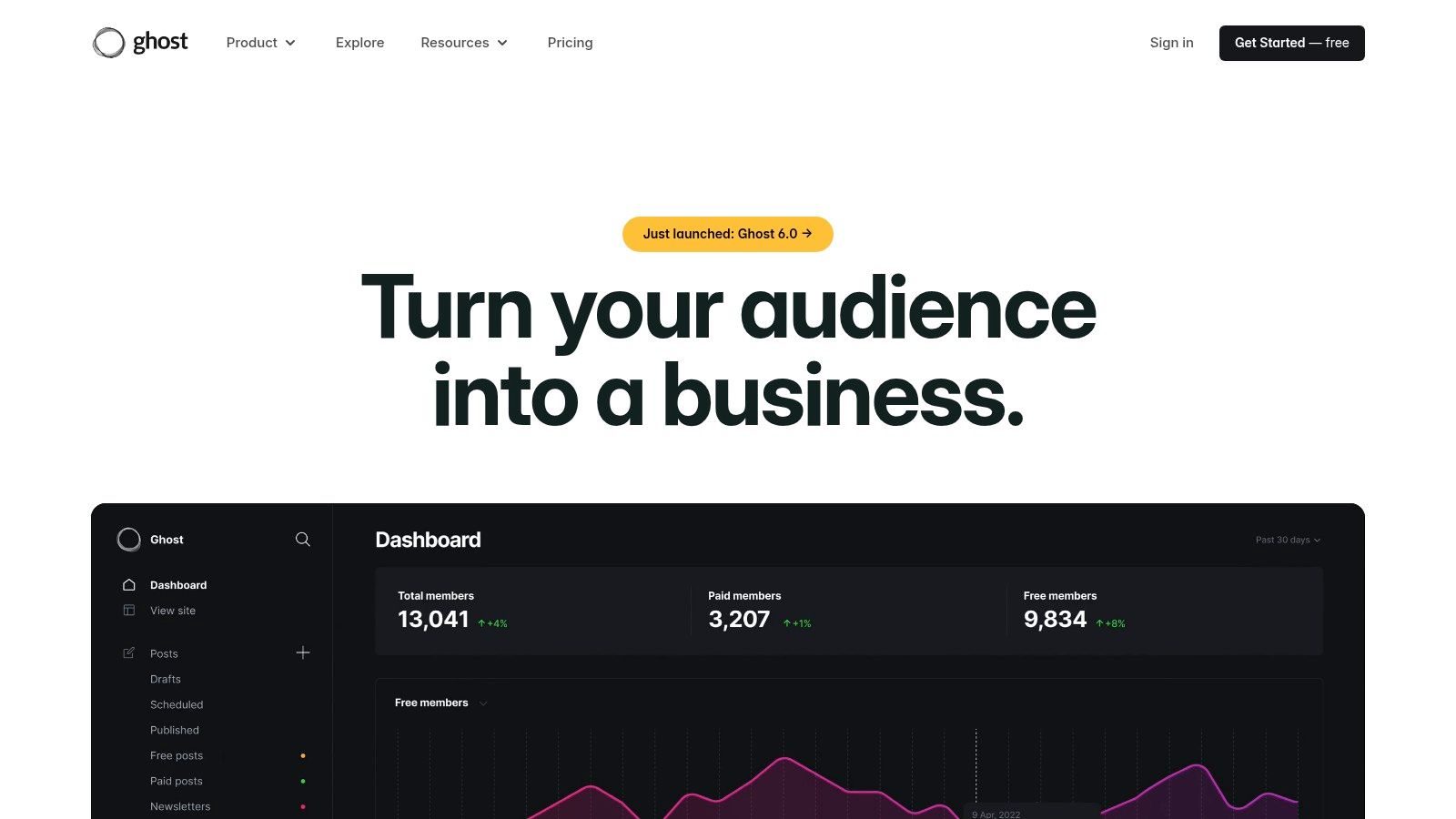
6. Ghost(Pro)
Ghost is a powerful, open-source publishing platform designed specifically for professional creators who want to build a business around their content. Offered as a managed service through Ghost(Pro), it strips away the multipurpose complexity of other platforms to deliver a streamlined experience focused on modern blogging, newsletters, and paid memberships. This laser focus makes it an exceptional website builder for blogs where audience revenue is the primary goal.
The platform provides a minimalist, markdown-based editor that prioritizes a clean writing flow, removing distractions and unnecessary bloat. Its core strength lies in its native integration of membership and subscription tools. You can create paywalls, offer premium content, and manage paid newsletters directly from the dashboard without needing complex third-party plugins, making monetization seamless for writer-led publications.
Key Considerations
Ghost(Pro) excels where other platforms require add-ons. It is purpose-built for the creator economy, combining content creation with audience management and monetization in one fast, secure package. While its theme and integration ecosystem is smaller than WordPress, the available options are high-quality and optimized for performance. As a dedicated publishing engine, it stands apart from general-purpose website builders by offering a more direct path to building a sustainable, independent media brand. For a more detailed analysis, you can learn more about Ghost's capabilities and see if it's the right fit for you.
- Pricing: Plans are based on audience size. The Starter plan begins at $9/mo (billed annually) for up to 500 members.
- Best For: Professional bloggers, journalists, and creators who want to launch newsletters and paid membership sites with a focus on speed and user experience.
- Limitation: It is not a general-purpose site builder; its features are highly specialized for publishing and lack the broad flexibility for complex, non-blog sites.
Website: https://ghost.org
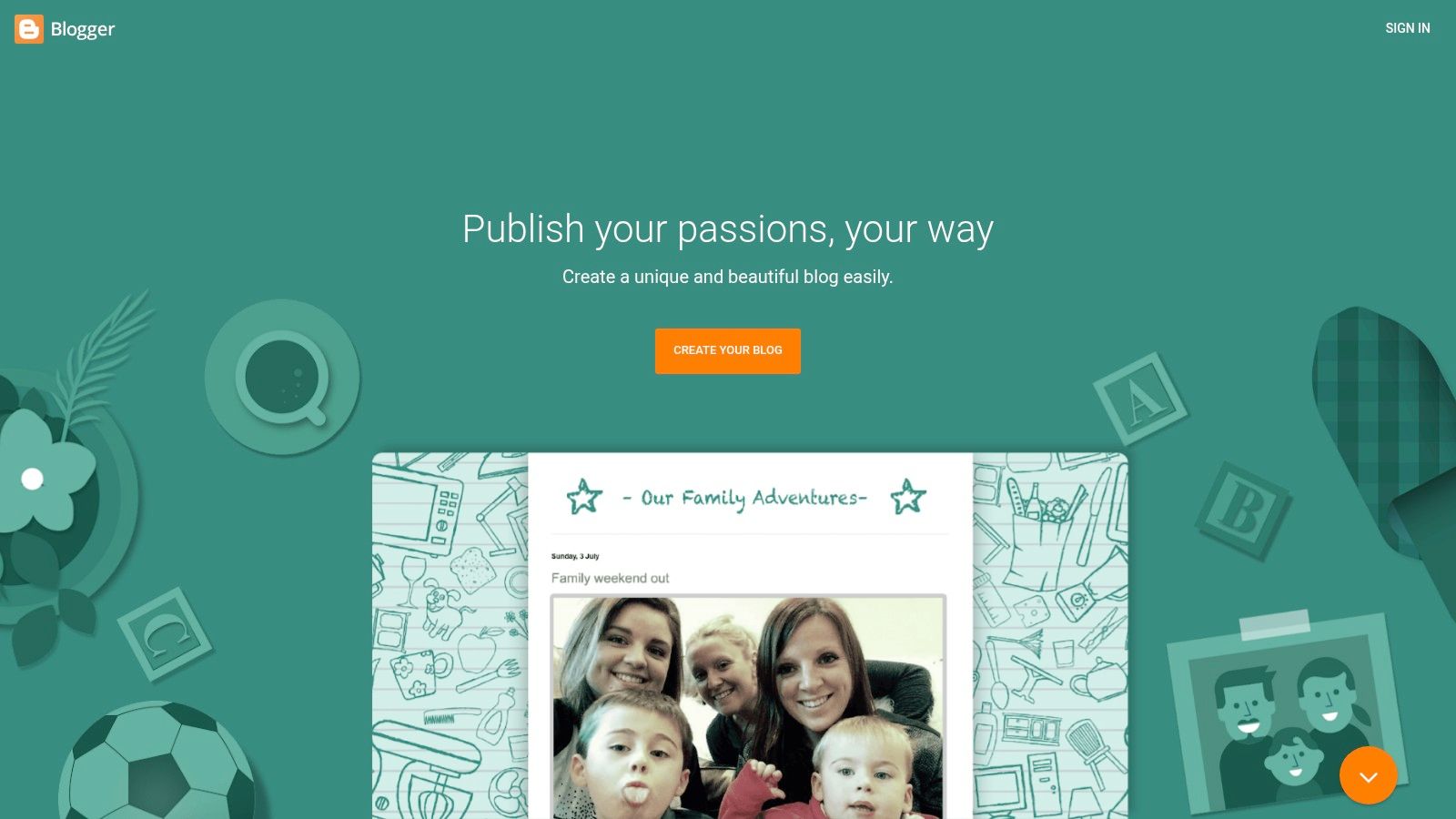
7. Blogger (Google)
Blogger is Google's veteran, no-frills blogging platform that has powered millions of personal blogs since its inception. It stands as a completely free website builder for blogs, offering an incredibly straightforward path to publishing content online. The platform handles all technical aspects like hosting and security, allowing users to start writing within minutes using a simple, traditional editor.
The service is deeply integrated with the Google ecosystem. This allows for easy monetization through Google AdSense and provides a familiar interface for anyone accustomed to Google's suite of tools. While it lacks the sophisticated drag-and-drop builders of its modern counterparts, its value proposition is its absolute simplicity and zero cost.
Key Considerations
Blogger's primary distinction is its cost-effectiveness; it is one of the few platforms where you can connect a custom domain for a professional look without subscribing to a paid plan. This makes it an ideal testing ground for new writers, hobbyists, or educational projects where budget is a primary constraint. Its reliability, backed by Google's infrastructure, ensures uptime is never a concern.
- Pricing: Completely free. The only potential cost is a custom domain, which can be purchased separately.
- Best For: Hobby bloggers, students, and writers who need a simple, reliable, and entirely free platform without any ambition for complex site functionality.
- Limitation: The platform's template designs and customization options are significantly outdated and limited compared to nearly all modern website builders.
Website: https://www.blogger.com
8. Substack
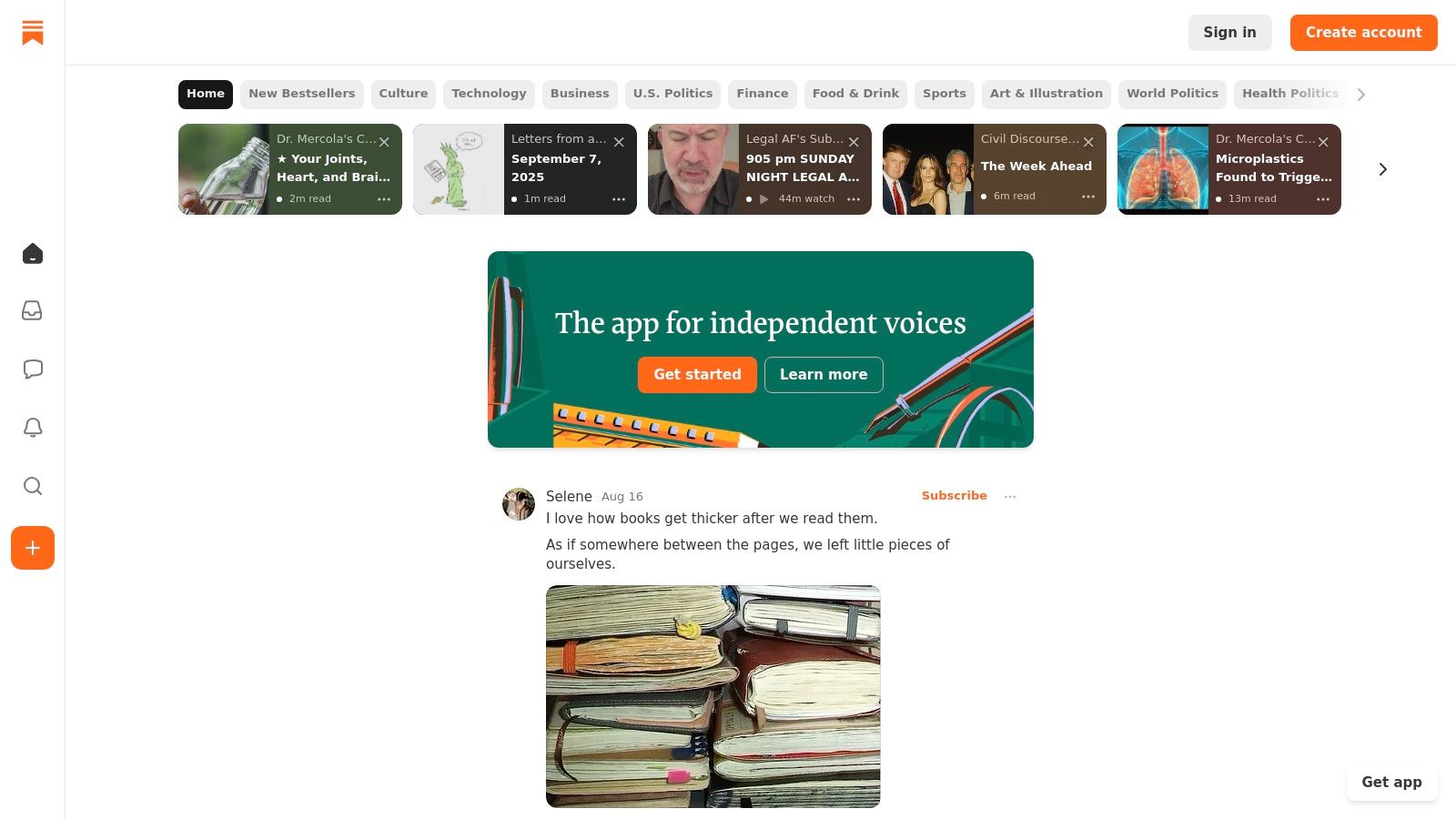
Substack is a unique entry in the website builder for blogs space, operating as a newsletter-first platform that automatically generates a simple, clean blog. Its core function is to fuse email and web publishing, providing a direct channel to an audience and a straightforward path to monetization through paid subscriptions. The platform is designed for writers who prioritize content delivery and community building over complex website design.
The user experience is exceptionally streamlined. Setting up a publication takes minutes, and the editor is a minimalist, text-focused interface that removes distractions. Every post is sent as an email newsletter and simultaneously published to a web archive, which functions as the blog, complete with comments and social sharing features.
Key Considerations
Substack’s primary differentiator is its built-in monetization and network effect. Writers can enable paid subscriptions with a few clicks, and the platform's recommendation engine helps new publications get discovered by existing readers on the network. This creates an ecosystem focused on audience growth, a feature most traditional blog builders lack out of the box. It’s less of a website builder and more of a complete publishing and business toolkit for writers.
- Pricing: Free to publish. For paid newsletters, Substack takes a 10% cut of revenue, plus payment processing fees (around 3%). A one-time $50 fee is required to use a custom domain.
- Best For: Writers, journalists, and creators who want to build a direct, monetizable relationship with their audience via a newsletter, with the blog serving as a public archive.
- Limitation: Customization is extremely limited. You cannot alter the layout, add plugins, or integrate advanced analytics, making it unsuitable for those needing a visually unique or functionally complex site.
Website: https://substack.com
9. Medium
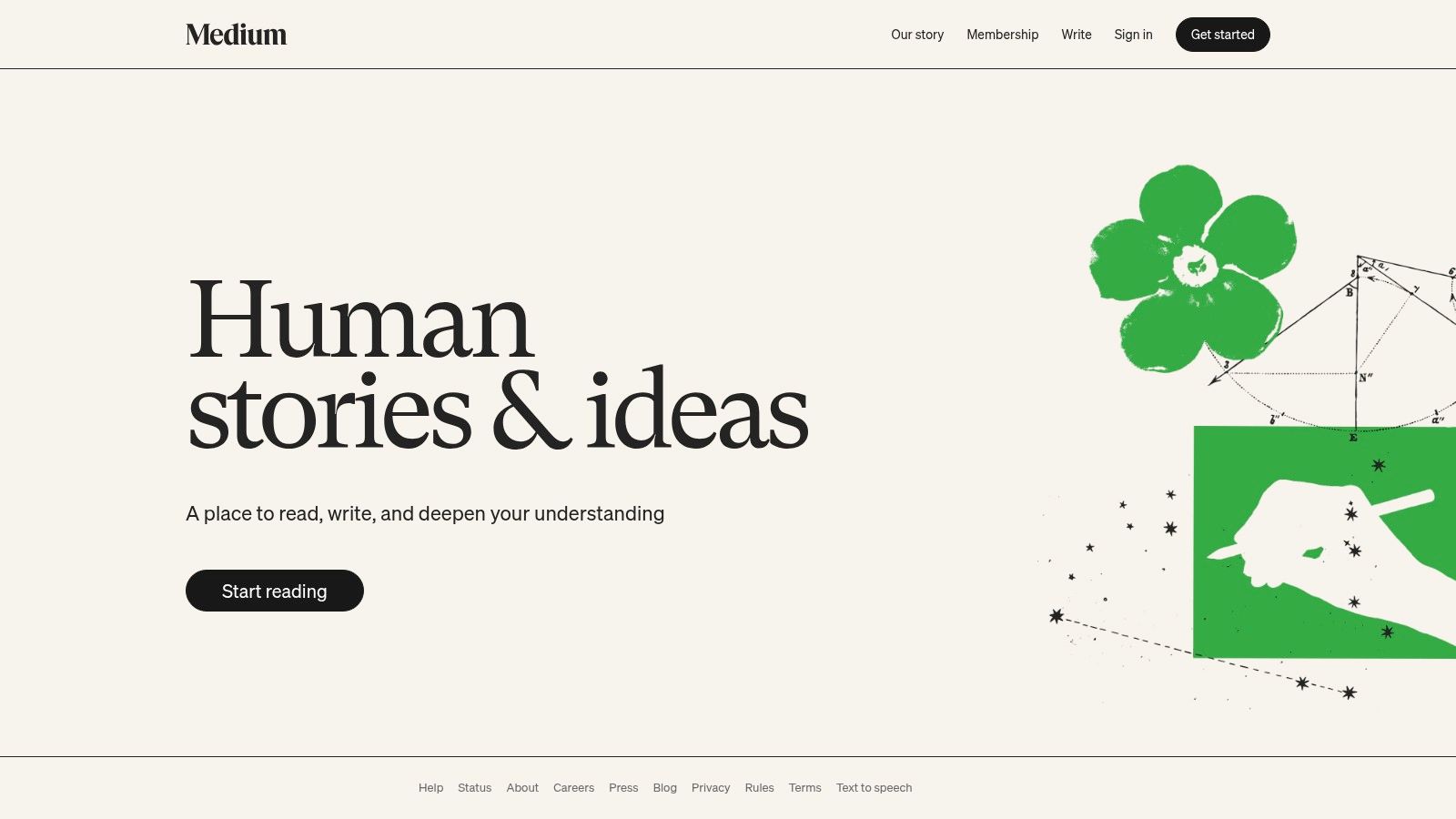
Medium is less of a traditional website builder for blogs and more of a streamlined publishing platform designed for writers. It prioritizes content and community over customization, offering a clean, distraction-free editor and access to a massive built-in audience. For bloggers focused purely on writing and discoverability, Medium handles all technical aspects like hosting and security, allowing you to publish in minutes.
The platform's strength lies in its network effect. Articles can be distributed through Medium’s algorithms, curated into topics, and featured in "Publications," which are themed collections of stories. This provides a powerful, built-in mechanism for reaching new readers that standalone blogs must build from scratch. Monetization is also integrated through the Medium Partner Program, which pays writers based on member engagement.
Key Considerations
Medium excels for writers who want to build a personal brand or thought leadership profile without any technical overhead. The trade-off is significant: you sacrifice almost all design control, branding capabilities, and the ability to use third-party tools or scripts. While a paying membership unlocks the ability to use a custom domain, the site’s functionality and layout remain locked within Medium's ecosystem.
- Pricing: Free to publish. Medium Membership ($5/mo or $50/yr) is required to connect a custom domain and offers unlimited reading access.
- Best For: Content-first creators, journalists, and thought leaders who value reach and simplicity over branding and technical control.
- Limitation: Severe lack of customization and branding control. Your content lives on a platform you don't own, creating long-term platform risk.
Website: https://medium.com
10. Weebly (by Square)
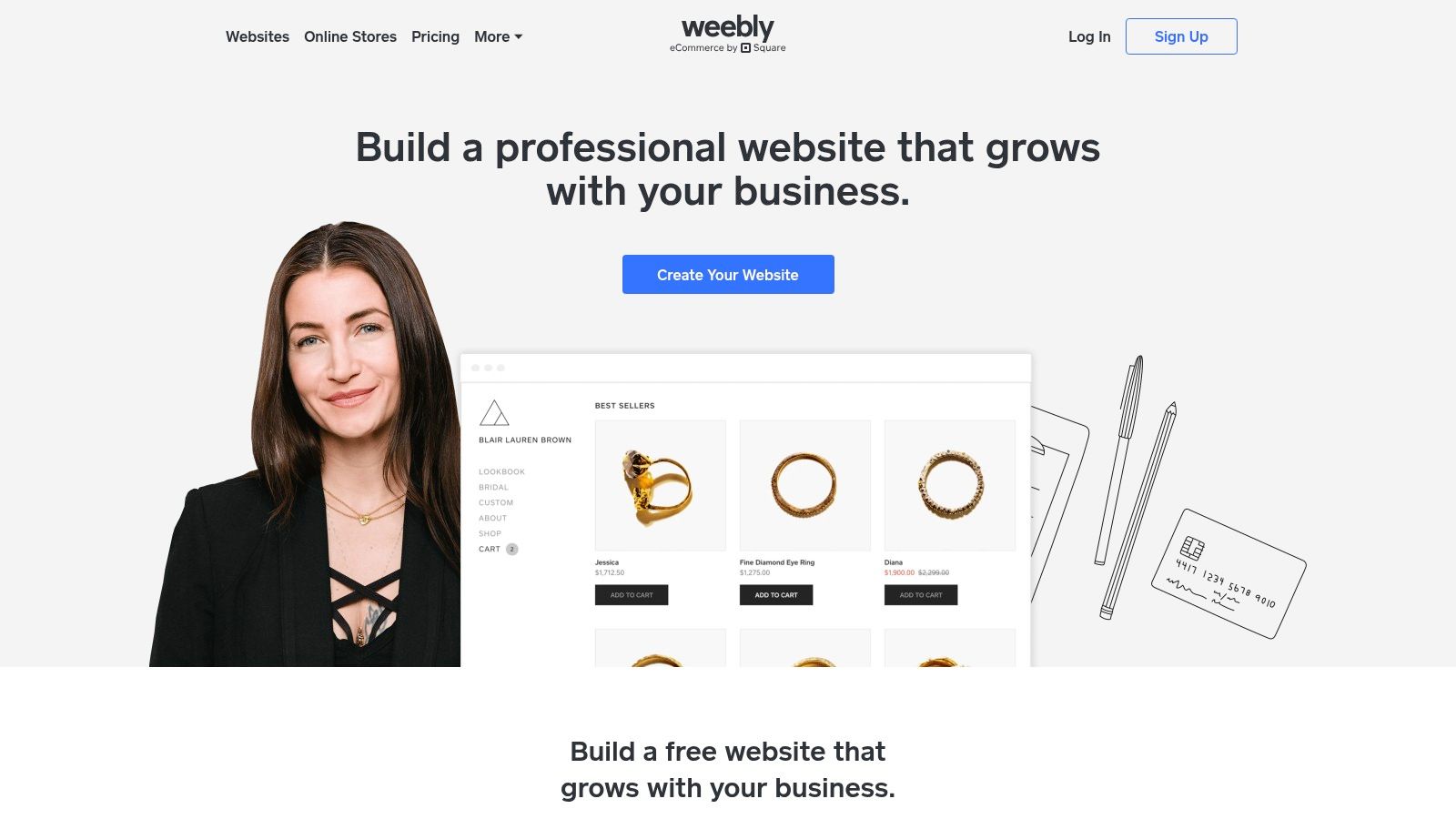
Weebly, now part of the Square ecosystem, offers one of the most straightforward entry points into the world of blogging and web creation. It is a classic drag-and-drop website builder for blogs that prioritizes simplicity and ease of use, making it an excellent choice for beginners or those who need a functional, low-maintenance site without a steep learning curve. The platform provides all the essentials, including hosting and SSL security, in one package.
The editor is structured and intuitive, allowing users to drag elements like text boxes, images, and galleries onto the page. For blogging specifically, it includes core functionalities such as post scheduling, category organization, and basic SEO settings for each article. Its integration with Square also provides a simple pathway for bloggers who may want to sell a few products or digital downloads directly from their site.
Key Considerations
Weebly’s main appeal is its accessibility and competitive pricing. It provides a less intimidating environment than more complex builders, allowing a first-time user to get a blog live in under an hour. While its design flexibility doesn't match that of Wix or Squarespace, its templates are clean and functional. The App Center offers a modest selection of add-ons to extend functionality if needed.
- Pricing: A free plan is available with Weebly branding. Paid plans start at $10/mo (Personal) and go up to $26/mo (Performance) when billed annually.
- Best For: New bloggers, hobbyists, or small business owners who want an extremely easy-to-use, all-in-one platform with optional, simple e-commerce.
- Limitation: The platform has seen slower development and feature updates since its acquisition by Square, and its design customization is more limited than its primary competitors.
Website: https://www.weebly.com
11. Framer
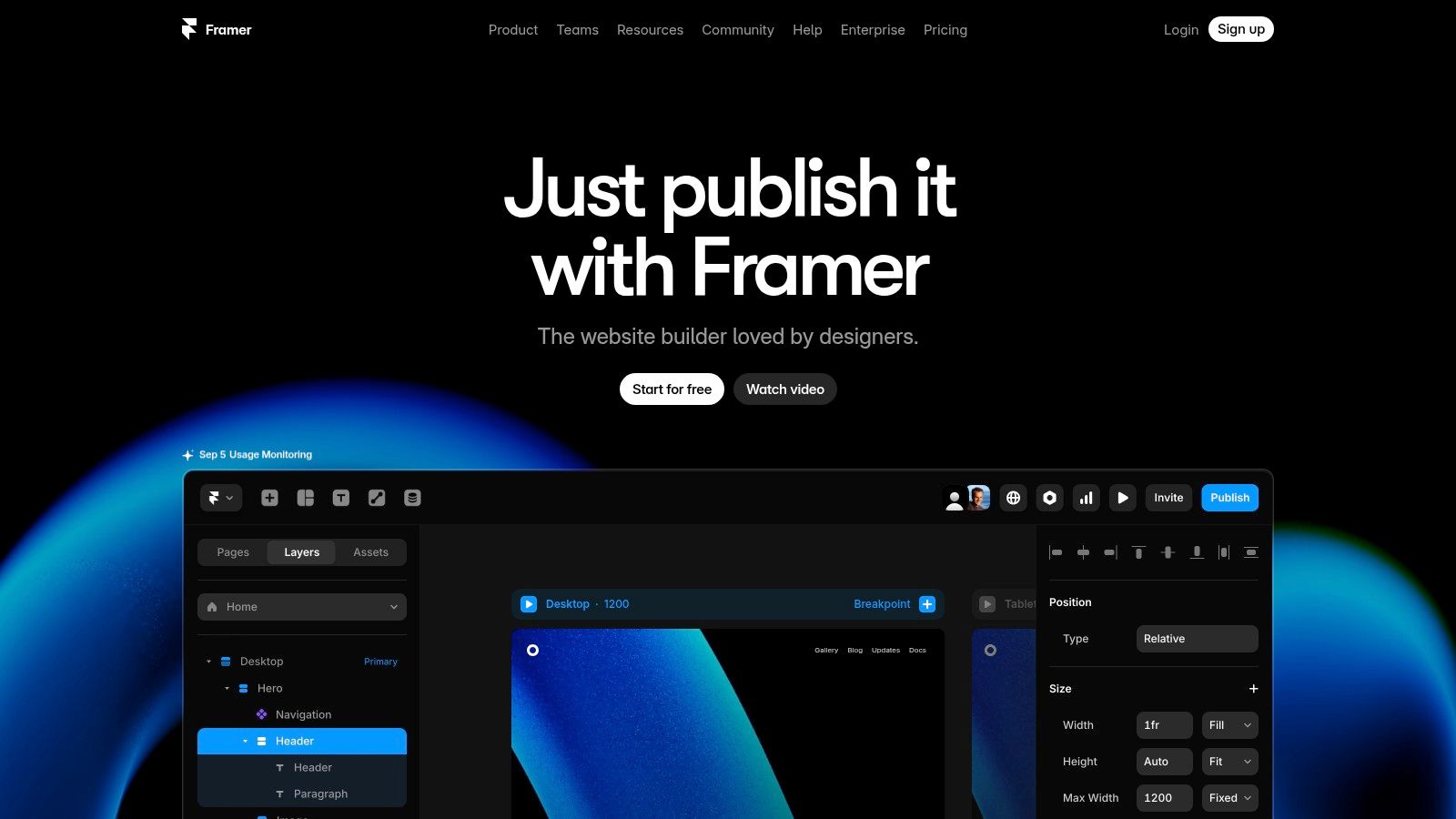
Framer is a modern, design-first website builder for blogs that prioritizes visual precision, interactivity, and unmatched performance. It's engineered for designers and creative bloggers who want to craft highly polished, fast-loading sites without deep coding knowledge. The platform combines a powerful visual canvas, similar to design tools like Figma, with a streamlined Content Management System (CMS) built for speed.
This approach allows for total creative freedom over your blog's layout, typography, and animations. The integrated CMS lets you manage posts as collection items, complete with drafts and version history. Framer also includes AI-powered tools to accelerate content and design creation, making it a forward-thinking choice for visually driven blogs and marketing sites.
Key Considerations
Framer’s main differentiator is its performance-centric architecture. Sites are automatically optimized and served via a global CDN, ensuring exceptional load times that benefit both user experience and SEO. Its CMS is straightforward and ideal for standard blog formats, while its visual editor provides a level of design control that surpasses many traditional builders. This makes it an excellent tool for bloggers who see their site as a design showcase.
- Pricing: A free plan is available for hobby projects. Paid plans start with the Mini plan at $5/site/mo (billed annually) for simple sites, with the Basic plan ($15/site/mo) being more suitable for most blogs.
- Best For: Design-savvy bloggers, creative professionals, and marketers who demand pixel-perfect control and top-tier site speed.
- Limitation: The CMS is less mature than established platforms like WordPress, and its per-site pricing model can become expensive for those managing multiple blogs.
Website: https://www.framer.com
12. HubSpot Content Hub (formerly HubSpot CMS)
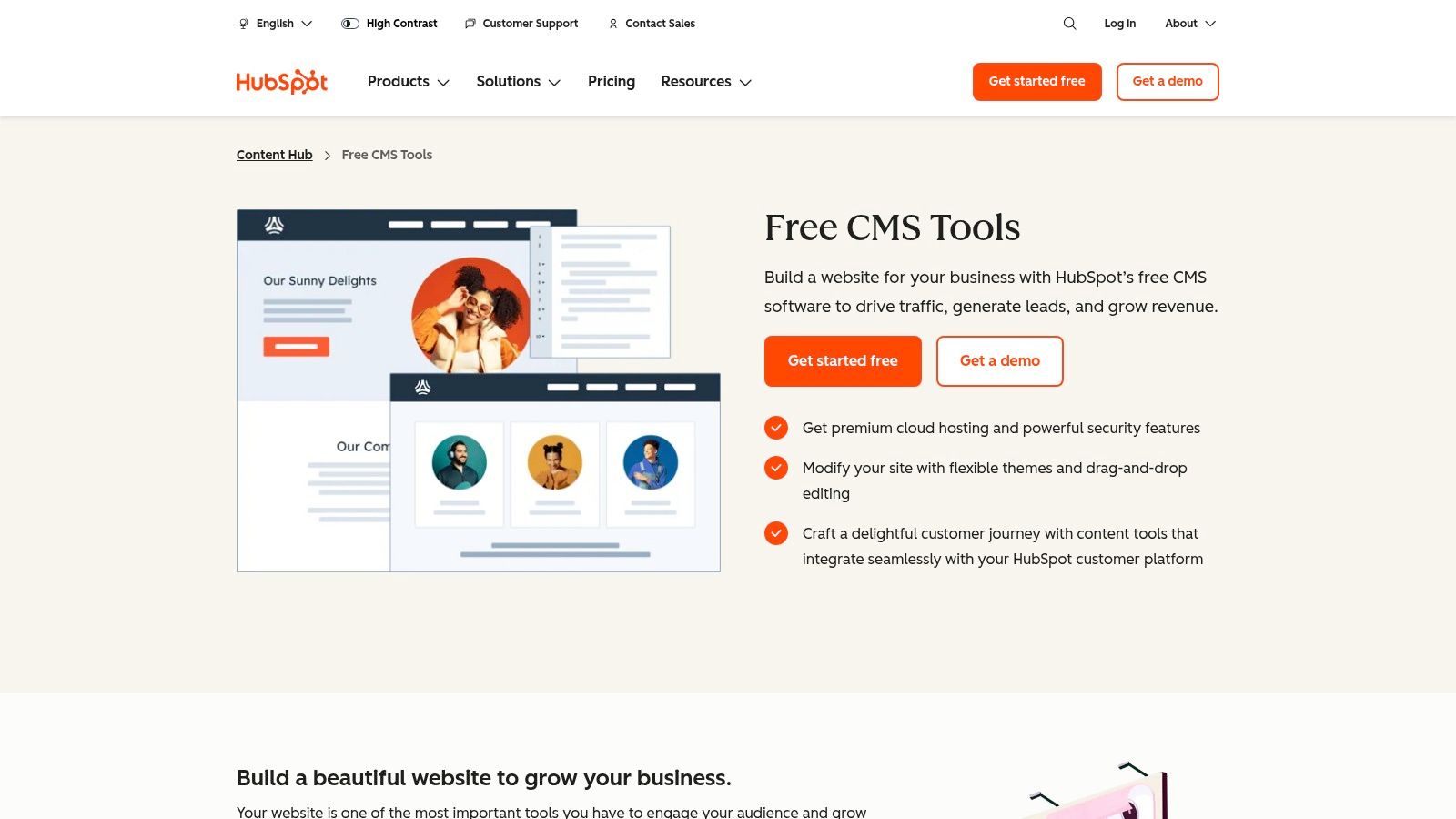
HubSpot Content Hub moves beyond being just a website builder for blogs; it's a complete content marketing platform. Designed for businesses that view blogging as a core driver of growth, it natively integrates a powerful CMS with HubSpot's legendary CRM. This synergy allows bloggers to not only publish content but to track its performance, capture leads, and nurture them through the marketing funnel, all within a single ecosystem.
The platform is engineered for efficiency, offering features like AI content assistants, advanced SEO recommendations, and dynamic personalization. Bloggers can use smart content to show different calls-to-action based on a visitor's known data, turning a simple blog post into a tailored conversion tool. The drag-and-drop editor and theme marketplace simplify design, ensuring content remains the primary focus.
Key Considerations
HubSpot's true differentiator is its all-in-one nature. For a business blogger, the ability to seamlessly connect a blog post to a landing page, a lead-capture form, and an automated email sequence without plugins is a massive advantage. This unified data model provides deep analytics on how content directly influences revenue, making it ideal for demonstrating marketing ROI.
- Pricing: Offers a free plan with HubSpot branding. Paid plans start with the Starter tier at $25/mo, Professional at $450/mo, and Enterprise at $1,500/mo.
- Best For: Marketing teams and businesses that want to build a content engine tightly integrated with their CRM and sales processes.
- Limitation: The cost can become substantial as you scale or add more marketing features, making it less suitable for hobbyist bloggers.
Website: https://www.hubspot.com/products/cms
Top 12 Blog Website Builders Comparison
| CMS Tool | Core Features / Functionality | User Experience / Quality ★★★★☆ | Value Proposition 💰 | Target Audience 👥 | Unique Selling Points ✨ |
|---|---|---|---|---|---|
| WordPress (Open Source) | Block editor, vast plugins/themes, open-source | Intuitive, flexible, powers 40%+ web | Free core, pay for hosting/plugins | Beginners to advanced developers 👥 | Massive community & customization 🏆 |
| WordPress.com | Block editor, managed hosting, AI builder (early) | Easy scaling, free tier | Freemium; Business plan for full plugins | Bloggers seeking hosted, scalable CMS 👥 | Hosting + plugins + AI integration ✨ |
| Wix | Drag & drop, 800+ templates, SEO, app market | Very easy, fast setup | Free plan available | Beginners wanting quick sites 👥 | 24/7 support, AI builder, apps 🏆 |
| Squarespace | Design-focused, blog scheduling, marketing tools | Polished, reliable all-in-one | Paid plans only | Aesthetic-focused bloggers 👥 | Beautiful templates, built-in marketing |
| Webflow | Designer-grade CMS, custom blog models | High design control, robust | Paid plans | Designers, advanced content creators 👥 | Advanced CMS, staging, clean output ✨ |
| Ghost(Pro) | Clean writing, newsletters, paid memberships | Lightweight, fast, focused on publishing | Managed hosting fees | Indie media, writers monetizing content 👥 | Built-in paywalls, membership 🏆 |
| Blogger (Google) | Free hosting, simple editor, AdSense integration | Basic UX, low maintenance | Free | Hobbyists, classrooms 👥 | Free custom domain support |
| Substack | Newsletter + blog, paid subscriptions | Simple setup, good email delivery | Free to start; 10% fee on subscriptions | Writers focused on monetization 👥 | Built-in audience network |
| Medium | Clean editor, Partner program | Low overhead, wide reach | Free + membership | Content creators, personal brands 👥 | Built-in readership & monetization |
| Weebly (by Square) | Drag & drop, blog, ecommerce | Beginner-friendly, low upkeep | Free & low-cost plans | New site owners, small ecommerce 👥 | Square ecommerce integration |
| Framer | Visual editor, CMS, AI helpers | Design precision, fast hosting | Per-site pricing | Design-driven blogs/marketing sites 👥 | AI creation, A/B testing, speed ✨ |
| HubSpot Content Hub | CMS + CRM, AI SEO, automation | Integrated marketing, strong analytics | Premium pricing | Businesses needing CRM + blogging 👥 | Tight CRM integration, automation 🏆 |
Making Your Final Choice: Which Builder Empowers Your Voice?
Navigating the landscape of website builders for blogs reveals a clear truth: there is no single "best" platform, only the one that best aligns with your specific goals, technical comfort level, and long-term vision. We have analyzed a dozen distinct tools, from comprehensive content management systems to minimalist newsletter platforms. The final decision rests on a careful evaluation of what you need your blog to do.
Your choice is a strategic one that directly impacts your workflow, monetization potential, and ability to scale. It is the foundation upon which your digital presence is built, and selecting the right one removes technical friction, freeing you to focus on creating compelling content.
A Recap of Your Top Contenders
To distill the extensive analysis, let's categorize the top options based on primary user needs:
- For Unmatched Control & Scalability: WordPress.org remains the undisputed heavyweight champion. Its infinite customizability and vast plugin ecosystem make it the ideal choice for serious bloggers, businesses, and anyone with a long-term growth strategy. The learning curve is steeper, but the payoff is total ownership and limitless potential.
- For Design-Focused Simplicity: Squarespace and Wix excel here. They offer a streamlined, all-in-one experience with stunning templates and intuitive drag-and-drop editors. These platforms are perfect for visual creators, portfolio blogs, and small businesses who prioritize aesthetics and ease of use over deep technical control.
- For Modern Monetization & Membership: Ghost and Substack are purpose-built for the creator economy. Their native membership, subscription, and newsletter features are second to none. If your primary goal is to build a paid community directly around your content, these platforms offer the most direct path to that objective.
- For Integrated Business & Marketing: For businesses where the blog is a core component of a larger marketing engine, HubSpot Content Hub is in a league of its own. Its seamless integration with a world-class CRM and marketing automation tools makes it an unparalleled choice for lead generation and content marketing at scale.
Actionable Steps to Your Final Decision
Before you commit, take these final steps to ensure you're making an informed choice:
- Define Your Primary Goal: Is it audience growth, direct monetization, lead generation, or personal expression? Be specific. Your primary objective will immediately narrow the field. For instance, a lead-generation goal points toward HubSpot, while direct monetization favors Ghost.
- Assess Your Technical Skills: Be honest about your willingness to learn. If you want to avoid dealing with hosting, security, and plugins, a hosted solution like Squarespace or Wix is a better fit than self-hosted WordPress.org.
- Project Your Future Needs: Think 1-2 years ahead. Will you want to add an online store, a complex membership area, or custom functionalities? A platform like WordPress or Webflow offers a higher ceiling for future expansion than a simpler tool like Substack.
- Utilize Free Trials: Almost every website builder for blogs on this list offers a free trial or a free plan. Spend a few hours building a sample post, testing the editor, and navigating the dashboard. This hands-on experience is the single most effective way to determine if a platform's workflow resonates with you.
Ultimately, the best website builder is the one that feels less like a barrier and more like a partner in your creative process. It should empower your voice, not stifle it with technical complexities or frustrating limitations. Choose the tool that gets out of your way and lets you do what you do best: connect with your audience through your unique words and ideas.