12 Best CMS for Ecommerce: An In-Depth 2025 Review
Discover the best CMS for ecommerce in 2025. We compare 12 platforms like Shopify, WooCommerce & BigCommerce on features, pricing, and use cases.

Selecting the best CMS for ecommerce is a foundational decision that impacts everything from user experience and scalability to your day-to-day operations. It's not just about listing products; it's about building an entire digital storefront that can grow with your brand. The right platform functions as the central engine for your online business, handling inventory, payments, marketing, and customer data in one cohesive system. To grasp the core concept of an e-commerce engine, start with understanding the importance of a Content Management System (CMS).
This comprehensive guide dissects 12 of the top ecommerce CMS platforms available. We move beyond generic feature lists to provide a practical analysis of each system's ideal use cases, implementation hurdles, and true cost of ownership. Each entry includes detailed pros and cons, screenshots, and direct links to help you evaluate the software firsthand.
Whether you're a startup launching your first product or an enterprise brand managing complex catalogs, this resource will equip you with the insights needed to make an informed choice. Our goal is to help you find the perfect platform that aligns with your specific technical skills, business model, and long-term growth ambitions, saving you from a costly migration down the road.
1. Shopify
Shopify stands as a dominant force in the ecommerce landscape, offering a comprehensive, all-in-one hosted solution that enables businesses to launch quickly and scale efficiently. It consolidates everything from storefront design and product management to payment processing and shipping into a single, user-friendly dashboard. This integrated approach makes it one of the best CMS for ecommerce platforms for entrepreneurs who prioritize speed to market and operational simplicity over granular, code-level control.

Key Features & Use Case
The platform's core strength lies in its robust ecosystem. The extensive App Store allows for seamless integration of advanced functionalities like subscription billing, sophisticated SEO tools, and B2B wholesale portals without requiring custom development. For US-based merchants, Shopify’s pre-negotiated shipping rates with major carriers provide a significant competitive advantage.
- Ideal For: Direct-to-consumer (DTC) brands, dropshippers, and small to medium-sized businesses seeking rapid growth.
- Not Ideal For: Businesses requiring deep source-code customization or those on a very tight budget who cannot afford transaction fees or app subscriptions.
Pros & Cons
| Pros | Cons |
|---|---|
| Rapid Setup: Launch a functional store in hours. | Transaction Fees: Surcharges apply if not using Shopify Payments. |
| Scalability: Handles high-volume traffic and sales seamlessly. | Customization Limits: Advanced changes often require apps or developers. |
| Vast App Ecosystem: Easily extend store functionality. | Cost of Apps: Monthly fees for multiple apps can add up quickly. |
Ultimately, Shopify's value is in its managed environment, which removes the technical burden of hosting and security. For a deeper dive into its capabilities, you can explore detailed insights about Shopify here.
Website: https://www.shopify.com
2. WooCommerce (for WordPress)
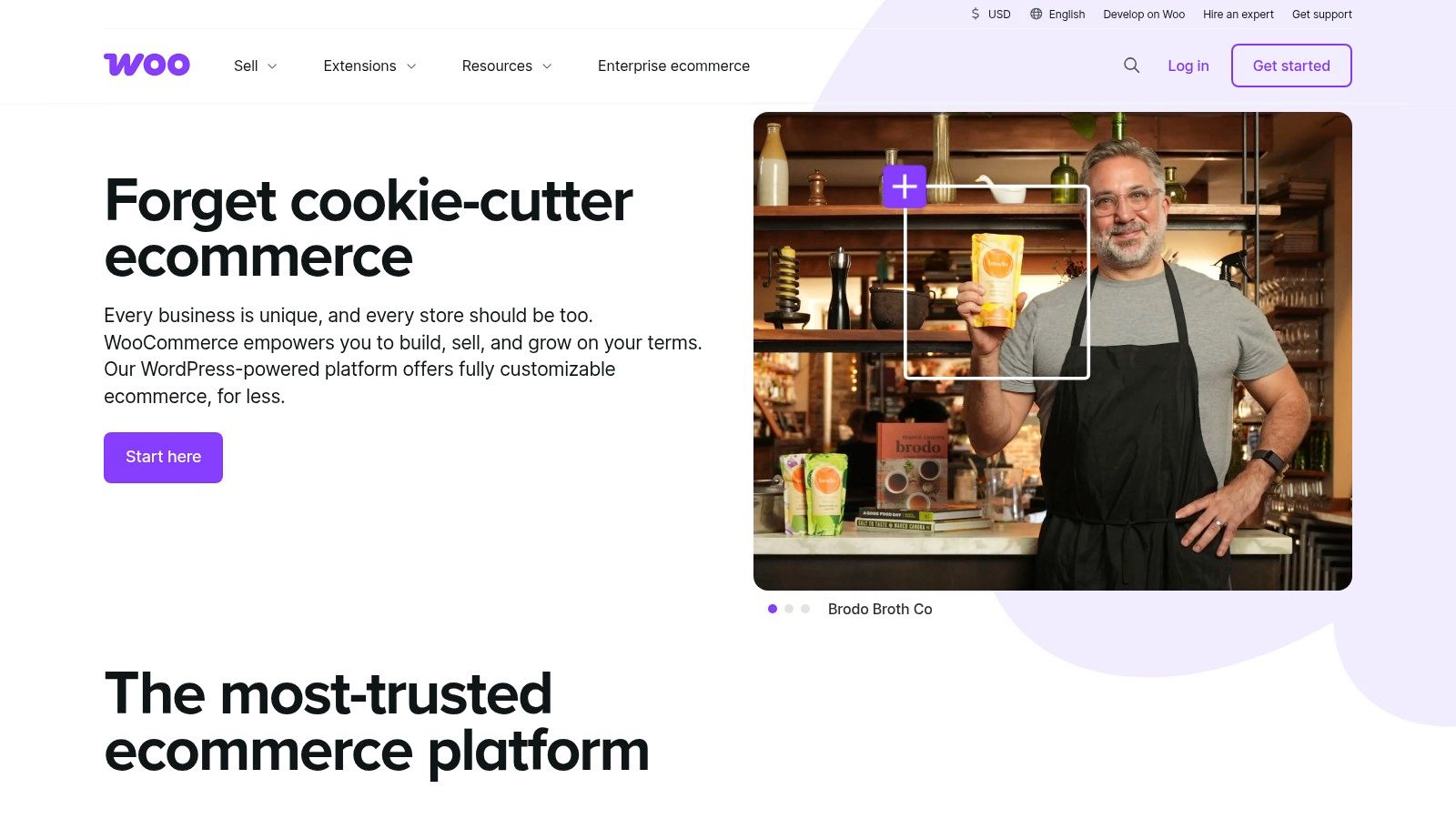
WooCommerce transforms the world's most popular content management system, WordPress, into a powerful, open-source ecommerce engine. Unlike hosted solutions, it offers unparalleled control and ownership over store data and functionality. This approach makes it a leading contender for the best CMS for ecommerce, especially for businesses that value deep customization and are comfortable managing their own technical environment, including hosting and security.
Key Features & Use Case
The platform's primary advantage is its extensibility. Through a massive library of plugins, merchants can tailor every aspect of their store, from product displays to the checkout experience. A key advantage of WooCommerce is its vast ecosystem of plugins; explore how to enhance your store's performance with these top WooCommerce checkout plugins for boosting conversions. This flexibility, combined with the inherent SEO strength of WordPress, creates a robust foundation for growth.
- Ideal For: Content-driven brands, businesses with unique product requirements, and budget-conscious startups with technical proficiency.
- Not Ideal For: Users seeking an all-in-one, hands-off solution or those who want to avoid managing hosting, security, and updates.
Pros & Cons
| Pros | Cons |
|---|---|
| Highly Customizable: Endless possibilities with themes and plugins. | Requires Self-Management: You are responsible for hosting, security, and maintenance. |
| Complete Data Ownership: Your store and customer data are yours. | Hidden Costs: Premium extensions and themes can increase the total cost. |
| SEO-Friendly: Leverages the powerful content features of WordPress. | Potential for Plugin Conflicts: Managing multiple plugins can be complex. |
Ultimately, WooCommerce grants merchants complete freedom, but this comes with greater technical responsibility. You can find more information about its foundational platform by learning more about WordPress here.
Website: https://woocommerce.com
3. BigCommerce
BigCommerce positions itself as a powerful, hosted ecommerce CMS that excels in scalability and native functionality, making it a formidable choice for both growing businesses and established enterprises. Its architecture is built to handle complex catalogs and high-volume sales without requiring a heavy reliance on third-party apps. A key differentiator is its policy of no additional platform transaction fees across all plans, which makes it an attractive contender for businesses looking to optimize their cost structure as they scale.
Key Features & Use Case
The platform’s strength lies in its extensive built-in feature set, which includes robust B2B ecommerce tools, multi-storefront management, and open APIs for headless commerce implementations. BigCommerce offers native integrations with key players like Buy with Prime and Amazon MCF for US sellers, along with competitive, pre-negotiated rates through PayPal and Braintree. This comprehensive approach provides merchants with powerful tools right out of the box.
- Ideal For: Mid-market to enterprise-level businesses, B2B sellers, and companies seeking a flexible headless commerce solution.
- Not Ideal For: Beginners who might find the extensive feature set overwhelming, or businesses whose sales volume fluctuates significantly around plan thresholds.
Pros & Cons
| Pros | Cons |
|---|---|
| No Transaction Fees: Keep more of your revenue on every sale. | Forced Plan Upgrades: Automatically moved to a higher tier based on sales volume. |
| Generous Built-in Features: Reduces the need and cost of third-party apps. | Theme Customization: Can be less intuitive for non-technical users. |
| Strong B2B & Headless: Excellent native support for complex business models. | Smaller App Marketplace: Fewer options compared to some competitors. |
Ultimately, BigCommerce is one of the best CMS for ecommerce for merchants who prioritize advanced native capabilities and predictable costs. Its open SaaS model offers a balance between the ease of a hosted solution and the flexibility required for custom, high-growth strategies.
Website: https://www.bigcommerce.com
4. Adobe Commerce (powered by Magento)
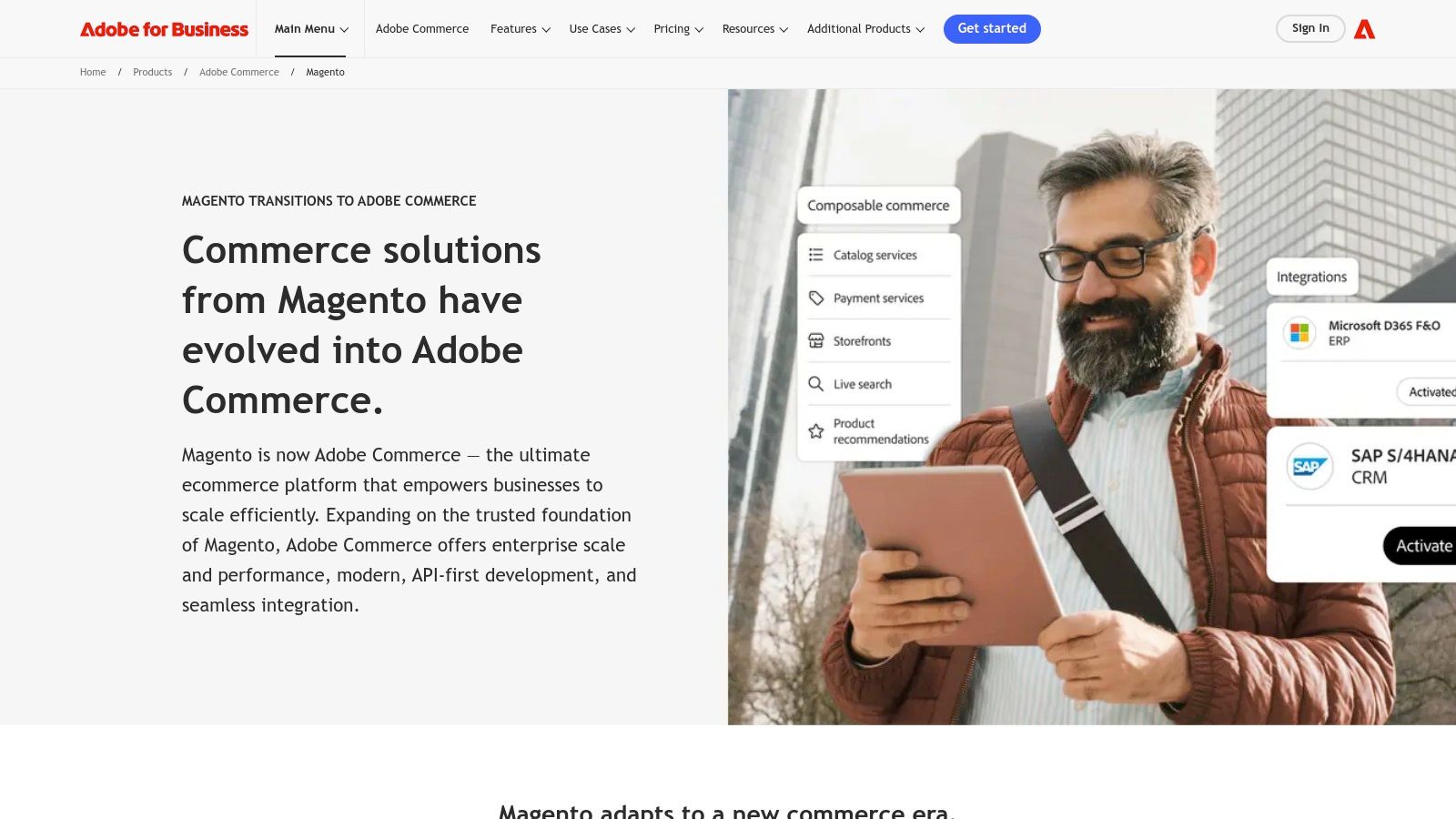
Adobe Commerce, built on the powerful open-source Magento platform, is an enterprise-grade, composable commerce solution designed for large-scale B2B and B2C operations. It excels in delivering complex, personalized shopping experiences through its deep integration with Adobe Experience Cloud and advanced content management capabilities. This platform is a leading choice for businesses that require a highly flexible and extensible system to manage intricate product catalogs and sophisticated customer journeys, making it one of the best CMS for ecommerce for enterprise-level deployments.
Key Features & Use Case
The platform's strength is its headless architecture and powerful API-first approach, enabling unique front-end experiences across multiple channels. Its built-in Page Builder offers a visual drag-and-drop interface for content creation, while AI-powered search and product recommendations deliver dynamic personalization. With robust cloud delivery and integrated business intelligence tools, Adobe Commerce provides a comprehensive toolkit for data-driven enterprise management.
- Ideal For: Large enterprises, B2B merchants with complex catalogs, and businesses requiring deep system integrations and omnichannel capabilities.
- Not Ideal For: Small businesses or startups due to its high cost of ownership and the need for specialized developer resources.
Pros & Cons
| Pros | Cons |
|---|---|
| Highly Flexible & Extensible: Adaptable for complex B2B and large-scale needs. | High Total Cost: Quote-based pricing is substantial and developer-intensive. |
| Strong Enterprise Tooling: Includes advanced BI, personalization, and cloud features. | Requires Developer Resources: Significant technical expertise needed for setup and maintenance. |
| Robust API & Headless Commerce: Supports sophisticated omnichannel strategies. | Steep Learning Curve: The platform's complexity can be overwhelming for new users. |
Ultimately, Adobe Commerce is a formidable solution for established businesses that view their ecommerce platform as a central component of their digital experience strategy and have the resources to invest in a custom, high-performance system.
Website: https://business.adobe.com/products/magento.html
5. Wix eCommerce
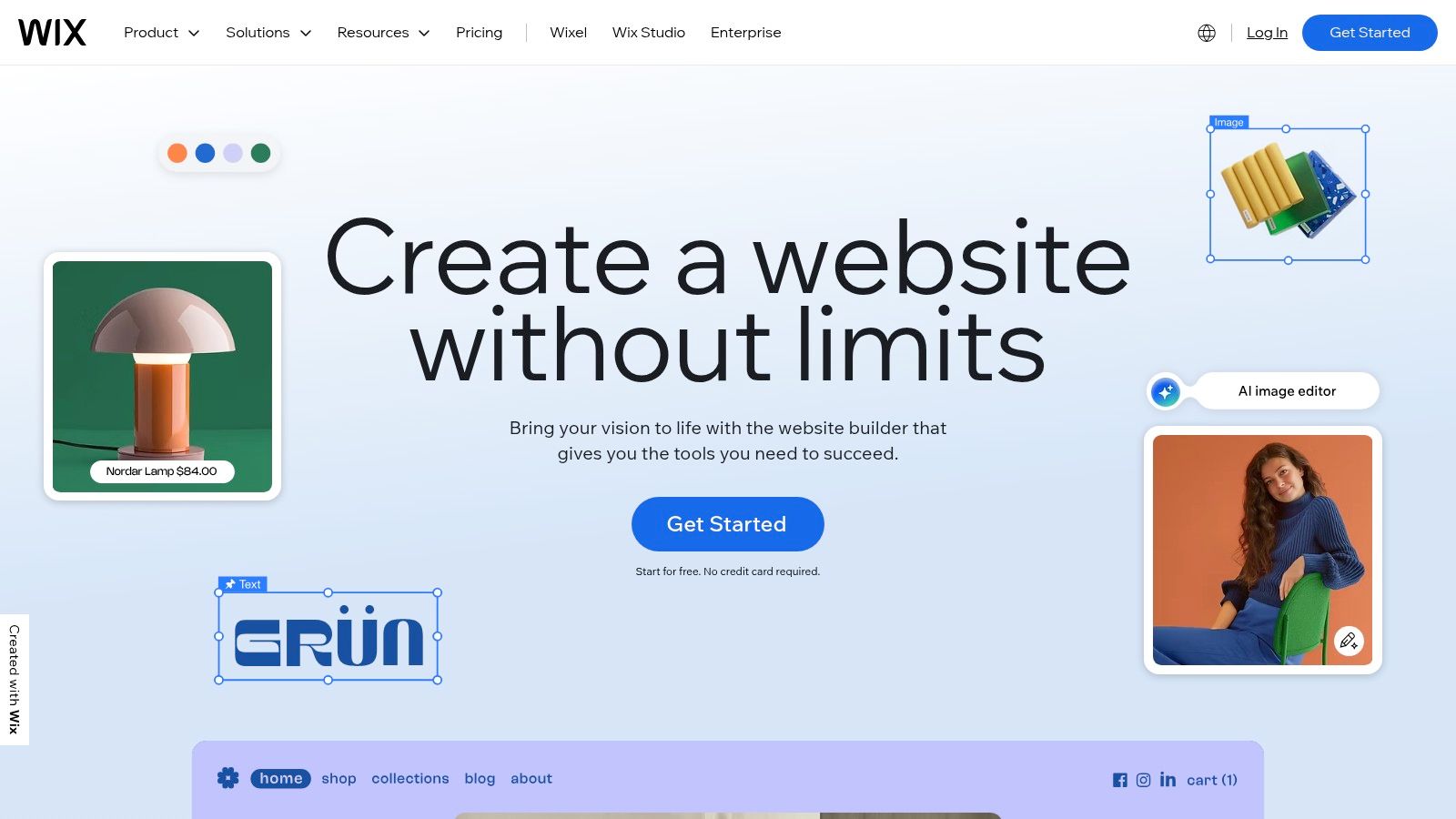
Wix eCommerce has evolved from a simple website builder into a capable platform for small businesses venturing into online sales. It offers a fully hosted, all-in-one solution where the primary focus is ease of use, allowing entrepreneurs to create a visually appealing storefront with a drag-and-drop editor. This approach makes it a strong contender for those who value design simplicity and speed over deep technical customization, positioning it as an accessible CMS for ecommerce beginners.
Key Features & Use Case
The platform’s strength lies in its intuitive design interface and bundled features. Users can manage inventory, set up shipping rules, and create discount codes directly from the dashboard without needing external apps. The integration of native marketing tools, like email campaigns and social media posts, along with a point-of-sale (POS) system, provides a unified ecosystem for managing both online and offline sales channels.
- Ideal For: Small businesses, artists, and entrepreneurs who need a beautiful website with foundational ecommerce functionality.
- Not Ideal For: Large-scale enterprises with complex inventory needs or developers requiring extensive API access and backend control.
Pros & Cons
| Pros | Cons |
|---|---|
| Very User-Friendly: Intuitive drag-and-drop editor and bundled hosting. | Less Flexible: Limited customization compared to developer-centric platforms. |
| Solid Entry-Level Features: Built-in tools for discounts, shipping, and marketing. | Tiered Features: Advanced ecommerce tools are locked behind higher-tier plans. |
| Integrated Ecosystem: Combines site building, marketing, and POS. | Scalability Concerns: May not be suitable for very high-volume, complex stores. |
Ultimately, Wix provides a streamlined path to market for small merchants who want to manage their entire online presence in one place. You can explore a more detailed analysis of how it compares as a website builder for small businesses here.
Website: https://www.wix.com
6. Squarespace Commerce
Squarespace Commerce extends the platform's renowned design-centric philosophy into the ecommerce space, offering a fully integrated solution for businesses that prioritize aesthetics and user experience. It provides a polished, all-in-one environment where visual storytelling and product sales coexist seamlessly. This makes it one of the best CMS for ecommerce for creative entrepreneurs, artists, and service-based businesses looking to sell products, digital goods, or schedule appointments without a steep technical learning curve.

Key Features & Use Case
The platform excels with its award-winning templates, which are optimized for storefronts, digital product sales, and even point-of-sale (POS) integration for physical locations. Its native tools for managing memberships, subscriptions, and appointments are particularly strong. Transaction fees start at 3% on the Business plan but are eliminated on higher-tier Commerce plans, incentivizing growth.
- Ideal For: Artists, designers, restaurants, and service providers who need a visually stunning website with integrated booking and sales capabilities.
- Not Ideal For: High-volume retailers or businesses needing complex inventory management, extensive third-party integrations, or advanced B2B features.
Pros & Cons
| Pros | Cons |
|---|---|
| Excellent Design: Industry-leading templates and user experience. | Limited Advanced Features: Lacks the depth of enterprise-focused platforms. |
| All-in-One Solution: Includes hosting, security, and customer support. | Tiered Feature Access: Key commerce tools require more expensive plans. |
| Ease of Use: Intuitive drag-and-drop interface is beginner-friendly. | Fewer Integrations: Smaller app ecosystem compared to competitors. |
Ultimately, Squarespace offers a powerful yet simple path to market for businesses where brand presentation is paramount. For more information on its capabilities, you can explore detailed insights about Squarespace Commerce here.
Website: https://www.squarespace.com
7. Ecwid by Lightspeed
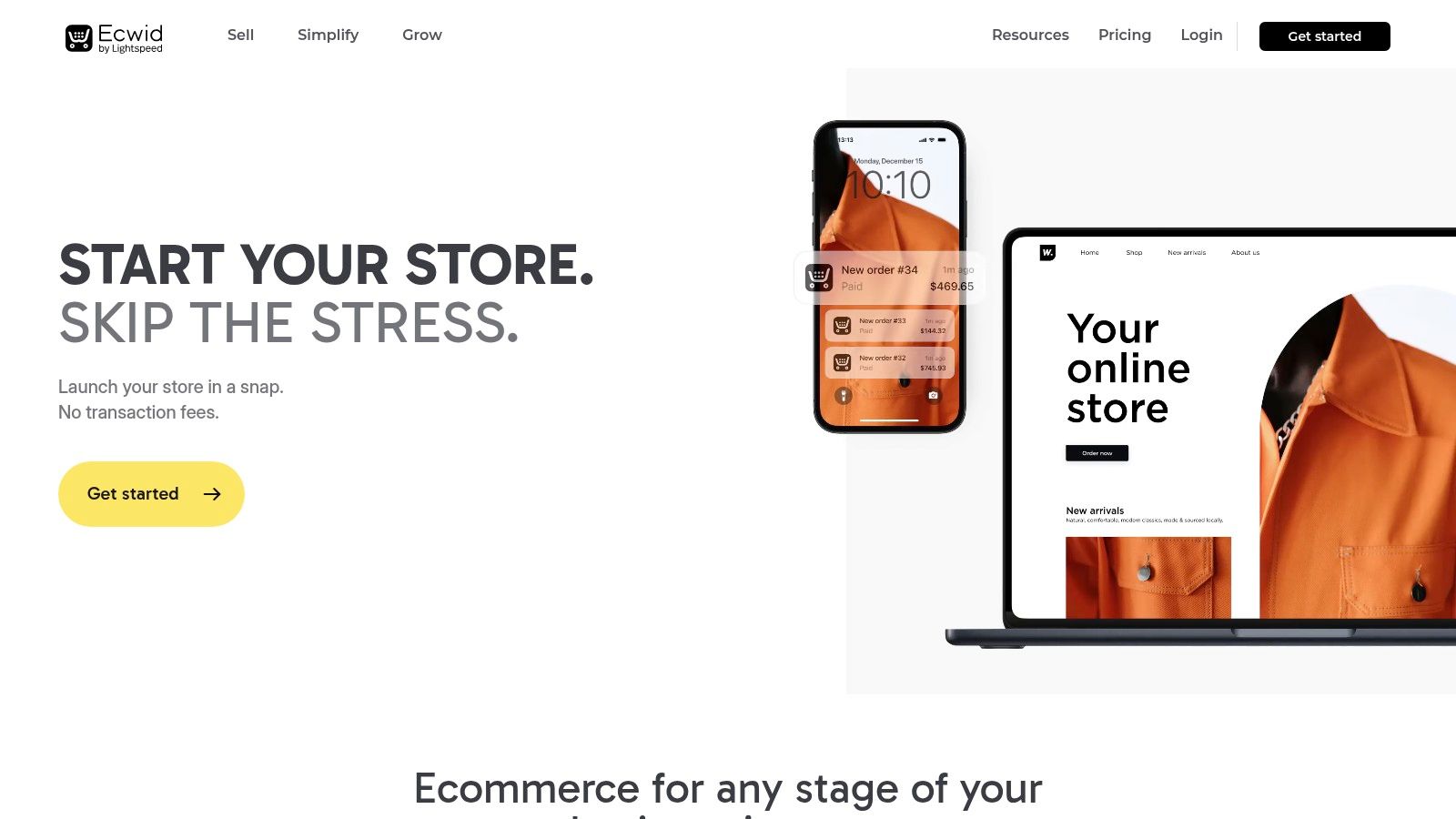
Ecwid by Lightspeed operates differently from monolithic platforms by offering a flexible ecommerce widget that can be embedded into any existing website, blog, or social media page. This "add-on" approach makes it a unique contender for the best CMS for ecommerce, especially for businesses that already have an established web presence and do not want to migrate to a new system. It provides a way to add a full-featured store to a WordPress site, a custom HTML page, or even a Facebook profile with minimal technical disruption.
Key Features & Use Case
The platform’s primary strength is its versatility. It enables multi-channel selling from a single dashboard, synchronizing inventory and orders across a website, social media, and marketplaces like Amazon or eBay. Core functionalities such as automated tax calculations, PCI-DSS Level 1 certified security, and built-in domain options are included, with an app market available to extend capabilities further.
- Ideal For: Small businesses, artists, and bloggers with an existing website who need to add ecommerce functionality without a full rebuild.
- Not Ideal For: Large enterprises or businesses requiring complex, deeply integrated inventory management systems and extensive API access.
Pros & Cons
| Pros | Cons |
|---|---|
| Permanent Free Plan: Start selling with up to 5 products for free. | Feature Gating: Key features like abandoned cart recovery require higher-tier plans. |
| Integrates Anywhere: Add to most website builders and social platforms easily. | Limited Design Control: Customization is less extensive than dedicated platforms. |
| Multi-Channel Selling: Manage sales across multiple online venues from one place. | App Market is Smaller: The ecosystem is less robust than competitors like Shopify. |
Ultimately, Ecwid excels at providing a low-barrier, high-flexibility entry point into ecommerce. It empowers users to leverage their current digital assets by seamlessly integrating a powerful and secure shopping cart.
Website: https://www.ecwid.com
8. PrestaShop
PrestaShop presents a versatile open-source ecommerce solution, offering flexibility through self-hosted, hosted, and enterprise options. It is recognized for its powerful built-in features for managing products, orders, and customer relationships, giving merchants a solid foundation right out of the box. This makes it one of the best CMS for ecommerce for businesses that desire deep control over their platform's architecture and are prepared to handle the technical aspects of hosting and maintenance.
Key Features & Use Case
The platform’s primary strength is its free, open-source core, which provides full code access for unlimited customization. For those seeking a more managed experience, PrestaShop also offers hosted cloud plans that bundle hosting, support, and security. Its extensive marketplace of modules and themes allows for significant functionality expansion, from advanced analytics to marketing automation, catering to diverse business needs.
- Ideal For: Technically proficient small to medium-sized businesses, particularly in Europe, seeking a highly customizable, no-commission platform.
- Not Ideal For: Beginners or merchants without technical resources to manage a self-hosted installation or those outside of Europe who might find its hosted plans less competitive.
Pros & Cons
| Pros | Cons |
|---|---|
| No Revenue Share: Keep 100% of your sales with the self-hosted version. | Technical Expertise Required: Self-hosting demands server management skills. |
| Highly Customizable: Full source-code access enables deep modifications. | High Cost for Hosted Plans: Managed options can be expensive, especially outside Europe. |
| Large Module Ecosystem: Over 4,000 add-ons to extend features. | Maintenance Overhead: Users are responsible for updates, security, and backups. |
Ultimately, PrestaShop empowers merchants with complete ownership of their store and data, offering an alternative to the recurring fee structures of SaaS platforms.
Website: https://www.prestashop.com
9. Shopware
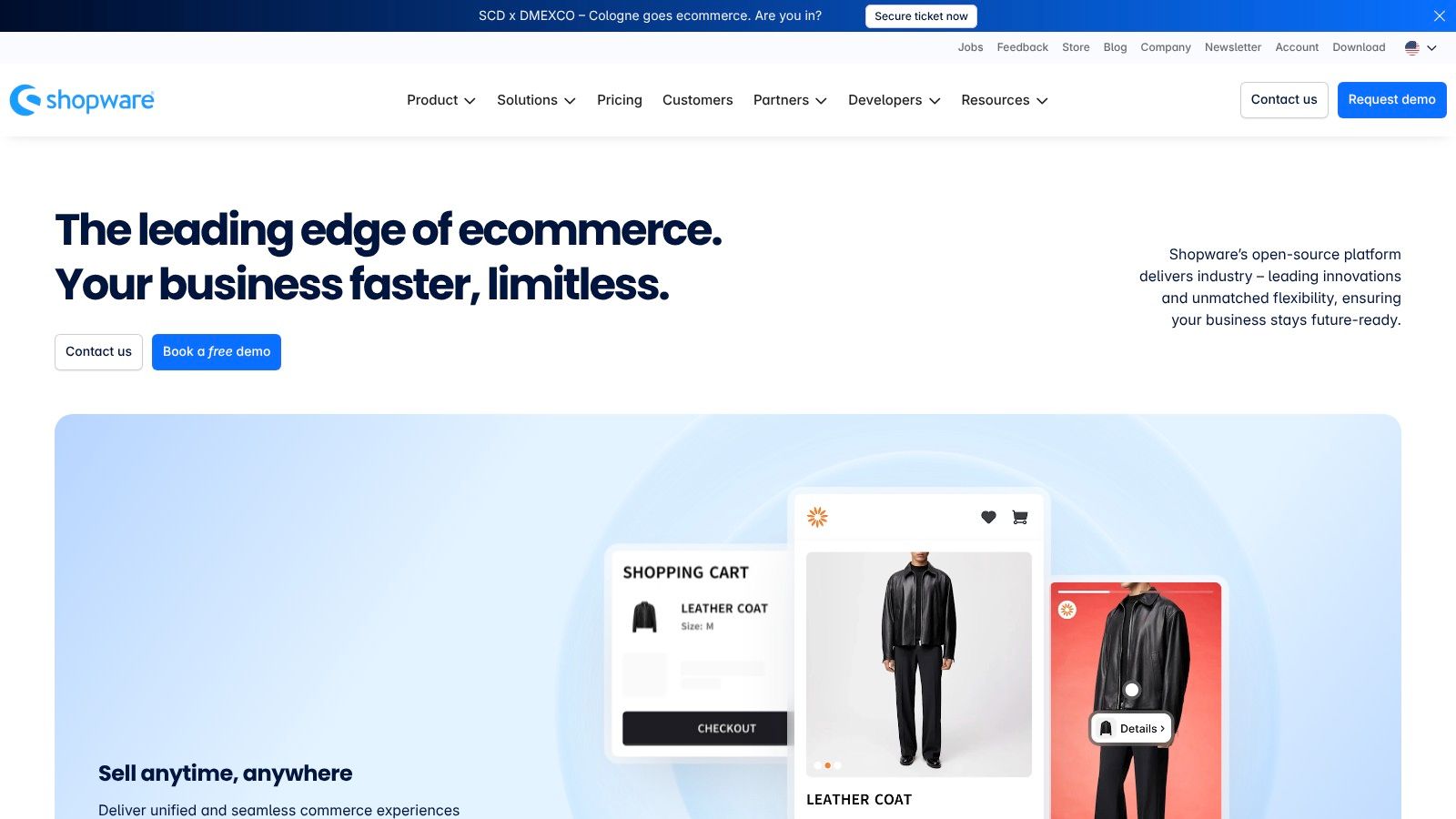
Shopware is a modern, API-first ecommerce platform from Germany, gaining significant traction for its flexibility and robust B2B capabilities. It offers a unique open-source foundation combined with sophisticated enterprise-level features, allowing businesses to choose between self-hosted, PaaS, or SaaS solutions. This adaptable architecture makes it a powerful contender for the best CMS for ecommerce, especially for merchants looking to build highly customized, content-driven shopping experiences.
Key Features & Use Case
The platform's core distinction lies in its "Shopping Experiences" feature, a visual drag-and-drop CMS that empowers users to create compelling landing pages and category layouts without code. Shopware's strong B2B suite provides complex pricing rules, role-based permissions, and quote management, while its headless and composable architecture supports advanced omnichannel strategies. The free, open-source Community Edition is an excellent entry point for developers.
- Ideal For: Mid-market and enterprise B2B companies, and brands prioritizing content-led commerce and API-driven integrations.
- Not Ideal For: Beginners seeking a simple, all-in-one solution or US merchants who need an extensive, out-of-the-box local app ecosystem.
Pros & Cons
| Pros | Cons |
|---|---|
| Highly Flexible: API-first for headless and composable builds. | Premium Pricing: Enterprise tiers represent a significant investment. |
| Strong B2B & CMS: Advanced features for B2B and content commerce. | Smaller US Ecosystem: The partner and app network is larger in the EU. |
| Open Source Option: The Community Edition is free and powerful. | Learning Curve: Requires more technical expertise than all-in-one platforms. |
Ultimately, Shopware excels for businesses that require deep customization and a scalable platform that can handle complex commerce models. Its open-source roots provide a level of freedom that many managed platforms cannot match.
Website: https://www.shopware.com
10. Drupal Commerce
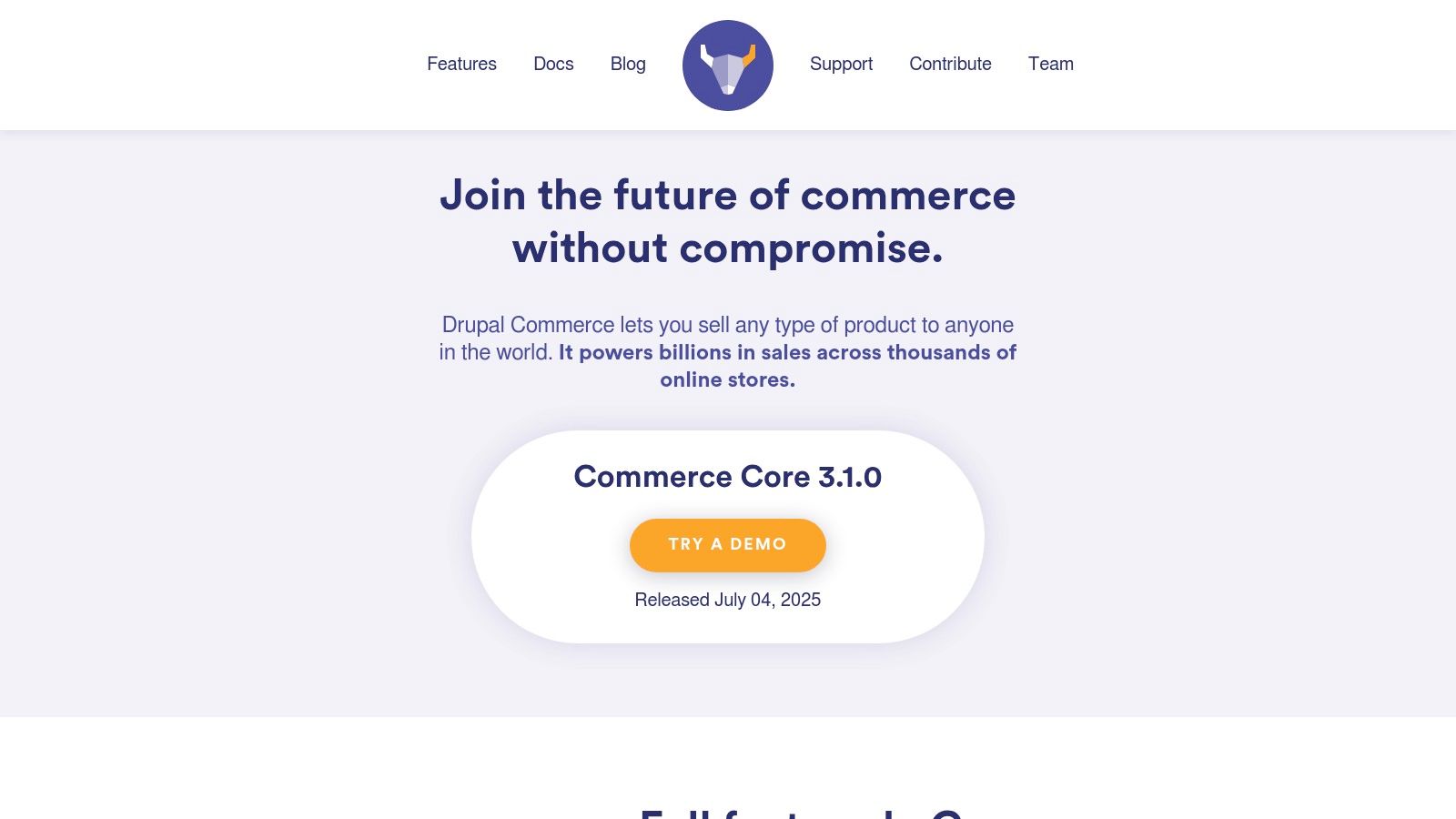
Drupal Commerce is an open-source framework built to leverage the powerful content management capabilities of its underlying CMS, Drupal. It excels where content and commerce deeply intertwine, offering an enterprise-grade solution that combines complex product catalogs with rich, dynamic content. This integrated approach makes it a strong contender for the best CMS for ecommerce for organizations that require a unified platform for sophisticated marketing and sales operations, rather than a simple storefront.
Key Features & Use Case
The platform's core strength is its native integration with Drupal's robust features like the Search API and Layout Builder, enabling highly customized user experiences. Commerce Core supports complex requirements out-of-the-box, including multi-language, multi-currency, and flexible checkout flows. Its extensibility through contributed modules allows for the integration of over 100 different payment gateways and third-party systems.
- Ideal For: Enterprises, universities, and publishers with complex, content-heavy catalogs and in-house development teams.
- Not Ideal For: Small businesses or entrepreneurs without access to experienced Drupal developers, who need a quick and simple launch.
Pros & Cons
| Pros | Cons |
|---|---|
| No License Fees: Open-source platform reduces upfront software costs. | High Development Cost: Requires significant developer expertise to set up and maintain. |
| Highly Customizable: Unmatched flexibility for complex workflows and features. | Longer Time-to-Launch: Slower implementation compared to hosted solutions. |
| Content & Commerce: Natively unifies content marketing with ecommerce. | Steep Learning Curve: The platform is complex for non-technical users. |
Ultimately, Drupal Commerce is a powerful tool for building bespoke digital commerce experiences, provided you have the technical resources to implement it. You can get more insights on Drupal Commerce here.
Website: https://drupalcommerce.org
11. Salesforce Commerce Cloud
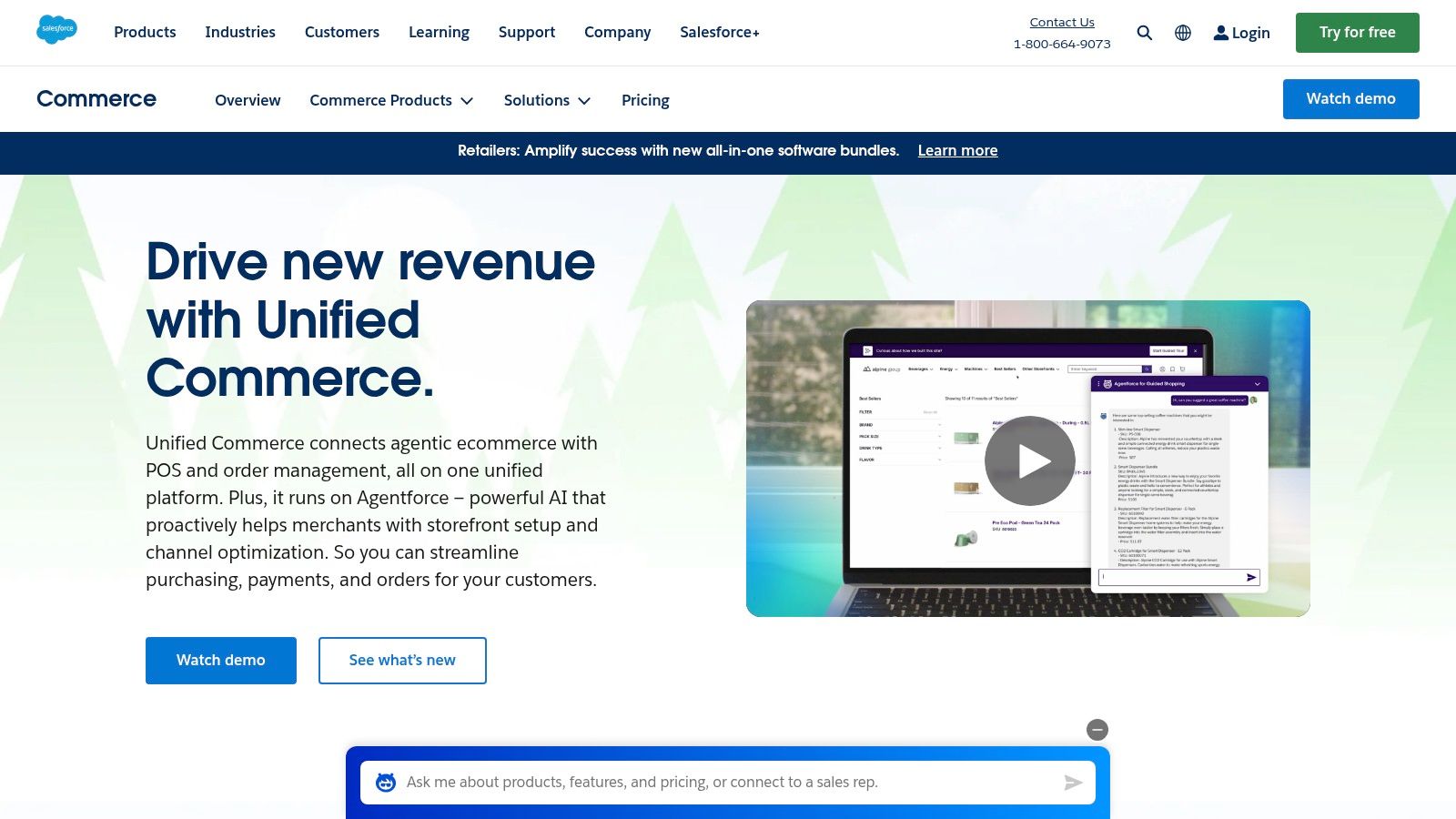
Salesforce Commerce Cloud operates at the enterprise level, offering a powerful, multi-tenant SaaS platform deeply integrated into the wider Salesforce ecosystem. It provides a unified solution for B2C and B2B commerce, consolidating digital storefronts, order management, and customer data into a single source of truth. This makes it one of the best CMS for ecommerce for large organizations that need to connect their sales, service, and marketing data directly to their commerce operations.
Key Features & Use Case
The platform's primary advantage is its native connection to Salesforce CRM and Data Cloud, enabling unparalleled customer segmentation and personalization at scale. Its architecture is built to handle massive transaction volumes and complex business requirements, supported by a robust network of implementation partners in the US and globally. The AppExchange ecosystem further extends its capabilities with certified third-party integrations.
- Ideal For: Large enterprises and established B2B or D2C brands requiring a unified commerce and CRM platform.
- Not Ideal For: Small businesses or startups due to its high cost, complexity, and reliance on developer resources.
Pros & Cons
| Pros | Cons |
|---|---|
| Enterprise-Grade Scalability: Built to handle high traffic and global sales. | High TCO: Pricing is quote-based and tied to Gross Merchandise Volume. |
| Deep CRM Integration: Natively connects with Salesforce sales and service tools. | Implementation Complexity: Requires specialized developers or agency partners. |
| Advanced Personalization: Leverages AI and CRM data for targeted experiences. | Steep Learning Curve: The platform is extensive and not beginner-friendly. |
Ultimately, Salesforce Commerce Cloud is an investment in a unified, data-driven commerce strategy. Its strength lies in creating sophisticated, personalized customer journeys powered by one of the world's leading CRM platforms.
Website: https://www.salesforce.com/commerce
12. G2 - E-Commerce Platforms Category
While not a CMS itself, G2's E-Commerce Platforms category serves as an indispensable research hub in the selection process. It aggregates verified user reviews, real-time satisfaction scores, and detailed feature comparisons, allowing decision-makers to analyze the market from a neutral, data-driven perspective. By consolidating user feedback and vendor-supplied information, G2 provides a meta-level view that helps businesses validate claims and uncover potential pitfalls before committing to a platform.
Key Features & Use Case
The platform's primary value lies in its powerful filtering and comparison tools. Users can segment options by business size (SMB, Mid-Market, Enterprise), specific features, pricing models, and user satisfaction ratings. This allows for the creation of a highly relevant shortlist based on specific business requirements, making it a crucial first step in finding the best CMS for ecommerce.
- Ideal For: Businesses in the research phase, comparing top contenders and validating marketing claims with real-world user experiences.
- Not Ideal For: Users seeking a direct ecommerce solution, as G2 is a review and comparison aggregator, not an operational platform.
Pros & Cons
| Pros | Cons |
|---|---|
| Authentic User Feedback: Gain insights from real users, not just marketing materials. | Vendor-Supplied Data: Some information should be independently verified. |
| Granular Filtering: Narrow down a crowded market to a manageable shortlist. | Review Bias: As with any review site, individual experiences may vary. |
| Side-by-Side Comparisons: Easily evaluate pros, cons, and features of multiple platforms. | Not a Direct Platform: It's a research tool, not a CMS solution to implement. |
Ultimately, leveraging G2 is a strategic move to de-risk the significant investment of choosing an ecommerce CMS. It empowers teams to make informed decisions grounded in peer experiences and comprehensive market data.
Website: https://www.g2.com/categories/e-commerce-platforms
Top 12 Ecommerce CMS Comparison Chart
| Platform | Core Features/Capabilities | User Experience & Quality ★ | Value & Pricing 💰 | Target Audience 👥 | Unique Selling Points ✨ |
|---|---|---|---|---|---|
| Shopify | Hosted ecommerce, POS, multi-channel, US shipping discounts | ★★★★★ Fast, scalable | 💰 Subscription, txn fees on 3rd party | 👥 Small to large US businesses | 🏆 Large app ecosystem, US partner network |
| WooCommerce (WordPress) | Open-source plugin, full control, extensible plugins | ★★★★ Highly customizable | 💰 Free core, paid extensions | 👥 Experienced WordPress users | ✨ Full ownership, massive plugin library |
| BigCommerce | Enterprise-level, no transaction fees, B2B features | ★★★★ Robust & scalable | 💰 Tiered plans, no txn fees | 👥 SMB to enterprise | ✨ Buy with Prime, native integrations |
| Adobe Commerce (Magento) | Enterprise, AI search, headless, cloud & on-premises | ★★★★ Enterprise-grade | 💰 Quote-based, higher cost | 👥 Large enterprises, B2B | 🏆 Advanced personalization, Adobe ecosystem |
| Wix eCommerce | Drag-drop site builder, integrated POS, quick launch | ★★★★ User-friendly | 💰 Subscription tiers | 👥 Small US businesses | ✨ Ease of use, bundled hosting |
| Squarespace Commerce | Design-focused, digital products, memberships | ★★★★ Excellent design | 💰 Subscription tiers, txn fees reduce | 👥 Creatives, SMBs | 🏆 Superior UX, all-in-one hosting |
| Ecwid by Lightspeed | Embed anywhere, multi-channel, free plan | ★★★ Fast setup | 💰 Free plan, paid upgrades | 👥 Small businesses | ✨ Permanent free plan, easy embeds |
| PrestaShop | Open-source, self-hosted, hosted, extensive modules | ★★★ Customizable but technical | 💰 Free core, hosting costs vary | 👥 Tech-savvy users, Europe | ✨ No platform fees, flexible hosting |
| Shopware | API-first, B2B, subscription models, free community edition | ★★★★ Flexible & scalable | 💰 Free CE, premium enterprise plans | 👥 B2B and growing US/EU market | ✨ Modern API, subscription focus |
| Drupal Commerce | Open-source on Drupal, complex content & commerce | ★★★★ Highly customizable | 💰 Free, requires dev expertise | 👥 Enterprises, Drupal devs | 🏆 Integrated CMS & commerce, no license fees |
| Salesforce Commerce Cloud | Enterprise B2C/B2B/D2C, CRM integration | ★★★★ Scalable & reliable | 💰 Quote-based, high TCO | 👥 Large enterprises | 🏆 Deep Salesforce ecosystem integration |
| G2 - E-Commerce Platforms | Review & comparison, filtering, user feedback | ★★★★★ Real user ratings | 💰 Free resource | 👥 Buyers, researchers | ✨ Up-to-date user insights, side-by-side |
Making Your Final Decision: Matching the Platform to Your Ambition
Navigating the landscape of ecommerce platforms can feel overwhelming, but the extensive analysis in this guide should illuminate a clear path forward. We've dissected the market leaders, from the streamlined simplicity of SaaS solutions to the boundless potential of open-source frameworks. The central takeaway is this: there is no single best CMS for ecommerce for every business. The optimal choice is deeply personal, tied directly to your unique operational needs, technical capabilities, and long-term strategic vision.
Your decision hinges on a fundamental trade-off between convenience and control. Platforms like Shopify and BigCommerce excel at removing technical barriers, offering a managed, secure environment that allows you to launch quickly and focus on marketing and sales. They are ideal for entrepreneurs and small businesses prioritizing speed-to-market and predictable costs. Conversely, solutions like WooCommerce, Adobe Commerce, and Drupal Commerce hand you the keys to the entire infrastructure. This grants you unparalleled freedom to customize every facet of the customer experience, but it comes with the responsibility of managing hosting, security, and maintenance.
A Framework for Your Final Choice
Before you commit, re-evaluate your business through the lens of these critical factors. Your answers will point you toward the right category of platform, narrowing down your final selection.
- Technical Resources: Do you have an in-house developer, or will you rely on agency support? An honest assessment of your technical skills is paramount. If your team is lean, a SaaS platform with robust 24/7 support is a safer bet than an open-source system that requires self-management.
- Scalability and Growth: Where do you see your business in five years? A platform like Wix might be perfect for starting out, but will it support complex multi-channel inventory or international expansion? Consider solutions like BigCommerce or Adobe Commerce that are built for scaling from the outset.
- Total Cost of Ownership (TCO): Look beyond the monthly subscription fee. Factor in transaction fees, the cost of essential apps and plugins, theme development, and potential developer costs. An open-source CMS may appear "free," but its TCO can quickly surpass a SaaS subscription once you account for hosting, security plugins, and expert assistance.
- Integration Ecosystem: Your ecommerce CMS doesn't operate in a vacuum. List your must-have tools for marketing automation, ERP, CRM, and accounting. Investigate each platform's app marketplace and API capabilities to ensure seamless integration with your existing technology stack.
Your Next Steps
The journey to selecting the best CMS for ecommerce for your brand is a strategic process, not a simple choice. Armed with the insights from this guide, you are now equipped to make a well-informed decision that aligns with your ambition. Start by shortlisting your top two or three candidates and take advantage of their free trials. Build a test store, import a few products, and process a test order. This hands-on experience is invaluable and will reveal the practical nuances that a feature list can never capture.
Ultimately, your chosen platform is more than just software; it's the foundation of your digital business. Choose a partner that not only meets your needs today but also has the flexibility and power to grow with you tomorrow.