12 Best CMS for Blogging: The 2025 Deep Dive
Discover the 12 best CMS for blogging in our 2025 review. Compare WordPress, Ghost, and more to find the perfect platform for your content strategy.


Choosing the right Content Management System (CMS) is a foundational decision for any successful blog. This platform is the engine that powers your content, impacting everything from your daily writing workflow and SEO potential to your future monetization strategies. The right choice feels like a seamless extension of your creative process; a poor one becomes a constant source of technical friction and limitation.
This guide moves beyond generic feature lists and marketing copy. We will dissect the 12 best CMS for blogging, focusing on real-world use cases, honest limitations, and the practical considerations that determine long-term success. This analysis is designed to help you select the platform that aligns perfectly with your specific ambitions, whether you're a solo writer focused on building an audience, a design-conscious brand, or a developer constructing a custom content experience.
Each entry includes a detailed breakdown of its core strengths, potential drawbacks, ideal user profile, and implementation considerations, complete with screenshots and direct links for further exploration. Understanding the financial commitment is also a critical part of the decision-making process. When considering potential platforms for your blogging goals, exploring current options and comparing costs is crucial for budgeting; you might want to review v30.ai pricing details to get a sense of market rates. Our goal is to provide a clear, analytical roadmap to help you find the perfect CMS for your needs without the guesswork.
1. WordPress.org (self‑hosted)
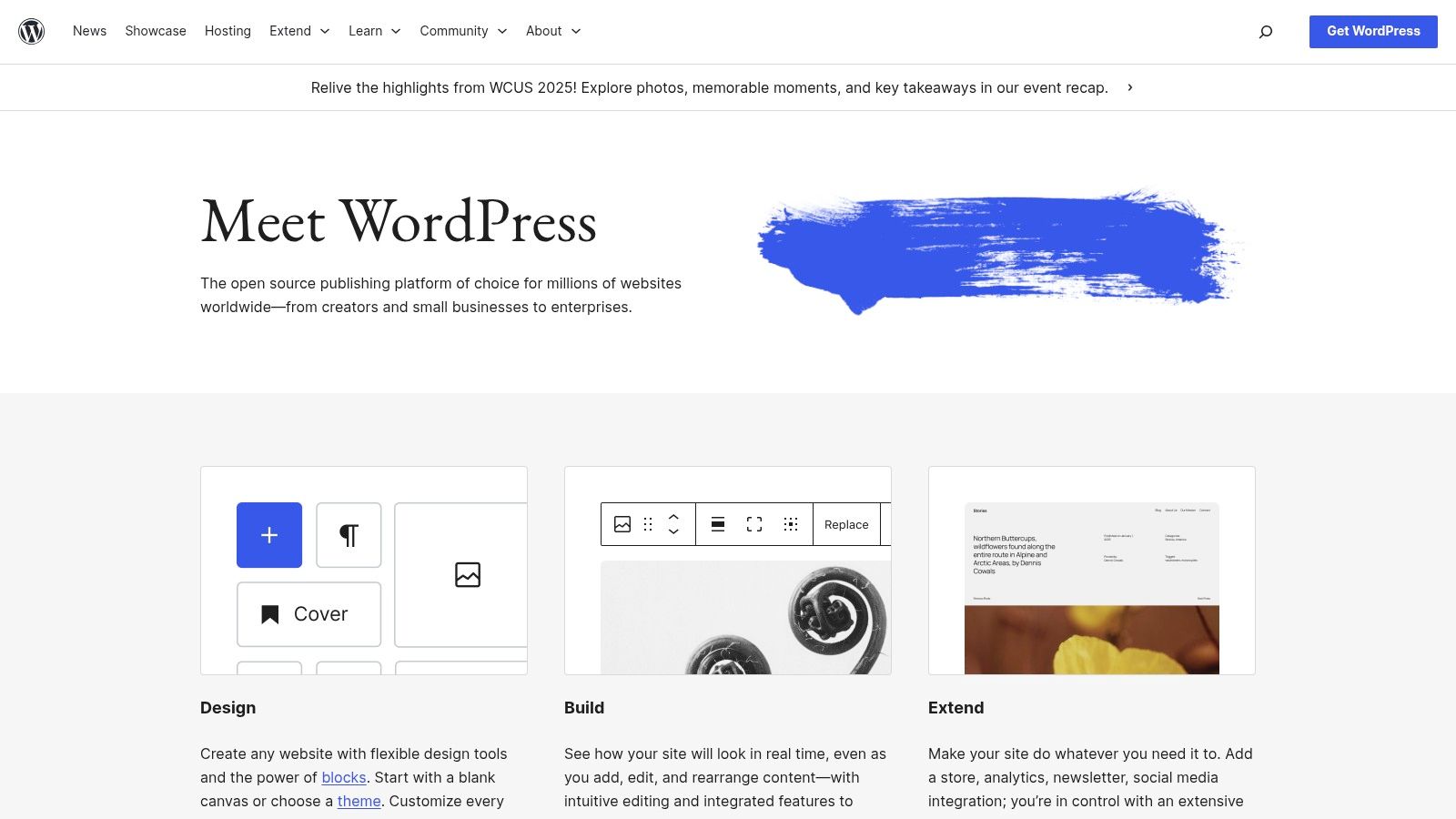
Often considered the gold standard in the blogging world, WordPress.org is the self-hosted, open-source Content Management System (CMS) that powers a significant portion of the web. Unlike its simpler counterpart, WordPress.com, this version gives you complete control over every aspect of your site. You download the free software and install it on your own hosting account, which provides unparalleled freedom to customize, scale, and monetize your content without restrictions.
This autonomy is why it’s often hailed as the best CMS for blogging for serious creators and businesses. It offers total data ownership, meaning your content is yours to move between hosting providers at will. The platform is built for growth, scaling effortlessly from a personal blog to a high-traffic online publication or a complex e-commerce store.
Key Features and Use Cases
The core strength of WordPress.org lies in its limitless extensibility. The modern block-based Gutenberg editor simplifies content creation, while the vast ecosystem of over 60,000 plugins and 10,000 themes allows you to add virtually any functionality imaginable, from advanced SEO tools like Yoast or Rank Math to full-fledged e-commerce with WooCommerce.
- Best For: Bloggers, businesses, and developers who need maximum control, scalability, and customization options.
- Pricing: The WordPress software itself is free. However, users must pay for their own domain name (around $10-$20/year) and web hosting (starting from $3-$15/month).
- Implementation: Requires purchasing a hosting plan, installing WordPress (often via a one-click installer), and managing your own security, backups, and updates. While this involves a steeper learning curve, it unlocks the platform's full potential. You can find more details in our comprehensive guide to using WordPress.
Core Advantage: With WordPress.org, you are not just building a blog on a platform; you are building an independent digital asset that you completely own and control.
Pros and Cons
| Pros | Cons |
|---|---|
| Complete Control: Unrestricted access to themes, plugins, and code. | Technical Responsibility: You manage hosting, security, and updates. |
| Vast Ecosystem: Nearly endless options for design and functionality. | Variable Quality: Third-party themes/plugins can be poorly coded or unsupported. |
| SEO powerhouse: Renowned for its strong SEO capabilities out of the box. | Learning Curve: Steeper initial setup compared to hosted solutions. |
Visit Website: https://wordpress.org
2. WordPress.com (hosted WordPress)
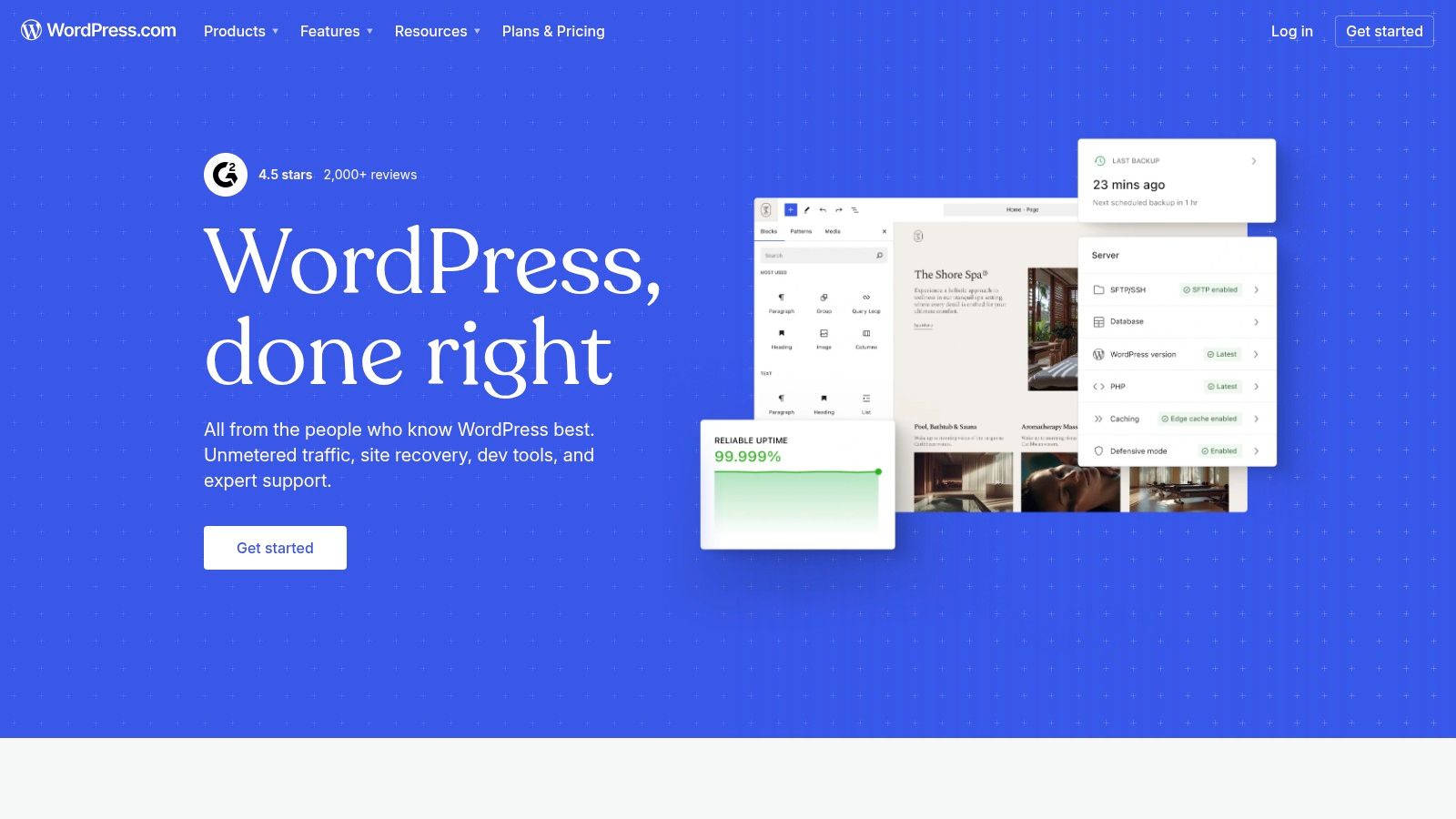
For those seeking the power of WordPress without the technical overhead of self-hosting, WordPress.com offers a streamlined, fully managed solution. It bundles hosting, security, backups, and performance optimization into one cohesive package, making it an excellent entry point for new bloggers. This hosted version removes the burden of server management, allowing you to focus entirely on creating and publishing content from day one.
Unlike its self-hosted sibling, WordPress.com is a commercial service designed for ease of use. It handles all the backend maintenance, making it a strong contender for the best CMS for blogging for users who prioritize simplicity and support over absolute control. It offers a clear upgrade path, scaling from a simple free blog to a powerful business site with custom plugins and themes on its higher-tier plans.
Key Features and Use Cases
WordPress.com’s core appeal is its all-in-one nature. It includes built-in features like site stats, CDN, and SSL certificates, even on lower-tier plans. An AI Website Builder with free prompts helps accelerate the initial setup process. While the free and personal plans have limitations, upgrading to a Business or Commerce plan unlocks the ability to install official themes and plugins, providing extensibility similar to a self-hosted site.
- Best For: Beginners, hobby bloggers, and small businesses who want a hassle-free WordPress experience with built-in support and maintenance.
- Pricing: Offers a free plan with limited features and a WordPress.com subdomain. Paid plans range from around $4/month (Personal) to $45/month (Commerce), with higher tiers required for plugin installation and advanced customization.
- Implementation: Incredibly simple. You just sign up for an account, choose a plan, and start building your site immediately. No need to purchase separate hosting or manage technical installations.
Core Advantage: WordPress.com provides the simplest and fastest path to launching a blog on the world's most popular CMS, with all technical management handled for you.
Pros and Cons
| Pros | Cons |
|---|---|
| Effortless Setup: Get a live WordPress site in minutes. | Plan-Based Limitations: Plugin installation is restricted to higher-tier plans. |
| Fully Managed: Automatic updates, security, and backups are included. | Less Control: You have less freedom for deep customization compared to self-hosting. |
| Scalable Plans: Easily upgrade as your blog's needs grow. | Higher Long-Term Cost: Can be more expensive than self-hosting for similar features. |
Visit Website: https://wordpress.com
3. Ghost.org (hosted or self‑hosted)
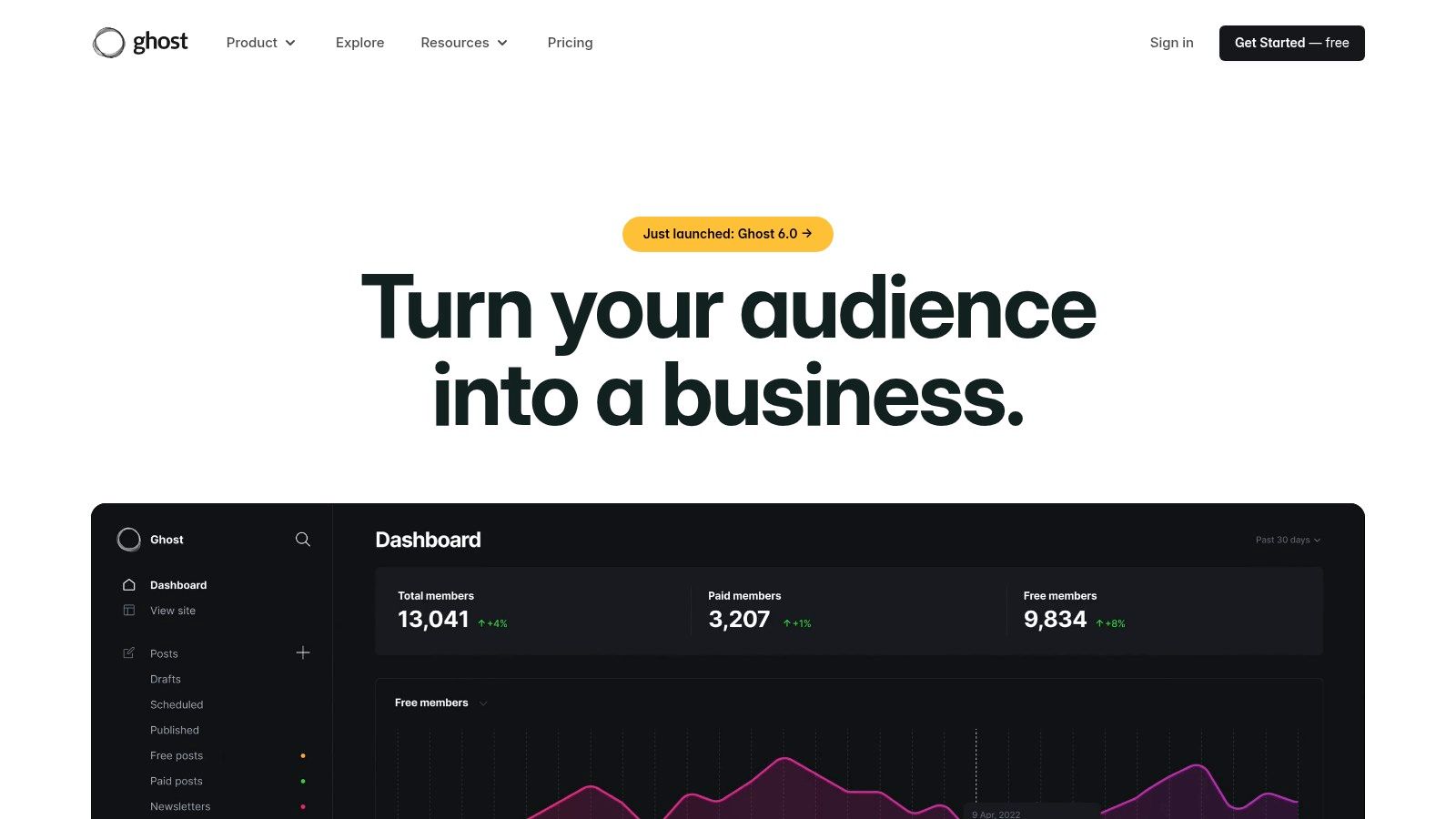
Ghost is a modern, minimalist CMS engineered specifically for writers, publishers, and creators focused on monetizing their content. It strips away the complexity of traditional platforms to provide a clean, fast writing experience combined with powerful built-in tools for newsletters, memberships, and paid subscriptions. It offers both a fully managed hosting solution (Ghost Pro) and an open-source version for self-hosting, giving users flexibility.
This focus on native monetization tools is why Ghost is considered a leading best CMS for blogging for independent publications. It integrates directly with Stripe, allowing creators to launch premium content tiers and build a direct relationship with their audience without relying on third-party plugins or complex setups. The platform is designed for speed and simplicity, ensuring a superior reader experience.
Key Features and Use Cases
Ghost’s primary strength is its seamless integration of content creation and business tools. The distraction-free editor is a joy to use, while native features for email newsletters, analytics, and member management are built directly into the core system. This unified approach eliminates the need to cobble together multiple services.
- Best For: Independent writers, journalists, and modern publishers who want to build a membership or subscription-based business around their content.
- Pricing: The self-hosted software is free, but requires a server. Ghost(Pro) managed hosting starts at $9/month for up to 500 members.
- Implementation: The Ghost(Pro) option is turnkey, with setup handled for you. The self-hosted version requires technical knowledge for server setup and maintenance. You can find out more in our detailed guide to using Ghost.
Core Advantage: Ghost provides a complete, out-of-the-box toolkit for professional publishing, allowing creators to focus on writing and growing their audience-funded media business.
Pros and Cons
| Pros | Cons |
|---|---|
| Purpose-built for publishers: Native membership and subscription tools. | Smaller Ecosystem: Fewer themes and integrations than WordPress. |
| Minimalist and Fast: Excellent performance and clean user interface. | Technical Limitations: Advanced customizations may require higher-tier plans or self-hosting expertise. |
| All-in-one Solution: Built-in email newsletters and analytics reduce bloat. | Less Versatile: Not ideal for complex sites beyond publishing, like e-commerce. |
Visit Website: https://ghost.org
4. Squarespace
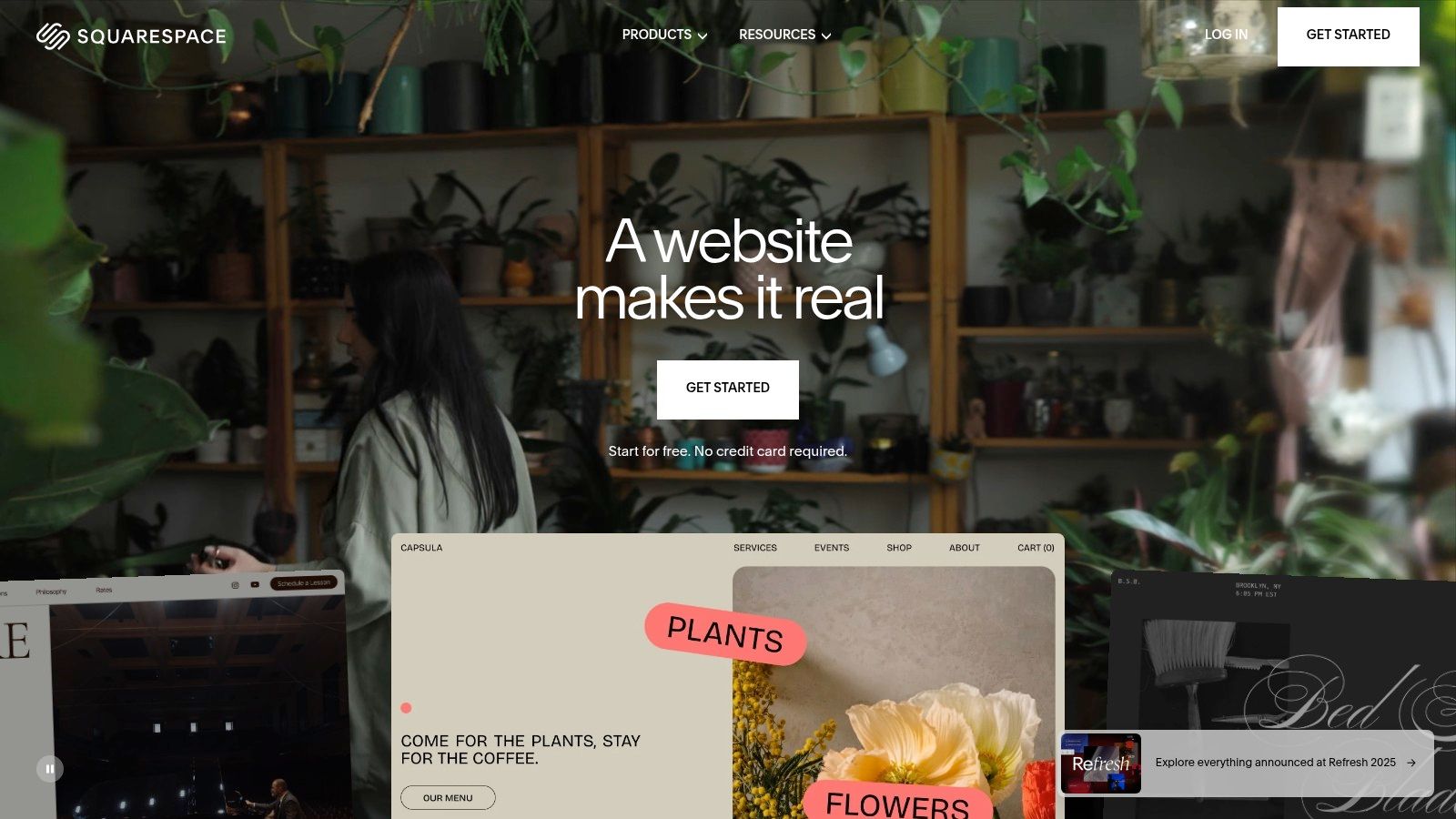
Squarespace is a premium, all-in-one website builder renowned for its visually stunning, designer-made templates. It provides a cohesive, managed ecosystem where blogging, portfolio, and e-commerce functionalities are seamlessly integrated. This platform is engineered for creatives, small businesses, and bloggers who prioritize professional aesthetics and ease of use over deep technical customization. It eliminates the hassle of managing hosting, security, and updates, offering a streamlined path from concept to launch.
The platform positions itself as one of the best CMS for blogging options for users who want a polished online presence with minimal technical overhead. Its strength lies in providing a curated set of high-quality tools that work together flawlessly, from built-in SEO and analytics to integrated email marketing and scheduling. The visual, drag-and-drop editor ensures your site looks great on all devices without you ever touching a line of code.
Key Features and Use Cases
Squarespace's core appeal is its unified dashboard and award-winning templates. The platform offers a powerful blogging engine with features like post scheduling, categories, and contributor permissions. Newer additions like AI "Blueprint" tools help generate initial site structures, while integrated e-commerce capabilities allow bloggers to sell products or services directly from their site.
- Best For: Visual-centric bloggers, artists, photographers, and small business owners who need a beautiful, low-maintenance website with integrated marketing tools.
- Pricing: Subscription-based plans range from around $16/month (billed annually) for a personal site to $49/month for advanced commerce features. All plans include a domain name for the first year.
- Implementation: Entirely web-based. Users sign up, choose a template, and use the visual editor to customize their site and publish content. No external hosting or software installation is required.
Core Advantage: Squarespace delivers an out-of-the-box professional aesthetic, allowing you to create a beautiful and functional blog with an integrated toolset in hours, not weeks.
Pros and Cons
| Pros | Cons |
|---|---|
| Cohesive Toolset: All tools (SEO, email, e-commerce) are built-in. | Less Flexible: Limited customization beyond what the platform allows. |
| Attractive by Default: Stunning templates require minimal design skills. | Smaller App Ecosystem: Fewer third-party extensions than WordPress. |
| Fully Managed: No need to worry about hosting, security, or updates. | Platform Lock-in: Migrating a site away from Squarespace can be difficult. |
Visit Website: https://www.squarespace.com
5. Wix
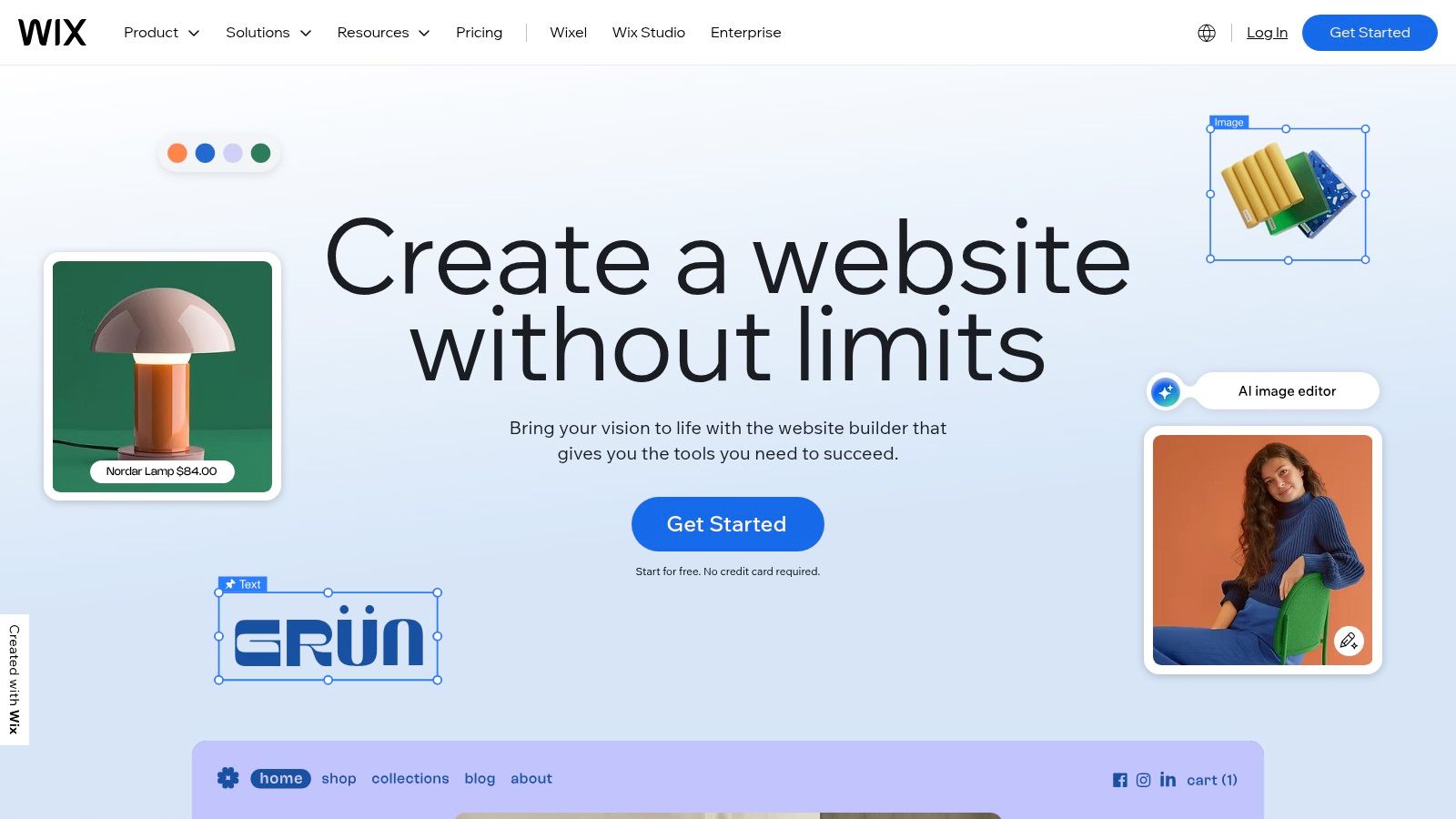
Wix has evolved from a simple website builder into a comprehensive platform that includes a robust and user-friendly blogging module. As a fully hosted solution, it bundles everything a new blogger needs to get started quickly: a domain, hosting, security, and support, all managed through a single intuitive interface. This all-in-one approach removes the technical barriers often associated with setting up a blog from scratch.
Its primary appeal lies in its accessibility, offering both a drag-and-drop editor for visual customization and AI-powered design tools that can generate a website in minutes. This makes it an excellent choice for individuals and small businesses who prioritize speed and ease of use over deep technical control, positioning it as a contender for the best CMS for blogging for beginners.
Key Features and Use Cases
Wix's core strength is its integrated ecosystem. The native blogging tool comes with essential features like categories, tags, post scheduling, and built-in analytics. For added functionality, the extensive Wix App Market provides hundreds of applications to integrate everything from advanced SEO tools and email marketing forms to e-commerce capabilities, allowing your blog to grow with your needs.
- Best For: Personal bloggers, solopreneurs, and small businesses who want a visually driven, all-in-one platform without needing technical skills.
- Pricing: Offers a free, ad-supported plan. Premium plans that remove ads and include a custom domain start from around $16/month.
- Implementation: Entirely web-based and guided. Users select a template or use the AI builder, customize the design with the drag-and-drop editor, add the Wix Blog app, and start publishing. No external hosting or installation is required.
Core Advantage: Wix offers an unparalleled combination of design freedom and simplicity, allowing anyone to create a professional-looking and functional blog in a single afternoon.
Pros and Cons
| Pros | Cons |
|---|---|
| Very beginner-friendly: Extremely quick to set up and publish. | Limited Portability: Difficult to migrate content to another platform. |
| Numerous templates and apps: Wide selection for design and features. | Design Over-Customization: Can lead to inconsistent layouts if not managed well. |
| All-in-one solution: Hosting, domain, and support are included. | Locked-in Ecosystem: Heavily reliant on Wix's proprietary apps and tools. |
Visit Website: https://www.wix.com
6. Webflow
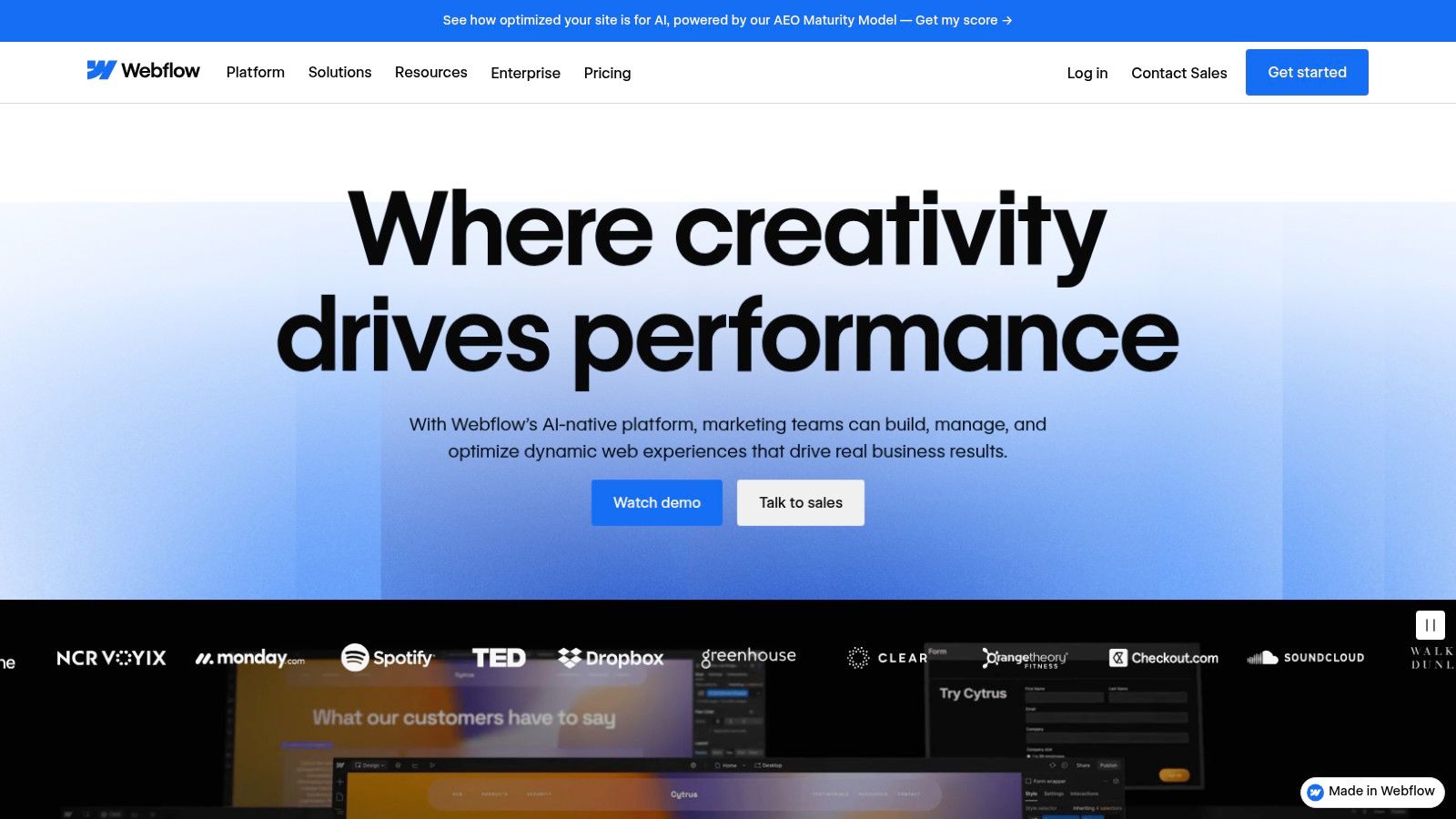
Webflow bridges the gap between no-code website builders and powerful, custom-coded websites, offering a visual canvas that writes clean, semantic code for you. It combines a highly flexible visual designer with an integrated CMS, allowing designers and marketing teams to build sophisticated, content-driven blogs without ever touching a line of code directly. This unique approach gives you pixel-perfect control over every element of your blog's design and structure.
For those who prioritize design fidelity and bespoke layouts, Webflow is a strong contender for the best CMS for blogging. It empowers users to create custom content structures (Collections) for blog posts, author bios, categories, and more, all managed through a user-friendly editor interface. The platform handles hosting, security, and performance optimization, delivering content via a fast global CDN.
Key Features and Use Cases
Webflow’s core strength is its Designer, which feels more like a professional design tool (like Photoshop or Figma) than a typical website builder. The integrated CMS allows you to define content models and connect them directly to your designs, creating dynamic, template-based pages for your blog. Features like user roles and collaborative workspaces make it ideal for marketing teams and agencies managing multiple content workflows.
- Best For: Designers, creative agencies, and marketing teams who require absolute design control without deep coding knowledge.
- Pricing: Webflow offers a free plan to build and learn. Paid site plans with CMS functionality start at $23/month (billed annually).
- Implementation: The platform is fully hosted. Implementation involves designing the site visually in the Webflow Designer, structuring content with the CMS, and connecting the two. While intuitive for designers, there is a learning curve for beginners accustomed to simpler builders.
Core Advantage: Webflow offers unparalleled visual design control over your blog's structure and layout, generating clean, production-ready code that traditional builders can't match.
Pros and Cons
| Pros | Cons |
|---|---|
| Precise Design Control: Unmatched visual editor for creating custom layouts. | Steeper Learning Curve: More complex than simple drag-and-drop builders. |
| Powerful CMS: Excellent for creating and managing custom content structures. | Pricing Complexity: Plans can be confusing with different limits and features. |
| High-Performance Hosting: Fast, secure, and managed hosting is included. | No Plugin Ecosystem: Lacks the vast plugin library of platforms like WordPress. |
Visit Website: https://webflow.com
7. Blogger (Google)
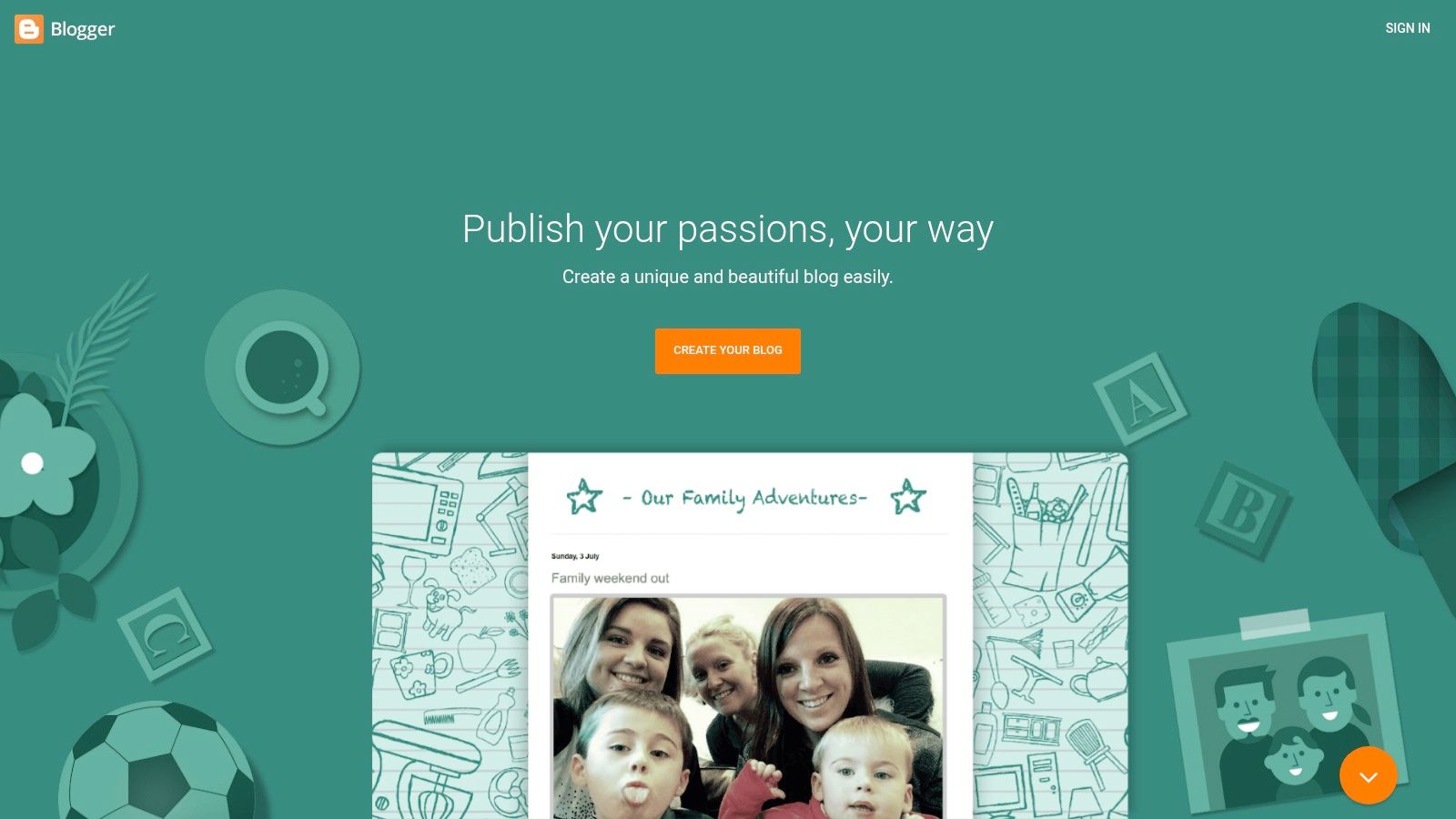
One of the original pioneers in the digital publishing space, Blogger is Google's free, fully-hosted blogging platform. Its primary appeal lies in its absolute simplicity and zero-cost entry point, making it an excellent choice for hobbyists, students, or anyone wanting to test the waters of blogging without any financial commitment or technical overhead. The platform handles all hosting, security, and maintenance, allowing you to focus entirely on writing.
This streamlined approach makes Blogger a practical, if basic, best CMS for blogging for those prioritizing ease of use over advanced functionality. Integration with a Google account means setup is nearly instantaneous. While it lacks the powerful extensibility of systems like WordPress, it provides a reliable, no-frills environment for publishing personal journals, simple portfolios, or niche topic blogs with minimal effort.
Key Features and Use Cases
Blogger offers a straightforward What-You-See-Is-What-You-Get (WYSIWYG) editor, post scheduling, and a native commenting system. Users get a free blogspot.com subdomain but also have the flexibility to map a custom domain name for a more professional appearance. Its seamless integration with other Google services, like AdSense for monetization, adds a layer of convenience.
- Best For: Casual bloggers, hobbyists, and beginners who want a completely free and simple platform without worrying about hosting or maintenance.
- Pricing: 100% free. Users only need to pay if they wish to purchase a custom domain name from a third-party registrar.
- Implementation: Sign in with a Google account, choose a blog name and theme, and start writing. The entire setup process can be completed in under five minutes, offering one of the lowest barriers to entry of any blogging platform.
Core Advantage: Blogger provides an entirely frictionless and cost-free path to publishing online, backed by the reliability and security of Google's infrastructure.
Pros and Cons
| Pros | Cons |
|---|---|
| Completely Free: No hosting or software costs, ever. | Limited Extensibility: No plugin ecosystem for adding new features. |
| Extremely Easy to Use: The ideal platform for non-technical beginners. | Outdated Templates: Design options are less modern than competitors. |
| Reliable and Secure: Hosted and maintained by Google. | Fewer SEO Controls: Lacks advanced tools for search engine optimization. |
Visit Website: https://www.blogger.com
8. Medium
Medium positions itself less as a traditional CMS and more as a social publishing network, prioritizing content and community over technical customization. It offers a streamlined platform where writers can publish articles and tap into a large, built-in audience without worrying about hosting, design, or maintenance. This unique model makes it an excellent choice for individuals who want to focus purely on their writing and gain exposure through a pre-existing network.
The platform's core appeal is its simplicity and reach. Instead of building an audience from scratch, you can leverage Medium's recommendation algorithms and publications to get your work in front of millions of engaged readers. This makes it a compelling option for those looking to build a personal brand or share expertise without the overhead of managing a full website, positioning it as a distinct, if unconventional, choice among options for the best cms for blogging.
Key Features and Use Cases
Medium's strength is its distraction-free writing environment and built-in distribution engine. The minimalist editor ensures the focus remains on content creation, while the network effect helps new writers get discovered. Monetization is handled through the Medium Partner Program, which pays authors based on engagement from paying members.
- Best For: Individual writers, thought leaders, and hobbyists who want to reach a large audience without managing a website.
- Pricing: Free to publish. An optional Medium Membership ($5/month) provides unlimited access to metered content. The Partner Program is free to join.
- Implementation: Simply create an account and start writing. There is no technical setup, hosting management, or design work required, offering the lowest barrier to entry for publishing online content.
Core Advantage: Medium eliminates all technical and design hurdles, providing the easiest path to publish content and reach an established, engaged readership.
Pros and Cons
| Pros | Cons |
|---|---|
| Zero Setup: No hosting, domains, or technical skills required. | No True Ownership: You are building on a rented platform. |
| Built-in Audience: Access to a large, active reader network. | Limited Customization: Very little control over branding and design. |
| Simple Monetization: Easy to join the Partner Program and earn. | Poor SEO Control: Limited ability to optimize for search engines. |
Visit Website: https://medium.com
9. HubSpot Content Hub (formerly CMS Hub)
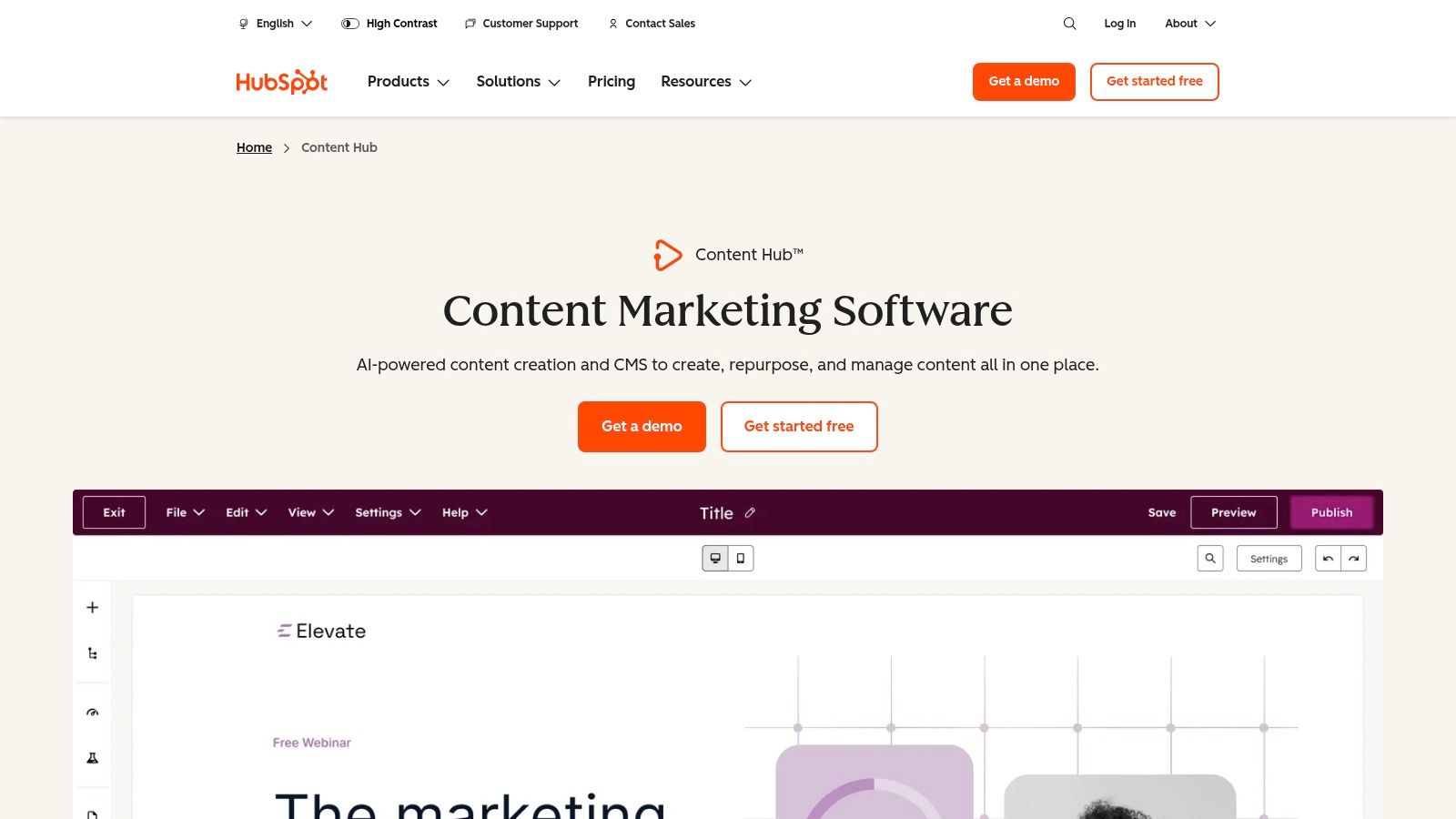
HubSpot Content Hub is an all-in-one platform where content management is deeply integrated with powerful marketing and sales tools. This CMS is designed for businesses that view their blog not just as a publication but as a core engine for lead generation and customer acquisition. It moves beyond standard blogging features by connecting every piece of content directly to a robust CRM, enabling sophisticated personalization and performance tracking.
Its integrated nature makes it a strong contender for the best CMS for blogging for marketing teams and growing companies. Instead of piecing together disparate tools for analytics, SEO, and email marketing, HubSpot provides a unified system where content performance is directly tied to business outcomes. This allows for a seamless workflow from content creation to lead nurturing and conversion analysis, all within a single ecosystem.
Key Features and Use Cases
HubSpot’s core strength is its synthesis of content and customer data. The platform includes advanced SEO recommendations, AI-powered content creation assistants, and the ability to create personalized content experiences for different audience segments. As visitors interact with your blog, their data flows into the CRM, powering automated marketing workflows and providing rich insights for your sales team.
- Best For: Marketing teams at growing businesses that need a unified solution for content marketing, lead generation, and CRM management.
- Pricing: A free plan with limited features is available. Paid plans for Content Hub start at $25/month, with more advanced features and higher-tier plans scaling significantly in price.
- Implementation: As a fully hosted SaaS platform, setup is straightforward with no need to manage hosting or security. The focus is on migrating content and learning to leverage the integrated marketing and CRM tools effectively.
Core Advantage: HubSpot connects your blog directly to your bottom line by integrating content performance with a world-class CRM and marketing automation suite.
Pros and Cons
| Pros | Cons |
|---|---|
| Strong Analytics & Lead Capture: Seamless integration with CRM provides deep insights. | Higher Price Point: Can be costly for simple blogs or individuals. |
| All-in-One Platform: Combines blogging, SEO, AI, and marketing automation. | Vendor Lock-in: Migrating away from the ecosystem can be complex. |
| Built for Teams: Excellent collaboration and governance features for businesses. | Overkill for Hobbyists: More features than a personal blogger typically needs. |
Visit Website: https://www.hubspot.com/products/content
10. Drupal (self‑hosted)
Often seen as the enterprise-grade counterpart to WordPress, Drupal is a powerful, open-source CMS renowned for its robust architecture and security. It excels at handling complex, content-heavy websites that require structured data and sophisticated user permissions, making it a formidable choice for large-scale publications, government sites, and university blogs where editorial governance is paramount.
Like WordPress.org, Drupal is self-hosted, granting you full ownership and control over your digital assets. While it presents a steeper learning curve, its modular framework is engineered for scalability and complex integrations, positioning it as a top-tier best CMS for blogging for organizations with demanding technical and content management requirements.
Key Features and Use Cases
Drupal's core strength is its advanced content modeling, which allows you to define custom content types with specific fields, a feature known as "Entities." This structured approach is ideal for managing diverse content formats beyond standard blog posts. It also offers powerful API-first capabilities for headless or decoupled publishing, feeding content to multiple front-ends like mobile apps and static site generators.
- Best For: Enterprise-level blogs, educational institutions, government agencies, and developers needing a highly secure, structured, and customizable platform for multi-author workflows.
- Pricing: The Drupal software is free. Costs come from domain registration (approx. $10-$20/year) and web hosting (starting from $5-$25/month), with development costs being a significant consideration.
- Implementation: Requires technical expertise for setup, configuration, and maintenance. You’ll need to secure hosting, install Drupal, and rely on modules for added functionality. For deeper insights, you can review our guide to Drupal.
Core Advantage: Drupal provides an exceptionally secure and flexible framework for managing complex editorial operations and structured content at an enterprise scale.
Pros and Cons
| Pros | Cons |
|---|---|
| Excellent for complex editorial operations: Granular user roles and permissions. | Steep Learning Curve: Requires significant technical knowledge to set up and manage. |
| Highly secure and scalable: A trusted platform for mission-critical sites. | Smaller Theme Ecosystem: Far fewer pre-made themes compared to WordPress. |
| Powerful content architecture: Flexible for structured and varied content types. | Developer Dependent: Customization and maintenance often require a developer. |
Visit Website: https://www.drupal.org
11. Joomla (self‑hosted)
A powerful and flexible open-source CMS, Joomla stands as a notable alternative to WordPress, particularly for websites that require more structured content and advanced user management capabilities. Like WordPress.org, this self-hosted platform gives you full control over your data and digital presence. It is known for its robust core features, which often negate the need for numerous third-party extensions for fundamental functionality.
This makes Joomla a strong contender for the best CMS for blogging if your project involves complex requirements like multilingual content or granular user permissions from the start. It's designed to handle more than just simple blogs, capably supporting community portals, corporate intranets, and complex web applications without extensive modification.
Key Features and Use Cases
Joomla's core strengths are its built-in multilingual support and its powerful Access Control List (ACL) system, which allows for sophisticated user permission management. Its templating system offers more structural control than many competitors, letting developers create highly customized layouts. The ecosystem of extensions, while smaller than WordPress's, is well-established for adding specific functionalities.
- Best For: Developers and businesses needing a multilingual blog or a site with complex user roles and content structures.
- Pricing: The Joomla software is free. Costs include a domain name (approx. $10-$20/year) and web hosting (starting from $5-$25/month).
- Implementation: Similar to WordPress.org, it requires purchasing hosting and installing the software. An official free hosted sandbox (launch.joomla.org) is available for quick trials. For a deeper dive, check out our guide to getting started with Joomla.
Core Advantage: Joomla provides powerful, enterprise-grade features like multilingual support and advanced access control as part of its core system, not as afterthoughts.
Pros and Cons
| Pros | Cons |
|---|---|
| Solid core features: Powerful built-in tools for ACL and languages. | Smaller ecosystem: Fewer themes and extensions compared to WordPress. |
| Good for multi-language blogs: Excellent out-of-the-box support. | Steeper learning curve: Can be less intuitive for complete beginners. |
| Flexible content types: Handles structured data well. | Fewer turnkey blog themes: Finding a dedicated blog design can be harder. |
Visit Website: https://www.joomla.org
12. Contentful (headless CMS)
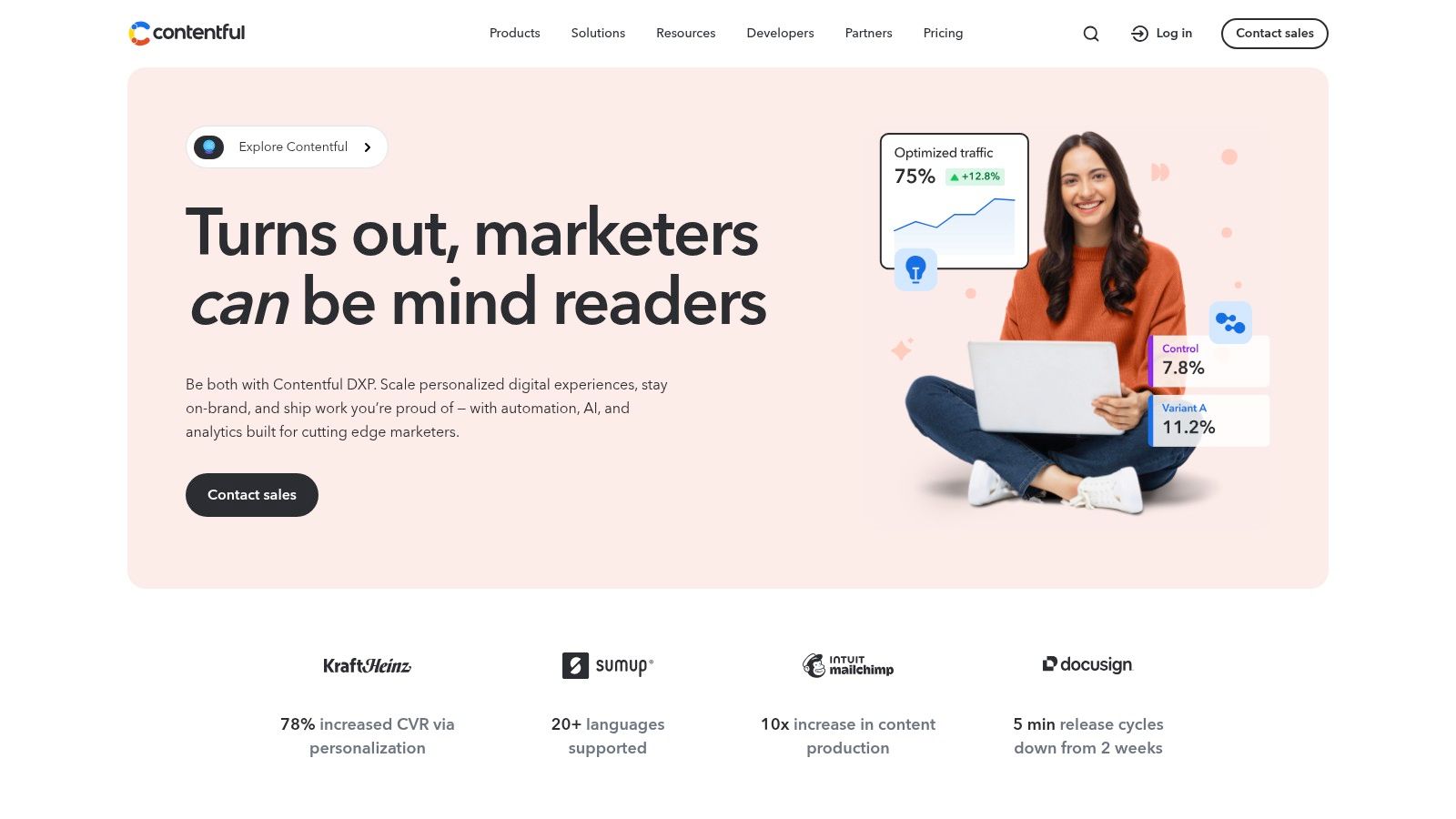
Contentful represents a significant shift from traditional blogging platforms, operating as a "headless" CMS. This means it separates the back-end content repository, where you create and manage your blog posts, from the front-end presentation layer, which is the website your audience sees. You create content once and deliver it anywhere via APIs, making it ideal for teams building custom blog front-ends or distributing content across multiple channels like websites, mobile apps, and other digital platforms.
This API-first approach is why many developers and large-scale content teams consider it one of the best CMS for blogging when flexibility and multi-channel delivery are paramount. It empowers developers to use modern front-end frameworks (like React, Vue, or Svelte) to build fast, unique blog experiences, while content creators get a clean, structured interface to work in without worrying about design constraints.
Key Features and Use Cases
Contentful's core strength lies in its structured content model. You define the fields for your blog posts (e.g., title, author, body, featured image), creating a predictable structure that can be easily pulled into any front-end application via its REST or GraphQL APIs. This is perfect for businesses that view their blog content as a reusable asset.
- Best For: Development teams, enterprises, and content creators who require multi-channel content delivery and a custom front-end.
- Pricing: Offers a free tier for individual projects. Paid plans are based on user seats, content records, and API calls, scaling up for team and enterprise use.
- Implementation: Requires front-end development. Content is created in Contentful's web app, while a developer must build the website or app that fetches and displays this content via the API.
Core Advantage: Contentful decouples your content from its presentation, future-proofing it and allowing unparalleled freedom in how and where it is displayed.
Pros and Cons
| Pros | Cons |
|---|---|
| Multi-Channel Delivery: Publish once, display anywhere (web, apps, etc.). | Requires Development: No out-of-the-box blog website; front-end must be custom-built. |
| Developer-Friendly: Integrates seamlessly with modern tech stacks and workflows. | Potential High Cost: Pricing can escalate with increased usage, API calls, and users. |
| Scalable and Structured: Excellent for managing large amounts of content collaboratively. | Not for Beginners: Unsuitable for users who want an all-in-one, ready-to-go solution. |
Visit Website: https://www.contentful.com
Top 12 CMS Platforms Feature Comparison
| CMS Platform | Core Features & Flexibility | User Experience & Quality ★★★★☆ | Value & Pricing 💰 | Target Audience 👥 | Unique Selling Points ✨ |
|---|---|---|---|---|---|
| WordPress.org (self-hosted) | Open-source, 10K+ themes/plugins, full ownership | Large community, high scalability | Free software, hosting costs vary | Developers, bloggers, enterprises | Maximum control, extensibility, SEO 🏆 |
| WordPress.com (hosted) | Managed hosting, plugin support on higher plans | Easy WP setup, AI builder | Free to $$$ plans | Beginners to business users | Hassle-free WP with scaling options ✨ |
| Ghost.org (hosted/self-hosted) | Optimized for newsletters, memberships | Minimal bloat, fast performance | Starting paid plans | Independent writers, content monetizers | Native memberships & Stripe integration 🏆 |
| Squarespace | Visual editor, SEO, ecommerce, AI tools | Polished templates, fast launch | Subscription plans | Small businesses, creatives | All-in-one with strong design defaults ✨ |
| Wix | Drag-drop editor, large app market | Beginner-friendly, numerous templates | Subscription plans | Personal bloggers, small businesses | AI tools + large app ecosystem ✨ |
| Webflow | Designer + CMS, teamwork roles | Precise design control | Paid tiers | Designers, teams, content editors | Code export, editorial CMS structure 🏆 |
| Blogger (Google) | Simple WYSIWYG, Google integrations | Free, easy to start | Free | Hobbyists, personal bloggers | Fully free with Google ecosystem ✨ |
| Medium | Distraction-free editor, distribution network | Easy reach, partner monetization | Free with membership options | Writers wanting audience reach | Built-in social distribution & monetization |
| HubSpot Content Hub | CRM integration, AI writing, marketing automation | Strong analytics | Higher-tier pricing | Marketing teams, growing companies | CRM tie-in, personalization, workflows 🏆 |
| Drupal (self-hosted) | Modular, headless API, advanced roles | Secure, scalable but steep learning curve | Free, hosting costs vary | Enterprises, complex editorial projects | Enterprise-grade content governance 🏆 |
| Joomla (self-hosted) | Multilingual, ACL, template ecosystem | Solid basics, smaller ecosystem | Free, hosting costs vary | Multi-language sites, intermediate users | Built-in multilingual and ACL tools ✨ |
| Contentful (headless CMS) | API-first, structured content, collaboration | Modern dev stack integration | Usage-based pricing | Dev teams, multi-channel content needs | Headless CMS, multi-channel delivery 🏆 |
Final Verdict: Making Your Decision
Navigating the landscape of content management systems can feel overwhelming. After an in-depth analysis of twelve distinct platforms, from the ubiquitous WordPress.org to the developer-centric Contentful, one truth becomes clear: the best CMS for blogging is not a universal answer, but a personal one, deeply intertwined with your specific goals, technical expertise, and long-term vision. The ideal platform is the one that removes friction between your ideas and their publication, empowering you to focus on what truly matters: creating valuable content.
This guide was designed to move beyond surface-level feature lists, providing a strategic framework for your decision. We've dissected the nuances that define each platform, from monetization models to scalability potential, so you can make an informed choice that aligns with your ambitions.
Recapping the Core Contenders
To crystallize your options, let's distill our findings into clear-cut recommendations based on primary user archetypes.
- For the Ambitious All-Rounder: WordPress.org remains the undisputed champion for those who want limitless customization, a future-proof platform, and complete ownership over their content and data. Its steep learning curve is the price of admission for unparalleled control, making it the top choice for serious bloggers, businesses, and anyone with long-term growth aspirations.
- For the Focused Writer & Creator: Ghost presents a compelling, modern alternative. If your priority is a pristine writing experience, direct reader monetization through subscriptions, and a fast, lightweight platform without the plugin bloat of WordPress, Ghost is an exceptional choice. It’s built for creators who want to build a media business.
- For the Design-Centric Solopreneur: Squarespace and Wix excel for users who prioritize aesthetics and ease of use over granular control. They offer beautiful, responsive templates and an all-in-one solution (hosting, domains, support) that lets you launch a professional-looking blog quickly. They are ideal for portfolio sites, small businesses, and visual-heavy blogs where design is paramount.
- For the Enterprise-Level Marketer: HubSpot Content Hub is the definitive choice when your blog is a critical component of a larger marketing and sales engine. Its power lies not just in its CMS capabilities but in its seamless integration with a world-class CRM, providing invaluable data on how your content drives leads and revenue.
Actionable Steps to Your Final Choice
You've absorbed the data; now it's time to act. Don't let analysis paralysis set in. Follow these steps to confidently select your platform.
- Define Your Non-Negotiables: List your top three priorities. Is it ease of use? Is it a specific monetization method like memberships? Is it the ability to scale to millions of monthly visitors? Be honest about what you cannot compromise on.
- Set a Realistic Budget: Determine your budget for the first year, including hosting, themes, essential plugins, and potential developer help. This will immediately filter your options. A free platform like Blogger might seem appealing, but a small investment in a platform like Ghost or a WordPress.org host can yield a significant return.
- Test Drive Your Top 2-3 Options: Most hosted platforms (Squarespace, Wix, Ghost, HubSpot) offer free trials. Take full advantage of them. For self-hosted options like WordPress.org, use a demo service like InstaWP to get a feel for the backend dashboard. Spend an hour in each, write a test post, and see which interface feels most intuitive to you.
Choosing the best CMS for your blog is a foundational decision that will impact your workflow, growth potential, and overall enjoyment of the creative process for years to come. It’s more than just selecting software; it's about choosing the partner that will best support your voice and vision. Use the insights from this guide as your map, test the terrain yourself, and commit to the platform that feels less like a tool and more like an extension of your creative will. Your audience is waiting.