Top 12 CMS with API Options for Developers in 2025
Discover the 12 best CMS with API capabilities for 2025. Compare headless & traditional options like Contentful, Strapi, and WordPress for your next project.

In today's fast-paced digital ecosystem, a flexible content backend is non-negotiable. Traditional monolithic systems are giving way to a more agile, API-driven approach, allowing developers to deliver content to websites, mobile apps, IoT devices, and beyond. But not all API-enabled content management systems are created equal. Choosing the right CMS with API capabilities is crucial for scalability, developer experience, and content workflow efficiency. Whether you're building a Jamstack site, a native mobile app, or a complex enterprise solution, this guide breaks down the top 12 platforms.
We analyze their API strengths, architectural trade-offs, and ideal use cases to help you make an informed decision for your 2025 projects. Each entry includes a concise analysis, pros and cons, screenshots, and direct links to help you quickly assess the best fit for your specific needs. This guide focuses on the landscape of API-driven CMS, but for a broader range of general developer utilities and resources, consider exploring sites like amino.dev.
This resource is designed for developers, project managers, and marketers who need to move beyond generic feature lists. We provide a direct, analytical comparison of leading options like Contentful, Strapi, Sanity, and even API-enabled traditional platforms like WordPress. By understanding the core differences in their API implementation-from REST and GraphQL endpoints to SDKs and webhooks-you can select a platform that empowers your team rather than restricting it.
1. Contentful
Contentful is a mature, API-first content platform that excels in delivering structured content to any digital channel. It’s a leading choice for mid-market and enterprise teams managing complex, multi-brand digital experiences. The platform decouples content from presentation, providing developers with robust REST and GraphQL APIs to fetch content for websites, mobile apps, or any other front end. This makes it an ideal CMS with API capabilities for projects requiring omnichannel delivery.
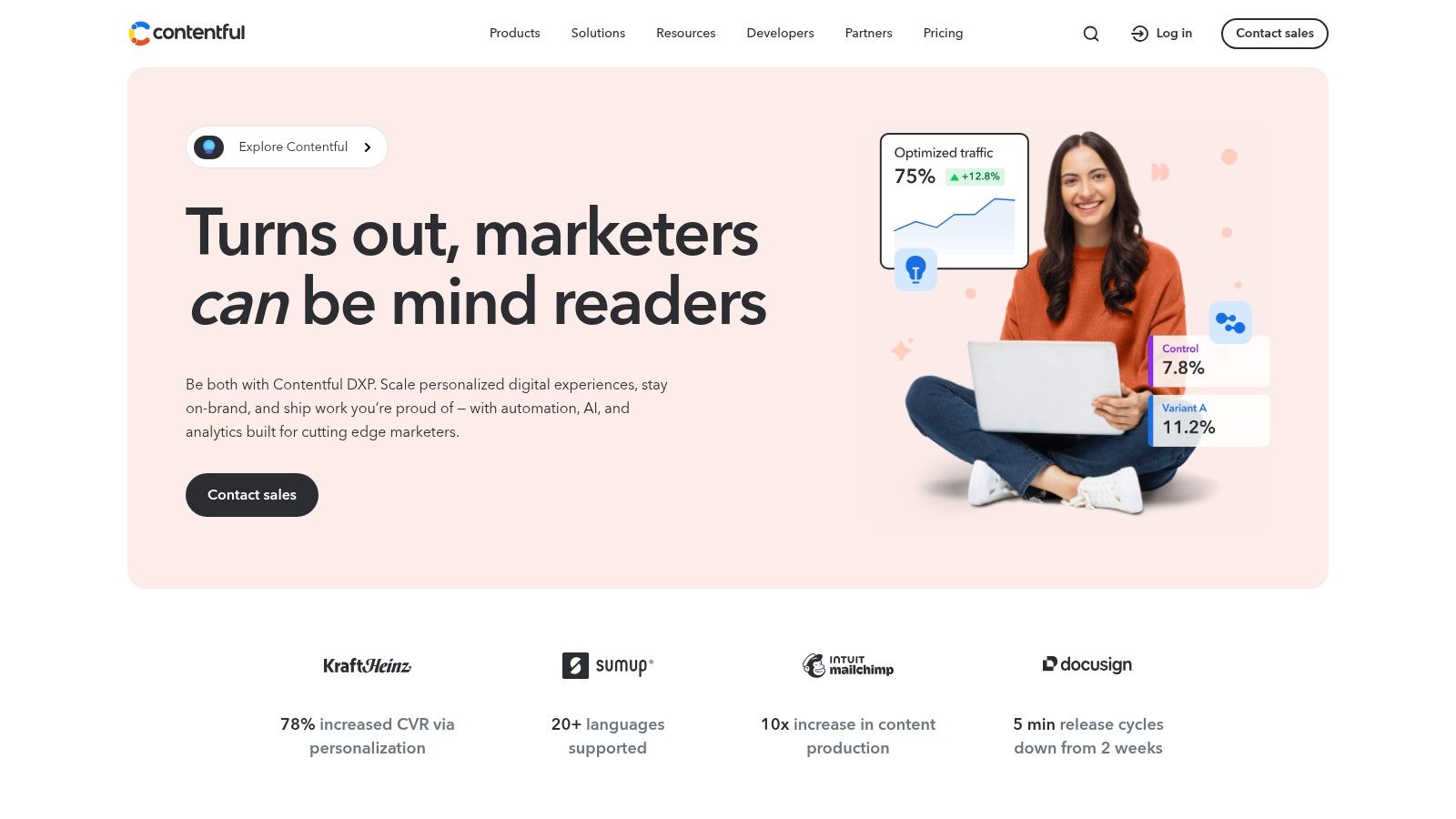
Its core strength lies in its developer-centric tooling, including comprehensive documentation, powerful SDKs, and a flexible App Framework for extending core functionality. For content teams, the editorial interface is clean and customizable, though the depth of features can introduce a learning curve for non-technical users. Organizations looking to understand how this platform fits into their broader strategy can explore detailed breakdowns of Contentful's role in modern web development.
Key Features and Considerations
| Feature | Analysis |
|---|---|
| Dual APIs | Offers both REST and GraphQL, providing flexibility for different development workflows and performance needs. |
| Environment Management | Enables safe development and testing with production-like content staging environments. |
| App Framework | An extensive marketplace allows for seamless integration with tools like Shopify, Marketo, and custom in-house applications. |
| Pricing | The free tier is generous for small projects, but costs can escalate quickly with team size and API usage, making it a significant investment for larger teams. |
- Pros: Mature documentation, scales well for enterprise needs, strong uptime and support.
- Cons: Can become expensive, steep learning curve for non-developers.
- Website: https://www.contentful.com
2. Strapi
Strapi is the leading open-source headless CMS, built on Node.js, that gives developers complete control over their content APIs. It empowers teams to quickly build and manage REST or GraphQL APIs for any front end. As a self-hostable or cloud-based solution, it offers an exceptional level of customization, making it a powerful CMS with API capabilities for developers who need flexibility and ownership of their stack.
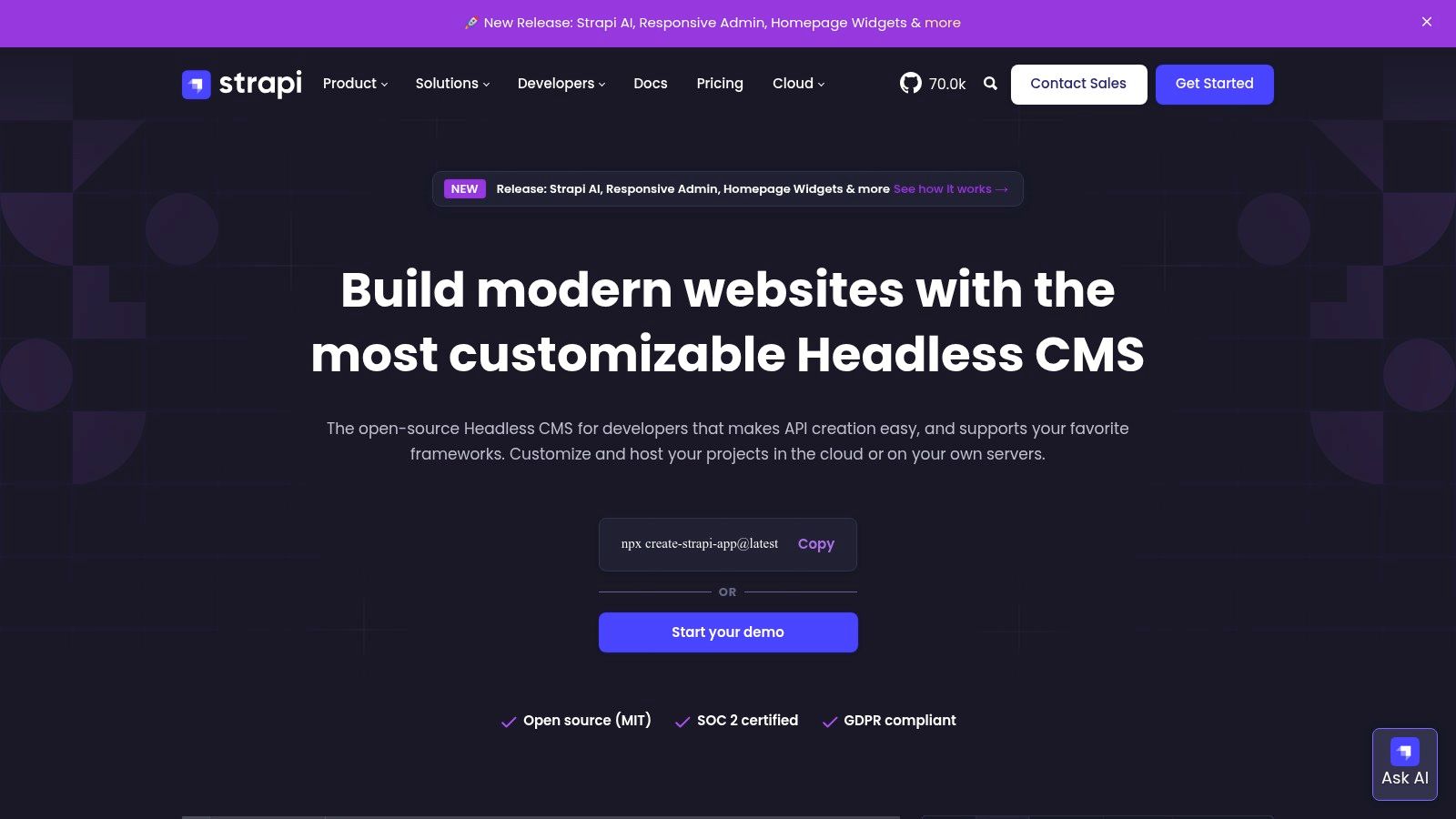
Its core advantage is the blend of an intuitive admin panel for content editors and a highly extensible backend for developers. The ability to define custom content types, relations, and API endpoints directly through the interface or code makes it ideal for startups and projects with unique data models. For those weighing different self-hosted options, exploring collections of open-source headless CMS platforms can provide valuable context. Strapi's robust plugin ecosystem further enhances its functionality, allowing for integrations with a wide range of services.
Key Features and Considerations
| Feature | Analysis |
|---|---|
| API-First Customization | Provides full control to create custom content types and policies, generating both REST and GraphQL APIs on the fly. |
| Flexible Deployment | Can be self-hosted on any infrastructure (AWS, DigitalOcean, etc.) or used via the managed Strapi Cloud for a PaaS experience. |
| Plugin Ecosystem | A rich marketplace of official and community-driven plugins allows for easy extension of features like search, email, and media libraries. |
| Role-Based Access | Granular user permissions are built-in, allowing for precise control over what different user roles can see and edit. |
- Pros: Highly customizable with strong open-source community, flexible deployment options (self-hosted or cloud), affordable entry points ideal for startups and small teams.
- Cons: Geared more towards developers than marketers, self-hosting requires managing performance and security.
- Website: https://strapi.io
3. Sanity
Sanity is a composable content platform renowned for its real-time collaboration features and exceptional developer experience. It provides a highly customizable, open-source editing environment built with React, known as Sanity Studio. The platform is designed around structured content and offers powerful APIs, including GROQ (Graph-Relational Object Queries) for precise data fetching, making it a leading CMS with API capabilities for teams that prioritize flexibility and live updates.
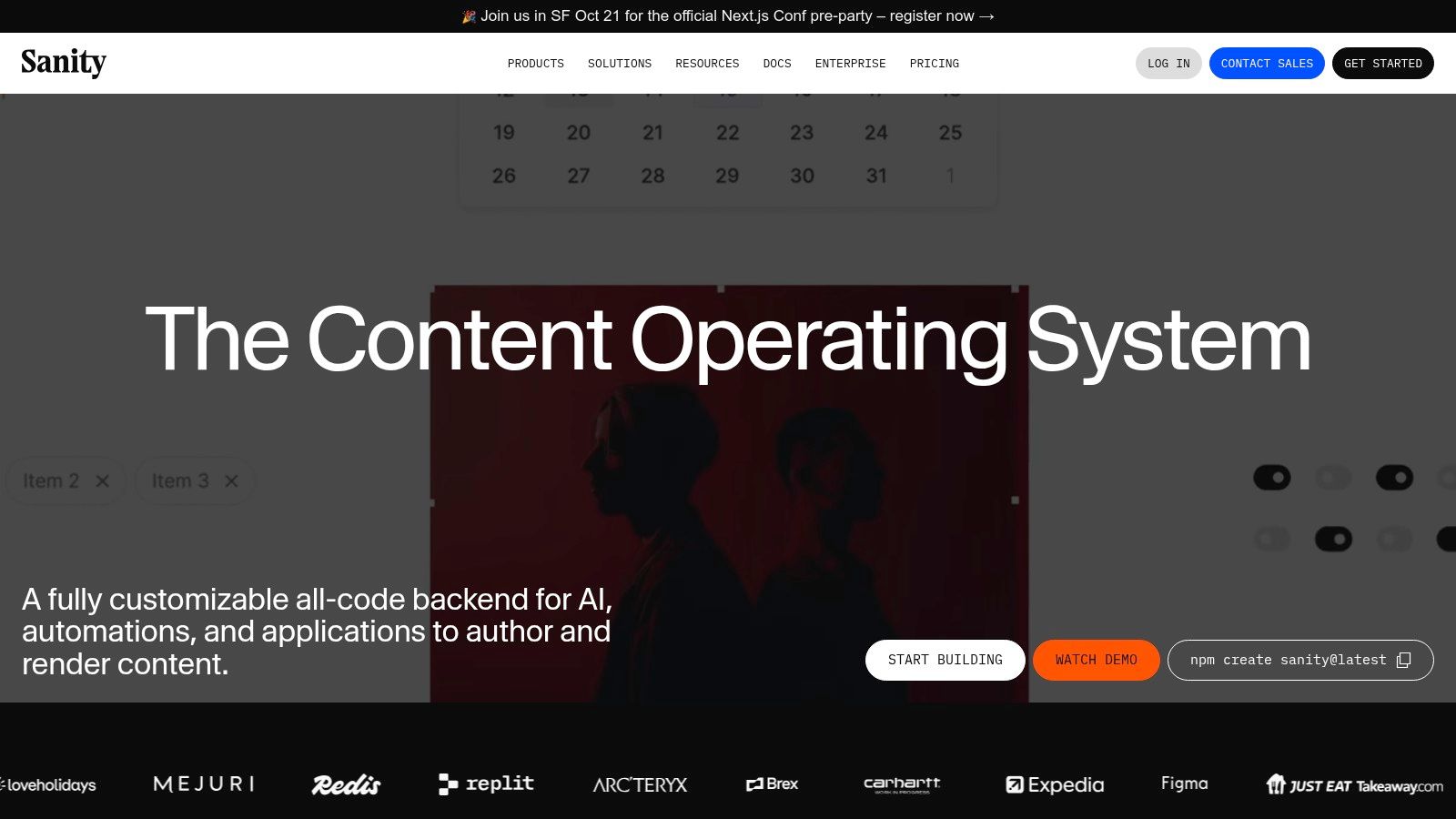
Its core distinction is the schema-as-code approach, where developers define content models in code, enabling version control and seamless collaboration. For content teams, the real-time, Google Docs-like editing environment and visual editing previews create a fluid workflow. While the platform is deeply developer-centric, its customizable studio can be tailored to provide an intuitive experience for editors, striking a balance between technical power and usability.
Key Features and Considerations
| Feature | Analysis |
|---|---|
| Real-time Collaboration | The live content API and real-time editing studio allow multiple users to work on content simultaneously without conflicts. |
| Schema-as-Code | Defining content models directly in code provides version control, portability, and robust development workflows. |
| Customizable Studio | The open-source, React-based Sanity Studio can be fully customized and self-hosted for a tailored editorial experience. |
| Pricing Model | The free tier is very generous for individuals and small teams, but the seat-based Growth plan can become costly as teams expand. High-usage add-ons can also increase the total cost significantly. |
- Pros: Excellent real-time capabilities, strong developer tools, generous free tier.
- Cons: Seat-based pricing can be expensive for larger teams, add-ons can quickly raise costs.
- Website: https://www.sanity.io
4. Prismic
Prismic is a component-driven headless CMS that balances developer flexibility with a highly intuitive authoring experience for marketing teams. It offers both REST and GraphQL APIs, allowing developers to fetch structured content for any front-end framework. The platform's "Slices" concept enables content creators to build dynamic pages using pre-defined, reusable components, making it a strong CMS with API capabilities for marketing sites and content-rich applications that require a visual page-building workflow.
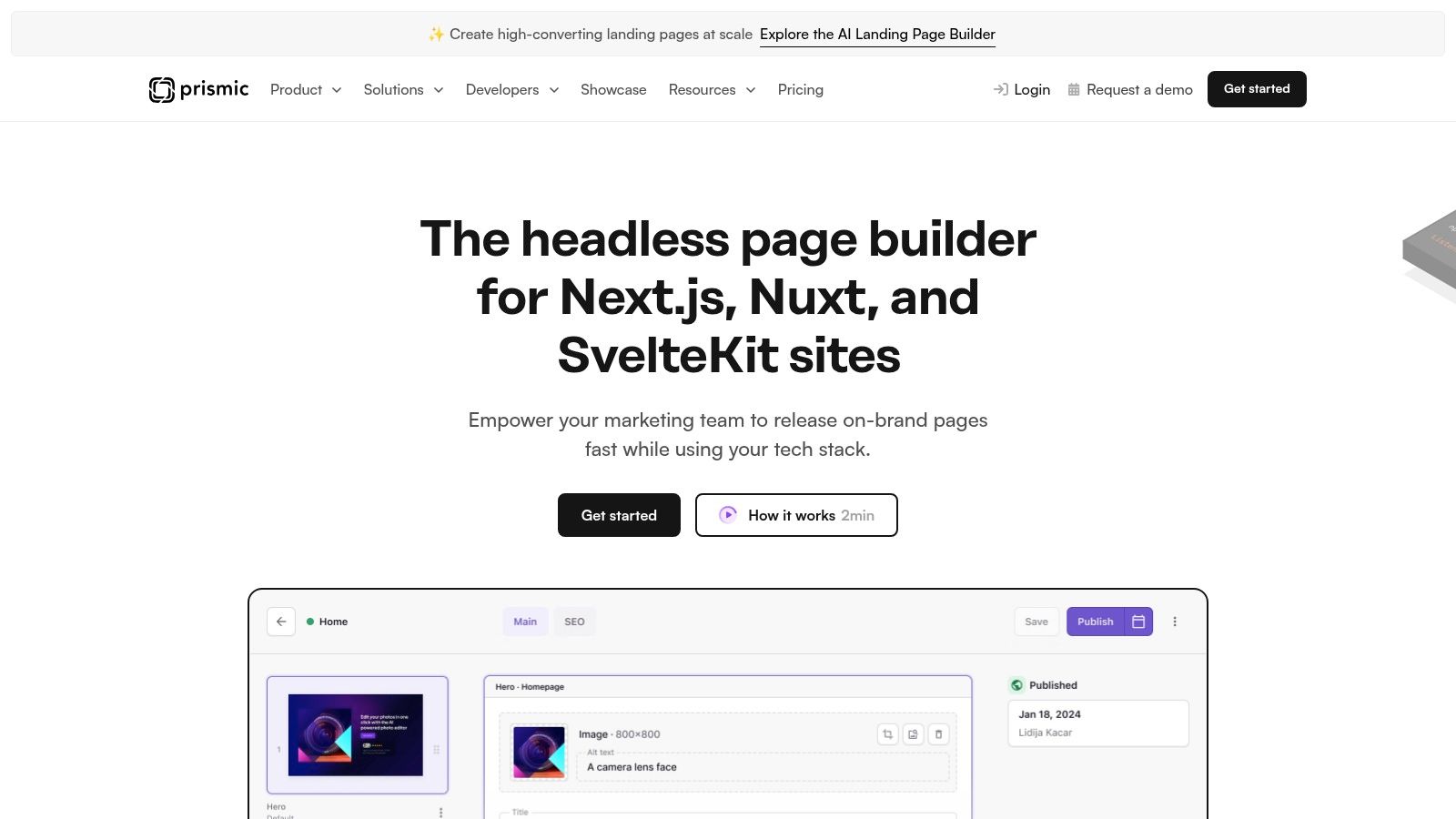
Its core differentiator is the Slice Machine, a local development tool that syncs component models from a developer's codebase to the CMS editor. This creates a seamless workflow where developers define the structure and marketers can build pages with live previews. The platform is particularly developer-friendly, offering an interactive API Explorer for building and testing queries, along with official client libraries that simplify data fetching.
Key Features and Considerations
| Feature | Analysis |
|---|---|
| Slice Machine | Provides a powerful, component-driven model that empowers marketers to build pages without developer intervention, using pre-configured "Slices." |
| API Options | Supports both REST and GraphQL APIs, and includes an API Explorer for easy query building and testing. |
| Visual Page Builder | Offers excellent live preview capabilities, allowing content teams to see exactly how changes will appear on the final website. |
| Pricing Model | The free tier is very generous with its API quotas and features, but there is no overage tolerance; exceeding limits requires an upgrade to a paid plan. |
- Pros: User-friendly Slice/component model for marketers, generous free API quotas, transparent and tiered pricing.
- Cons: Free plan has hard API limits, advanced governance features are restricted to higher-tier plans.
- Website: https://prismic.io
5. Hygraph (formerly GraphCMS)
Hygraph, formerly known as GraphCMS, is a GraphQL-native headless CMS designed for ambitious digital projects. Its standout feature is content federation, allowing teams to unify content from multiple sources into a single, high-performance GraphQL API. This approach makes it a powerful CMS with API functionality for enterprises managing complex, distributed data landscapes, as it eliminates the need to duplicate content across different systems.
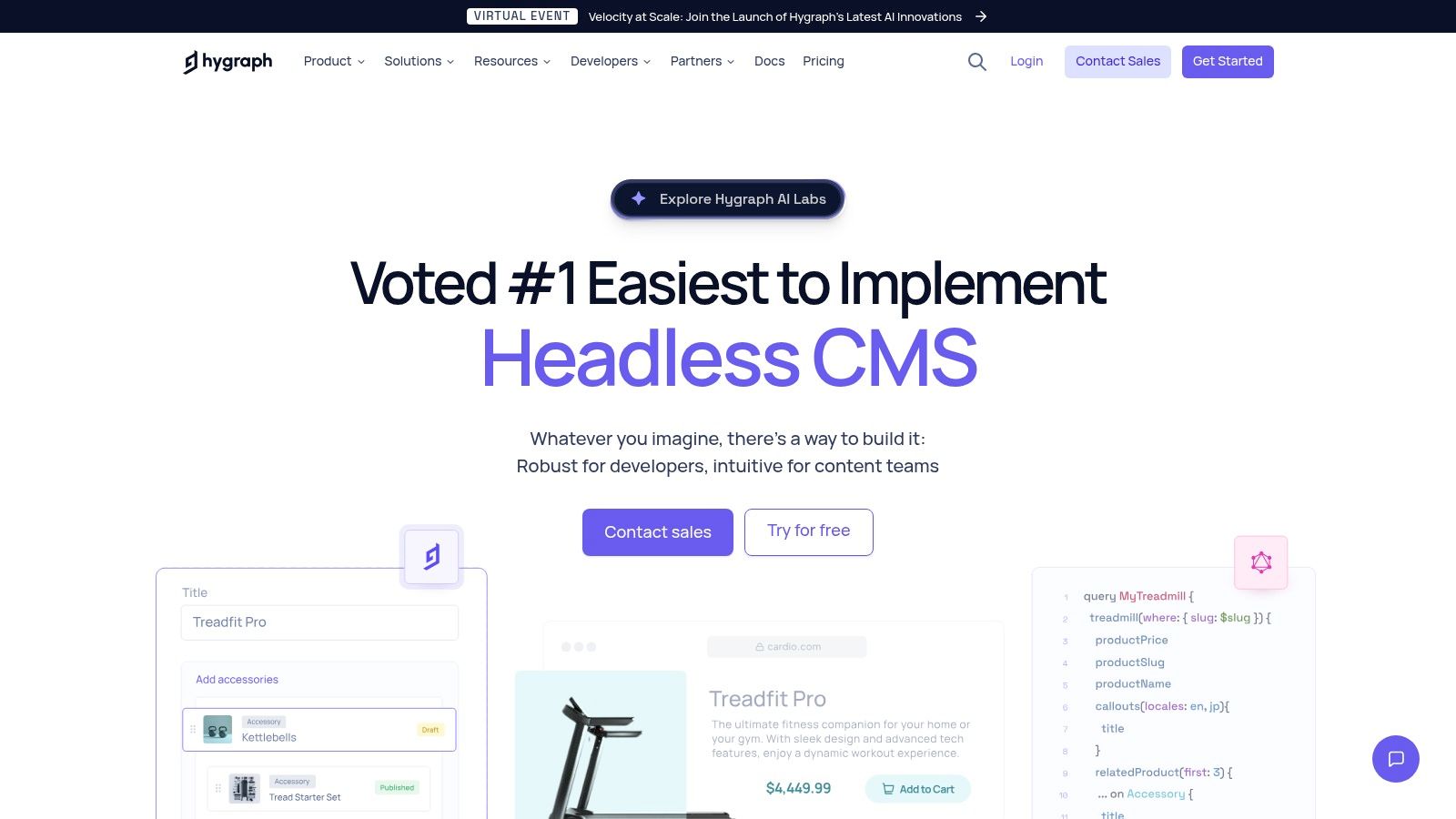
The platform is built to deliver content quickly via a global CDN, ensuring optimal performance for global audiences. Its GraphQL-first architecture provides developers with a highly flexible and efficient way to query exactly the data they need. For teams new to this architecture, exploring different headless CMS options can provide context on where Hygraph fits. While its focus on GraphQL is a major strength, it may present a learning curve for development teams accustomed to REST APIs.
Key Features and Considerations
| Feature | Analysis |
|---|---|
| Content Federation | Allows you to connect external data sources (like a PIM or CRM) and query them alongside native content through a single GraphQL endpoint. |
| GraphQL-Native API | Provides a highly performant and flexible API, giving developers precise control over data fetching to minimize payload sizes and reduce requests. |
| Enterprise Workflows | Offers robust roles, permissions, content stages, and scheduled publishing to support complex editorial processes in large teams. |
| Pricing Model | The free tier is generous for smaller projects. However, advanced features like federation are reserved for higher-priced plans, making it an investment for complex use cases. |
- Pros: Powerful content federation simplifies complex data stacks, fast GraphQL API with global CDN, simple and transparent entry-level pricing.
- Cons: Advanced features are locked behind higher tiers, the GraphQL-centric approach may challenge REST-first teams.
- Website: https://hygraph.com
6. Storyblok
Storyblok is a headless CMS that uniquely bridges the gap between developer flexibility and marketer-friendly workflows. It stands out with a real-time visual editor that allows content teams to edit websites as they browse them, providing an intuitive, page-builder-like experience. For developers, it delivers content via robust REST and GraphQL APIs, making it a powerful CMS with API capabilities for building fast, modern Jamstack frontends and other digital experiences.
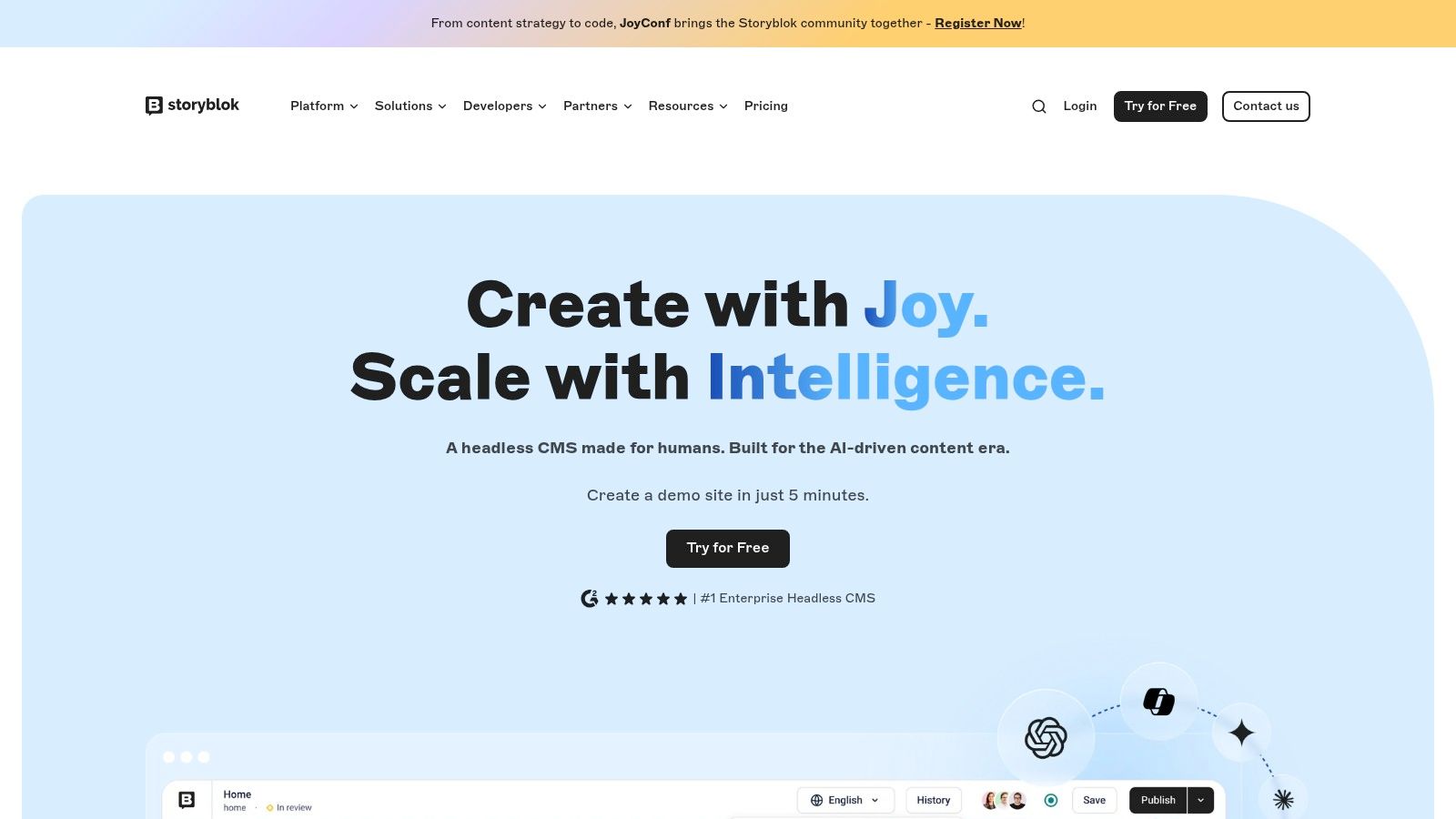
The platform is built around a component-based model called 'Stories', which gives content creators modular blocks to construct pages while developers retain full control over the final presentation. This approach simplifies content management without sacrificing the benefits of a decoupled architecture. Storyblok's ecosystem is supported by a strong partner network and clear documentation, appealing to agencies and teams looking for a scalable yet user-friendly solution.
Key Features and Considerations
| Feature | Analysis |
|---|---|
| Visual Editor | Its standout feature provides a live preview and in-context editing, empowering marketers to manage content independently and reducing developer dependency for minor updates. |
| Component-Based Model | Content is organized into reusable components ('Bloks'), which developers can map to their frontend code, ensuring both structure and creative freedom. |
| Dual APIs & Image Service | Offers REST and GraphQL APIs for content delivery and includes a powerful image service for on-the-fly optimization and transformation. |
| Pricing & Limits | Pricing is straightforward but starter plans have tight caps on API requests, traffic, and locales. Scaling for complex multi-brand scenarios often requires higher-tier plans. |
- Pros: Easy-to-use visual editing ideal for marketers, straightforward pricing, solid US customer references and partner ecosystem.
- Cons: Starter plan tightly caps API usage and features, complex setups can become costly.
- Website: https://www.storyblok.com
7. Directus
Directus stands out as an open-source data platform that instantly creates REST and GraphQL APIs on top of any new or existing SQL database. Rather than being a traditional CMS, it acts as a data-first layer, providing a no-code app for non-technical users to manage database content safely. This unique architecture makes it a powerful CMS with API capabilities, granting developers full SQL control and data portability without vendor lock-in.
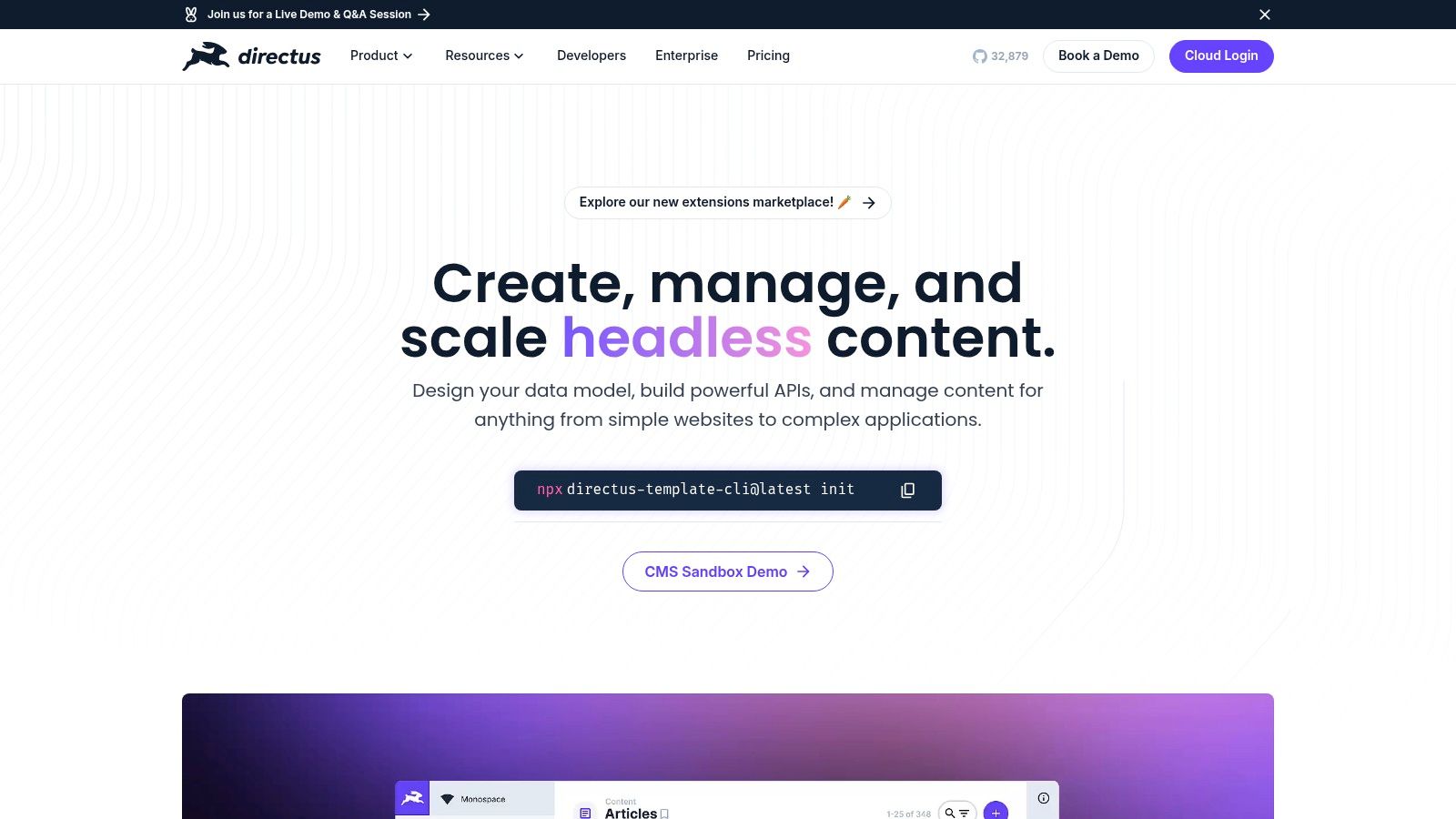
Its core strength is decoupling data from any specific system, which offers unparalleled flexibility. The platform is available as a self-hosted solution or through a managed Directus Cloud service, catering to different infrastructure needs. For teams evaluating its potential, understanding the in-depth features of Directus can highlight how its database-mirroring approach benefits complex projects that demand direct data access and full ownership.
Key Features and Considerations
| Feature | Analysis |
|---|---|
| Database Introspection | Automatically generates powerful APIs directly from your SQL schema, saving significant backend development time. |
| Granular Permissions | Offers highly detailed role-based access control, allowing precise management of what users can see or modify. |
| Automation & Flows | Includes a no-code interface for creating data-driven workflows, webhooks, and event-triggered actions. |
| Hosting Flexibility | Provides both a scalable cloud platform and a feature-complete, self-hosted option for full environment control. |
- Pros: Full data ownership, no feature restrictions in the self-hosted version, affordable cloud plans.
- Cons: Self-hosting requires DevOps expertise, effective data modeling assumes SQL knowledge.
- Website: https://directus.io
8. ButterCMS
ButterCMS is a fully managed headless CMS that prioritizes rapid implementation for marketing websites, blogs, and dynamic content pages. It offers a clean, straightforward approach, combining a developer-friendly REST API with an intuitive visual editor that content teams can adopt quickly. This balance makes it a strong CMS with API contender for small to mid-sized businesses looking to launch fast without sacrificing developer control or content manager usability.
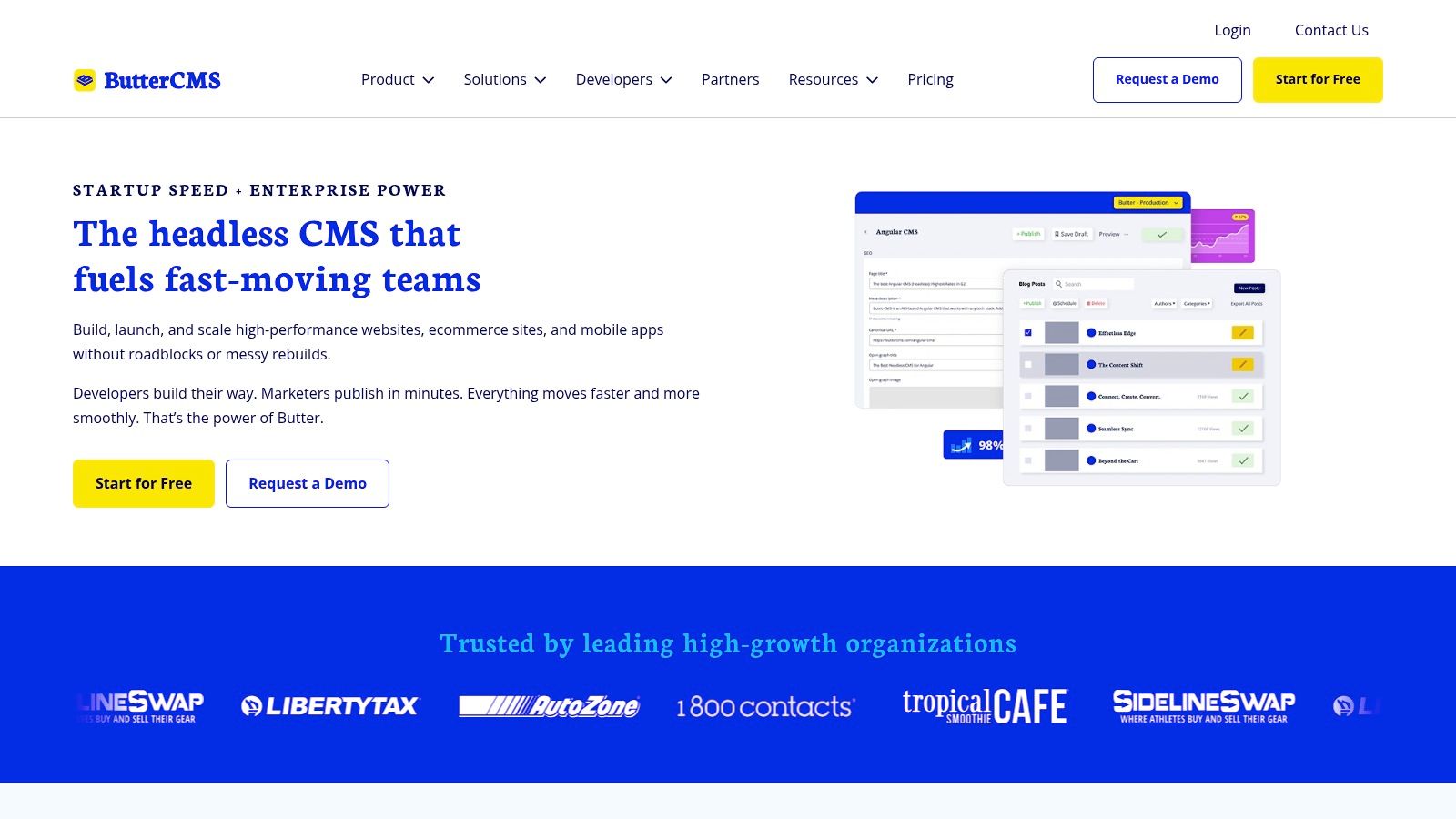
The platform stands out for its transparent, usage-based pricing model, which avoids the per-seat fees common with other solutions, making it cost-effective for growing teams. Its focus on core content management features, such as SEO tools and image optimization via a built-in CDN, ensures marketing and content teams have the necessary tools directly within the interface. While it may not have the extensive ecosystem of larger players, its well-documented starter kits and strong customer support facilitate a smooth rollout.
Key Features and Considerations
| Feature | Analysis |
|---|---|
| Visual Editor & Live Preview | Empowers non-technical users to build and edit pages visually, reducing reliance on developers for content updates. |
| Integrated CDN | Built-in image optimization and CDN delivery improve site performance without requiring separate third-party services. |
| Generous Standard Plans | All plans include unlimited users, content collections, and locales, offering predictable costs as teams scale. |
| Pricing Model | Usage-based pricing is transparent and developer-friendly, but enterprise features like SSO are gated behind higher-tier plans. |
- Pros: Fast implementation with starter kits, transparent usage-based pricing, strong customer support.
- Cons: Smaller plugin ecosystem, advanced enterprise features are exclusive to top-tier plans.
- Website: https://buttercms.com
9. Contentstack
Contentstack is an enterprise-grade headless CMS and Digital Experience Platform (DXP) designed for large-scale organizations with complex content operations. It prioritizes governance, security, and compliance, making it a top choice for global teams that require stringent controls. The platform provides developers with powerful delivery and management APIs, including GraphQL and a CLI, allowing them to build sophisticated digital experiences across any channel. This focus on enterprise needs makes it an excellent CMS with API for regulated industries.
Its core differentiation lies in its robust workflow and collaboration tools, such as content branching and advanced publishing queues, which mirror software development practices. For content managers, the interface is built to handle intricate governance models without overwhelming users. However, its comprehensive feature set and sales-led pricing model position it firmly in the enterprise market, potentially making it overly complex and expensive for smaller businesses or simpler websites.
Key Features and Considerations
| Feature | Analysis |
|---|---|
| Enterprise Governance | Advanced workflows, branching, and SSO/SCIM integration provide granular control over content operations for large, distributed teams. |
| Robust APIs & Tooling | Offers a full suite of APIs (GraphQL, REST), webhooks, and a CLI for deep integration and automation into development pipelines. |
| Support & Onboarding | Includes enterprise SLAs, dedicated success management, and professional training to ensure successful adoption and mission-critical support. |
| Pricing Model | The platform is exclusively sales-led, with pricing tailored to enterprise requirements. This model is not suitable for SMBs or individual developers. |
- Pros: Enterprise-level security and compliance, strong governance tools for large teams, professional onboarding and support.
- Cons: Pricing can be a significant investment, may be overkill for small-scale projects.
- Website: https://www.contentstack.com
10. Ghost (Ghost Pro)
Ghost is a powerful open-source publishing platform designed specifically for modern creators, from individual bloggers to larger media brands. It excels at combining content creation with membership and newsletter features, all accessible via a robust API layer. While it's an opinionated platform focused on publishing, its headless capabilities make it a strong CMS with API for content-driven projects that require a custom front end but want a simplified, elegant backend for writing and monetization.
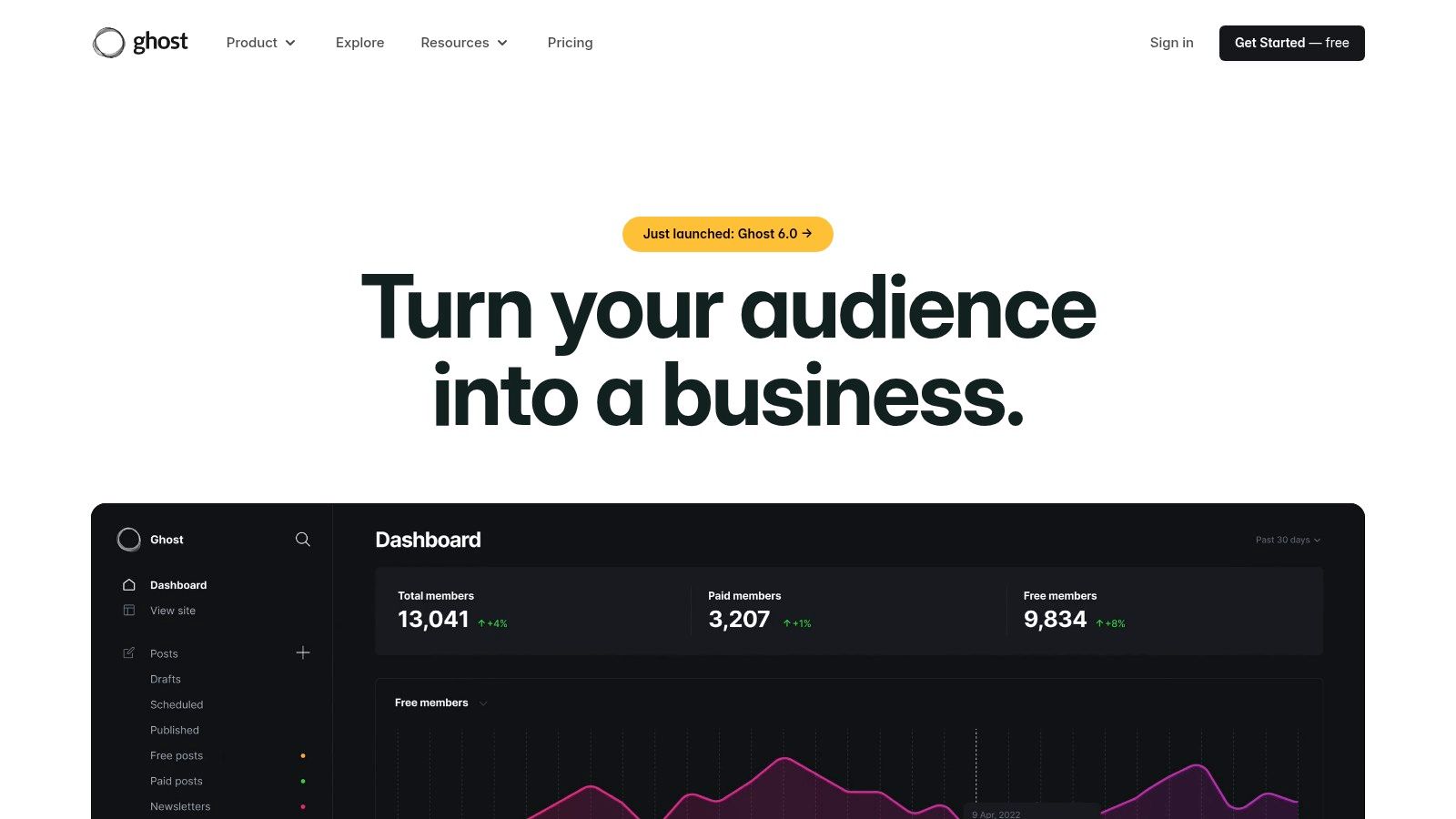
Its core offering is split between a read-only Content API for public data and a secure Admin API for write operations, giving developers granular control over integrations. The managed hosting solution, Ghost(Pro), removes infrastructure overhead, providing a turnkey solution with SSL, backups, and global CDN. For a deeper dive into its capabilities, you can explore this overview of Ghost's platform features. This focus makes it a streamlined alternative to more complex, general-purpose CMS platforms.
Key Features and Considerations
| Feature | Analysis |
|---|---|
| Content & Admin APIs | The read-only Content API is perfect for custom front ends, while the Admin API enables programmatic content management and integrations, though it requires a secure server environment. |
| Built-in Memberships | Native support for paid newsletters and memberships is a key differentiator, allowing creators to monetize content without third-party tools. |
| Managed Hosting | Ghost(Pro) offers a highly optimized, fully managed hosting environment, making it simple to launch and maintain a fast, secure publication. |
| Opinionated Focus | Ghost is designed for publishing, not as a general-purpose digital experience platform. This focus is a strength for its intended use case but a limitation for complex websites. |
- Pros: Ideal for lightweight content-driven websites, simple pricing with efficient managed hosting, active ecosystem and marketplace themes.
- Cons: More opinionated platform, not a general-purpose DXP, Admin API write operations require secure server environments.
- Website: https://ghost.org
11. WordPress.com
WordPress.com offers a streamlined, managed hosting solution that brings the world's most popular CMS into the headless ecosystem. It provides direct access to the powerful WordPress REST API across all its plans, allowing developers to use its familiar interface as a content backend for websites, apps, and other digital experiences. This makes it an excellent CMS with API for teams who value the extensive WordPress ecosystem but prefer a fully managed, hands-off infrastructure.
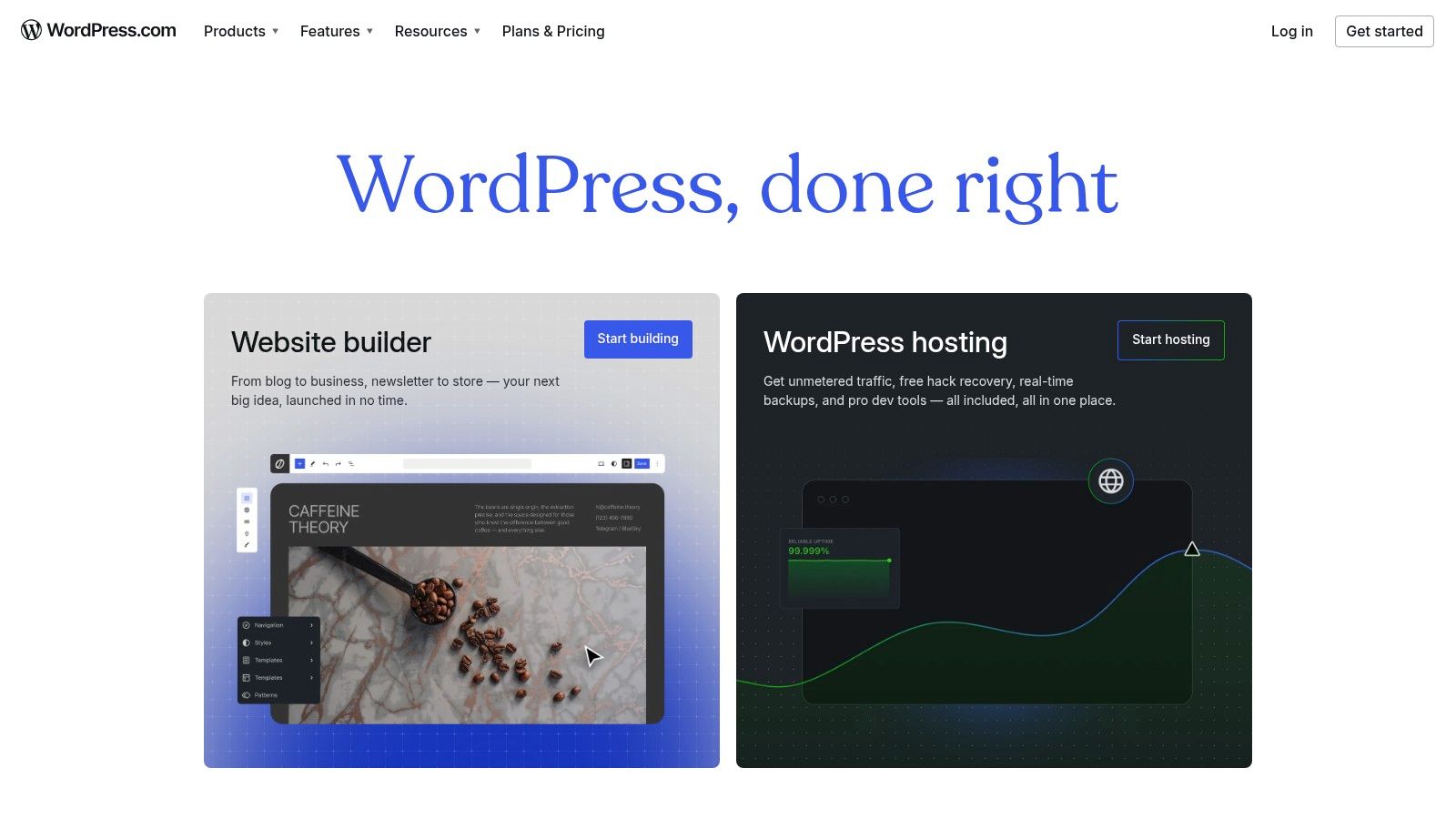
Unlike its self-hosted counterpart, WordPress.com handles all server management, security, and backups, lowering the technical barrier to entry. While the free and personal tiers are limited, the Business plan unlocks the vast plugin and theme ecosystem, turning the platform into a highly customizable headless CMS. Its global infrastructure ensures content is delivered quickly and reliably, making it a viable option for projects ranging from personal blogs to scalable business websites.
Key Features and Considerations
| Feature | Analysis |
|---|---|
| Official REST API | Full access to the core WordPress REST API is included on all plans, enabling immediate headless development without extra configuration. |
| Plugin Ecosystem | The Business tier and higher provide access to thousands of plugins, allowing for extensive customization of the content backend. |
| Managed Infrastructure | Includes automatic updates, SSL certificates, backups, and global CDN, reducing the DevOps workload for development teams. |
| Pricing Tiers | Key features like plugins and advanced developer tools are locked behind the more expensive Business plan, which can be a significant jump in cost. |
- Pros: Low barrier to entry for WordPress users, scales from blogs to commerce, massive community and integration support.
- Cons: Advanced developer features require a Business plan or higher, less server control than self-hosted options.
- Website: https://wordpress.com
12. Adobe Experience Manager (AEM Sites)
Adobe Experience Manager (AEM Sites) is an enterprise-grade content management system and Digital Experience Platform (DXP) designed for large-scale organizations. It delivers powerful headless capabilities through GraphQL APIs, enabling content delivery to any endpoint while maintaining deep integration within the Adobe Experience Cloud. This makes it a formidable CMS with API functionality for enterprises managing complex, personalized digital experiences across numerous channels.
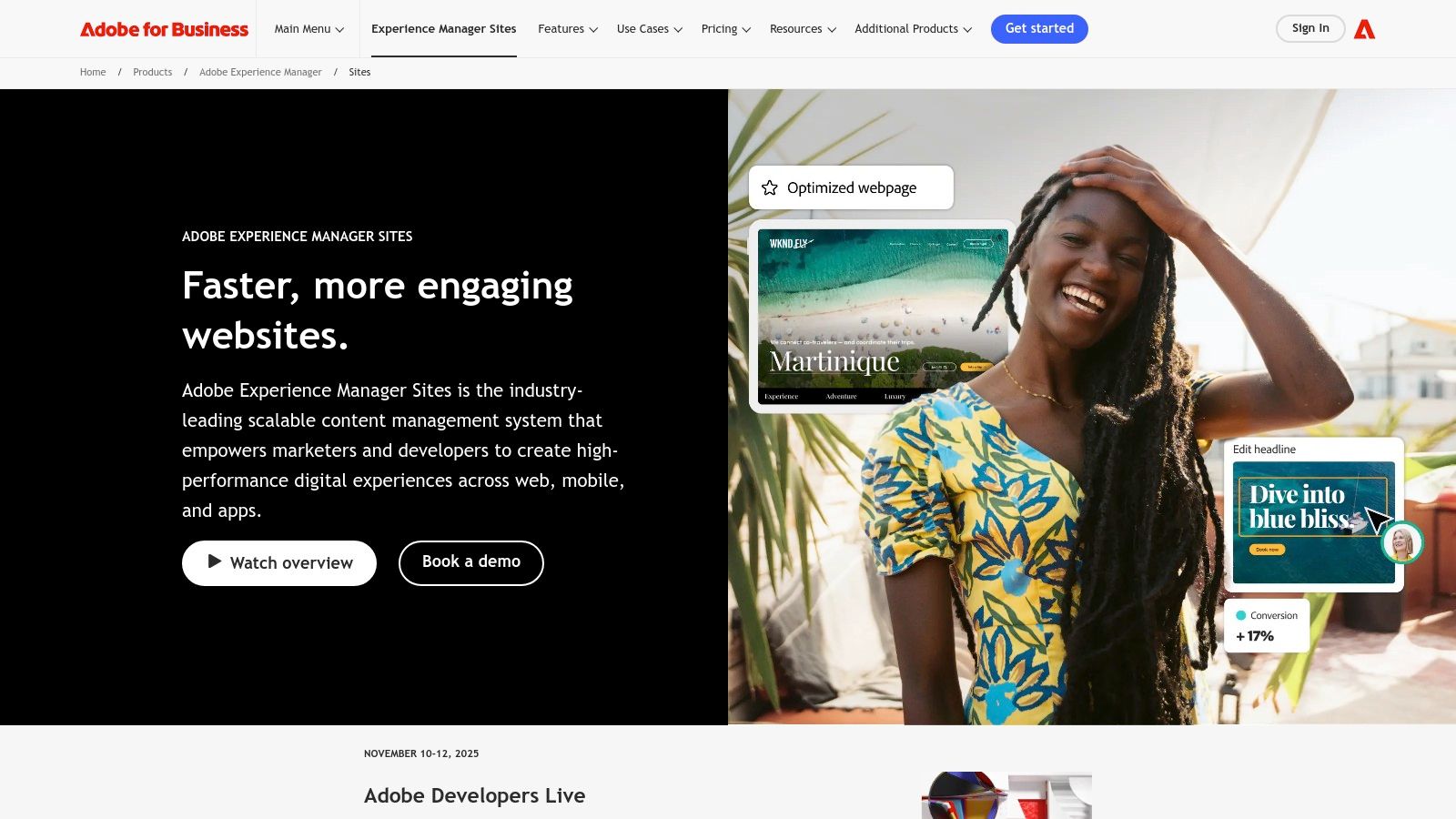
AEM’s primary strength lies in its ability to unify content and data, connecting directly with Adobe Analytics, Target, and its enterprise-grade Digital Asset Manager (DAM). This allows for highly governed, data-driven content workflows. While immensely powerful, its complexity and resource requirements position it for large corporations with dedicated development teams and significant budgets, rather than small businesses or individual projects. The procurement process is often lengthy and involves custom enterprise pricing.
Key Features and Considerations
| Feature | Analysis |
|---|---|
| Headless APIs | Provides robust GraphQL APIs and webhooks for flexible, omnichannel content delivery. |
| Adobe Ecosystem Integration | Seamlessly connects with Adobe Analytics, Target, and DAM, creating a unified content and marketing platform. |
| Enterprise Governance | Offers sophisticated multi-site, multilingual, and permissions management crucial for large, distributed teams. |
| High Cost of Ownership | Requires a significant financial investment, specialized implementation resources, and has long procurement cycles with custom pricing. |
- Pros: Comprehensive content and asset workflows, strong governance for multi-site support, robust partner ecosystem.
- Cons: Requires a significant budget and implementation resources, complex for smaller teams to manage.
- Website: https://business.adobe.com/products/experience-manager/sites.html
API-Enabled CMS Solutions Comparison
| CMS | Core Features / APIs | User Experience / Quality ★ | Value Proposition 💰 | Target Audience 👥 | Unique Selling Points ✨ |
|---|---|---|---|---|---|
| Contentful | REST, GraphQL, Preview APIs | ★★★★☆ Strong uptime, mature docs | 💰 Expensive for large teams | Mid-market & enterprise 🏢 | Scales complex multi-brand, rich roles & webhooks |
| Strapi | REST & GraphQL, Plugins ecosystem | ★★★★☆ Highly customizable | 💰 Affordable, flexible hosting | Developers & startups 👩💻 | Open-source, self-host or Strapi Cloud |
| Sanity | Real-time APIs, Schema-as-code | ★★★★★ Real-time collaboration | 💰 Generous free tier, pricey seats | Developers & enterprises 🏢 | Live subscriptions, strong US enterprise support |
| Prismic | REST, GraphQL, Visual builder | ★★★★☆ User-friendly Slice model | 💰 Transparent tiered pricing | Marketers & developers 👩💼 | Generous free quotas, visual page building |
| Hygraph | GraphQL-native, Federation | ★★★★☆ Fast API, global CDN | 💰 Simple entry, free tier | Enterprises & complex stacks | Content federation, unified GraphQL API |
| Storyblok | Visual editor, REST & GraphQL APIs | ★★★★☆ Easy visual editing | 💰 Scalable plans | Marketers & Jamstack devs 👨💻 | Marketer-friendly, strong localization |
| Directus | Auto-generated REST & GraphQL APIs | ★★★★☆ Full data ownership | 💰 Transparent & affordable cloud | DevOps & data teams 👥 | SQL DB agnostic, no-code app interface |
| ButterCMS | REST API, visual editing, SEO | ★★★★☆ Fast rollout, solid support | 💰 Usage-based, no seat fees | Blogs, marketing sites 👩💼 | Usage-based pricing, unlimited users & locales |
| Contentstack | GraphQL, workflows, enterprise SLAs | ★★★★★ Enterprise-grade security | 💰 Premium pricing, sales-led | Large enterprises 🏢 | Advanced governance, multi-region CDN |
| Ghost (Ghost Pro) | Content & Admin REST APIs | ★★★★☆ Simple hosting & themes | 💰 Transparent, efficient | Bloggers & membership sites 👥 | Open-source, membership/newsletter focus |
| WordPress.com | REST API, huge plugin ecosystem | ★★★★☆ Scales personal to business | 💰 Low entry, Business+ tiers | Bloggers to SMBs 👩💼 | Familiar WordPress + managed hosting |
| Adobe Experience Manager | Headless APIs, Adobe Cloud integration | ★★★★★ Enterprise-grade workflows | 💰 Custom, high budget | Large enterprises 🏆 | Deep Adobe Cloud integration, multilingual support |
Making Your Final Choice: Which API-Driven CMS is for You?
Navigating the crowded landscape of content management systems can feel overwhelming, but the journey to selecting the right CMS with API capabilities is a strategic investment in your digital future. As we've explored, the "best" platform is not a one-size-fits-all solution. Instead, it's the one that most closely aligns with your team's unique blend of technical proficiency, content workflow requirements, scalability ambitions, and budgetary constraints.
The decision-making process has shifted dramatically. Where traditional, monolithic systems once dominated, a new era of API-first and headless architecture offers unprecedented flexibility. This allows you to decouple your content repository from your frontend presentation layer, empowering developers to build with modern frameworks and delivering faster, more engaging experiences to your users.
Recapping Your Core Options
To distill the choices, let's categorize the contenders based on their primary strengths:
- For Ultimate Developer Control & Customization: If your team thrives on open-source flexibility and self-hosting, Strapi and Directus stand out. They provide a powerful, extensible foundation that you can tailor precisely to your project's needs, transforming any database into an API.
- For Enterprise-Grade Scalability & Governance: Larger organizations managing complex, multi-brand digital ecosystems will find robust solutions in Contentful, Contentstack, and Adobe Experience Manager (AEM Sites). These platforms are built for performance, security, and sophisticated governance at scale.
- For Empowering Content & Marketing Teams: When the priority is a best-in-class editorial experience, Storyblok, with its visual editor, and Prismic, with its Slices model, are exceptional choices. They bridge the gap between headless flexibility and the intuitive editing tools marketers love.
- For Streamlined, Specific Use Cases: For those who need a powerful yet focused solution, platforms like Hygraph (with its native GraphQL-first approach), ButterCMS (a lightweight headless option), and Ghost (for publishing-centric projects) offer a more direct path to achieving specific goals. Even a traditional giant like WordPress.com has evolved, offering a reliable REST API for developers familiar with its ecosystem.
Actionable Steps for a Confident Decision
Selecting your ideal CMS with API is less about finding a perfect platform and more about finding the right fit. Before committing, take these final steps:
- Define Your Non-Negotiables: Create a checklist. Do you absolutely need a visual editor? Is a GraphQL API mandatory? Is on-premise hosting a requirement? Clarifying these points will quickly narrow your list.
- Prototype with Top Contenders: Most of the platforms reviewed here offer free tiers or trials. Set up a proof-of-concept with your top two or three choices. Connect them to a simple frontend application to experience the developer workflow and content editing process firsthand.
- Evaluate Total Cost of Ownership (TCO): Look beyond the monthly subscription fee. Factor in developer time for setup and maintenance, potential hosting costs (for self-hosted options), and any add-ons or higher-tier features you'll need as you scale.
- Prioritize Security: Regardless of your choice, implementing an API-driven CMS introduces new security considerations. Properly securing your API keys and managing access tokens is not an afterthought; it is a critical development practice to protect your content and application integrity.
Ultimately, the right API-driven CMS will act as a powerful accelerator for your content strategy, not a bottleneck. It will empower your developers to build innovative experiences while enabling your content team to work efficiently. Use the detailed analysis in this guide as your launchpad, test your assumptions, and choose the platform that will not only meet your needs today but also grow with you tomorrow.