12 Best CMS for Website Development in 2025
Discover the 12 best platforms for CMS for website development in 2025. An in-depth review of top tools to build, manage, and scale your site.

Choosing the right CMS for website development is a foundational decision that dictates everything from daily content management to long-term scalability and performance. With a vast market of options, from intuitive hosted builders to powerful open-source platforms, identifying the correct fit for your project can be a significant challenge. This guide is designed to eliminate that complexity by providing a direct, analytical comparison of the 12 leading content management systems available today.
We will dissect each platform, offering a detailed breakdown of its core features, ideal use cases, and practical limitations. For a deeper dive into how content management systems empower website creation and selection, refer to this comprehensive guide to CMS website development. Our analysis moves beyond marketing claims to provide the insights needed to make an informed choice.
Whether you are a developer scoping a complex enterprise application, a marketer building a robust content hub, or a small business owner launching a first website, this resource will help you select the perfect tool. Each entry includes screenshots, direct links, and a clear verdict on who the platform is best for, ensuring you find the precise solution for your technical and strategic requirements.
1. Content Toolkit
Content Toolkit stands out not as a CMS itself, but as an indispensable meta-resource for anyone involved in cms for website development. It functions as an exhaustive, curated directory featuring over 350 content management systems. This platform fundamentally streamlines the often overwhelming process of selecting the right technology stack by organizing options based on critical, real-world criteria.
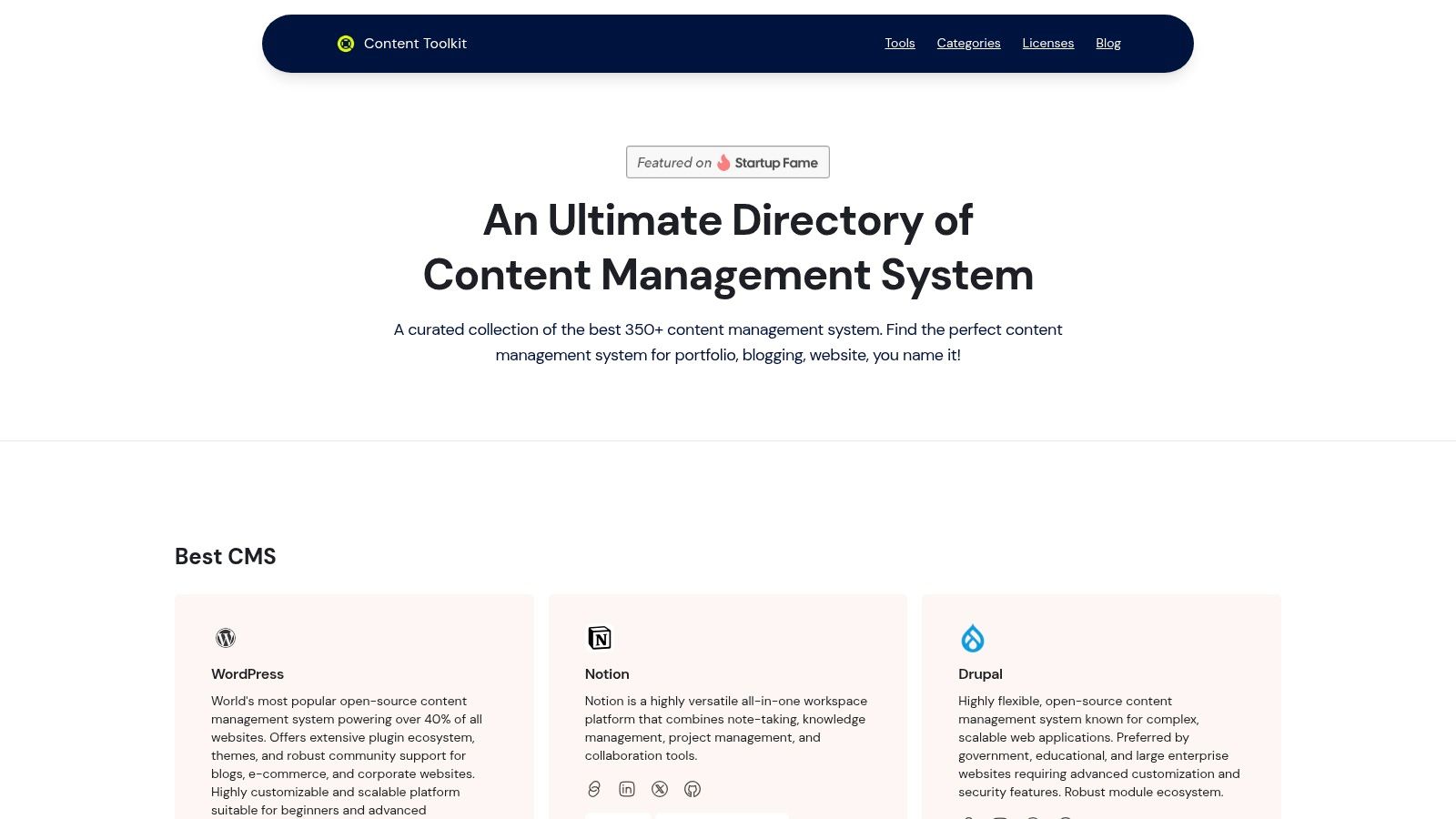
Its primary strength lies in its powerful and intuitive filtering system. Users can quickly narrow the vast landscape of CMS solutions by license type (open-source vs. proprietary), architectural style (monolithic vs. headless), and intended use case (blogging, e-commerce, enterprise). This analytical approach moves beyond generic recommendations, allowing developers, marketers, and business owners to make highly informed decisions based on specific project requirements. For instance, a developer building a modern Jamstack site can filter exclusively for headless options like Payload CMS, while a small business owner can find user-friendly, all-in-one solutions.
The platform’s inclusion of expert blog reviews and up-to-date comparisons for 2025 adds another layer of value, offering qualitative insights that are crucial for strategic planning.
Analysis & Key Information
- Best For: Developers, marketers, and project managers seeking an efficient, data-driven method to compare and select the ideal CMS for any project.
- Key Strength: An extensive, meticulously categorized database of over 350 CMS options, complete with powerful filtering that saves significant research time.
- Pricing/Access: The directory is completely free to access and use. Users navigate to individual CMS providers for specific pricing details.
- Practical Tip: Use the filtering system to create a shortlist based on your core technical needs (e.g., "headless," "open-source") before diving into the detailed reviews.
Pros & Cons
| Pros | Cons |
|---|---|
| Extensive catalog of 350+ platforms for every use case imaginable | Does not consolidate pricing details, requiring off-site research |
| Detailed categorization by license, features, and developer-friendliness | Acts as a directory; users must visit external sites for CMS hosting or tools |
| Includes industry leaders like WordPress, Drupal, and cutting-edge headless options | |
| Expert reviews and up-to-date comparisons to guide informed decision-making |
Website: https://www.contenttoolkit.co
2. WordPress.com
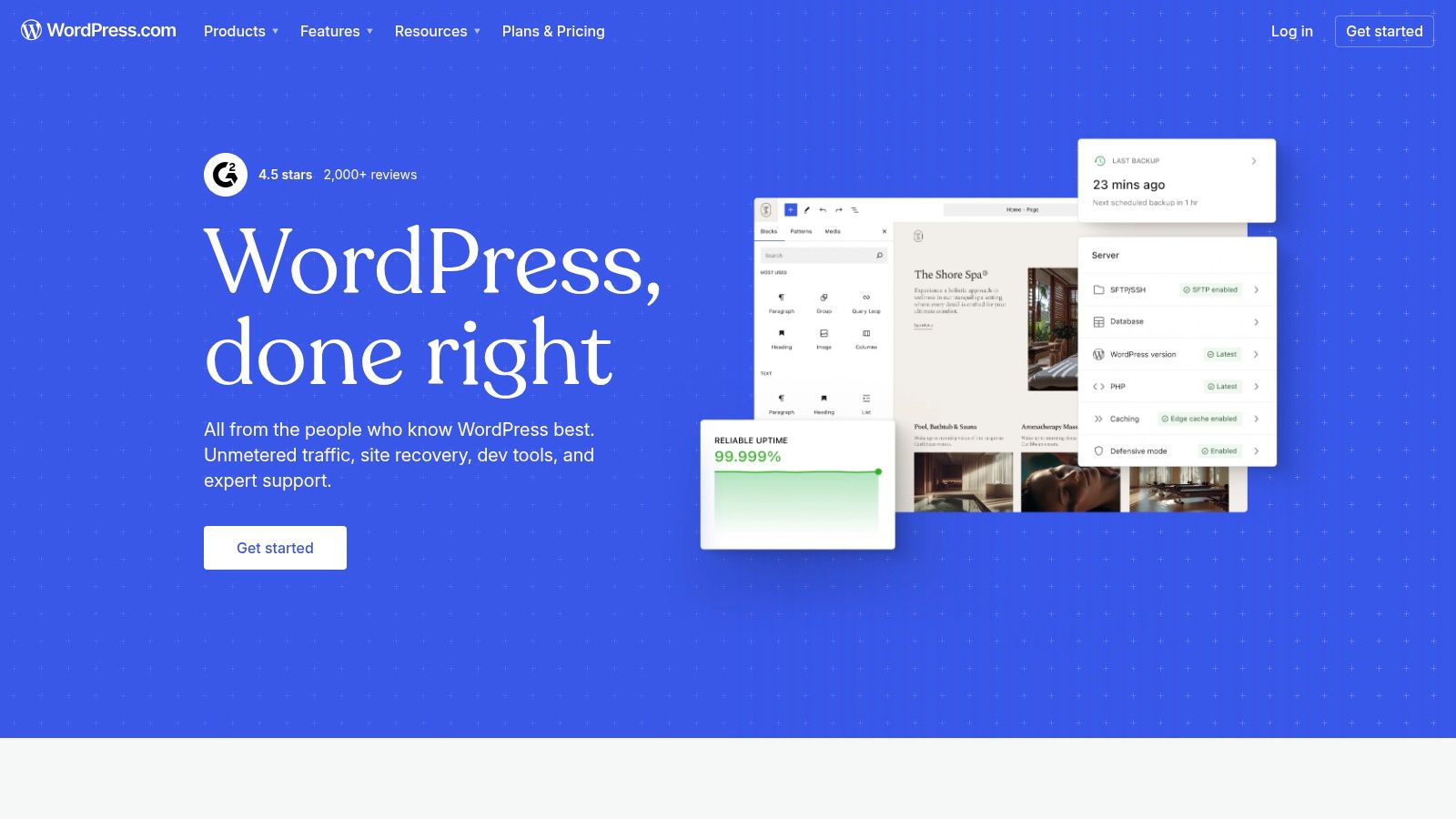
WordPress.com offers the fastest and most streamlined entry point into the WordPress ecosystem, making it an excellent CMS for website development for those who prioritize ease of use over technical control. It is a fully managed, hosted service that eliminates the need for users to handle server administration, security patches, or manual software updates. This allows creators and small businesses to focus entirely on content and design from day one.
Unlike its self-hosted counterpart, WordPress.org, this platform provides an all-in-one package that includes hosting, backups, and security, with tiered plans that cater to different needs, from simple blogs to robust e-commerce sites. The user experience is highly guided, with a simplified dashboard and, more recently, AI-assisted site creation tools to accelerate the setup process.
Key Features and Considerations
The platform’s structure is its defining characteristic. While a free plan exists, unlocking the full power of WordPress, including custom plugins and advanced themes, requires a subscription to the Business plan or higher. This is a crucial distinction for developers or businesses planning significant customization. For those interested in a deeper dive into the platform's capabilities, you can find a comprehensive breakdown in our detailed overview of WordPress.com.
- Best For: Bloggers, small business owners, and beginners who want the power of WordPress without the technical overhead.
- Pros: Extremely fast setup, managed security and updates, scalable plans, and 24/7 support.
- Cons: Limited customization on lower-tier plans; full plugin/theme access is a premium feature. The pricing structure can be complex.
3. WordPress.org
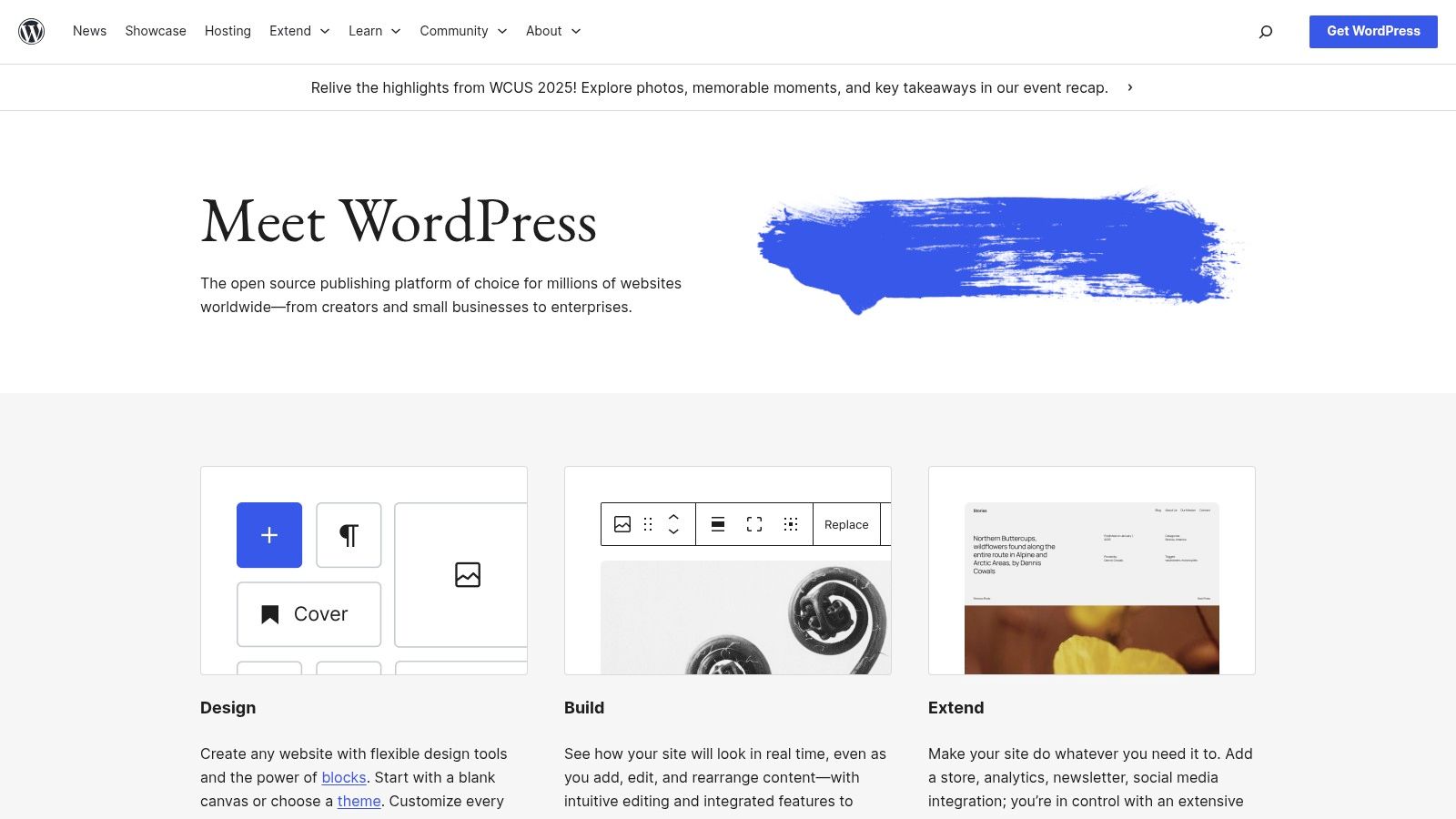
WordPress.org is the open-source, self-hosted software that powers a significant portion of the web, representing the gold standard in customizable CMS for website development. Unlike its managed counterpart, this platform grants you absolute control over every aspect of your website, from the underlying code and database to hosting and security protocols. It is the go-to choice for developers and businesses who require unlimited flexibility and full ownership of their digital assets.
This version of WordPress requires users to arrange their own web hosting and domain name, giving them the freedom to choose a provider that fits their technical and budgetary needs. The platform's true power lies in its vast ecosystem, offering tens of thousands of free and premium themes and plugins that can extend its functionality to build anything from a simple portfolio to a complex enterprise-level application.
Key Features and Considerations
While the core software is free, operational costs include hosting and a domain. The technical responsibility for maintenance, including updates and security, falls on the user, though many managed WordPress hosting providers can alleviate this burden. For a holistic approach to maximizing your WordPress site's potential, consult the ultimate WordPress optimization guide for advanced strategies.
- Best For: Developers, businesses, and users who demand full control, scalability, and endless customization options.
- Pros: Complete ownership and control over data and code, infinite customization potential, and a massive community for support.
- Cons: A steeper learning curve; requires users to manage hosting, security, and updates.
4. Wix
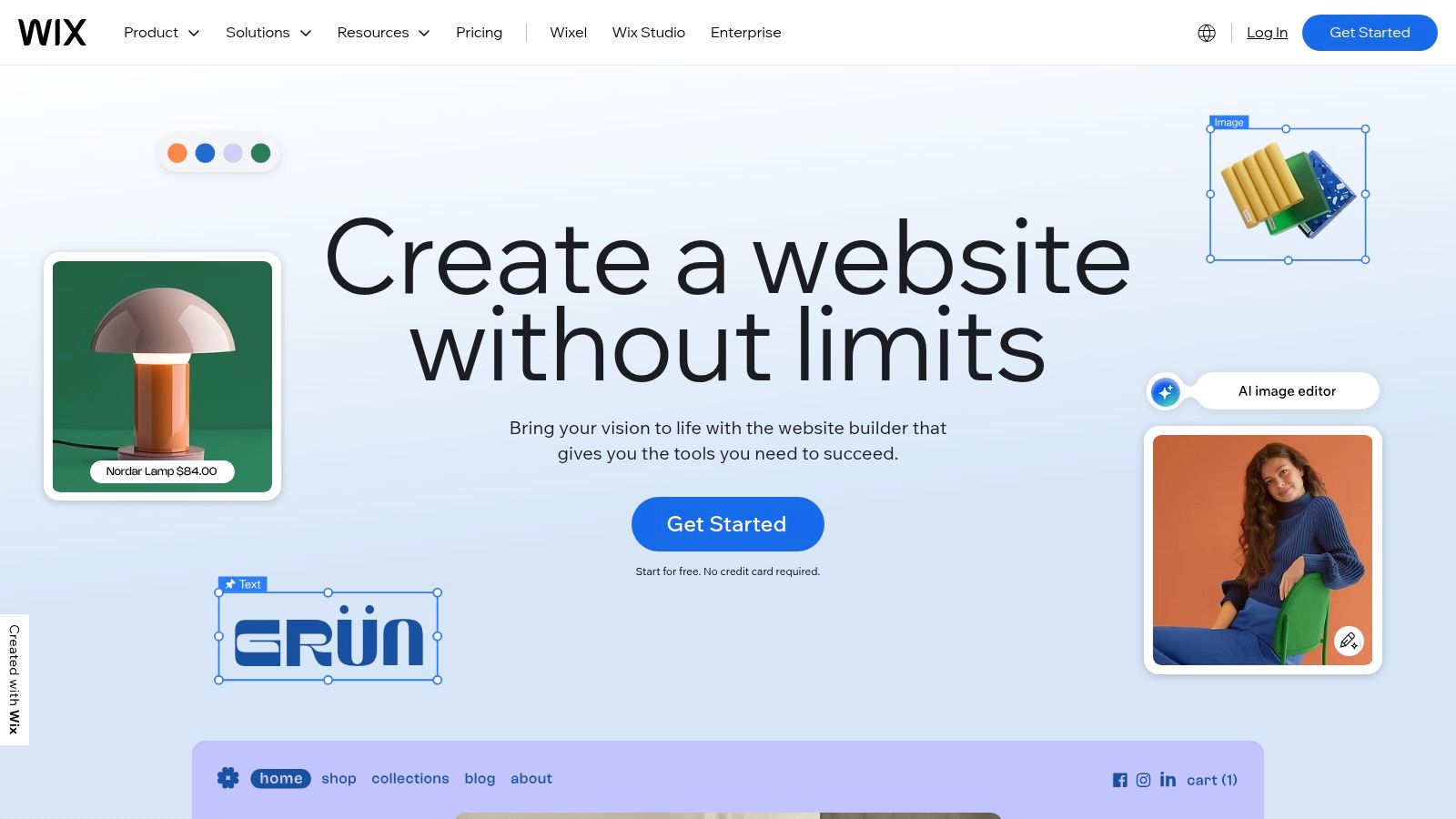
Wix has cemented its position as a leading hosted website builder by integrating a surprisingly robust CMS for website development into an accessible, design-forward platform. It’s an all-in-one solution that bundles hosting, security, and a vast suite of business tools, making it ideal for small businesses, entrepreneurs, and creatives who need a professional online presence without a steep learning curve. The platform's core strength lies in its intuitive drag-and-drop editor, which empowers users to achieve pixel-perfect designs.
More recently, Wix has enhanced its offering with powerful AI site creation tools (Wix ADI) that can generate a complete website in minutes based on user prompts. This, combined with integrated e-commerce, booking systems, and marketing features, creates a comprehensive ecosystem for launching and growing a digital presence from a single dashboard.
Key Features and Considerations
Wix operates on a tiered subscription model, with a free, ad-supported plan available for basic use. To connect a custom domain and unlock business functionalities, users must upgrade to a premium plan. While its ease of use is a major selling point, this comes with a trade-off: as a proprietary, closed-source platform, migrating a Wix site to another host is nearly impossible. For a deeper analysis of how it stacks up against other platforms, you can learn more about website builder CMS solutions.
- Best For: Small business owners, artists, and service providers who value speed and design simplicity over backend control.
- Pros: Extremely user-friendly drag-and-drop interface, extensive app market, and a complete suite of integrated business tools.
- Cons: Limited ability to export data or migrate the site; customization can be restricted compared to open-source systems.
5. Squarespace
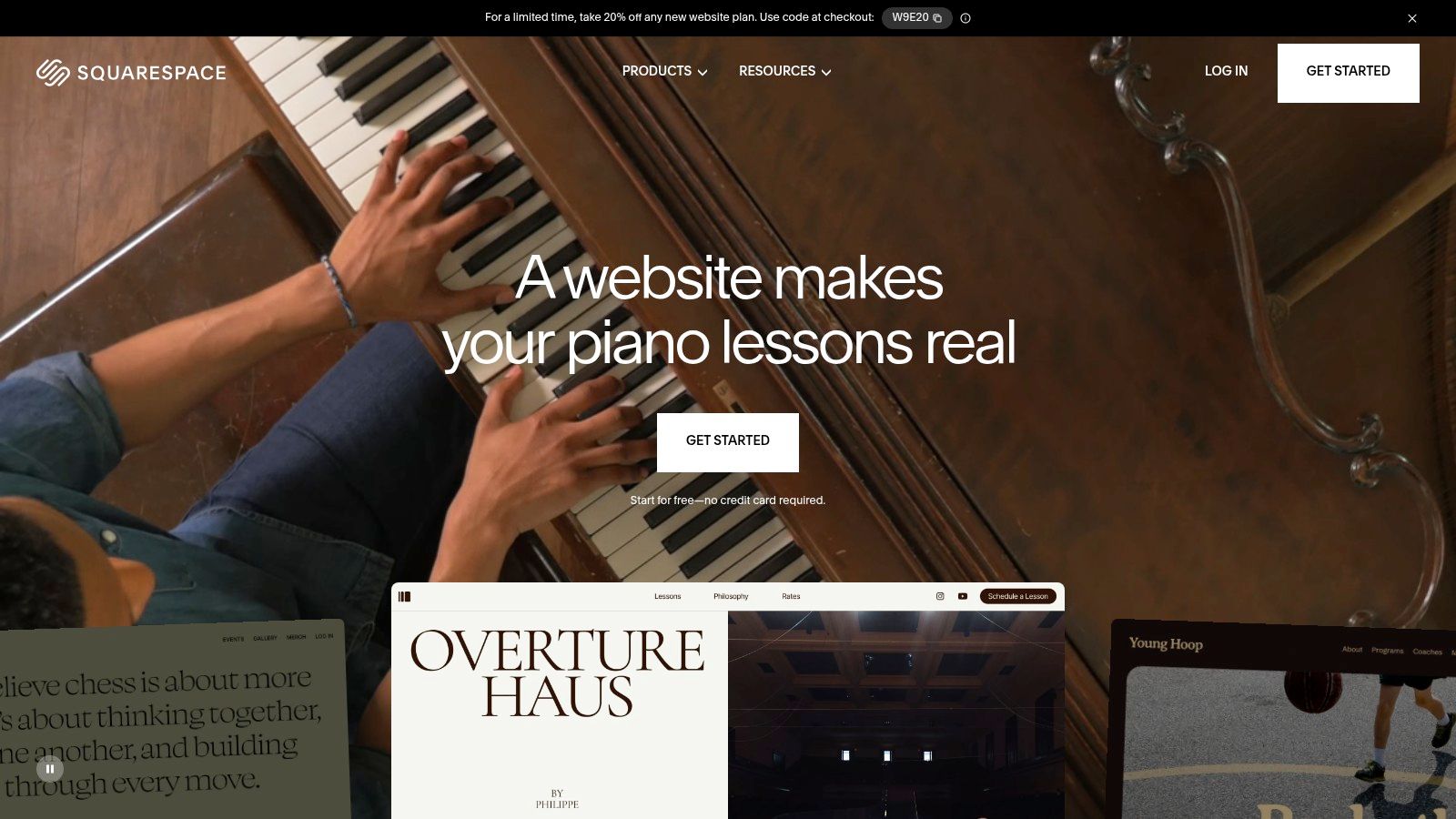
Squarespace has carved out a niche as the design-first CMS for website development, appealing to creatives, brands, and small businesses that prioritize aesthetics and brand consistency. It is a fully hosted, all-in-one platform where visually stunning websites can be created with minimal technical skill. The platform’s core strength lies in its award-winning, curated templates that provide a polished and professional foundation right out of the box.
This integrated approach means hosting, security, domains, and core functionalities like e-commerce and marketing are built directly into the system. Users interact with a sophisticated what-you-see-is-what-you-get (WYSIWYG) editor, allowing for direct manipulation of content and layout blocks without touching a line of code. This makes it a powerful choice for users who want a high-quality online presence without the steep learning curve of more complex systems.
Key Features and Considerations
Squarespace operates on a subscription model, with no permanent free plan available, though a 14-day free trial allows users to build their site before committing. Its ecosystem is more closed than open-source alternatives, meaning customization is limited to the tools and integrations provided. However, for its target audience, the platform’s built-in features for e-commerce, scheduling, memberships, and email marketing often cover all necessary bases, simplifying the tech stack significantly. You can explore its features at squarespace.com.
- Best For: Artists, designers, photographers, restaurants, and small e-commerce businesses that need a visually striking website without deep technical customization.
- Pros: Beautiful, award-winning templates; an all-in-one platform with hosting and security included; intuitive drag-and-drop editor.
- Cons: Less extensible than open-source platforms; no permanent free plan; customization is limited to the platform’s toolset.
6. Shopify
Shopify is a commerce-first platform that functions as a highly specialized CMS for website development dedicated to online retail. It provides a comprehensive, all-in-one solution for building, managing, and scaling an e-commerce business. The platform's core strength lies in its tightly integrated ecosystem, which handles everything from storefront design and product management to secure payments and shipping logistics, freeing merchants to focus on sales and marketing.
Its architecture is engineered for speed, security, and reliability, offering a fully hosted environment that eliminates the technical burdens of server maintenance. The setup process is streamlined for rapid deployment, allowing even non-technical users to launch a professional-grade online store quickly. With an intuitive dashboard and an extensive app marketplace, users can easily extend functionality to support everything from dropshipping to multichannel sales across social media and physical locations.

Key Features and Considerations
While Shopify excels at e-commerce, its content management capabilities are more store-centric than a traditional CMS. The blogging and page creation tools are functional but less flexible than platforms built primarily for content. This trade-off is central to its design philosophy: it prioritizes transactional efficiency above all else. For a closer look at its e-commerce capabilities, explore our guide to the best CMS platforms for e-commerce.
- Best For: Entrepreneurs, retailers, and businesses of all sizes where online sales are the primary objective.
- Pros: Best-in-class e-commerce tools, excellent scalability from small shops to large enterprises, and a vast app ecosystem.
- Cons: Content management is less robust than dedicated CMS platforms; transaction fees apply if not using Shopify Payments.
7. Webflow
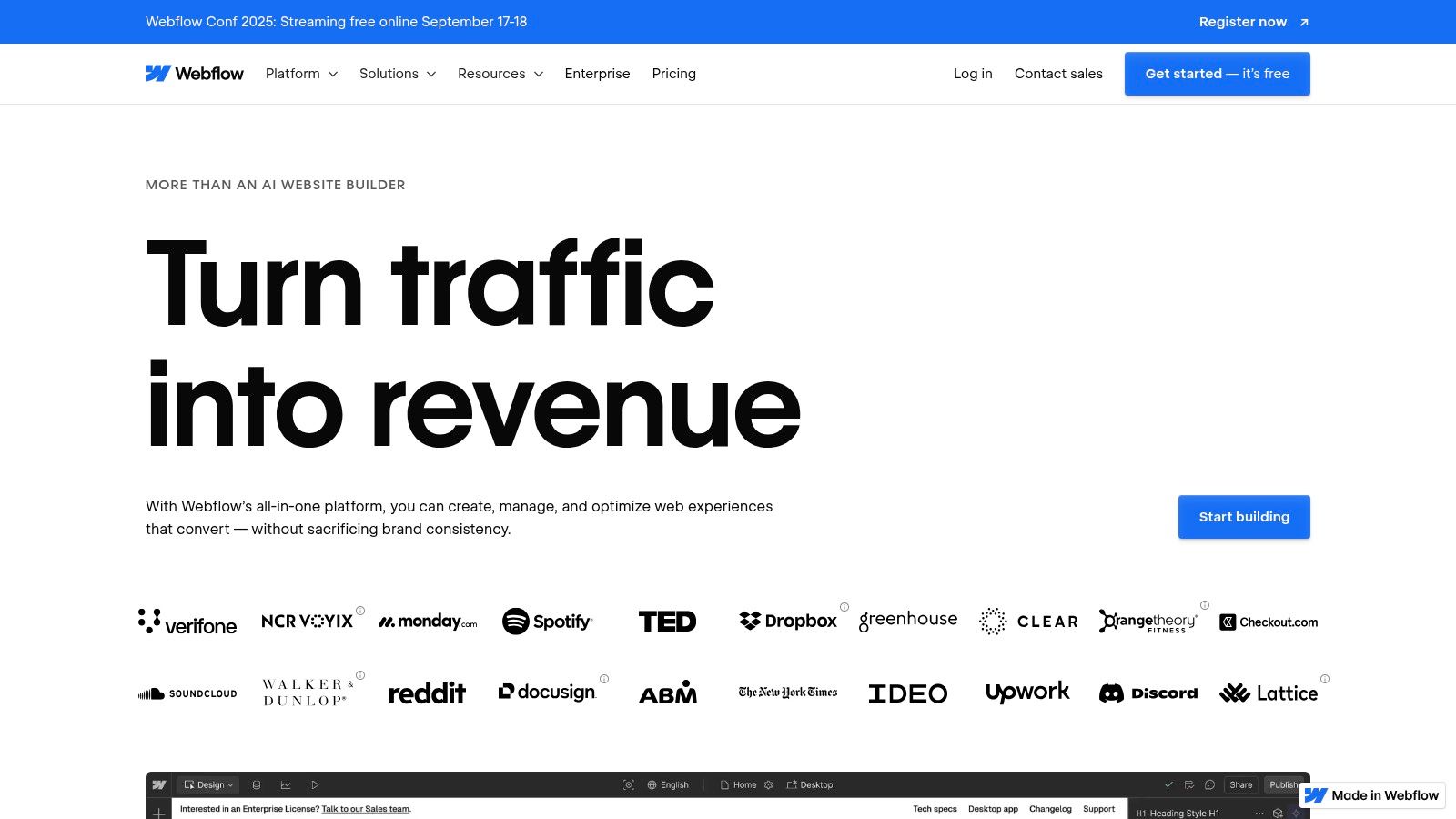
Webflow bridges the gap between no-code platforms and traditional development, establishing itself as a premier CMS for website development for designers and marketing teams. It offers a visual canvas that translates design decisions directly into clean, semantic code, giving users pixel-perfect control without writing a single line. This approach combines the creative freedom of a design tool with the robust content management and hosting capabilities of a modern CMS.
The platform is built around its powerful visual designer, which is complemented by an integrated CMS for creating dynamic content collections. This makes it ideal for building everything from sophisticated marketing sites and content hubs to interactive landing pages. Managed, enterprise-grade hosting is included, handling security, scalability, and performance automatically so teams can focus entirely on creating exceptional digital experiences.
Key Features and Considerations
Webflow’s model is distinct; pricing is structured per-site, with costs scaling based on traffic, CMS items, and additional features like localization or advanced security. While its e-commerce functionality is growing, it is not as comprehensive as dedicated platforms like Shopify. For those building with Webflow, exploring a Webflow integration for enhanced analytics and A/B testing can provide valuable insights for website optimization and performance tracking.
- Best For: Designers, marketing teams, and agencies needing granular design control without managing servers.
- Pros: Unmatched pixel-precise design control, high-performance managed hosting, and a powerful visual CMS.
- Cons: The per-site pricing model can become expensive with multiple projects or add-ons. Its e-commerce features are less mature than competitors.
8. Drupal.org
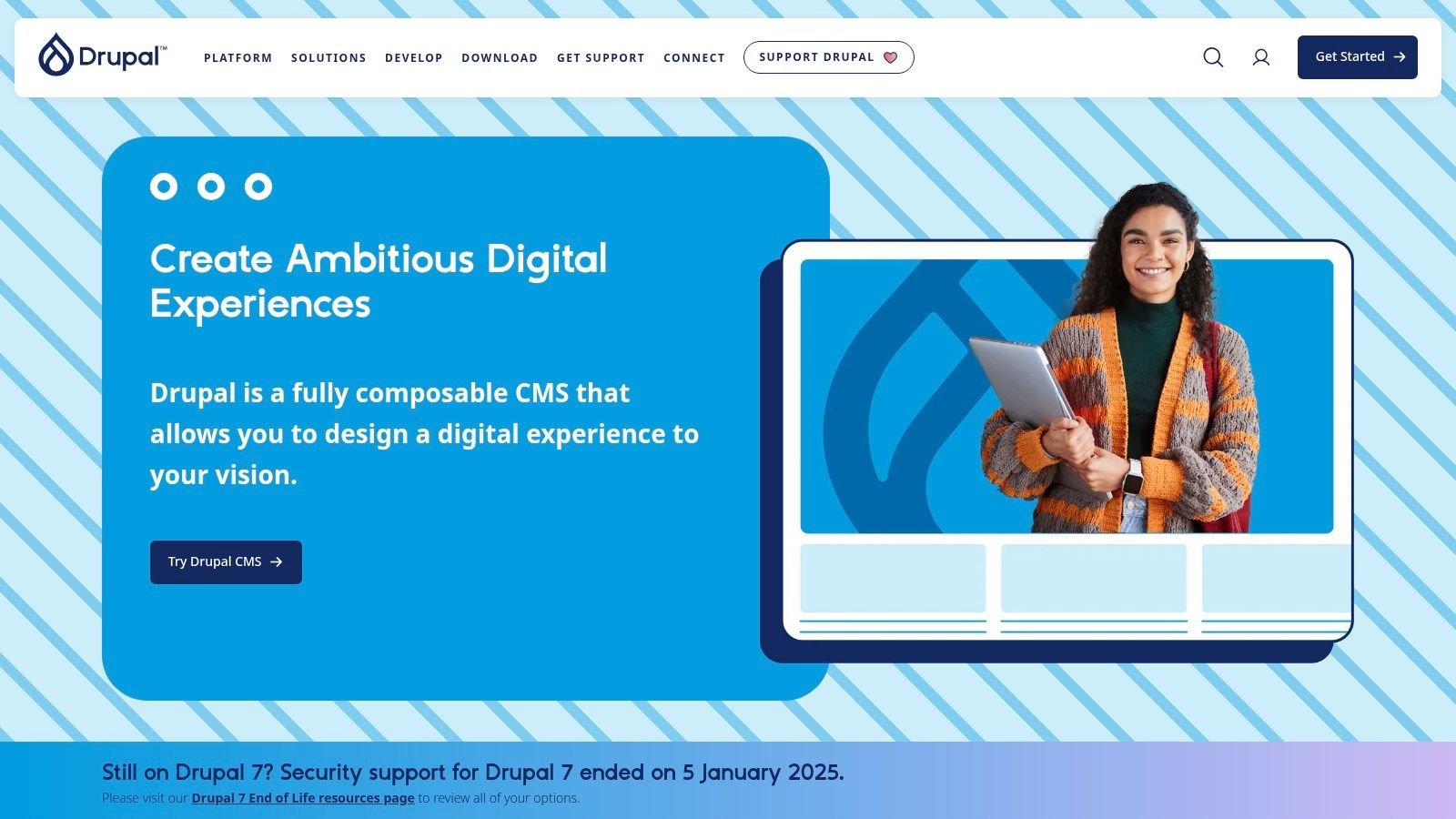
Drupal is an enterprise-grade, open-source CMS for website development revered for its power, flexibility, and robust security architecture. It excels at handling complex, large-scale, and content-heavy sites, making it a go-to choice for government, higher education, and global enterprise applications. Its API-first approach and highly structured content capabilities allow developers to build sophisticated digital experiences that go far beyond traditional websites.
The platform is designed for performance and scalability, featuring advanced caching mechanisms and support for multilingual functionality right out of the box. Drupal empowers organizations with intricate editorial workflows, enabling granular control over content creation, review, and publication processes. This makes it ideal for large teams managing a high volume of structured data across multiple channels.
Key Features and Considerations
As a self-hosted, open-source platform, Drupal offers unparalleled freedom but comes with significant responsibility. While the core software from Drupal.org is free, the total cost of ownership includes hosting, development, and ongoing maintenance, which typically requires professional expertise. Its modular system, built around "modules" and "themes," allows for nearly limitless customization.
- Best For: Large enterprises, government agencies, universities, and organizations needing highly secure, scalable, and complex websites with structured content.
- Pros: Extremely flexible and robust for complex builds, exceptional security supported by a dedicated team, and a strong, active developer community.
- Cons: A steep learning curve that almost always requires specialized developer resources, making it less accessible for beginners or small projects.
9. Joomla.org
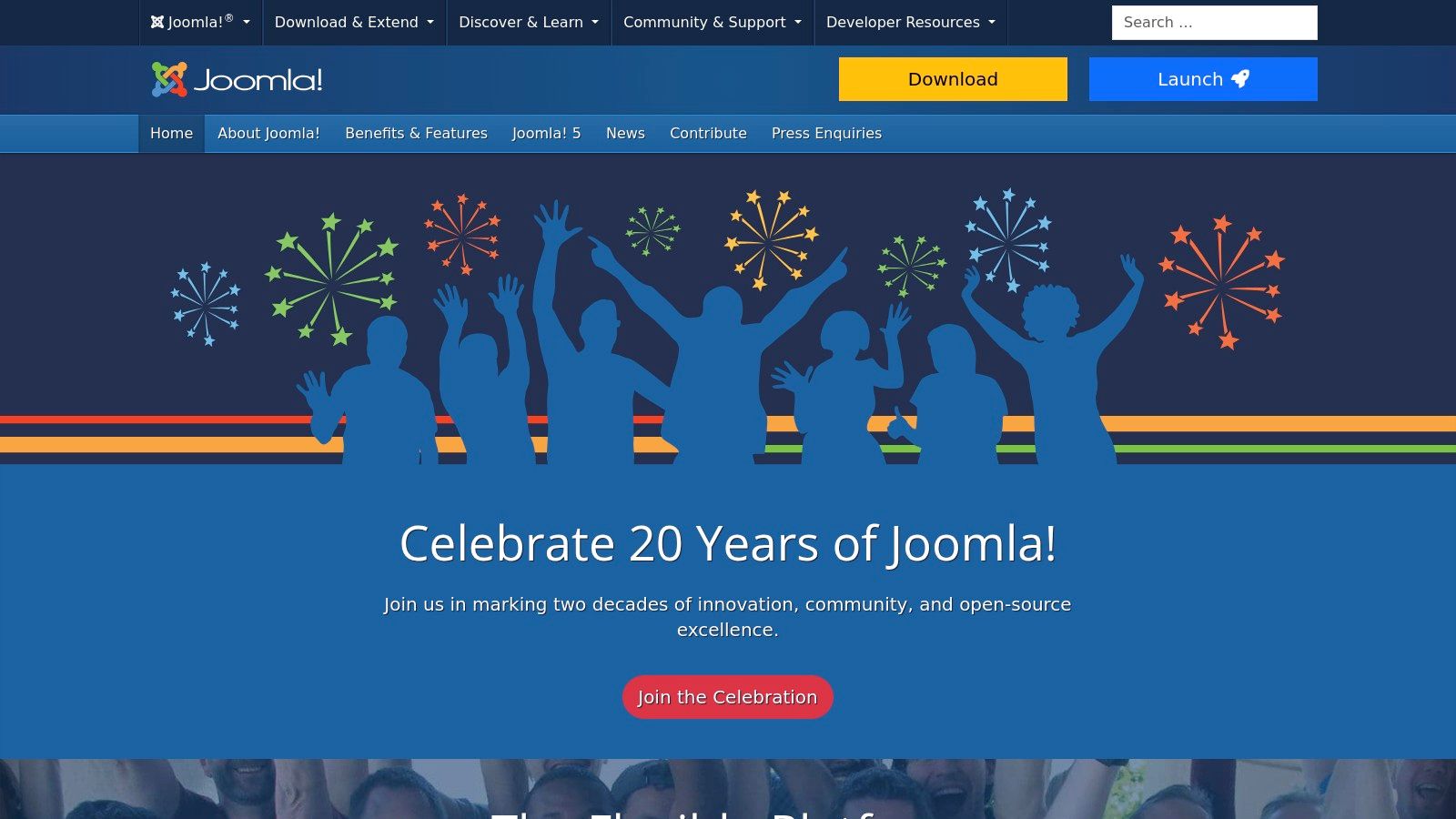
Joomla.org stands as a powerful and flexible open-source CMS for website development, carving out a niche between the simplicity of WordPress and the complexity of Drupal. It is renowned for its robust features right out of the box, including advanced user access control (ACL), built-in multilingual support, and sophisticated menu management. This makes it an ideal choice for community-driven websites, complex portals, and applications requiring granular permissions.
The platform's architecture is designed for developers who need more control than a typical site builder offers but want a more user-friendly interface than more developer-centric frameworks. Its extensive library of over 8,000 extensions allows for significant customization, enabling the creation of everything from government websites to intricate online magazines.
Key Features and Considerations
Joomla’s core strength lies in its balance of power and usability. The built-in support for over 70 languages is a significant advantage for global projects, complemented by strong SEO and SEF (Search Engine Friendly) tools. While it requires self-hosting, its mature community provides extensive documentation and support. For a deeper analysis of its capabilities, see our in-depth review of Joomla.org.
- Best For: Social networking sites, community portals, and complex websites that require fine-grained access controls.
- Pros: Excellent built-in multilingual and user management capabilities, highly flexible, and a large library of extensions.
- Cons: Has a steeper learning curve than WordPress and a smaller ecosystem of themes and plugins.
10. Ghost.org (Ghost(Pro))
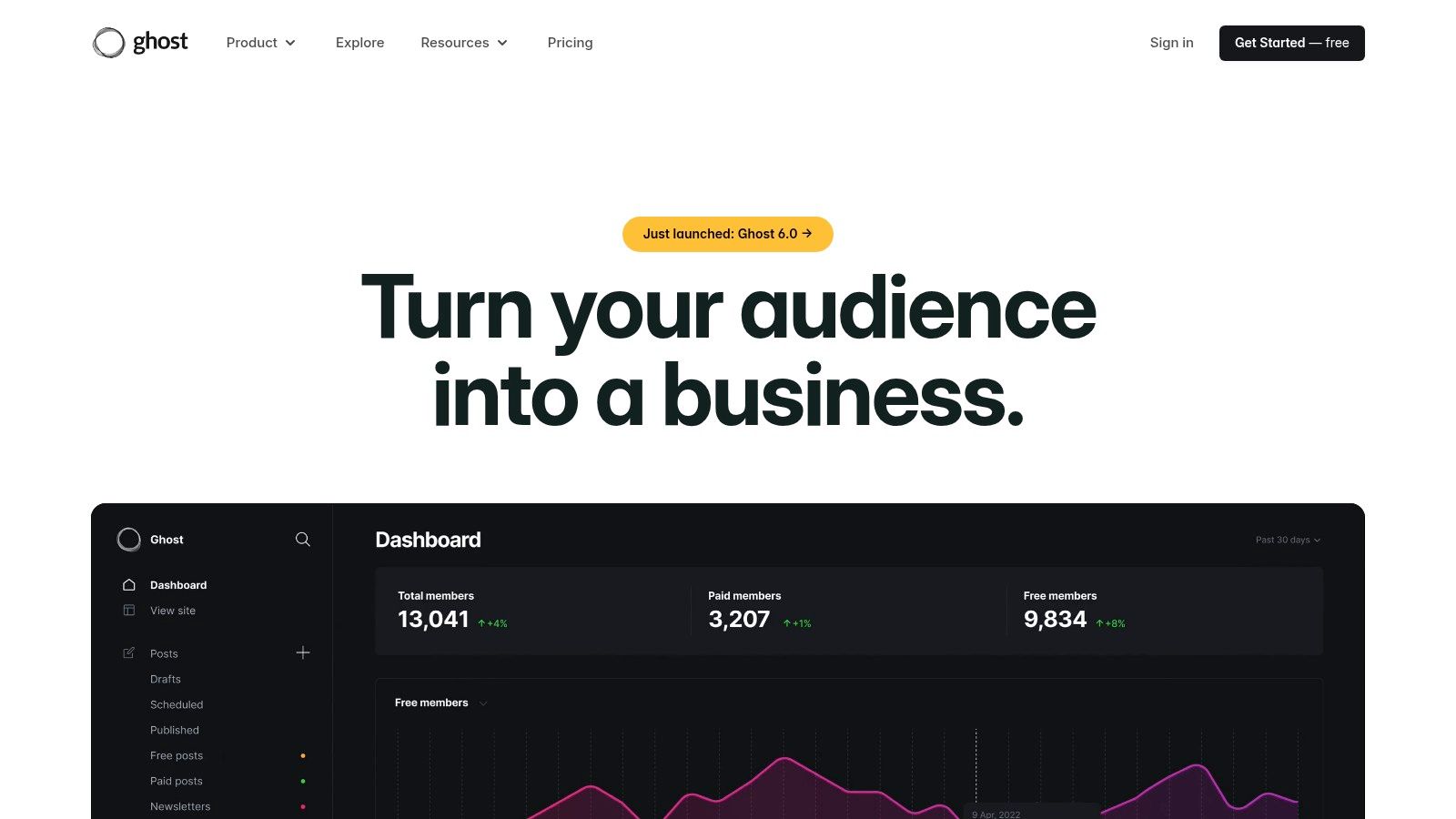
Ghost is a modern, independent publishing platform designed specifically for creators, bloggers, and media businesses. It stands out as a powerful CMS for website development by stripping away the complexity of traditional systems and focusing on a core set of tools for content creation, newsletters, and paid memberships. This minimalist approach provides an incredibly clean and fast writing experience, allowing creators to concentrate on their craft rather than on technical maintenance.
The platform is offered as a fully managed service, Ghost(Pro), or as open-source software for self-hosting. Its standout feature is the native integration of monetization tools. Creators can effortlessly launch paid newsletters and membership sites using a direct Stripe integration, creating a sustainable business model without relying on third-party plugins or complex workarounds. The user interface is sleek, intuitive, and built for performance, ensuring a superior experience for both the publisher and the reader.
Key Features and Considerations
Ghost’s primary advantage is its all-in-one model for modern publishing. The seamless connection between content, email distribution, and payments makes it a formidable competitor to platforms like Substack or Medium, but with far greater design control and ownership. Pricing for the managed Ghost(Pro) service is based on audience size, making it a scalable solution that grows with the creator's business.
- Best For: Independent writers, journalists, podcasters, and online publishers focused on building a direct-to-consumer media brand.
- Pros: Excellent for content-first sites, native monetization and newsletter features, and a simpler, faster technology stack than general-purpose CMSs.
- Cons: Not designed for complex e-commerce or product catalogs. The theme and integration ecosystem is smaller compared to WordPress.
11. HubSpot Content Hub (formerly CMS Hub)
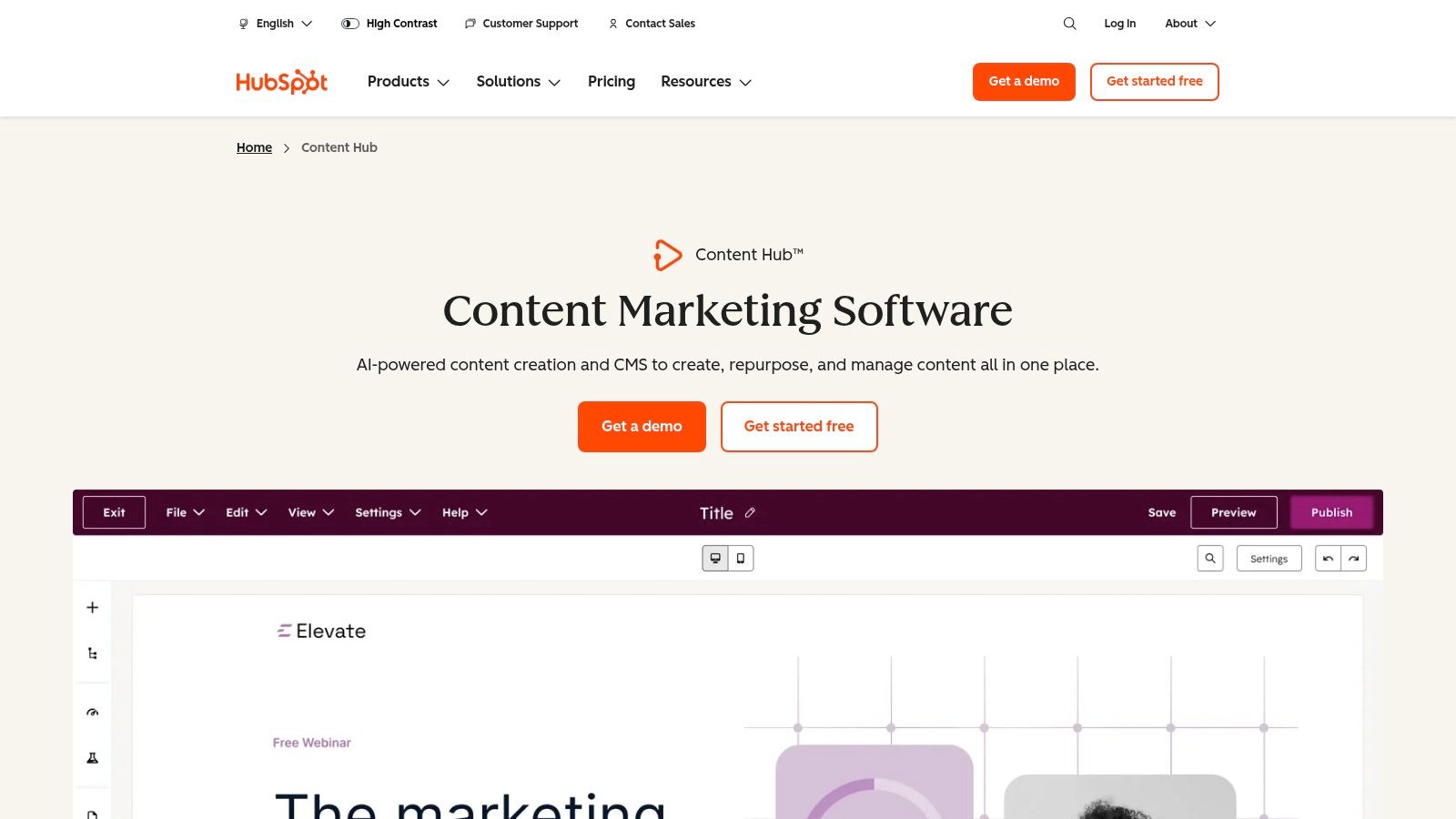
HubSpot Content Hub is a fully integrated CMS for website development built on the foundation of its powerful CRM platform. It is designed specifically for marketing teams that need to deliver personalized, data-driven content experiences while maintaining strong governance and scalability. The platform combines intuitive drag-and-drop editing with sophisticated marketing automation, making it a cohesive solution for businesses aiming to convert website visitors into leads and customers.
Unlike traditional standalone content management systems, Content Hub’s primary strength lies in its native connection to HubSpot’s full suite of marketing, sales, and service tools. This allows for unparalleled personalization, using CRM data to tailor content dynamically for individual users. Features like AI content assistants and the "Content Remix" tool help teams create and repurpose assets efficiently across multiple channels.
Key Features and Considerations
The platform’s all-in-one nature is its core value proposition, providing everything from hosting and security to advanced analytics in one package. Higher-tier plans, such as Enterprise, introduce critical governance features like multi-domain support, detailed user permissions, and sandbox environments for safe development and testing. This makes it a strong contender for larger organizations managing multiple brand properties. You can explore its full capabilities on the official HubSpot Content Hub page.
- Best For: Marketing-focused businesses, B2B companies, and enterprises that need a CMS deeply integrated with a CRM for personalization and lead generation.
- Pros: Deep CRM integration and rich reporting features, strong governance ideal for multi-brand teams, and excellent AI-powered content tools.
- Cons: Higher cost compared to typical SMB site builders; strong vendor lock-in versus the flexibility of open-source options.
12. Contentful
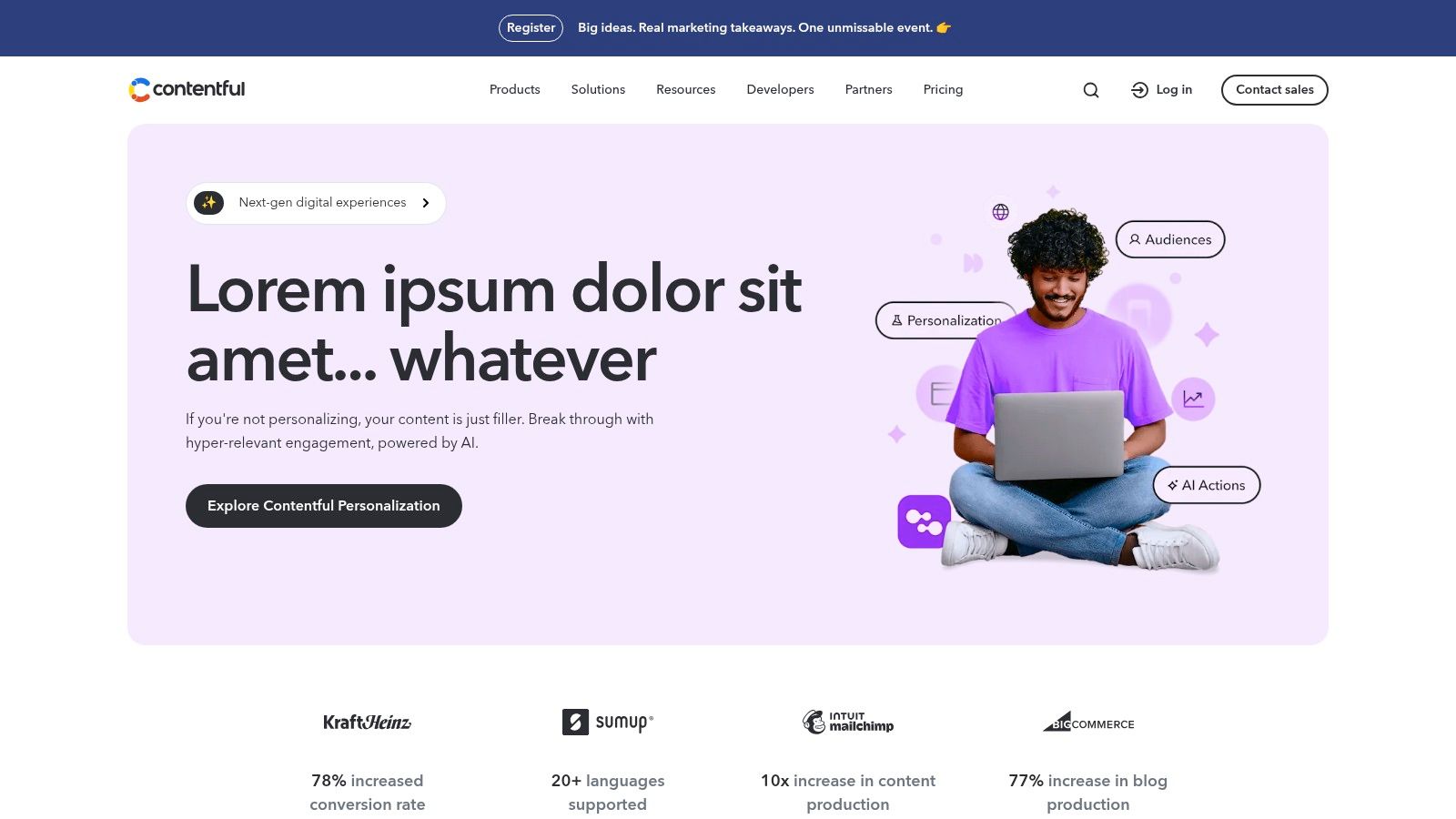
Contentful pioneers the API-first headless CMS model, establishing itself as a premier CMS for website development for teams building composable, omnichannel digital experiences. It functions as a centralized content hub where editors create and manage structured content, which developers can then deliver to any website, mobile app, or device via robust APIs. This "Create Once, Publish Everywhere" (COPE) methodology decouples content from presentation, offering unparalleled flexibility for modern development workflows.
This approach empowers developers to choose any frontend technology (like React, Vue, or Svelte) without being locked into a monolithic system. For content teams, it provides a clean, user-friendly interface focused purely on content creation, collaboration, and localization, abstracting away the technical complexities of the final display layer.
Key Features and Considerations
The core strength of Contentful lies in its developer-centric toolkit, including comprehensive SDKs, GraphQL and REST APIs, and extensive documentation. This makes it a powerful choice for organizations scaling their digital presence. A free community plan is available for individual projects, but enterprise-level features like advanced roles and permissions are part of its premium tiers, where costs can rise significantly based on API calls, users, and content models. For those exploring this architecture, our guide to headless CMS solutions offers a broader perspective.
- Best For: Enterprises, development teams, and businesses needing to deliver content across multiple platforms simultaneously.
- Pros: Future-proofs content strategy, extreme frontend flexibility, excellent developer tools, and scalable infrastructure.
- Cons: Requires dedicated frontend development resources; pricing can become expensive at scale.
CMS Platforms Feature Comparison
| CMS / Platform | Core Features & Flexibility | User Experience & Quality ★ | Value & Pricing 💰 | Target Audience 👥 | Unique Selling Points ✨ |
|---|---|---|---|---|---|
| Content Toolkit 🏆 | 350+ CMS directory, detailed filters, multi-use | ★★★★☆ Comprehensive insights | 💰 Directory, free to use | 👥 Beginners, developers, marketers | ✨ Extensive CMS catalog, expert reviews |
| WordPress.com | Managed hosting, 50k+ plugins, AI site creation | ★★★★☆ Fast setup, 24/7 support | 💰 Free to premium plans | 👥 Bloggers, small biz, ecommerce | ✨ One-click start, scales to ecommerce |
| WordPress.org | Open-source, unlimited customization | ★★★★★ Full control & ownership | 💰 Free core; hosting varies | 👥 Developers, advanced users | ✨ Huge plugin/theme ecosystem |
| Wix | Drag-drop editor, AI tools, ecommerce & bookings | ★★★★☆ Easy start, all-in-one tooling | 💰 Tiered subscription plans | 👥 Small businesses, quick site builders | ✨ Integrated marketing & multi-cloud host |
| Squarespace | Design-first, award-winning templates, ecommerce | ★★★★☆ Beautiful, minimal setup | 💰 Paid plans, no free tier | 👥 Creatives, portfolios, brands | ✨ Polished templates, integrated marketing |
| Shopify | Commerce-focused, integrated payments, POS | ★★★★☆ Best ecommerce tools | 💰 Subscription + transaction fees | 👥 Ecommerce merchants | ✨ Multichannel sales, partner ecosystem |
| Webflow | Visual design, CMS collections, headless APIs | ★★★★☆ Designer control, no coding | 💰 Per-site pricing, add-ons | 👥 Designers, no-code devs | ✨ Pixel-perfect design, enterprise hosting |
| Drupal.org | Enterprise-grade, multilingual, secure | ★★★★☆ Flexible, strong security | 💰 Free open-source; hosting costs | 👥 Large enterprises, performance-critical | ✨ Complex workflows, API-first architecture |
| Joomla.org | Open-source, ACL, multilingual, 8k+ extensions | ★★★☆☆ Mature, flexible core | 💰 Free core; hosting varies | 👥 Mid-level users, multisite setups | ✨ Strong multilingual & access control |
| Ghost.org (Ghost(Pro)) | Creator-focused, newsletters, paid memberships | ★★★★☆ Clean writing, SEO-friendly | 💰 Managed + self-host options | 👥 Content creators, bloggers | ✨ Native subscriptions & monetization |
| HubSpot Content Hub | CRM-integrated CMS, AI tools, personalization | ★★★★☆ Deep marketing features | 💰 Premium pricing | 👥 Marketing teams, enterprises | ✨ CRM integration, governance tools |
| Contentful | API-first headless CMS, structured content | ★★★★☆ Flexible multi-channel delivery | 💰 Usage-based pricing | 👥 Developers building composable apps | ✨ COPE model, GraphQL APIs |
Making Your Final CMS Choice
Navigating the crowded landscape of content management systems can feel overwhelming, but the extensive analysis in this guide demonstrates a crucial point. The quest for the best CMS for website development isn't about finding a single, universally superior platform; it's about identifying the one that precisely aligns with your unique project requirements, technical capabilities, and long-term strategic vision. Each tool we've explored occupies a specific niche, excelling in different scenarios and catering to distinct user profiles.
Your final decision should be a direct reflection of your project's core needs. If you prioritize rapid deployment and an intuitive, non-technical user experience, a hosted website builder like Wix or Squarespace offers a clear path to a professional online presence. Conversely, for those who demand absolute control, deep customization, and scalability, the open-source ecosystems of WordPress.org and Drupal provide unparalleled power, albeit with a steeper learning curve.
Synthesizing Your Options
The choice becomes clearer when you categorize platforms by their primary strengths. For instance, Shopify remains the gold standard for dedicated e-commerce ventures, offering a robust, secure, and integrated solution for online retail. In the rapidly growing creator economy, Ghost provides a specialized, membership-focused toolkit that WordPress cannot match out of the box.
For teams operating at the intersection of marketing and sales, HubSpot Content Hub delivers an all-in-one platform where the CMS is deeply integrated with powerful CRM and marketing automation tools. Meanwhile, modern development workflows are increasingly favoring platforms like Webflow, which masterfully blends visual design with clean code generation, and headless solutions like Contentful, which offer ultimate front-end freedom for ambitious, multi-channel digital experiences.
Actionable Next Steps for Your CMS Selection
Before you commit, it's vital to move from analysis to action. A structured evaluation process will ensure your chosen CMS for website development is a strategic asset, not a technical liability.
- Define Your Core Requirements: Create a detailed document outlining your must-have features (e.g., multilingual support, e-commerce functionality, specific integrations) versus your nice-to-have features.
- Assess Your Technical Resources: Be honest about your team's skills. Do you have in-house developers comfortable with PHP, or does your team consist primarily of marketers and content creators who need a no-code solution?
- Project Future Growth: Consider your five-year plan. Will your chosen platform scale with increased traffic, content volume, and feature complexity? Migrating a website is a significant undertaking, so choosing with foresight is critical.
- Leverage Trial Periods: Almost every commercial platform offers a free trial or a limited free plan. Use these opportunities to build a small prototype of your site. This hands-on experience is invaluable for assessing usability and workflow.
- Explore Comparison Tools: For a final check, utilize a comprehensive resource like the Content Toolkit to compare your top contenders on a granular level, ensuring no critical feature has been overlooked.
Ultimately, selecting a CMS is a foundational decision that will impact your digital strategy for years to come. By carefully weighing the trade-offs between ease of use, flexibility, cost, and scalability, you can confidently choose a platform that not only meets your current needs but also empowers your future growth.