Best CMS System 2025: Top 12 Platforms You Can Trust
Discover the best cms system for your needs in 2025. Explore our top 12 platforms to build your website with confidence and ease.

The term 'best' is subjective, especially when it comes to a Content Management System (CMS). The right choice depends entirely on your project's scale, technical expertise, and specific business goals. Are you launching a personal blog, a global e-commerce empire, or a complex enterprise portal? Each scenario demands a fundamentally different toolset. This guide moves beyond marketing jargon to provide a clear, analytical breakdown of the top platforms available today.
We will dissect 12 leading options, evaluating their core strengths, critical limitations, and ideal use cases. This analysis is designed to help you select the best CMS system to build, manage, and scale your digital presence effectively without costly trial and error. Forget generic feature lists; our focus is on practical implementation considerations and real-world performance.
Each entry includes screenshots, direct links, and a concise assessment to help you quickly identify the platforms that align with your needs. Whether you're a developer seeking API flexibility, a marketer needing integrated tools, or a small business owner requiring an all-in-one solution, this resource will guide you to the right decision. We provide the objective data you need to find a system that not only launches your project but also supports its future growth.
1. WordPress.org
WordPress.org represents the pinnacle of open-source content management, powering a significant portion of the web. As a self-hosted platform, it provides users with complete autonomy over their data, design, and functionality, making it arguably the most versatile and best CMS system for those who prioritize control. The core software is free, but users must procure their own web hosting and domain name.
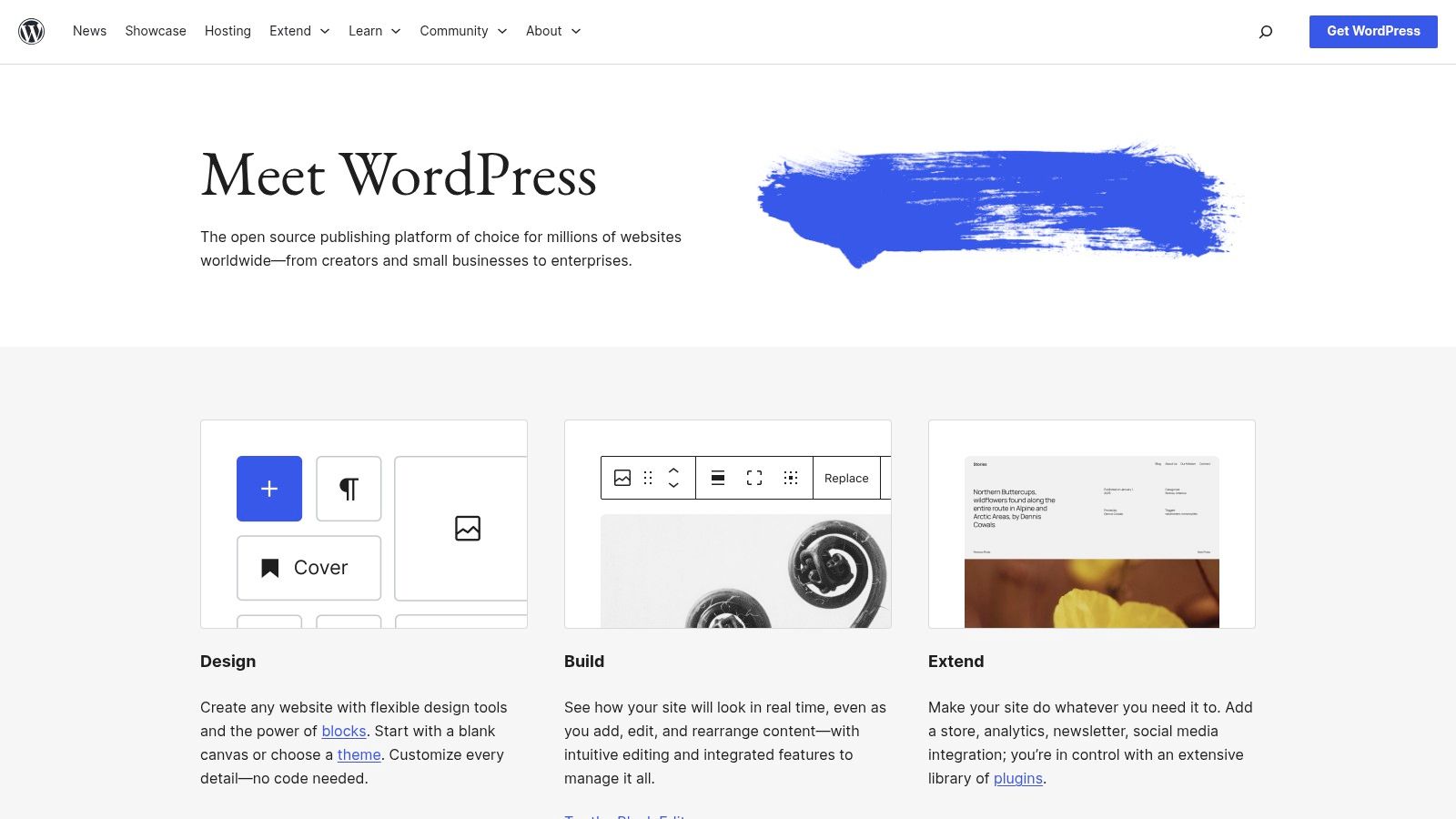
This CMS excels due to its unparalleled ecosystem of themes and plugins, which allows for customization on a scale no other platform can match. From simple blogs to complex e-commerce stores and enterprise-level applications, its flexibility is its greatest strength. However, this freedom comes with responsibility for site maintenance, security, and updates. To ensure your WordPress site ranks well in search results, consider adopting these key WordPress SEO best practices.
Key Considerations
| Aspect | Analysis |
|---|---|
| Best Use Case | Building highly customized websites, blogs, and e-commerce stores with full ownership. |
| Core Strength | Limitless Extensibility: The vast library of free and premium plugins allows for any feature. |
| Limitation | User Responsibility: You are solely responsible for hosting, security, and performance. |
| Pricing | Free core software; costs for hosting, domains, and premium themes/plugins are variable. |
2. WordPress.com
WordPress.com offers a streamlined, fully-hosted version of the world's most popular CMS, designed for users who want the power of WordPress without the technical overhead of server management. As a managed platform, it handles hosting, security, backups, and performance optimization, allowing you to focus purely on content creation and site design. This makes it an excellent choice for bloggers, small businesses, and individuals who prioritize ease of use and a quick setup process.
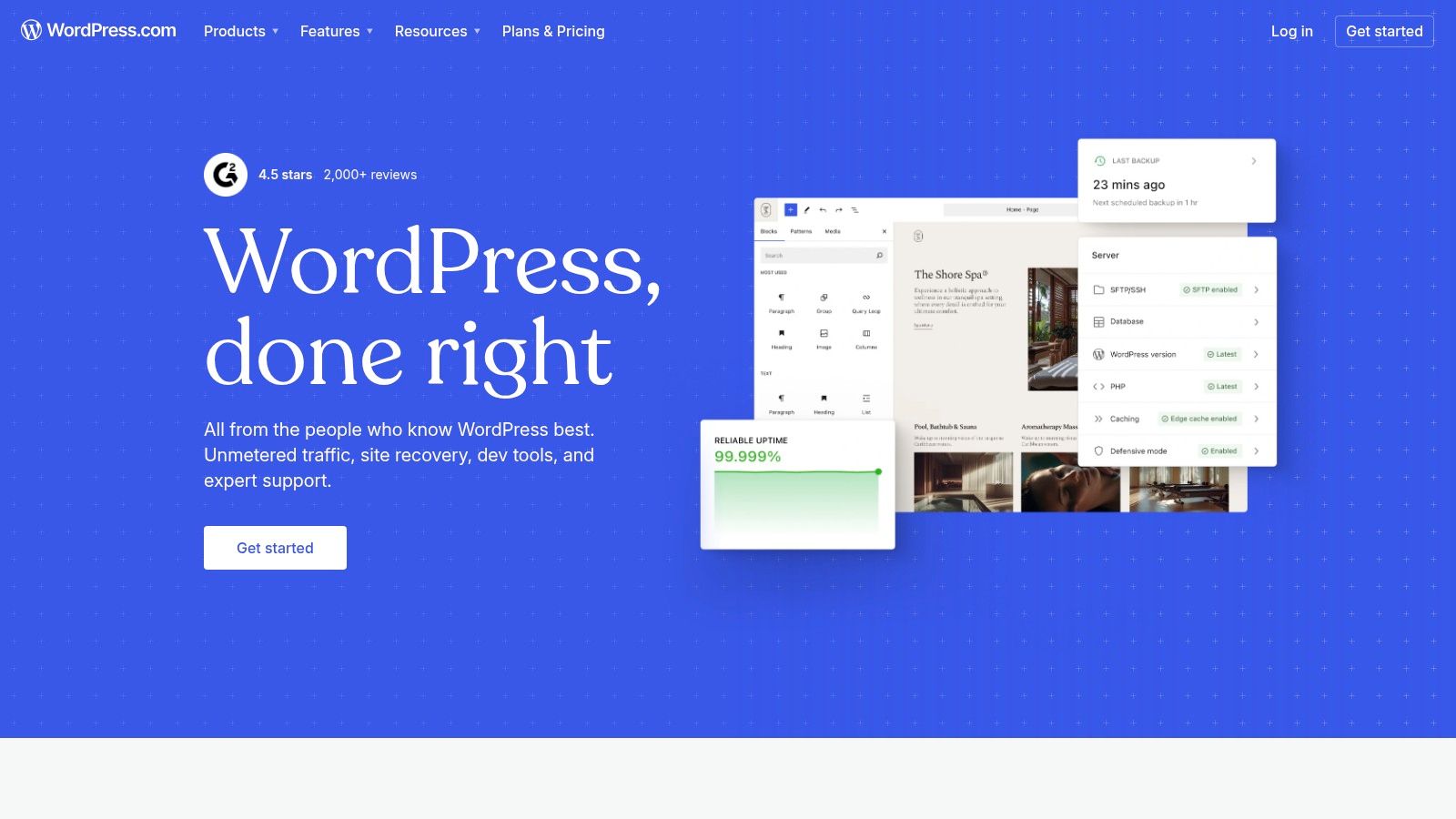
Unlike its self-hosted counterpart, WordPress.com packages everything into tiered subscription plans. Its global infrastructure ensures reliability, while features like built-in analytics and one-click theme installations simplify site administration. Higher-tier plans unlock the ability to install custom plugins and themes, including e-commerce functionality via WooCommerce, making it a scalable solution. This integrated approach solidifies its position as a contender for the best CMS system for a hands-off experience.
Key Considerations
| Aspect | Analysis |
|---|---|
| Best Use Case | Launching personal blogs, portfolios, or small business sites quickly with zero server maintenance. |
| Core Strength | Simplicity and Security: A fully managed environment removes the burden of technical upkeep and security. |
| Limitation | Plan-Based Restrictions: Access to plugins, themes, and monetization tools is dependent on your plan. |
| Pricing | Offers a free plan with limitations; paid plans range from personal to full e-commerce solutions. |
3. Shopify
Shopify has established itself as the premier hosted e-commerce platform, combining powerful commerce tools with intuitive content management capabilities. As an all-in-one, software-as-a-service (SaaS) solution, it removes the technical overhead of hosting and security, allowing merchants to focus on building their brand and selling products. It is engineered for reliability and scalability, making it an excellent CMS system for businesses prioritizing sales conversions and operational simplicity.

The platform excels with its integrated ecosystem, from native payment processing to a vast App Store that extends functionality for marketing, shipping, and more. While its blog and page-building tools are robust, its primary strength lies in commerce. For businesses utilizing the platform, implementing effective Shopify chargeback protection strategies is crucial for maintaining financial health. As you can explore in this CMS systems comparison, Shopify stands out for its specialized e-commerce focus.
Key Considerations
| Aspect | Analysis |
|---|---|
| Best Use Case | Launching and scaling online stores of any size, from startups to large enterprises, with minimal friction. |
| Core Strength | Integrated Commerce Engine: Best-in-class checkout, payment processing, and multi-channel sales tools. |
| Limitation | Content Flexibility: Less adaptable for complex, non-transactional content architectures compared to others. |
| Pricing | Monthly subscription plans plus transaction fees (waived if using Shopify Payments). |
4. Squarespace
Squarespace has carved out a niche as the premier all-in-one platform for visually-driven websites, making it a strong contender for the best CMS system for creatives, portfolios, and small businesses. It combines a polished, drag-and-drop site builder with integrated hosting, e-commerce, and marketing tools. This unified approach eliminates the technical overhead of managing separate services, offering a streamlined path to a professional online presence with predictable costs.
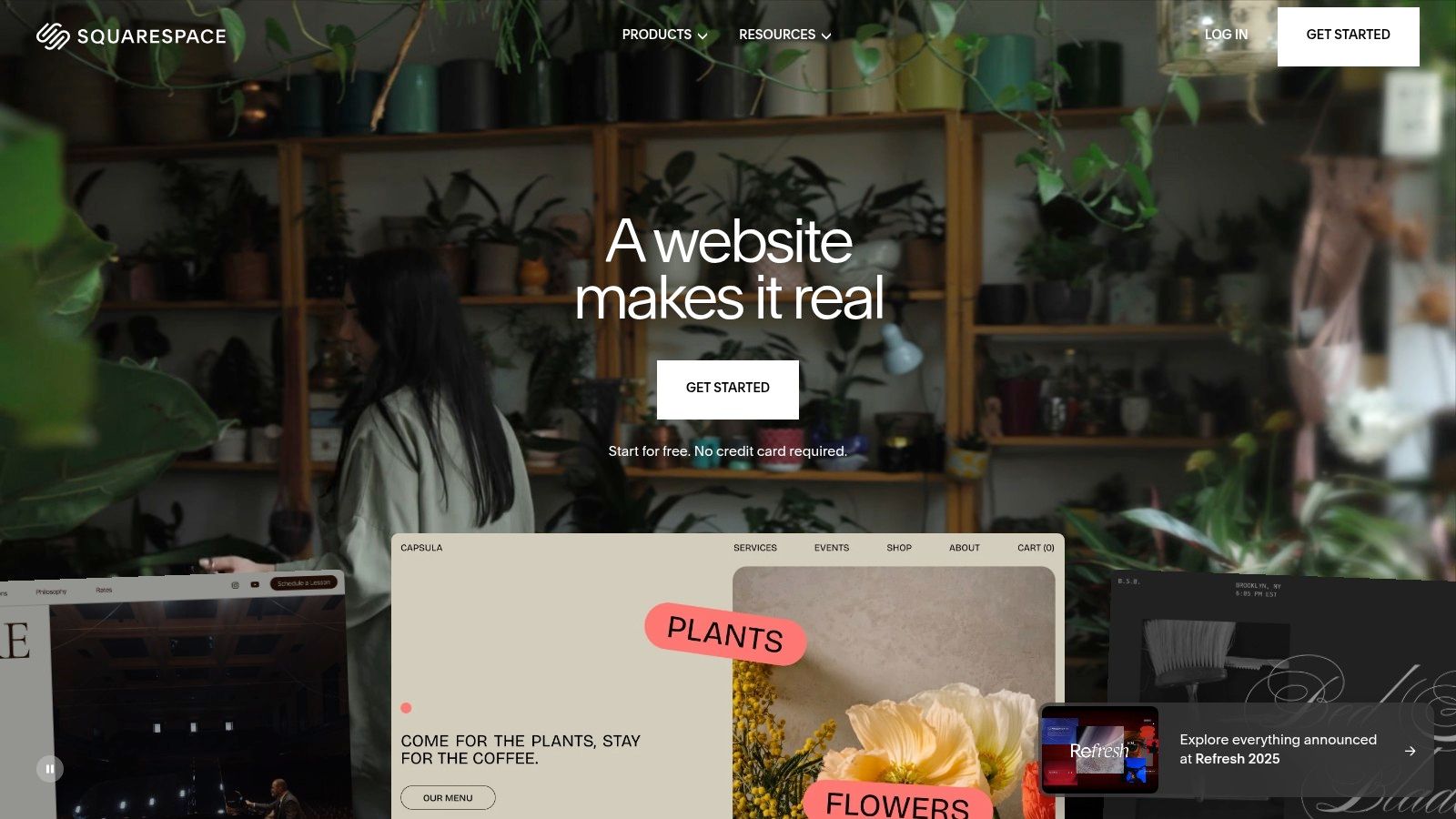
The platform's strength lies in its award-winning, high-quality templates that ensure a designer-grade look right out of the box. While it offers less developer freedom than open-source alternatives, its focus is on providing a curated and reliable user experience. Features like built-in SEO tools, analytics, and robust support for digital products and subscriptions are seamlessly integrated, allowing users to focus on content and commerce rather than complex configurations.
Key Considerations
| Aspect | Analysis |
|---|---|
| Best Use Case | Portfolios, small business websites, and content sites with integrated e-commerce storefronts. |
| Core Strength | Design-First Simplicity: Creating a visually stunning, professional website is exceptionally easy and fast. |
| Limitation | Limited Extensibility: Less developer freedom and customization compared to self-hosted or headless systems. |
| Pricing | All-inclusive subscription plans with tiered pricing based on commerce and marketing features. |
5. Wix
Wix has cemented its position as a leading website builder by prioritizing ease of use and all-in-one functionality. It offers a fully hosted environment, which removes the technical overhead of managing hosting, security, and updates, making it an excellent choice for beginners and small businesses. Users can get started quickly using either its advanced drag-and-drop editor or its AI-powered design tool (Wix ADI) that generates a site based on user inputs.
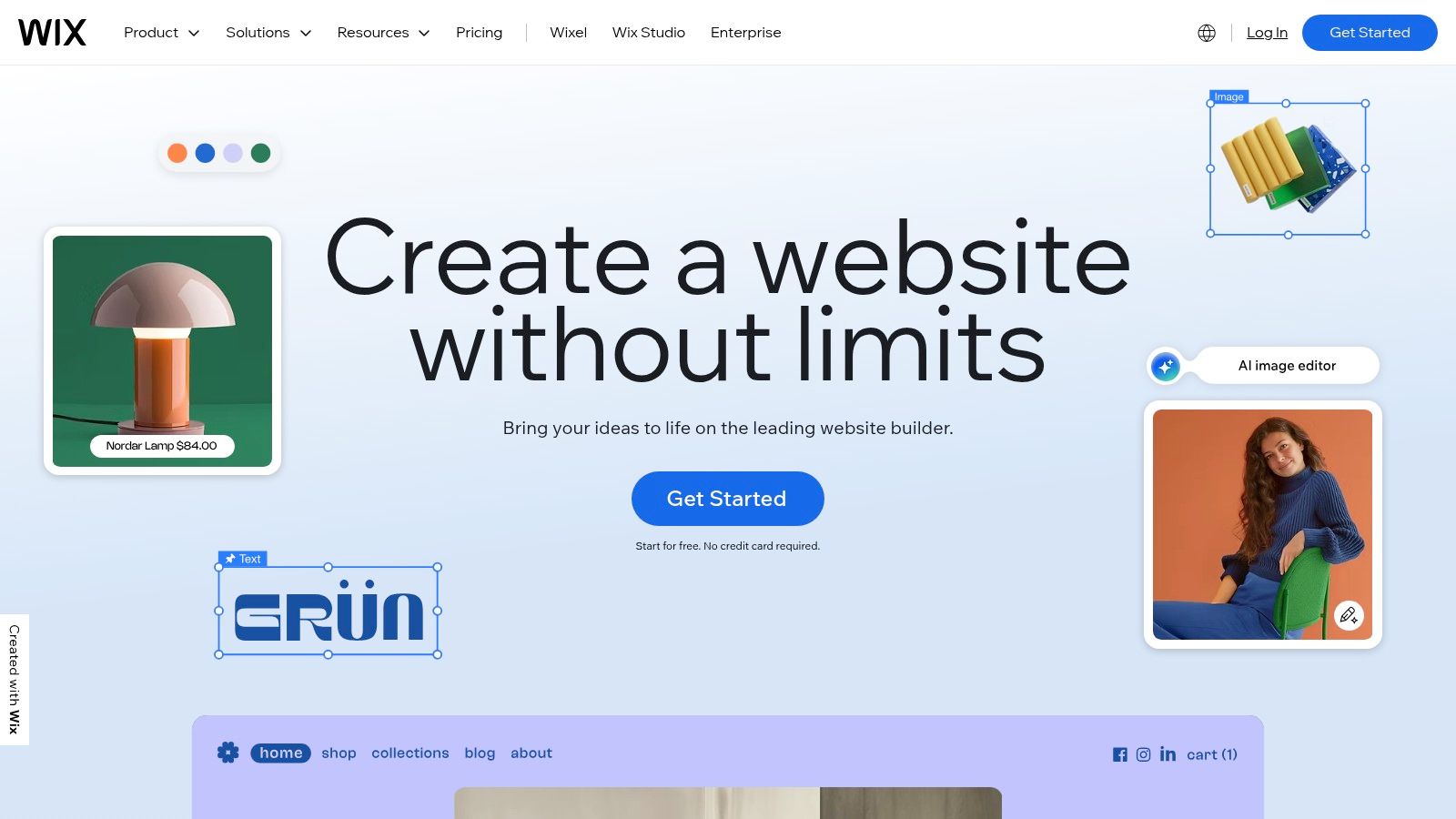
While initially known for simple portfolio sites, Wix has evolved into a more robust platform. Its App Market allows for significant feature expansion, adding everything from advanced e-commerce and booking systems to membership portals and marketing tools. This makes it a contender for the best CMS system for entrepreneurs who need a professional online presence without a steep learning curve or coding knowledge. The trade-off is less control over underlying code and performance optimization compared to open-source solutions.
Key Considerations
| Aspect | Analysis |
|---|---|
| Best Use Case | Small businesses, freelancers, and entrepreneurs needing a visually appealing website launched quickly. |
| Core Strength | Intuitive Creation: The drag-and-drop editor and AI tools provide an exceptionally fast learning curve. |
| Limitation | Platform Dependency: Migrating a site away from Wix is difficult, and deep customization is limited. |
| Pricing | Free plan with ads; premium plans range from personal to business tiers with varying features and storage. |
6. Webflow
Webflow is a unique visual development platform that bridges the gap between design and development, allowing users to build production-ready websites without writing code. It empowers designers, agencies, and freelancers to create highly custom, responsive sites with a robust CMS backend. This platform is an excellent choice for those who demand pixel-perfect creative control combined with powerful content management capabilities.
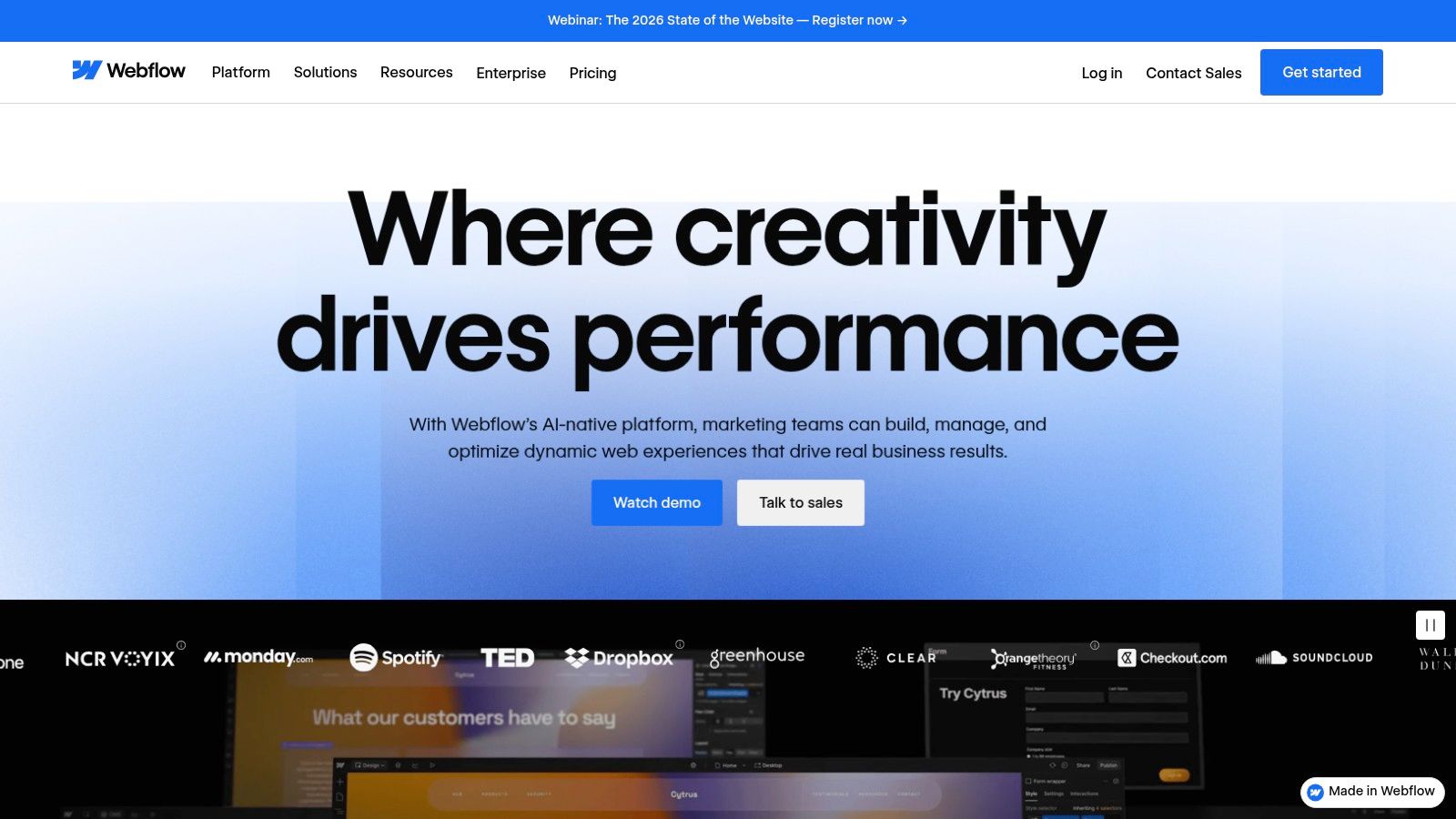
The core of Webflow is its visual designer, which outputs clean, semantic HTML and CSS as you design. Beyond static pages, its integrated CMS allows for creating dynamic content structures, known as Collections, which are ideal for blogs, portfolios, and marketing sites. While its e-commerce features are growing, they may not match dedicated platforms for complex stores. For many, Webflow represents the best CMS system for balancing advanced design freedom with managed hosting and CMS functionality.
Key Considerations
| Aspect | Analysis |
|---|---|
| Best Use Case | Agencies, freelancers, and businesses building visually rich, content-driven marketing websites. |
| Core Strength | Visual Development: Unparalleled no-code control over design, producing professional-grade code. |
| Limitation | Pricing Complexity: The tiered pricing structure for sites, workspaces, and add-ons can be confusing. |
| Pricing | Free starter plan; paid site and workspace plans start from $14/month (billed annually). |
7. Drupal.org
Drupal.org is the home of a powerful, enterprise-grade open-source CMS renowned for its robustness, security, and flexibility. As a self-hosted platform, it offers complete control over complex, content-rich digital experiences, making it a leading contender for the best CMS system for large-scale and governmental projects. While the core software is free, users are responsible for arranging their own hosting and domain.
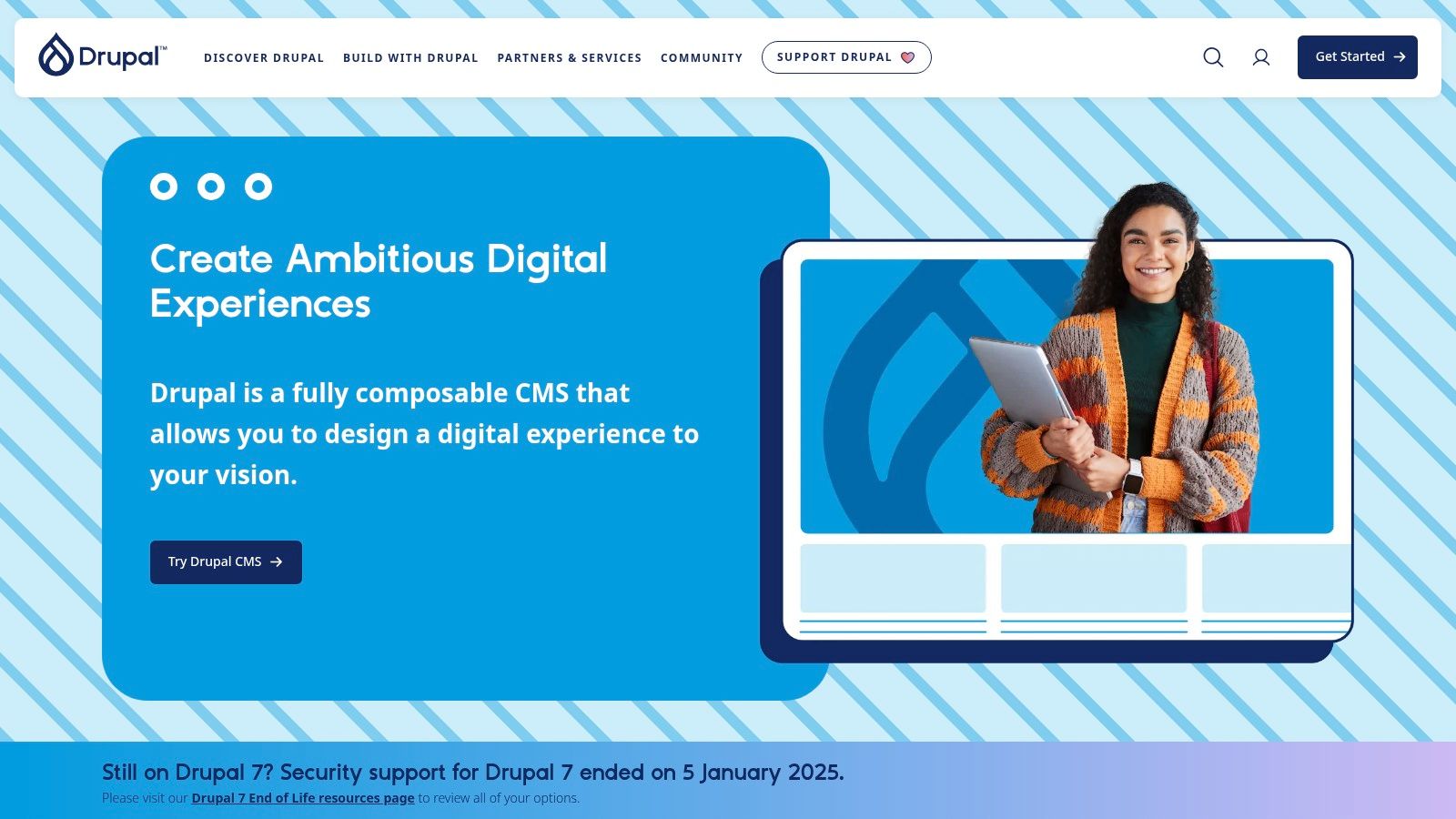
The platform's strength lies in its modular architecture and granular permission controls, enabling developers to build sophisticated, multilingual, and highly secure websites. It handles complex data structures and high-traffic demands with exceptional stability. This power, however, comes with a steeper learning curve compared to more user-friendly systems, often requiring developer expertise for implementation and maintenance. For those exploring similar platforms, you can find a curated list of other open-source CMS options to compare.
Key Considerations
| Aspect | Analysis |
|---|---|
| Best Use Case | Building complex, secure, and high-traffic websites for government, enterprise, and higher education. |
| Core Strength | Structured Content: Its taxonomy and content-type system allow for managing intricate data relationships. |
| Limitation | Technical Complexity: Requires a significant level of technical skill or developer support to manage. |
| Pricing | Free core software; costs for hosting, domains, and professional development services are variable. |
8. Joomla.org
Joomla.org is a veteran open-source CMS that occupies a unique middle ground, offering more built-in features than a basic system but with a less intimidating learning curve than enterprise-level platforms. Like WordPress, it's self-hosted, granting users full control over their hosting environment and data. Its strength lies in its robust architecture, which is well-suited for building complex community portals, intranets, and content-rich websites right out of the box.
This platform provides impressive core functionalities such as advanced user access controls, multilingual support, and flexible content display options without needing initial plugins. This makes it a contender for the best CMS system for membership sites or projects requiring granular permissions. While its extension and template ecosystem is smaller than WordPress's, it is mature and well-supported by a dedicated global community. However, users should be prepared for a slightly steeper learning curve and must carefully manage updates to ensure extension compatibility.
Key Considerations
| Aspect | Analysis |
|---|---|
| Best Use Case | Building community websites, online magazines, government portals, and complex content catalogs. |
| Core Strength | Advanced User Management: Built-in Access Control List (ACL) offers granular control over user permissions. |
| Limitation | Moderate Learning Curve: The backend is more complex than simpler CMS options and requires familiarization. |
| Pricing | Free core software; requires separate hosting, domain, and potential costs for premium templates/extensions. |
9. Ghost.org
Ghost.org is a modern, performance-focused CMS built for professional creators and publishers. It strips away the complexity of traditional systems to provide a streamlined platform centered on content creation, audience growth, and monetization. Available as a fully managed Ghost(Pro) service or a self-hosted option, it's designed for those who want to build a media business rather than just a website.
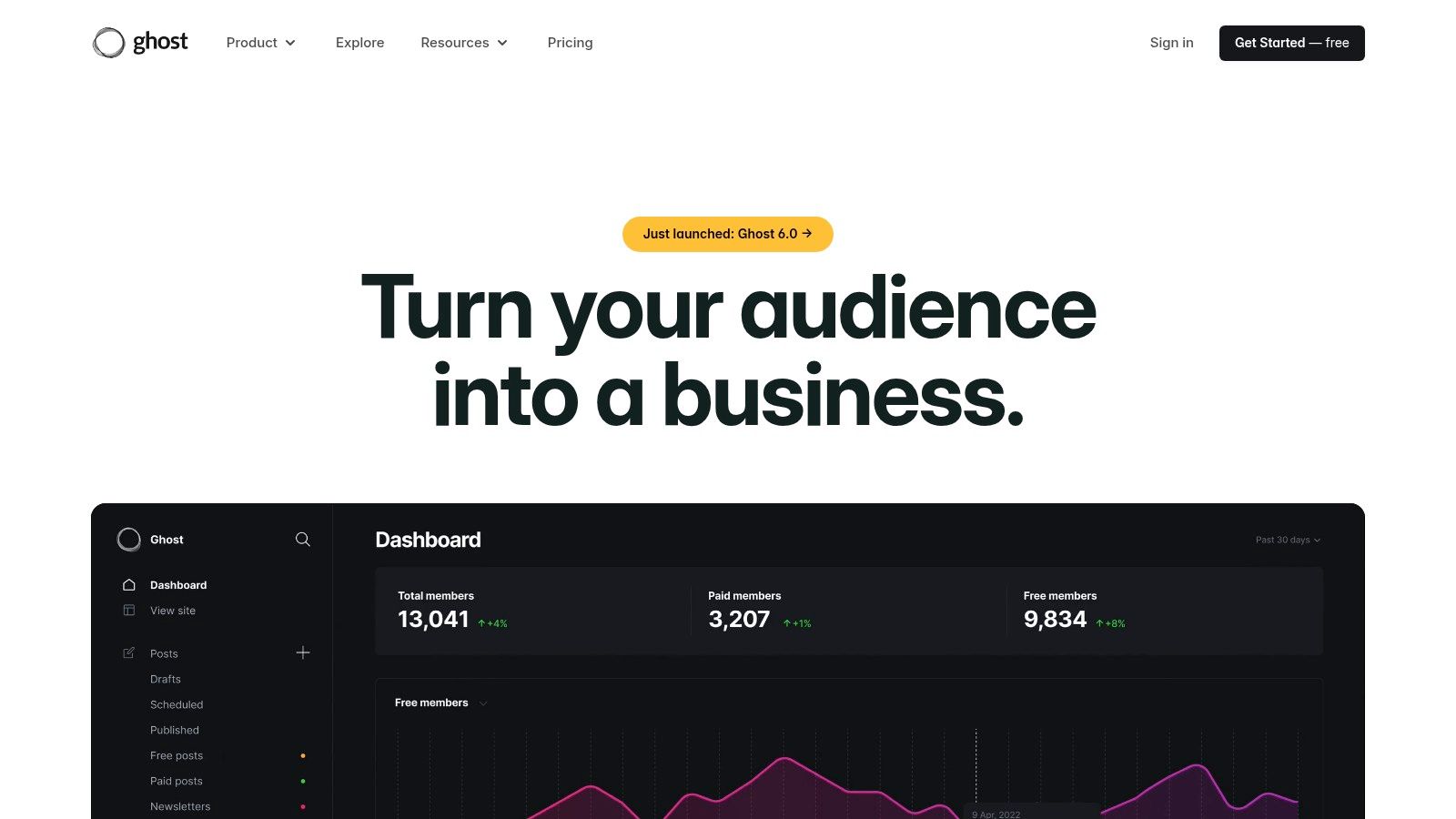
The platform's key differentiator is its native integration of membership, newsletter, and subscription tools. Users can effortlessly create free or paid content tiers and manage their audience directly from the dashboard, eliminating the need for multiple third-party plugins. This integrated approach makes it an excellent candidate for the best CMS system for independent publishers. For a deeper analysis, you can explore this review of Ghost and its features to see if it fits your content strategy.
Key Considerations
| Aspect | Analysis |
|---|---|
| Best Use Case | Independent publishers, creators, and journalists building a membership or subscription-based media business. |
| Core Strength | Native Monetization: Built-in tools for memberships, newsletters, and paid subscriptions via Stripe. |
| Limitation | Niche Focus: Not designed for complex e-commerce stores, forums, or highly customized corporate sites. |
| Pricing | Free open-source software (self-hosted). Ghost(Pro) managed hosting starts at $9/month. |
10. Adobe Experience Manager Sites (AEM)
Adobe Experience Manager (AEM) Sites is an enterprise-grade content management system designed for large organizations managing complex, global digital experiences. As part of the Adobe Experience Cloud, it provides a powerful, integrated solution for creating, managing, and delivering content across multiple brands, regions, and channels. It is a leading contender for the best CMS system for corporations that require robust governance, scalability, and deep personalization capabilities.
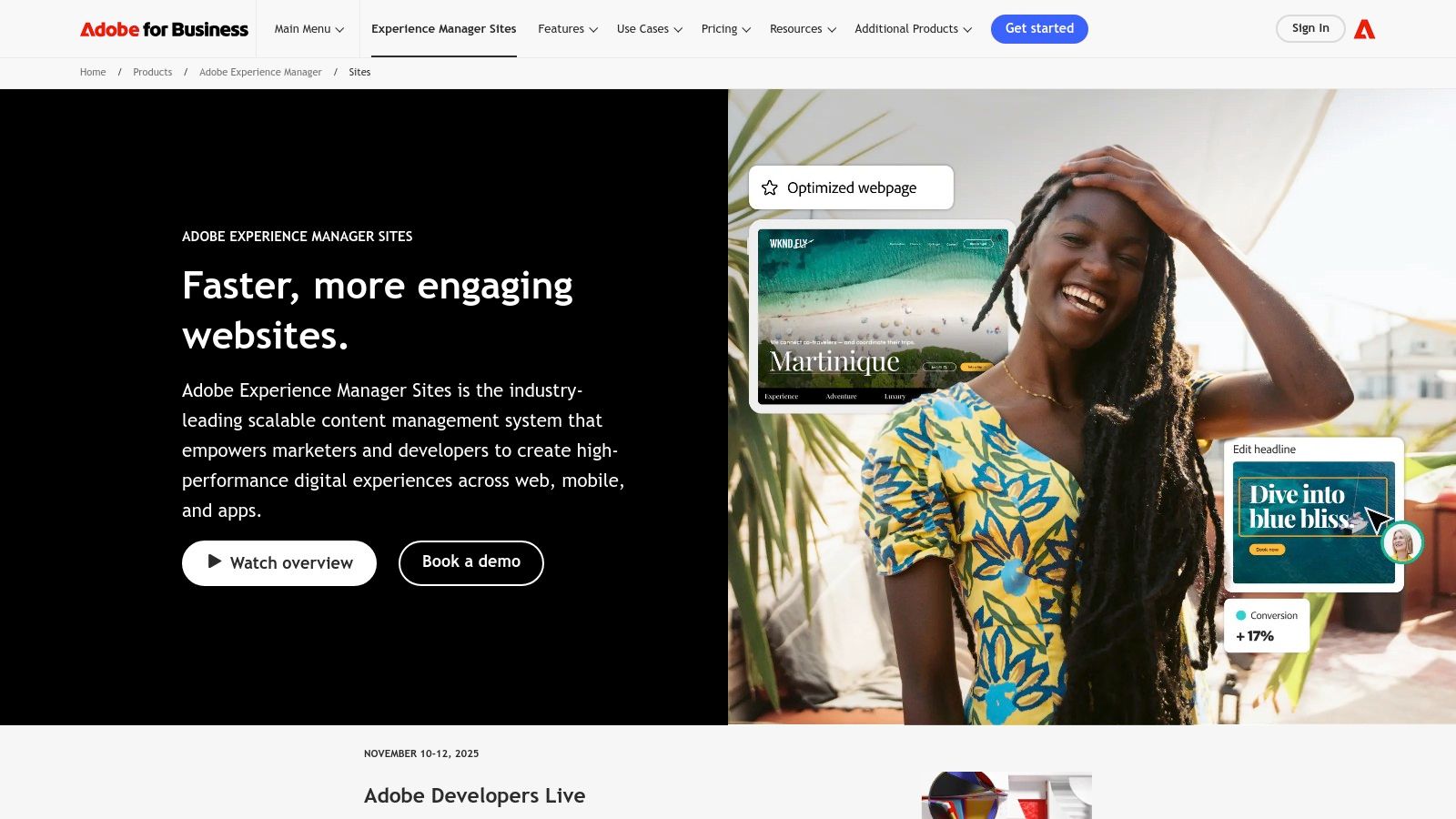
AEM excels at omnichannel delivery through its powerful headless capabilities, using content fragments and APIs to push content to any endpoint. Its visual authoring tools and native integration with Adobe Analytics, Target, and Assets create a unified ecosystem for marketers to build, test, and optimize experiences. This comprehensive feature set, however, comes with a high total cost of ownership and necessitates specialized implementation partners, making it unsuitable for smaller businesses.
Key Considerations
| Aspect | Analysis |
|---|---|
| Best Use Case | Large enterprises managing multi-brand, multi-region content operations and personalized customer journeys. |
| Core Strength | Unified Experience Cloud: Seamless integration with Adobe's suite for analytics, assets, and personalization. |
| Limitation | High Cost & Complexity: Significant investment required for licensing, implementation, and skilled developers. |
| Pricing | Custom-quoted based on enterprise needs; involves substantial licensing and implementation costs. |
11. HubSpot Content Hub
HubSpot Content Hub offers a powerful, fully hosted solution that tightly integrates a CMS with a world-class CRM and marketing automation suite. It is designed for businesses that want to align their content strategy directly with their sales and marketing funnels. This all-in-one approach provides a seamless experience for creating, managing, and optimizing content to generate leads and nurture customer relationships, positioning it as a top-tier system for growth-focused teams.
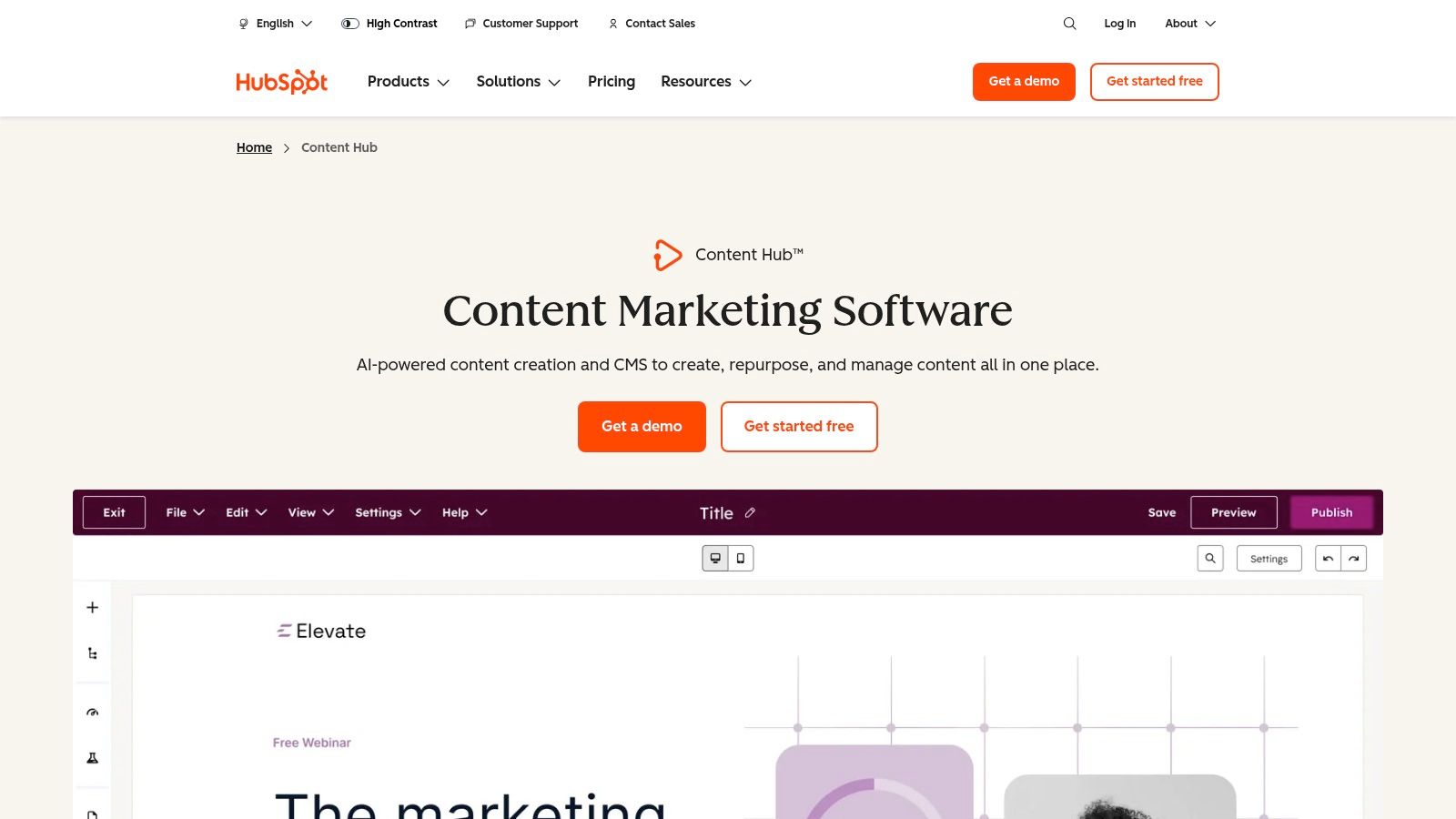
The platform shines by enabling marketers to leverage rich CRM data for deep personalization, from dynamic content blocks to entire pages. With features like a drag-and-drop editor, multi-language capabilities, integrated SEO tools, and AI content assistants, it empowers teams to build high-performing websites efficiently. While less flexible than open-source alternatives for bespoke applications, its value proposition as a unified marketing and content platform makes it a contender for the best CMS system for businesses prioritizing operational efficiency and data-driven results.
Key Considerations
| Aspect | Analysis |
|---|---|
| Best Use Case | Marketing-driven businesses needing a unified platform for content, CRM, and marketing automation. |
| Core Strength | Integrated CRM: Leverages customer data for unparalleled personalization and targeted content delivery. |
| Limitation | Platform Lock-in: Less flexible than open-source CMS for custom development and can become costly at scale. |
| Pricing | Tiered pricing based on features and number of contacts; premium plans can be a significant investment. |
12. Contentful
Contentful stands as a leading API-first headless CMS, designed for enterprises looking to orchestrate content across a multitude of digital platforms. As a composable content platform, it decouples the content repository from the presentation layer, giving developers the freedom to build front-end experiences with any technology. This makes it a powerful contender for the best CMS system for organizations with sophisticated, multichannel content strategies. The platform is built for modern development workflows and scalable team collaboration.
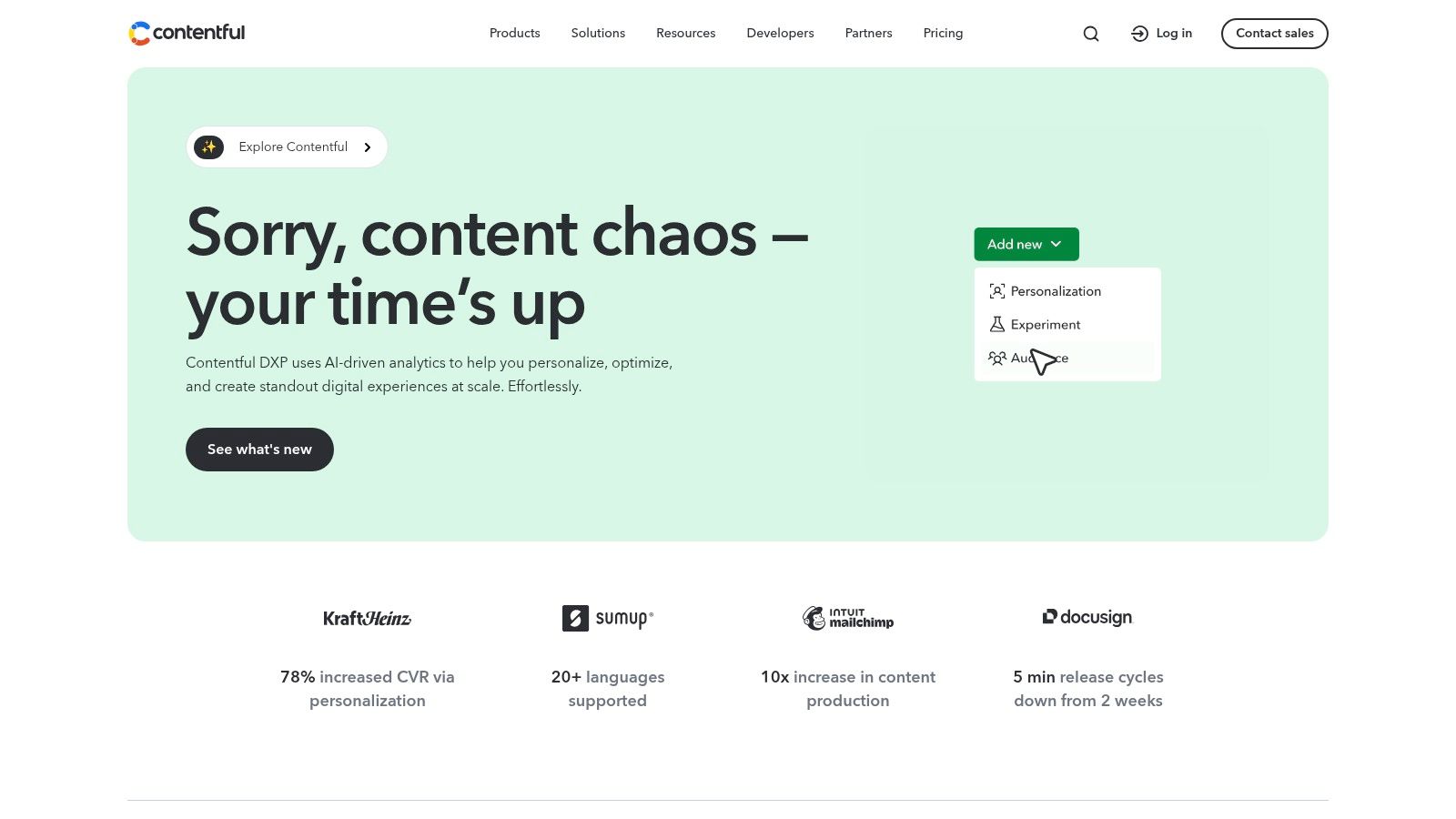
This CMS excels at providing a structured, yet flexible, content modeling environment where teams can define reusable content components. Its robust APIs and extensive developer tooling empower teams to deliver personalized digital experiences to websites, mobile apps, and IoT devices simultaneously. While it necessitates dedicated developer resources for implementation, its governance features and scalability are unmatched for complex projects. To understand its place in the market, explore this collection of headless CMS platforms.
Key Considerations
| Aspect | Analysis |
|---|---|
| Best Use Case | Enterprise-level, omnichannel content delivery for websites, mobile apps, and other digital experiences. |
| Core Strength | Composable Architecture: Unparalleled flexibility to deliver structured content to any front-end framework. |
| Limitation | Developer Dependency: Requires significant front-end development resources to build and maintain heads. |
| Pricing | Free developer tier available; paid plans are based on usage, users, and feature sets, requiring careful planning. |
Top 12 CMS Platforms Feature Comparison
| CMS Platform | Core Features / Flexibility | User Experience ★★★★☆ / Ease of Use | Value & Pricing 💰 | Target Audience 👥 | Unique Selling Points ✨ |
|---|---|---|---|---|---|
| WordPress.org | Open-source, thousands of plugins/themes | ★★★★☆ Developer-friendly, highly customizable | Free core, self-hosted, hosting costs vary | Developers, advanced users, businesses | Maximum control & extensibility, huge ecosystem 🏆 |
| WordPress.com | Managed hosting, backups, security, AI builder | ★★★★☆ Easy setup, minimal maintenance | Free to premium plans, hosting included | Bloggers, SMBs, ecommerce | Managed hosting with AI site builder ✨ |
| Shopify | Commerce-focused CMS with POS & payments | ★★★★★ Seamless ecommerce experience | Subscription + transaction fees | Online stores, retailers | Native checkout & multi-channel sales 🏆 |
| Squarespace | Designer-friendly, templates, all-in-one hosting | ★★★★☆ Intuitive drag & drop, integrated commerce | Fixed tiered pricing | Creatives, small businesses, portfolios | Polished designs, predictable pricing ✨ |
| Wix | Drag-and-drop, AI design, app marketplace | ★★★☆☆ Beginner-friendly, many templates | Free tier + paid plans with add-ons | Small businesses, freelancers | Fast launches, rich features without coding ✨ |
| Webflow | Visual design, CMS, logic, memberships | ★★★★☆ Pixel-precise design, team/workspace plans | Tiered pricing, complex limits | Agencies, freelancers, designers | Visual dev with clean code output ✨ |
| Drupal.org | Enterprise, modular, multilingual, secure | ★★★☆☆ Powerful but steep learning curve | Free core, self-hosted | Enterprises, governments, complex sites | Highly extensible, granular permissions 🏆 |
| Joomla.org | Content/community focus, SEO, extensions | ★★★☆☆ Medium complexity, active community | Free core, self-hosted | Portals, community sites | Built-in user mgmt and multilingual ✨ |
| Ghost.org | Performance-focused, memberships, email/newsletters | ★★★★☆ Clean writing UI, native monetization | Paid hosted or free self-hosted | Creators, publishers | Built-in membership & newsletters 🏆 |
| Adobe Experience Manager | Enterprise headless/headful CMS, governance | ★★★★★ Robust, high-complexity | Custom pricing, high TCO | Large enterprises, global brands | Deep integrations, enterprise SLAs 🏆 |
| HubSpot Content Hub | CRM-integrated CMS, SEO, automation | ★★★★☆ Marketing-friendly, drag & drop | Scales with seats and hubs | Marketing teams, SMBs | Tight CRM integration & personalization ✨ |
| Contentful | API-first, headless, composable architecture | ★★★★☆ Developer-focused, scalable | Free tier + paid plans for scale | Dev teams, multichannel projects | Strong API and personalization 🏆 |
Making the Final Call on Your CMS
Selecting your Content Management System is a foundational decision, one that dictates the trajectory of your digital presence for years to come. As we've explored, the search for the single best CMS system is futile; the ideal platform is a direct reflection of your specific operational needs, technical capabilities, and strategic ambitions. The landscape is diverse, offering everything from the unparalleled flexibility of WordPress.org for custom projects to the streamlined, e-commerce-first ecosystem of Shopify.
The key takeaway is that your choice must be a strategic one, not just a technical one. A startup blogger will find immense value in the simplicity and managed hosting of WordPress.com or Ghost, whereas a rapidly scaling e-commerce brand would be constrained by anything less than Shopify's robust commerce engine. Likewise, a creative agency requires the design-first, no-code power of Webflow, while a global enterprise with complex content governance needs will gravitate towards the structured, API-first architecture of Contentful or the all-encompassing digital experience platform of Adobe Experience Manager.
Your Actionable Framework for Choosing a CMS
Before you make a final commitment, distill your requirements using this strategic framework. This final evaluation will ensure you move forward with confidence, selecting a platform that acts as a growth catalyst rather than a technical bottleneck.
- Define Your Core Use Case: Are you primarily a publisher (WordPress, Ghost), a retailer (Shopify), a visual brand (Squarespace, Webflow), or a large-scale enterprise (AEM, HubSpot)? Your primary function should be the first filter.
- Assess Your Technical Resources: Be honest about your team's capabilities. Do you have in-house developers ready to manage a self-hosted platform like Drupal or WordPress.org, or do you need a fully managed, low-code solution like Wix or Squarespace?
- Map Your Scalability Needs: Consider your five-year plan. Will your content model become more complex? Do you anticipate needing extensive third-party integrations or a headless architecture? A platform like Contentful offers future-proofing, while a simpler system may require a costly migration down the line.
- Calculate the Total Cost of Ownership (TCO): Your budget analysis must extend beyond the initial subscription fee. Factor in hosting costs, premium themes and plugins, developer fees for customization, and potential transaction fees.
Final Considerations Before Implementation
Once you have narrowed down your options, remember that the best CMS system for your business is the one that empowers your team, not burdens it. A platform with a steep learning curve could slow down your content velocity, negating any advanced features it offers. Prioritize a system with an intuitive user interface and a supportive community or a strong customer service reputation.
The right platform is more than just a tool for publishing content; it's the engine for your entire digital experience. By carefully aligning your specific requirements with the detailed strengths and weaknesses we've analyzed, you can choose a CMS that not only meets your current needs but also provides a solid foundation for future innovation and growth.