12 Top Content Management Systems of 2025: A Deep Dive
Discover the 12 top content management systems of 2025. Our expert analysis covers features, pricing, and use cases to help you choose the right CMS.

Choosing a Content Management System is a foundational decision that impacts everything from daily workflows to long-term scalability. The market is saturated with options, from simple website builders to complex enterprise solutions and flexible headless platforms. This guide cuts through the noise to provide an analytical breakdown of the 12 top content management systems, moving beyond marketing claims to offer practical insights. We will examine specific use cases, analyze critical features, and discuss implementation considerations to help you identify the CMS that aligns with your project's technical requirements, business goals, and budget.
Each entry includes a detailed analysis, screenshots, and direct links to help you evaluate the platform firsthand. We will dissect the nuanced differences between hosted and self-hosted solutions, drag-and-drop builders, and API-first architectures. For organizations managing extensive media libraries, understanding how a platform supports a robust digital asset management workflow is a key selection factor, a consideration we will address.
Whether you're a solo blogger, a growing e-commerce store, or an enterprise team, this resource is designed to equip you with the knowledge to make an informed choice. Our goal is to move past surface-level reviews and provide a strategic framework for selecting the right CMS for your specific needs.
1. WordPress.com
WordPress.com is the fully hosted, all-in-one solution that packages the power of the renowned WordPress software into a simplified, maintenance-free platform. It excels at providing a rapid entry point for users who want a professional website without the technical overhead of managing their own hosting, security, or updates. This makes it one of the top content management systems for bloggers, freelancers, and small businesses focused purely on content creation and audience engagement.
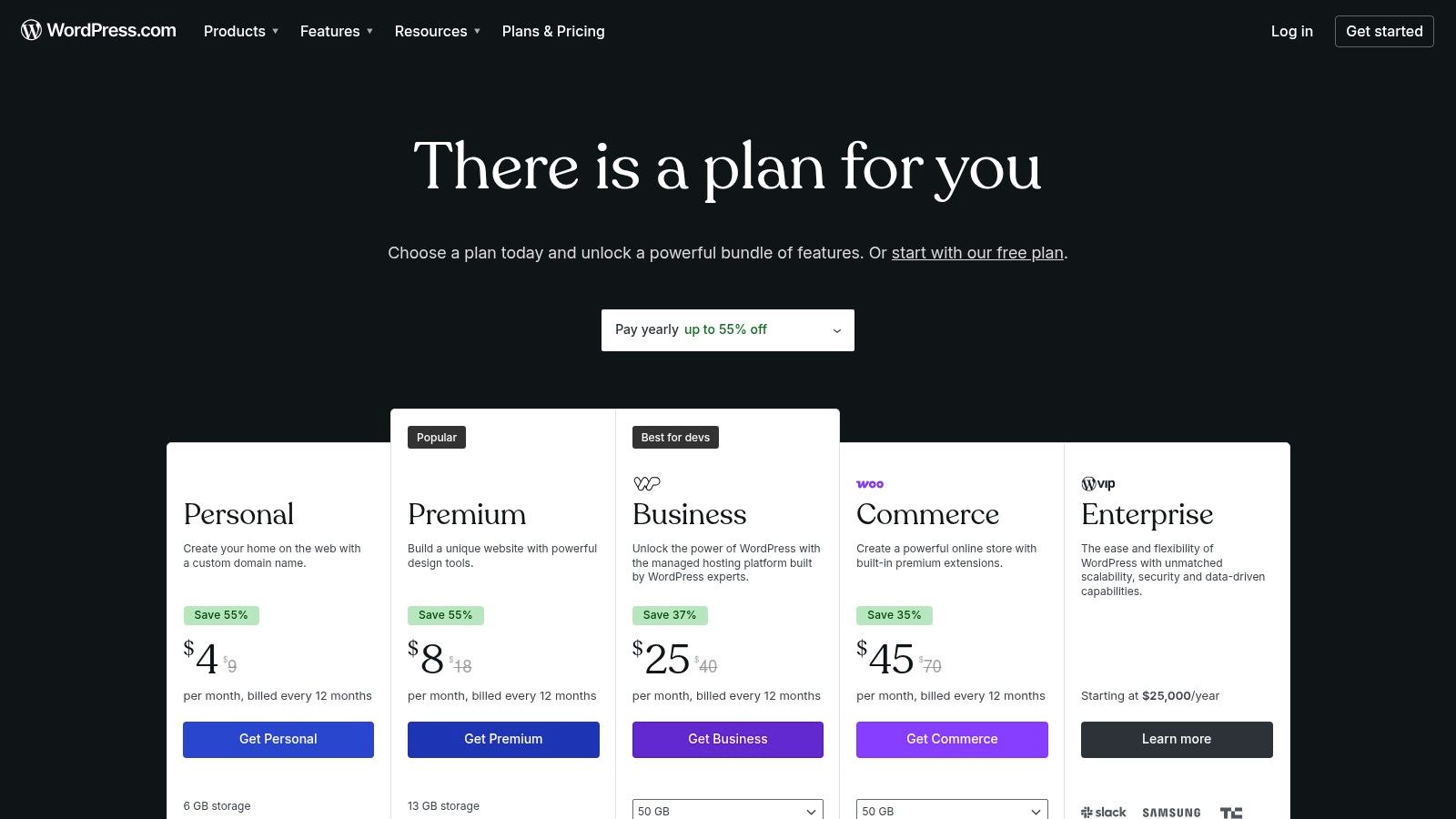
Unlike its self-hosted counterpart (WordPress.org), WordPress.com offers a tiered plan structure that scales with user needs. The free plan is great for personal blogs, but higher-tier plans like Business or Commerce are necessary to unlock its full potential, including custom plugin and theme installations. A key implementation consideration is the payment processing fee; lower-tier plans come with a commission on transactions, which decreases as you upgrade, making higher plans more cost-effective for serious e-commerce ventures.
Key Details & Analysis
- Best Use Case: Ideal for individuals and small businesses seeking a fast, secure, and fully managed WordPress site without technical responsibilities. It’s also a strong choice for content creators wanting built-in monetization tools like subscriptions and payments.
- Pricing: Starts with a free plan. Paid plans range from Personal to Commerce, unlocking more features, storage, and support at each level.
- Limitations: The primary drawback is the restriction on plugins and advanced theme customization, which are only available on the Business plan and above. This can limit functionality for users with complex needs on lower tiers.
- Website: wordpress.com/pricing
2. WordPress.org
WordPress.org is the free, open-source software that powers a significant portion of the web, offering unparalleled freedom and control. It stands as one of the top content management systems because it gives users the core framework to build anything from a simple blog to a complex enterprise-level website. This self-hosted approach requires users to arrange their own hosting and domain, but in return, it provides complete ownership and limitless customization possibilities.
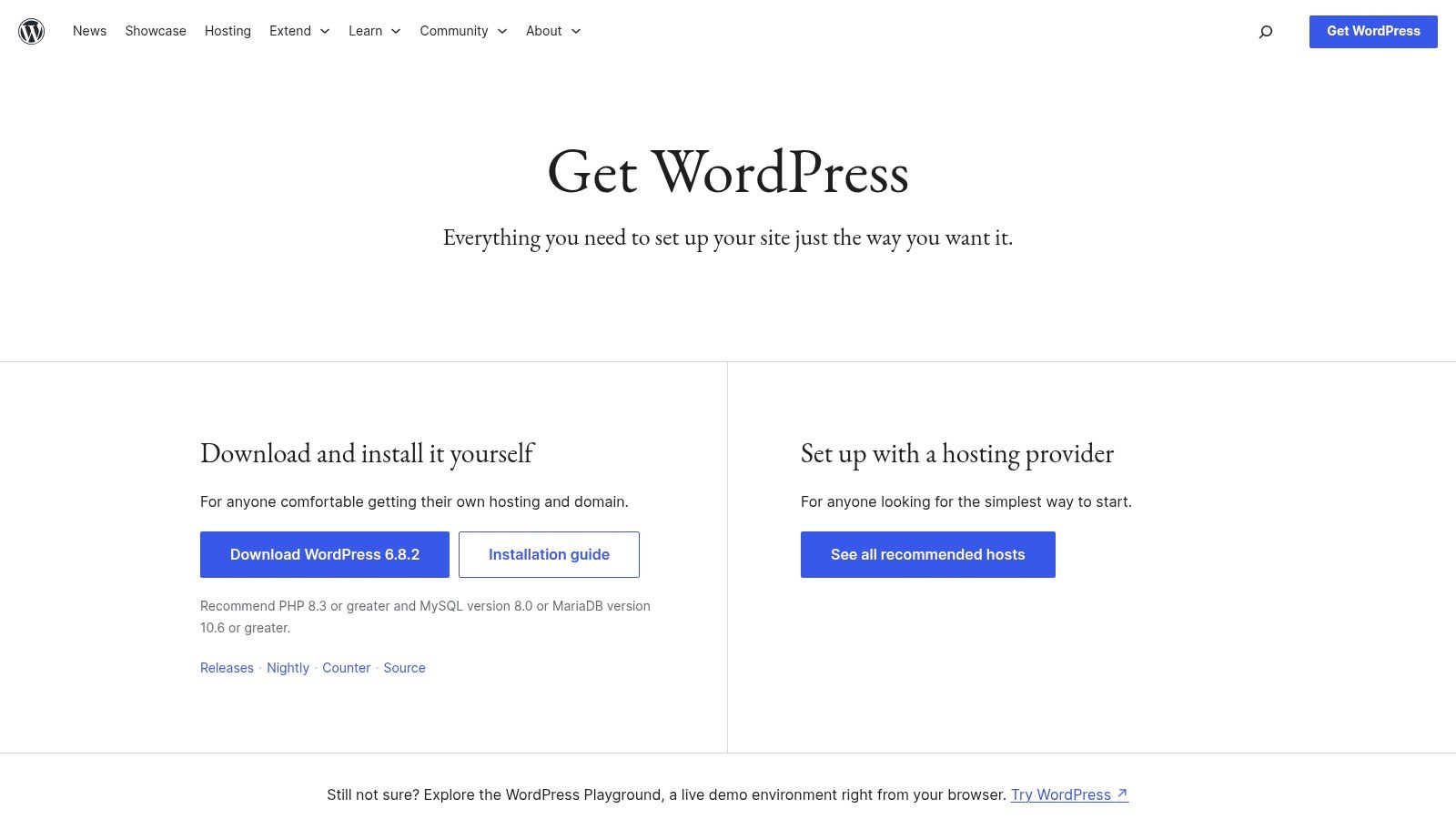
Unlike its hosted counterpart, WordPress.org gives you direct access to the code and the entire ecosystem of over 60,000 plugins and countless themes. Implementation involves choosing a hosting provider, installing the software (often a one-click process), and managing security and updates yourself. This responsibility is a trade-off for ultimate flexibility. For those wanting to enhance user engagement on their site, it's useful to learn how to integrate a smart AI chat bot with WordPress to provide instant support and information.
Key Details & Analysis
- Best Use Case: Ideal for developers, businesses, and creators who need full control over design, functionality, and data. It’s perfect for custom projects, scalable e-commerce stores, and membership sites where flexibility is paramount.
- Pricing: The software itself is completely free. Costs are associated with hosting, domain names, and premium themes or plugins.
- Limitations: The primary drawback is the technical responsibility. Users must manage their own hosting, security, backups, and updates, which presents a steeper learning curve compared to managed platforms. Read a full review of WordPress.org for more details.
- Website: wordpress.org/download/
3. Shopify
Shopify is a commerce-first platform that blurs the line between a traditional CMS and a comprehensive e-commerce engine. It excels at providing merchants with an end-to-end solution to build, manage, and scale an online store, handling everything from product listings and inventory to secure payments and shipping. This integrated approach makes it one of the top content management systems for businesses where the primary goal is selling products, whether online, in-person, or across multiple channels.
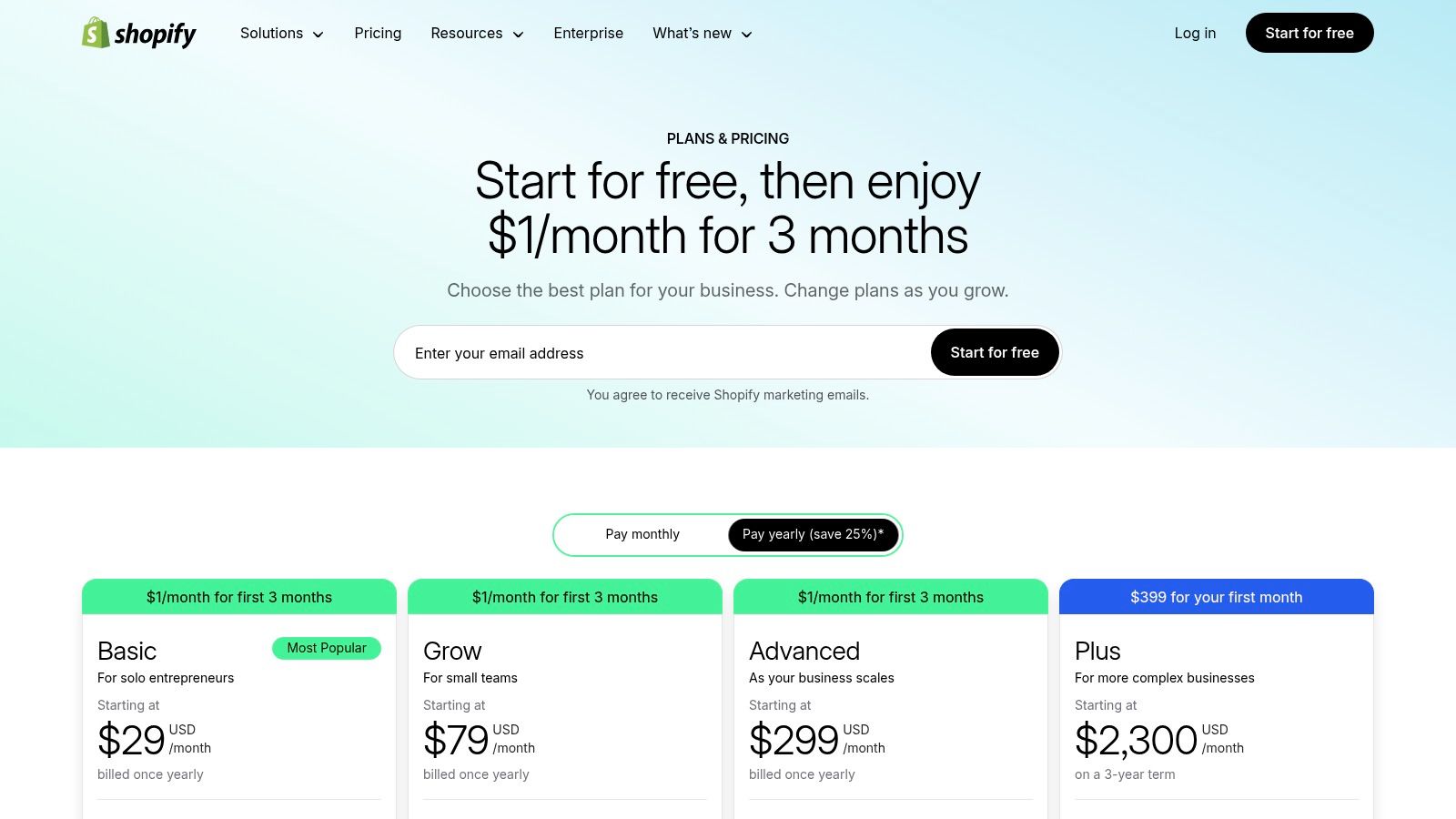
Unlike more general-purpose CMS platforms, every feature in Shopify is built to drive sales. It offers a tiered plan structure that scales from new ventures to enterprise-level operations with Shopify Plus. A critical implementation consideration is its fee structure; while it provides its own integrated payment gateway (Shopify Payments) to avoid extra charges, using a third-party gateway incurs additional transaction fees. This incentivizes users to stay within its ecosystem for maximum cost-efficiency. For more details on its capabilities, you can find a deeper dive into e-commerce CMS options like Shopify.
Key Details & Analysis
- Best Use Case: Ideal for product-focused entrepreneurs, D2C brands, and retailers of all sizes who need a powerful, secure, and scalable platform for selling online and in-person without deep technical knowledge.
- Pricing: Offers several paid plans (Basic, Shopify, Advanced) with varying features and transaction fees, plus a starter plan for social selling and an enterprise-level solution (Shopify Plus).
- Limitations: The reliance on apps for extended functionality can lead to accumulating monthly costs. Customization is also more restricted compared to open-source platforms, and transaction fees apply when not using Shopify Payments.
- Website: shopify.com/pricing
4. Wix
Wix is a fully hosted, all-in-one website builder and CMS that has become a dominant force among the top content management systems for non-technical users. It excels by offering a highly intuitive drag-and-drop editor alongside an AI-powered site generator, Wix ADI, which creates a functional website in minutes based on user responses. This dual approach makes it an excellent choice for solopreneurs, artists, and small businesses who prioritize creative control and speed to market over deep technical customization.
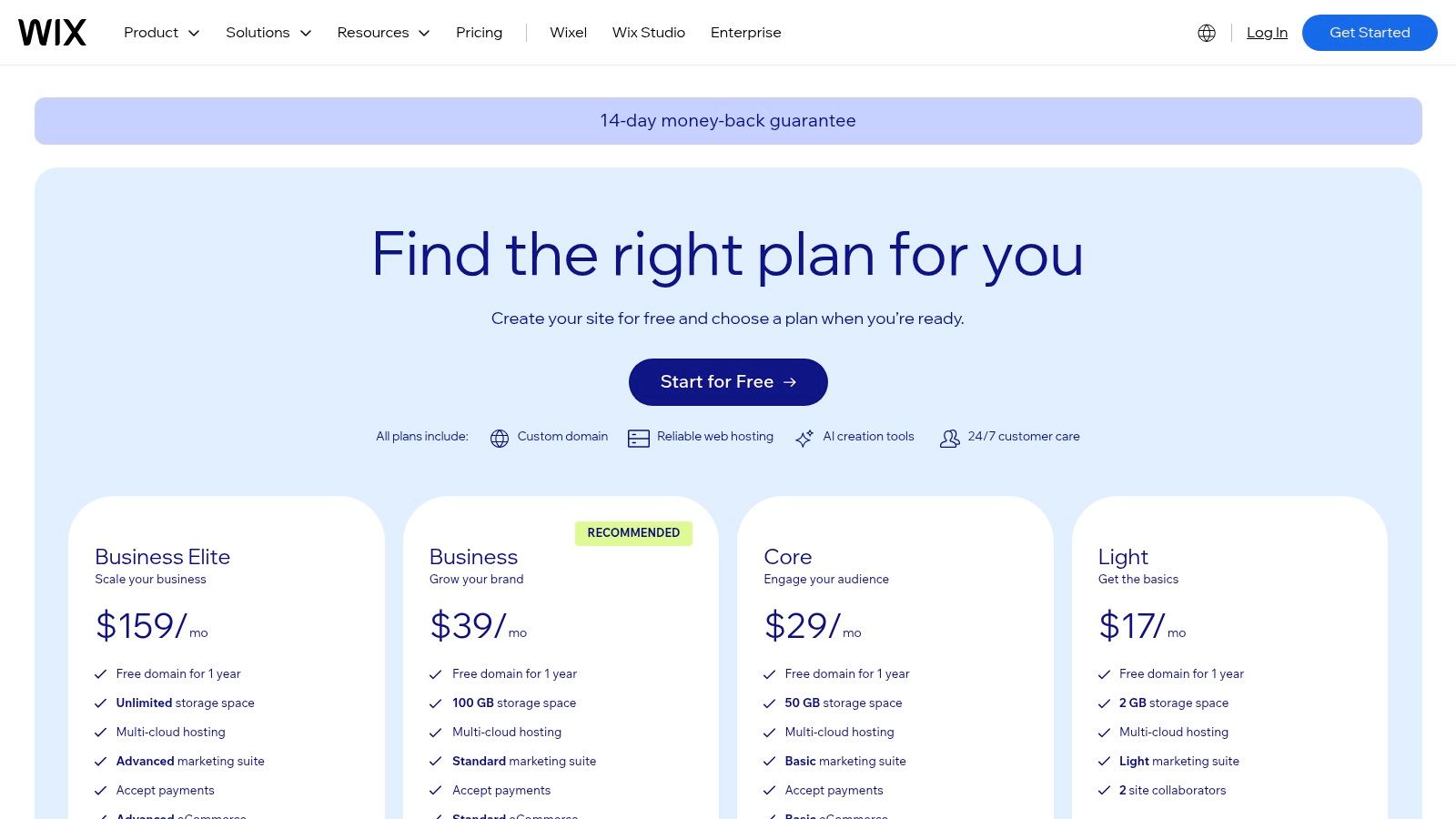
Wix bundles hosting, security, and a vast template library into its platform, removing the complexities of traditional web development. While it offers a free plan for basic use, premium plans are necessary to connect a custom domain, remove Wix ads, and access business features like e-commerce and online bookings. An important implementation consideration is that once you choose a template, you cannot switch to a different one without starting over, so initial selection is crucial. Wix stands as a leading example in the world of no-code CMS platforms for its comprehensive feature set.
Key Details & Analysis
- Best Use Case: Ideal for small business owners, freelancers, and creatives who need a visually impressive website quickly without writing any code. Its e-commerce and booking tools are also strong for service-based businesses.
- Pricing: Begins with a limited free plan. Paid plans are tiered for personal sites, business, and e-commerce, with costs varying based on storage, bandwidth, and features.
- Limitations: The platform’s greatest strength, its simplicity, is also a weakness. Advanced customization is limited, and migrating a Wix site to another platform is notoriously difficult, creating a degree of vendor lock-in.
- Website: wix.com/plans
5. Squarespace
Squarespace is a design-centric, all-in-one hosted CMS that excels in creating visually stunning websites with minimal technical effort. It is renowned for its polished, award-winning templates and its intuitive Fluid Engine editor, which provides a drag-and-drop experience that feels both flexible and controlled. This focus on high-quality aesthetics and ease of use makes it one of the top content management systems for creative professionals, portfolio sites, and small businesses where brand presentation is paramount.
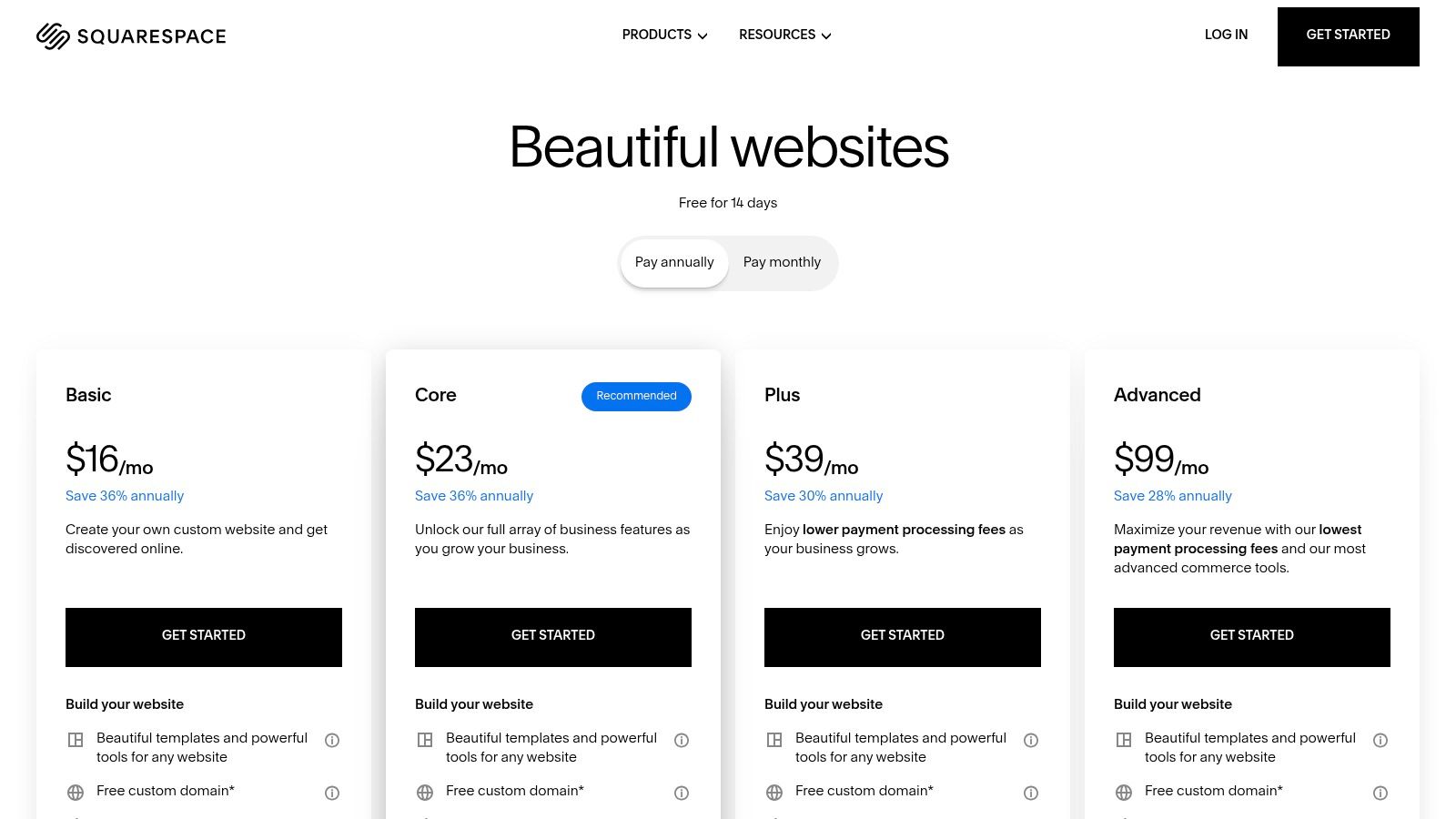
The platform operates on a tiered subscription model, bundling hosting, security, and support into a single monthly or annual fee. While it lacks the vast plugin ecosystem of systems like WordPress, it compensates with deeply integrated features for e-commerce, marketing, and scheduling. A key implementation consideration is that while foundational SEO tools are built-in, advanced features like full e-commerce capabilities or subscription services are reserved for higher-priced plans, requiring users to upgrade as their business scales.
Key Details & Analysis
- Best Use Case: Ideal for artists, designers, restaurants, and online stores that prioritize sophisticated design and brand consistency without needing deep code customization.
- Pricing: Offers a free trial. Paid plans range from Personal to Advanced Commerce, with each tier unlocking more comprehensive business and e-commerce tools.
- Limitations: The platform’s curated nature means less flexibility and extensibility compared to open-source CMS options. Customization is powerful within its framework but restricted compared to a developer-focused platform.
- Website: squarespace.com/pricing
6. Webflow
Webflow is a visual content management system that bridges the gap between no-code website builders and traditional development. It provides designers and teams with pixel-perfect control over front-end design while automatically generating clean, semantic code. This unique hybrid approach makes it one of the top content management systems for agencies, freelancers, and businesses that prioritize bespoke design without the need to write code from scratch.
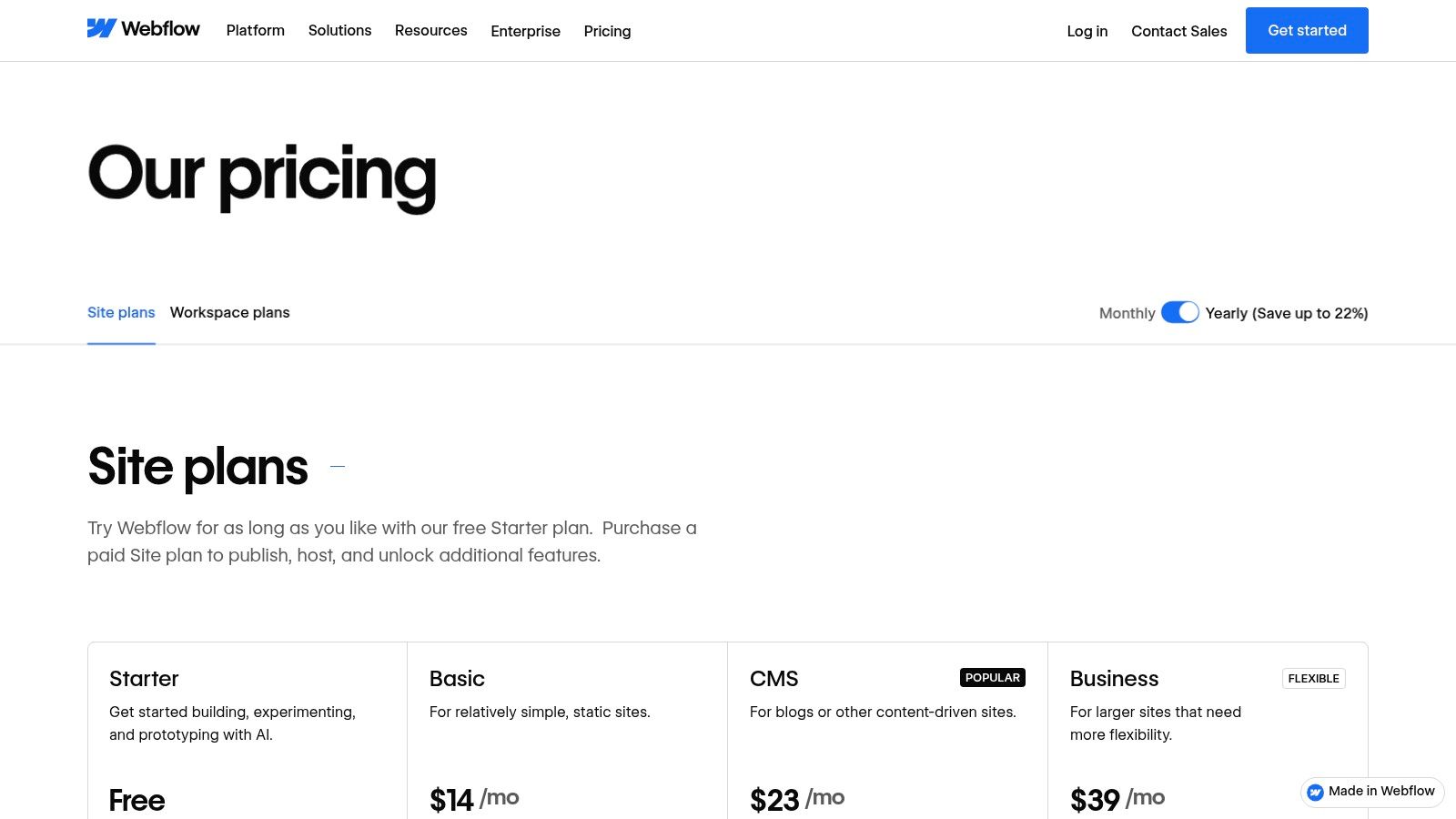
The platform combines a powerful visual designer with an integrated CMS and high-performance hosting, creating a unified workflow. Pricing is tiered into Site Plans (for individual sites) and Workspaces (for teams managing multiple projects). An important implementation detail is the CMS item limit; each plan tier allows a specific number of database entries, so projects with extensive dynamic content like blogs or portfolios must select a plan that accommodates their scale.
Key Details & Analysis
- Best Use Case: Perfect for design-focused teams, agencies, and businesses that need a custom, high-performance website with dynamic content capabilities but prefer a visual development process.
- Pricing: Offers a free plan for getting started. Paid Site Plans are tiered based on traffic and features, while Workspace plans are priced per seat for collaborative work.
- Limitations: The learning curve is significantly steeper than simple drag-and-drop builders, requiring an understanding of web design principles. CMS export and versioning features are limited on lower-tier plans.
- Website: webflow.com/pricing
7. Drupal.org
Drupal.org is the home of the free, open-source content management system renowned for its enterprise-grade power, security, and flexibility. It stands out as one of the top content management systems for complex, large-scale websites that require robust user permission controls, multilingual capabilities, and extensive custom integrations. Unlike simpler platforms, Drupal provides a framework that developers can mold to fit virtually any content-driven application, from government portals to university websites.
The platform operates on a modular architecture, where thousands of community-contributed modules add specific functionalities, from SEO tools to e-commerce systems. An important implementation consideration is the steep learning curve; Drupal requires significant technical expertise for proper setup, customization, and ongoing maintenance. While the core software is free, costs will arise from hosting, development resources, and potentially paid enterprise support from third-party vendors. You can learn more about Drupal.org and its ecosystem to better understand its requirements.
Key Details & Analysis
- Best Use Case: Ideal for enterprise-level projects, government institutions, and higher education websites that need a secure, scalable, and highly customizable platform with complex user roles and content workflows.
- Pricing: The Drupal software is free (no licensing fees). Costs are associated with hosting, development, and maintenance.
- Limitations: Its primary drawback is the complexity. It demands a high level of technical skill to implement and manage effectively, making it unsuitable for beginners or small projects without a dedicated development team.
- Website: www.drupal.org
8. Joomla.org
Joomla is a powerful and versatile open-source CMS that has long been a staple among the top content management systems. It strikes a balance between the simplicity of WordPress and the complexity of Drupal, offering advanced features like native multilingual support and sophisticated user access controls right out of the box. This makes it an excellent choice for community-driven platforms, membership sites, and complex corporate intranets where granular permissions are a necessity.
As a self-hosted platform, Joomla gives developers complete control over their hosting environment and site architecture. While this requires more technical oversight for security and updates, it also provides immense flexibility. A key implementation consideration is its robust extension ecosystem, available through the Joomla Extensions Directory, which allows for deep customization without needing to code every feature from scratch. You can learn more about its capabilities by exploring resources dedicated to Joomla.
Key Details & Analysis
- Best Use Case: Ideal for social networking sites, community portals, and corporate websites that require advanced user management, multilingual content, and custom content types.
- Pricing: The Joomla software is free to download and use. Costs are associated with web hosting, domain registration, and any premium extensions or templates.
- Limitations: The learning curve is steeper than WordPress, and its extension and theme market is smaller. Users are fully responsible for their own site security and maintenance.
- Website: www.joomla.org
9. Adobe Experience Manager Sites (AEM)
Adobe Experience Manager (AEM) Sites is a comprehensive, enterprise-grade CMS built for large organizations requiring sophisticated content authoring, multi-site governance, and deep integration with the Adobe Experience Cloud. It excels at providing a unified platform that combines traditional WYSIWYG page building with powerful headless capabilities, including GraphQL APIs. This hybrid approach makes it one of the top content management systems for global corporations managing complex digital properties across multiple regions and channels.
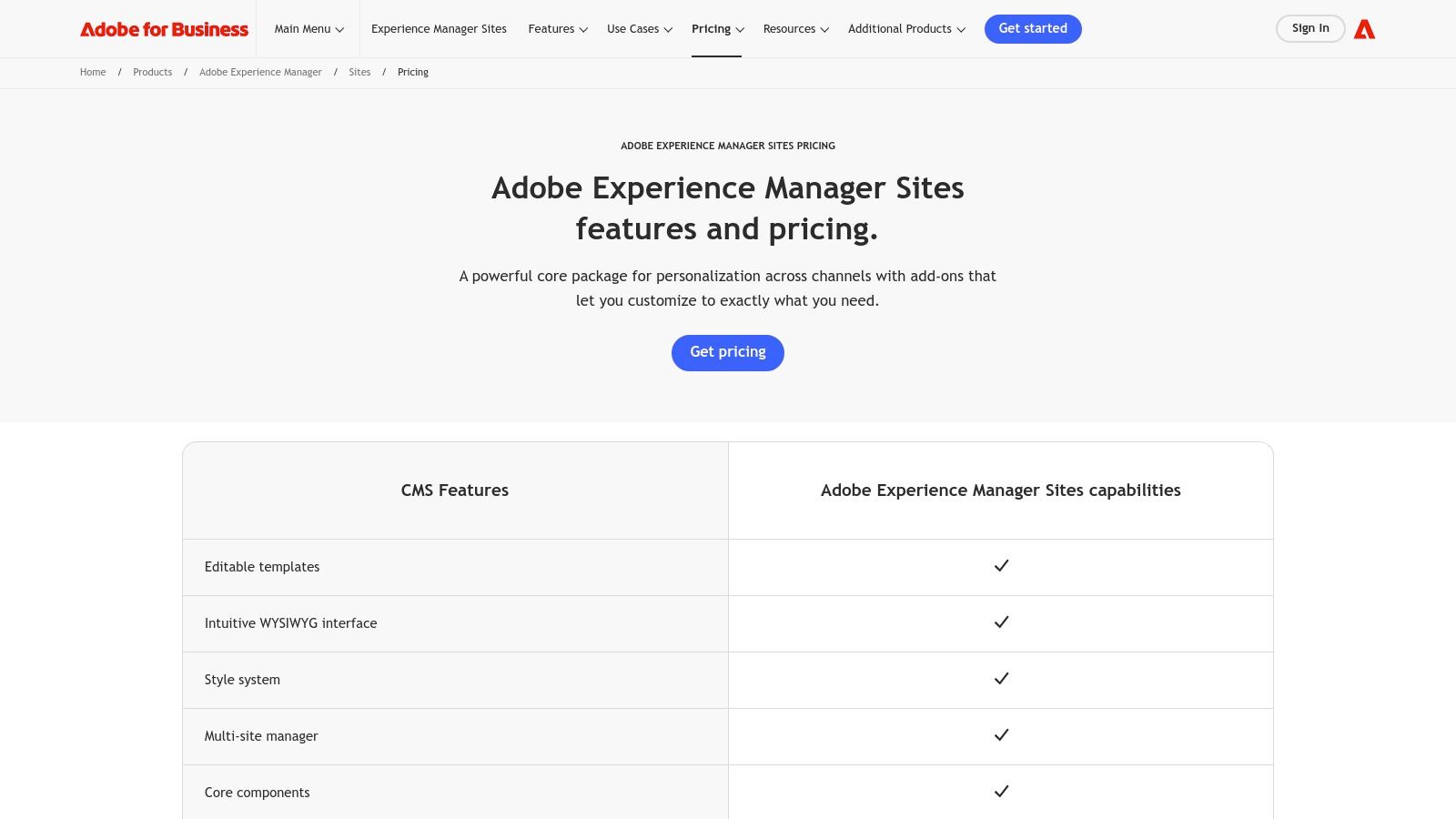
AEM is architected for scalability, security, and reliability, backed by enterprise-level SLAs and certifications. A key implementation consideration is its complexity and cost; it demands a significant budget and specialized expertise for setup and maintenance. It is designed to be the central hub for an organization's digital experience, connecting seamlessly with other Adobe products like Analytics, Target, and Commerce for a data-driven content strategy.
Key Details & Analysis
- Best Use Case: Large enterprises and multinational corporations that need robust governance, localization features, and a scalable platform for managing extensive, multi-channel digital experiences.
- Pricing: Pricing is customized and available by quote only, reflecting its enterprise focus and the need for tailored implementation.
- Limitations: The primary drawbacks are the high cost and steep learning curve, making it inaccessible for small to medium-sized businesses. It requires significant investment in both licensing and skilled developers.
- Website: business.adobe.com/products/experience-manager/sites/pricing.html
10. Sitecore XM Cloud
Sitecore XM Cloud is a cloud-native, SaaS-based enterprise content management system designed for organizations that require sophisticated digital experience capabilities. It separates content from presentation, enabling a pure headless architecture that delivers consistent, personalized experiences across any channel. This makes it one of the top content management systems for large enterprises managing complex, multi-brand, and multi-site digital ecosystems who need scalable performance and advanced personalization.
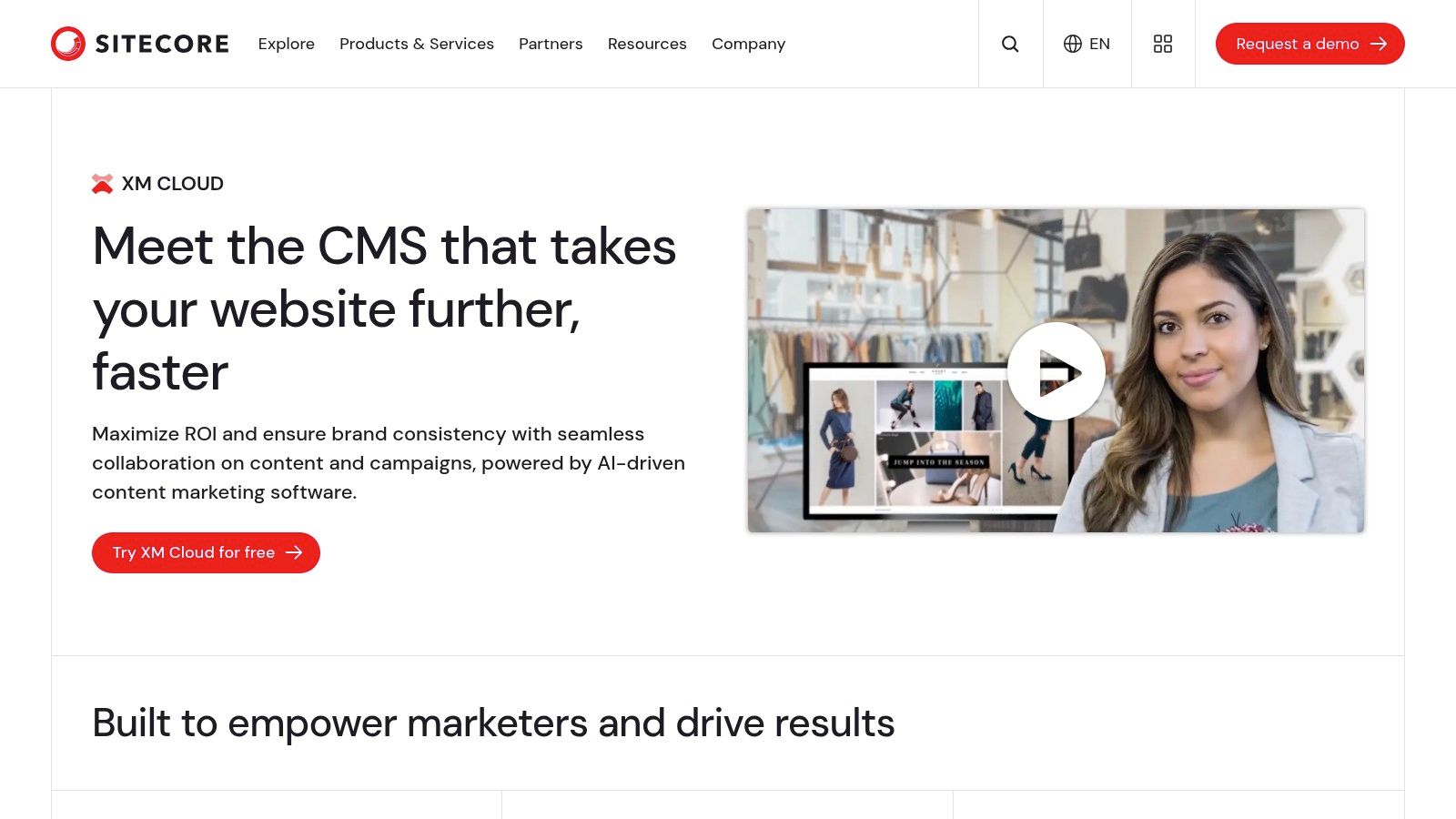
The platform combines a visual WYSIWYG page builder with powerful developer tools and integrated personalization, allowing marketing and development teams to collaborate effectively. An important implementation consideration is its enterprise-grade nature; it requires significant technical expertise and strategic planning to leverage its full potential. The headless delivery via its Experience Edge CDN ensures high-speed content delivery globally, a critical factor for global brands focused on performance.
Key Details & Analysis
- Best Use Case: Ideal for large, global enterprises requiring a scalable, secure, and flexible CMS to manage multi-site and multi-channel digital experiences with deep personalization.
- Pricing: Pricing is quote-based and requires direct consultation with Sitecore to tailor a package based on an organization's specific needs.
- Limitations: The primary drawback is its complexity and cost, which place it outside the budget and technical scope of most small to medium-sized businesses.
- Website: www.sitecore.com/products/xm-cloud
11. Contentful
Contentful is a leading API-first headless CMS built for omnichannel content delivery, empowering teams to manage structured content in a central hub and distribute it anywhere via APIs. It stands out by decoupling the content repository from the presentation layer, giving developers the freedom to use any front-end technology. This makes it one of the top content management systems for organizations building custom websites, mobile apps, and experiences for IoT devices or digital displays.
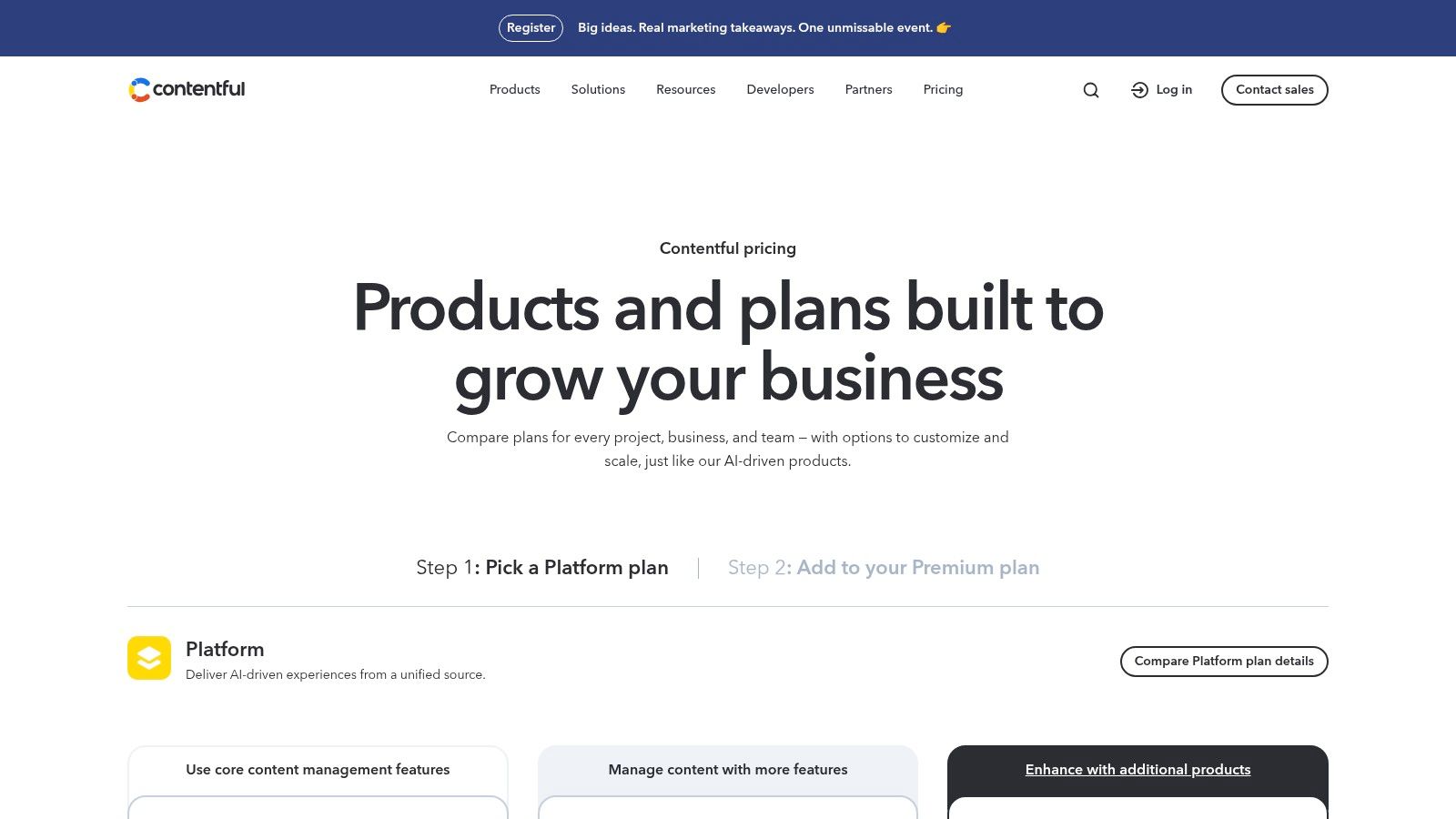
The platform’s pricing model is transparent, starting with a generous free tier that is excellent for development and small projects. As needs grow, paid plans scale to support enterprise requirements with features like advanced governance and service level agreements (SLAs). A key implementation consideration is that Contentful requires developer resources to build the front-end that consumes the content; it is not an all-in-one website builder. The platform's App Framework and marketplace offer robust integrations to extend its core capabilities.
Key Details & Analysis
- Best Use Case: Ideal for businesses that need to deliver content to multiple channels beyond a traditional website, such as mobile apps, digital kiosks, or AR/VR experiences. It’s perfect for teams with dedicated developers who value front-end flexibility.
- Pricing: A free Community tier is available. Paid plans scale from Team to Enterprise, with pricing based on user seats, content records, and API calls.
- Limitations: The primary drawback is its complete reliance on developers to create and maintain the consumer-facing front-end. It is not suitable for users seeking a simple, out-of-the-box website solution with built-in templates.
- Website: www.contentful.com/pricing/
12. HubSpot Content Hub (formerly HubSpot CMS Hub)
HubSpot Content Hub is a content management system deeply integrated into a powerful CRM and marketing automation platform. It is engineered for marketing teams that need to align their content strategy directly with their sales and customer service efforts. The platform excels by combining a user-friendly, AI-assisted content builder with sophisticated tools for personalization, SEO, and lead generation, making it a standout choice among top content management systems for businesses focused on growth.
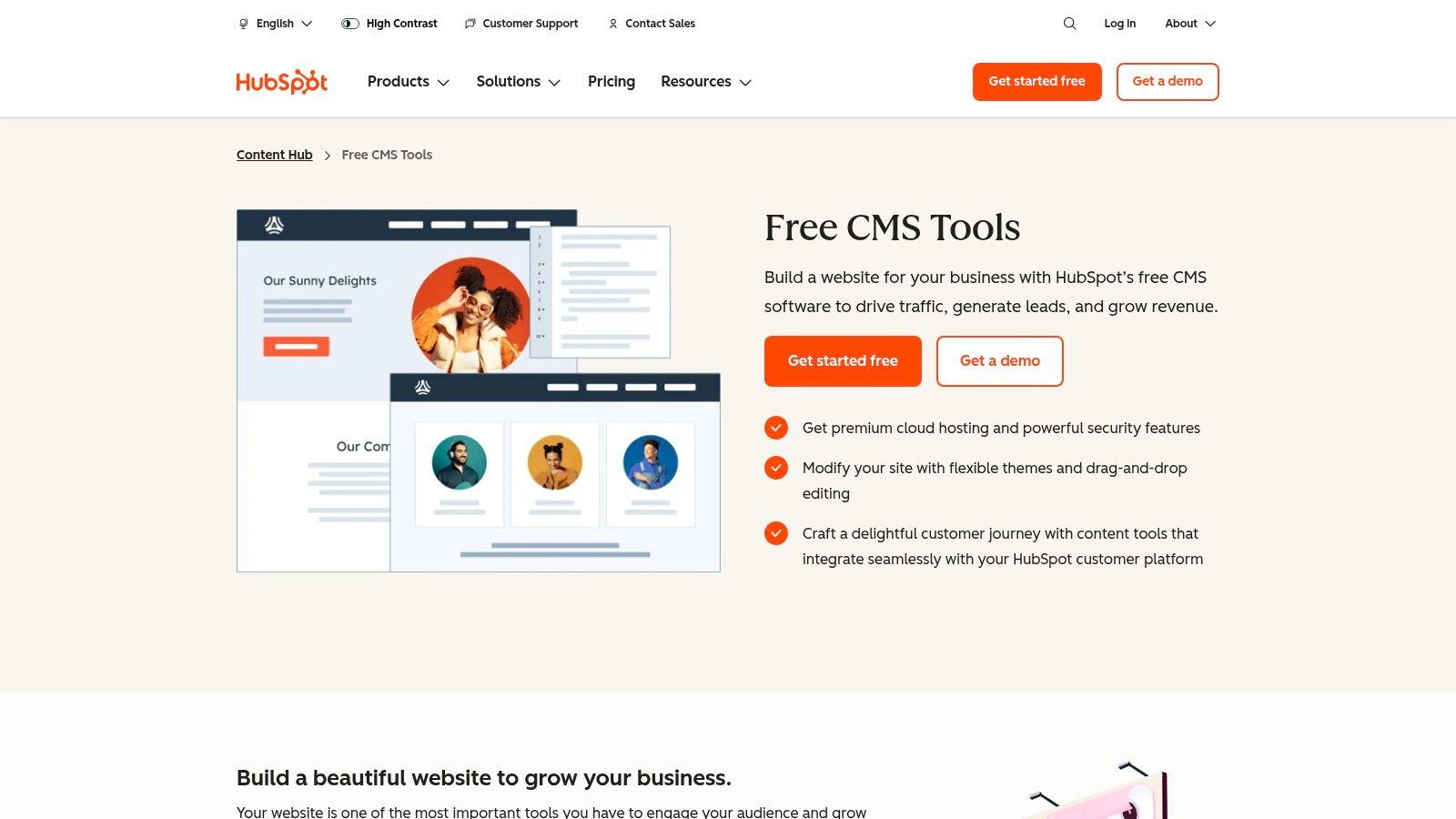
Unlike standalone CMS platforms, Content Hub’s primary value is its native connection to HubSpot’s full suite of tools. This allows for advanced features like smart content, where website elements dynamically change based on visitor data stored in the CRM. An important implementation consideration is the potential for vendor lock-in; migrating away from the HubSpot ecosystem can be more complex than with a decoupled CMS. The platform is best suited for teams already invested or planning to invest in HubSpot’s marketing and sales tools.
Key Details & Analysis
- Best Use Case: Ideal for marketing-driven businesses that want to unify their website, CRM, and automation tools into a single, cohesive system for generating and nurturing leads.
- Pricing: Offers a free tier with basic tools. Paid plans scale significantly in price and functionality, targeting professional marketers and enterprise teams.
- Limitations: The cost can be prohibitive for small businesses or those not utilizing the full marketing suite. Its tight integration, while a strength, creates a dependency that can be a drawback for teams preferring a more modular, best-of-breed tech stack.
- Website: hubspot.com/products/cms
Top 12 CMS Platforms Feature Comparison
| CMS | Core Features & Flexibility | User Experience & Quality ★★★★☆ | Value & Pricing 💰 | Target Audience 👥 | Unique Selling Points ✨ |
|---|---|---|---|---|---|
| WordPress.com | Hosted, tiered plans, AI site-building | Easy start, 24/7 support on paid tiers | Free to $$$, commission fees on lower tiers | Bloggers, SMBs, commerce | No server setup, built-in payments |
| WordPress.org | Open-source, full control, huge plugin eco | Flexible, community support, steeper learning | Free software, hosting separate | Developers, advanced users | Maximum extensibility, no license fees |
| Shopify | Commerce-first, integrated checkout & POS | Robust checkout, scalable plans | $$$, transaction fees on 3rd-party payments | Online merchants, retail | Multichannel selling, shipping discounts |
| Wix | Drag-and-drop + AI, hosting included | Extremely easy, large templates & apps | Free to premium plans | Non-technical users, small sites | AI site generator, all-in-one marketing tools |
| Squarespace | Design-focused, ecommerce + marketing | Visually polished, all-in-one simplicity | $$ - $$$, free trial | Creatives, small businesses | Fluid Engine editor, AI Blueprint tools |
| Webflow | Visual designer + hosting, pixel control | Designer-grade, learning curve | $$ - $$$ | Agencies, freelancers, advanced designers | Clean code, extensive learning materials |
| Drupal.org | Open-source, modular, enterprise-grade | Secure, flexible but complex | Free software, hosting separate | Enterprises, tech-skilled | Strong permissions, multilingual support |
| Joomla.org | Open-source, extensible, multilingual | Stable, smaller ecosystem than WordPress | Free software, hosting separate | Structured content, mid-skilled users | 6000+ extensions, official docs & forums |
| Adobe Experience Manager | Enterprise, headless + traditional CMS | Enterprise-grade, Adobe integration | Quote-based, high budget | Large enterprises | Deep Adobe ecosystem, strong governance |
| Sitecore XM Cloud | Cloud-native, personalization, headless | Robust enterprise features | Quote-based | Multi-brand enterprises | Built-in A/B testing, CDN integration |
| Contentful | API-first, omnichannel content delivery | Flexible, dev required | Free tier + scalable paid tiers | Developers, omnichannel content teams | Generous free tier, app marketplace |
| HubSpot Content Hub | Integrated CRM/marketing stack, AI tools | Strong marketing integration, 24/7 support | $$$$, premium pricing | Marketing teams, SMBs & enterprises | AI content generation, governance controls |
Making Your Final Decision: From Comparison to Action
Selecting the right platform from our list of top content management systems is a critical strategic decision that will impact your workflow, scalability, and overall digital success. We've journeyed through a diverse landscape, from the ubiquitous flexibility of WordPress.org and the streamlined simplicity of Wix, to the e-commerce dominance of Shopify and the enterprise-level power of Adobe Experience Manager. The key takeaway is clear: there is no single "best" CMS, only the one that best aligns with your unique operational needs, technical capabilities, and business objectives.
The optimal choice hinges on a realistic assessment of your resources and goals. A solo blogger or small business owner might find the all-in-one, maintenance-free environments of Squarespace or WordPress.com perfectly suited for their needs. Conversely, a growing e-commerce brand will likely gravitate towards Shopify's robust sales tools or Webflow's design-centric approach to online stores. For large organizations requiring complex integrations and granular control, a headless platform like Contentful or a feature-rich open-source system like Drupal will provide the necessary power and flexibility.
A Practical Framework for Your Final Choice
To move from analysis to action, distill your requirements into a clear decision-making framework. Prioritize what truly matters for your project by answering these fundamental questions:
- Technical Proficiency: Honestly evaluate your team's comfort level with code. Do you need a drag-and-drop visual builder (Wix, Squarespace), a system that benefits from some coding knowledge (WordPress.org, Webflow), or do you have a dedicated development team ready for a complex implementation (Drupal, AEM)?
- Total Cost of Ownership: Look beyond the initial subscription or hosting fee. Factor in the costs of premium themes, essential plugins or apps, developer assistance, and potential transaction fees. An open-source CMS may be "free," but its long-term cost can exceed that of a hosted solution.
- Scalability and Future Growth: Where do you see your project in three to five years? Choose a CMS that can grow with you. A platform that feels perfect today might become a restrictive bottleneck tomorrow if it can't handle increased traffic, content volume, or feature requirements like those offered by HubSpot Content Hub or Sitecore.
- Content and Marketing Strategy: Does your strategy rely heavily on blogging, lead generation, or complex content architectures? Platforms like HubSpot are built for marketing integration, while headless systems like Contentful excel at omnichannel content delivery.
Your Next Steps
With your priorities defined, it's time to validate your choice. Take advantage of free trials and demos whenever possible. Building a small prototype or a landing page is the most effective way to experience a platform's user interface and workflow firsthand. This hands-on testing will quickly reveal whether a CMS feels intuitive or cumbersome for your team.
Choosing from the top content management systems is about empowering your vision. Use this guide as your strategic compass, conduct your due diligence, and select the tool that not only solves your immediate problems but also serves as a robust foundation for your future digital ambitions. The right platform will feel less like a tool and more like a partner in your growth.