
Top Digital Asset Management Tools for 2025 | Find the Best Solutions
Explore the best digital asset management tools of 2025. Discover features, benefits, and pricing to choose the right digital asset management tools for your needs.

In a world saturated with digital content, managing brand assets-from images and videos to design files and documents-is more critical than ever. Disorganized files lead to wasted time, inconsistent branding, and costly rework. This is where digital asset management (DAM) tools become indispensable. A robust DAM system acts as a centralized, secure library for all your creative assets, streamlining workflows, ensuring brand consistency, and maximizing the return on your content investment.
This guide moves beyond simple feature lists to provide a practical, analytical breakdown of the top digital asset management platforms available. To truly harness the power of any system, understanding and implementing effective digital asset management best practices is essential for any enterprise.
For each tool listed, we will dive into its specific strengths, ideal use cases, potential implementation hurdles, and honest limitations. This analysis is designed to equip you with the insights needed to select the platform that truly aligns with your team's unique challenges and goals. We provide screenshots and direct links to help your evaluation, enabling marketers, content creators, and project managers to find the perfect solution to navigate their content chaos.
1. Adobe Experience Manager Assets
Adobe Experience Manager (AEM) Assets is an enterprise-grade solution designed for large organizations that need robust, scalable digital asset management tools integrated deeply within their marketing and creative ecosystems. It excels at managing the entire asset lifecycle, from creation and collaboration within Adobe Creative Cloud to omnichannel delivery and performance analysis. This platform is ideal for global brands managing vast libraries of creative content that require sophisticated governance, rights management, and security protocols.
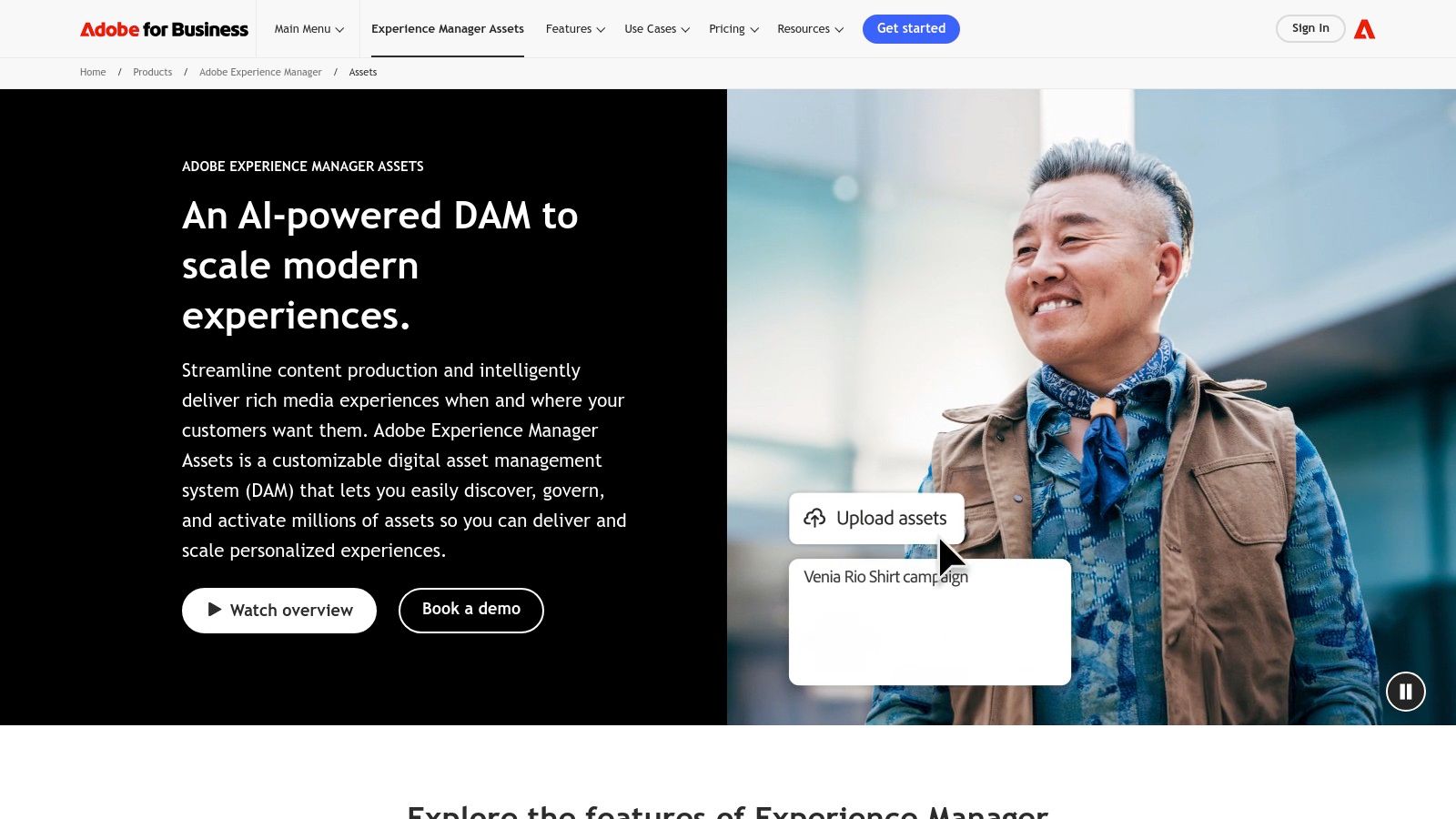
What truly sets AEM Assets apart is its native integration with the Adobe ecosystem. The seamless workflow between Photoshop, Illustrator, and the DAM allows creative teams to work efficiently without leaving their familiar applications. Its Dynamic Media feature automatically generates and delivers optimized asset variations for any channel, ensuring high-performance experiences on web, mobile, and social platforms. For organizations that also use AEM as their content management system, this integration provides unparalleled control. You can learn more about how AEM bridges CMS and DAM functionality to power personalized content at scale.
Key Details & Analysis
- Best For: Large enterprises already invested in the Adobe Experience Cloud.
- Pros: Unmatched integration with Adobe Creative Cloud; powerful AI and machine learning for asset tagging and discovery; enterprise-level security and governance.
- Cons: Pricing is quote-based and represents a significant investment; implementation can be complex and requires specialized expertise.
- Pricing: Enterprise-level pricing available only upon request.
- Website: https://business.adobe.com/products/experience-manager/assets.html
2. Bynder
Bynder is a leading cloud-based digital asset management tool designed for marketing and creative teams that prioritize brand consistency and operational efficiency. It offers a highly intuitive user interface that simplifies asset organization, collaboration, and distribution across an entire organization. The platform is built to support the full content lifecycle, featuring robust creative workflow tools for briefing, reviewing, and approving new assets directly within the DAM. This centralizes creative operations and ensures all stakeholders are aligned.
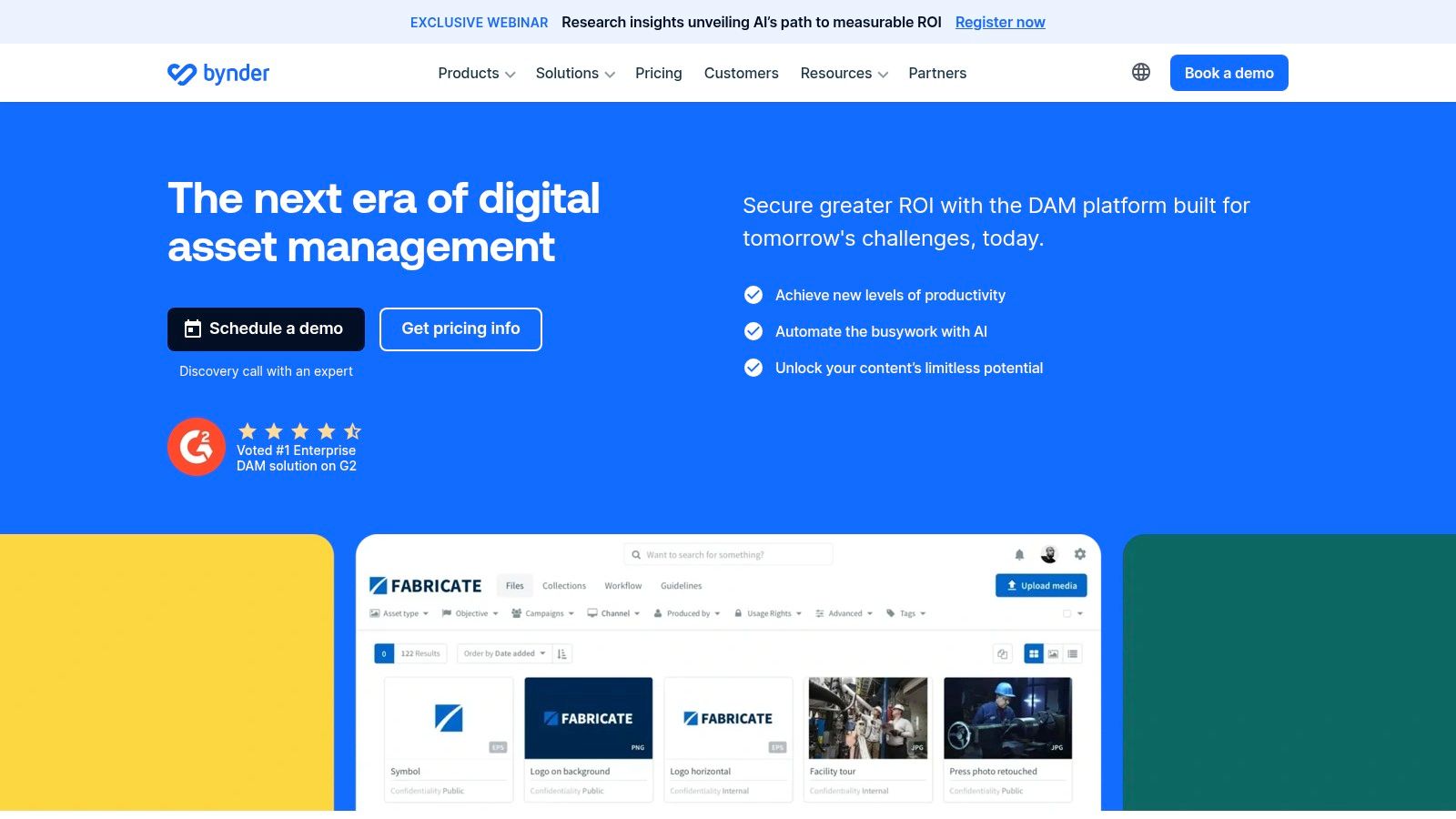
What makes Bynder stand out is its extensive marketplace of pre-built connectors and integrations. This allows teams to seamlessly plug the DAM into their existing martech stack, including popular CMS platforms, project management software, and design applications. This focus on interoperability reduces the need for complex custom development, making it a more accessible enterprise solution. You can discover how Bynder integrates with other platforms to create a connected digital ecosystem. Its user-friendly design and strong brand templating features make it a top choice for mid-market and enterprise companies looking to scale content production with control.
Key Details & Analysis
- Best For: Marketing and creative teams in mid-market to enterprise companies needing a user-friendly, integration-ready DAM.
- Pros: Intuitive user interface with strong brand and marketing use cases; broad connector ecosystem that reduces the need for custom development; excellent creative workflow and collaboration tools.
- Cons: Pricing is not publicly listed and can increase significantly with advanced modules or high usage requirements.
- Pricing: Custom pricing based on user count, storage, and add-on modules. Available upon request.
- Website: https://www.bynder.com
3. Brandfolder (by Smartsheet)
Brandfolder, now part of Smartsheet, is an enterprise-focused DAM platform celebrated for its intuitive user interface and powerful asset distribution capabilities. It is engineered to give marketing and creative teams centralized control over their brand's collateral, ensuring consistency across all channels. This platform excels at making digital assets easily discoverable, shareable, and trackable, making it a strong choice for organizations looking to scale their content operations without overwhelming users.
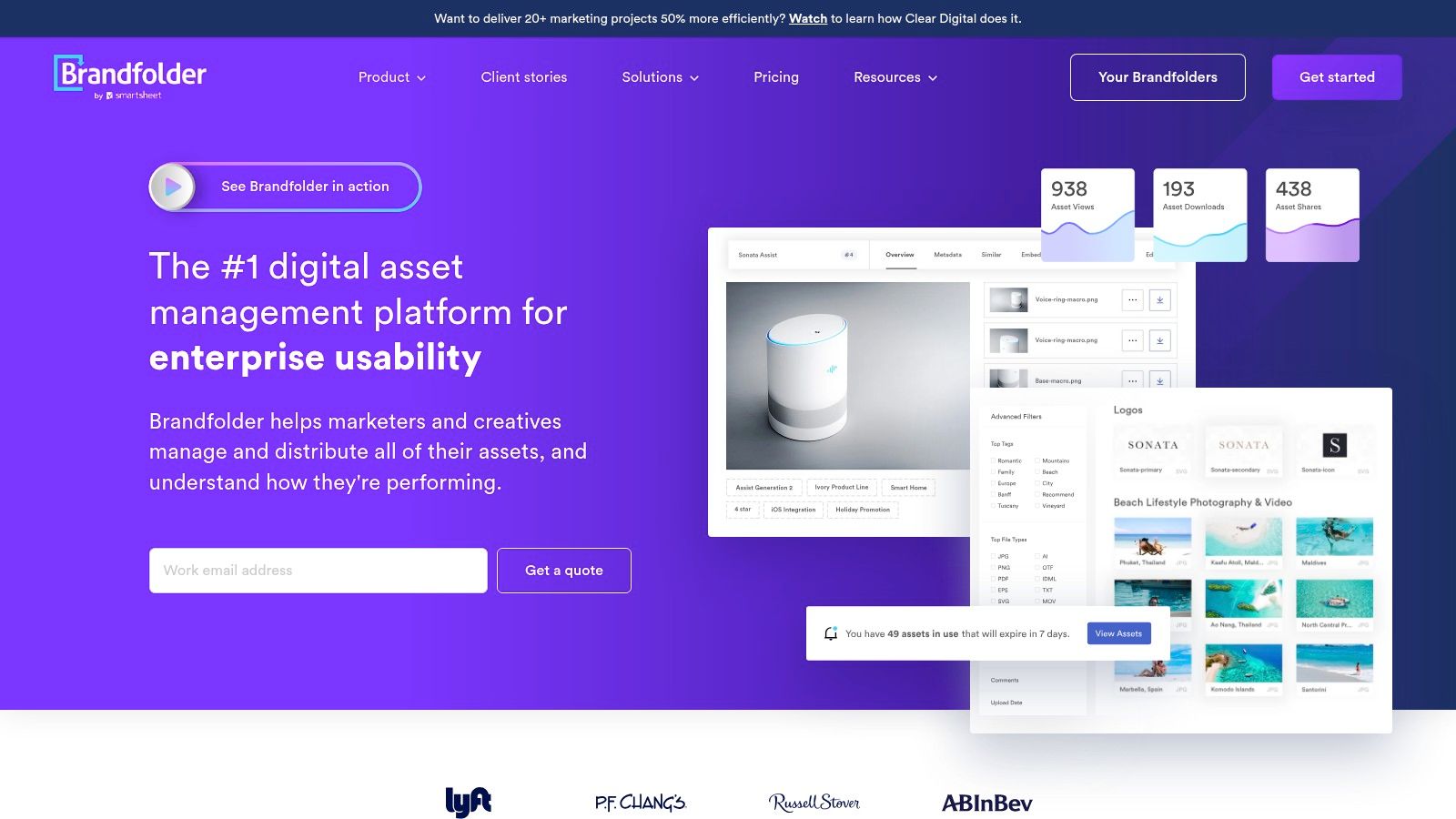
What distinguishes Brandfolder among other digital asset management tools is its "Brand Intelligence" technology. This AI-powered feature automates metadata tagging, identifies duplicate assets, and provides deep analytics on asset performance and engagement. This allows brand managers to see which assets are being used most effectively and by whom. The platform's customizable brand portals and robust distribution controls, including a Smart CDN, empower teams to deliver the right content to the right audience with precision and efficiency.
Key Details & Analysis
- Best For: Medium to large businesses needing a user-friendly DAM with strong analytics and brand control.
- Pros: Exceptionally clean and intuitive interface that speeds up user adoption; deep analytics on asset usage and performance; powerful AI for automated tagging and organization.
- Cons: Pricing is quote-based and can be a significant investment as enterprise features are added; may be overly robust for very small teams.
- Pricing: Custom pricing available upon request from their sales team.
- Website: https://brandfolder.com
4. Canto
Canto is a long-standing and highly regarded player in the digital asset management space, offering a solution that balances robust functionality with a user-friendly interface. It caters to a wide spectrum of users, from mid-sized businesses to large enterprises, by focusing on visual communication and team collaboration. The platform is designed to be a central source of truth for all brand assets, streamlining how creative and marketing teams organize, find, and share content.
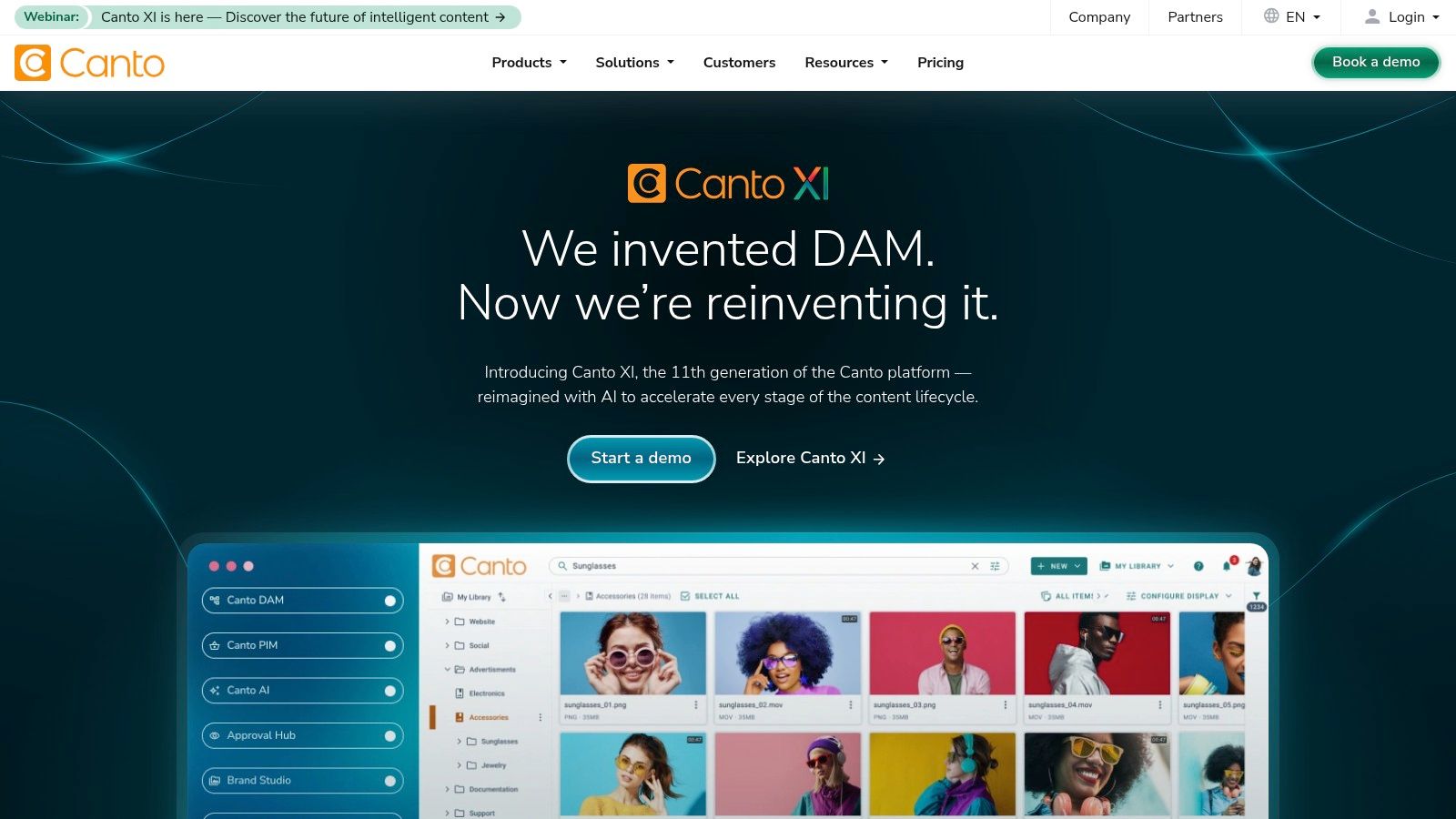
What makes Canto stand out among other digital asset management tools is its emphasis on accessibility and fast implementation. While powerful, it avoids the complexity often associated with enterprise-grade systems. Features like AI-powered search, automated tagging, and customizable brand portals allow teams to become more self-sufficient, reducing their reliance on creative departments to locate assets. Its extensive integration capabilities with tools like Slack, Adobe Creative Cloud, and various CMS platforms ensure it fits neatly into existing workflows, enhancing productivity without causing major disruptions.
Key Details & Analysis
- Best For: Marketing teams and creative agencies in mid-market to enterprise companies seeking a powerful yet intuitive DAM.
- Pros: Excellent user experience with strong onboarding support; comprehensive feature set with fewer hidden add-ons; powerful sharing and collaboration portals.
- Cons: Pricing is not transparent and requires contacting the sales team; may be more than what a very small business needs.
- Pricing: Custom pricing available upon request.
- Website: https://www.canto.com
5. Acquia DAM (formerly Widen)
Acquia DAM, which evolved from the well-regarded Widen platform, is a mature, SaaS-based solution catering to mid-market and enterprise clients. It is engineered for organizations needing a centralized hub for their marketing and product content, offering robust digital asset management tools alongside optional PIM capabilities. The platform excels at providing scalable user and storage allotments, making it adaptable for growing teams that need to manage an expanding library of brand assets, marketing collateral, and product imagery under one roof.
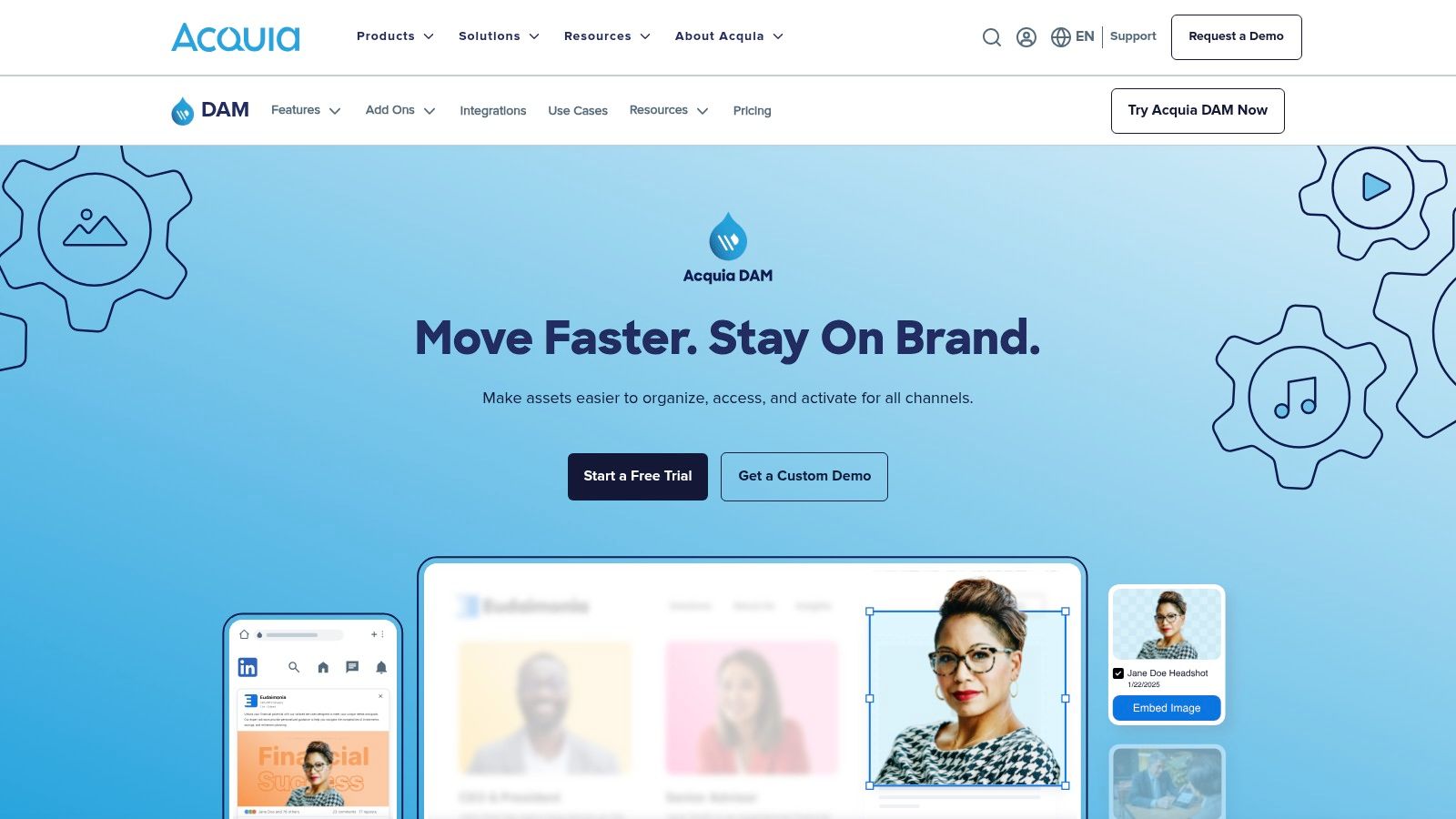
What distinguishes Acquia DAM is its transparent packaging and modular approach. Unlike many enterprise competitors, Acquia clearly outlines the components of its Workgroup and Enterprise tiers, including generous CDN usage, Single Sign-On (SSO), and unlimited standard portals for asset distribution. This allows organizations to start with a solid foundation and expand functionality with add-ons for creative workflows, dynamic templates, and enhanced brand portals as their needs evolve. This flexibility makes it a powerful choice for businesses looking for a comprehensive system that can grow with them.
Key Details & Analysis
- Best For: Mid-market to enterprise companies seeking a flexible, all-in-one DAM and PIM solution.
- Pros: Transparent plan components visible on product pages; strong reputation with a large customer base; optional modules provide excellent scalability.
- Cons: Specific pricing requires a formal quote; the cost can increase significantly with the addition of optional modules.
- Pricing: Quote-based pricing tailored to specific storage, user, and feature requirements.
- Website: https://www.acquia.com/products/acquia-dam
6. Cloudinary
Cloudinary is a developer-centric visual media platform that combines digital asset management tools with a powerful API for image and video manipulation, optimization, and delivery. It is engineered for businesses that need to manage media assets programmatically and deliver them with high performance across any channel. The platform excels at on-the-fly transformations, allowing developers to resize, crop, filter, and format media assets simply by modifying a URL, which is a significant departure from traditional DAM workflows.
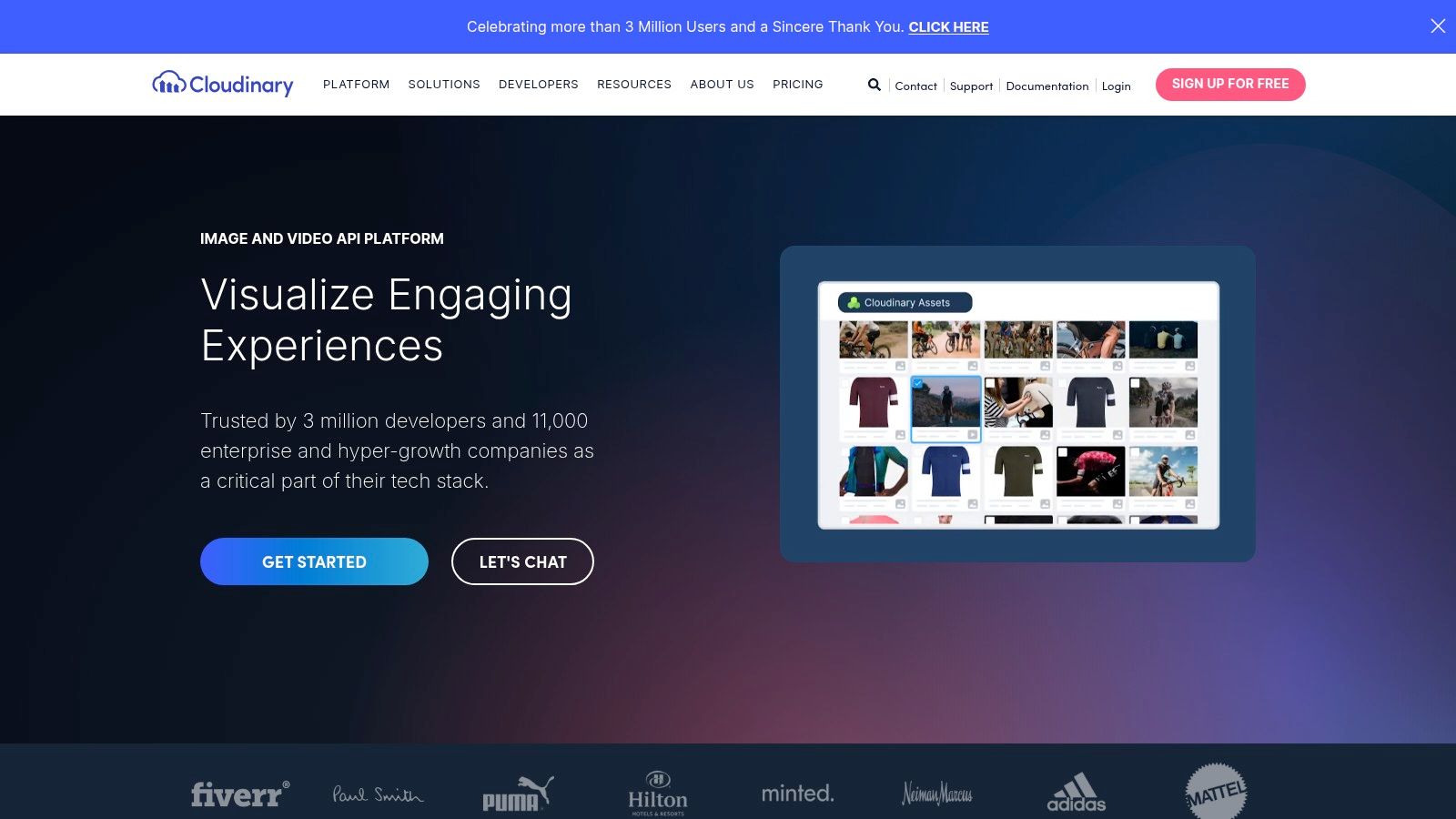
What truly sets Cloudinary apart is its focus on the entire media lifecycle, from upload and storage to dynamic transformation and optimized delivery via a multi-CDN infrastructure. This API-first approach makes it an ideal solution for websites and applications with dynamic user-generated content or complex e-commerce product catalogs. While it includes robust DAM features like auto-tagging and role-based administration, its core strength lies in providing developers the tools to automate and scale visual media operations, making it a foundational piece of a modern tech stack.
Key Details & Analysis
- Best For: Developer teams and organizations that require programmatic control over media assets.
- Pros: Transparent pricing and easy sign-up; scales well from small teams to large enterprises; best-in-class media transformation and performance tooling.
- Cons: Developer-centric feature set may require technical expertise to maximize value.
- Pricing: Offers a free-forever tier. Paid plans start with Plus at $99/month and scale to custom Enterprise pricing.
- Website: https://cloudinary.com
7. Aprimo DAM
Aprimo offers an enterprise-level digital asset management solution designed for organizations with complex content operations and strict compliance requirements. It excels in managing the full content lifecycle, from planning and creation to distribution and performance analysis, with a strong focus on governance. This makes it an ideal choice for businesses in regulated industries like finance, healthcare, or manufacturing, where brand consistency and legal compliance are paramount.
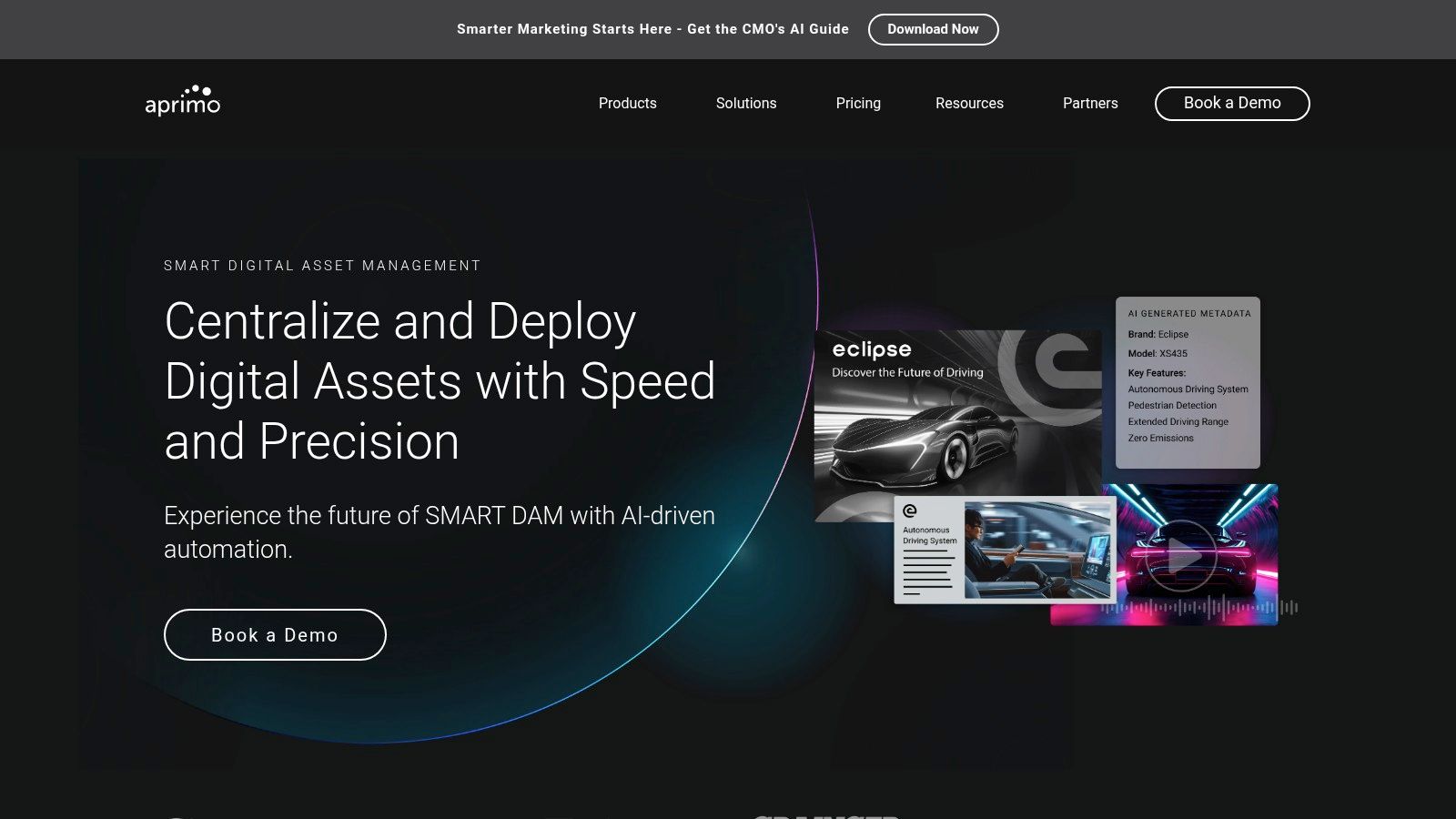
What distinguishes Aprimo is its modular approach and powerful governance features. The platform allows organizations to package and deliver content intelligently, ensuring the right assets reach the right people at the right time. Its robust auditing and compliance tools provide a clear line of sight into asset usage, helping teams mitigate risk. For businesses adopting a decoupled architecture, you can explore how Aprimo supports headless CMS strategies by serving as a centralized content hub. The platform’s AI-powered metadata generation and natural language search also streamline asset discovery across vast libraries.
Key Details & Analysis
- Best For: Large, regulated enterprises needing strong governance and modular content operations.
- Pros: Excellent compliance, auditing, and brand governance features; provides transparent market guidance on typical DAM costs for budgeting purposes.
- Cons: Pricing is enterprise-oriented and may be too complex or expensive for smaller teams or mid-market companies.
- Pricing: Custom quote-based pricing tailored to modules and user needs.
- Website: https://www.aprimo.com/platform/digital-asset-management
8. MediaValet
MediaValet is an enterprise-grade, cloud-native DAM built on Microsoft Azure, offering high security, scalability, and global accessibility. It's designed for organizations that need a powerful yet user-friendly platform to manage large volumes of digital assets across dispersed teams. A key differentiator for MediaValet is its unlimited users model, which encourages widespread adoption without incurring additional per-seat costs. This makes it a strong contender among digital asset management tools for large enterprises focused on collaboration and compliance.
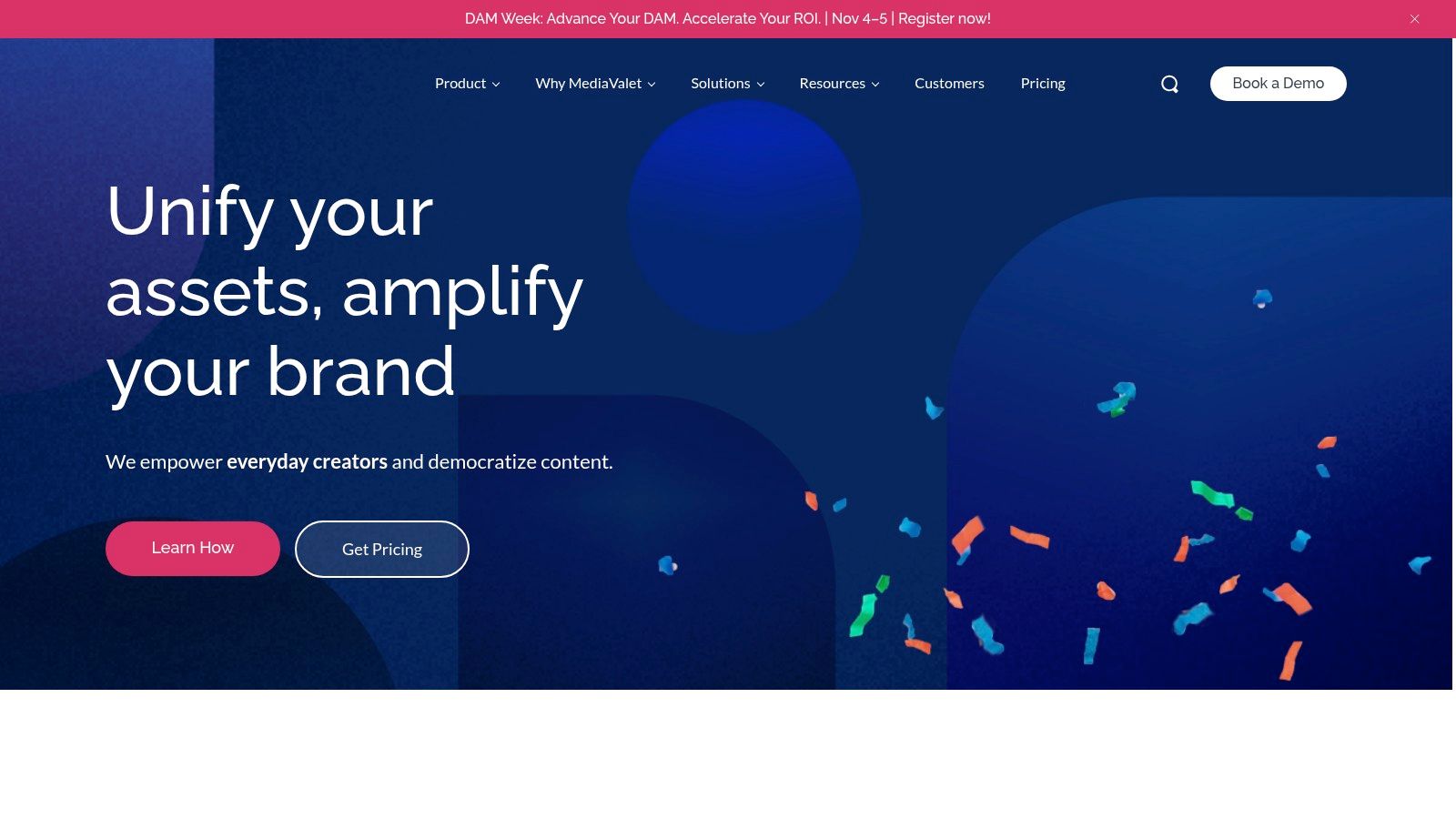
The platform’s strength lies in its robust infrastructure, which provides enterprise-level security protocols like SOC 2 compliance and HIPAA readiness, making it suitable for regulated industries. MediaValet also leverages AI through add-ons for features like face recognition, object identification, and audio/video intelligence, which automates metadata tagging and enhances searchability. Its dedicated 24/7 support and comprehensive onboarding process ensure that teams can quickly and effectively implement the system, maximizing their return on investment from day one.
Key Details & Analysis
- Best For: Large enterprises and regulated industries needing a scalable, secure DAM with unlimited user access.
- Pros: Unlimited user model promotes broad adoption; comprehensive onboarding and 24/7 support included; strong enterprise-grade security and compliance built on Microsoft Azure.
- Cons: Pricing is custom and can increase significantly based on storage needs and advanced AI add-ons.
- Pricing: Quote-based pricing tailored to specific storage, feature, and support requirements.
- Website: https://www.mediavalet.com
9. ResourceSpace (Open Source DAM)
ResourceSpace is a highly flexible open-source digital asset management tool that provides organizations with a powerful, no-cost software foundation. It’s uniquely positioned for budget-conscious teams, academic institutions, and non-profits that need a customizable solution without the hefty license fees of proprietary systems. The platform can be self-hosted for free, giving technical teams complete control, or deployed via paid cloud hosting and support packages for a more managed experience. This dual-model approach makes it exceptionally accessible.
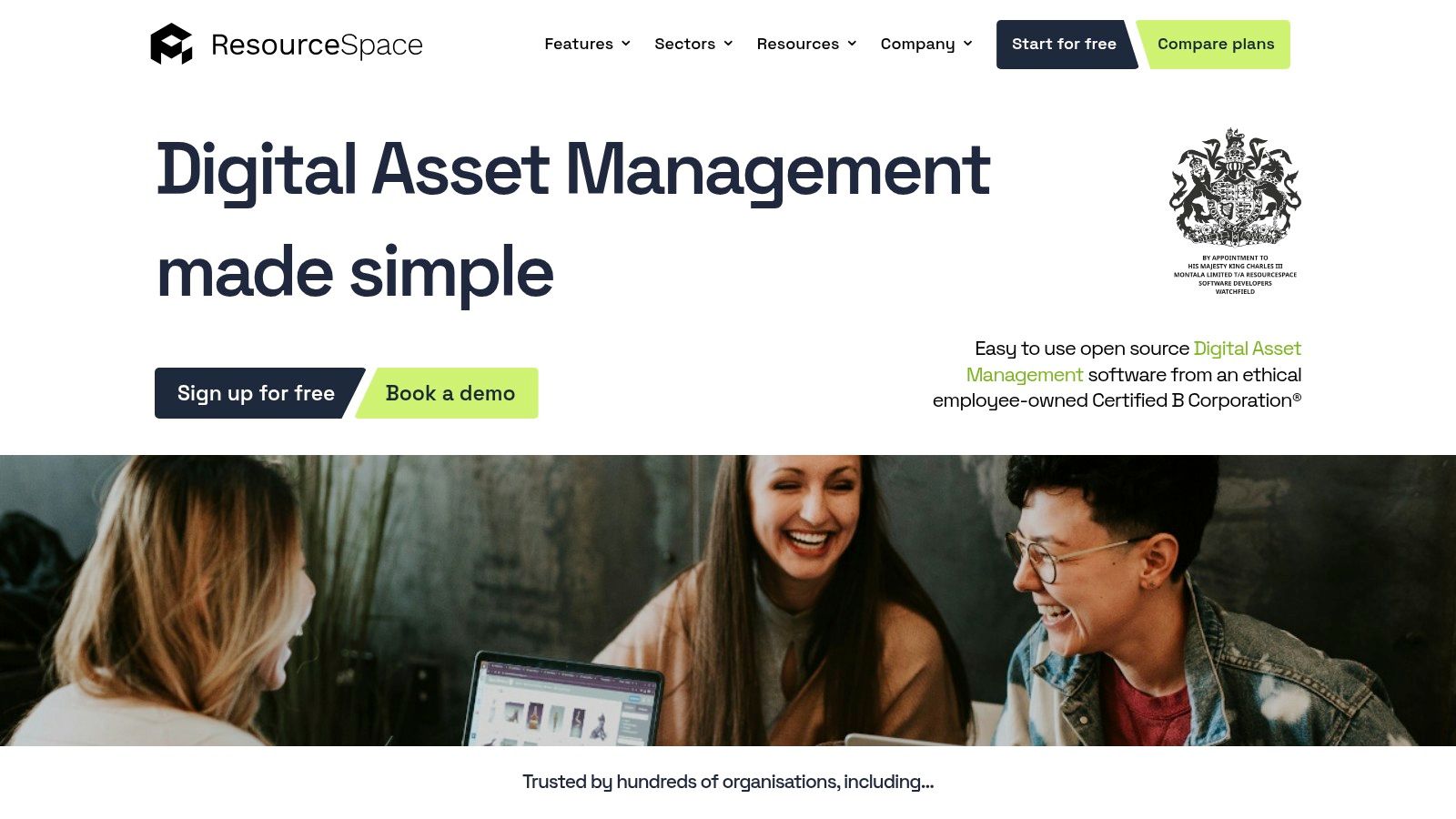
The core advantage of ResourceSpace lies in its cost-effectiveness and adaptability. While the free software requires internal technical resources to manage, it delivers essential DAM functionalities like metadata management, advanced search, and user permissions. For those seeking more advanced features and less administrative overhead, the tiered cloud plans add capabilities like AI auto-tagging, Single Sign-On (SSO), and dedicated support. This makes it a scalable choice, starting from a basic, free repository and growing into an enterprise-grade solution. You can explore other open-source content platforms to see how they compare in flexibility and control.
Key Details & Analysis
- Best For: Organizations with technical expertise seeking a free, customizable DAM or those needing a cost-effective, scalable cloud solution.
- Pros: No software license fees for the self-hosted version; flexible deployment options; user counts are not tied to licensing costs.
- Cons: Advanced enterprise features require higher-tier paid plans; cloud pricing tiers are not publicly listed, requiring a direct quote.
- Pricing: Free for the self-hosted software; tiered pricing for cloud hosting and support is available upon request.
- Website: https://www.resourcespace.com
10. Extensis Portfolio
Extensis Portfolio is a versatile and long-standing digital asset management tool that offers unique deployment flexibility, serving organizations with on-premise, cloud, or hybrid needs. It is particularly well-suited for creative teams and industries that handle highly specialized file formats, such as geospatial imagery, videos, and complex design files. The platform focuses on centralizing assets, automating workflows, and simplifying distribution through branded web portals.
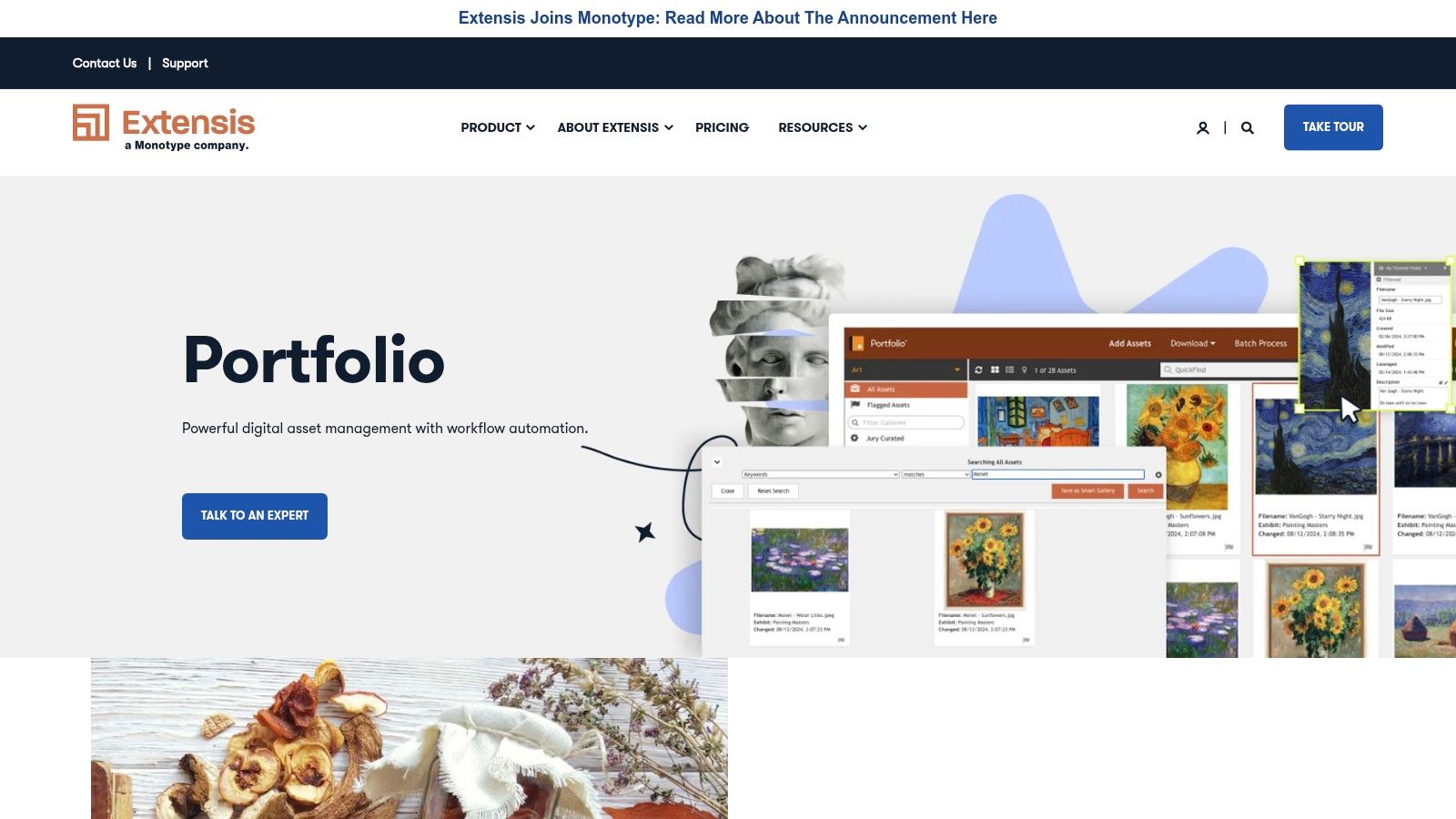
What distinguishes Extensis Portfolio is its robust support for diverse and technical file types combined with its adaptable infrastructure. Its AI-powered keywording assists in making vast archives searchable, while its automation capabilities can handle repetitive tasks like format conversions and metadata application upon ingestion. For organizations with specific security, compliance, or IT requirements, the option to deploy on-premise or within a private cloud provides a level of control that many SaaS-only solutions cannot match, making it a reliable choice among digital asset management tools for specialized sectors.
Key Details & Analysis
- Best For: Creative agencies, government bodies, and academic institutions with specialized file formats and specific deployment needs.
- Pros: Highly flexible deployment options (on-premise, cloud, hybrid); strong support for diverse and geospatial file types; powerful automation features.
- Cons: Pricing is quote-based and not publicly available; the user interface and some marketing materials can feel dated compared to newer competitors.
- Pricing: Available only upon request via sales contact.
- Website: https://www.extensis.com/portfolio
11. G2 — Digital Asset Management Category
While not a DAM tool itself, G2's Digital Asset Management category is an indispensable resource for market research and vendor selection. It serves as a comprehensive software marketplace, aggregating real user reviews, detailed feature comparisons, and up-to-date rankings. This platform is ideal for any team in the evaluation phase, offering a bird's-eye view of the landscape to benchmark potential digital asset management tools against one another based on crowd-sourced data and verified user feedback.
What makes G2 uniquely valuable is its Grid® Report, which visually plots vendors based on user satisfaction and market presence, instantly identifying industry leaders and niche innovators. Users can filter solutions by company size, industry, or specific features to narrow down the options that fit their exact needs. Its detailed comparison functionality allows you to place top contenders side-by-side, analyzing everything from ease of use to quality of support. Reviewing these reports can also highlight critical security considerations you need to address when choosing a DAM, which ties into broader website security best practices.
Key Details & Analysis
- Best For: Teams conducting market research and comparing DAM solutions before purchase.
- Pros: Unbiased, user-generated reviews and ratings; powerful filtering and comparison tools; free to access comprehensive market reports.
- Cons: Review data can be influenced by vendor encouragement programs; requires cross-verification with vendor demos and trials for accuracy.
- Pricing: Free to use for research and comparison.
- Website: https://www.g2.com/categories/digital-asset-management
12. Capterra — Digital Asset Management Software Directory
While not a DAM platform itself, Capterra’s software directory is an indispensable research tool for any team starting their search for a digital asset management solution. It serves as a comprehensive aggregator, listing hundreds of DAM vendors with detailed profiles, user-submitted reviews, and feature breakdowns. This resource is particularly valuable for organizations that are defining their requirements and need to survey the landscape of available tools, from enterprise-grade systems to niche, industry-specific options.
Capterra's strength lies in its standardized comparison framework and authentic user feedback. The platform allows you to filter potential digital asset management tools by feature, price model, and business size, making it easier to create a relevant shortlist. You can directly compare up to four vendors side-by-side, which simplifies the initial screening process. By leveraging the real-world experiences shared in user reviews, teams can gain practical insights into implementation challenges, customer support quality, and overall user satisfaction before ever contacting a sales representative.
Key Details & Analysis
- Best For: Teams in the initial research and vendor discovery phase of selecting a DAM.
- Pros: Extensive catalog for discovering niche or lower-cost DAM options; consistent vendor profiles allow for quick screening; free to browse with direct access to vendor information.
- Cons: Pricing and feature information can occasionally lag behind official vendor websites; requires cross-checking details directly with vendors for accuracy.
- Pricing: Free to use as a research directory.
- Website: https://www.capterra.com/digital-asset-management-software
Digital Asset Management Tools Comparison
| Product | Core Features/Capabilities | User Experience & Quality | Value & Pricing | Target Audience | Unique Selling Points |
|---|---|---|---|---|---|
| Adobe Experience Manager Assets | Enterprise-grade governance, Adobe integrations, dynamic media delivery ✨ | ★★★★☆ Complex, Adobe stack aligned 🏆 | 💰 Quote-only, expensive | 👥 Large enterprises, Adobe teams | Tight Creative Cloud integration ✨ |
| Bynder | Cloud DAM, asset workflow, broad integrations | ★★★★☆ Intuitive, strong marketing use | 💰 Quote-based, scales with modules | 👥 Marketing & creative teams | Large integration marketplace ✨ |
| Brandfolder (by Smartsheet) | AI auto-tagging, analytics, brand portals | ★★★★☆ Fast onboarding, clean UI | 💰 Quote-only, adds cost for enterprise | 👥 Enterprise brand teams | Deep analytics & Smartsheet native |
| Canto | AI search/tagging, brand style guides, multi-platform | ★★★★☆ Strong UX, onboarding support | 💰 Quote-only, fewer hidden add-ons | 👥 SMBs to enterprises | Comprehensive included features |
| Acquia DAM | User/storage tiers, analytics, SSO, portals | ★★★★☆ Transparent plans, solid reputation | 💰 Quote-based, add-ons cost extra | 👥 Large teams, analytics focus | Flexible packaging, PIM add-ons |
| Cloudinary | Media transformation APIs, multi-CDN, auto-tagging | ★★★★☆ Transparent pricing, scalable | 💰 Public plans; free to enterprise | 👥 Developers to enterprises | Best media performance tooling 🏆 |
| Aprimo DAM | Governance, compliance, AI metadata | ★★★★☆ Strong compliance posture | 💰 Enterprise pricing, complex | 👥 Regulated industries | Advanced governance ✨ |
| MediaValet | Unlimited users, Azure-backed, AI add-ons | ★★★★☆ Easy scaling, 24/7 support | 💰 Custom pricing, storage adds cost | 👥 Enterprises needing compliance | Enterprise-grade security |
| ResourceSpace (Open Source) | Free self-hosted, AI tagging, SSO, API | ★★★☆☆ Flexible deployment, budget-friendly | 💰 Free core, paid hosting/support | 👥 Budget-conscious teams | Open source, no license fees ✨ |
| Extensis Portfolio | On-prem, cloud, AI keywording, geospatial support | ★★★☆☆ Flexible deployment | 💰 Quote-only, demo required | 👥 Creative teams, specialized formats | Geospatial & hybrid deployments |
| G2 — Digital Asset Management Category | Market rankings, reviews, buyer guides | ★★★★☆ Timely updates, broad data | 💰 Free, vendor-linked pricing | 👥 Buyers researching DAMs | Market benchmark & reviews 🏆 |
| Capterra — Digital Asset Management Software Directory | Vendor profiles, pricing snapshots, reviews | ★★★★☆ Wide catalog, easy browsing | 💰 Free, may lag pricing accuracy | 👥 Initial vendor screening | Extensive listings & filters |
Choosing Your Central Source of Truth: Final Thoughts
Navigating the landscape of digital asset management tools can feel overwhelming, but making an informed decision is a critical investment in your organization's future efficiency and brand consistency. We've explored a range of platforms, from enterprise powerhouses like Adobe Experience Manager Assets and Aprimo DAM to agile, user-friendly solutions like Bynder and Canto, and even the customizable, open-source framework of ResourceSpace. The core takeaway is clear: the "best" DAM is not a universal title but a specific fit for your unique operational context.
Your selection process should be a deliberate, multi-stage evaluation. Moving beyond feature checklists and marketing materials is essential for finding a platform that truly solves your team’s pain points. A tool that excels for a global enterprise may introduce unnecessary complexity for a nimble startup, just as a solution perfect for a small creative team may buckle under the security and compliance demands of a larger corporation.
Your Actionable Next Steps
To move from analysis to action, consider this structured approach to finalize your decision:
- Define Your Core Use Case: Are you primarily solving for brand consistency across marketing channels (like Brandfolder or Bynder)? Or is your main challenge the technical delivery and transformation of media for web and mobile applications (where Cloudinary shines)? Clearly articulating the primary problem you need to solve will immediately narrow the field.
- Map Your Key Integrations: List the critical software in your existing stack, such as your CMS, project management tools (like Smartsheet or Asana), and creative software (Adobe Creative Cloud). A DAM's value multiplies when it seamlessly integrates with the tools your team already uses daily. Prioritize platforms with robust, pre-built connectors for your essential systems.
- Request Scenario-Based Demos: Do not settle for a generic product tour. Provide vendors with specific, real-world workflows you want to see demonstrated. For example, ask them to show you the exact process of uploading a new batch of photos, applying metadata, getting approval from a manager, and publishing the final asset to a specific channel. This tests the platform's practical usability, not just its theoretical capabilities.
- Engage Key Stakeholders in Trials: Identify a small group of end-users, including content creators, marketers, and project managers, to participate in a free trial. Their hands-on feedback is invaluable for assessing user adoption potential. A powerful tool that no one wants to use is ultimately a failed investment.
Final Considerations for Implementation
Remember that choosing from the many available digital asset management tools is only the first step. Successful implementation requires a strategic plan for asset migration, metadata taxonomy development, and team training. Your chosen partner should not just sell you software; they should provide a clear onboarding path and reliable support to ensure your team can leverage the platform to its full potential.
Ultimately, a well-chosen DAM becomes more than just a storage repository. It evolves into your organization's central source of truth, a dynamic engine that powers your content strategy, protects your brand integrity, and maximizes the return on every creative asset you produce. Make your choice thoughtfully, and you will build a foundation for scalable, efficient content operations for years to come.