Top 7 Content Management System Features You Need in 2025
Discover the essential content management system features for 2025. Learn what makes a CMS powerful and how to choose the right one for your needs.

Choosing a Content Management System (CMS) in 2025 is more complex than ever. The market is saturated with options, from open-source giants like WordPress to specialized headless platforms like Contentful. The key to making the right choice lies not in the brand name, but in a deep understanding of the specific content management system features that align with your strategic goals. A feature that revolutionizes one company's workflow could be irrelevant to another's.
This article cuts through the noise to provide a detailed roundup of the most critical CMS features, categorized as core, advanced, and emerging. We will explore each one with practical examples, implementation details, and actionable insights to help you evaluate platforms effectively. For businesses aiming to efficiently scale content marketing, selecting a system with the right feature set is a foundational step that prevents costly migrations and workflow bottlenecks down the road.
Whether you're a developer seeking API-first flexibility, a marketer needing integrated analytics, or a business owner prioritizing security, this guide will equip you to make an informed decision. We provide a direct analysis of platforms like Plone, Webflow, and HubSpot, complete with screenshots and links, to connect abstract features to real-world applications.
1. Plone — Open Source and Developer-Friendly CMS Tool
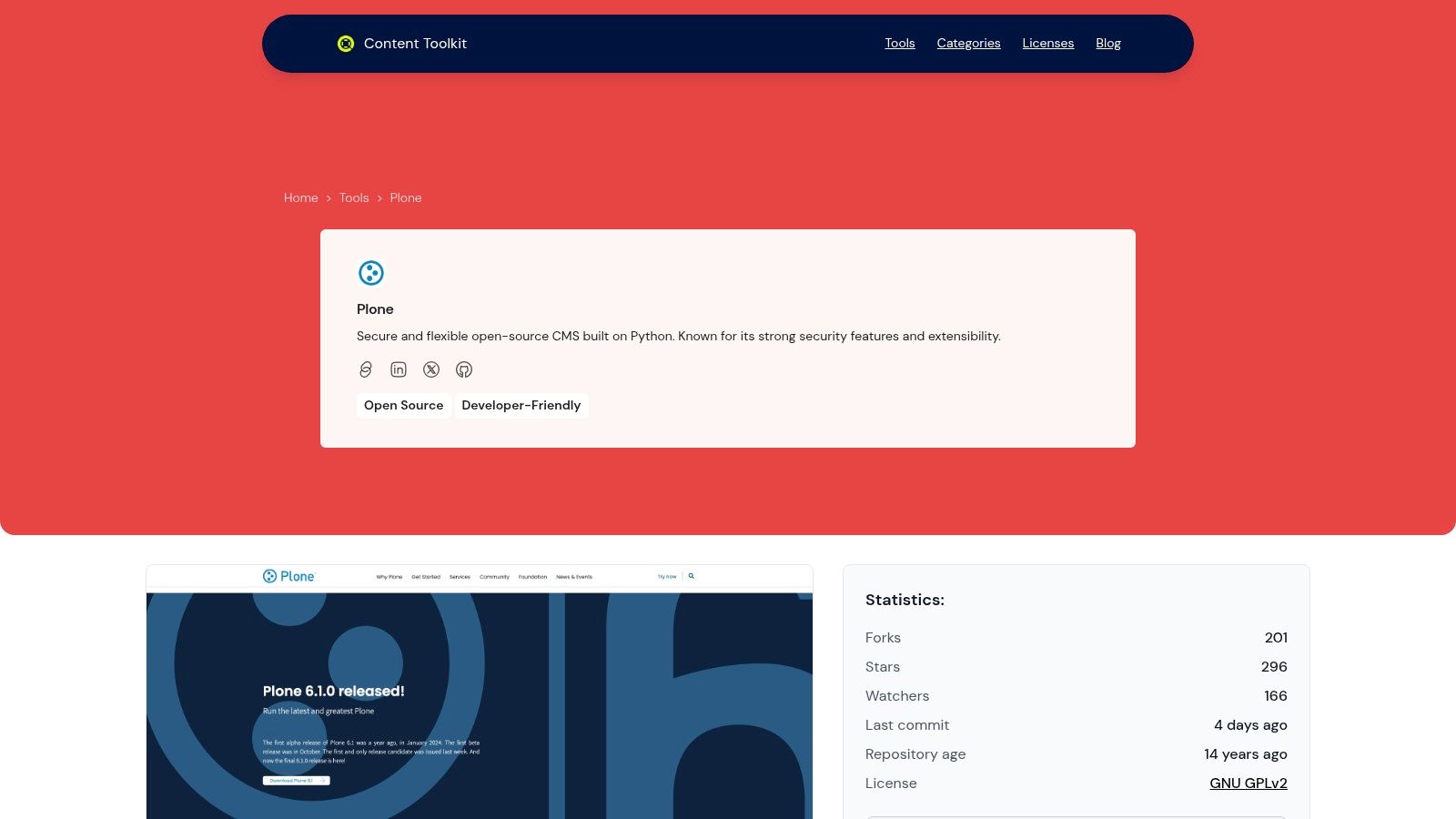
Plone distinguishes itself as a premier open-source content management system engineered for enterprises that prioritize security, scalability, and developer control. Unlike many platforms that cater primarily to non-technical users, Plone provides a robust, API-first foundation perfect for complex projects requiring extensive customization and integration. It is built on the secure and mature Python ecosystem, offering a level of stability and protection that is critical for government, educational, and corporate institutions.
Its core strength lies in providing a comprehensive suite of content management system features out of the box, designed to handle sophisticated organizational needs. Plone’s architecture is not just a tool for building websites; it is a complete platform for managing intricate digital experiences across multiple sites and languages, all from a single, unified backend. This makes it an exceptional choice for organizations looking to build a long-term, scalable digital infrastructure.
Key Feature Analysis
Plone's feature set is built to empower developers and content managers simultaneously. Its granular control over content and user permissions is a standout capability.
- Customizable Workflows: Organizations can define and implement precise content approval processes. For example, a university can create a multi-step workflow where a draft from a department contributor must be reviewed by a compliance officer, an editor, and finally a publisher before going live. This ensures content accuracy and regulatory adherence.
- Enterprise-Grade Security: Plone has a formidable security track record, with built-in protections against common vulnerabilities like cross-site scripting (XSS) and SQL injection. Its permission system is incredibly detailed, allowing administrators to define access rights down to the individual content item.
- API-First Architecture: This headless-capable design allows developers to use Plone as a backend content repository while building front-end experiences with modern frameworks like React or Vue.js. This flexibility is crucial for creating dynamic, high-performance applications and integrating with other enterprise systems.
- Multilingual and Multi-Site Management: A single Plone installation can manage numerous websites, each with its own domain and language variations. Content can be easily translated and managed in a central location, making it ideal for global organizations.
- Accessibility Compliance: Plone is committed to meeting WCAG and Section 508 standards, ensuring that content is accessible to all users, including those with disabilities.
Practical Implementation and Use Cases
Leveraging Plone effectively requires a clear understanding of its strengths. For a development team, the initial setup may be more involved than with simpler systems, but the payoff is a highly tailored and secure environment. For content managers, the user interface provides powerful tools for versioning, allowing them to track changes and revert to previous versions of any content piece with ease. The advanced search functionality, powered by its own indexing engine, ensures users can quickly find relevant information across vast content libraries.
Plone is open-source and free to download and use. Costs are typically associated with development, hosting, and professional support from specialized agencies. As one of the top choices in its category, you can discover more about its capabilities by exploring this collection of powerful open-source CMS options.
Pros & Cons
| Strengths | Weaknesses |
|---|---|
| Unmatched enterprise-grade security. | Steeper learning curve for non-developers. |
| Highly customizable workflows and content types. | Initial setup can be more complex. |
| API-first design for modern development. | Smaller community compared to mainstream CMSs. |
| Robust multi-site and multilingual support. | |
| Strong commitment to accessibility standards. |
2. WordPress.org
WordPress.org is the home of the self-hosted, open-source version of the world's most popular content management system. It provides the free core software that powers over 43% of the web, giving users complete control over their digital presence. Unlike its .com counterpart, WordPress.org is about full ownership, allowing you to choose your own hosting, install any theme or plugin, and customize the code without restriction.
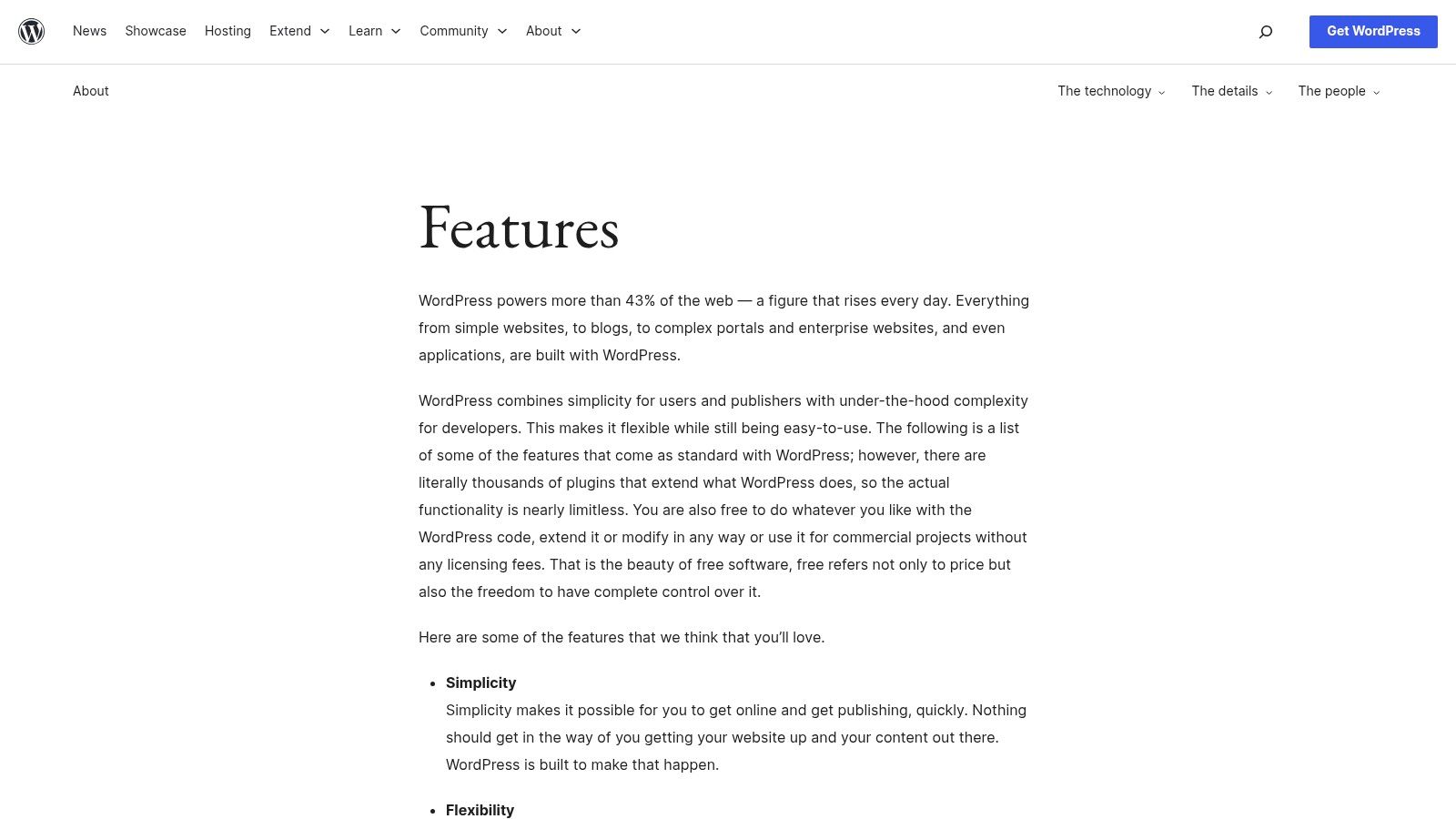
The website itself serves as a central hub, offering detailed documentation on its core content management system features, direct software downloads, and access to a massive official repository of free themes and plugins. This ecosystem is its defining strength, enabling unparalleled extensibility for everything from simple blogs to sophisticated e-commerce stores and membership sites.
Key Features and Practical Use
- Core Publishing Tools: WordPress excels with its intuitive editor, revision history, content scheduling, and granular user roles (Administrator, Editor, Author, etc.). This allows content teams to manage complex editorial workflows efficiently.
- Limitless Extensibility: The platform's true power lies in its plugin architecture. Need advanced SEO? Install Yoast or Rank Math. Building a store? Add WooCommerce. This modular approach ensures you only add the features you need, keeping the core system lean.
- Full Data Ownership: Operating under a GPL license, you own your data outright. There are no license fees or platform lock-ins, providing long-term security and flexibility that proprietary systems cannot match. While this offers freedom, it also comes with responsibilities. For those exploring different open-source CMS options, you can compare its approach with competitors like Joomla.
Expert Tip: When selecting plugins and themes, prioritize those with recent updates, high ratings, and active support forums. Poorly coded add-ons are a primary source of security vulnerabilities and performance issues on the platform.
Pros and Cons Analysis
Pros:
- Massive Ecosystem: A vast selection of themes and plugins, supported by a global community and abundant developer talent.
- High Flexibility: Can be adapted for nearly any type of website, from personal portfolios to enterprise-level applications.
- No Licensing Costs: The core software is completely free, with costs limited to hosting, premium themes/plugins, and development.
Cons:
- User-Managed Maintenance: You are responsible for hosting, security hardening, backups, and software updates.
- Variable Add-on Quality: The quality and security of third-party plugins and themes can vary widely, requiring careful vetting.
Website: https://wordpress.org/about/features/
3. Shopify
Shopify is a leading commerce-first platform that tightly integrates robust e-commerce functionality with an intuitive content management system. It's a fully hosted solution designed for merchants who need a streamlined path to selling online, offering a unified dashboard for managing products, orders, customers, and marketing. The platform handles all technical aspects like hosting, security, and performance, allowing business owners to focus on growth rather than infrastructure.
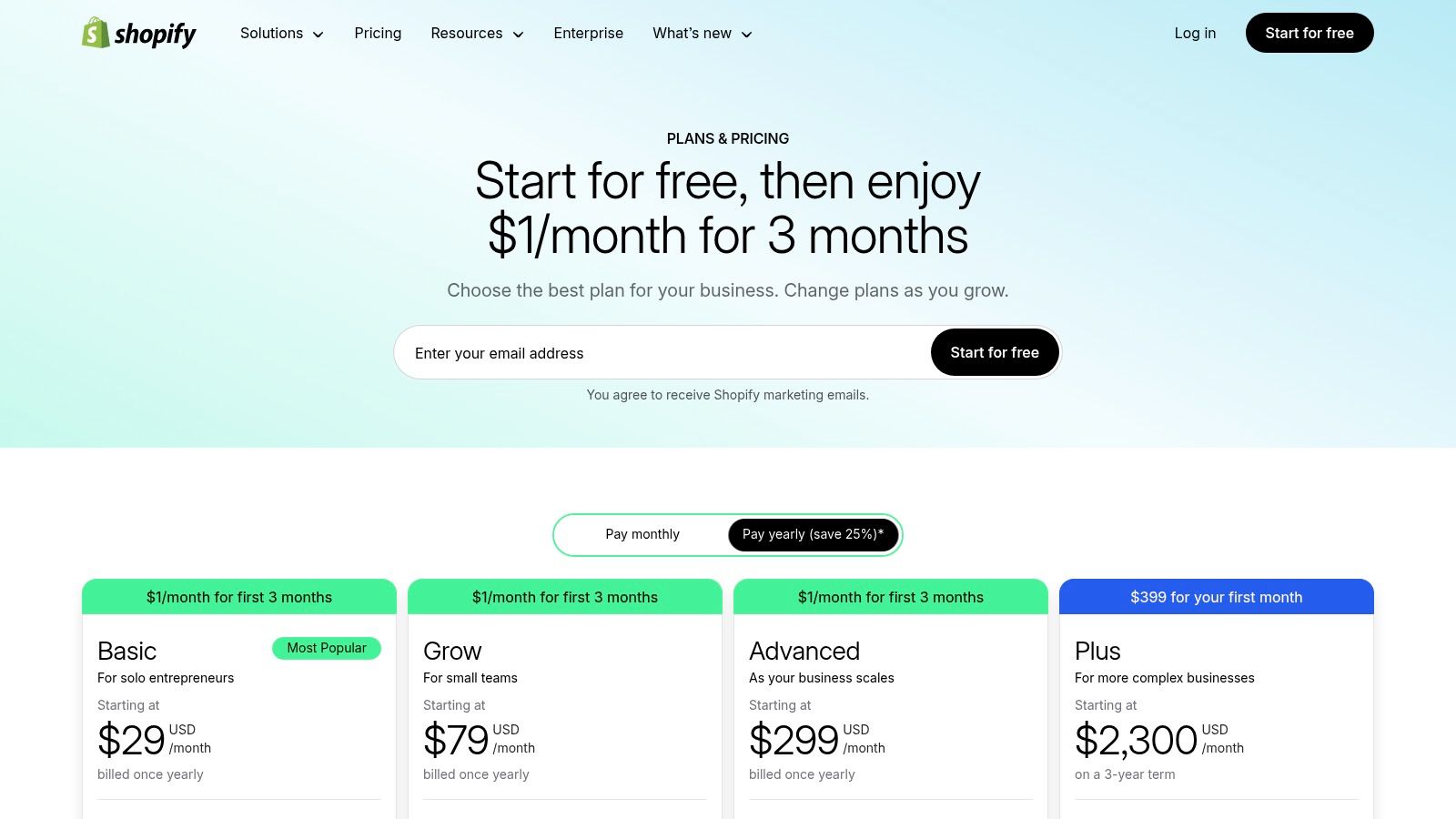
The website itself serves as the gateway to its ecosystem, providing clear plan comparisons, access to a theme store, and a comprehensive app marketplace. While its core strength is commerce, Shopify includes essential content management system features like a blog engine and a drag-and-drop page builder. This allows merchants to create compelling brand stories, publish articles, and build landing pages directly within their store environment.
Key Features and Practical Use
- Integrated Store and Content Management: Shopify provides a built-in CMS for creating website pages (About Us, Contact) and a blog. The theme editor allows for visual customization of layouts, making it easy to maintain brand consistency across both commercial and informational content.
- Extensive App Marketplace: Similar to WordPress plugins, the Shopify App Store allows for immense extensibility. Merchants can add features for email marketing, loyalty programs, advanced analytics, and dropshipping integrations, tailoring the platform to specific business needs.
- Multichannel Selling and Payments: The system is built to sell everywhere. It natively integrates with social media platforms (Facebook, Instagram), marketplaces (Amazon), and includes a Point of Sale (POS) system for physical retail. This unified inventory management is a critical feature for modern retailers. Those looking for similar solutions can explore other e-commerce CMS platforms.
Expert Tip: Leverage Shopify's built-in blog to drive organic traffic. Create content that answers customer questions related to your products, such as "how-to" guides or buying guides. This strategy builds authority and attracts qualified buyers through search engines.
Pros and Cons Analysis
Pros:
- Fast Path to Production: A fully managed environment means stores can be launched quickly without technical expertise in hosting or security.
- Excellent Reliability and Support: Shopify's infrastructure is optimized for high-traffic commerce, and 24/7 support is included in all plans.
- Transparent Pricing Tiers: Clear monthly plans make it easy to budget, with features scaling as your business grows.
Cons:
- Transaction Fees: If you don't use Shopify Payments, transaction fees are applied on top of your payment gateway's fees on lower-tier plans.
- Customization Can Be Limited: Deep structural changes or unique functionality often require paid apps or hiring a Shopify developer, increasing costs.
Website: https://www.shopify.com/pricing
4. Webflow
Webflow is a visual development platform that blends a powerful no-code site builder with an integrated, native CMS. It’s engineered for designers and teams who demand pixel-perfect creative control without writing front-end code, offering a unified solution that includes hosting, a global CDN, and e-commerce capabilities. This all-in-one approach appeals to users who want design freedom without the burden of server management.
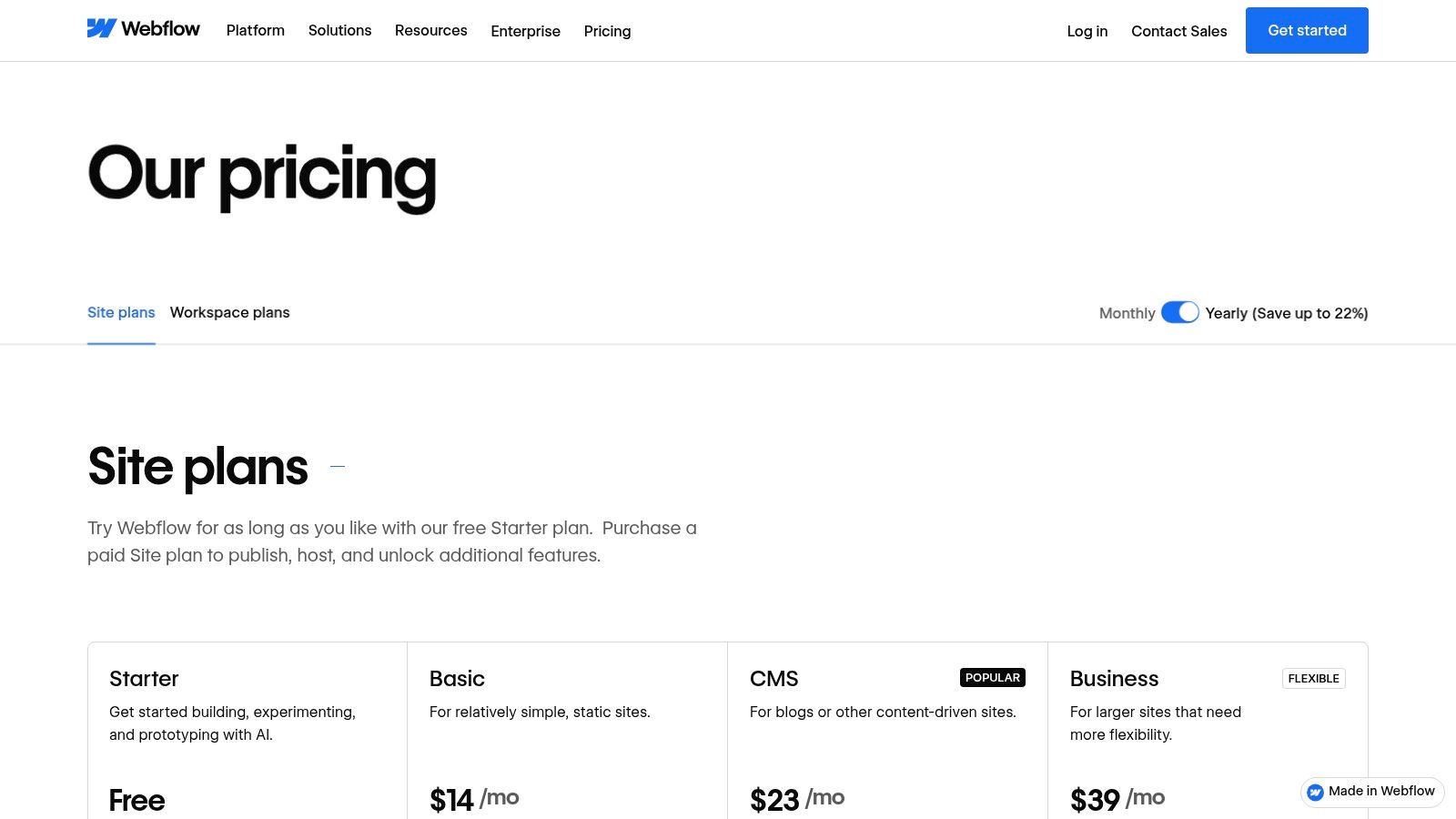
The platform’s core strength is its visual canvas, which directly translates design decisions into clean, semantic HTML and CSS. Within this environment, its content management system features allow you to create structured content "Collections" (like blog posts, projects, or team members) that can be dynamically displayed anywhere on the site. This makes it an ideal choice for content-rich, visually driven websites.
Key Features and Practical Use
- Native CMS Collections: Create custom content structures with various field types (text, images, video, references). This allows you to build a relational database for your content visually, perfect for portfolios, directories, and resource hubs.
- Fully Managed Hosting: Webflow handles all technical infrastructure, including a global CDN, SSL, and DDoS protection. This eliminates the need for server management, backups, or security patching, letting teams focus entirely on design and content.
- API Access and Integrations: While visual, Webflow isn't a closed system. Its API allows you to push and pull content programmatically, enabling integrations with third-party tools and headless architectures. This hybrid approach offers both no-code convenience and developer flexibility.
Expert Tip: Leverage Webflow's "Symbols" feature to create reusable components linked to your CMS Collections. This allows you to update a design element once (like a testimonial card or author bio) and have it automatically populate across your entire website, saving significant time.
Pros and Cons Analysis
Pros:
- Designer-Grade Control: Unparalleled visual control over design and responsive layouts, producing clean, production-ready code.
- Integrated Platform: Hosting, CMS, and e-commerce are built-in, simplifying the tech stack and workflow.
- Scalable Plans: Clear pricing tiers for CMS items, site traffic, and workspace seats allow businesses to scale predictably.
Cons:
- Steeper Learning Curve: The interface is powerful but can be intimidating for users without a design or web development background.
- Plan-Based Limitations: CMS items, form submissions, and page counts are capped by pricing tiers, which may constrain very large-scale projects. For those interested in this category, you can explore other no-code CMS solutions.
Website: https://webflow.com/pricing
5. Contentful
Contentful is a leading headless CMS platform engineered for developers and content creators who need to deliver structured content across multiple channels. It separates the content repository (the "body") from the presentation layer (the "head"), allowing teams to model content once and reuse it seamlessly on websites, mobile apps, IoT devices, and more. This API-first approach provides ultimate flexibility for building modern digital experiences.
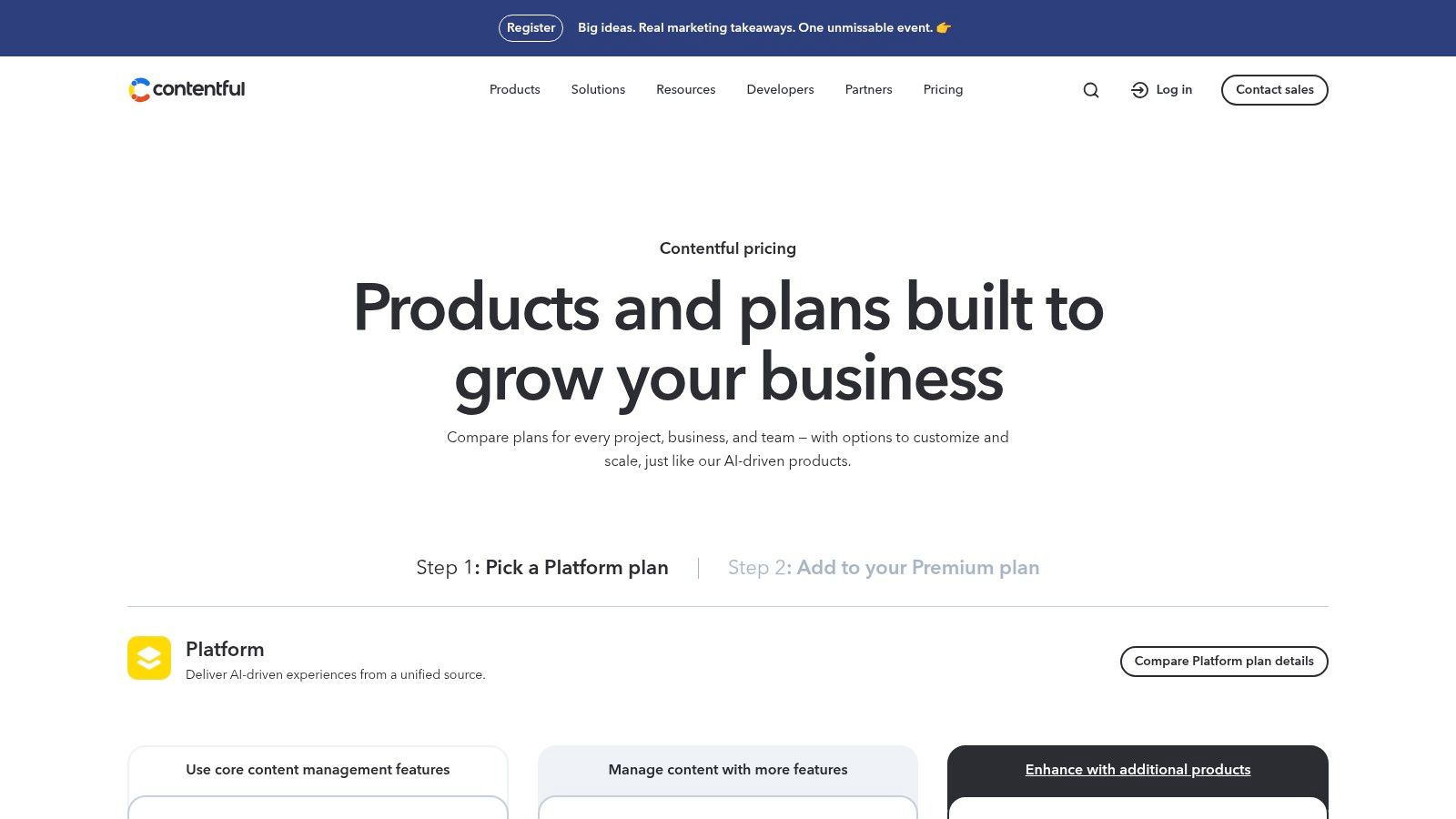
The platform is designed around the concept of a "content hub," where all digital assets are organized, structured, and enriched. Its website offers comprehensive developer documentation, tutorials, and a clear pricing structure that starts with a generous free tier. The core content management system features focus on powerful modeling, robust APIs, and collaborative workflows that scale from small projects to enterprise-level operations.
Key Features and Practical Use
- Structured Content Modeling: Contentful’s strength lies in its "content models." Users define content types with specific fields (text, rich text, media, JSON), creating a predictable structure. This allows a marketing team to create a "Product" model that can be rendered differently on a web store, a mobile app, and an in-store kiosk.
- API-First Delivery: All content is delivered via a global CDN and accessed through robust APIs (REST and GraphQL). This provides developers with the freedom to use any front-end technology (React, Vue, etc.) and ensures fast, reliable content delivery to users anywhere in the world.
- Spaces and Environments: Contentful uses "Spaces" to contain all resources for a project. Within a space, you can create multiple environments (e.g., development, staging, master), enabling safe content and schema changes without impacting the live production environment. For those new to this architecture, you can explore other headless CMS options to compare approaches.
- Collaboration Tools: Paid tiers include features like comments, tasks, and scheduled publishing, which streamline editorial workflows. A content editor can leave a comment directly on an entry, assign a revision task to a colleague, and schedule the final version to go live at a specific time.
Expert Tip: Leverage Contentful's App Framework to build custom UI extensions. For example, you can integrate a product information management (PIM) system directly into the editor interface, allowing content teams to pull product data without leaving the CMS.
Pros and Cons Analysis
Pros:
- Omnichannel Ready: Designed from the ground up to publish content to any digital platform.
- Excellent Developer Experience: Superb documentation, SDKs, and tooling make it a favorite among developers.
- Scalable Architecture: The platform’s infrastructure is built for high performance and reliability, with generous API and CDN usage quotas.
Cons:
- Usage-Based Pricing: Costs can escalate as your project grows, tied to metrics like user seats, API calls, and bandwidth.
- Requires Developer Involvement: As a headless CMS, a separate front-end application must be built and maintained, requiring development resources.
Website: https://www.contentful.com/pricing/
6. HubSpot Content Hub
HubSpot Content Hub is an all-in-one platform that tightly integrates a powerful CMS with its world-class CRM, marketing, and sales tools. It moves beyond traditional page building to become a comprehensive content marketing engine, designed for businesses that want to use content to generate and nurture leads. This native integration allows marketing teams to leverage rich customer data directly within their content creation and personalization efforts, creating a seamless journey from first visit to final sale.
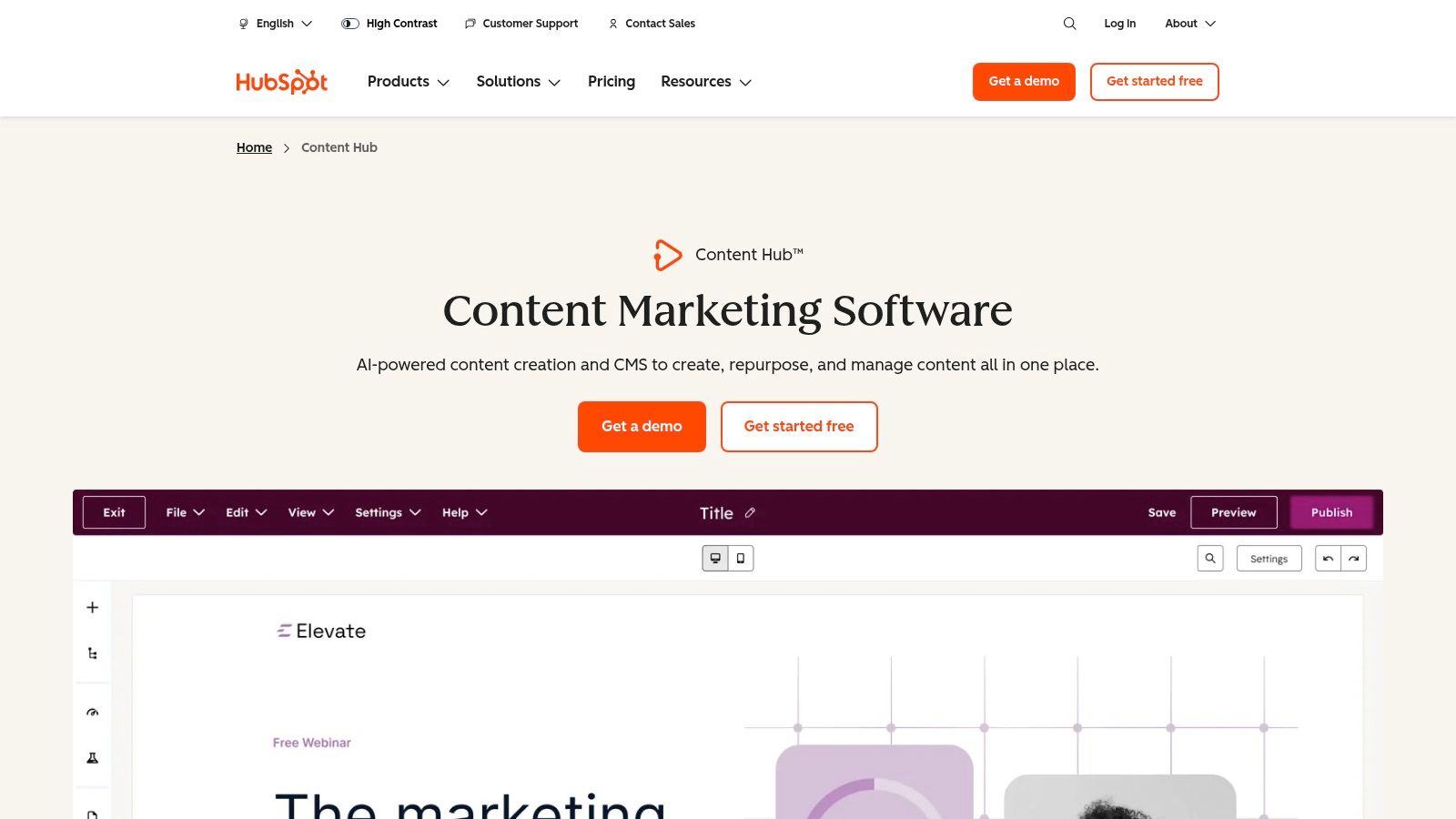
The platform is purpose-built for marketers, offering a suite of AI-powered tools and an intuitive, no-code editor. Its core content management system features are enhanced with tools like Content Remix and AI content agents, which help teams repurpose existing assets and automate content creation. This makes it an ideal solution for organizations aiming to scale their content strategy without a heavy reliance on technical development resources.
Key Features and Practical Use
- Deep CRM Integration: Content Hub's defining feature is its connection to the HubSpot CRM. This allows for advanced personalization, such as showing different CTAs or content blocks based on a visitor's lifecycle stage, list membership, or past behavior. This is crucial for account-based marketing and sophisticated lead-nurturing campaigns.
- AI-Enhanced Content Tools: The platform includes built-in AI for drafting blog posts, generating topic ideas, and optimizing for SEO. A key feature is "Brand Voice," which allows the AI to learn and adapt to your company's specific tone, ensuring consistency across all generated content.
- Gated Content and Memberships: Higher tiers offer native functionality for creating member-only content, premium resource hubs, or customer portals with single sign-on (SSO). This is managed directly within the CMS, eliminating the need for complex third-party plugins.
Expert Tip: Leverage HubSpot's "Smart Content" feature on key landing pages and website homepages. By personalizing headlines and offers based on CRM data, you can significantly increase conversion rates by showing the most relevant message to each visitor segment.
Pros and Cons Analysis
Pros:
- All-in-One Solution: Seamlessly combines content management, marketing automation, and CRM in a single platform.
- Excellent Support and Training: Offers 24/7 support on paid plans and extensive free training through the renowned HubSpot Academy.
- User-Friendly for Marketers: The drag-and-drop editor and built-in optimization tools empower marketing teams to operate with autonomy.
Cons:
- Higher Cost: Pricing is significantly higher than standalone CMS platforms or basic website builders.
- Tier-Limited Features: Advanced governance and personalization features are often restricted to the more expensive Enterprise tiers.
Website: https://www.hubspot.com/products/cms/enterprise
7. G2 — Content Management Software category
G2 is a leading US-centric software marketplace that provides an exhaustive directory for comparing content management systems. Rather than being a CMS itself, it functions as a critical evaluation tool, allowing users to shortlist and validate potential platforms by leveraging peer reviews, feature comparisons, and detailed market rankings before making a purchasing decision.
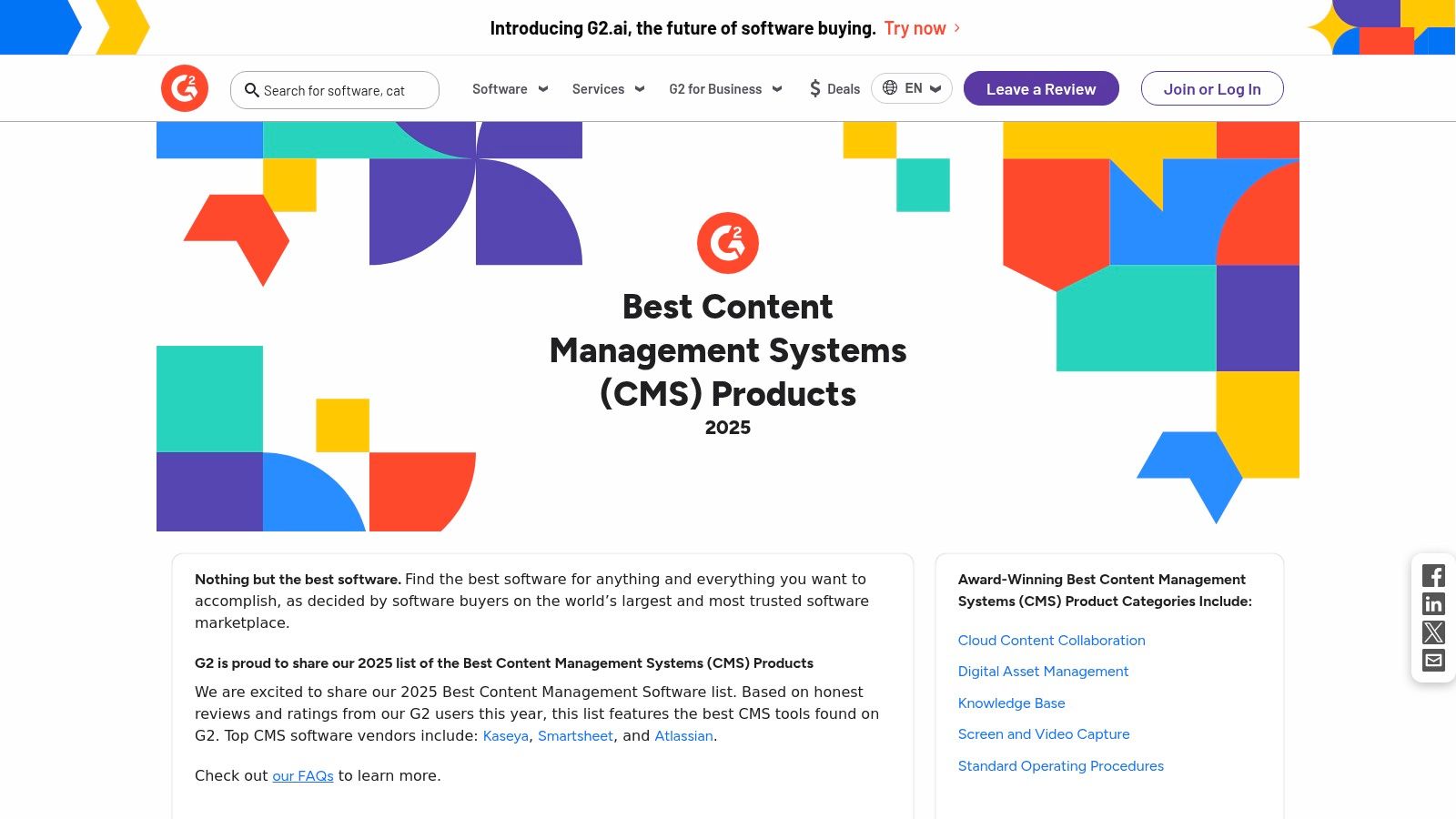
The platform is indispensable for navigating the crowded CMS market, offering fresh category rankings and awards for thousands of products. Its core value lies in aggregating verified user reviews to help businesses understand the practical pros and cons of different content management system features and overall platform performance. G2 covers a wide spectrum, from traditional and headless web CMS platforms to adjacent Digital Asset Management (DAM) and Enterprise Content Management (ECM) tools.
Key Features and Practical Use
- Side-by-Side Feature Matrices: G2 allows you to select multiple CMS products and compare their features directly in a grid format. This is highly effective for quickly identifying which platforms meet your specific technical requirements, such as API availability, workflow automation, or multi-language support.
- Verified User Reviews and Ratings: The platform collects detailed feedback from actual users, who rate products on criteria like "Ease of Use," "Quality of Support," and "Ease of Setup." This provides a reality check that complements official marketing materials and vendor claims.
- Dynamic Market Grids: G2's proprietary Grid® reports segment CMS vendors into Leaders, High Performers, Contenders, and Niche players based on user satisfaction and market presence. These reports are invaluable for understanding a product's market position and user sentiment.
Expert Tip: Use G2's filtering capabilities to narrow down reviews by company size and industry. A feature that works well for an enterprise-level corporation may be overly complex or expensive for a small business, so context is crucial for accurate evaluation.
Pros and Cons Analysis
Pros:
- Up-to-Date Market Views: Provides current insights with filters that help tailor results to your specific business context.
- Authentic User Feedback: Offers a reality check on the pros and cons of a CMS based on the experiences of recent, US-based users.
- Broad Category Coverage: Spans traditional, headless, and enterprise content management, giving a comprehensive market overview.
Cons:
- Potential for Skewed Perceptions: Review volume and incentives can sometimes influence ratings; always cross-check findings with free trials.
- Mixed Category Listings: Some listings blend DAM/ECM tools with pure CMS platforms, requiring users to verify the product's core function.
Website: https://www.g2.com/categories/content-management-systems
Core Features Comparison of 7 CMS Platforms
| Item | Implementation Complexity 🔄 | Resource Requirements ⚡ | Expected Outcomes 📊 | Ideal Use Cases 💡 | Key Advantages ⭐ |
|---|---|---|---|---|---|
| Plone | High – developer expertise needed; complex setup | Moderate to high – skilled developers required | Secure, scalable, customizable enterprise CMS | Enterprise-grade, secure, multilingual, complex workflows | Enterprise-grade security; API-first; accessibility compliance |
| WordPress.org | Moderate – manageable for tech-savvy users | Low to moderate – hosting, maintenance by user | Flexible CMS with massive plugin/theme ecosystem | Blogs, marketing sites, complex portals | Huge ecosystem; full data ownership; flexible |
| Shopify | Low – hosted solution, quick to launch | Low – hosting, security, and support included | Fast, commerce-focused online store setup | E-commerce merchants needing integrated CMS + storefront | Reliable hosting/security; US-friendly shipping rates |
| Webflow | Moderate to high – visual design skills beneficial | Moderate – hosted, but requires design/technical knowledge | Pixel-perfect sites with strong design control | Designers seeking no-code CMS with ecommerce | Designer-grade control; hosted CDN; scalable plans |
| Contentful | High – developer-centric, headless CMS | Moderate to high – API usage and integration monitoring | Structured content delivery omnichannel | Dev teams needing reusable content models | Robust APIs; collaboration tools; developer tooling |
| HubSpot Content Hub | Moderate – integrated marketing + CMS | Moderate to high – pricing tiers vary, CRM integration | AI-enhanced content + marketing automation | Marketing teams needing CMS + CRM alignment | Strong marketing/CRM integration; AI content agents |
| G2 — Content Management Software category | Low – no direct implementation | Low – used for research/comparison only | Informed CMS selection through market data & reviews | Organizations shortlisting CMS vendors | Up-to-date market insights; verified peer reviews |
Making Your Final Decision: How to Select the Right CMS Features for Your Needs
Navigating the landscape of content management systems can feel complex, but the process becomes significantly clearer when you shift your focus from finding the "best" CMS to finding the right CMS for your specific operational reality. We've explored a spectrum of essential content management system features, from the open-source flexibility of Plone and the vast ecosystem of WordPress to the e-commerce power of Shopify and the design-centric control of Webflow. Each platform, including headless options like Contentful and integrated marketing suites like HubSpot Content Hub, offers a distinct combination of tools designed for different goals.
The central takeaway is that a feature's value is entirely contextual. A powerful, developer-centric API might be a game-changer for a tech company integrating multiple systems, but an unnecessary complication for a small business owner who needs intuitive, drag-and-drop page building. The ideal CMS is not a one-size-fits-all solution; it's the one whose feature set most closely maps to your unique needs, technical capabilities, and future growth plans.
Creating Your Prioritization Framework
To move from analysis to action, you need a structured evaluation method. This prevents you from being swayed by flashy but irrelevant features and keeps the focus on what truly drives your business forward.
- Categorize Your Needs: Create a simple checklist and rank each potential feature as 'must-have', 'nice-to-have', or 'irrelevant'. This framework is your decision-making compass.
- Align with Business Models: Your business model dictates your must-haves. A global e-commerce brand would prioritize multi-language support and robust PCI-compliant security, while a design agency might place a higher value on visual editing and front-end freedom. If your model relies on exclusive content, understanding how to create a membership website will make features like user roles, permissions, and payment gateway integrations non-negotiable.
- Consider Your Team's Workflow: Who will be using the CMS daily? A marketing team needs intuitive content creation tools and SEO features. Developers require robust APIs and version control. Prioritize features that reduce friction for the primary users.
Practical Next Steps for Evaluation
With your prioritized list in hand, you can begin the final evaluation phase with confidence and clarity.
- Leverage Free Trials and Demos: Never commit based on a feature list alone. Use free trials to test-drive the core functionalities you identified as 'must-haves'. Can your content creators easily build a landing page? Is the asset management system logical?
- Assess Total Cost of Ownership (TCO): Look beyond the monthly subscription fee. Factor in costs for essential plugins, themes, developer support, and potential migration expenses. An open-source solution like WordPress might have a low entry cost, but premium plugins can add up.
- Plan for Scalability: Your chosen CMS should not just meet your needs today; it must support your vision for tomorrow. Consider whether the platform can handle increased traffic, expanded product lines, or new content types without requiring a complete overhaul.
By systematically matching your operational needs against the specific content management system features available, you transform a daunting decision into a strategic investment. The right CMS will act as a powerful engine for your content strategy, empowering your team to create, manage, and deliver exceptional digital experiences that scale with your vision.