Top 12 Best CMS with Laravel Options for 2025
Discover the 12 best CMS with Laravel platforms in 2025. An in-depth review of top Laravel CMS options, features, and ideal use cases for your next project.

Choosing the right Content Management System is a critical decision that defines a project's technical foundation and long-term scalability. For developers invested in the PHP ecosystem, Laravel provides a powerful, elegant syntax for building robust applications. The challenge arises when you need a pre-built content management solution that leverages this power without forcing you to reinvent the wheel.
This guide provides an analytical breakdown of the top 12 CMS with Laravel options available today, moving beyond marketing claims to evaluate architecture, practical use cases, and honest limitations. Whether you need a flat-file system for a simple brochure site, a headless backend for a modern web app, or a multi-tenant platform, this curated list will help you identify the perfect fit. For modern web projects built with a Laravel CMS, developers can also significantly boost content visibility by understanding the IndexNow protocol for instant indexing, ensuring new content gets discovered rapidly.
Our goal is to streamline your decision-making process. We'll explore everything from open-source toolkits like Twill to commercial platforms like Statamic, complete with screenshots and direct links. This resource is designed to help you select the most effective Laravel-based CMS to accelerate your workflow and deliver exceptional digital experiences.
1. Statamic: The Flat-File Powerhouse
Statamic positions itself as a premium, highly flexible CMS with Laravel at its core, appealing directly to developers who value control and modern workflows. Its standout feature is its "flat-file" approach, storing content in version-controllable text files, which simplifies deployment and backup processes. This Git-native workflow is a significant advantage for development teams seeking streamlined collaboration without complex database migrations for content changes.
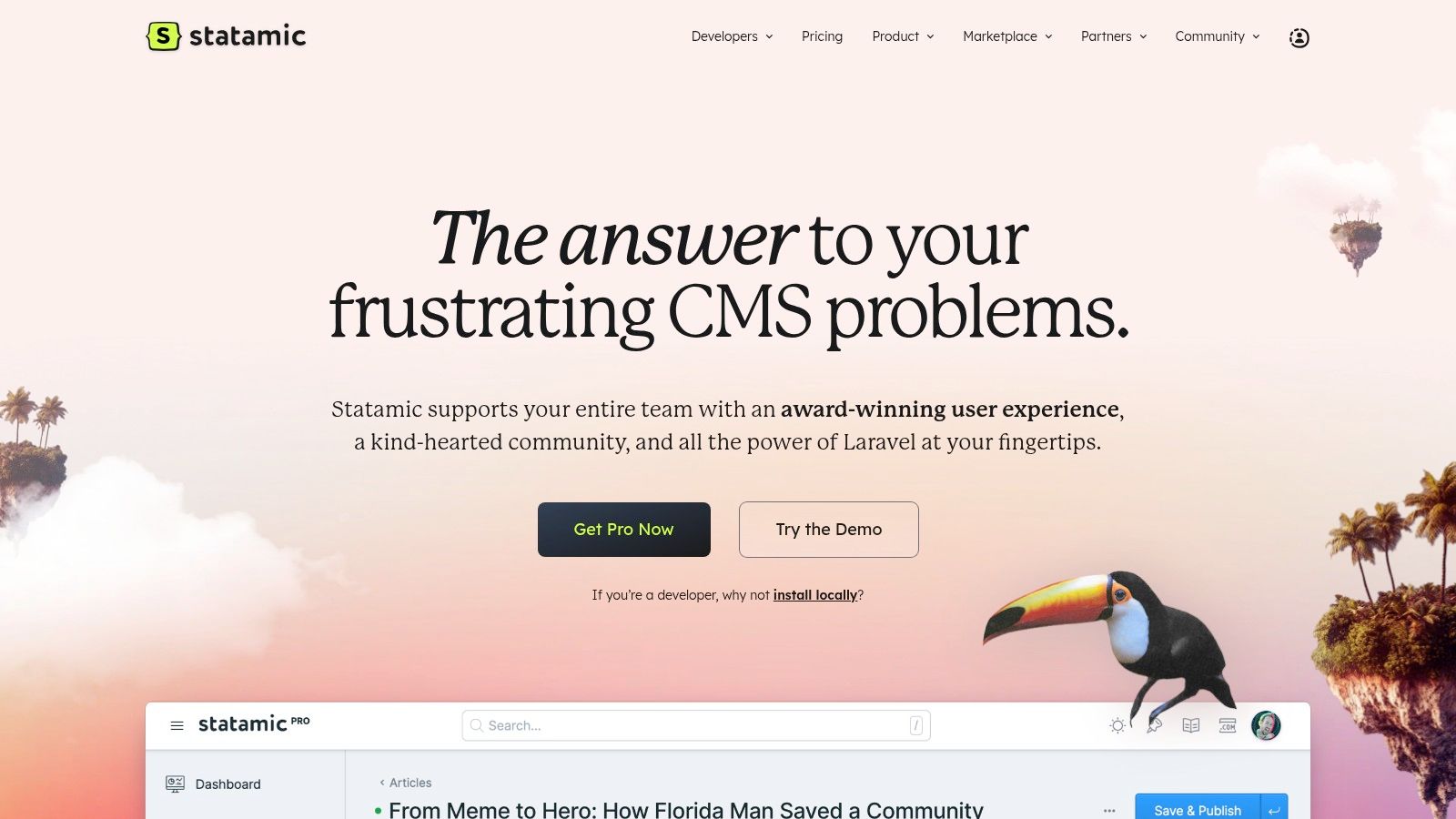
However, Statamic isn't limited to flat files; developers can opt for database drivers for specific collections, offering a hybrid model that adapts to project needs. This flexibility, combined with built-in headless capabilities (both REST and GraphQL) and powerful static site generation, makes it an excellent choice for creating high-performance websites and decoupled applications.
Key Considerations
| Feature | Analysis |
|---|---|
| Pricing Model | Statamic operates on a commercial license, with a paid Pro version required per site. While a free version exists for development, production use requires a purchase. Agencies can benefit from volume licensing. |
| User Experience | The control panel is clean and powerful but presents a learning curve for editors accustomed to traditional WordPress-style interfaces. Its structure is more geared toward developers defining content blueprints. |
| Ecosystem | It boasts a robust, curated marketplace with high-quality add-ons and starter kits, including official tools like SEO Pro. The documentation and community support are exceptionally strong. |
Website: https://statamic.com
2. October CMS: The Mature and Extensible Platform
October CMS is a well-established and powerful CMS with Laravel that provides a solid foundation for building everything from simple websites to complex web applications. It leverages a modern, component-based architecture and relies on the Twig templating engine, making it an approachable choice for developers familiar with these technologies. Its modular design allows for extensive customization through a mature marketplace of plugins and themes.
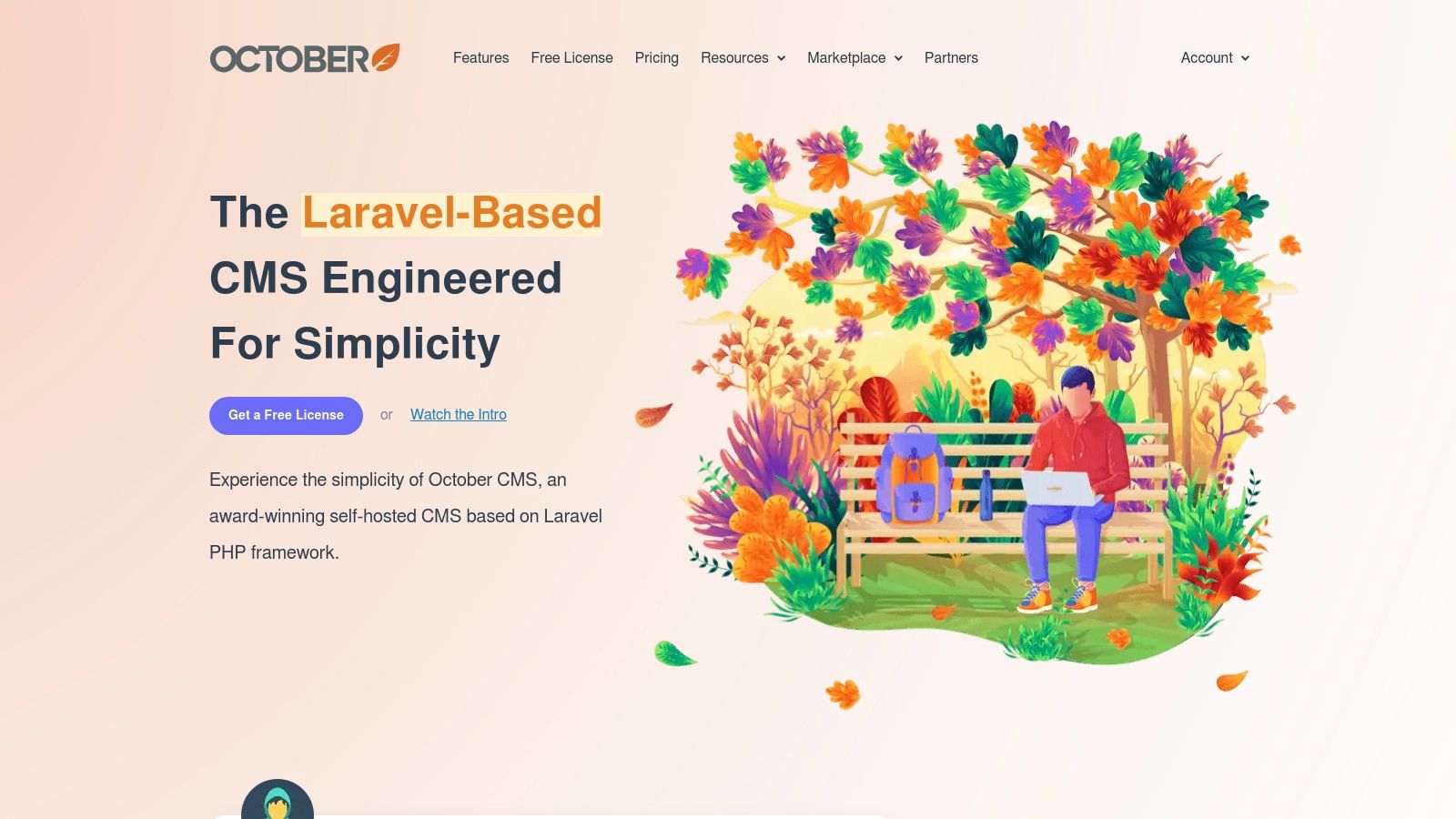
The platform is built around a Composer-based installation process, integrating seamlessly into professional development workflows. While its core is source-available, its licensing model shifted in 2021, moving it away from a purely open-source project. This change has consolidated its ecosystem but is a key factor for teams evaluating its long-term fit, especially when compared to fully open-source CMS options. Its backend interface is clean and intuitive, designed to streamline content management tasks for editors.
Key Considerations
| Feature | Analysis |
|---|---|
| Pricing Model | Operates on a commercial license model. A free plan is available for a single project, with paid tiers for multiple projects, teams, and extended support, making it scalable for freelancers and agencies. |
| User Experience | The backend is praised for its modern and user-friendly interface. However, its reliance on Twig and a component-based page structure requires a developer mindset, presenting a learning curve for non-technical users. |
| Ecosystem | Features a large marketplace with a wide array of plugins and themes. While the 2021 license change impacted the community, support remains strong through official documentation and active community forums. |
Website: https://octobercms.com
3. Winter CMS: The Open-Source Revival
Winter CMS emerged as a community-driven fork of October CMS, built by former core maintainers dedicated to preserving its open-source ethos. This CMS with Laravel offers a stable, back-to-basics experience, focusing on performance, security, and a transparent development roadmap. It provides a robust foundation for developers familiar with its predecessor, emphasizing a plugin-based architecture that allows for modular and highly customized project builds.
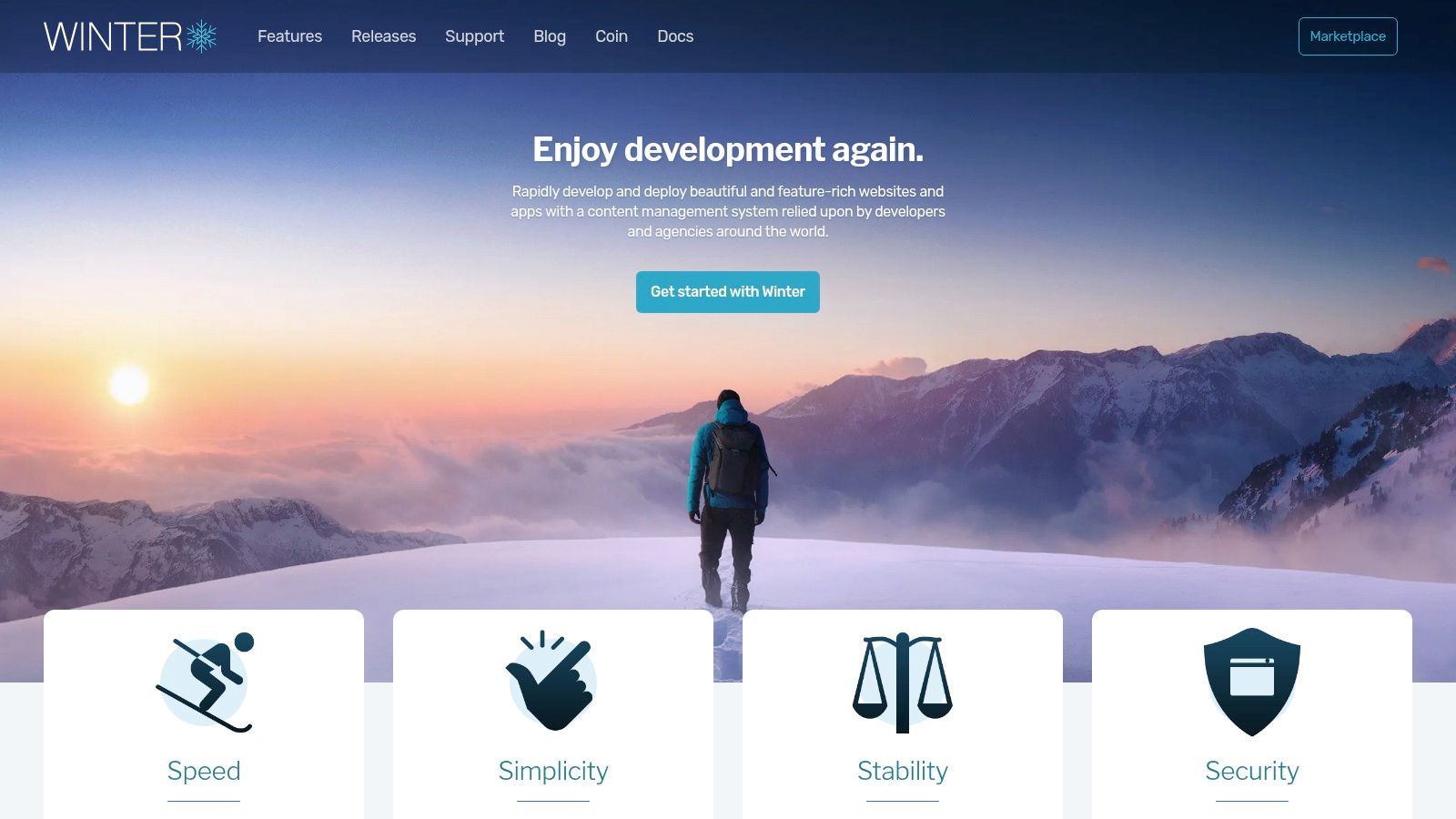
Its primary appeal lies in its commitment to being a free, open-source solution without the commercial constraints that affected its origin. For development teams and agencies seeking a reliable, extensible platform with a familiar workflow, Winter CMS presents a compelling alternative. It is an ideal choice for projects migrating from older October CMS versions or for new builds where long-term open-source stability is a critical requirement.
Key Considerations
| Feature | Analysis |
|---|---|
| Pricing Model | Winter CMS is completely free and open-source (MIT license). There are no licensing fees, and all core features and first-party plugins are available without cost, making it highly accessible. |
| User Experience | The backend interface is clean, functional, and developer-centric, mirroring the praised usability of its predecessor. Non-technical users may find the learning curve steeper than a typical page-builder CMS. |
| Ecosystem | While its marketplace is growing, it is smaller than that of October CMS. However, it offers a straightforward migration path for many existing October plugins, and community support is active and responsive. |
Website: https://wintercms.com
4. PyroCMS: The Developer's Application Builder
PyroCMS is more than just a CMS with Laravel; it's a powerful application development platform built around its core "Streams" engine. This unique architecture allows developers to define data structures (streams) and fields directly through configuration or the UI, which then automatically generates migrations, models, and forms. This schema-managed approach, combined with robust CLI scaffolding tools, makes it exceptionally efficient for rapid prototyping and building complex, data-driven applications beyond simple websites.
Its highly modular add-on architecture allows for deep customization and extension, empowering developers to craft bespoke solutions without fighting the core framework. PyroCMS is designed for those who need to build custom applications that also require content management capabilities, rather than just a traditional content-first website. It provides the foundational blocks for developers to build upon, making it a true accelerator for custom Laravel projects.
Key Considerations
| Feature | Analysis |
|---|---|
| Pricing Model | PyroCMS is open-source and free to use. The business model relies on a marketplace for premium add-ons and professional support plans, making the core platform highly accessible. |
| User Experience | The control panel is powerful but developer-centric. Editors will find standard content management features, but the real power lies in the custom structures defined by developers using the Streams concept, which requires a conceptual shift. |
| Ecosystem | While functional, its commercial ecosystem and marketplace are smaller compared to giants like Statamic or October CMS. The community is active, but finding pre-built premium solutions for niche problems might be more challenging. |
Website: https://pyrocms.com
5. Botble CMS: The Turnkey Solution Builder
Botble CMS is a commercial CMS with Laravel that emphasizes rapid development through its modular architecture and ready-made scripts. It's less of a from-scratch developer tool and more of a "business-in-a-box" platform, offering pre-built solutions for niches like real estate, e-commerce, and news portals. The platform’s core strength lies in its powerful CRUD generator and integrated role-permission system, which allows developers to quickly scaffold and launch complex, data-driven applications.
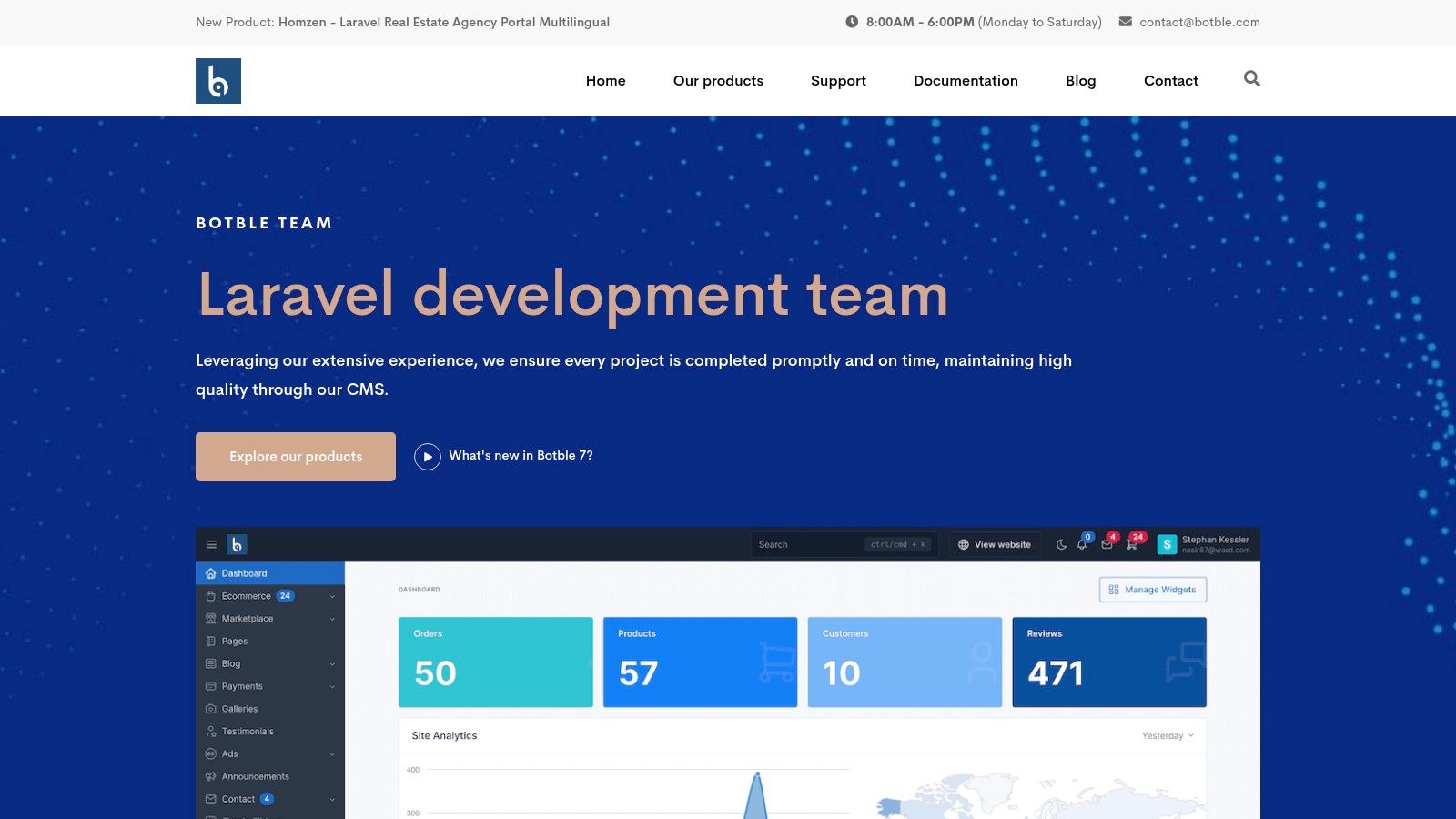
This turnkey approach is ideal for agencies or freelancers needing to deliver feature-complete websites on a tight timeline and budget. While customization is possible, Botble shines when used as a foundation for its intended vertical markets. Its extensive documentation and live demos provide a clear preview of its capabilities, reducing upfront development risk. The platform's integrated plugins, such as those for e-commerce, make it a compelling choice for businesses looking for an all-in-one package.
Key Considerations
| Feature | Analysis |
|---|---|
| Pricing Model | Botble operates on a per-project commercial license, with scripts and themes typically purchased via marketplaces like CodeCanyon. There is no free tier for production use, and costs can accumulate with additional plugins. |
| User Experience | The admin panel is straightforward and function-oriented, making it accessible for clients. However, the experience is largely dictated by the pre-built script, offering less flexibility than more developer-centric CMS options. |
| Ecosystem | The ecosystem is vendor-centric, with most extensions and themes developed by the Botble team or third-party sellers. This ensures a supply of turnkey solutions but results in a less community-driven environment compared to open-source alternatives. |
Website: https://botble.com
6. Microweber: The Drag-and-Drop Website Builder
Microweber positions itself as an open-source website builder and CMS with Laravel under the hood, targeting users who prefer a no-code, visual editing experience. Its main differentiator is the live drag-and-drop interface, allowing non-technical users to build and modify layouts directly on the page. This approach abstracts away the typical complexities of a backend-focused CMS, making it accessible for small businesses and individuals.
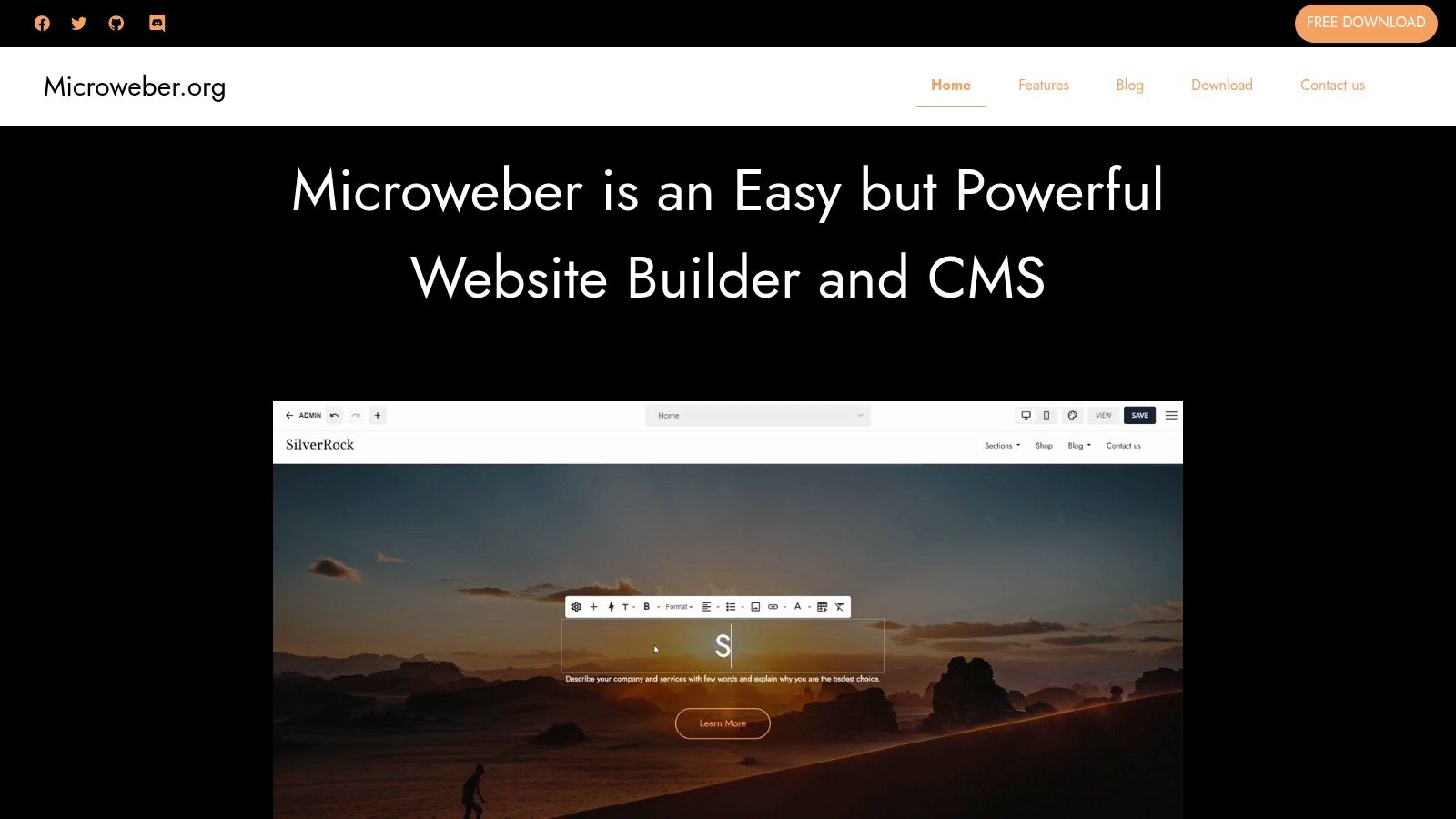
Built on the latest Laravel framework, it offers robust features like a native e-commerce module, blogging tools, and multisite capabilities out of the box. While developers have full access to the underlying code for customization, the platform is primarily designed for a seamless, front-end editing workflow. This makes it a unique hybrid in the Laravel ecosystem, blending developer-friendly technology with a user-friendly, website builder CMS interface.
Key Considerations
| Feature | Analysis |
|---|---|
| Pricing Model | Microweber is completely open-source and free to download and self-host. It can be installed via Composer, appealing to developers. There are no licensing fees for the core software. |
| User Experience | The live editor is intuitive for users familiar with platforms like Squarespace or Wix but can be a significant departure for developers or editors used to traditional backend admin panels. |
| Ecosystem | The project is actively maintained, but its ecosystem of third-party themes and modules is smaller compared to more established players. Customization often requires direct developer involvement. |
Website: https://microweber.org
7. TypiCMS: The Modular Multilingual Solution
TypiCMS is a fully open-source CMS with Laravel built for developers who need a solid, modular foundation for multilingual websites. Its core strength lies in its clean architecture and out-of-the-box support for internationalization, making it an excellent starting point for projects that require content in multiple languages without complex setup. The CMS provides a classic administrative interface with essential built-in modules like pages, menus, translations, and blocks.
This modularity is a key advantage, allowing developers to scaffold new modules quickly and extend functionality without touching the core. Features like drag-and-drop page nesting and built-in file management provide a practical content management experience. By prioritizing a clean codebase and essential features, TypiCMS serves as a robust but flexible framework rather than a prescriptive, all-in-one platform.
Key Considerations
| Feature | Analysis |
|---|---|
| Pricing Model | Completely free and open-source under the MIT license. This makes it an attractive, budget-friendly option for client projects, agencies, and individual developers without any licensing costs. |
| User Experience | The admin panel is straightforward and intuitive for classic content management tasks. However, the initial setup and customization are developer-centric, requiring comfort with Laravel and command-line tools. |
| Ecosystem | Its community is smaller compared to commercial alternatives, resulting in fewer third-party themes and plugins. Developers will likely need to build custom modules for more advanced functionality. |
Website: https://typicms.org
8. Lavalite
Lavalite is an open-source CMS with Laravel that functions more like a complete CMF (Content Management Framework), providing a foundation for building complex, admin-heavy applications. Its key strength lies in its modular architecture, featuring a powerful package builder that allows developers to create and integrate new functionalities seamlessly. This makes it a strong contender for prototyping and developing systems requiring extensive user and role management from the ground up.
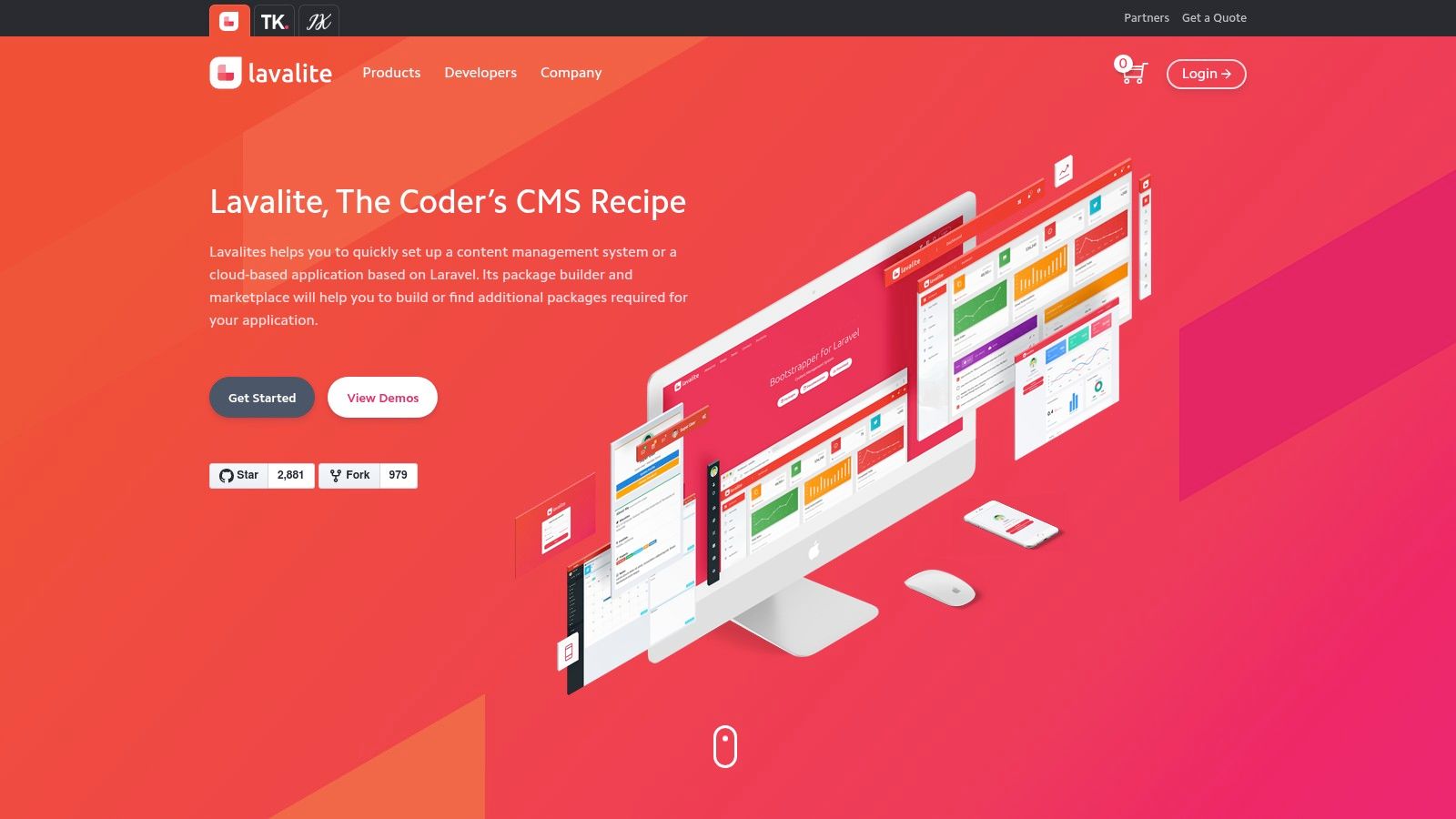
The platform includes built-in tools for SaaS and multitenancy, setting it apart for projects that need to serve multiple clients from a single codebase. While it is a longstanding project with significant documentation and demos, developers may find that some resources reference older versions of Laravel and PHP. Nonetheless, its installer commands and foundational features provide a solid, developer-centric starting point for custom application development.
Key Considerations
| Feature | Analysis |
|---|---|
| Pricing Model | Lavalite is completely free and open-source (MIT License), making it a cost-effective option for developers and businesses without licensing fees. |
| User Experience | The admin interface is functional and provides a solid base for developers to build upon, but it lacks the modern polish of commercial alternatives. It is designed for developers rather than non-technical content editors. |
| Ecosystem | As a long-running project, it has a history of community support. However, resources can be fragmented across forums and repositories, and finding up-to-date third-party packages can be a challenge. |
Website: https://lavalite.org
9. Coaster CMS
Coaster CMS is an open-source CMS with Laravel designed around a unique content block architecture and powerful versioning capabilities. Its core strength lies in its time-specific content publishing, allowing editors to schedule different versions of a page to appear at specific dates and times. This makes it an interesting option for marketing campaigns, event-driven websites, or applications requiring precise content control over time.
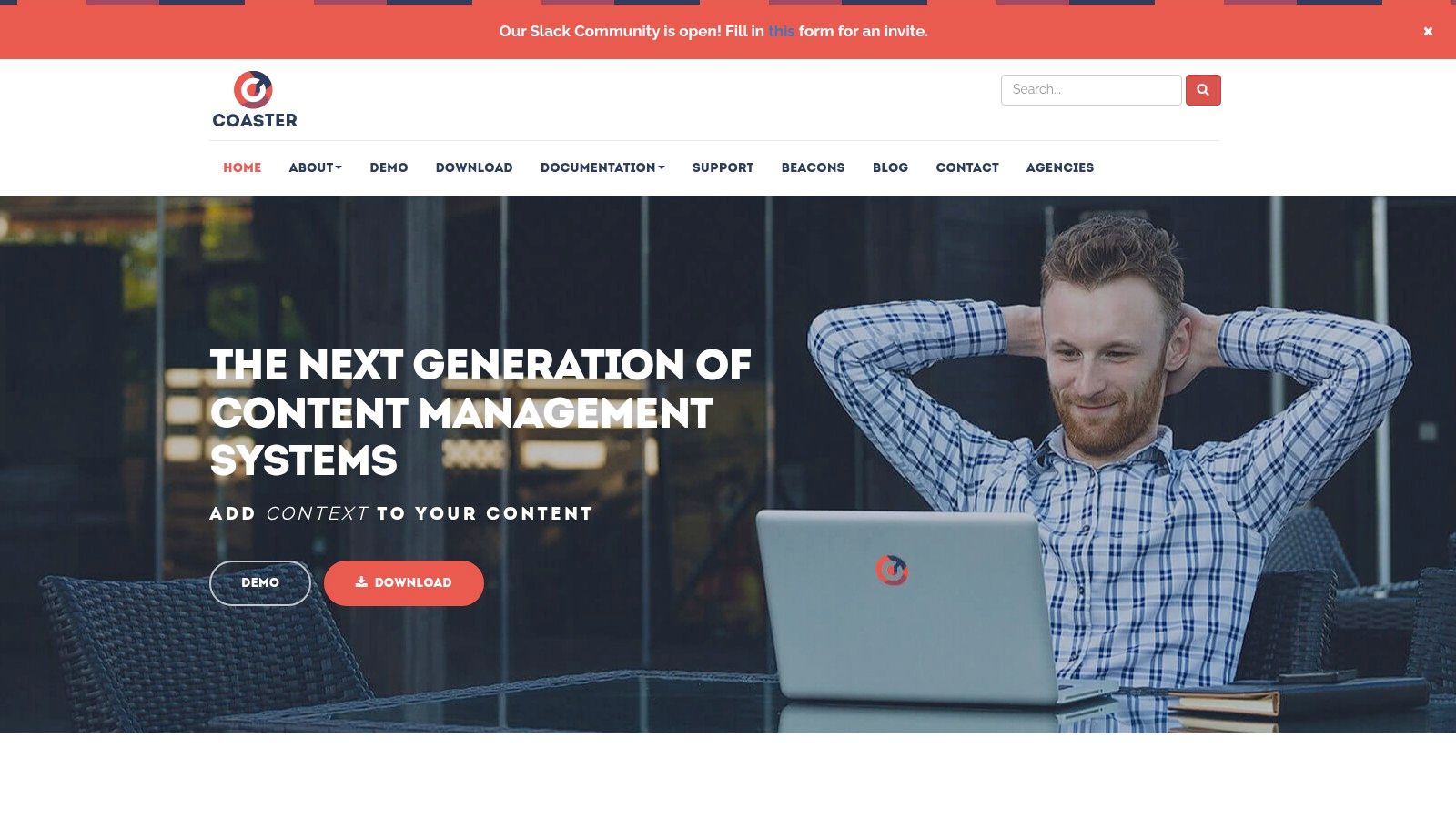
The system leverages Laravel's Blade templating engine, empowering developers to create flexible, reusable content blocks that editors can manage through a standard TinyMCE interface. This approach provides a structured yet user-friendly editing experience. Coaster CMS also includes built-in API support and has experimented with IoT integrations, positioning it as a potentially versatile tool for more than just traditional websites.
Key Considerations
| Feature | Analysis |
|---|---|
| Pricing Model | As an open-source project, Coaster CMS is entirely free to use and modify. This makes it a cost-effective choice for developers and businesses able to manage their own hosting and implementation. |
| User Experience | The admin interface is straightforward, centered on page and block management. However, its design feels less modern than some commercial alternatives, and the primary editor is the classic TinyMCE. The unique versioning system requires some initial user training. |
| Ecosystem | The community and third-party ecosystem are smaller compared to more established Laravel CMS platforms. While documentation is available, finding extensive tutorials or pre-built themes and plugins can be challenging, with some materials referencing older framework versions. |
Website: https://www.coastercms.org
10. Twill: The Developer-First CMS Toolkit
Twill is an open-source, developer-centric toolkit created by the digital agency AREA 17 to rapidly build a custom CMS with Laravel. It's not a pre-built system but a powerful package that integrates into your application, giving you complete control over models, front-end code, and business logic. Its standout feature is the pre-built, polished Vue.js admin interface, which provides a rich content editing experience out of the box, including a block editor and a sophisticated media library.
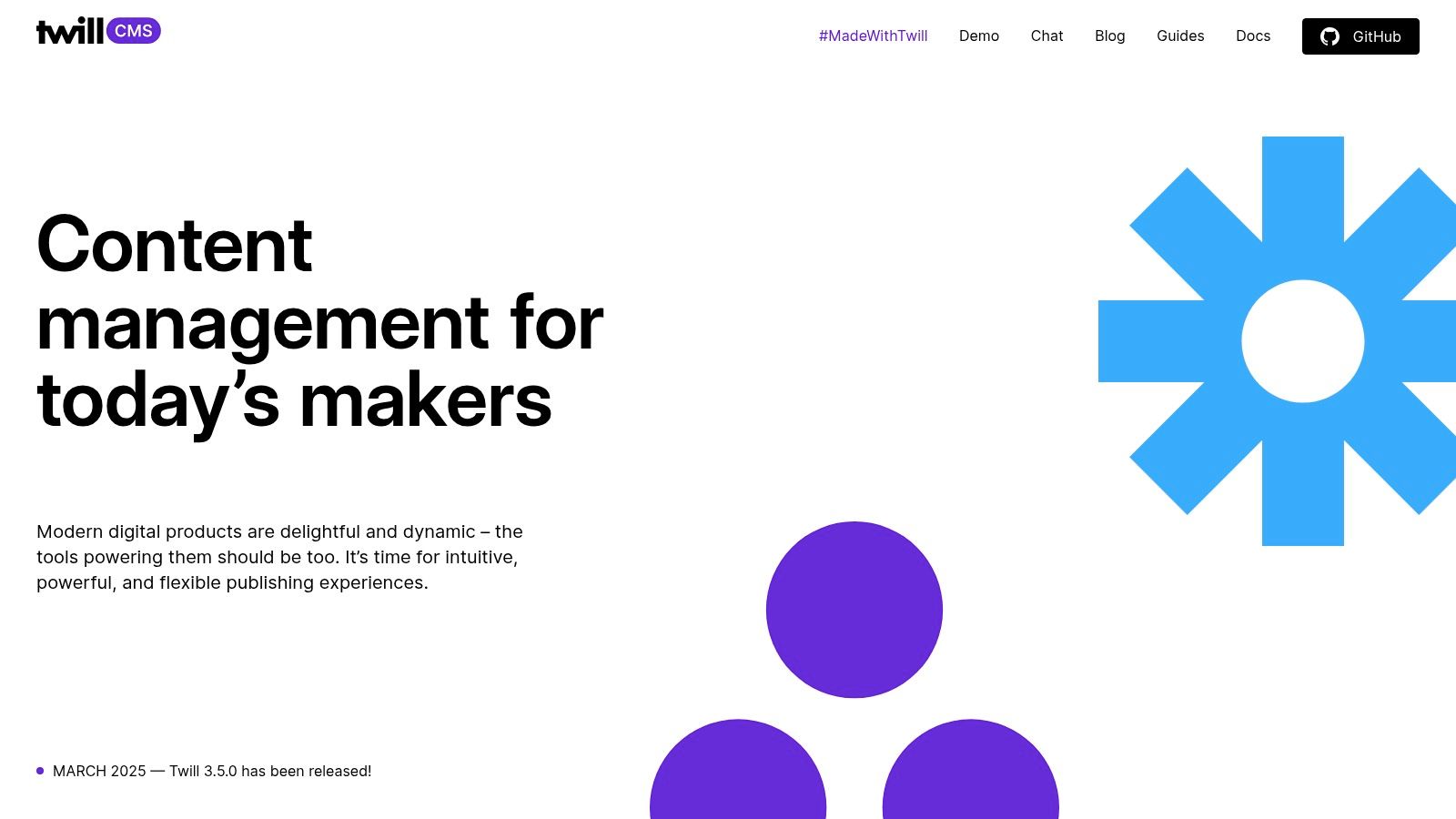
This approach makes Twill ideal for bespoke projects where a standard CMS would be too restrictive. Developers can define content modules programmatically, creating a tailored backend that perfectly matches the project's data architecture. As it's designed to be headless-friendly, it serves as an excellent foundation for decoupled applications, which you can explore in more detail with other headless options. Twill empowers developers to deliver a premium admin experience without building it from scratch.
Key Considerations
| Feature | Analysis |
|---|---|
| Pricing Model | Twill is completely open-source and free under the Apache-2.0 license. There are no licensing fees, making it a highly cost-effective solution for custom projects. |
| User Experience | The admin UI is modern, intuitive, and visually polished, providing an excellent experience for content editors. However, the developer experience requires a solid understanding of Laravel to integrate and configure the toolkit. |
| Ecosystem | As a toolkit rather than a product, its ecosystem is smaller than platforms like October or Statamic. It relies on the broader Laravel community for packages, with less Twill-specific plugins available. |
Website: https://twillcms.com
11. CodeCanyon (Envato Market) — Laravel CMS Scripts
CodeCanyon, part of the Envato Market, serves as a vast marketplace for pre-built scripts rather than a single, unified CMS. It offers a diverse catalog of CMS with Laravel solutions, ranging from general-purpose content managers to highly specific, niche applications like real estate or school management systems. This platform is ideal for developers or businesses looking for a turnkey solution with a one-time purchase, providing a feature-rich starting point that can be customized further.
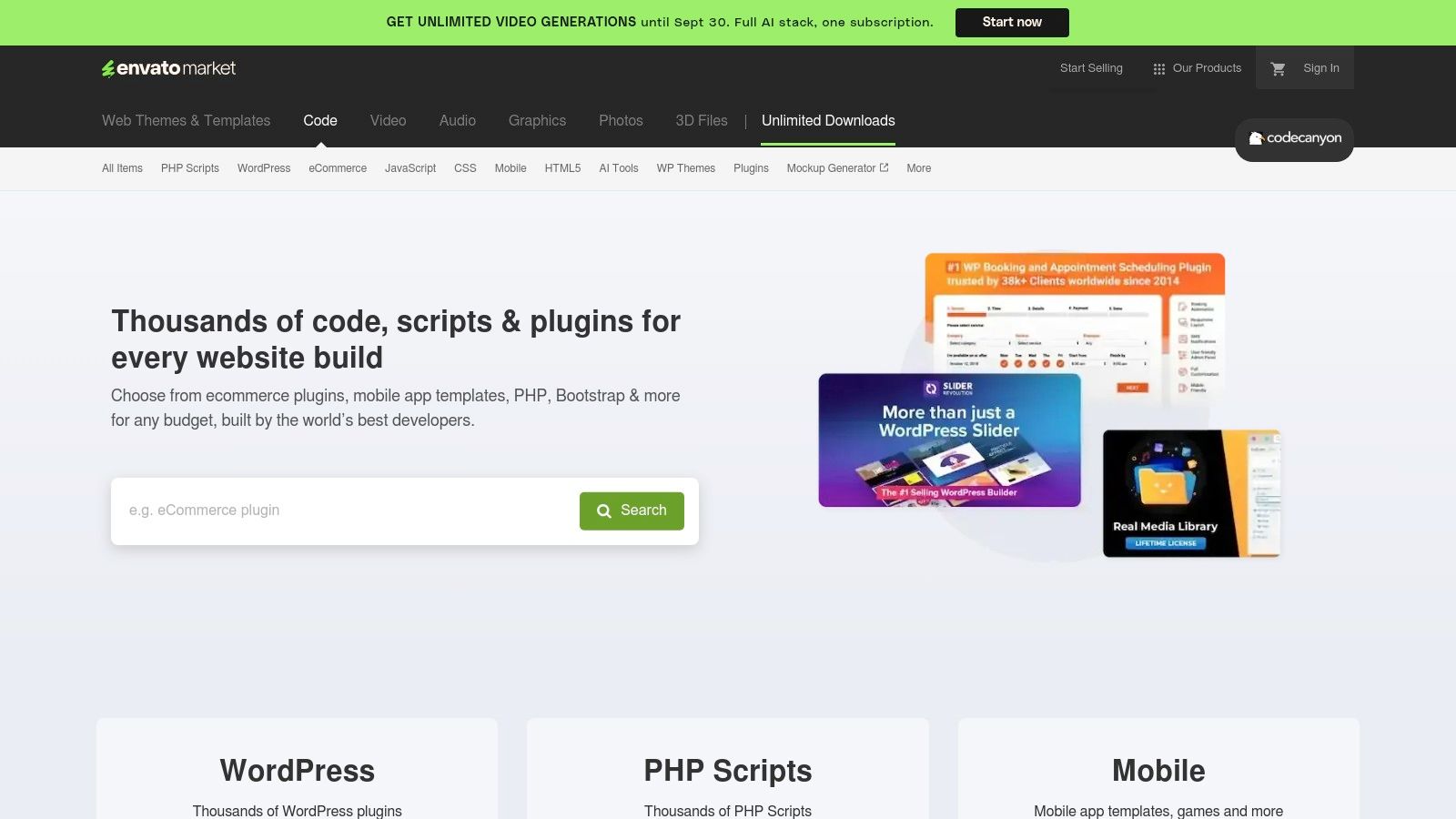
Unlike dedicated CMS products, the quality, documentation, and ongoing support for scripts on CodeCanyon are entirely dependent on the individual author. This variability is a key consideration. While many excellent and well-supported products exist, buyers must perform due diligence by checking ratings, comments, and update logs before committing. The platform’s strength lies in its sheer variety and the potential to find a highly specialized system at a competitive price.
Key Considerations
| Feature | Analysis |
|---|---|
| Pricing Model | Scripts are sold on a one-time purchase basis per project, which often includes a set period of author support (typically 6-12 months). This can be highly cost-effective for specific needs. |
| User Experience | The user experience of the purchased CMS varies dramatically between authors. It's crucial to review live demos to assess the admin panel's quality and usability before buying. |
| Ecosystem | Each script is a self-contained ecosystem. Support, updates, and add-ons are managed by the script's author, not a centralized entity. The Envato platform itself provides buyer protection and a review system. |
Website: https://codecanyon.net
12. VaahCMS: The Headless Application Platform
VaahCMS presents itself as a modern, open-source CMS with Laravel built for developers who need more than just content management. Its architecture combines a headless CMS with an HMVC (Hierarchical Model-View-Controller) structure, making it a powerful platform for building complex, enterprise-level applications where custom modules and a central CMS must coexist seamlessly. The system is headless-first, automatically generating REST APIs for any content type you create.
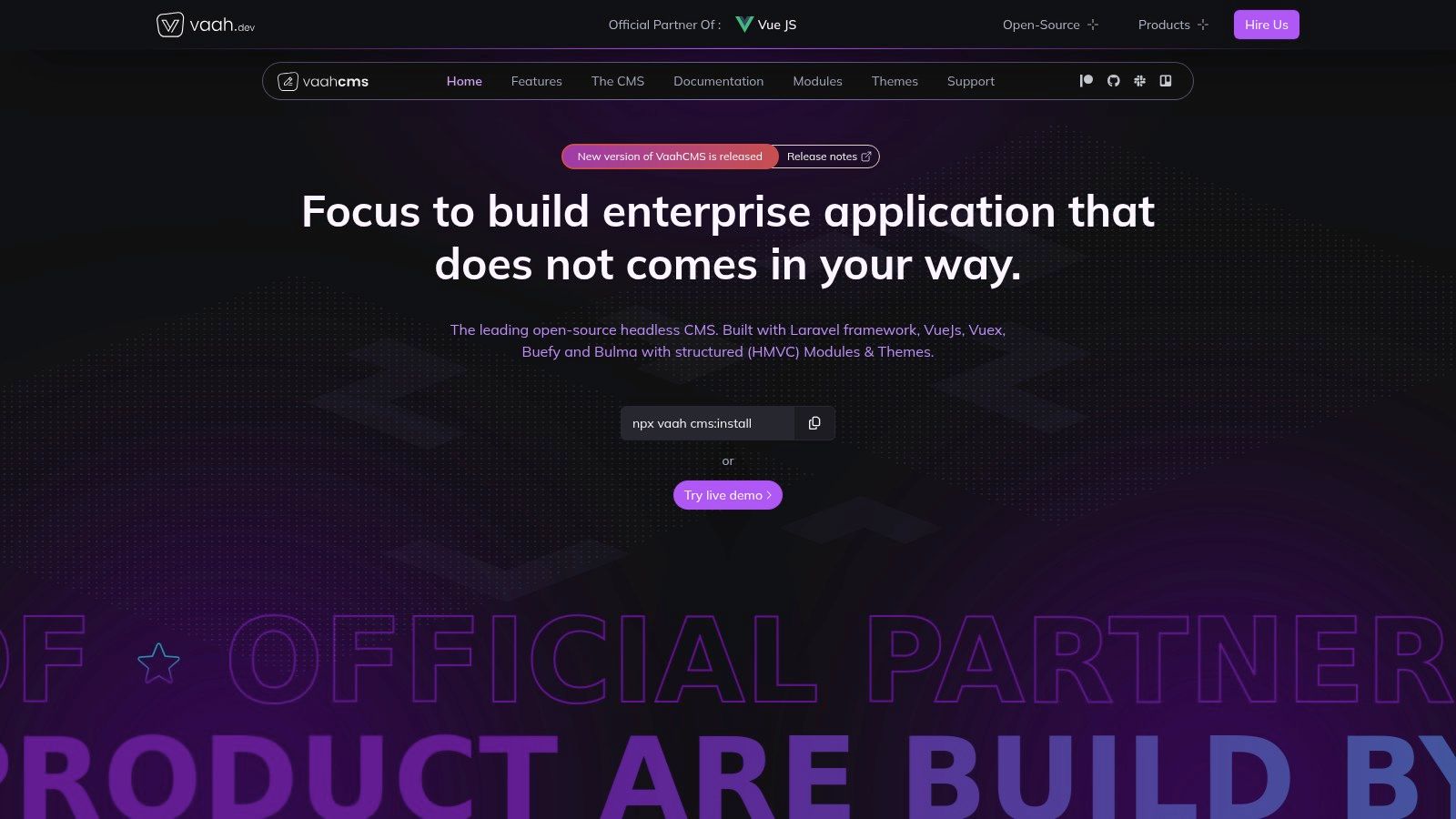
This design is ideal for projects that require a decoupled front-end built with frameworks like Vue.js or React. Developers benefit from its VaahCLI scaffolding tool, which significantly accelerates the creation of modules and themes. Its reliance on a modern tech stack, including Laravel 10 and Vue 3, ensures it is both powerful and future-proof for sophisticated web applications.
Key Considerations
| Feature | Analysis |
|---|---|
| Pricing Model | VaahCMS is completely open-source and free under the MIT License. There are no hidden fees or pro versions, making it a cost-effective choice for both small and large-scale projects. |
| User Experience | The administrative interface, built with Vue 3 and PrimeVue, is clean and modern. However, its headless nature means non-technical users cannot visually manage the front-end, which requires a separate development effort. |
| Ecosystem | As a newer platform, its community and third-party ecosystem are still growing. This means fewer pre-built themes and modules are available compared to more established Laravel CMS platforms. |
Website: https://vaah.dev/cms
Top 12 Laravel CMS Solutions Comparison
| CMS | Core Features/Highlights ✨ | Developer Experience ★★★★☆ | Unique Selling Points 🏆 | Target Audience 👥 | Pricing / Value 💰 |
|---|---|---|---|---|---|
| Statamic | Git-first, headless + static gen, marketplace | Excellent with Laravel | US-friendly licensing, add-ons ecosystem | Laravel devs, agencies | Paid per site, volume options |
| October CMS | Plugins/themes, composer install, modern backend | Mature ecosystem | Laravel + Twig, clear licensing | Laravel users, mid-level devs | Free tier + commercial licenses |
| Winter CMS | Open-source fork of October, plugin architecture | Fully open-source, smooth migration | Transparent dev, free | Laravel devs, open-source fans | Free, open-source |
| PyroCMS | Streams platform, CLI scaffolding, modular add-ons | Highly extensible | Great for rapid prototyping | Developers, custom apps | Commercial, smaller ecosystem |
| Botble CMS | Modular, CRUD generator, role management | Active docs, turnkey scripts | Vertical niche turnkey scripts | E-commerce, real estate devs | Mostly paid scripts |
| Microweber | Drag & drop editor, built-in shop, multisite | No-code friendly | Live inline editing, open source | Non-technical users | Free, open-source |
| TypiCMS | Modular, multilingual, MIT licensed | Clean codebase, dev-centric | Strong i18n, fully open source | Developers needing i18n | Free, open-source |
| Lavalite | Package builder, SaaS/multitenancy | Good prototyping tool | Longstanding support | Admin-heavy sites devs | Free, open-source |
| Coaster CMS | Block templating, scheduling, TinyMCE | Unique scheduling features | IoT/beacon integrations | Developers, niche projects | Free, open-source |
| Twill | Content blocks, media library, headless friendly | Excellent UI, customizable | Vue.js UI, open-source | Agencies, custom CMS devs | Free, open-source |
| CodeCanyon Scripts | Large marketplace, one-time purchase pricing | Varies by author | Wide niche CMS options | Buyers seeking turnkey CMS | One-time purchases |
| VaahCMS | Headless-first, HMVC, REST API, Vue 3 UI | Modern Laravel 10 stack | Enterprise focused, CLI scaffolding | Enterprise apps developers | Free, open-source |
Making the Final Cut: Which Laravel CMS Fits Your Project?
Navigating the landscape of content management systems built with Laravel reveals a vibrant ecosystem teeming with specialized tools. We've journeyed through a dozen powerful contenders, from the developer-centric elegance of Statamic and the modular freedom of October CMS, to the open-source resilience of Winter CMS and the rapid-development capabilities of Twill. Each platform leverages Laravel's robust foundation to deliver a unique approach to content management, underscoring the framework's versatility.
The core takeaway is that there is no single "best" CMS with Laravel; there is only the best fit for your specific project's architecture, team skill set, and long-term vision. Your decision-making process should be a strategic exercise, not just a feature comparison.
Key Factors for Your Final Decision
As you weigh your options, move beyond the feature lists and consider these critical implementation factors:
- Developer Experience (DX) vs. User Experience (UX): Platforms like Statamic and Twill prioritize a seamless developer workflow, offering powerful CLIs and flexible data modeling. In contrast, tools like Microweber and Botble CMS focus heavily on a non-technical user experience with drag-and-drop builders and intuitive interfaces. Determine whose daily comfort is the higher priority.
- Total Cost of Ownership: The initial license fee is just the beginning. Factor in the long-term costs associated with hosting requirements, paid plugins or themes, and the potential need for specialized developer support. An open-source option like Winter CMS may have no upfront cost, but a complex implementation could require more development hours than a commercial, batteries-included solution.
- Scalability and Performance: Consider your project's growth trajectory. A lightweight, flat-file system like Statamic is incredibly fast for many sites but might require different scaling strategies than a database-driven system like PyroCMS or VaahCMS when handling massive datasets or complex relational content.
- Community and Support: An active community, comprehensive documentation, and available commercial support are your safety nets. For long-term projects, the stability and backing of a platform are as crucial as its features.
Your Actionable Next Steps
To make a confident and informed choice, follow this simple roadmap:
- Define Your Core Needs: Create a concise document outlining your project's non-negotiable requirements. Is it multi-language support? E-commerce integration? A highly customized content structure?
- Shortlist 2-3 Candidates: Based on our analysis, select the top contenders that align with your core needs. Don't spread yourself too thin.
- Install and Prototype: There is no substitute for hands-on experience. Install your shortlisted options and build a small proof-of-concept. This will reveal the true nature of the development workflow and administrative panel far better than any review.
Choosing the right CMS with Laravel is a foundational decision that will influence your project's efficiency, scalability, and ultimate success. By carefully aligning a tool's strengths with your project's unique demands, you empower yourself to build not just a website, but a powerful, flexible, and future-proof digital platform. The perfect tool is waiting; now it's time to build.