Top 12 CMS for Static Sites: An In-Depth 2025 Guide
Discover the 12 best CMS for static sites in 2025. Our in-depth guide covers features, pricing, and pros/cons to help you choose the right tool.

The performance, security, and scalability benefits of static websites are well-established. However, managing content for these sites has historically been a developer-centric task, often involving direct edits to Markdown files within a Git repository. This workflow, while efficient for technical teams, creates a significant barrier for content creators, marketers, and editors who need an intuitive interface to publish and update information. A dedicated CMS for static sites bridges this gap, providing a user-friendly editing experience without sacrificing the advantages of a static architecture.
This comprehensive resource is designed to help you navigate the diverse ecosystem of static site content management systems. We will move beyond surface-level feature lists to provide an in-depth analysis of the top solutions available. You'll find a detailed breakdown of Git-based, API-driven (headless), and hybrid platforms, each evaluated for specific use cases. While our focus is on static site CMS solutions, understanding traditional CMS platforms can provide valuable context; you might find a comprehensive guide to WordPress informative for comparison.
This guide will equip you to make an informed decision by presenting:
- Practical implementation insights for each platform.
- An honest assessment of both strengths and limitations.
- Clear guidance on which CMS aligns with specific project types, from personal blogs to large-scale enterprise websites.
- Direct links and illustrative screenshots to give you a clear view of each tool's interface and capabilities.
We will analyze 12 leading platforms, including Decap CMS, TinaCMS, CloudCannon, Publii, Contentful, and Sanity, among others. By the end, you'll have a clear understanding of the market and be able to select the best CMS to empower your content team and streamline your development workflow.
1. Decap CMS (formerly Netlify CMS) - The Open-Source Git Standard
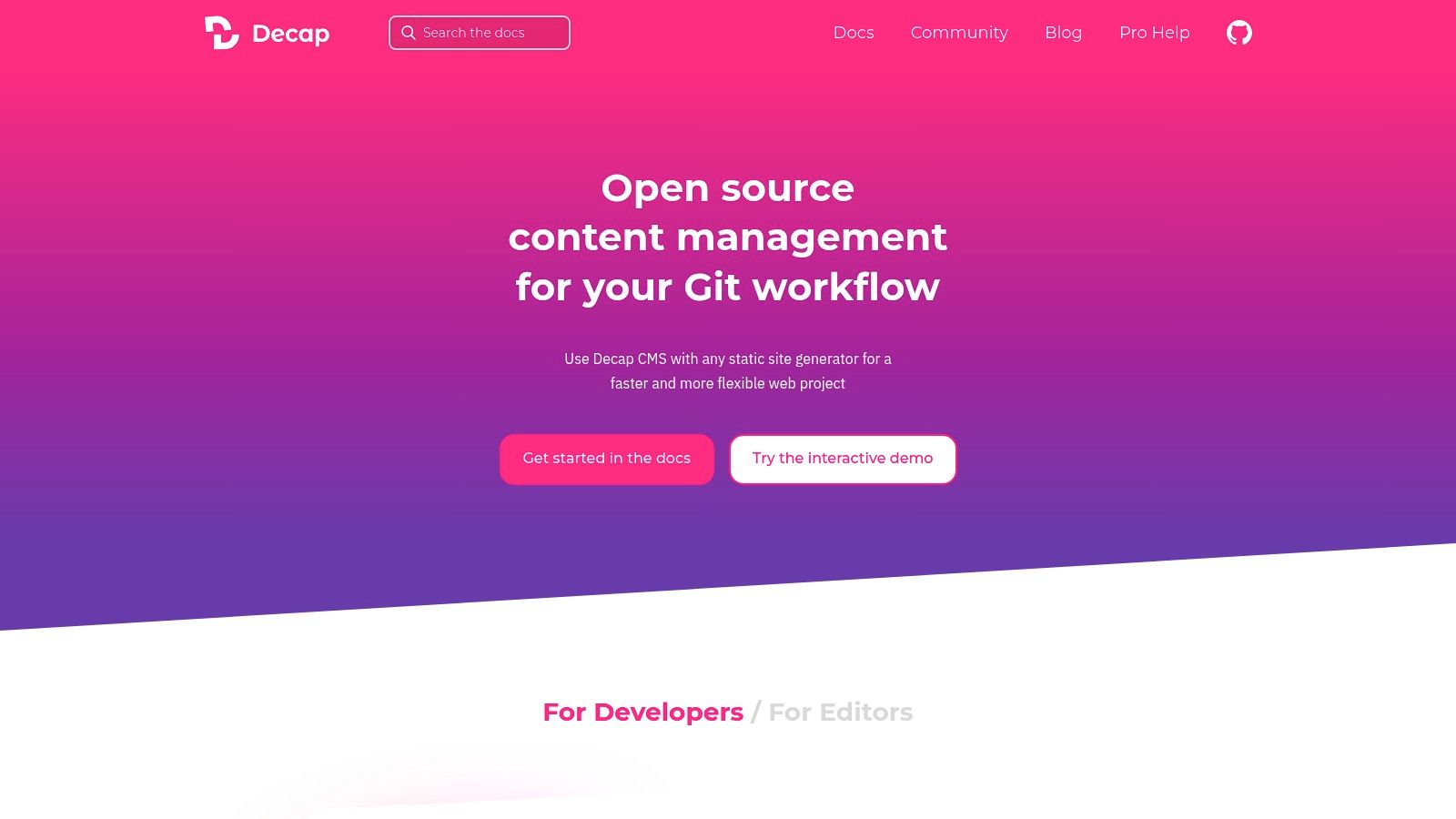
Decap CMS, the community-driven fork of the popular Netlify CMS, establishes itself as a foundational choice for developers seeking a pure, Git-based content management system. It provides a clean, web-based UI that commits content changes directly to your Git repository as structured data files like Markdown, JSON, or YAML. This Git-native workflow is its core strength, eliminating the need for a separate database and ensuring content lives alongside the codebase, simplifying version control and deployment pipelines.
As an open-source tool, Decap CMS offers unparalleled flexibility. It’s a single-page React application that you can integrate into any static site generator, from Jekyll and Hugo to Next.js and Gatsby. This platform-agnostic nature makes it an ideal CMS for static sites built with diverse tech stacks, avoiding vendor lock-in completely.
Core Features & Analysis
- Git-Based Workflow: All content is stored in your Git repository. This means every content change is a commit, providing a complete version history and the ability to roll back changes easily.
- Extensible & Configurable: The UI, content models, and editor widgets are highly customizable through a single
config.ymlfile. This allows developers to tailor the editing experience precisely to project needs. - Editorial Workflow: It supports a basic review and approval workflow (
draft->in review->ready), enabling teams to collaborate on content before publishing.
Use Case & Implementation
Decap CMS is best suited for developer-led projects where the content team is comfortable with a slightly more technical workflow. It excels in scenarios like documentation sites, developer blogs, and marketing websites where content structure is well-defined and version control is paramount. Implementation involves adding a few files to your static site project and configuring the connection to your Git provider (like GitHub or GitLab).
Website: decapcms.org
2. TinaCMS - The Visual, React-Focused Git CMS
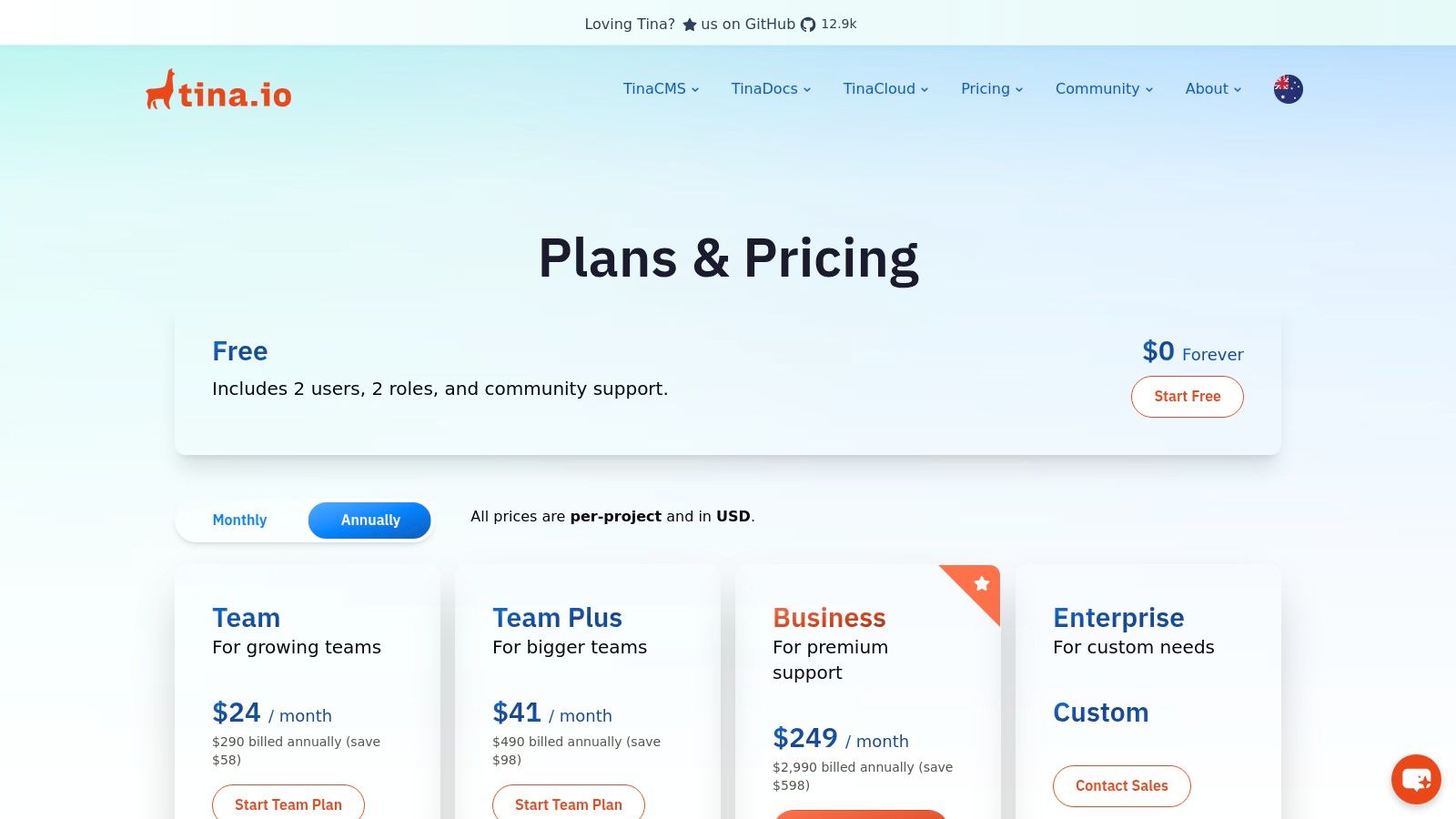
TinaCMS bridges the gap between traditional Git-based content management and modern visual editing experiences, particularly for React-based frameworks. It offers a powerful inline editing interface that overlays directly onto your live site, providing content editors with a true WYSIWYG experience. Content is still committed back to your Git repository as structured Markdown, MDX, or JSON files, preserving the benefits of a Git-native workflow.
This focus on real-time visual feedback makes TinaCMS an exceptional CMS for static sites built with Next.js, Astro, or similar frameworks. While it retains its open-source core, the optional TinaCloud service streamlines setup by handling authentication, media hosting, and providing a centralized content API, making it more accessible for teams who want to avoid managing backend infrastructure.
Core Features & Analysis
- Inline Visual Editing: Its standout feature allows editors to click and edit content directly on the page, with changes reflected in real-time. This dramatically lowers the learning curve for non-technical users.
- Strong MDX/React Integration: TinaCMS is purpose-built for component-based architectures. It excels at managing complex page structures where content and components are tightly coupled, such as with MDX.
- Optional TinaCloud Service: The hosted service adds user roles, permissions, and an optional AI assistant without requiring self-hosting. The free tier is generous for personal projects, with paid plans for teams.
Use Case & Implementation
TinaCMS is ideal for teams using modern JavaScript frameworks who prioritize an intuitive, visual editing experience for their content managers. It shines in marketing sites, component-rich blogs, and portfolios where the content team needs to see changes in context immediately. Implementation involves installing the TinaCMS package and configuring a schema that defines your editable content models. Learn more about how TinaCMS fits into the Git-based CMS landscape to see if it's right for you.
Website: tina.io
3. CloudCannon - The Enterprise-Grade Visual Git CMS
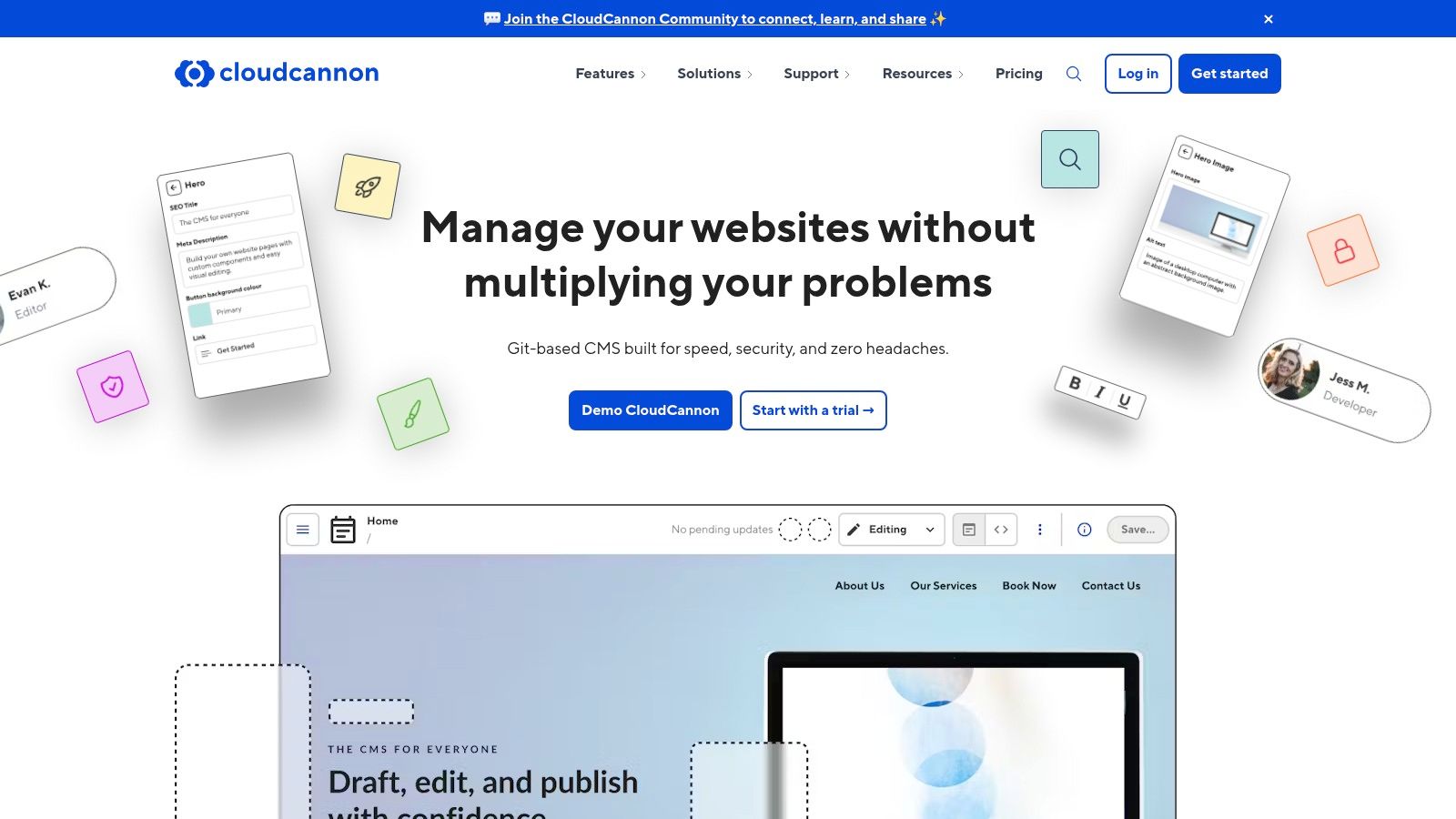
CloudCannon positions itself as a premium, all-in-one platform for building, editing, and deploying static websites, with a strong focus on providing a superior visual editing experience for non-technical users. It operates on a Git-based foundation, ensuring content and code remain synced in your repository, but abstracts away the complexities with an intuitive interface. This makes it a powerful bridge between developers who love static site generators and content teams who need a WordPress-like editing environment.
The platform is purpose-built for popular generators like Hugo, Jekyll, Eleventy, and Astro, offering deep integration that enables live visual editing directly on the page. Unlike many other headless CMS options, CloudCannon combines content management with hosting, CI/CD, and preview environments into a single, cohesive workflow, making it an excellent CMS for static sites managed by agencies or larger teams.
Core Features & Analysis
- Two-Way Git Sync: Changes made in the CMS are committed back to your Git repository, and code pushes to the repository are reflected in the CMS, maintaining a single source of truth.
- Visual, Content & Source Editors: It caters to different user roles by offering an on-page visual editor for marketers, a structured content editor for writers, and a source editor for developers.
- Agency-Focused Tooling: Features like client sharing, team management, and organization-level billing are specifically designed for agencies managing a portfolio of client websites.
Use Case & Implementation
CloudCannon is ideal for agencies and businesses that need to deliver high-performing static sites without sacrificing the user-friendly editing experience their clients or content teams expect. Its strength is in component-based architectures, where developers can define editable "blocks" that content editors can then use to build pages visually. While it has a robust integration for Hugo users, the initial setup requires careful configuration to map site components to the CMS, which presents a learning curve. Pricing is tiered, and costs can increase with extensive usage or hosting overages, making it better suited for commercial projects than small personal sites.
Website: cloudcannon.com
4. Siteleaf - The Refined Jekyll Specialist
Siteleaf has carved out a distinct niche as a refined, editor-friendly CMS built specifically around the Jekyll ecosystem. It synchronizes content seamlessly with a GitHub repository, treating it as the single source of truth, but provides a much more polished and abstract user interface than many Git-based competitors. This approach shields non-technical users from the complexities of Git while giving developers the version control and build pipeline integration they require. Its primary strength lies in this balance, making it an excellent CMS for static sites where usability for content editors is as important as the underlying Jekyll and Git workflow.
While originally offering hosting, Siteleaf now focuses purely on the content management experience, publishing the static output to a variety of hosts like Amazon S3, GitHub Pages, or any server via FTP/SFTP. This "bring-your-own-host" model ensures content remains portable and avoids vendor lock-in on the hosting side.
Core Features & Analysis
- Jekyll-First Integration: Siteleaf is designed from the ground up for Jekyll. It automatically understands Jekyll conventions like collections, data files, and front matter, making setup straightforward for existing Jekyll projects.
- Multiple Publishing Destinations: It decouples the CMS from hosting, offering flexible deployment options to S3, GitHub Pages, and FTP/SFTP, which covers a wide range of hosting scenarios.
- Headless API & Tooling: For more advanced use cases, Siteleaf provides a JSON API, a Ruby gem, and import/export tools, allowing for programmatic content management and migration.
- Team Collaboration: Higher-tier plans include robust user roles and permissions, enabling secure collaboration between administrators, publishers, and writers.
Use Case & Implementation
Siteleaf is ideal for small agencies, publications, and businesses that have standardized on Jekyll for their static websites and need a simple, clean interface for their content teams. It shines in projects where editors need to manage content without any interaction with Git or the command line. Implementation involves connecting a GitHub repository containing a Jekyll site and configuring a publishing destination. Because it's a hosted SaaS platform, there is no need to self-host the CMS itself.
Website: https://www.siteleaf.com
5. Publii - The Desktop-First Static CMS
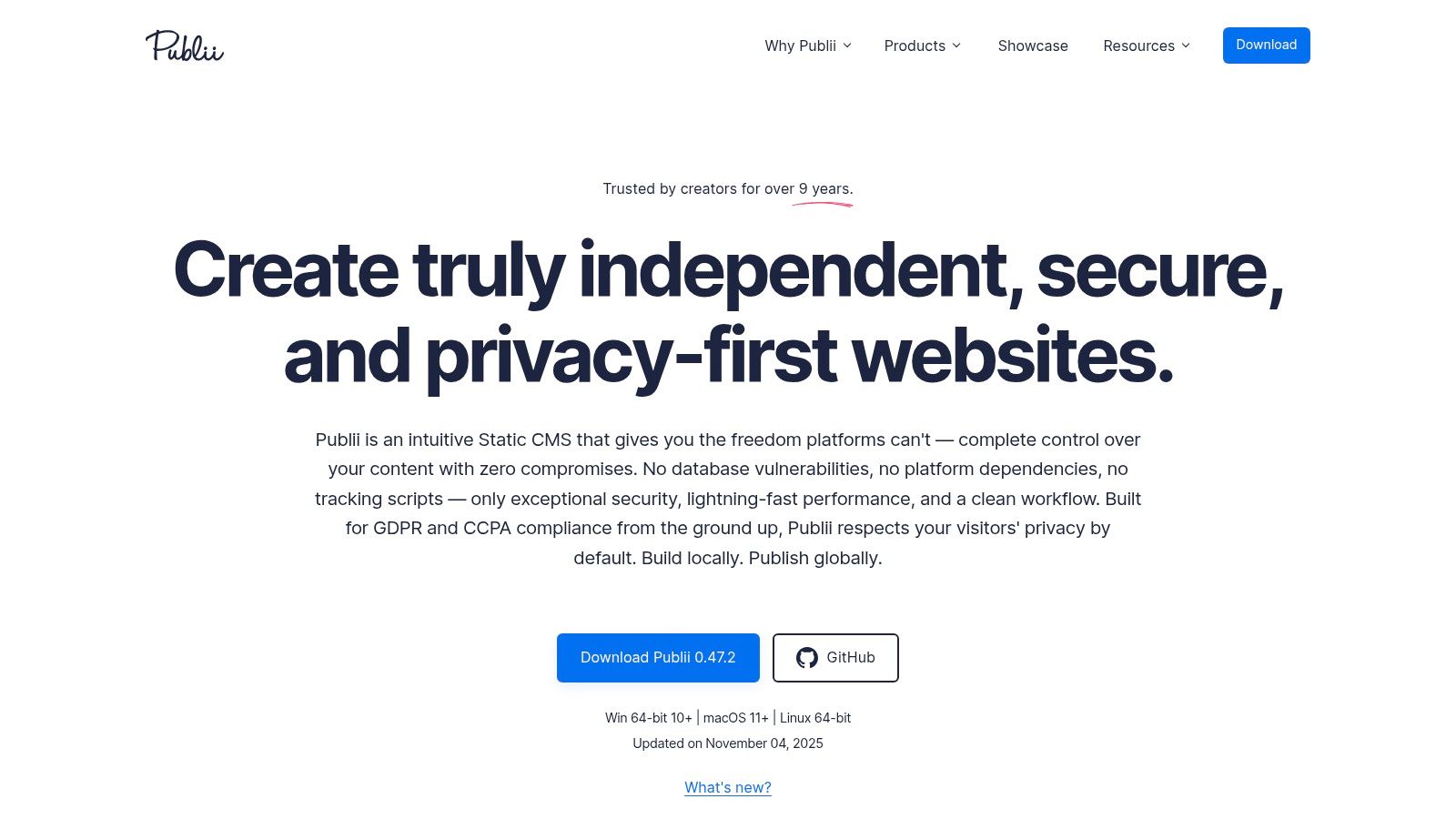
Publii introduces a unique approach by operating as a desktop application rather than a web-based service. It generates pure static HTML, CSS, and JS files locally on your machine, giving you complete control and the ability to work offline. This makes it a fantastic tool for bloggers, writers, and small business owners who prioritize simplicity, speed, and independence from cloud-based platforms. The app provides a clean, WYSIWYG editing experience that feels familiar to anyone who has used a traditional word processor.
Once content is ready, Publii offers a one-click deployment system to a variety of targets, including Netlify, GitHub Pages, Amazon S3, or traditional hosting via SFTP. This blend of offline creation and easy online publishing makes it a standout CMS for static sites, especially for those who want a robust, maintenance-free website without touching code or managing a server. It effectively bridges the gap between traditional blogging software and the modern static web.
Core Features & Analysis
- Local, Offline-First: As a desktop app, all site creation and content editing happen on your computer. This ensures you always have a complete, local backup and can work from anywhere, regardless of internet connectivity.
- One-Click Deployment: Publii simplifies the publishing process by connecting directly to various hosting options. It handles the entire process of generating and uploading the static files for you.
- Built-in SEO & Theming: It comes with strong, out-of-the-box SEO tools, including metadata controls and Open Graph settings. A marketplace for free and premium themes allows for quick visual customization.
Use Case & Implementation
Publii is ideal for non-technical users, such as bloggers, authors, or small business owners, who want a professional static website without the technical overhead. It excels for portfolios, personal blogs, and simple marketing sites where the focus is on content creation. Since it’s a free, downloadable app, implementation is as simple as installing it, choosing a theme, and starting to write. It’s a great example of no-code CMS tools that empower creators.
Website: getpublii.com
6. Contentful - The Enterprise-Grade Headless API
Contentful stands as a dominant force in the API-first headless CMS market, trusted by large enterprises for its scalability, structured content capabilities, and extensive tooling. Unlike Git-based systems, Contentful provides a fully managed, database-backed platform that serves content via robust GraphQL and REST APIs. This approach decouples content from presentation, making it an ideal backend for complex static sites built with modern frameworks like Next.js, Gatsby, or Nuxt.js.
Its core strength lies in its powerful content modeling, which allows teams to define custom content types with specific fields and validation rules. This ensures content integrity and structure across large, distributed teams. As a comprehensive platform, it serves as a powerful CMS for static sites that require enterprise-level governance, performance, and flexibility. For those evaluating their options, there are great resources to learn more about headless CMS platforms like Contentful.
Core Features & Analysis
- Robust Content Modeling: Define highly structured content types, complete with validation, relationships, and localization. This provides a clear framework for content creators and developers.
- GraphQL & REST APIs: Offers powerful and well-documented APIs, including a popular GraphQL API that allows developers to request exactly the data they need, improving frontend performance.
- App Framework & Marketplace: The platform's functionality can be extended significantly through custom apps or by installing pre-built solutions from its marketplace, integrating with services like Cloudinary or Bynder.
- Environments & Governance: Supports development workflows with content "environments" for staging and production. It also includes granular roles and permissions for managing team access.
Use Case & Implementation
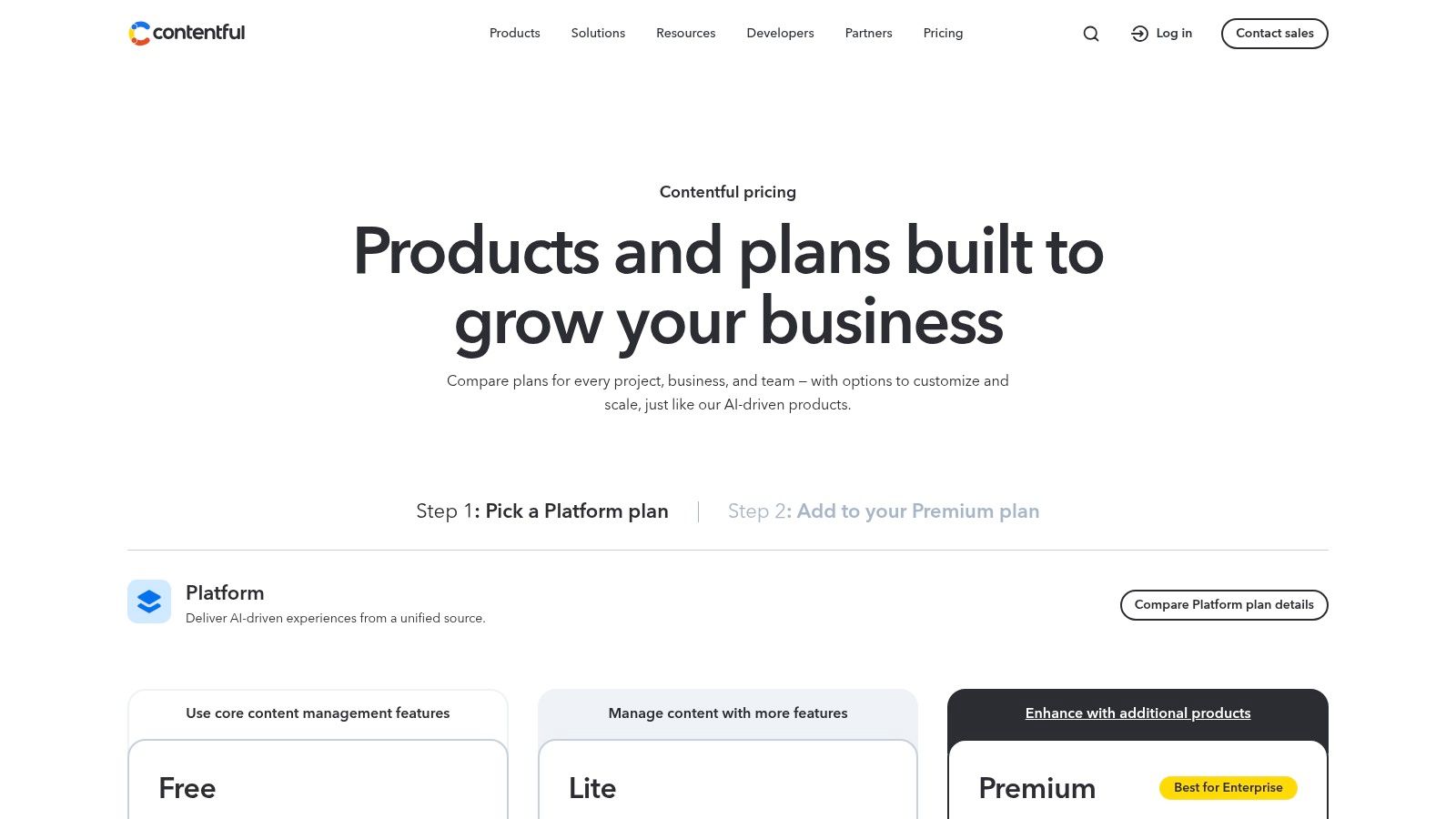
Contentful excels in large-scale, content-rich projects such as corporate websites, e-commerce platforms, and multi-channel digital experiences. It is best suited for organizations that need strong governance, localization, and integrations. Implementation involves developers defining the content model, fetching data from Contentful's APIs at build time using an SDK, and rendering it within their static site generator. While the free tier is generous, pricing can become a significant factor for larger teams with high API usage.
Website: https://www.contentful.com/pricing/
7. Sanity - The Structured Content Platform
Sanity positions itself as a unified content platform, offering a powerful combination of a real-time hosted backend, a highly customizable open-source editing environment called Sanity Studio, and flexible APIs. Unlike Git-based systems, Sanity provides a fully managed database for your content, which is then delivered to your static site generator via its fast CDN using GROQ or GraphQL. This architecture excels at handling complex, interconnected content models and enables powerful real-time collaboration features.
Its core differentiator is treating content as structured data. Developers define content schemas using JavaScript or TypeScript, which gives them complete control over the editing interface and validation rules. This approach makes Sanity an exceptional CMS for static sites that need to manage more than just simple Markdown pages, such as e-commerce product catalogs or datasets. The platform also includes a robust asset pipeline with on-the-fly image transformations.
Core Features & Analysis
- Schema-as-Code: Content models are defined in code, allowing for robust version control, reusability, and deep customization of the Sanity Studio editor to perfectly match content requirements.
- Real-Time Collaboration: Much like Google Docs, multiple editors can work on the same document simultaneously, with changes reflected in real-time for all users. This is a significant advantage for larger content teams.
- GROQ & GraphQL APIs: Sanity offers its own powerful query language, GROQ, for precise and efficient data fetching, alongside standard GraphQL support. This ensures performant data delivery to any front-end framework.
Use Case & Implementation
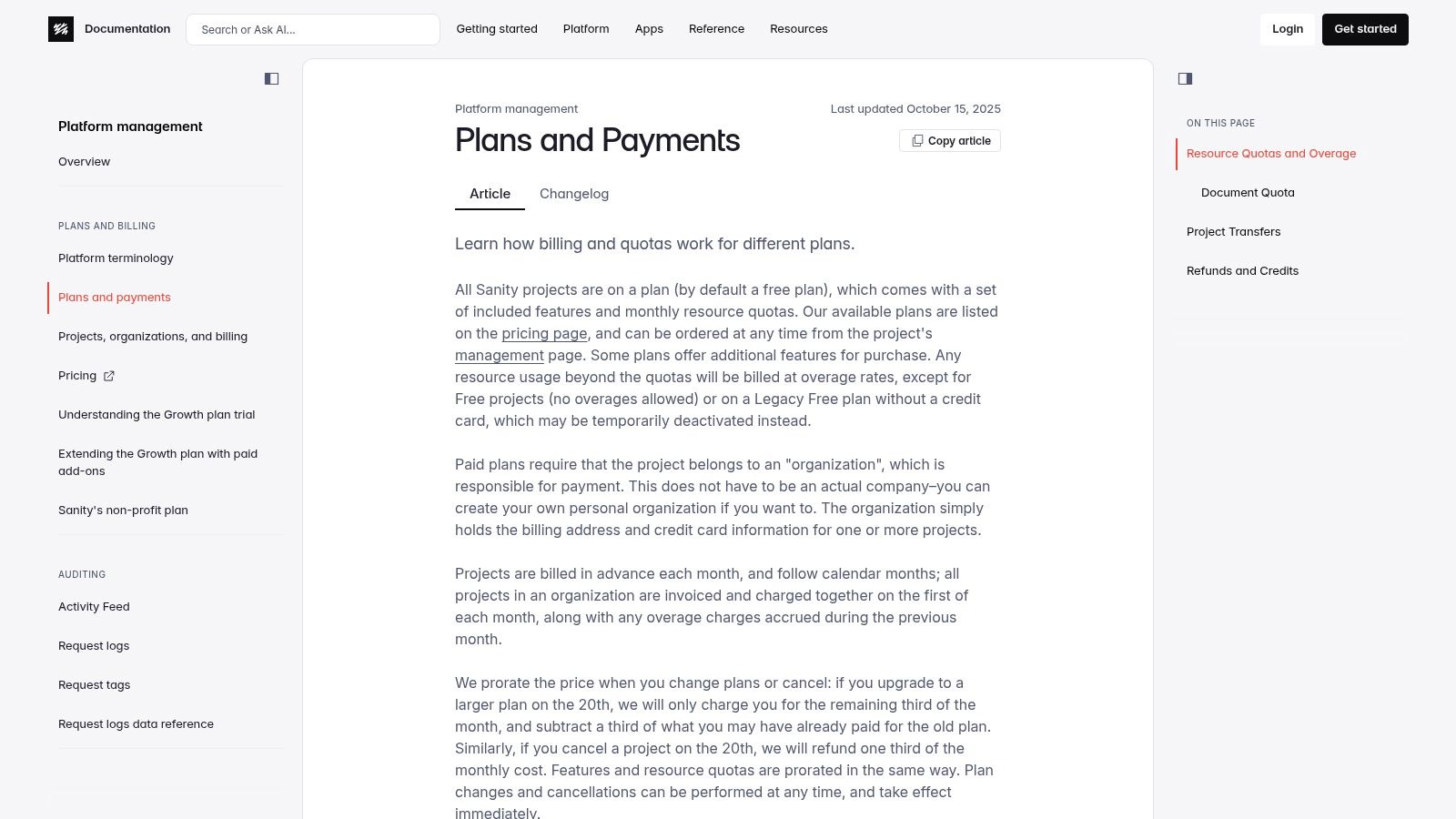
Sanity is ideal for projects requiring complex, relational content structures and a highly tailored editing experience. It's a strong fit for headless e-commerce, large-scale marketing sites, and digital products where content is a core component. Implementation involves setting up a Sanity project, defining your schema, and connecting your static site to its API endpoints. While its free tier is generous, teams should carefully monitor API usage and asset bandwidth, as overage costs can be a factor.
Website: sanity.io
8. Strapi (Strapi Cloud + self-hosted)
Strapi is a leading open-source Node.js headless CMS that offers developers a powerful blend of customization and deployment flexibility. It decouples the content backend from the presentation layer, serving content via a robust API to any static site generator like Next.js, Gatsby, or Nuxt. This API-first approach makes it an excellent CMS for static sites, providing a structured, database-driven content source that is more powerful than a simple Git-based system.
The platform's key differentiator is its dual-offering model. You can self-host the open-source version for complete control over your infrastructure and data, or opt for Strapi Cloud for a fully managed, scalable solution. This choice allows teams to start with a managed plan and migrate to a self-hosted environment as their technical needs evolve, or vice versa.
Core Features & Analysis
- Custom Content Types: Strapi features an intuitive Content-Type Builder that allows developers to visually create highly structured content models with various field types.
- REST & GraphQL APIs: It automatically generates both REST and GraphQL APIs based on your content models, giving front-end developers the freedom to choose their preferred data-fetching method.
- Deployment Flexibility: The choice between self-hosting on your own infrastructure (AWS, DigitalOcean, etc.) and using the managed Strapi Cloud service provides an adaptable solution for projects of any scale.
Use Case & Implementation
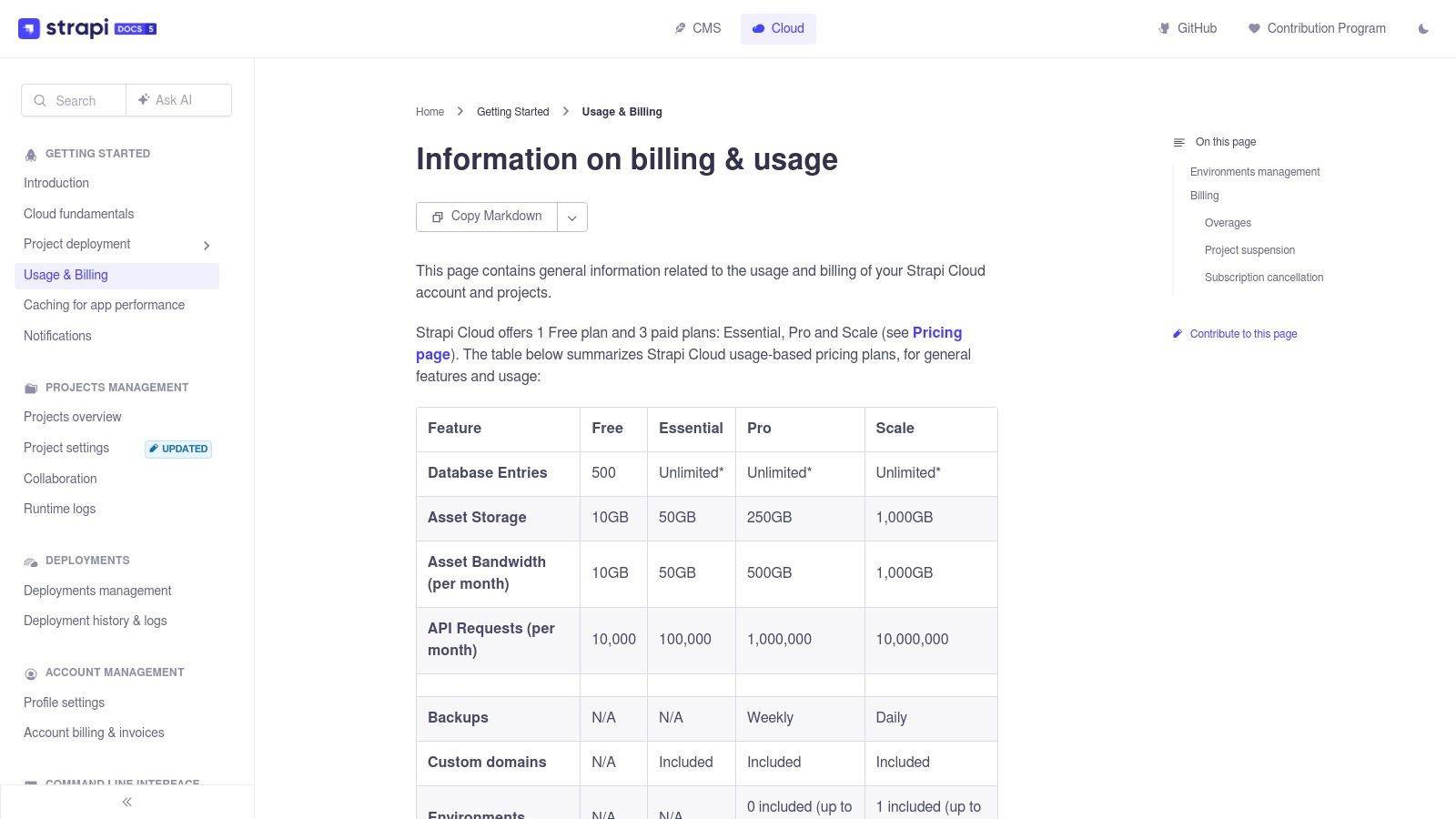
Strapi is ideal for projects that require complex, relational content models and a robust, database-backed API, such as e-commerce sites, large corporate websites, or mobile applications. While self-hosting demands DevOps expertise for setup and maintenance, Strapi Cloud offers a streamlined, production-ready environment. Implementation involves setting up a Strapi instance, defining content types through the admin panel, and then querying the API from your static site build process. Be mindful of Strapi Cloud's usage-based billing and the licensing for advanced features.
Website: docs.strapi.io/cloud/getting-started/usage-billing
9. DatoCMS - The GraphQL-Native Headless CMS
DatoCMS positions itself as a premium, developer-first headless CMS meticulously engineered for modern Jamstack architectures. It offers a powerful content infrastructure centered around a robust GraphQL API, making it an exceptional partner for static site generators like Gatsby, Next.js, and Eleventy. Its core value lies in providing a highly structured content modeling experience combined with an integrated, high-performance CDN for media assets, simplifying the entire content delivery pipeline.
This platform is designed to give developers granular control while providing content editors with a polished, intuitive, and highly configurable user interface. By treating content as structured data and serving it via a globally distributed API, DatoCMS streamlines the process of building high-performance websites, establishing itself as a top-tier CMS for static sites where both performance and editorial experience are critical.
Core Features & Analysis
- GraphQL API & Real-Time Updates: DatoCMS is built around GraphQL, offering a typed, efficient, and self-documenting API that developers love. It also provides real-time updates, which can be used to preview content changes instantly before a full site rebuild.
- Structured Content Modeling: Its standout feature is the modular content modeling, which allows for creating reusable "blocks" or components. This enables editors to build complex, dynamic page layouts without developer intervention.
- Global CDN & Media Management: All assets (images, videos) are automatically served via an integrated global CDN (Imgix), providing on-the-fly image transformations, optimizations, and fast delivery worldwide.
Use Case & Implementation
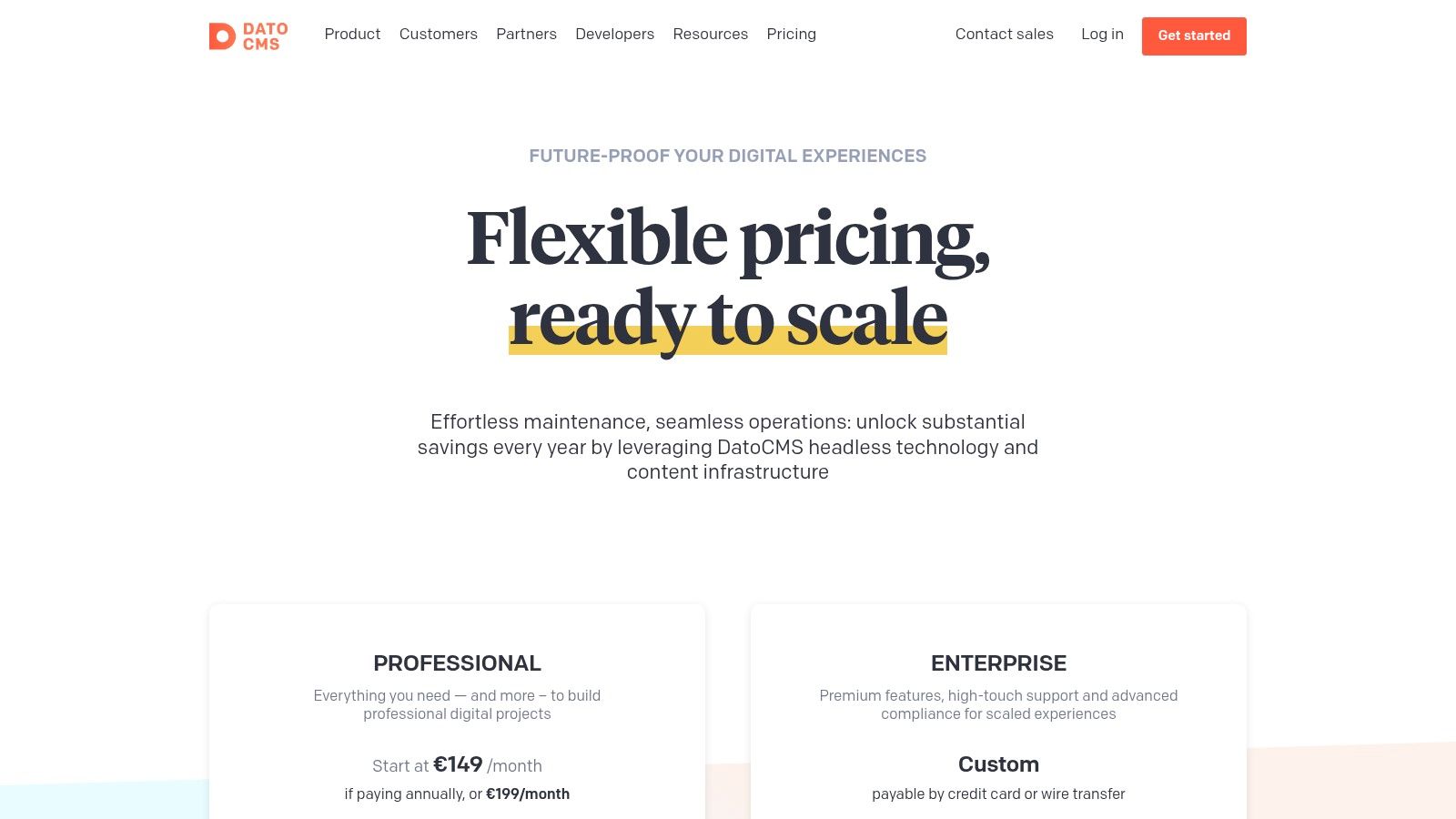
DatoCMS is ideal for marketing teams, digital agencies, and businesses that require a sophisticated editorial workflow and flexible content structures for their static sites. It excels in powering marketing websites, e-commerce frontends, and multi-language platforms where content is complex and media-rich. Implementation involves defining your content schema in the DatoCMS dashboard and then fetching the content into your static site generator using its GraphQL API client. The pricing structure is clear, with a generous free tier that has hard limits and professional plans in the mid-to-upper tier.
Website: datocms.com
10. Prismic - The Component-Driven Headless CMS
Prismic stands out in the headless CMS market with its unique "Slice" component model, empowering content teams to build dynamic pages visually. Instead of relying on rigid templates, editors can assemble pages from a library of pre-built, reusable content sections (Slices) created by developers. This approach provides a powerful balance between developer control over code and editorial freedom in content composition, making it an excellent CMS for static sites.
The platform is framework-agnostic, offering strong integrations and starter kits for popular static site generators like Next.js, Nuxt, Astro, and SvelteKit. Prismic's visual Page Builder provides live previews as content is edited, bridging the gap between the headless back-end and the final front-end presentation. This focus on a superior authoring experience is a key differentiator.
Core Features & Analysis
- Slice-Based Page Building: Its flagship feature allows developers to define content "Slices" (e.g., hero banner, testimonial block) that editors can mix and match to construct pages. This component-driven workflow is highly intuitive for content teams.
- Visual Page Builder: Offers a live preview environment that shows content changes on the site in real-time, drastically improving the editorial workflow and reducing the disconnect common with headless systems.
- Generous Quotas: The free and lower-tier plans provide generous API call and CDN quotas, along with unlimited documents and custom types, making it very accessible for small to medium-sized projects.
Use Case & Implementation
Prismic is ideal for marketing sites, portfolios, and content-rich applications where page layouts need to be flexible and visually composed by non-technical users. It excels in projects where the marketing or content team requires significant autonomy over page structure without constant developer intervention. Implementation involves using one of Prismic’s official client libraries to fetch content from its API and render the Slices as components within your chosen front-end framework.
Website: prismic.io
11. Storyblok - The Visual Component-Based Headless CMS
Storyblok distinguishes itself with a powerful visual editor that merges the benefits of a headless architecture with the intuitive experience of a traditional page builder. Its core strength lies in its component-based content modeling, allowing developers to create reusable "bloks" that content editors can then visually arrange to build pages. This approach empowers marketing and content teams with creative control while maintaining structured, API-first content for developers.
As a true headless platform, Storyblok integrates seamlessly with any static site generator or front-end framework, making it an excellent CMS for static sites where a superior editing experience is a top priority. It provides robust APIs, including GraphQL, and a built-in image optimization service, streamlining the development process and enhancing site performance.
Core Features & Analysis
- Visual Editor: Offers a real-time, in-context preview of the website, allowing editors to click on any component and modify its content directly. This drastically reduces the learning curve for non-technical users.
- Component-Based Architecture: All content is structured as nestable components (bloks). This modularity is perfect for creating flexible, dynamic layouts without locking content into rigid templates.
- Headless APIs & Infrastructure: Provides a fast global CDN, an image optimization service, and comprehensive SDKs for popular frameworks, ensuring high performance and a smooth developer experience.
Use Case & Implementation
Storyblok is ideal for marketing websites, e-commerce platforms, and large corporate sites where content teams need to build and modify landing pages frequently without developer intervention. Its visual nature makes it a top choice for projects transitioning from monolithic platforms like WordPress. Implementation involves connecting your static site build to Storyblok’s API and creating front-end components that map to the content "bloks" defined in the CMS. While powerful, be mindful of usage-based pricing for traffic and API calls on higher tiers, which can impact costs as the site scales.
Website: https://www.storyblok.com/pricing/?utm_source=openai
12. Hygraph (formerly GraphCMS) - The Federated Content Hub
Hygraph, formerly known as GraphCMS, positions itself as a premier GraphQL-native headless CMS designed for composing and delivering content from multiple sources. While its powerful API-first architecture serves a wide range of digital products, it is exceptionally well-suited as a CMS for static sites due to its focus on structured content and high-performance delivery. Hygraph's core strength lies in its ability to federate content, pulling data from remote sources and unifying it into a single, queryable GraphQL endpoint.
This federated approach allows developers to build sophisticated static sites that aggregate content from various services, such as a PIM, CRM, or another CMS, without complex backend integration. For teams managing diverse content ecosystems, Hygraph provides a centralized hub to model, enrich, and distribute content, simplifying the development workflow for static site generators like Next.js or Gatsby that thrive on structured data.
Core Features & Analysis
- GraphQL-Native API: Provides a highly flexible and efficient way to query the exact content needed for each page build, reducing data overhead and improving build times. The schema builder is intuitive and powerful.
- Content Federation: Its standout feature allows you to connect remote data sources and query them alongside native Hygraph content, creating a single source of truth for your application.
- Advanced Roles & Permissions: Offers granular control over user access, content stages, and localization, making it suitable for larger teams with complex editorial workflows and global content needs.
Use Case & Implementation
Hygraph is ideal for ambitious, content-rich static sites that require more than a simple content repository. It excels in e-commerce, large-scale marketing platforms, and digital experiences that need to integrate data from disparate systems. Implementation involves defining your content schema in the Hygraph UI and using its GraphQL API within your static site generator's data-fetching methods. While its free tier is generous for small projects, growth plans can be a significant investment, making it a better fit for businesses that can leverage its advanced federation capabilities.
Website: hygraph.com
Static-Site CMS: Comparison of 12 Platforms
| Tool | Core features ✨ | Editor experience ★ | Price / Value 💰 | Target audience 👥 | Unique selling point 🏆 |
|---|---|---|---|---|---|
| Decap CMS (Netlify CMS) | Git-first, file-based, React widgets, multi-Git | ★★★ — web UI + previews | 💰 Free, open-source | 👥 Developers using static SSGs | 🏆 No vendor lock-in; content in repo ✨ |
| TinaCMS | Git-backed, inline editing, TinaCloud opt-in | ★★★★ — inline, realtime preview | 💰 Core free; paid TinaCloud/team tiers | 👥 React/MDX sites, small teams | 🏆 Inline editing for React stacks ✨ |
| CloudCannon | Two-way Git sync, visual/source editors, hosting opt | ★★★★ — mature visual editor | 💰 Paid hosting; costs scale | 👥 Agencies / multi-site managers | 🏆 Robust visual editor + branch previews ✨ |
| Siteleaf | Jekyll-first, GitHub integration, import/export | ★★★ — simple editor for Jekyll | 💰 Paid plans; BYO hosting | 👥 Jekyll users & editors | 🏆 Jekyll/GitHub-focused portability ✨ |
| Publii | Desktop static generator, SEO tools, deploy targets | ★★★ — offline desktop UI | 💰 Free desktop app | 👥 Non-technical bloggers & marketers | 🏆 Local/offline editing; no SaaS ✨ |
| Contentful | Content modeling, GraphQL/REST, apps/marketplace | ★★★★ — enterprise-grade UX | 💰 Complex tiers; can be costly | 👥 Enterprises & complex projects | 🏆 Enterprise features & ecosystem ✨ |
| Sanity | Schema-as-code, realtime backend, image CDN | ★★★★ — realtime collaboration | 💰 Generous free tier; usage billing | 👥 Devs & collaborative editorial teams | 🏆 Customizable Studio + realtime ✨ |
| Strapi (Cloud + self-host) | Custom types, REST/GraphQL, media library | ★★★★ — flexible UI | 💰 OSS core free; cloud billing varies | 👥 Self-hosters & dev-centric teams | 🏆 Self-hostable open-source core ✨ |
| DatoCMS | GraphQL API, media CDN, blocks/components | ★★★★ — polished editorial UI | 💰 Clear tiers; pro is mid-high | 👥 Static-site devs & teams | 🏆 Strong media CDN & GraphQL ✨ |
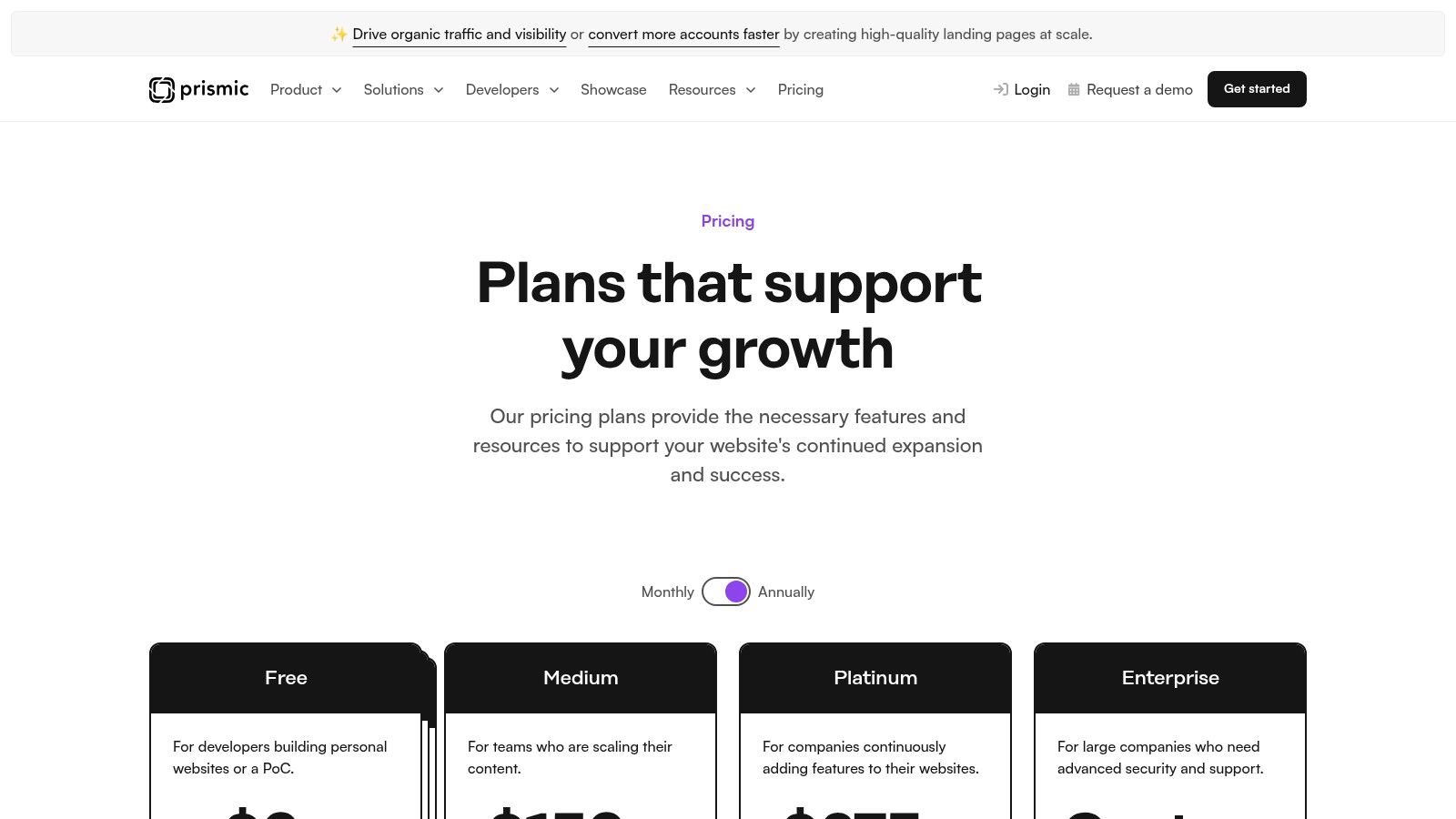
| Prismic | Slice-based page builder, previews, migrations | ★★★★ — visual page builder | 💰 Competitive low-tier; gated features | 👥 Small teams & marketers | 🏆 Slice model for flexible pages ✨ |
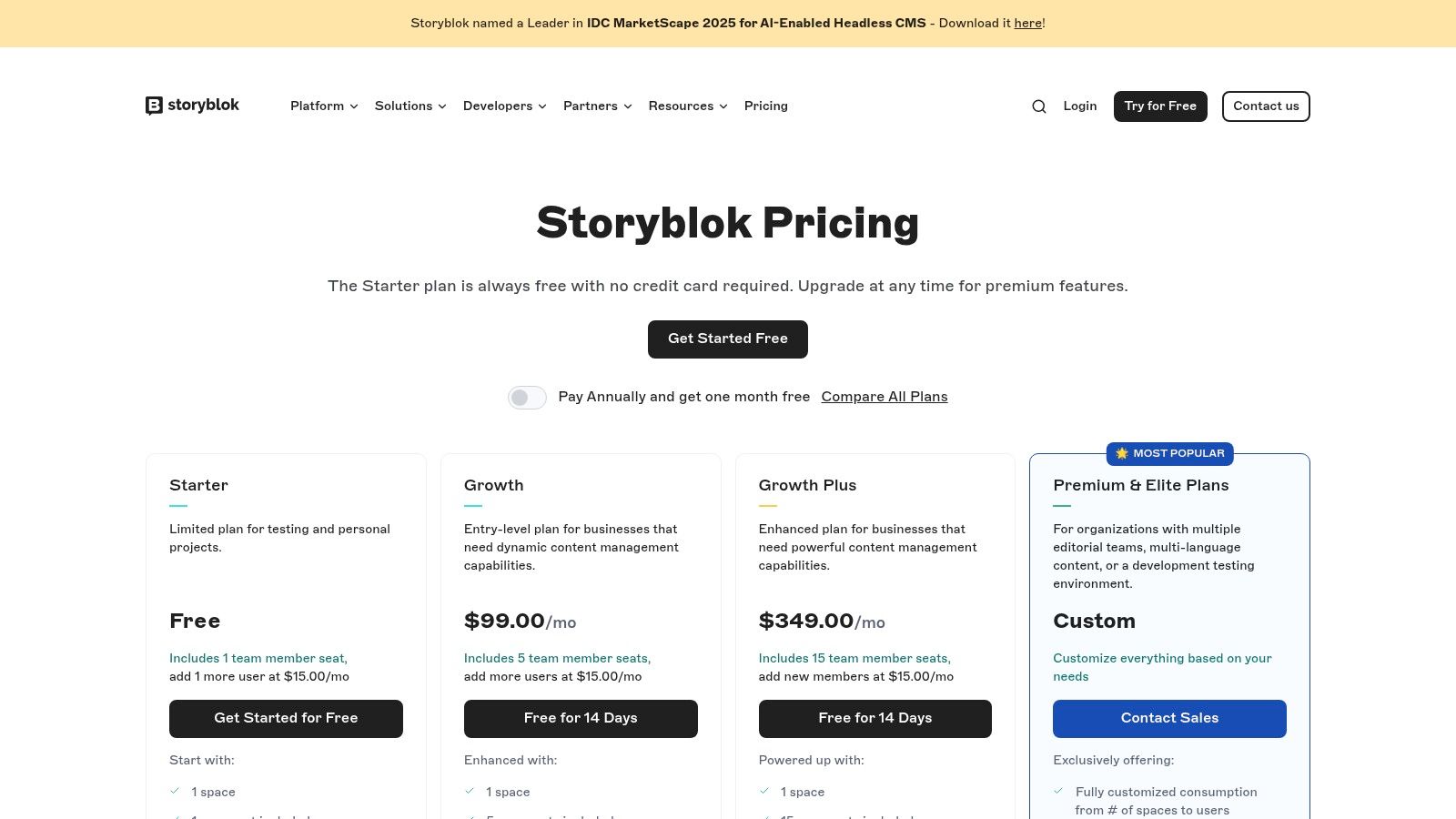
| Storyblok | Visual component editor, APIs, image service | ★★★★ — excellent for marketers | 💰 Self-serve tiers; usage add-ons | 👥 Marketers & multi-locale sites | 🏆 Visual editor + component blocks ✨ |
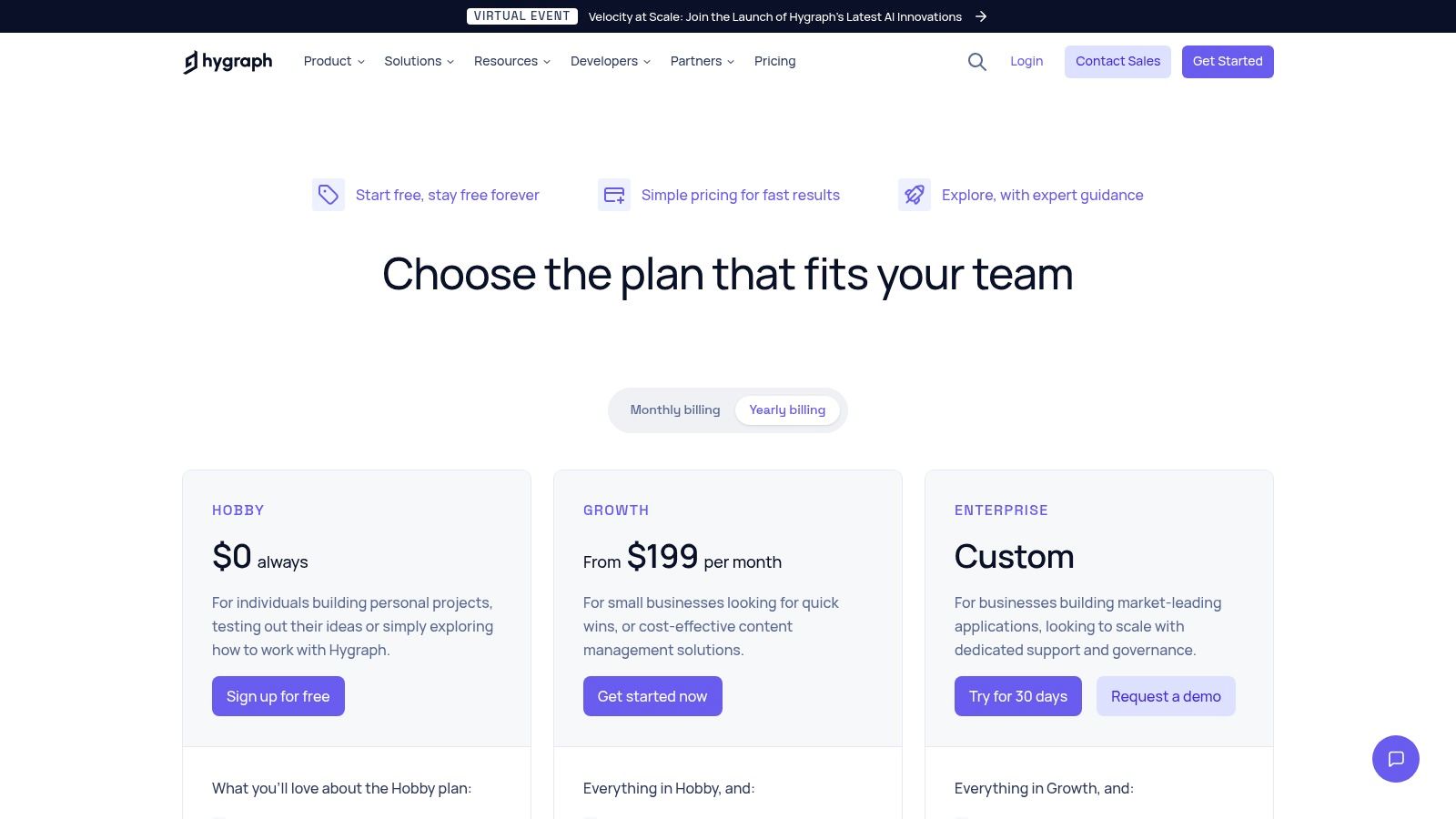
| Hygraph (GraphCMS) | GraphQL-native, federation, preview workflows | ★★★★ — strong GraphQL tooling | 💰 Hobby free; growth pricier | 👥 GraphQL-focused devs & teams | 🏆 GraphQL-native + content federation ✨ |
Making Your Final Decision: Which CMS Fits Your Workflow?
Navigating the landscape of content management systems for static sites can feel overwhelming. We've explored a dozen powerful platforms, from the Git-based simplicity of Decap CMS and TinaCMS to the robust, API-driven architectures of headless giants like Contentful, Sanity, and Storyblok. The paradox of choice is real, but the perfect solution isn't about finding a single "best" tool; it's about identifying the platform that aligns precisely with your project's unique technical requirements, team structure, and long-term goals.
The central theme emerging from our analysis is the fundamental split between Git-based and API-driven (headless) systems. This is your first and most critical decision point. A Git-based CMS integrates directly into your repository, treating content as code. This approach offers unparalleled transparency, version control, and simplicity for developer-centric teams. In contrast, a headless CMS decouples content from the presentation layer, providing a structured, centralized content hub accessible via an API. This model excels in scalability, omnichannel content delivery, and empowering non-technical content teams.
A Framework for Your Final Choice
To move from analysis to action, consider your project through these three critical lenses. Your answers will illuminate the path toward the right CMS for static sites.
Team Composition and Technical Proficiency:
- Developer-Led Teams: If your team lives in Git and values a transparent, code-centric workflow, a Git-based solution is a natural fit. Decap CMS offers a straightforward, open-source starting point, while TinaCMS provides a superior real-time editing experience that feels more integrated. CloudCannon is the premier choice for teams needing enterprise-grade features and support within a Git-based paradigm.
- Content-Focused Teams: When marketers, editors, and content creators are the primary users, a dedicated headless CMS is almost always the superior choice. The user-friendly interfaces of Contentful, Prismic, and DatoCMS are designed for them. Storyblok's visual editor is particularly powerful for teams that need to build and preview complex landing pages without developer intervention.
- Hybrid Teams: For teams where developers and content editors work in close collaboration, consider the developer experience (DX) of the headless CMS. Sanity and its Portable Text editor offer immense flexibility for developers to create custom editing experiences, while Strapi provides an open-source, self-hostable alternative for teams wanting full control over their infrastructure.
Project Scale and Content Complexity:
- Simple Projects (Blogs, Portfolios): For a personal blog or a simple marketing site, the overhead of a full headless CMS might be unnecessary. The desktop-based simplicity of Publii is perfect for solo creators, while Siteleaf offers a lightweight, elegant solution for managing smaller, well-structured sites.
- Complex, Structured Content: If you're managing intricate data relationships, such as e-commerce product catalogs or extensive documentation, a headless CMS with a strong content modeling engine is essential. Hygraph (formerly GraphCMS) excels with its GraphQL-native approach to complex data, and Sanity's flexible content modeling is second to none.
- Omnichannel Ambitions: Is your content destined for a website, a mobile app, and IoT devices? This is the core use case for a headless CMS. Platforms like Contentful, Storyblok, and Prismic are built from the ground up to deliver content to any destination via an API, future-proofing your content strategy.
Budget and Infrastructure Preferences:
- Open-Source and Self-Hosted: If you prioritize budget control and full ownership of your data and infrastructure, Decap CMS and Strapi are leading open-source options. This path requires more technical overhead for setup and maintenance but offers maximum flexibility.
- Managed SaaS Solutions: For teams that want to offload infrastructure management and focus on building, a managed SaaS platform is ideal. Most headless CMS platforms fall into this category, with pricing tiers that scale based on usage, users, and features. Be sure to carefully evaluate their free and entry-level tiers to ensure they fit your initial project needs.
Choosing the right CMS for static sites is a strategic decision that will impact your team's efficiency and your project's potential for years to come. Use this guide not as a definitive ranking, but as a framework to evaluate your specific needs. Start with a clear understanding of your content, your team, and your technical constraints. By matching those requirements to the strengths of the platforms we've discussed, you can confidently select a tool that not only solves today's challenges but also empowers your growth for tomorrow.