12 Best CMS for Developers: An In-Depth Guide for 2025
Discover the best CMS for developers in 2025. Our detailed listicle compares 12 top platforms, from headless APIs to open-source powerhouses.

The term 'CMS' often brings monolithic platforms to mind, but the landscape has evolved dramatically. For developers, the right Content Management System isn't just a content editor; it's a foundational tool that dictates workflow efficiency, scalability, and creative freedom. The best CMS for developers integrates seamlessly with modern tech stacks, offers robust APIs, and provides the flexibility to build custom, high-performance digital experiences without being locked into restrictive themes or WYSIWYG editors.
This guide cuts through the noise to deliver a focused analysis of the top platforms engineered for technical control. We move beyond marketing claims to evaluate each system based on its core architecture, developer experience (DX), implementation challenges, and ideal project fit. You will find a detailed breakdown for each option, complete with screenshots and direct links, to help you make an informed decision. As developers increasingly integrate artificial intelligence into their workflows, choosing a CMS that complements their tooling, including the best AI tools for developers, is critical for building a future-proof stack.
Whether you're building a content-heavy enterprise site, a dynamic Jamstack application, or a simple marketing portal, the following list provides the insights needed to select the engine that best powers your next project.
1. WordPress.org
Website: https://wordpress.org
WordPress.org represents the open-source, self-hosted CMS that grants developers unparalleled control and flexibility. While often associated with simple blogs, its powerful core, extensive APIs, and vast plugin ecosystem make it one of the best CMS for developers seeking a customizable foundation for complex projects. Its true strength lies in its extensibility; developers can build custom themes from scratch, create bespoke plugins, or leverage its REST API for headless implementations with modern frontend frameworks.
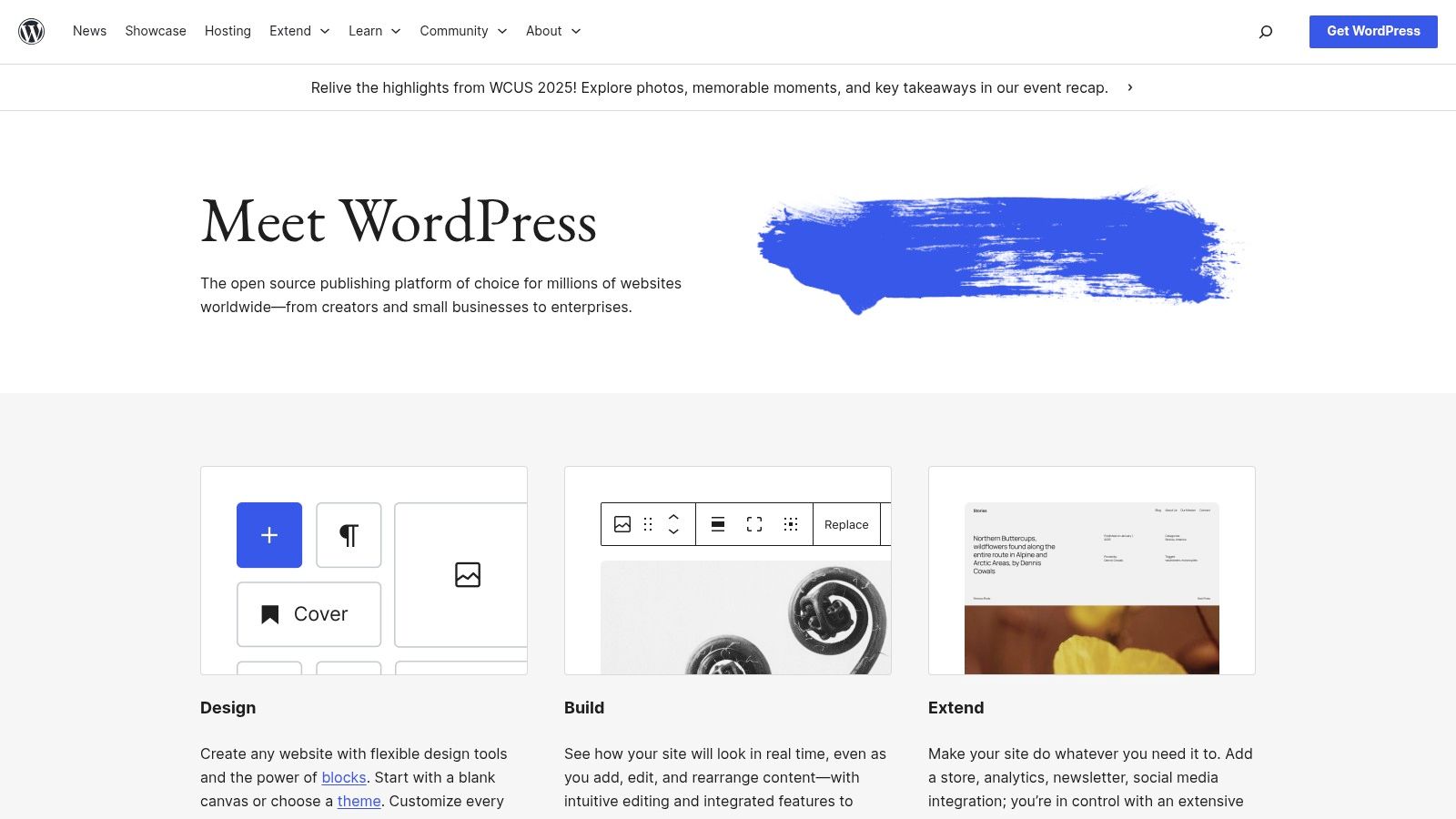
The ability to create custom post types and taxonomies allows for sophisticated content modeling far beyond standard pages and posts. This makes it suitable for directories, e-commerce stores, and intricate corporate websites. For an in-depth argument, consider reading this article on why WordPress still a strong contender for many development scenarios.
Analysis & Key Considerations
| Feature | Developer-Specific Benefit |
|---|---|
| Extensive Hooks & APIs | Provides deep integration points for custom functionality without altering core files. |
| REST API | Enables headless architecture, decoupling the frontend from the backend CMS. |
| Plugin Ecosystem | Accelerates development by providing pre-built solutions for common and complex tasks. |
| Massive Community | Offers a near-limitless supply of documentation, tutorials, and peer support. |
Pros:
- Unmatched Customization: Full access to the codebase for complete control.
- Massive Talent Pool: Finding experienced WordPress developers is relatively easy.
- Rapid Development: Leverage thousands of plugins for rapid feature implementation.
Cons:
- User-Managed Security: Developers are responsible for updates, security, and maintenance.
- Performance Overhead: Requires careful optimization and caching strategies for high-traffic sites.
- Varying Plugin Quality: Not all third-party plugins adhere to best practices.
2. Drupal.org
Website: https://www.drupal.org
Drupal.org is the home of the enterprise-grade, open-source CMS renowned for its robust security, structured content capabilities, and flexibility. Positioned as a more complex but powerful alternative, Drupal excels in handling large-scale, content-heavy projects that demand granular control and scalability. Its API-first architecture makes it an excellent choice for headless implementations, serving content to various applications and frontends.
Unlike simpler platforms, Drupal is built for developers who need to architect intricate data models with its powerful content types, taxonomies, and views system. This makes it a top CMS for developers working on government, higher education, or global enterprise websites. For those evaluating its capabilities, you can find a deeper dive and more info on Drupal here as a content solution.
Analysis & Key Considerations
| Feature | Developer-Specific Benefit |
|---|---|
| Strong Access Controls | Provides granular, role-based permissions ideal for complex user hierarchies and security. |
| API-First Architecture | Natively supports decoupled or headless builds, serving content as a service. |
| Composer-Based Workflow | Utilizes modern PHP dependency management for more reliable and predictable builds. |
| Structured Content | Advanced content modeling with custom fields and taxonomies for any data structure. |
Pros:
- Enterprise-Grade Security: Known for a strong security record, making it ideal for compliance-sensitive projects.
- Excellent Scalability: Handles complex, multi-site installations and high traffic volumes effectively.
- Robust Module Ecosystem: A well-vetted collection of modules for extending core functionality.
Cons:
- Steeper Learning Curve: Requires more time and expertise to master compared to other CMS platforms.
- Complex Updates: Composer-based workflows and updates can introduce more development overhead.
- Higher Development Cost: The complexity often translates to longer development timelines and higher costs.
3. Ghost.org (Ghost(Pro) managed hosting)
Website: https://ghost.org
Ghost is a modern, open-source CMS built with Node.js, focusing exclusively on professional publishing. Its clean, performance-first architecture offers a refreshing alternative for developers tired of the bloat associated with traditional systems. Ghost(Pro), its managed hosting service, handles infrastructure, security, and updates, allowing developers to concentrate on creating custom themes with Handlebars.js and integrating services via its robust API. The platform excels at building content-centric businesses with its native membership, subscription, and newsletter functionalities.
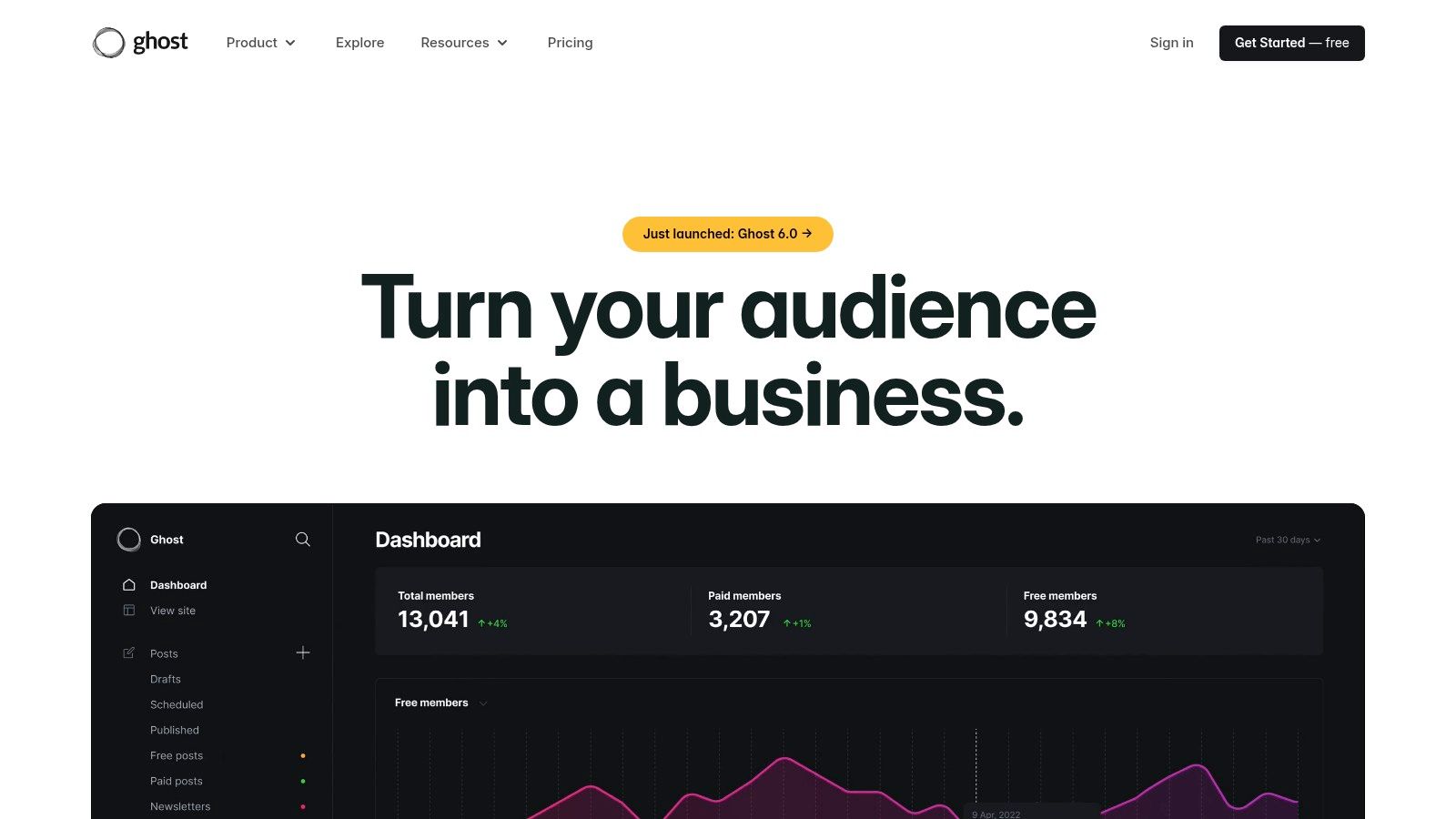
This streamlined approach makes it one of the best CMS for developers building sophisticated blogs, magazines, or paid newsletters. For a detailed breakdown of its capabilities, you can find a comprehensive review covering what Ghost offers to creators and developers. Its API-first design ensures it can also be used as a headless CMS for projects that require a custom frontend.
Analysis & Key Considerations
| Feature | Developer-Specific Benefit |
|---|---|
| Node.js Stack | Modern, fast, and familiar technology for JavaScript developers. |
| Built-in Memberships & Subscriptions | Natively handles user authentication, content gating, and payments via Stripe integration. |
| REST API (Content & Admin) | Provides extensive endpoints for headless implementations or custom admin tools. |
| Simple Theming Layer | Uses Handlebars.js, making theme development straightforward and logical. |
Pros:
- Blazing Fast Performance: A minimal core focused on speed and efficiency.
- Integrated Monetization: Out-of-the-box tools for building a subscription-based business.
- Excellent Editor Experience: A clean, Markdown-based editor that writers love.
Cons:
- Niche Focus: Less suitable for complex sites beyond publishing, like advanced e-commerce.
- Smaller Plugin Ecosystem: Fewer third-party extensions compared to platforms like WordPress.
- Requires JS Knowledge: Customization beyond basic theming benefits from Node.js familiarity.
4. Webflow CMS
Website: https://webflow.com/cms
Webflow CMS bridges the gap between no-code visual design and developer-centric control, offering a unique platform that excels at producing clean, semantic code directly from a visual interface. It empowers developers to build completely custom, database-driven websites without writing backend code, managing servers, or dealing with typical CMS maintenance. Its core strength is the seamless integration of a powerful CMS with a world-class design tool, allowing for rapid development cycles where designers and developers can collaborate effectively.
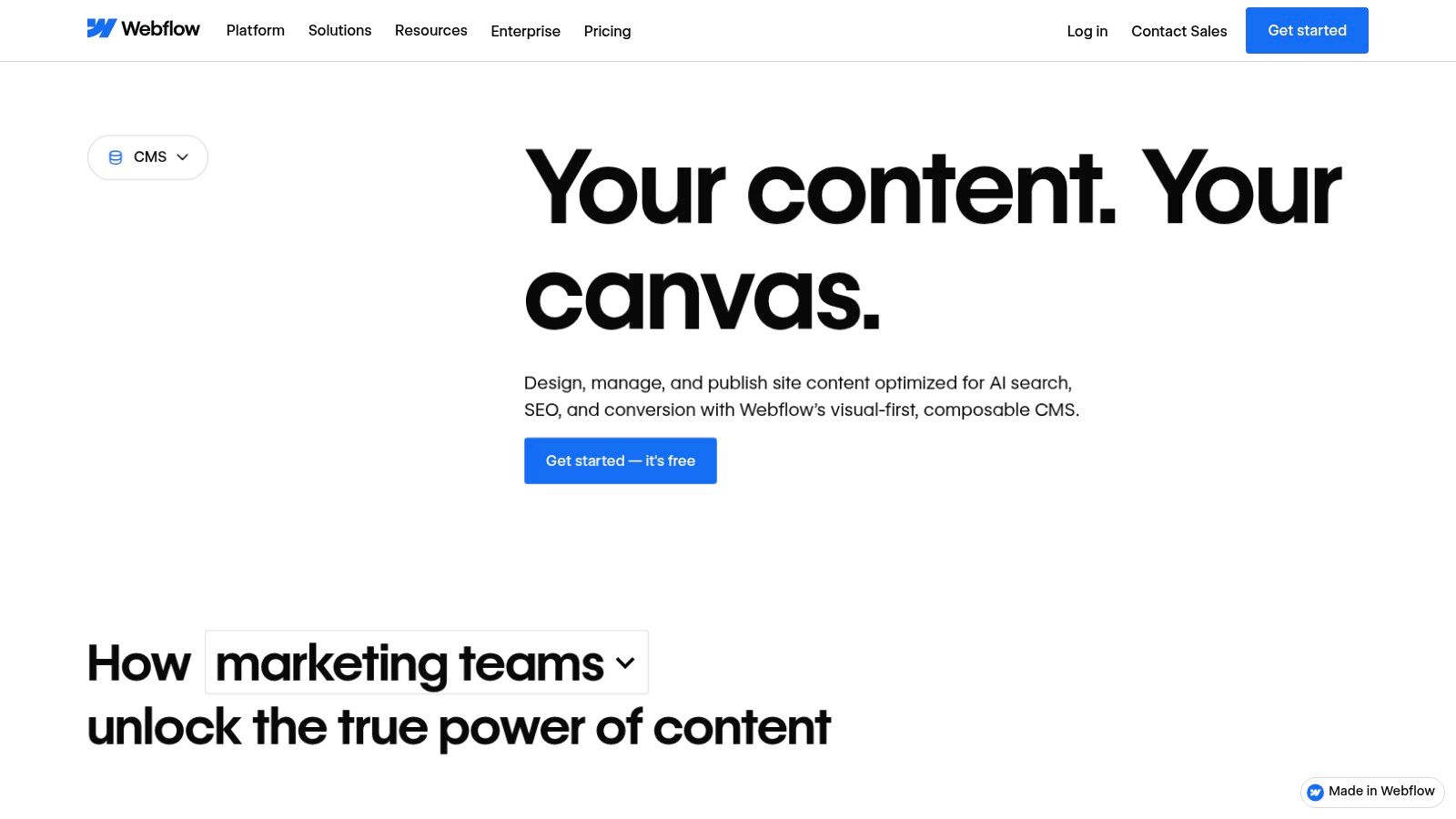
Developers can define structured content models called "Collections" and bind that data directly to visual elements. For more advanced use cases, the Webflow CMS API provides programmatic access to create, update, and manage content, making it a viable option for headless implementations or integration with external applications. This hybrid approach makes it one of the best CMS for developers who value design fidelity and front-end performance.
Analysis & Key Considerations
| Feature | Developer-Specific Benefit |
|---|---|
| Visual Designer & Collections | Directly bind structured CMS data to front-end elements for rapid, dynamic site building. |
| CMS API | Provides RESTful endpoints for headless development and content synchronization. |
| Integrated Hosting | Eliminates server management, providing a globally distributed CDN for high performance. |
| Webflow University | Offers extensive, high-quality documentation and tutorials for mastering the platform. |
Pros:
- Fast Project Delivery: Significantly accelerates the time from concept to launch.
- Strong Collaboration: Enables a fluid workflow between designers and developers.
- Reliable Global Hosting: Built-in hosting is fast, secure, and requires no configuration.
Cons:
- CMS Item Limits: Plan-based restrictions on the number of collection items can be a constraint.
- Export & Versioning Constraints: Code export and advanced versioning are limited on lower tiers.
5. Contentful
Website: https://www.contentful.com
Contentful is a leading headless CMS designed for enterprise-scale digital experiences. It champions a composable content model, allowing developers to structure content in a flexible, reusable way and deliver it via API to any frontend. This API-first approach makes it one of the best CMS for developers building omni-channel applications, from websites and mobile apps to IoT devices. Its extensive APIs, including both GraphQL and REST, provide the tools needed to query and manage content with precision.
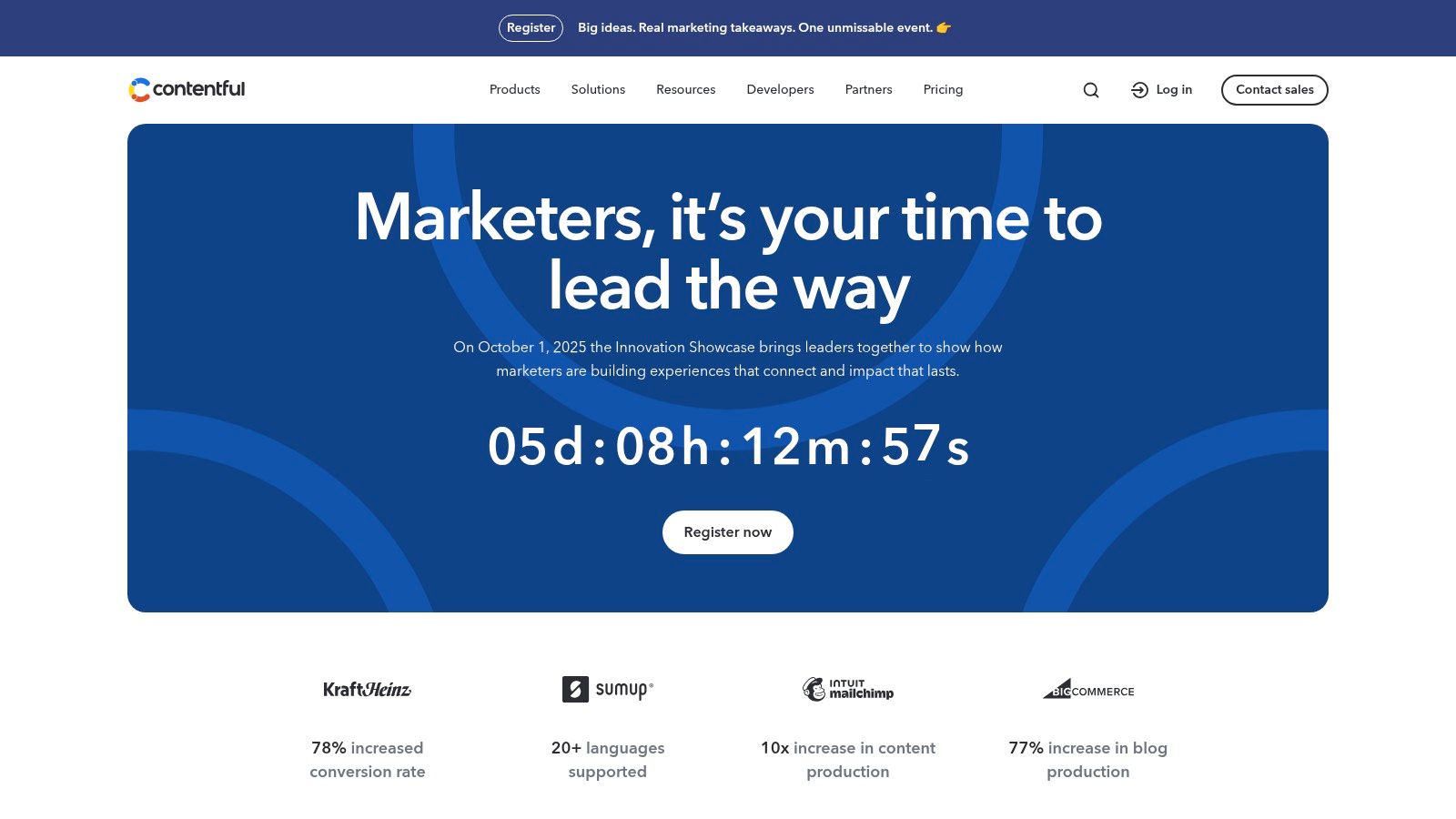
The platform’s developer-centric features include multiple environments for safe testing and deployment, robust SDKs for various programming languages, and a large marketplace of integrations. Editorial teams benefit from granular roles, locale support, and powerful workflow tools, ensuring content governance without hindering development velocity. This makes Contentful ideal for large teams managing complex, global content operations.
Analysis & Key Considerations
| Feature | Developer-Specific Benefit |
|---|---|
| Composable Content Model | Enables creation of flexible, reusable content structures that are frontend-agnostic. |
| GraphQL & REST APIs | Offers choice in how data is queried, allowing for efficient data fetching. |
| Extensive SDKs & Tooling | Accelerates development with pre-built libraries for popular languages and frameworks. |
| App Framework & Marketplace | Allows for extending the CMS functionality with custom or pre-built integrations. |
Pros:
- Proven Enterprise Scale: Trusted by major brands for high-performance, global content delivery.
- Excellent Developer Experience: Mature documentation, SDKs, and APIs streamline development.
- True Omni-Channel Delivery: Content is separated from presentation for use on any platform.
Cons:
- Complex for Simple Projects: The robust feature set can be overkill for small websites.
- Usage-Based Pricing: Costs can escalate quickly for high-traffic or content-heavy applications.
6. Sanity
Website: https://www.sanity.io
Sanity stands out as a developer-centric headless CMS that treats content as structured data, offering a real-time "Content Lake" and a fully customizable, open-source editing environment called Sanity Studio. It empowers developers to define flexible content schemas with JavaScript, enabling highly tailored editorial workflows. This platform is one of the best CMS for developers who prioritize a modern, API-first architecture, real-time collaboration, and a superior developer experience from local setup to deployment.
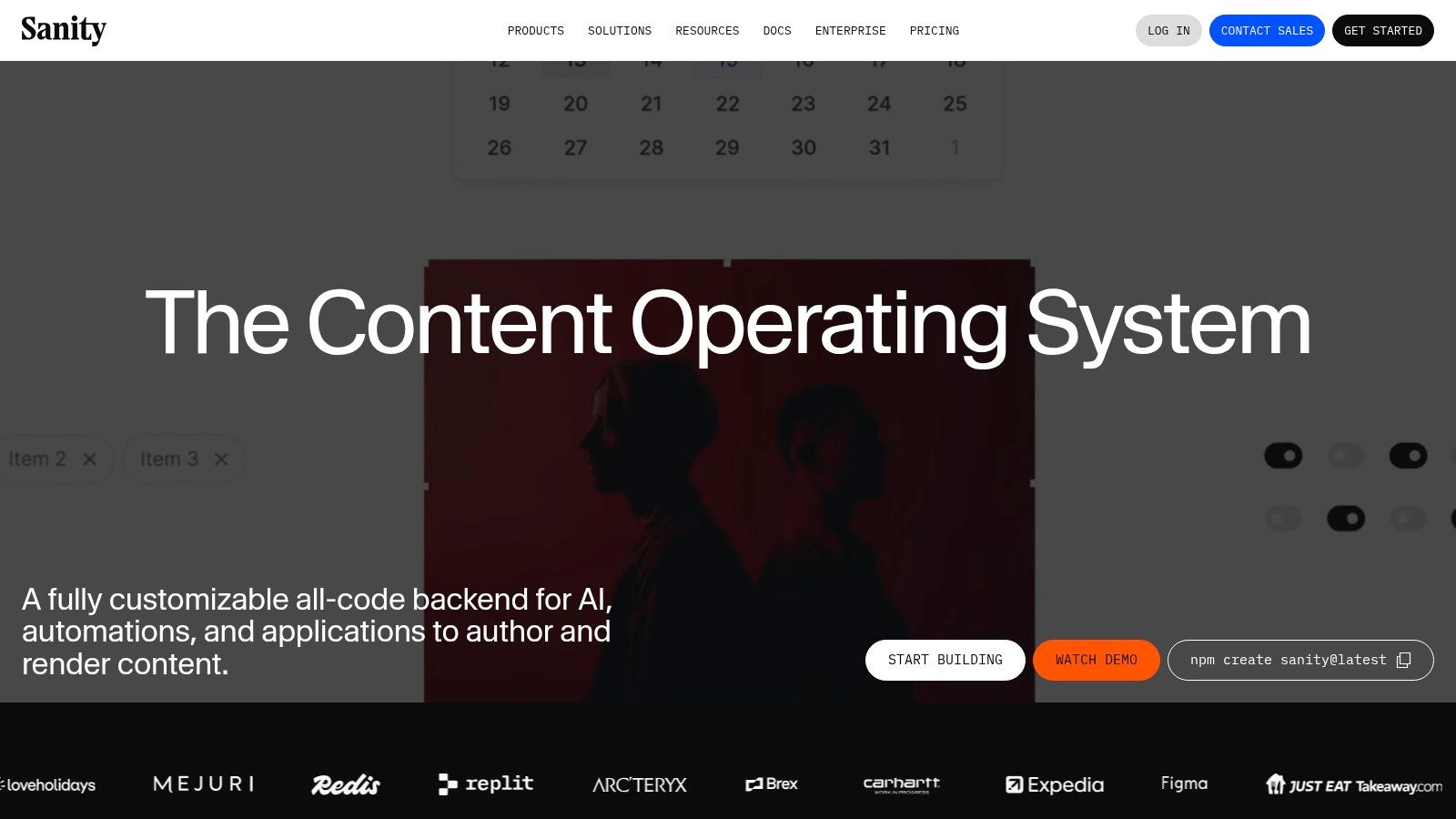
Its powerful and expressive query language, GROQ, allows for fetching and transforming complex data in a single request, streamlining frontend development. With features like live previews and a generous free tier that supports most small to medium-sized projects, Sanity provides an incredibly robust foundation for building sophisticated digital experiences. You can explore more on how it compares to other headless CMS platforms here.
Analysis & Key Considerations
| Feature | Developer-Specific Benefit |
|---|---|
| Sanity Studio | An open-source, React-based UI that is fully customizable with code. |
| GROQ Query Language | A powerful, expressive language for fetching precisely the data needed. |
| Real-time Content Lake | Hosted backend enabling live collaboration and instant content updates. |
| Flexible Schema Modeling | Define content structures as JavaScript objects for ultimate control and validation. |
Pros:
- Excellent Developer Experience: Superb tooling, clear documentation, and a customizable studio.
- Real-time Collaboration: Multiple editors can work simultaneously without conflicts.
- Flexible Content Modeling: Easily create complex, interconnected content structures.
Cons:
- Usage-Based Costs: Add-ons and higher usage tiers can become expensive at scale.
- Requires a Frontend: As a headless CMS, developers must build and host the presentation layer.
7. Strapi
Website: https://strapi.io
Strapi is a leading open-source headless CMS built entirely on Node.js, making it a natural fit for JavaScript developers. It excels at giving developers the freedom to build flexible, API-driven content structures that can be consumed by any frontend framework or device. Its API-first philosophy means you get performant REST and GraphQL endpoints out-of-the-box, allowing for rapid development of modern, decoupled applications.
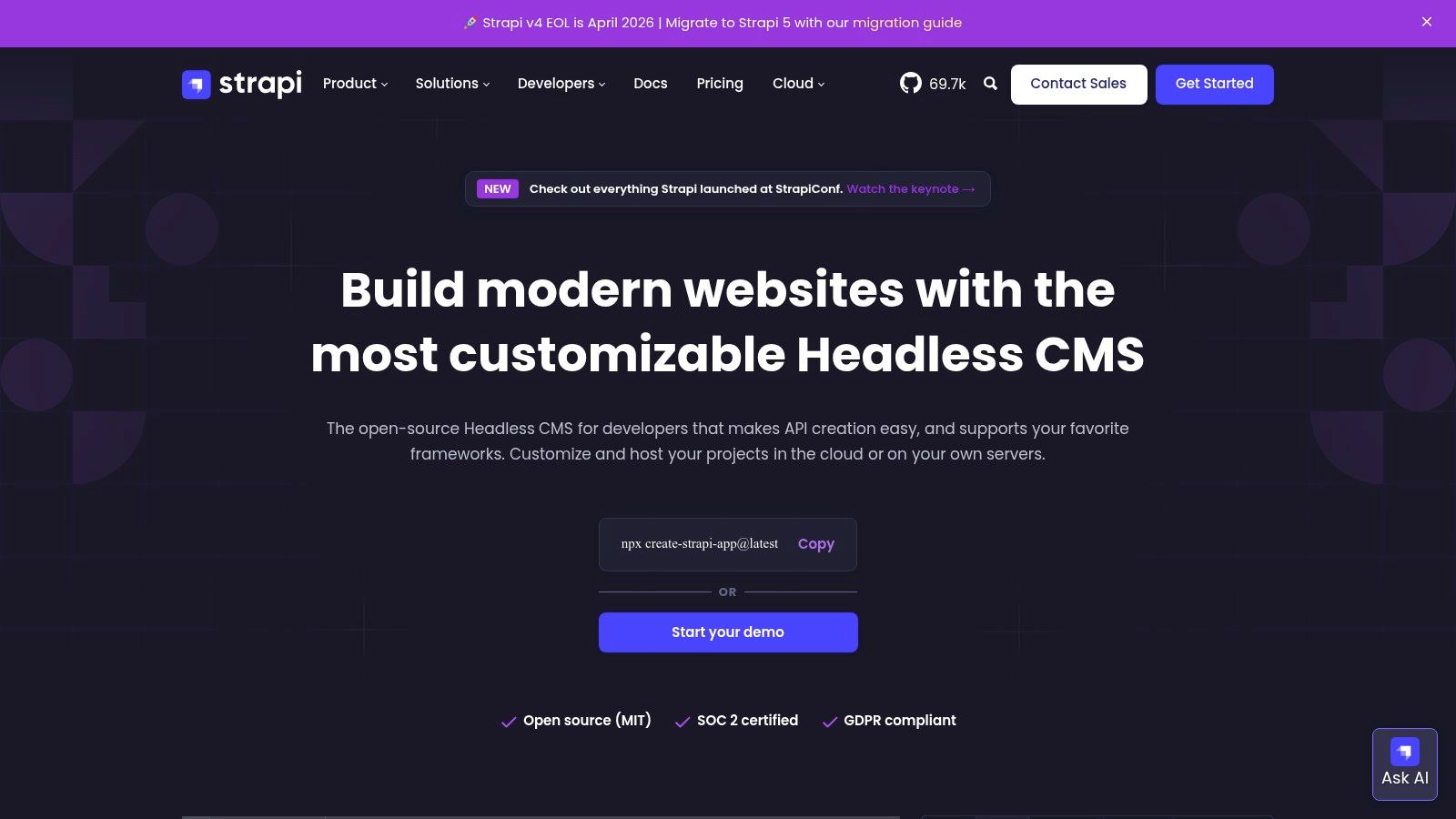
Whether self-hosting for full control or using the managed Strapi Cloud, it offers a powerful admin panel for content teams to manage data. The ability to create custom content types, components, and relations directly from the UI makes it one of the best CMS for developers who need both robust backend capabilities and an intuitive editing experience. For a deeper look, you can get a detailed overview of Strapi and its features to see how it fits into a modern stack.
Analysis & Key Considerations
| Feature | Developer-Specific Benefit |
|---|---|
| Dual API Support | Provides both REST and GraphQL APIs automatically, offering flexibility for data fetching. |
| Customizable Admin Panel | The React-based admin UI can be extended with custom plugins and components. |
| Deployment Flexibility | Can be self-hosted on any infrastructure or deployed via the managed Strapi Cloud. |
| Role-Based Access Control | Granular permissions system for defining precise user roles and content workflows. |
Pros:
- JavaScript-First Ecosystem: Entirely built with JavaScript, simplifying customization for JS developers.
- Full Data Ownership: Self-hosting option provides complete control over your data and infrastructure.
- Extensible via Plugins: Strong community and official plugin support to extend core functionality.
Cons:
- Frontend Required: As a headless CMS, it requires a separate frontend application to be built and maintained.
- Potential Cloud Costs: Managed cloud plans have usage tiers that can lead to overage charges.
- Self-Hosting Responsibility: Requires developers to manage server maintenance, security, and scaling.
8. Prismic
Website: https://prismic.io
Prismic is a headless CMS that excels at bridging the gap between developers and content teams, particularly for marketing-focused websites. Its core strength lies in its component-based approach, centered around "Slices." These are pre-coded, reusable page sections that editors can assemble visually, ensuring brand consistency while empowering marketers to create new pages independently. This model makes it a standout choice for developers building with modern frameworks like Next.js or React, as it integrates smoothly with component-driven architecture.
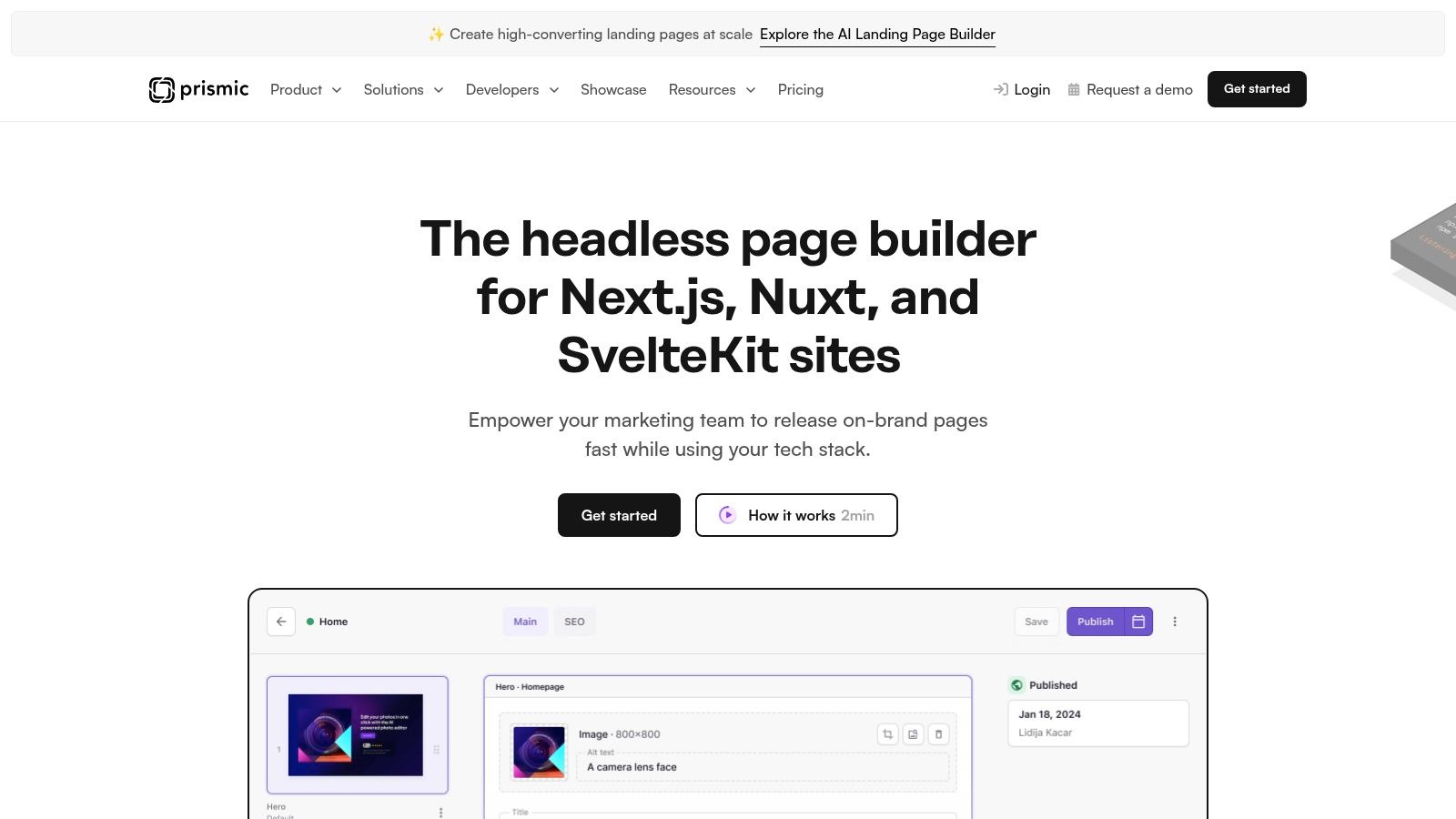
The platform provides an intuitive visual page builder and a local development tool, Slice Machine, to streamline the creation and management of these components. With features like a built-in CDN, image optimization, and multi-language support out of the box, Prismic provides a robust foundation, making it one of the best CMS for developers who prioritize both developer experience and content editor autonomy. Its predictable pricing, including a generous free tier, makes it accessible for projects of all sizes.
Analysis & Key Considerations
| Feature | Developer-Specific Benefit |
|---|---|
| Slices & Slice Machine | Creates a reusable, component-based content model that maps directly to frontend code. |
| Visual Page Builder | Empowers non-technical users to build pages, reducing developer requests for content changes. |
| Migrations API | Allows developers to programmatically update content models, supporting CI/CD workflows. |
| Framework Starters | Provides robust starter kits (e.g., for Next.js) that accelerate initial project setup. |
Pros:
- Excellent Editor Experience: Intuitive for marketers to build and manage complex pages.
- Rapid Development: Slices enable fast creation of marketing-focused landing pages.
- Predictable Pricing: Clear, usage-based plans with a highly functional free tier.
Cons:
- Vendor Lock-in: Heavy reliance on the "Slices" convention ties you to the Prismic ecosystem.
- Usage-Based Caps: Plans have limits on documents and users, which may constrain large-scale projects.
- Less Suited for Data-Heavy Apps: Better for marketing sites than complex, data-intensive applications.
9. Directus
Website: https://directus.io
Directus stands out as an open data platform and headless CMS that uniquely wraps any new or existing SQL database with instant, real-time APIs. Instead of dictating a specific data structure, it introspects your database schema, generating both REST and GraphQL APIs and providing a beautiful, intuitive admin app for non-technical users to manage content. This "database-first" approach makes it an excellent CMS for developers who need to integrate a content management layer into an existing data architecture without migration.
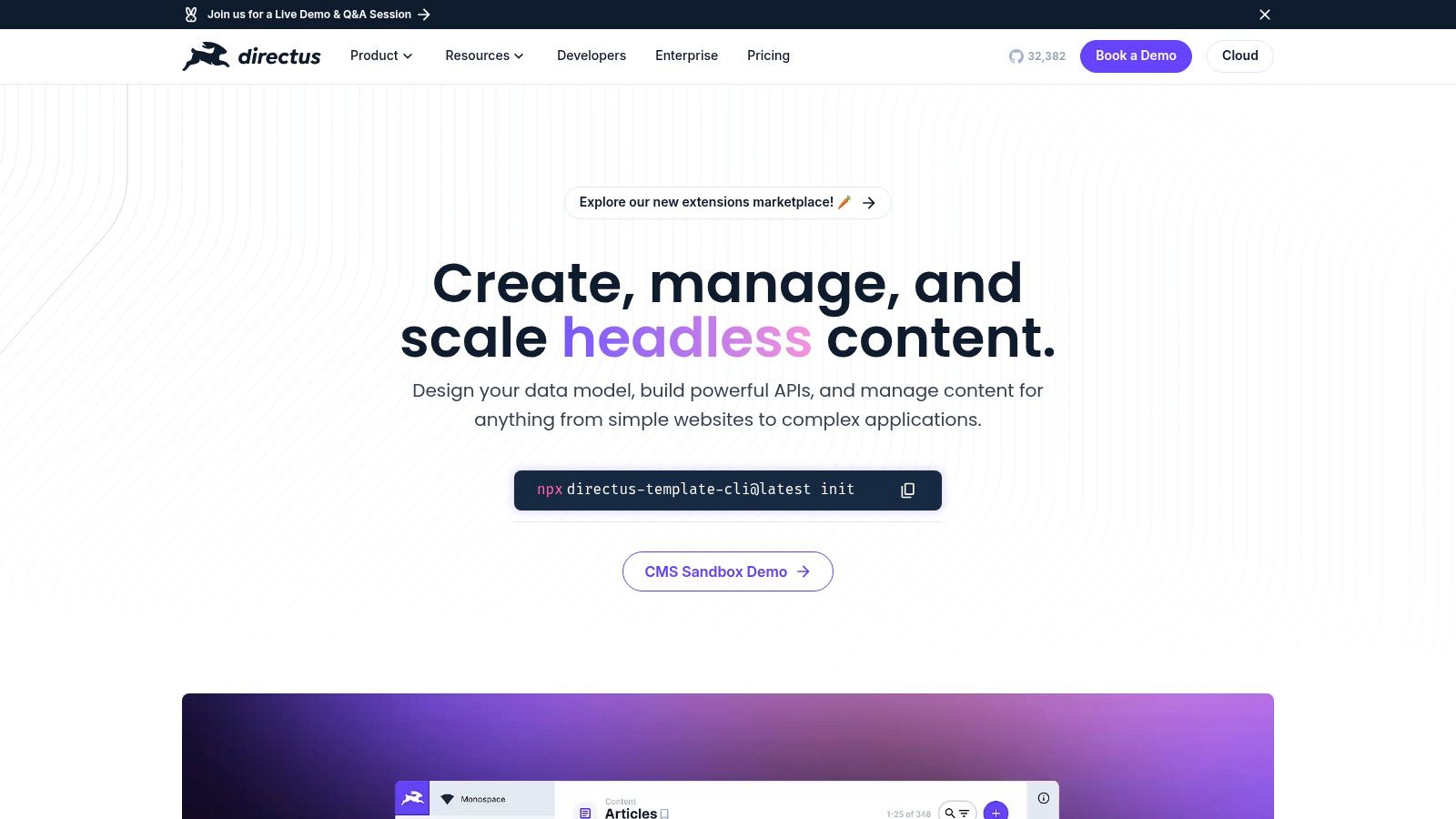
The platform offers a clean separation between your raw data and its presentation, giving developers complete control over the frontend experience. Its extensibility via a dedicated SDK allows for custom interfaces, API endpoints, and operational hooks. For a deeper look, this breakdown of Directus explores its core architecture and use cases, solidifying its place as one of the best CMS for developers prioritizing data ownership and backend flexibility.
Analysis & Key Considerations
| Feature | Developer-Specific Benefit |
|---|---|
| Instant API Generation | Automatically creates REST and GraphQL APIs from any SQL database schema. |
| Data Ownership | Provides direct database access and schema control, preventing vendor lock-in. |
| Extensible SDK | Allows for creating custom extensions, modules, and interfaces to fit project needs. |
| Granular Permissions | Offers highly configurable, role-based access control down to the field level. |
Pros:
- Bring-Your-Own-Database: Integrates seamlessly with existing SQL databases, preserving data integrity.
- Unopinionated & Flexible: Imposes no constraints on your data model or frontend technology.
- Self-Host or Cloud: Provides the choice between self-hosting for full control or a managed cloud service.
Cons:
- Business Source License: May require licensing for large-scale commercial use, a consideration for enterprises.
- Requires SQL Knowledge: Best utilized by developers comfortable with database management and schema design.
- More DIY Integration: Less of a turnkey solution compared to traditional, monolithic CMS platforms.
10. Umbraco
Website: https://umbraco.com
Umbraco is a mature, open-source CMS built entirely on the Microsoft .NET stack, making it an excellent choice for development teams already invested in that ecosystem. It offers a free, self-hosted core product that provides developers with full control over the code and infrastructure. For those seeking a more managed solution, Umbraco Cloud provides Azure hosting, automated upgrades, and a streamlined deployment workflow, blending developer freedom with platform convenience.
The platform is praised for its highly flexible content modeling capabilities and a user-friendly back-office that content editors appreciate. This combination makes Umbraco a strong contender in the list of best CMS for developers who need to deliver powerful, custom solutions on .NET architecture while ensuring a smooth content management experience for non-technical users.
Analysis & Key Considerations
| Feature | Developer-Specific Benefit |
|---|---|
| .NET Foundation | Provides a familiar and powerful environment for developers in the Microsoft ecosystem. |
| Headless APIs | Offers built-in REST API support for headless or decoupled frontend implementations. |
| Flexible Content Modeling | Allows creation of custom document types and data structures without code. |
| Umbraco Cloud Option | Simplifies infrastructure management with automated upgrades, CDN, and Git-based deployments. |
Pros:
- Ideal for Microsoft Stack: Seamlessly integrates with C#, .NET, and Azure.
- Editor-Friendly Interface: The back-office is intuitive, reducing client training time.
- Active Community: Strong community support and a marketplace for packages and add-ons.
Cons:
- Niche Talent Pool: Finding experienced Umbraco developers can be harder than for PHP-based systems.
- Smaller Plugin Ecosystem: The selection of third-party add-ons is less extensive than WordPress.
- Platform-Dependent: Its strengths are most pronounced within a Microsoft-centric environment.
11. Storyblok
Website: https://www.storyblok.com
Storyblok is a headless CMS that uniquely bridges the gap between developer freedom and marketer-friendly visual editing. It empowers developers to build with any modern tech stack using its robust GraphQL and REST APIs, while providing content teams with a real-time, in-context visual editor. This component-based approach makes it a standout choice for creating dynamic, reusable content structures that can be deployed across any digital channel, making it one of the best CMS for developers focused on collaborative, omnichannel projects.
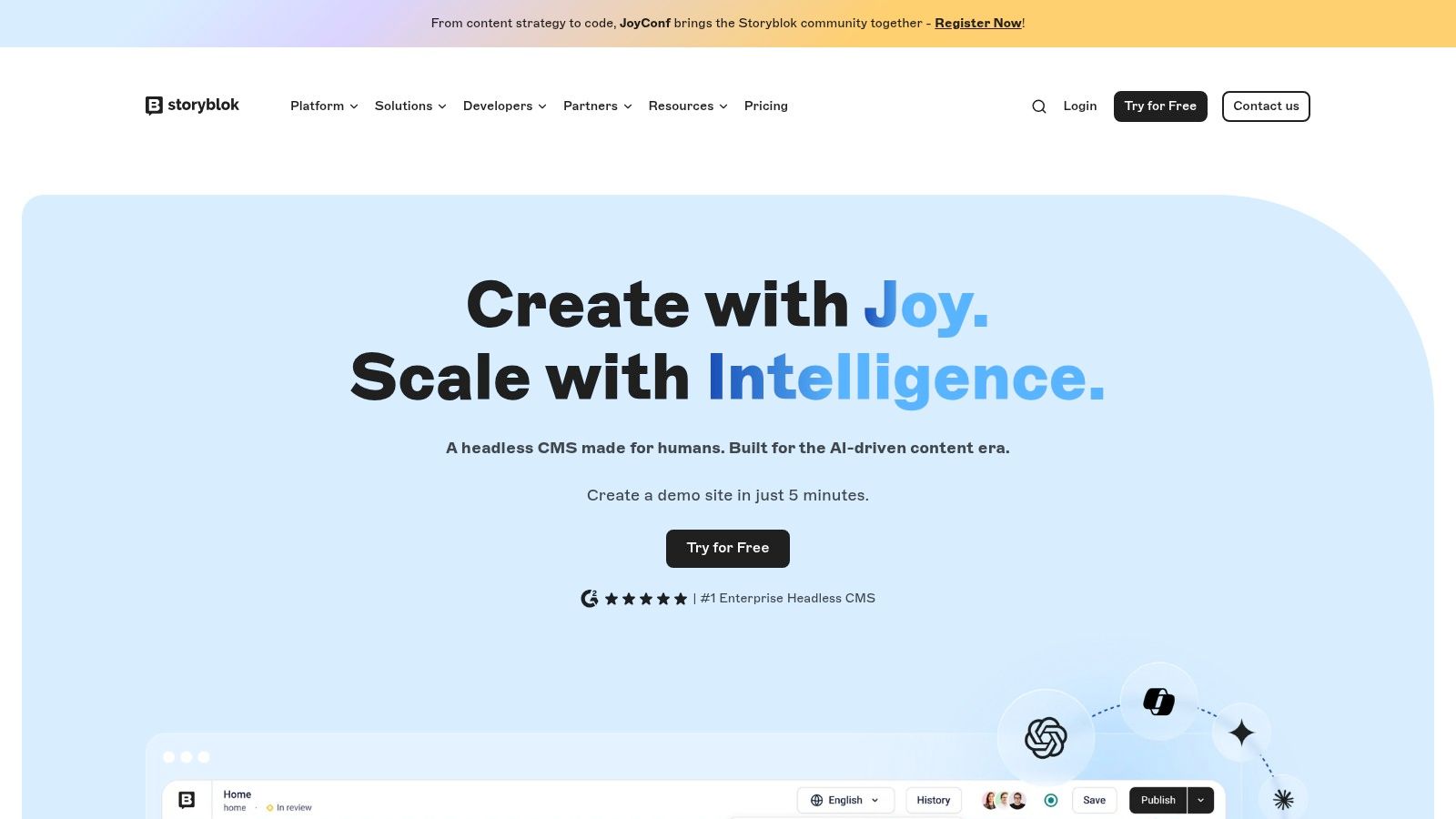
The platform’s architecture treats every piece of content as a structured "blok," which developers define and content editors then assemble visually. This granular control is ideal for building anything from complex landing pages to multi-language enterprise sites. Storyblok also offers streamlined enterprise procurement through the AWS Marketplace and provides usage-based scaling options for high-demand applications.
Analysis & Key Considerations
| Feature | Developer-Specific Benefit |
|---|---|
| Visual Editor | Enables non-technical users to build pages visually, reducing developer requests. |
| API-First (GraphQL & REST) | Provides complete frontend freedom to use any framework like Next.js, Nuxt, or Svelte. |
| Component-Based Architecture | Promotes the creation of reusable, structured content models for consistency and efficiency. |
| Integrated Image Service | Offers powerful, on-the-fly image optimization and manipulation via URL parameters. |
Pros:
- Strong Collaboration: The visual editor significantly improves the workflow between developers and marketers.
- Flexible Content Modeling: Create deeply nested and reusable component structures.
- Generous Free Tier: A comprehensive free plan allows for building and launching smaller projects.
Cons:
- Metered Usage: Paid plans have limits on seats, traffic, and API calls.
- Paid Add-ons: Features required by larger teams often come at an additional cost.
- Learning Curve: The component-based philosophy may require an adjustment period for teams new to it.
12. AWS Marketplace (CMS listings)
Website: https://aws.amazon.com/marketplace
AWS Marketplace isn't a CMS itself but serves as a crucial procurement and deployment hub for developers already embedded in the Amazon Web Services ecosystem. It offers a centralized platform to discover, purchase, and deploy leading headless and traditional CMS solutions like Contentful, Strapi, and Storyblok directly onto AWS infrastructure. This approach significantly streamlines the often-complex procurement process for enterprise teams, consolidating billing and simplifying vendor management. For developers, this makes it one of the best CMS for developers resources, especially when building on a cloud-native stack.
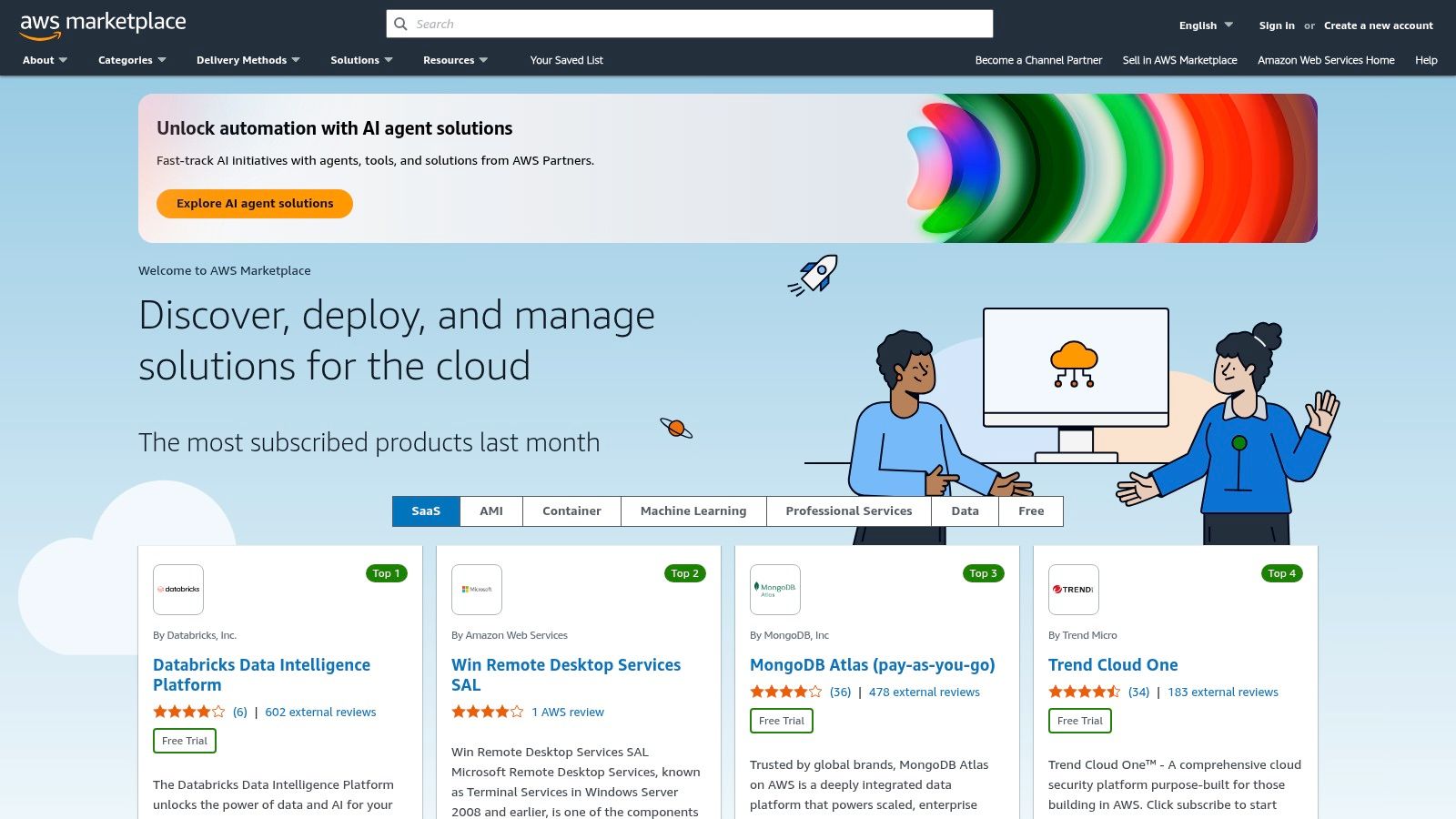
The primary advantage is operational efficiency. Instead of navigating separate contracts and billing cycles, developers can leverage their existing AWS account for everything. The marketplace supports various delivery models, including pre-configured Amazon Machine Images (AMIs) for quick launches or SaaS subscriptions, providing flexibility based on project requirements and architectural decisions.
Analysis & Key Considerations
| Feature | Developer-Specific Benefit |
|---|---|
| Consolidated AWS Billing | Simplifies procurement and expense management by integrating CMS costs into existing AWS bills. |
| SaaS & AMI Delivery Models | Offers flexibility to either consume a CMS as a managed service or deploy it directly on your VPC. |
| Private Offers & Financing | Allows for customized pricing and terms, which is beneficial for large-scale enterprise deployments. |
| Vendor & Compliance Insights | Provides access to security and compliance information, accelerating internal review processes. |
Pros:
- Streamlined Procurement: Drastically simplifies purchasing and approval cycles for corporate teams.
- Easy Deployment: Accelerates setup of CMS solutions on managed AWS infrastructure.
- Centralized Management: Consolidates vendor relationships and billing under the AWS umbrella.
Cons:
- Limited Plan Availability: Not all vendor plans or pricing tiers are available on the Marketplace.
- Partner-Provided Listings: Some solutions are offered by partners, which can introduce different support terms.
- Regional Availability: Certain listings may be restricted to specific AWS regions.
Top 12 Developer CMS Features Comparison
| CMS Tool | Core Features / ✨ Unique Selling Points | User Experience / ★ Rating | Value Proposition / 💰 Pricing | Target Audience / 👥 | Price Points / 💰 |
|---|---|---|---|---|---|
| WordPress.org | Huge plugin ecosystem, REST API, full code control ✨ | ★★★★☆ Large community, extensive docs | Widest talent pool, easy hosting 💰 | Developers, bloggers, businesses 👥 | Free (self-hosted) 💰 |
| Drupal.org | Enterprise-grade, strong security, multilingual support ✨ | ★★★★☆ Robust but steep learning curve | Excellent for complex & compliance projects 💰 | Enterprises, agencies 👥 | Free (self-hosted) 💰 |
| Ghost.org (Ghost(Pro)) | Built-in memberships/newsletters, managed hosting ✨ | ★★★★☆ Minimal bloat, easy to use | Great for publishers; managed security 💰 | Publishers, newsletters, bloggers 👥 | Paid managed plans 💰 |
| Webflow CMS | Visual design + CMS, SEO tools, integrated hosting ✨ | ★★★★☆ Fast delivery, strong designer/dev collab | Reliable hosting, fast prototyping 💰 | Designers, devs, agencies 👥 | Tiered subscriptions 💰 |
| Contentful | Headless, composable, enterprise APIs ✨ | ★★★★☆ Mature tooling & multi-channel support | Enterprise scale, but costly at scale 💰 | Enterprise, developers 👥 | Usage-based, premium plans 💰 |
| Sanity | Real-time API, flexible schemas, live preview ✨ | ★★★★☆ Excellent dev UX & collaboration | Generous free tier, usage-based add-ons 💰 | Developers, teams 👥 | Free + usage add-ons 💰 |
| Strapi | Open-source, REST/GraphQL, self-host or managed Cloud ✨ | ★★★★☆ JS-first, customizable, strong community | Full ownership, Cloud with usage tiers 💰 | Developers, enterprises 👥 | Free + paid cloud tiers 💰 |
| Prismic | Slice-based model, visual builder, CDN ✨ | ★★★★☆ Intuitive editor, marketing-focused | Predictable pricing, free plan 💰 | Marketers, editors, devs 👥 | Free + paid tiers 💰 |
| Directus | SQL DB integration, real-time APIs, cloud/self-hosting ✨ | ★★★★☆ Flexible schema, fast integration | Full data ownership, DIY setup 💰 | Developers, enterprises 👥 | Free + business license 💰 |
| Umbraco | .NET based, flexible CMS, Cloud with Azure & SLA ✨ | ★★★★☆ User friendly UI, MS ecosystem aligned | Best for MS stack teams 💰 | Microsoft stack teams, enterprises 👥 | Free + managed cloud 💰 |
| Storyblok | Visual editor, component-based, GraphQL REST APIs ✨ | ★★★★☆ Strong marketer-developer collab | Fast page building, free starter 💰 | Marketers, developers 👥 | Free + usage-based tiers 💰 |
| AWS Marketplace (CMS listings) | Centralized CMS discovery, AWS billing, private offers ✨ | ★★★☆☆ Enterprise procurement streamlined | Simplifies purchase, some partner variability 💰 | Enterprise buyers, teams 👥 | Varies by vendor 💰 |
Making the Final Cut: Aligning a CMS with Your Goals
Navigating the landscape of content management systems reveals a clear truth: the best CMS for developers is not a one-size-fits-all solution. Instead, it’s a strategic choice rooted in project architecture, team proficiency, and future scalability. The decision process moves beyond simple feature comparisons into a deeper analysis of how a CMS will integrate into your workflow, support your technology stack, and empower your content strategy.
Throughout this guide, we've dissected a spectrum of platforms. We've seen how monolithic, open-source powerhouses like WordPress and Drupal offer vast ecosystems and unparalleled control for traditional web projects, provided you have the expertise to manage their infrastructure. On the other end, we explored how API-first headless systems like Contentful, Sanity, and Storyblok liberate developers from the frontend, enabling sophisticated, multi-channel experiences built with modern frameworks like React or Vue.
Key Takeaways for Your Selection Process
As you move from evaluation to decision, distill your requirements down to the essentials. The ideal platform is one that minimizes friction and maximizes your team's ability to execute.
- Monolithic vs. Headless: This is the foundational decision. Choose a traditional CMS for all-in-one, website-centric projects where speed to market with a familiar toolset is key. Opt for a headless CMS when your content needs to be distributed across multiple platforms (web, mobile apps, IoT) and you demand total control over the frontend presentation layer.
- Open-Source vs. SaaS: Your choice here dictates your responsibility. Open-source platforms like Strapi or Directus offer ultimate customizability and data ownership but require you to manage hosting, security, and updates. SaaS solutions like Webflow or Prismic abstract away the infrastructure, providing reliability and support at the cost of some extensibility.
- Developer Experience (DX) is Paramount: The best CMS for developers is one they enjoy using. Consider the quality of the API documentation, the availability of SDKs for your preferred languages, and the power of the command-line interface (CLI). A strong DX accelerates development, simplifies debugging, and boosts team morale.
Your Actionable Next Steps
With these insights, your path forward is clearer. Don't get stuck in analysis paralysis; take decisive, practical steps to validate your choice.
- Define Your Core Requirements: Create a checklist. Is a visual editor non-negotiable for your content team? Do you require complex relational data models? Is a GraphQL API a must-have?
- Initiate a Proof-of-Concept (POC): Select your top two or three candidates and build a small, focused project. This hands-on experience is invaluable. Test the content modeling capabilities, query the API, and see how it feels to integrate the CMS into a simple frontend application.
- Evaluate Total Cost of Ownership (TCO): Look beyond the subscription price. Factor in development time, infrastructure costs for self-hosted options, potential training for your team, and future scaling expenses.
Ultimately, selecting a CMS is an architectural decision that will influence your project's trajectory for years. By aligning a platform's strengths with your specific goals, you aren't just choosing a tool; you are investing in a foundation for innovation, growth, and a more efficient, enjoyable development lifecycle.