
12 Best Open Source Website Builders for 2025
Explore the top 12 open source website builders for 2025. Get detailed reviews, pros, cons, and use cases to find the perfect platform for your project.

Building a website is more than just putting content online; it's about owning your digital space. Unlike proprietary platforms that lock you into their ecosystem, open source website builders offer unparalleled freedom, control, and transparency. You get complete ownership of your code, the flexibility to customize every aspect, and the support of a global community.
However, navigating the world of open source solutions can be complex. With options ranging from full-featured content management systems (CMS) to lightning-fast static site generators (SSGs) and headless platforms, choosing the right tool is a critical decision that impacts scalability, performance, and long-term maintenance. For many new ventures, especially startups, open-source website builders offer an ideal solution to establish an online presence efficiently. To better understand how this choice fits into a broader growth plan, you can explore the principles of web development for startups.
This guide is designed to cut through the noise and provide a clear, analytical breakdown of the top options. We will dive deep into the 12 best open source website builders available today, evaluating their specific strengths, ideal use cases, and practical limitations. For each entry, you'll find a detailed analysis, screenshots, and direct links to help you make an informed decision.
Whether you're a blogger looking for a simple publishing platform, a small business owner needing a flexible site, an e-commerce entrepreneur launching an online store, or a developer seeking maximum control, this resource will help you find the perfect tool to build without limits.
1. WordPress.org
Powering over 43% of all websites on the internet, WordPress.org stands as the undisputed giant among open source website builders. Unlike its commercially hosted counterpart, WordPress.com, the .org version provides the core Content Management System (CMS) software for free. This gives you complete freedom to download, modify, and install it on any web host of your choice, granting unparalleled control over your digital presence. Its dominance is a direct result of its immense flexibility, scaling from a simple personal blog to a complex enterprise-level e-commerce platform.
The platform's core strength lies in its vast ecosystem. With tens of thousands of themes and plugins available, customization possibilities are nearly infinite. The introduction of the block-based Gutenberg editor has also made no-code page building more intuitive for beginners, while developers retain full access to the underlying code for deep customization. This duality makes it a versatile solution for a wide range of users.
Strategic Analysis
WordPress.org is an ideal choice for users who prioritize long-term scalability and ownership. While the software itself is free, you must account for hosting and domain registration costs. The self-hosted nature means you are responsible for maintenance, including updates and security, which can be a significant drawback for those without technical expertise.
- Best Use Case: Ideal for content-heavy sites like blogs, news portals, and business websites. With the WooCommerce plugin, it becomes a formidable e-commerce engine.
- Implementation Tip: To avoid performance issues, be selective with plugins. Choose well-coded, reputable extensions and regularly audit your site's speed to manage "plugin sprawl."
| Feature | Assessment |
|---|---|
| Customization | Excellent. Near-limitless via themes, plugins, and direct code access. |
| Ease of Use | Good. The dashboard is user-friendly, but self-hosting adds a technical layer. |
| Community & Support | Excellent. Massive global community, extensive forums, and documentation. |
| Cost of Ownership | Low to High. Software is free, but costs depend on hosting and premium addons. |
| Performance | Variable. Highly dependent on hosting quality and plugin management. |
Website: https://wordpress.org/
2. Drupal.org
Often regarded as the enterprise-grade sibling in the world of open source website builders, Drupal is a highly robust and secure Content Management Framework (CMF). It excels where complexity and structure are paramount, making it a favorite for government, higher education, and large corporate entities. Unlike more straightforward builders, Drupal is engineered for handling vast amounts of diverse content types and intricate user permission structures, offering a level of architectural control that few other platforms can match.
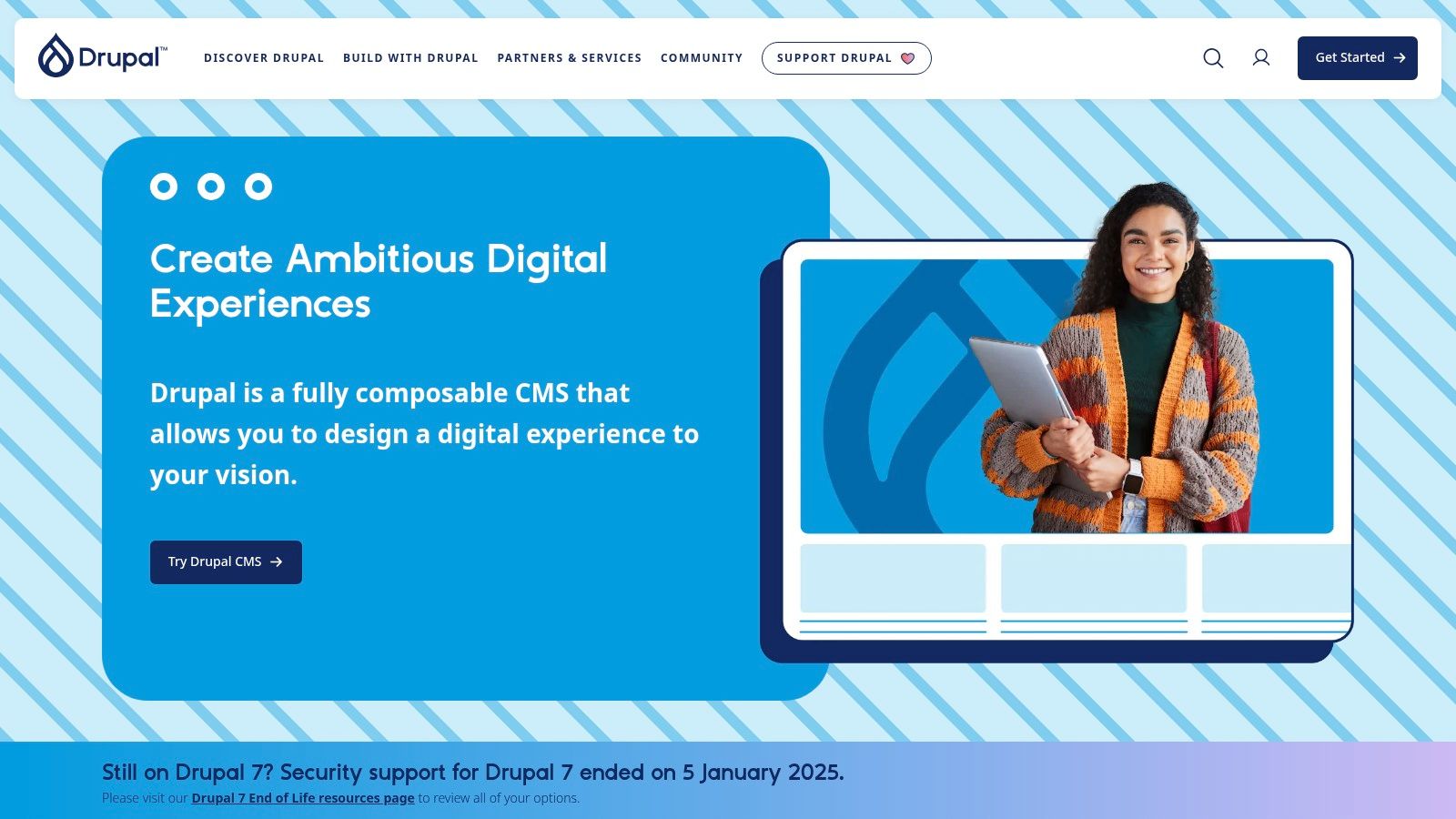
The platform's power comes from its modular nature and sophisticated taxonomy system, which allows for creating deeply interconnected and structured content. Its developer-centric approach means that while it presents a steeper learning curve, it provides a solid foundation for building highly customized and scalable digital experiences. Drupal's dedicated security team and formalized advisory process also contribute to its reputation as one of the most secure open source CMS options available.
Strategic Analysis
Drupal.org is the go-to resource for developers and organizations building ambitious, content-heavy websites that require fine-grained control and top-tier security. The core software is free, but successful implementation almost always requires a budget for development expertise, in addition to standard hosting and domain costs. It is not a platform for quick, simple sites; it is an investment for complex, long-term digital projects where content architecture is a primary concern.
- Best Use Case: Large-scale institutional websites, government portals, university sites, and platforms with complex content relationships and user roles.
- Implementation Tip: Plan your content architecture thoroughly before development. Drupal's strength is its structure, so defining your "content types" and "vocabularies" early will save significant time and effort later.
| Feature | Assessment |
|---|---|
| Customization | Excellent. Extremely flexible for complex data models and custom functionality. |
| Ease of Use | Fair. The backend can be intimidating for non-developers; a steep learning curve. |
| Community & Support | Excellent. A strong, professional developer community with extensive documentation. |
| Cost of Ownership | Medium to High. Free software, but often requires significant development investment. |
| Performance | Very Good. Scales exceptionally well with proper configuration and hosting. |
Website: https://www.drupal.org/
3. Joomla (downloads.joomla.org)
Positioned as a powerful and versatile open source website builder, Joomla strikes a fine balance between the raw power of developer-focused platforms and the user-friendliness of more mainstream systems. It is a mature Content Management System (CMS) renowned for its robust architecture and extensive built-in features, making it a strong contender for creating complex websites and online applications without extensive add-ons. It offers a more structured approach to content management than many alternatives, appealing to users who need granular control over user permissions and content types.
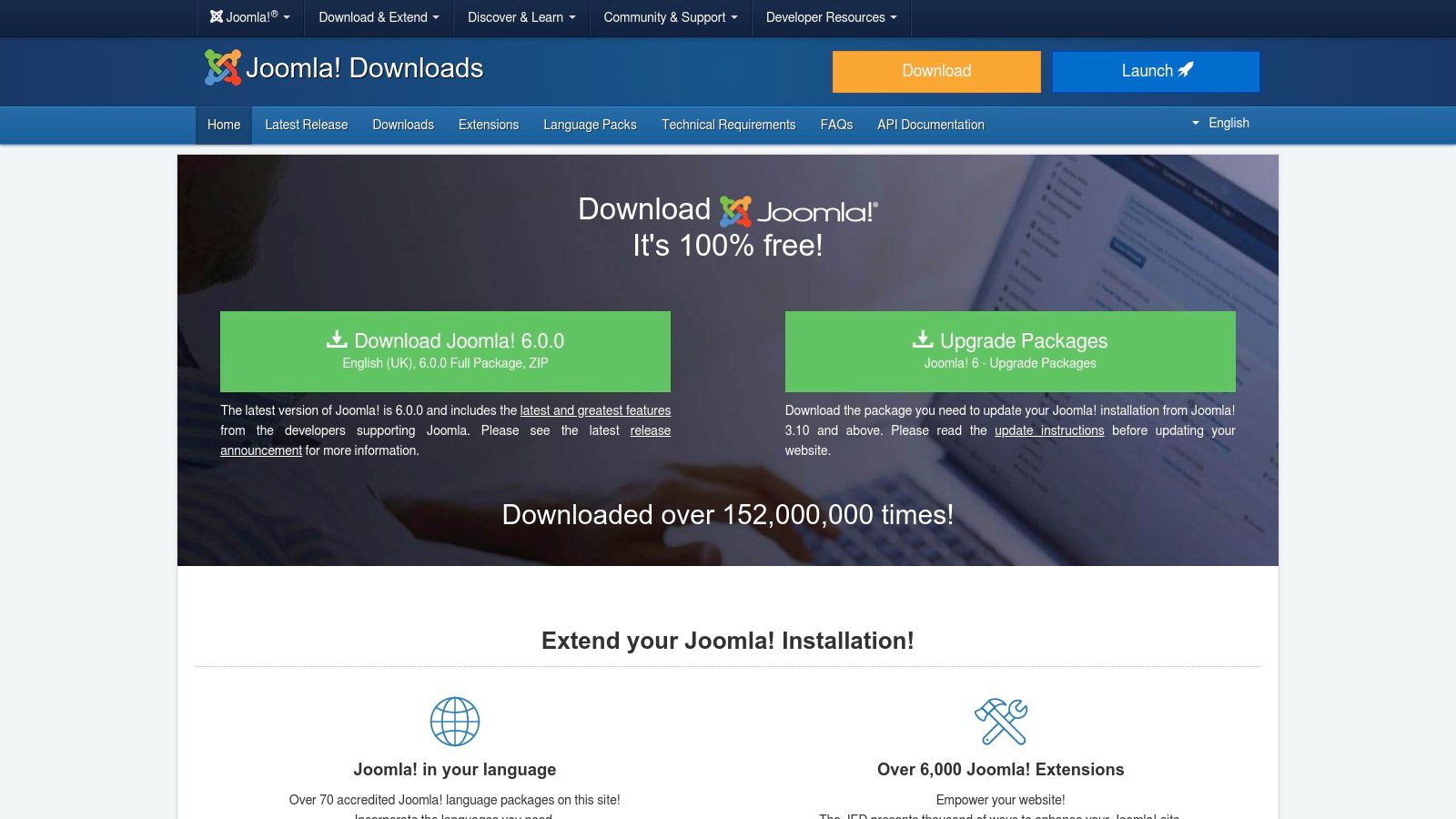
Joomla's core strength is its native support for advanced functionalities that often require third-party plugins in other systems. Features like built-in multilingual capabilities and advanced user access control levels (ACL) are integrated directly into the core, providing a stable and secure foundation for sophisticated sites. The platform's ecosystem of templates and extensions, while smaller than WordPress's, is well-curated and provides substantial flexibility for building everything from community portals to intricate business directories.
Strategic Analysis
Joomla is an excellent choice for projects that require more complex user management and content structures than a standard blog or brochure site. The software itself is free, but like other self-hosted solutions, you are responsible for hosting, domain registration, and ongoing site maintenance. Its learning curve is often considered steeper than WordPress but gentler than Drupal, making it a "middle-ground" option for users with some technical aptitude who need more out-of-the-box power.
- Best Use Case: Excellent for community-based portals, membership sites, and multilingual business websites where granular user permissions are critical.
- Implementation Tip: Take time to understand Joomla’s content structure (Articles, Categories, and Menu Items) and its Access Control List (ACL) system. Mastering these core concepts early will unlock the platform's full potential and prevent organizational issues as the site grows.
| Feature | Assessment |
|---|---|
| Customization | Very Good. A large library of extensions and templates allows for high flexibility. |
| Ease of Use | Good. The admin interface is powerful, but it has a moderate learning curve. |
| Community & Support | Good. A dedicated global community provides support via forums and events. |
| Cost of Ownership | Low to High. The core software is free; costs vary with hosting and premium extensions. |
| Performance | Good. Generally performs well, but requires proper configuration and good hosting. |
Website: https://downloads.joomla.org/
4. Ghost.org
Ghost is a modern, open-source publishing platform designed specifically for creators, writers, and publishers who want to build a business around their content. Unlike general-purpose CMSs, Ghost focuses exclusively on providing a streamlined experience for creating blogs, newsletters, and membership sites. You can download the software for free and self-host it, or opt for the managed Ghost(Pro) hosting service, which simplifies maintenance for a monthly fee.

The platform’s core advantage is its minimalist, distraction-free editor and integrated monetization tools. With built-in support for paid memberships, subscriptions, and email newsletters powered by Stripe, Ghost allows creators to directly monetize their audience without relying on third-party plugins. This integrated approach makes it one of the most efficient open source website builders for turning a following into a sustainable business. For a deeper look, you can explore a detailed overview of Ghost and its creator-centric features.
Strategic Analysis
Ghost is the perfect solution for independent writers and media brands who prioritize content delivery and audience engagement over complex site functionality. Its laser focus on publishing means it lacks the broad extensibility of a system like WordPress, making it less suitable for e-commerce stores or complex corporate sites. The self-hosted version offers maximum control, while Ghost(Pro) provides a powerful, maintenance-free alternative.
- Best Use Case: Independent publishers, bloggers, and creators building membership communities or paid newsletters.
- Implementation Tip: Leverage the native membership tiers to offer different levels of content access. This can significantly boost reader conversion without needing extra tools.
| Feature | Assessment |
|---|---|
| Customization | Good. Customizable through a theme marketplace and direct Handlebars templating. |
| Ease of Use | Excellent. The editor and dashboard are incredibly intuitive and focused on writing. |
| Community & Support | Good. Active community forum and professional support for Ghost(Pro) customers. |
| Cost of Ownership | Low to High. Free to self-host, but Ghost(Pro) plans scale with audience size. |
| Performance | Excellent. Built on a modern Node.js stack, Ghost is exceptionally fast and lean. |
Website: https://ghost.org/
5. Hugo (gohugo.io)
Hugo has rapidly gained popularity as a premier open source website builder, specifically as a static site generator. Written in Go, its claim to fame is its astonishing speed, capable of rendering thousands of pages in mere seconds. This performance-first approach produces websites that are incredibly fast, secure, and can be deployed effortlessly on any static host like Netlify, Vercel, or GitHub Pages. Hugo is particularly well-suited for documentation sites, technical blogs, and performance-critical marketing pages where speed is a competitive advantage.
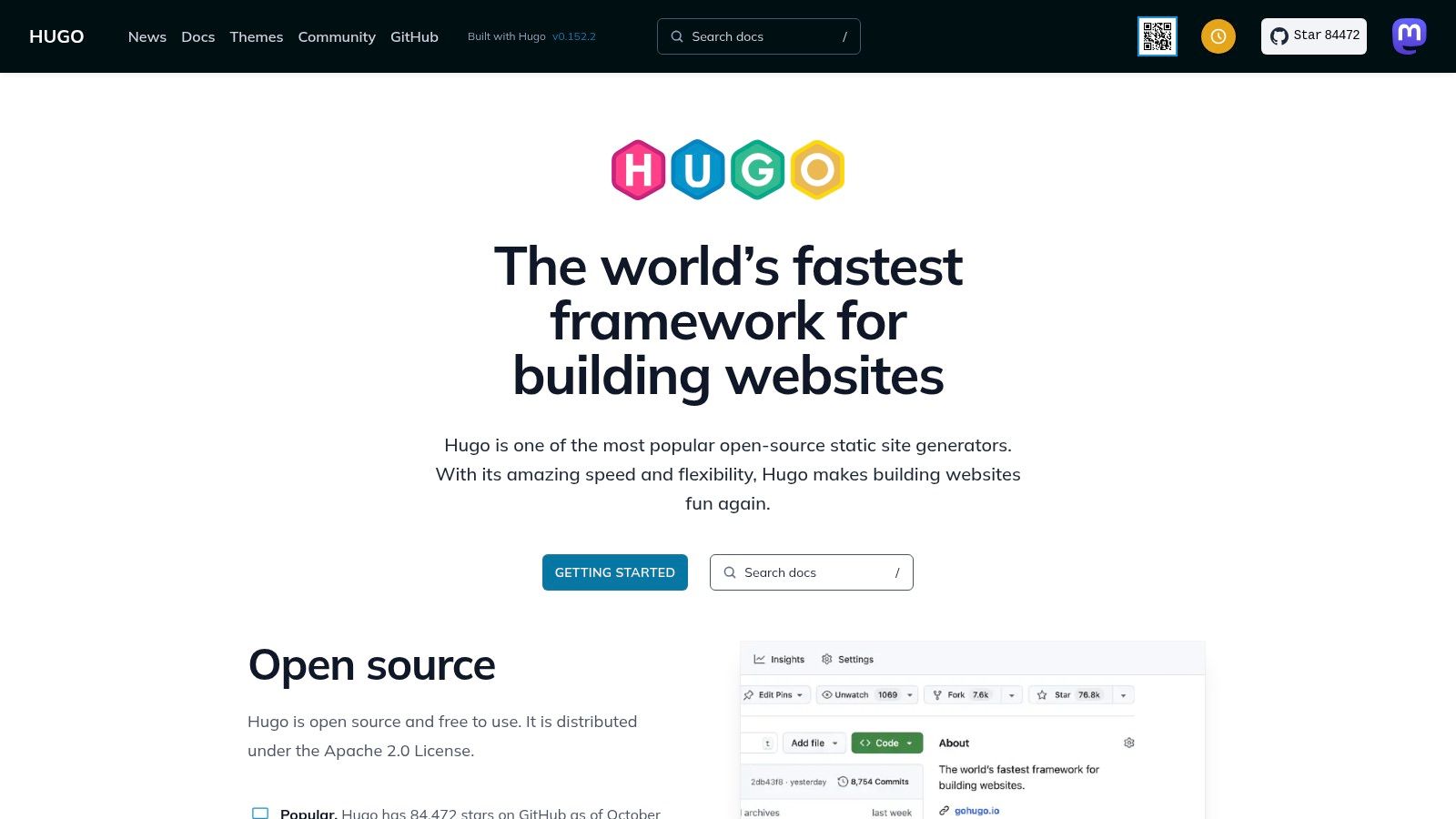
Unlike dynamic CMS platforms, Hugo generates pre-built HTML files, eliminating the need for a database and reducing potential security vulnerabilities. Content is managed through Markdown files, which developers often prefer for its simplicity and version-control friendliness. The platform also boasts a rich templating system, powerful image processing capabilities, and multilingual support out of the box, making it a robust choice despite its static nature.
Strategic Analysis
Hugo is the go-to solution for developers and tech-savvy users who prioritize raw performance and security. The absence of a traditional admin UI means it is not a "builder" in the visual, drag-and-drop sense. Instead, it’s a command-line tool that appeals to those comfortable working with text editors and Git. While this presents a steep learning curve for non-developers, the payoff is a highly optimized, low-maintenance website. You can learn more about Hugo and its capabilities for a deeper understanding.
- Best Use Case: Excellent for developer portfolios, documentation portals, technical blogs, and landing pages where loading speed is paramount.
- Implementation Tip: Leverage Hugo’s "Archetypes" feature to create content templates. This standardizes the front matter for different content types (e.g., blog posts, case studies), streamlining content creation for your team.
| Feature | Assessment |
|---|---|
| Customization | Excellent. Full control via Go templates, themes, and configuration files. |
| Ease of Use | Fair. Requires command-line familiarity and understanding of its templating. |
| Community & Support | Good. Active community forum and extensive, well-maintained documentation. |
| Cost of Ownership | Very Low. Software is free, and static hosting is often free or very inexpensive. |
| Performance | Excellent. Blazing-fast build times and site speeds are its core strengths. |
Website: https://gohugo.io/
6. Jekyll (jekyllrb.com)
Jekyll is a pioneering open source website builder that transforms plain text into static websites and blogs. As a "blog-aware" static site generator, it is famously the engine behind GitHub Pages, making it an incredibly popular choice for developer-focused projects, documentation sites, and personal blogs. It processes content written in Markdown, passes it through Liquid templates, and generates a complete, static website ready for deployment on any web server.
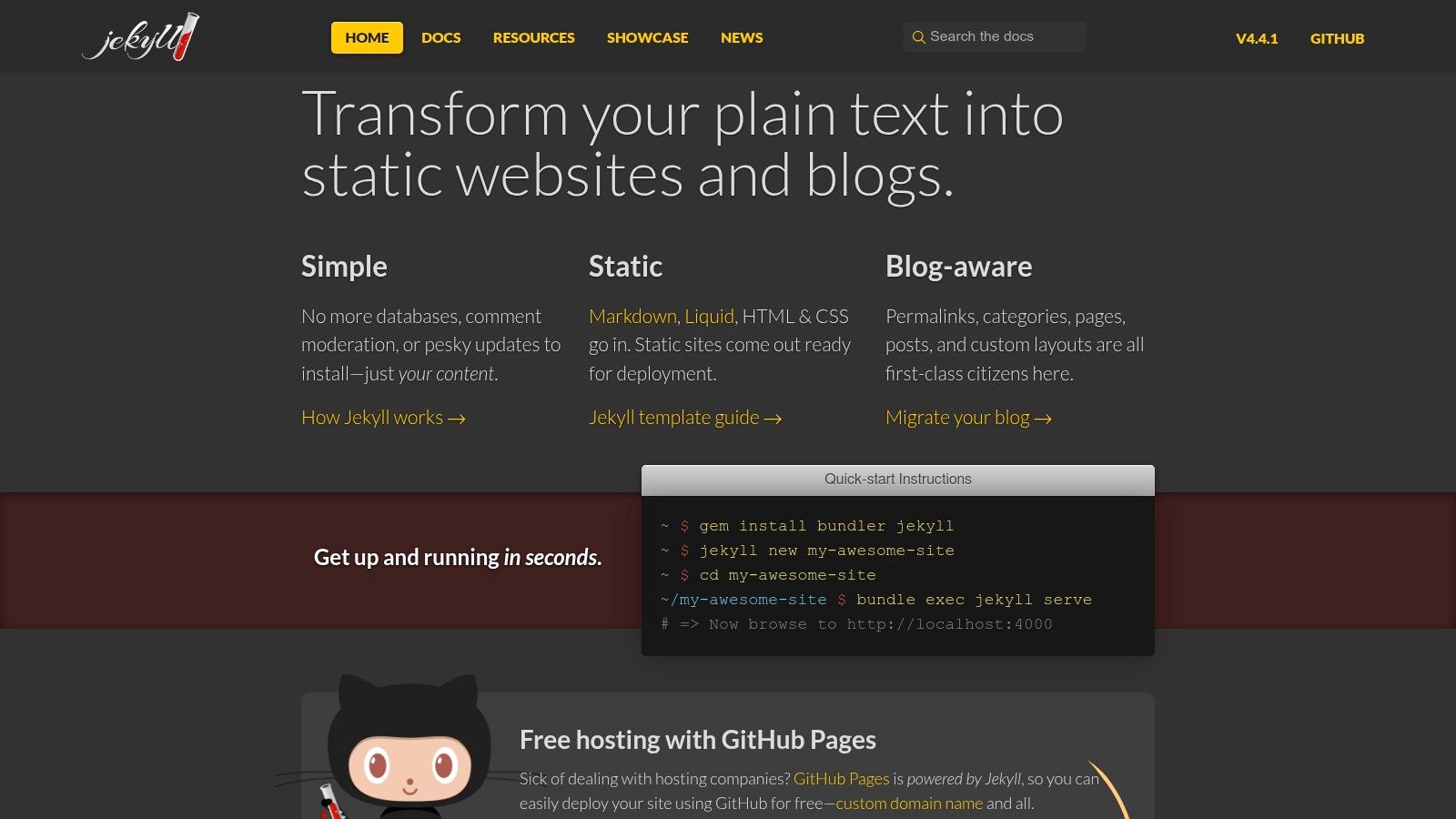
The platform's strength lies in its simplicity and performance. By generating pre-built HTML files, Jekyll sites are inherently fast, secure, and require minimal server resources. Its tight integration with Git and GitHub provides a powerful version-controlled workflow, appealing to developers who prefer a code-centric approach to content management. The extensive ecosystem of themes and plugins allows for significant customization without the overhead of a traditional CMS. For a deeper understanding of its place in the ecosystem, you can learn more about its role as a static site CMS.
Strategic Analysis
Jekyll is an excellent choice for users who value speed, security, and a simple, text-file-based workflow. The ability to host for free on GitHub Pages for public repositories is a major advantage. However, its reliance on a Ruby-based toolchain can be a hurdle for those unfamiliar with command-line interfaces. Any dynamic functionality, like forms or comments, must be integrated via third-party services.
- Best Use Case: Perfect for developer blogs, project documentation, personal portfolios, and simple marketing websites where content updates are not constant.
- Implementation Tip: Utilize a pre-made theme to accelerate your initial setup. Focus on mastering the Markdown and YAML front matter conventions to control your content structure effectively.
| Feature | Assessment |
|---|---|
| Customization | Good. Highly customizable via Liquid templates, themes, and plugins. |
| Ease of Use | Fair. Requires comfort with the command line and a text editor; not for non-tech users. |
| Community & Support | Excellent. A mature project with extensive documentation and a strong community. |
| Cost of Ownership | Excellent. Free software and potentially free hosting via GitHub Pages. |
| Performance | Excellent. Static output ensures top-tier speed and minimal server load. |
Website: https://jekyllrb.com/
7. Next.js
While more of a framework than a traditional builder, Next.js has become a dominant force for creating high-performance, modern websites. As an open source React framework, it provides a structured environment for building everything from static marketing sites to complex, interactive web applications. It abstracts away complex configurations, offering production-ready features like hybrid static and server rendering, image optimization, and API routes out of the box. This makes it a powerful tool in the arsenal of developers looking for an open source website builder with unparalleled performance and flexibility.
Developed and maintained by Vercel, Next.js is designed for a first-class developer experience, especially when paired with its native hosting platform. Its strength lies in its "hybrid" approach, allowing developers to choose the best rendering strategy on a per-page basis. This means a blog post can be statically generated for maximum speed, while an interactive dashboard can be server-rendered with real-time data. This level of granular control is what sets it apart from more monolithic systems.
Strategic Analysis
Next.js is the go-to for development teams that need to build fast, scalable, and SEO-friendly web experiences. It is not a no-code or low-code solution; it requires a solid understanding of React and JavaScript. While the framework is free, costs will come from hosting, which can be done on any Node.js-capable server, though it is highly optimized for serverless platforms like Vercel.
- Best Use Case: High-traffic marketing sites, e-commerce storefronts (headless), and complex web applications requiring both static content and dynamic functionality.
- Implementation Tip: Leverage the vast ecosystem of Next.js starters and UI kits to accelerate development. These templates provide a solid foundation for common use cases, saving significant setup time.
| Feature | Assessment |
|---|---|
| Customization | Excellent. Full control over code, architecture, and deployment environment. |
| Ease of Use | Fair. Requires strong development skills in React and JavaScript. |
| Community & Support | Excellent. Massive, active community with extensive documentation and examples. |
| Cost of Ownership | Low to High. Framework is free; costs vary based on hosting and developer time. |
| Performance | Excellent. Optimized for speed with features like automatic code splitting. |
Website: https://nextjs.org/
8. Gatsby
Gatsby is a powerful, React-based open source framework for creating high-performance websites and applications. It excels at building static and hybrid sites by pre-rendering pages at build time, resulting in incredibly fast load times. Unlike traditional CMS platforms, Gatsby acts as a modern front-end framework that pulls data from any number of sources, including headless CMSs, APIs, and local files, using a unified GraphQL data layer. This makes it a developer-centric choice for building content-rich, SEO-friendly experiences.
The framework's core strength is its plugin ecosystem and GraphQL integration, which streamline the process of connecting to various content sources. Developers can easily source data from platforms like Contentful, Sanity, or even local Markdown files, and then query that data consistently within their components. This architecture promotes a decoupled, or "Jamstack," approach, separating the front-end presentation from back-end content management, enhancing both security and scalability.
Strategic Analysis
Gatsby is best suited for development teams or individuals with React knowledge who need to build high-performance, content-driven websites. While not a website builder in the drag-and-drop sense, its extensive library of starters and themes provides a solid foundation for rapid development. The learning curve is steeper than a traditional CMS, but the performance benefits are significant. Users must be prepared to manage a development environment and deployment pipeline, often using services like Netlify or Vercel.
- Best Use Case: Ideal for marketing websites, blogs, documentation portals, and portfolio sites that require top-tier performance and integration with headless CMSs.
- Implementation Tip: Leverage Gatsby's image optimization plugins (like
gatsby-plugin-image) early in your project. They automatically create responsive, optimized images, which is crucial for achieving fast page loads and high Lighthouse scores.
| Feature | Assessment |
|---|---|
| Customization | Excellent. Full control over the front-end with React and a rich plugin system. |
| Ease of Use | Fair. Requires coding knowledge (React, GraphQL) and familiarity with CLI tools. |
| Community & Support | Good. Strong community with extensive documentation, tutorials, and starters. |
| Cost of Ownership | Low. The framework is free, with costs primarily related to hosting and CMSs. |
| Performance | Excellent. Generates highly optimized static files, leading to very fast sites. |
Website: https://www.gatsbyjs.com/
9. Magento Open Source (Adobe Commerce Open Source)
For businesses seeking an enterprise-grade e-commerce foundation without the immediate enterprise licensing cost, Magento Open Source is a dominant force. As the community edition of Adobe Commerce, it offers a robust, scalable framework designed specifically for online retail. This platform is not a simple website builder; it is a sophisticated e-commerce engine providing advanced catalog management, complex promotional rules, and extensive APIs, making it one of the most powerful open source website builders for ambitious merchants.
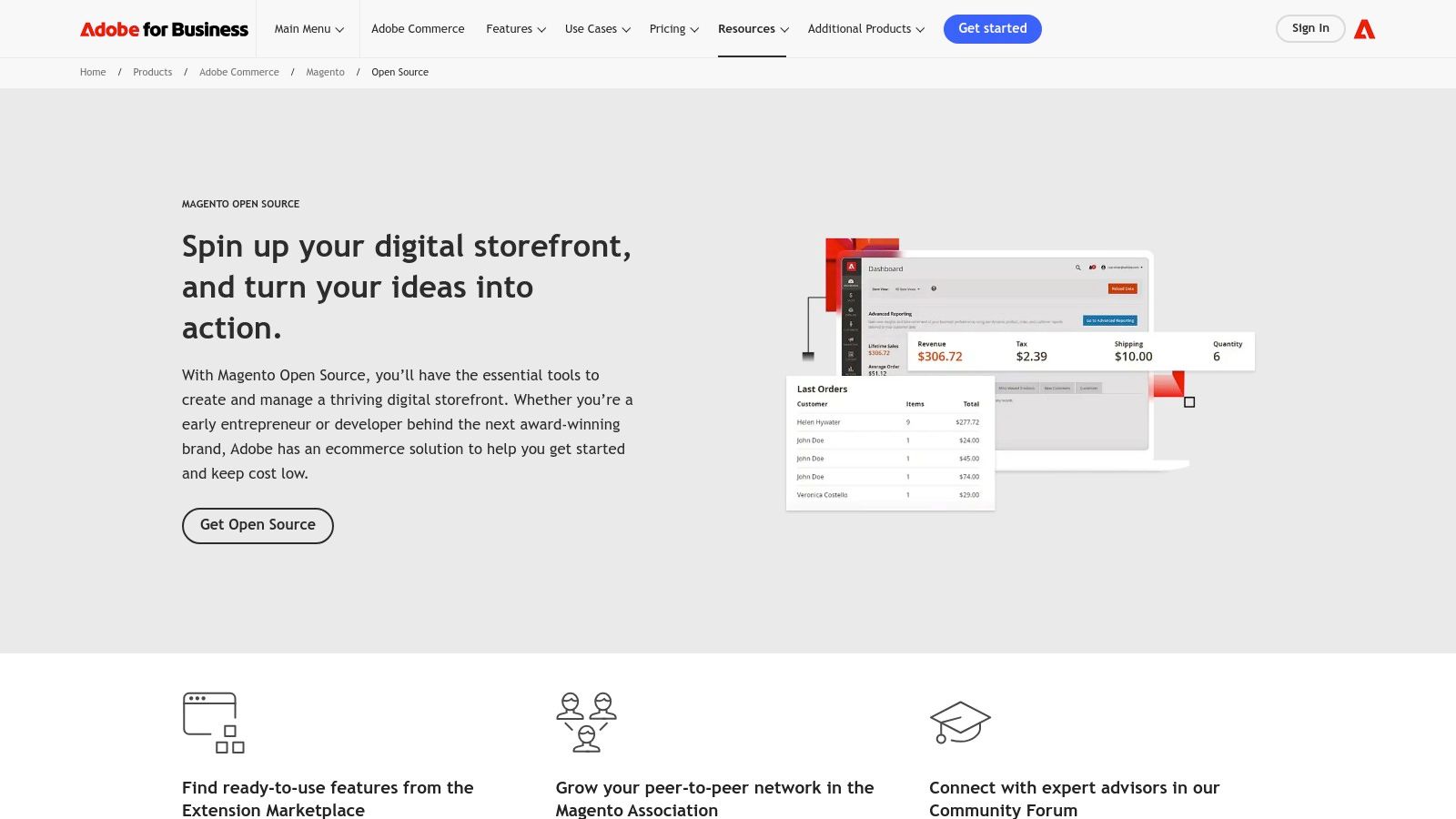
Its core advantage is profound extensibility. The Magento Marketplace offers thousands of extensions and themes, enabling businesses to add specialized B2C and B2B functionalities. This, combined with a vast global ecosystem of developers and agencies, ensures that almost any custom requirement can be met. However, its power comes with complexity, demanding more substantial hosting resources and technical expertise for maintenance. For a deeper look into its capabilities, you can learn more about its place among the best e-commerce CMS platforms.
Strategic Analysis
Magento Open Source is built for serious retailers who anticipate significant growth and require deep customization. Unlike simpler platforms, it demands a commitment to technical management, including regular security patching and performance optimization. The total cost of ownership, while avoiding licensing fees, must factor in specialized hosting, development resources, and maintenance, making it a strategic long-term investment rather than a low-cost entry point.
- Best Use Case: Ideal for medium to large e-commerce stores with complex product catalogs, multi-store needs, or unique B2B requirements.
- Implementation Tip: Plan for a dedicated development resource or agency partnership. The learning curve is steep, and proper setup and ongoing maintenance are critical for security and performance.
| Feature | Assessment |
|---|---|
| Customization | Excellent. Unmatched extensibility through its marketplace and direct API access. |
| Ease of Use | Fair. The admin panel is powerful but complex; requires significant technical skill. |
| Community & Support | Excellent. Large developer community, extensive documentation, and partner network. |
| Cost of Ownership | Medium to High. Free software, but requires costly hosting and development. |
| Performance | Good. Can be very fast but requires expert configuration and powerful hosting. |
Website: https://business.adobe.com/products/magento/open-source.html
10. PrestaShop
PrestaShop is a dedicated open source eCommerce platform designed specifically for building and managing online stores. It offers a powerful, self-hosted solution that gives merchants full ownership and control over their storefront. With a strong presence in Europe and growing adoption globally, it provides a comprehensive suite of tools tailored to the needs of small to medium-sized online businesses, making it a powerful contender among open source website builders focused on retail.
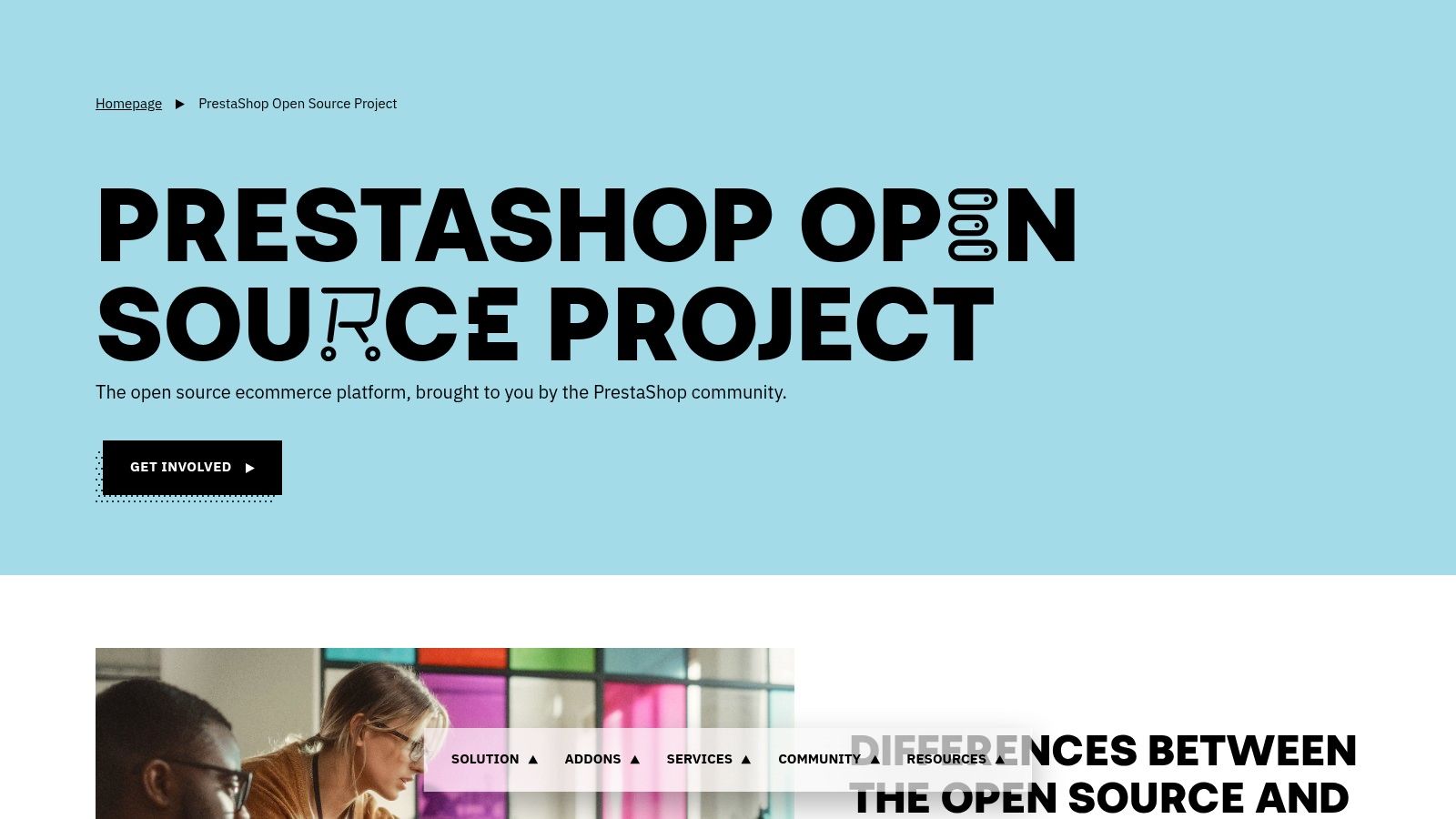
Built on the Symfony framework, modern versions of PrestaShop offer a robust and scalable architecture. Its core strength lies in its extensive feature set, including advanced product management, order processing, and analytics. The official Addons Marketplace is a crucial part of its ecosystem, offering thousands of modules and themes to extend functionality for payments, shipping, marketing, and more, allowing for highly customized retail experiences.
Strategic Analysis
PrestaShop is an excellent choice for merchants who need a feature-rich, dedicated eCommerce platform without the licensing fees of proprietary solutions. While the core software is free, store owners must budget for hosting, a domain, and potentially premium modules from the marketplace, as advanced features often rely on these paid add-ons. Its complexity means that while setup is manageable, significant customizations will likely require a developer.
- Best Use Case: Ideal for small to medium-sized businesses aiming to launch a full-featured, scalable online store with complex catalogs and international sales capabilities.
- Implementation Tip: Before committing, browse the Addons Marketplace to budget for essential modules like payment gateways and shipping integrations, as these costs are a key part of the total investment.
| Feature | Assessment |
|---|---|
| Customization | Excellent. High degree of customization through a massive add-on marketplace. |
| Ease of Use | Good. The back office is comprehensive but can have a steep learning curve. |
| Community & Support | Very Good. Strong global community, official forums, and paid support plans. |
| Cost of Ownership | Low to High. Free software, but total cost is driven by hosting and addons. |
| Performance | Good. Performance depends on hosting, theme, and the number of modules used. |
Website: https://prestashop.com/open-source/
11. Strapi
Strapi carves out a unique niche among open source website builders by functioning as a "headless" Content Management System (CMS). Instead of dictating the frontend design, Strapi focuses entirely on providing a powerful, API-driven backend for managing content. This approach gives developers the freedom to build highly customized user experiences using modern frameworks like Next.js, Gatsby, or Vue.js, while content creators get a user-friendly interface to manage all the data. It effectively decouples content from presentation, offering supreme flexibility for multi-platform delivery.
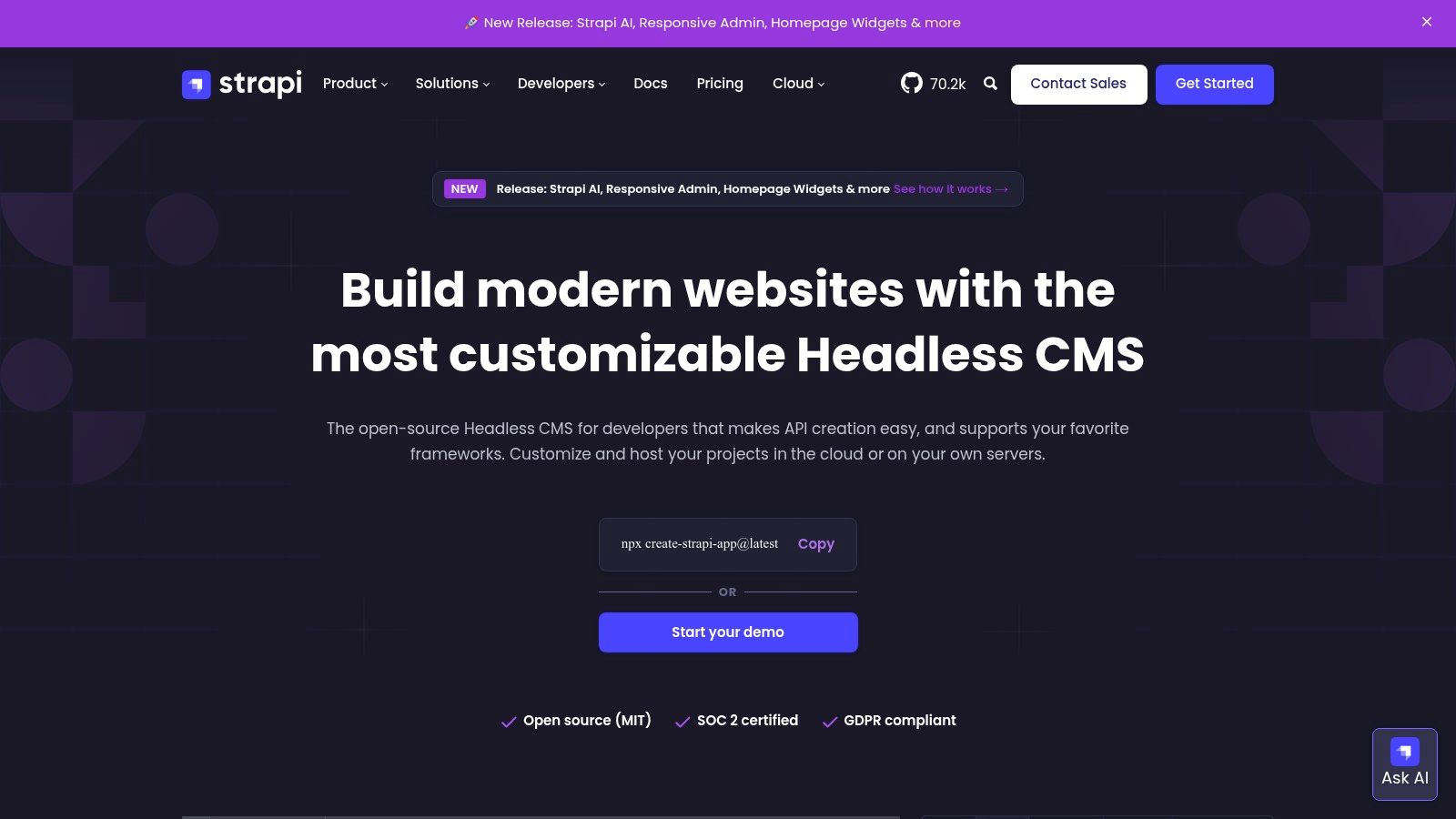
The platform is built on Node.js and is highly extensible through a robust plugin system. Its core strengths are its intuitive content modeling UI, which allows users to define custom content types with various fields, and its auto-generated REST and GraphQL APIs. Strapi offers a self-hosted Community Edition for full control, alongside a Strapi Cloud option that simplifies deployment and maintenance with a permanent free tier available for smaller projects. For more details on its capabilities, you can learn more about Strapi's feature set.
Strategic Analysis
Strapi is the go-to solution for development teams that require a decoupled architecture. It’s not an all-in-one website builder; it's a content engine that powers a separate, custom-built frontend. This makes it unsuitable for non-technical users looking for a simple drag-and-drop experience. For developers, however, it accelerates backend development significantly, providing built-in authentication, permissions, and a flexible API out of the box.
- Best Use Case: Ideal for powering Jamstack websites, mobile applications, and any project where content needs to be distributed across multiple channels.
- Implementation Tip: Plan your content models (known as "Collection Types") carefully before building. A well-structured content architecture is key to leveraging Strapi’s API-first design effectively.
| Feature | Assessment |
|---|---|
| Customization | Excellent. Total frontend freedom and extensible backend via plugins and custom code. |
| Ease of Use | Good. The admin panel is intuitive for content managers, but setup requires developer skills. |
| Community & Support | Good. Active community on GitHub and Discord, with enterprise support on paid plans. |
| Cost of Ownership | Low to High. Community edition is free, but costs vary with hosting and paid Cloud tiers. |
| Performance | Excellent. As a headless CMS, it doesn't impact frontend performance, which is developer-controlled. |
Website: https://strapi.io/
12. OpenCart
For merchants who want to dive straight into e-commerce, OpenCart offers one of the most direct paths. This dedicated open source platform is engineered exclusively for online stores, providing a powerful and free core system. Its architecture is known for being relatively lightweight compared to more complex CMS solutions, making it a popular choice for small to medium-sized businesses that prioritize speed and simplicity in their online retail operations.
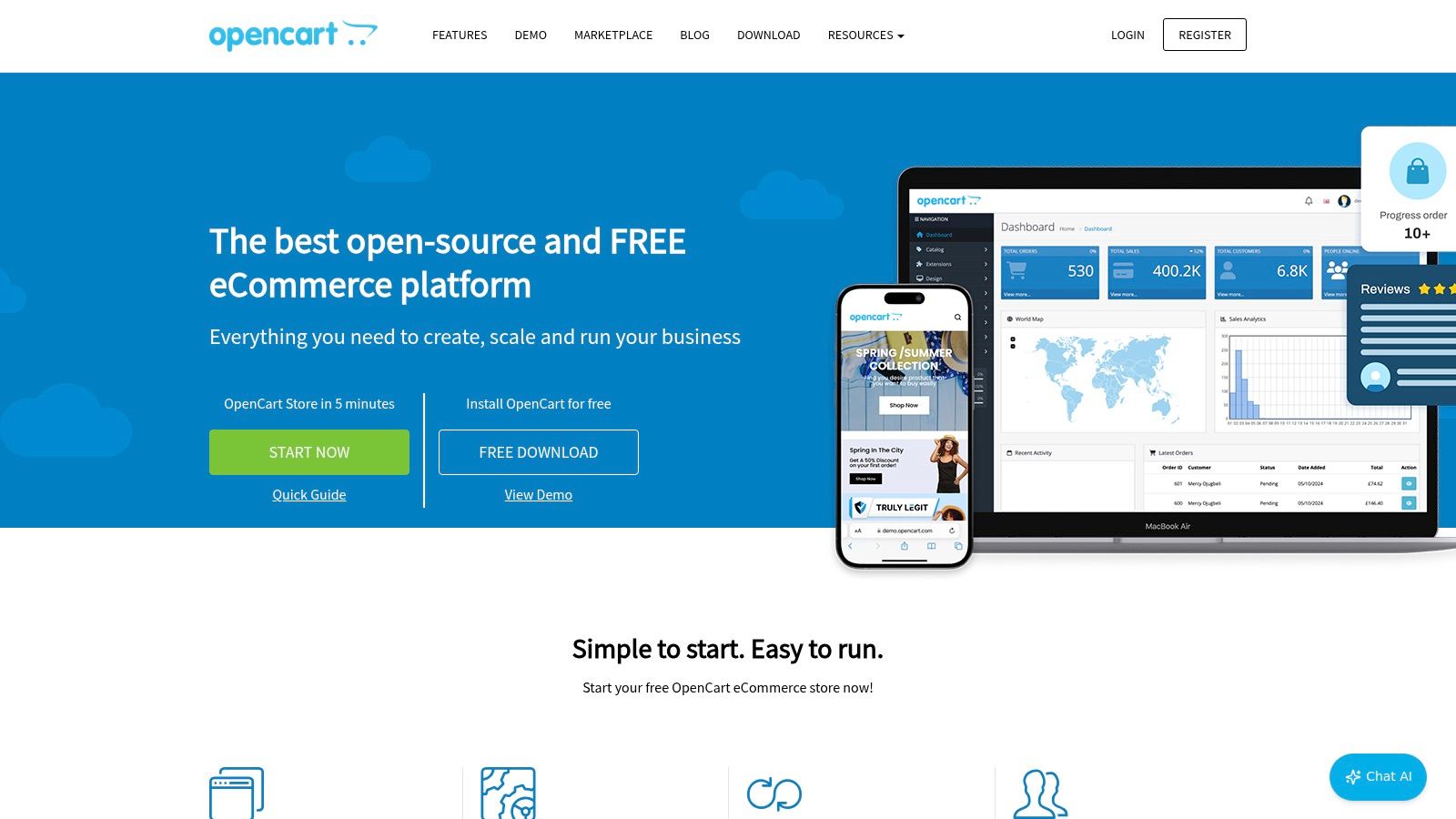
The platform's strength is its extensive marketplace, which boasts over 13,000 themes and extensions. This allows store owners to add specific functionalities, from advanced tax calculations to diverse payment gateways, without needing to code. Similarly, for those considering OpenCart as their e-commerce solution, expanding payment options might be a priority, and solutions like Blockbee's official OpenCart extension can seamlessly integrate modern payment methods.
Strategic Analysis
OpenCart is a strong contender for entrepreneurs who need a feature-rich e-commerce platform without the overhead of a multi-purpose CMS. The initial setup is straightforward, but achieving a unique, highly customized storefront often requires purchasing premium extensions or hiring a developer. Its focus on e-commerce means it isn't the right tool for content-heavy or non-transactional websites.
- Best Use Case: Excellent for small to medium-sized online stores that require a dedicated, low-cost e-commerce solution with a wide array of functional add-ons.
- Implementation Tip: Carefully vet third-party extensions before installation. Check reviews, update history, and support responsiveness to ensure compatibility and security.
| Feature | Assessment |
|---|---|
| Customization | Very Good. A massive extension marketplace enables deep functional customization. |
| Ease of Use | Good. The admin panel is intuitive for managing products, but setup needs some tech skill. |
| Community & Support | Good. Active community forums are available, with professional support offered as a paid service. |
| Cost of Ownership | Low to Medium. The core is free, but costs accumulate with premium themes and extensions. |
| Performance | Good. Generally lightweight, but performance depends on hosting and the number of extensions used. |
Website: https://www.opencart.com/
12 Open-Source Website Builders — Feature Comparison
| CMS | Core features | Quality ★ | Price / Value 💰 | Target audience 👥 | Standout ✨🏆 |
|---|---|---|---|---|---|
| WordPress.org | Gutenberg editor, huge themes/plugins, multisite, portable | ★★★★☆ | 💰 Free (self‑hosted); hosting & plugin costs | 👥 Bloggers, SMBs, agencies, stores | ✨ Massive ecosystem, portability 🏆 |
| Drupal.org | Structured content, taxonomy, workflows, granular permissions | ★★★★☆ | 💰 Free (self‑hosted); higher dev/maintenance cost | 👥 Enterprise, gov, higher‑ed | ✨ Enterprise-grade security & flexibility 🏆 |
| Joomla (downloads.joomla.org) | Built‑in multilingual, SEO, templates, extensions | ★★★★☆ | 💰 Free; extensions/themes may cost | 👥 SMBs needing multilingual/SEO sites | ✨ Strong out‑of‑the‑box multilingual support |
| Ghost.org | Writer-centric editor, newsletters, memberships, themes | ★★★★☆ | 💰 Free self‑hosted or Ghost(Pro) managed paid plans | 👥 Writers, creators, subscription publishers | ✨ Native newsletters & paywalls; fast publishing |
| Hugo (gohugo.io) | Static site generator, fast builds, templating, themes | ★★★★☆ | 💰 Free; cheap CDN hosting | 👥 Developers, docs, marketing sites | ✨ Blazing-fast static builds; easy CDN scaling |
| Jekyll (jekyllrb.com) | Markdown + Liquid templates, GitHub Pages friendly | ★★★★☆ | 💰 Free; GitHub Pages hosting available | 👥 Developers, personal blogs, docs | ✨ Native GitHub Pages integration; stable |
| Next.js | Hybrid SSG/SSR, API routes, image optimization, TypeScript | ★★★★★ | 💰 Free framework; hosting varies (Vercel optimized) | 👥 Dev teams building sites & web apps | ✨ Hybrid rendering + modern toolchain 🏆 |
| Gatsby | React static/hybrid, GraphQL data layer, plugins/starters | ★★★☆☆ | 💰 Free; hosting & build resources vary | 👥 Content-driven React sites | ✨ Rich data integrations; plugin ecosystem |
| Magento Open Source | Full e‑commerce stack: catalog, cart, promotions, APIs | ★★★★☆ | 💰 Free core; high hosting & dev costs | 👥 Large retailers, complex stores | ✨ Highly extensible; enterprise migration path 🏆 |
| PrestaShop | Symfony-based stack, admin API, Addons Marketplace | ★★★★☆ | 💰 Free core; addons & experts may add cost | 👥 SMB to mid-market ecommerce | ✨ Strong module marketplace; EU community |
| Strapi | Headless CMS, REST/GraphQL, roles, content modeling, cloud | ★★★★☆ | 💰 Free Community; Strapi Cloud tiers (free tier) | 👥 Developers building headless backends | ✨ Developer-friendly modeling + cloud option |
| OpenCart | Easy installer/admin, large extension marketplace | ★★★☆☆ | 💰 Free core; extensions & paid support available | 👥 Small stores, quick storefront launches | ✨ Fast setup; vast extension catalog |
Making Your Final Choice: How to Select the Right Builder for Your Project
Choosing from this list of powerful open source website builders is not about finding the single "best" platform. Instead, it's about identifying the most strategic fit for your unique project, technical expertise, and long-term vision. The ideal solution for a developer building a high-performance marketing site is fundamentally different from what a small business owner needs to launch their first e-commerce store. This decision marks a critical juncture, directly influencing your site's scalability, maintenance requirements, and overall potential.
Your final selection should be a deliberate process. By assessing your needs against the core strengths and limitations we've analyzed, you can align a platform’s capabilities with your specific objectives. A mismatched tool can lead to frustration and technical debt, while the right one empowers growth and simplifies your workflow.
Recapping the Core Categories
We've explored a diverse landscape of open source website builders, each occupying a distinct niche. Let's briefly revisit the primary categories to help you narrow down your options:
- Traditional CMS (WordPress, Joomla, Drupal): These platforms are the titans of the web for a reason. They offer unparalleled flexibility, massive communities, and extensive plugin ecosystems. They are the go-to choice for content-heavy sites, complex business websites, and users who prioritize a graphical user interface over command-line operations.
- Static Site Generators (Hugo, Jekyll, Gatsby, Next.js): This modern approach prioritizes speed, security, and developer efficiency. By pre-building sites into static files, SSGs offer incredible performance and a simplified hosting environment. They are perfect for developers and tech-savvy users building blogs, portfolios, documentation sites, and high-performance marketing pages.
- Dedicated E-commerce Platforms (Magento, PrestaShop, OpenCart): Built from the ground up for online retail, these builders provide a comprehensive suite of tools for managing products, inventory, payments, and shipping. If your primary goal is selling online, starting with a specialized e-commerce solution is almost always the most effective path.
- Headless CMS (Strapi, Ghost): Decoupling the content backend from the presentation front-end, headless systems offer ultimate flexibility for developers. They allow you to manage content in one place and deliver it to any device or framework, from a website built with Next.js to a mobile app. This is the choice for future-focused, omnichannel content strategies.
Actionable Next Steps: A Decision Framework
To move from analysis to action, use this framework to guide your choice. Answering these questions honestly will illuminate the most suitable path forward.
Assess Your Technical Skill Level: Are you a developer comfortable with the command line, Git, and JavaScript frameworks? If so, an SSG like Hugo or a headless CMS like Strapi offers immense power. If you prefer a visual interface and one-click installations, a traditional CMS like WordPress is a much better starting point.
Define Your Core Project Goal: Is your main objective publishing blog posts? Ghost or WordPress excels here. Is it to sell thousands of products with complex variations? Magento or PrestaShop is purpose-built for that task. Is it to build a blazing-fast, secure marketing website? Gatsby or Next.js should be at the top of your list.
Consider Your Long-Term Scalability Needs: A simple brochure site has very different requirements than a platform intended to support a multi-author blog with millions of monthly visitors. Drupal and Magento are known for their enterprise-grade scalability, while Jekyll is better suited for smaller to medium-sized projects.
Evaluate Ecosystem and Community Support: The size and activity of a platform's community directly impact the availability of themes, plugins, and support resources. WordPress has an unrivaled ecosystem, making it easy to find solutions for nearly any problem. Niche tools may have smaller but highly dedicated communities.
By carefully weighing these factors, you can confidently select one of these fantastic open source website builders and lay a solid foundation for your digital presence. The power of open source is the power of choice, and now you have the framework to make that choice wisely. The perfect tool is waiting; your task is simply to align your project's DNA with the platform designed to make it thrive.